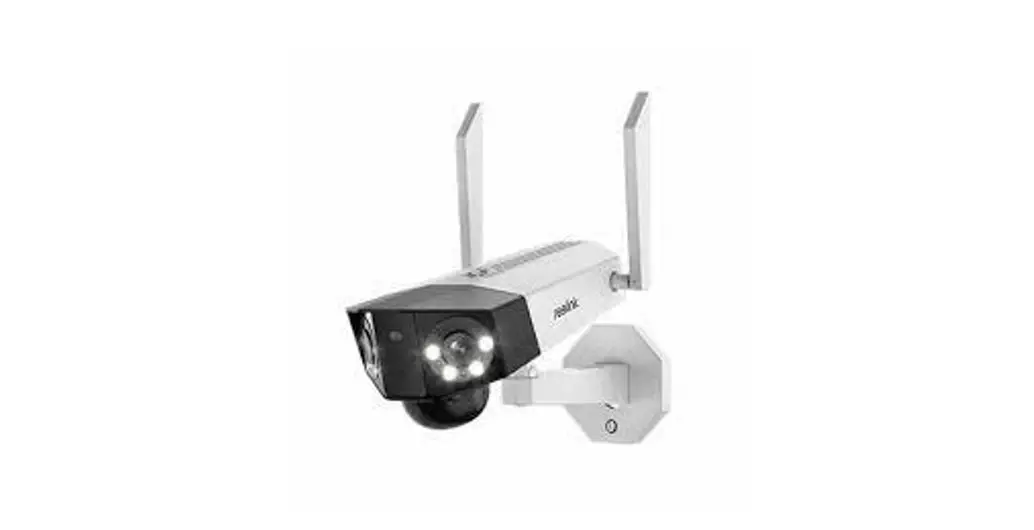
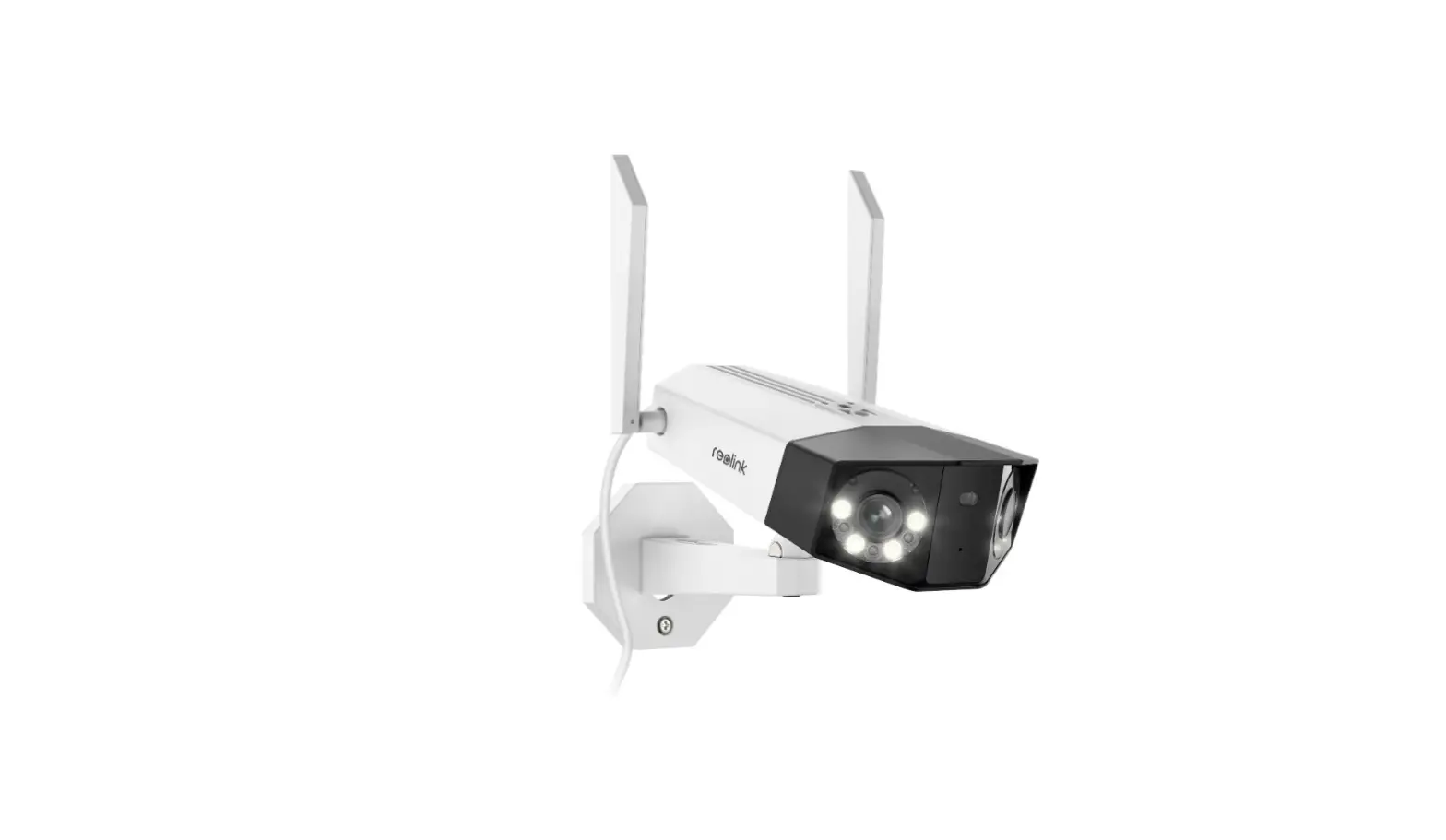
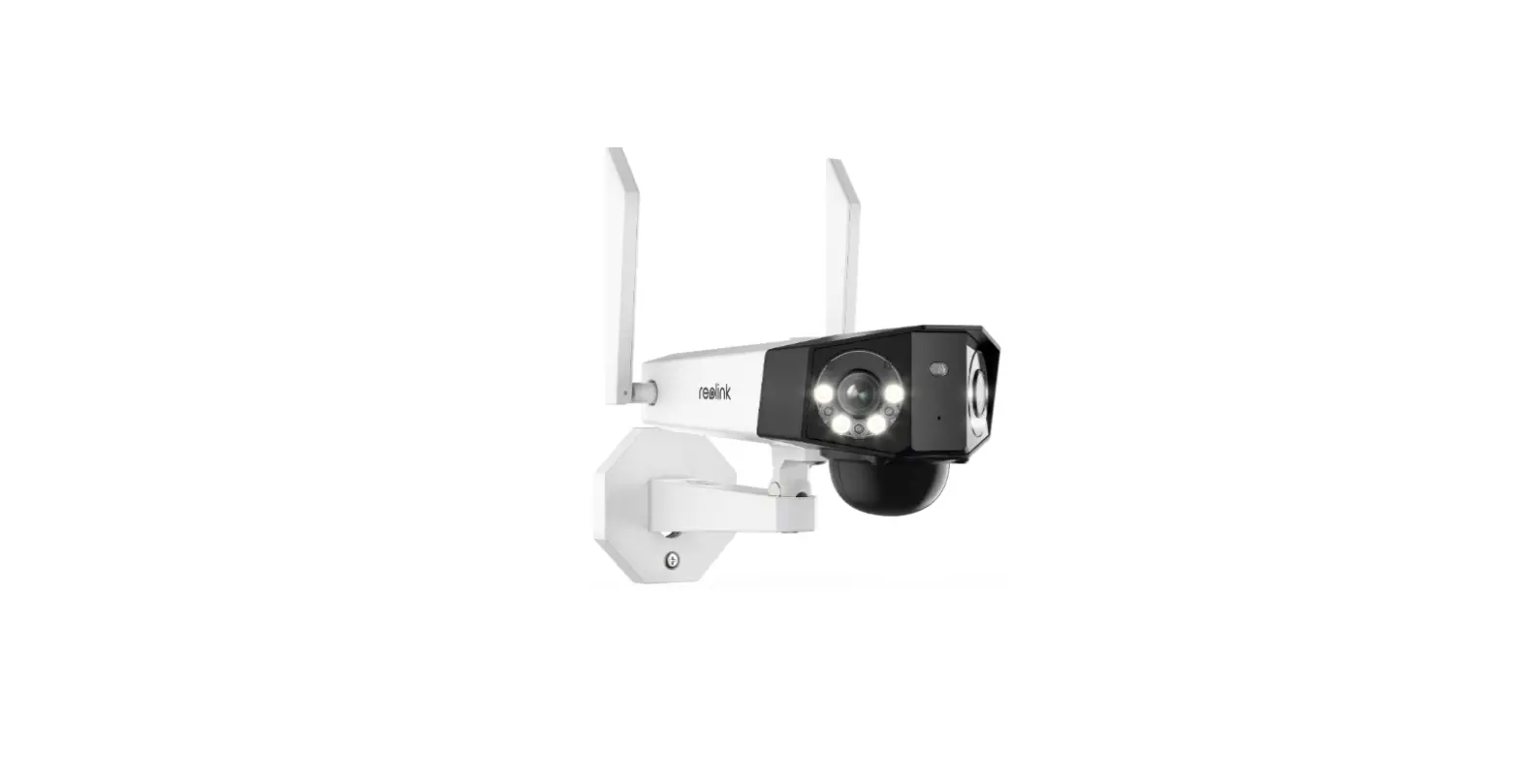
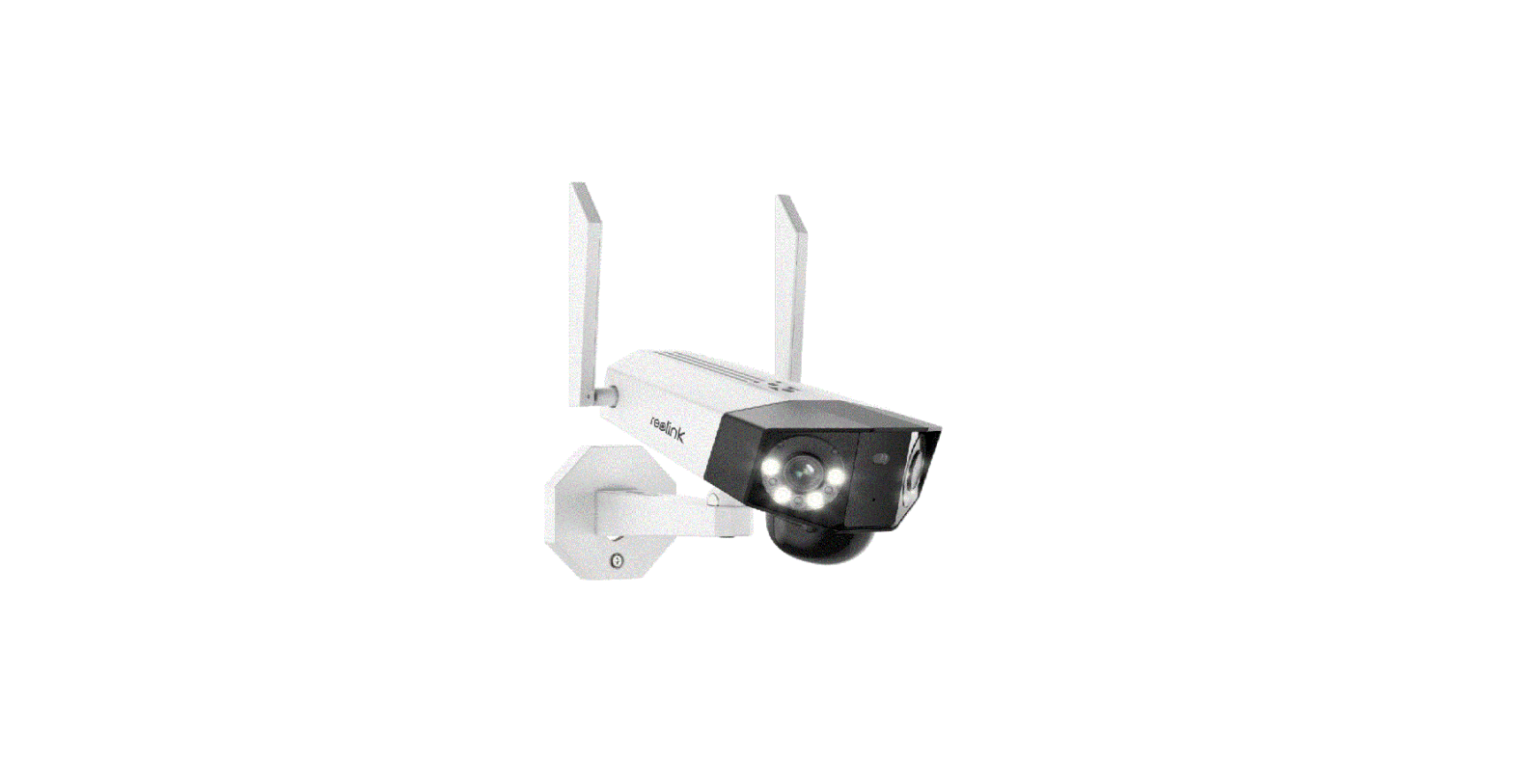
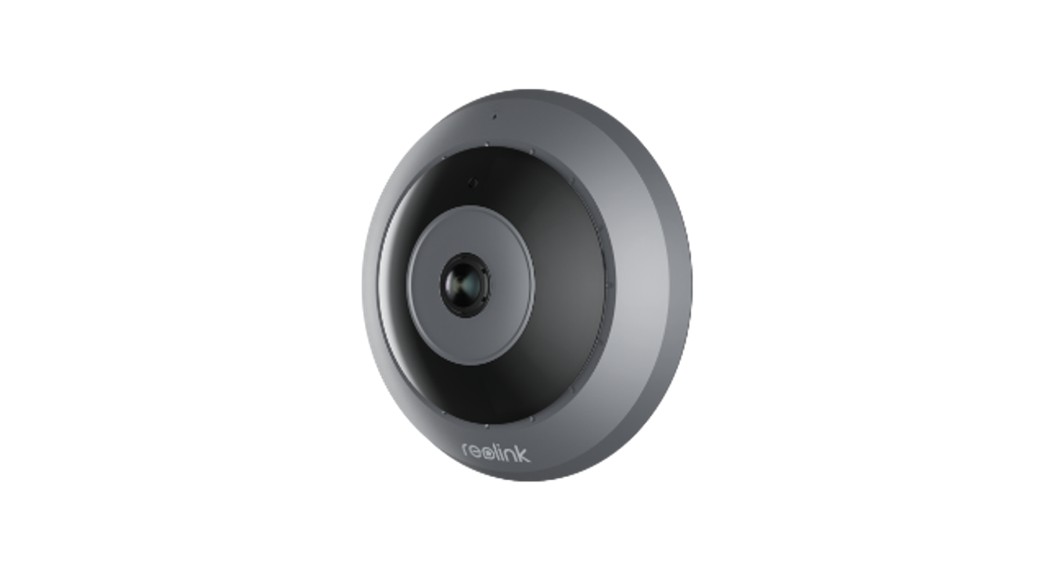
Duo 2 Dual-Lens Panoramic Security Camera
Product Information:
- Product Model: Reolink Duo 2
- Product Code: 58.03.001.0285
- Release Date: August 2022
- Manufacturer: Reolink
Product Usage Instructions:
What’s in the Box:
- Camera
- Antennas
- Strap
- Mounting Plate
- Mounting Hole Template
- USB Cable
- Quick Start Guide
- Surveillance Sticker
- Pack of Screws
- Screwdriver
Camera Introduction:
The camera features various components including:
- Antennas
- Daylight Sensor
- Mic
- Lens
- PIR Sensor
- Infrared Lights
- Spotlights
- Mounting Bracket
- Status LED (Different states indicated by the LED color and
blinking pattern) - Micro SD Card Slot
- Reset Button (Used to restore factory settings)
- Power Switch
- Speaker
Set up the Camera:
- Scan to download the Reolink App from the App Store or Google
Play store. - Loosen the screw and remove the cover, then turn on the power
switch to power on the camera. - Launch the Reolink App, click the “+” button in the top right
corner to add the camera. - Scan the QR code on the device and follow the onscreen
instructions to finish the initial setup.
If setting up the camera on a PC, follow these additional
steps:
- Download and install the Reolink Client from the Reolink
website. - Loosen the screw and remove the cover, then turn on the power
switch to power on the camera. - Launch the Reolink Client, click the “+” button, input the UID
code of the camera to add it, and follow the onscreen instructions
to finish the initial setup.
Charge the Camera:
Before mounting the camera, it is recommended to fully charge
the battery. The camera can be charged using a power adapter (not
included) or a Reolink Solar Panel (not included if you only
purchase the camera).
The charging indicator LED shows:
- Orange LED: charging
- Green LED: fully charged
After charging, always cover the USB charging port with the
rubber plug for better weatherproof performance.
Install the Camera:
Mount the Camera to the Wall:
- Drill holes in accordance with the mounting template.
- Secure the mounting plate to the wall with the upper two screws
and hang the camera on it. - Lock the camera in position with the lower screw. Use the
included drywall anchors if needed.
Mount the Camera to Ceiling:
Note: The camera cannot be adjusted horizontally when ceiling
mounted. Adjust the camera angle before fixing it.
- Drill holes in accordance with the mounting template.
- Secure the mounting plate to the wall with the upper two screws
and hang the camera on it. - Lock the camera in position with the lower screw.
58.03.001.0285
August 2022 QSG1_A_EN
Quick Start Guide
Apply to: Reolink Duo 2
@ R e o l i n kTe c h h t t p s ://re o l i n k . c o m
EN
Content
What’s in the Box Camera Introduction Set up the Camera Charge the Camera Install the Camera Safety Instructions of Battery Usage Troubleshooting Specification Notification of Compliance
1 English
What’s in the Box
2
3
5
7
Camera
Antennas
Strap
Mounting Plate Mounting Hole
9
Template
15
16
17
17
USB Cable
Quick Start Guide Surveillance Sticker
Pack of Screws
Screwdriver
English 2
Camera Introduction
Antennas
Daylight Sensor Mic Lens PIR Sensor Infrared Lights Spotlights Mounting Bracket
Different states of the status LED: Red Light: WiFi connection failed Blue Light: WiFi connection succeeded
3 English
Blinking: Standby status On: Working status
Micro SD Card Slot Reset Button *Press the reset button with a pin to restore factory settings. Power Switch
Speaker
English 4
Set up the Camera
Step 1 Scan to download the Reolink App from the App Store or Google Play store. Step 2 Loosen the screw and remove the cover, then turn on the power switch to power on the camera.
5 English
Step 3 Launch the Reolink App, click the ” ” button in the top right corner to add the camera. Scan the QR code on the device and follow the onscreen instructions to finish initial setup.
Devices Cloud
You haven’t added any device. Please click the”+”button in the top right corner to add
Set up the Camera on PC (Optional)
Step 1 Download and install the Reolink Client: Go to https://reolink.com > Support > App&Client. Step 2 Loosen the screw and remove the cover, then turn on the power switch to power on the camera. Step 3 Launch the Reolink Client, click the ” ” button, input the UID code of the camera to add it and follow the onscreen instructions to finish initial setup.
English 6
Charge the Camera
It’s recommended to fully charge the battery before mounting the camera.
Charge the battery with a power adapter. (not included)
7 English
Charge the battery with the Reolink Solar Panel (not included if you only purchase the camera).
Charging Indicator: Orange LED: charging
Green LED: Fully charged
USB
For better weatherproof performance, please always cover the USB charging
port with the rubber plug after charging
the battery.
English 8
Install the Camera
· Install the camera 2-3 meters (7-10 ft) above the ground. This height maximizes the detection range of the PIR motion sensor. · For better motion detection performance, please install the camera angularly. NOTE: If a moving object approaches the PIR sensor vertically, the camera may fail to detect motion.
9 English
Mount the Camera to the Wall
1 2
Drill holes in accordance with the mounting template. Secure the mounting plate to the wall with the upper two screws and hang the camera on it. Then lock the camera in position with the lower screw. NOTE: Use the drywall anchors inclued in the package if needed.
English 10
11 English
To get the best field of view, loosen the adjustment screw on security mount and turn the camera.
Stiffen the adjustment screw to lock the camera.
Mount the Camera to Ceiling
NOTE: The camera can’t be adjusted horizontally when ceiling mounted. Please adjust the camera angle before fixing it.
2
1
Drill holes in accordance with the mounting template, Secure the mounting plate to the wall with the upper two screws and hang the camera on it. Then lock the camera in position with the lower screw.
English 12
13 English
To get the best field of view, loosen the adjustment screw on security mount and turn the camera.
Stiffen the adjustment screw to lock the camera.
Install the Camera with Loop Strap
Thread the loop strap through the slots and fasten the strap. It is the most recommended installation method if you plan to mount the camera to a tree.
English 14
Safety Instructions of Battery Usage
Reolink Duo 2 is not designed for running 24/7 at full capacity or around-the-clock live streaming. It’s designed to record motion events and to live view remotely only when you need it. Learn useful tips on how to extend the battery life in this post: https://support.reolink.com/hc/en-us/articles/360006991893
1. The battery is built-in, so do not remove it from the camera.
2. Charge the rechargeable battery with a standard and high-quality DC 5V/9V battery charger or Reolink solar panel. Do not charge the battery with solar panels from any other brands.
3. Charge the battery when temperatures are between 0°C and 45°C and always use the battery when temperatures are between -20°C and 60°C.
4. Keep the USB charging port dry, clean and free of any debris and cover the USB charging port with the rubber plug when the battery is fully charged.
5. Do not charge, use or store the battery near any ignition sources, such as fire or heaters.
6. Do not use the battery if it gives off an odor, generates heat, becomes discolored or deformed, or appears abnormal in any ways. If the battery is being used or charged, turn off the power switch or remove the charger immediately, and stop using it.
7. Always follow the local waste and recycle laws when you get rid of the used battery.
15 English
Troubleshooting
Camera is not Powering on
If your camera is not turning on, please apply the following solutions:
· Make sure the power switch is turned on. · Charge the battery with a DC 5V/2A power adapter. When the green light is on, the battery is fully charged.
If these won’t work, please contact Reolink Support https://support.reolink.com
Failed to Scan QR Code on the Phone
If the camera cannot scan the QR code on your phone, please try the following solutions:
· Vary the distance between your camera and the mobile phone so that the camera can focus better. · Try to scan the QR code under sufficient lighting.
If these won’t work, please contact Reolink Support https://support.reolink.com
Failed to Connect to WiFi During Initial Setup Process
If the camera fails to connect to WiFi, please try the following solutions:
· Ensure that you have entered the correct WiFi password. · Put the camera closer to your router to ensure a strong WiFi signal. · Change the encryption method of the WiFi network to WPA2-PSK/WPA-PSK (safer encryption) on your router interface. · Change your WiFi SSID or password and
English 16
make sure that SSID is within 31 characters and password is within 64 characters. · Set your password using only the characters available on the keyboard.
If these won’t work, please contact Reolink Support https://support.reolink.com
Specification
Video Field of View: Horizontal: 170°; Vertical: 50° Spotlight: 8pcs/4.4W/6500K/440 Lumens PIR Detection Distance: Adjustable up to 10 m (33 ft) Audio Alert: Customized verbal alerts Other Alerts: Instant email alerts and push notifications
17 English
General
Operating Temperature: -10 to 55° C (14° to 131° F) Size: 81x103x195mm Weight (Battery included): 720g
Notification of Compliance
FCC Compliance Statement
This device complies with Part 15 of the FCC Rules. Operation is subject to the following two conditions: (1) this device may not cause harmful interference, and (2) this device must accept any interference received, including interference that may cause undesired operation.
Caution: Changes or modifications not
expressly approved by the party responsible for compliance could void the user’s authority to operate the equipment.
NOTE: This equipment has been tested and found to comply with the limits for a Class B digital device, pursuant to Part 15 of the FCC Rules. These limits are designed to provide reasonable protection against harmful interference in a residential installation. This equipment generates, uses and can radiate radio frequency energy and, if not installed and used in accordance with the instructions, may cause harmful interference to radio communications. However, there is no guarantee that interference will not occur in a particular installation. If this equipment does cause harmful interference to radio or television reception, which can be determined by turning the equipment off and on, the user is encouraged to try to correct
the interference by one or more of the following measures: · Reorient or relocate the receiving antenna. · Increase the separation between the equipment and receiver. · Connect the equipment into an outlet on a circuit different from that to which the receiver is connected. · Consult the dealer or an experienced radio/TV technician for help.
FCC Radiation Exposure statement
This equipment complies with FCC radiation exposure limits set forth for an uncontrolled environment. This equipment should be installed and operated with minimum distance 20cm between the radiator and your body. This transmitter must not be co-located or operating in conjunction with any other antenna or transmitter.
English 18
Simplified EU Declaration of Conformity
Reolink declares that this device is in compliance with the essential requirements and other relevant provisions of Directive 2014/53/EU.
Correct Disposal of This Product
This marking indicates that this product should not be disposed with other household wastes throughout the EU. To prevent possible harm to the environment or human health from uncontrolled waste disposal, recycle it responsibly to promote the sustainable reuse of material resources. To return your used device, please use the return and collection systems or contact the retailer where the product was purchased. They can take this product for environment safe recycling.
19 English
Limited Warranty
This product comes with a 2-year limited warranty that is valid only if purchased from Reolink Official Store or a Reolink authorized reseller. Learn more: https://reolink.com/warranty-and-return/.
NOTE: We hope that you enjoy the new purchase. But if you are not satisfied with the product and plan to return, we strongly suggest that you reset the camera to factory default settings and take out the inserted SD card before returning.
Terms and Privacy
Use of the product is subject to your agreement to the Terms of Service and Privacy Policy at reolink.com Keep out of reach of children.
End User License Agreement
By using the Product Software that is embedded on the Reolink product, you agree to the terms of this End User License Agreement (“EULA”) between you and Reolink. Learn more: https://reolink.com/eula/.
ISED Compliance Statements
This device contains licence-exempt transmitter(s)/receiver(s) that comply with Innovation, Science and Economic Development Canada’s licence-exempt RSS(s). Operation is subject to the following two conditions: (1) This device may not cause interference. (2) This device must accept any interference, including interference that may cause undesired operation of the device. L’émetteur/récepteur exempt de licence
contenu dans le présent appareil est conforme aux CNR d’Innovation, Sciences et Développement économique Canada applicables aux appareils radio exempts de licence. L’exploitation est autorisée aux deux conditions suivantes : (1) L’appareil ne doit pas produire de brouillage; (2) L’appareil doit accepter tout brouillage radioélectrique subi, même si le brouillage est susceptible d’en compromettre le fonctionnement.
The user manual for LE-LAN devices shall contain instructions related to the restrictions mentioned in the above sections, namely that: i. the device for operation in the band 5150 5250 MHz is only for indoor use to reduce the potential for harmful interference to co-channel mobile satellite systems; ii. for devices with detachable antenna(s), the maximum antenna gain permitted for
English 20
devices in the band 5725-5850 MHz shall be such that the equipment still complies with the e.i.r.p. limits as appropriate; and i. le dispositif utilisé dans la bande 51505250 MHz est réservé à une utilisation en intérieur afin de réduire le risque de brouillage préjudiciable aux systèmes mobiles par satellite dans le même canal; ii. pour les dispositifs à antenne (s) détachable (s), le gain d’antenne maximal autorisé pour les dispositifs de la bande 5725-5850 MHz doit être tel que l’équipement soit toujours conforme à la norme e.i.r.p. les limites, le cas échéant; et
ISED Radiation Exposure statement
This equipment complies with IC RSS-102 radiation exposure limits set forth for an uncontrolled environment. This equipment should be installed and operated with minimum distance 20 cm between the radiator and your body.
21 English
Cet équipement est conforme aux limites d’exposition aux radiations IC CNR102 établies pour un environnement non contrôlé. Cet équipement doit être installé et utilisé avec une distance minimale de 20 cm entre le radiateur et votre corps. Cet émetteur ne doit pas être
This radio transmitter [26839-2208C] has been approved by Innovation, Science and Economic Development Canada to operate with the antenna types listed below, with the maximum permissible gain indicated. Antenna types not included in this list that have a gain greater than the maximum gain indicated for any type listed are strictly prohibited for use with this device.
Le présent émetteur radio [26839-2208C] a été approuvé par Innovation, Sciences et Développement économique Canada pour fonctionner avec les types d’antenne énumérés ci-dessous et ayant un gain
admissible maximal. Les types d’antenne non inclus dans cette liste, et dont le gain est supérieur au gain maximal indiqué pour tout type figurant sur la liste, sont strictement interdits pour l’exploitation de l’émetteur.
OPERATING FREQUENCY (the maximum transmitted power)
2.4GHz: 2412-2462MH (18dBm) 5GHz: 5180-5240MHz (16.09dBm) 5GHz: 5745-5825MHz (14.47dBm)
The functions of Wireless Access Systems including Radio Local Area Networks(WAS/RLANs) within the band 5150-5350 MHz for this device are restricted to indoor use only within all European Union countries (BE/BG/CZ/DK/ DE/EE/IE/EL/ES/FR/HR/ IT/CY/LV/LT/ LU/HU/MT/NL/AT/PL/PT/RO/SI/SK/FI/ SE/TR/N O/CH/IS/LI/UK(NI)
Technical Support If you need any technical help, please visit our official support site and contact our support team before returning the products, https://support.reolink.com.
English 22
 Reolink: Global Innovator in Smart Home Security and Camera Solutions
 Reolink Support - Official Reolink Help Center