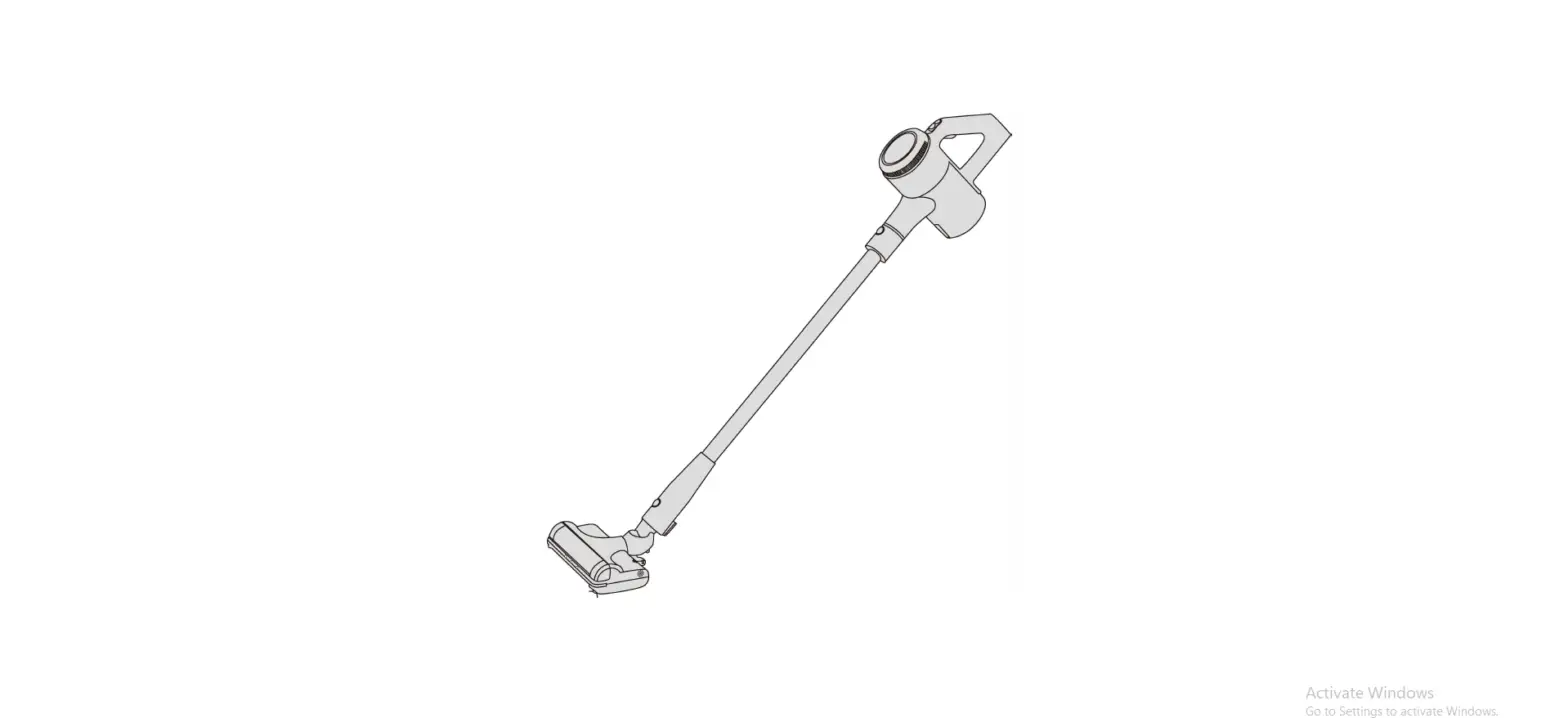
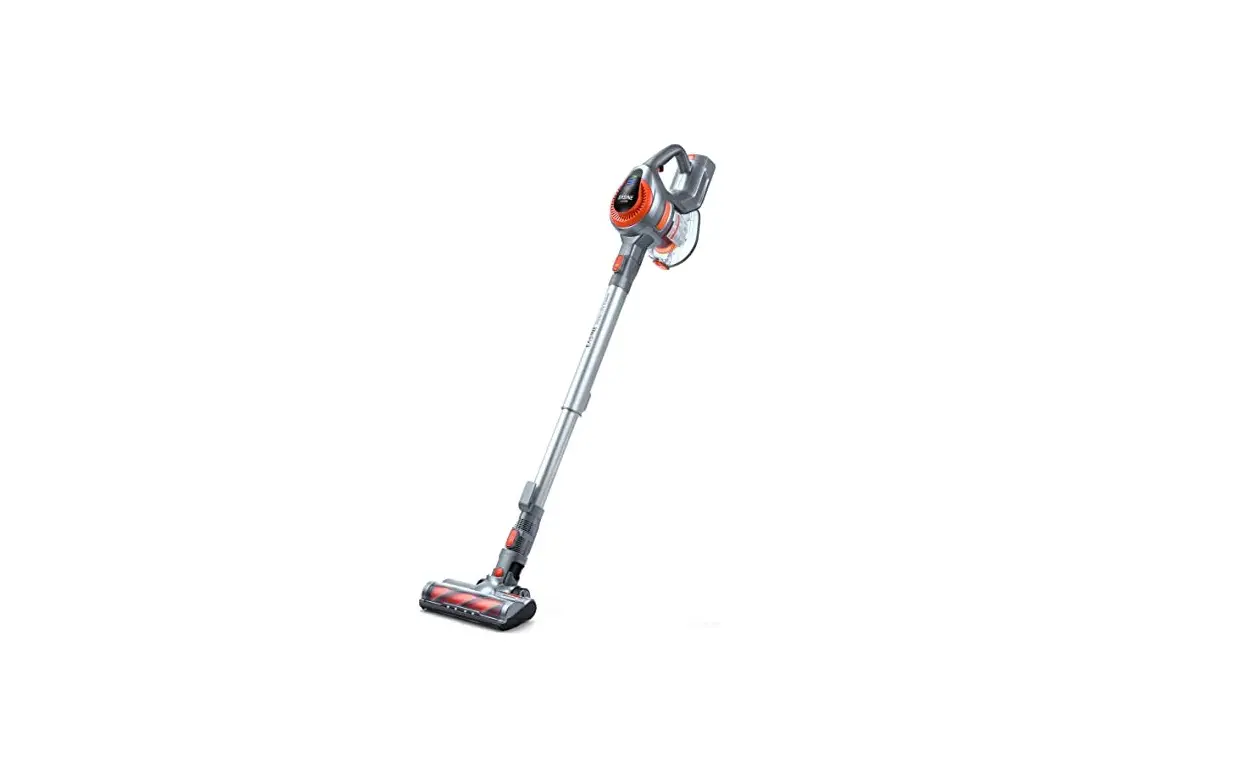
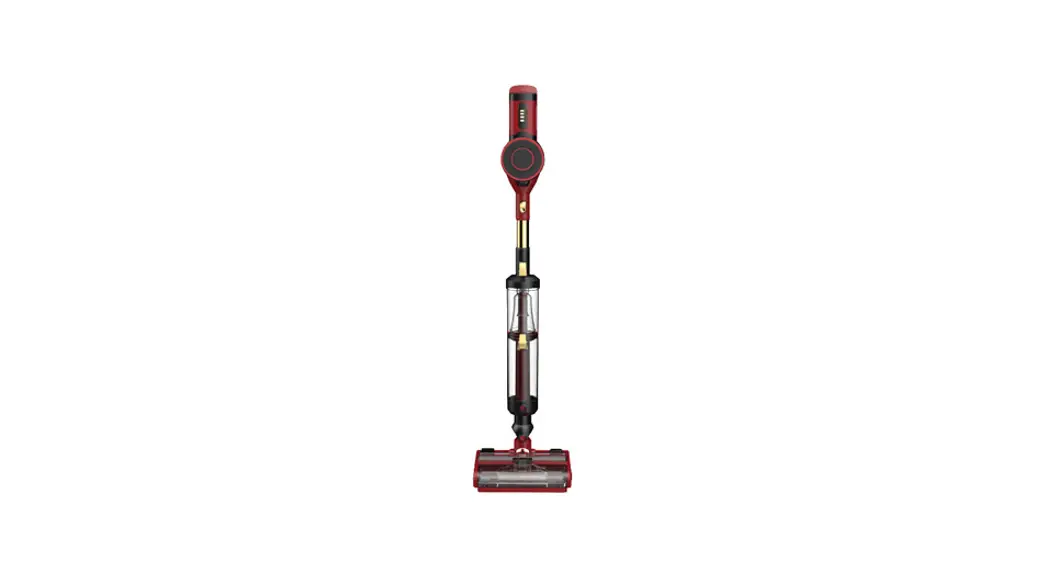
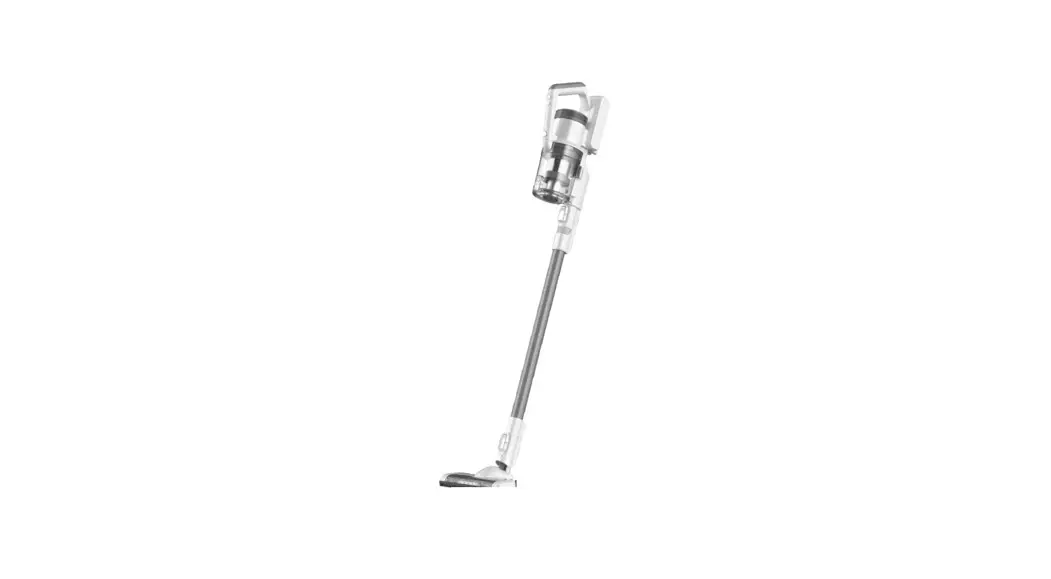
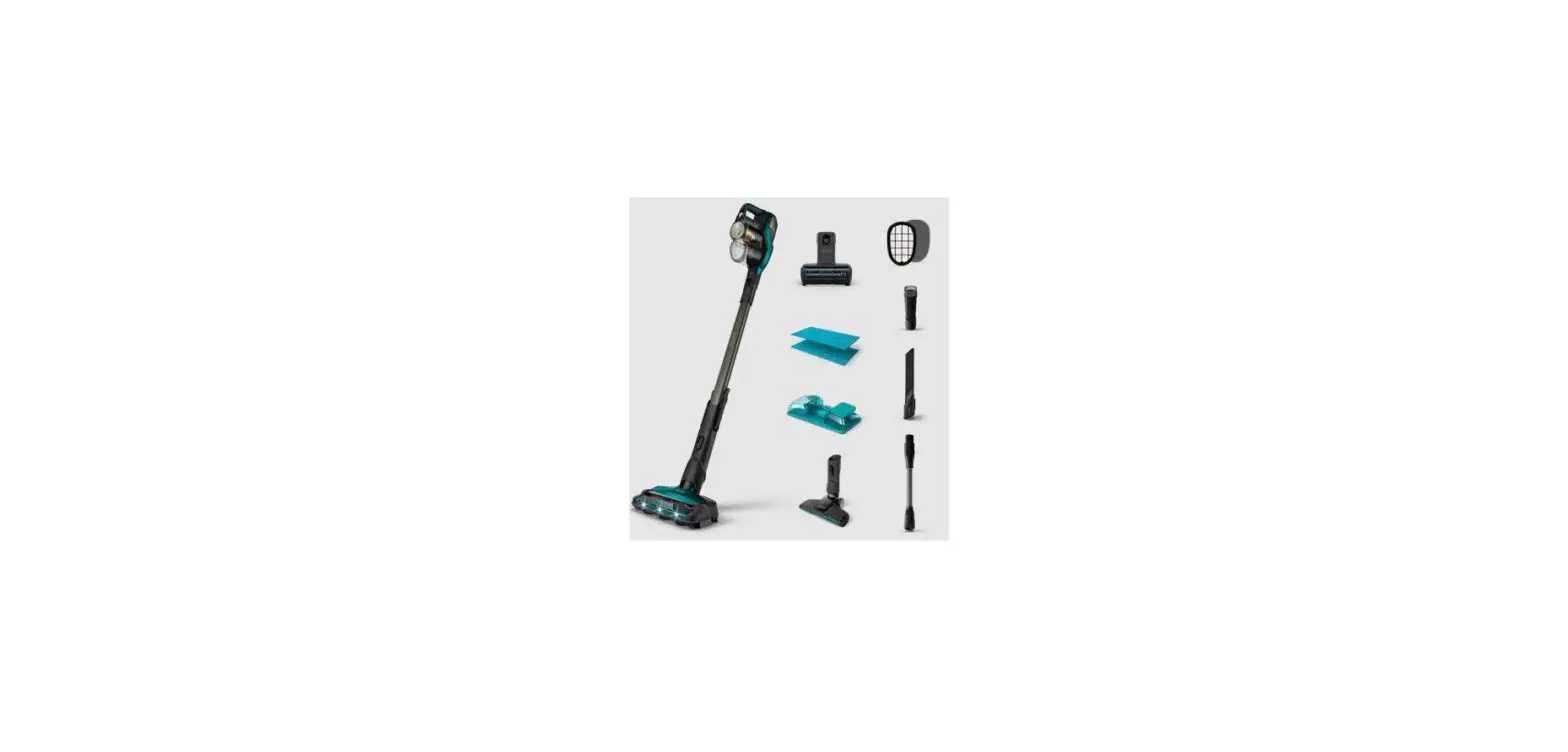
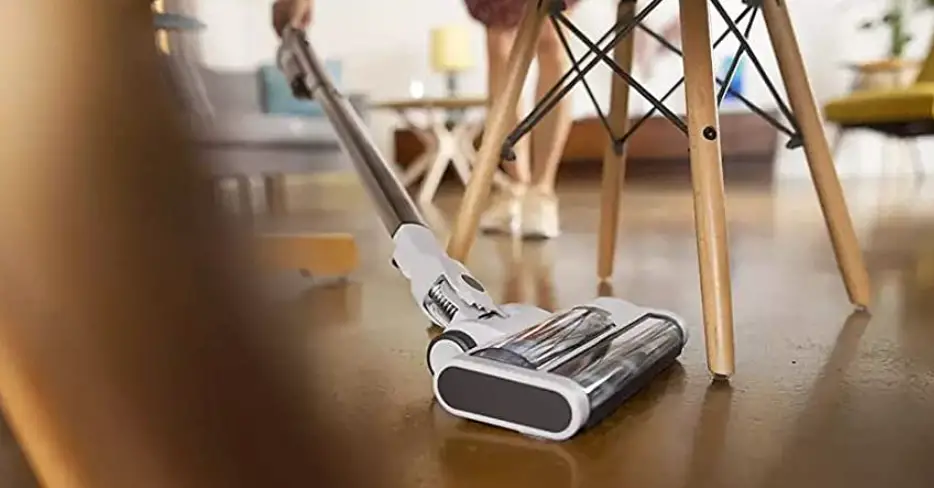
S6T Cordless Stick Vacuum Cleaner
Product Information
The S6T and S6P Pro are vacuum cleaners manufactured by INSE.
These models come with a 12-month warranty and lifetime customer
support. The warranty only applies to eligible purchases made
directly from INSE authorized distributors and is non-transferable.
For more warranty details, please visit www.inselife.com. All rights are reserved by
the INSE official website.
Product Usage Instructions
To initiate a warranty claim, follow these steps:
- If your appliance operates improperly while in use under normal
household conditions within the warranty period, contact INSE
customer support at [email protected] or visit
www.inselife.com to fill out the
warranty form.
Before using your vacuum cleaner, it is recommended to read the
attached user manual carefully. Additional operation guidance and
maintenance tips can be found on the INSE YouTube channel:
- General tips, FAQ, etc: www.inselife.com
- Installation videos: bit.ly/inseyoutube-s6T
If you have any questions or issues with your INSE vacuum
cleaner, you can contact INSE Customer Support via the following
channels:
- Email: [email protected] (Include
your order ID and details of the issue you encountered)
The S6T and S6P Pro vacuum cleaners have the following
features:
- Power Mode: Standard Mode and Max Mode
- Runtime:
- Standard Mode: 35-45 minutes
- Max Mode: 12-20 minutes
- Power: 36V, 300W
HEPA Quick-start Guide:
- To turn on the vacuum, press the power switch. Press it again
to switch to Max mode, and press it a third time to turn it
off. - Use the +/- button to switch between power modes (Max and
Standard).
To maintain optimal performance and cleanliness of your vacuum
cleaner, follow these steps:
- Regularly check and clean the High-efficiency filter/HEPA.
- If the suction performance declines, clean the filter
promptly. - If the filter/HEPA is broken or cannot maintain suction
performance, replace it. - Do not bend or squeeze the HEPA.
To clean the dust bin cover, strainer, and filter, follow these
steps:
- Hold the main motor and press the button to open the dust bin
cover. Rotate the strainer and filter one by one to take them out
(refer to pictures for visual guidance). - If they are too dirty, use the 2-in-1 cleaning gadget to clean
the dust from the HEPA surface. Rinse the stainless steel strainer
and white mesh filter with cool water until the outflow is clean
water. - Ensure the stainless steel strainer and white mesh filter are
completely dry before refitting.
If the provided solutions do not solve the problem or if your
specific issue is not listed, please contact INSE via the following
channels for further support:
- Email: [email protected]
- Website: www.inselife.com
S6T / S6P Pro
NOTE:
THIS WARRANTY TERM GIVES YOU SPECIFIC LEGAL RIGHTS, AND YOU MAY ALSO HAVE OTHER RIGHTS WHICH VARY FROM STATE TO STATE.
12-month Warranty & Lifetime Customer Support
Only apply to eligible purchases made directly from the INSE authorized distributors. Warranty coverage applies to the original owner and to the original product only and is not transferable.
How to initiate a warranty claim
If your appliance operates improperly while in use under normal household conditions within the warranty period, please contact our customer support [[email protected]] or visit www.inselife.com to fill out the warranty form to initiate a warranty claim.
For more warranty details, please refer to www.inselife.com. All rights are reserved by INSE official website.
Ready to Use Your Vacuum Cleaner?
Please read the attached user manual carefully before use. Besides, you could get more operation guidance and maintenance tips on INSE Youtube:
www.inselife.com General tips, FAQ, etc
bit.ly/inseyoutube-s6T Installation videos
INSE CUSTOMER CARE
Your INSE vacuum cleaner enjoys a 12-month warranty. It will be covered for all accessories for 12-month from the date of purchase. If you have any questions about your INSE appliance, just contact INSE Customer Support via the following channels:
You can reach the INSE customer support team at
Email: [email protected] with your order ID,
and details of the issue you met.
INSE Customer Support will help you solve the problem quickly within 24 hours.
S6T
S6P Pro
HEPA Quick-start Guide
2-1 Press the power switch to turn on the vacuum, then second press to MAX mode, third-time press to turn it off. 2-2 Press the +/- button to switch the power mode between MAX and Standard.
(36V)
300W
Power Mode Standard Mode
Max Mode
Runtime 35-45 minutes 12-20 minutes
Click
Click
Click
Click
Click
1. Please check and clean the High-efficiency filter/HEPA regularly; 2. Please clean the filter in time if the suction performance decline; 3. Please replace the filter/HEPA if it’s broken or it cannot maintain
the suction performance of the vacuum cleaner. 4. Please do not bend or squeeze the HEPA.
1. Hold the main motor, press the button to open the dust bin coverrotate the strainer and filter one by one to take them out.csee as pictures below
2. If they are too dirty, please use the 2-in-1 cleaning gadget to clean the dust from the HEPA surface; please rinse the stainless steel strainer and white mesh filter with cool water until the outflow is clean water.
3. Ensure the stainless steel strainer and the white mesh filter are completely dry before refitting.
www.inselife.com General tips, FAQ, etc
bit.ly/inseyoutube-s6T Installation videos
If the solutions cannot solve the problem, or the issue you met has not been listed, please feel free to contact us via the following channels for further support:
Email: [email protected]
Website: www.inselife.com
 YouTube
 INSE Official | Vacuum Cleaners for Home Floor & Carpet Cleaning