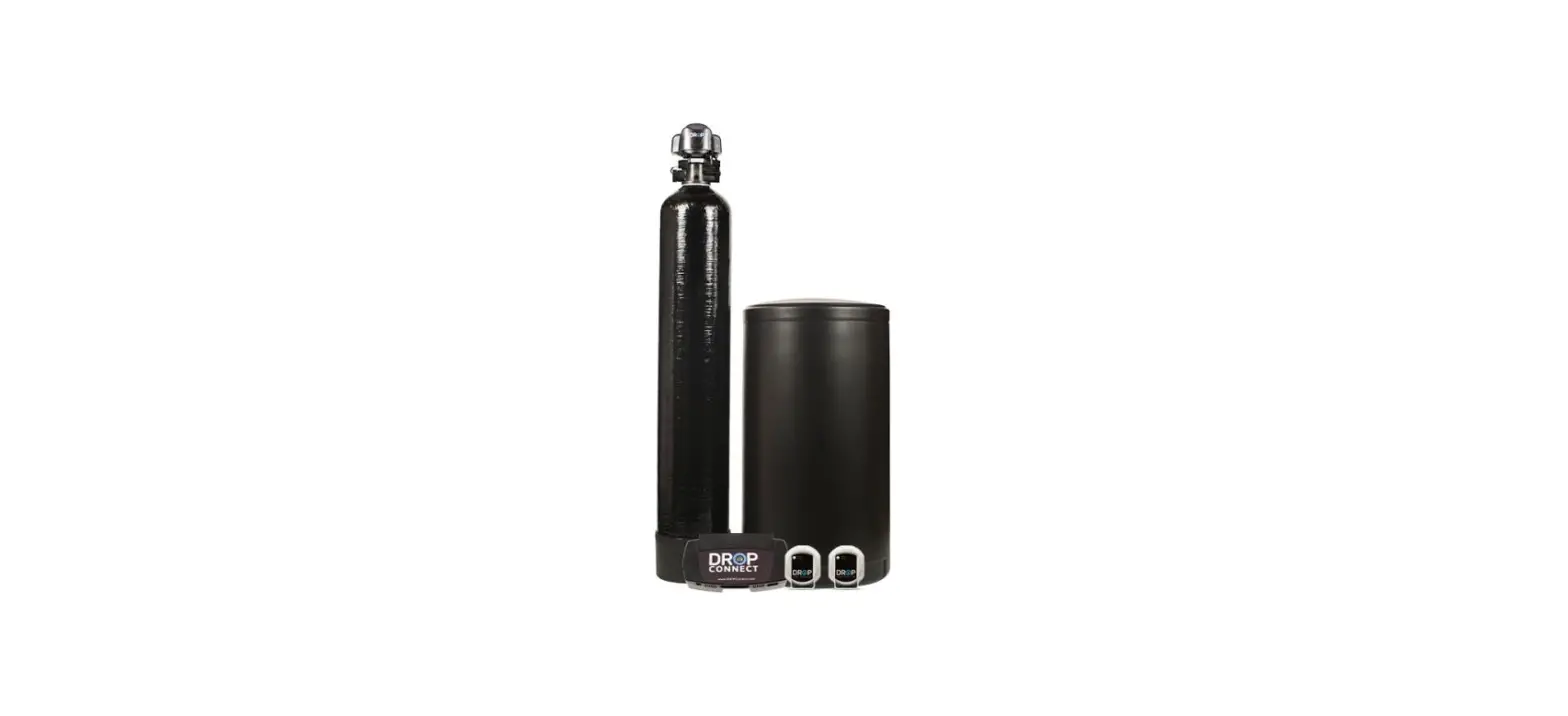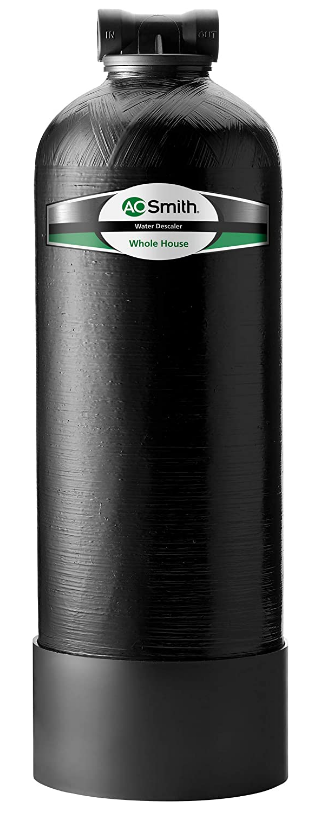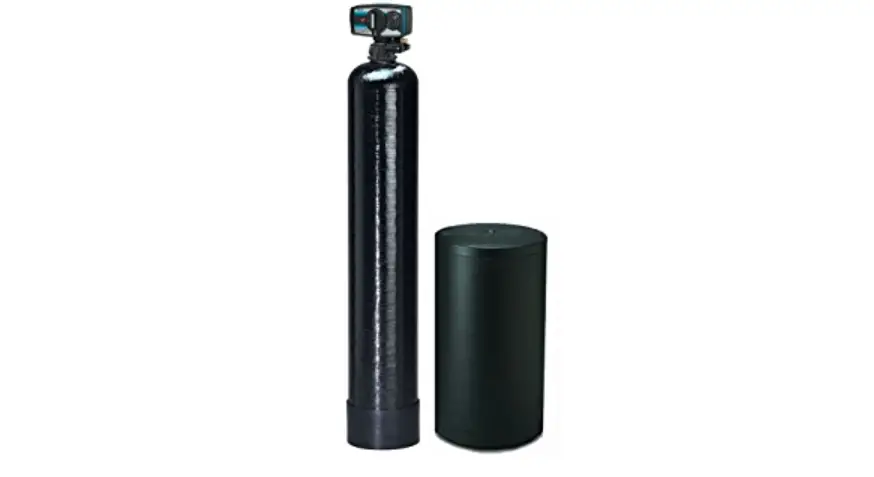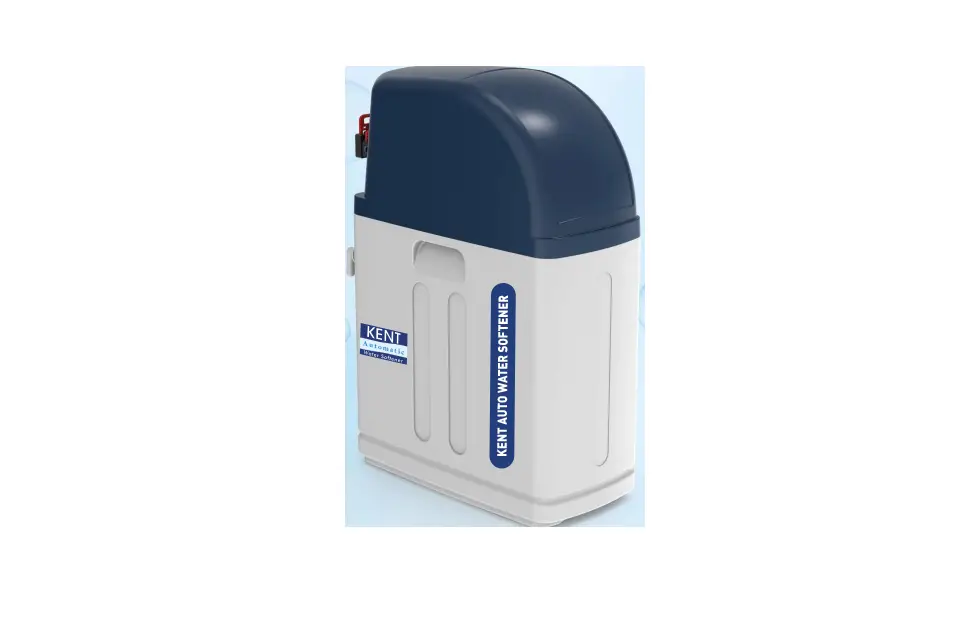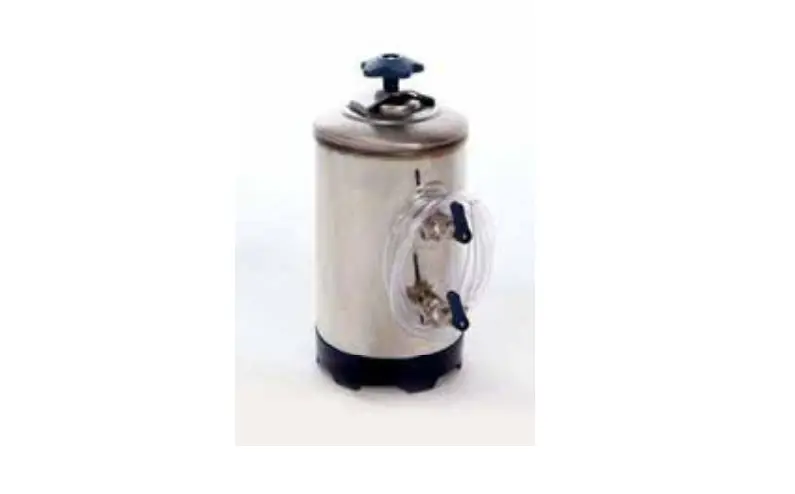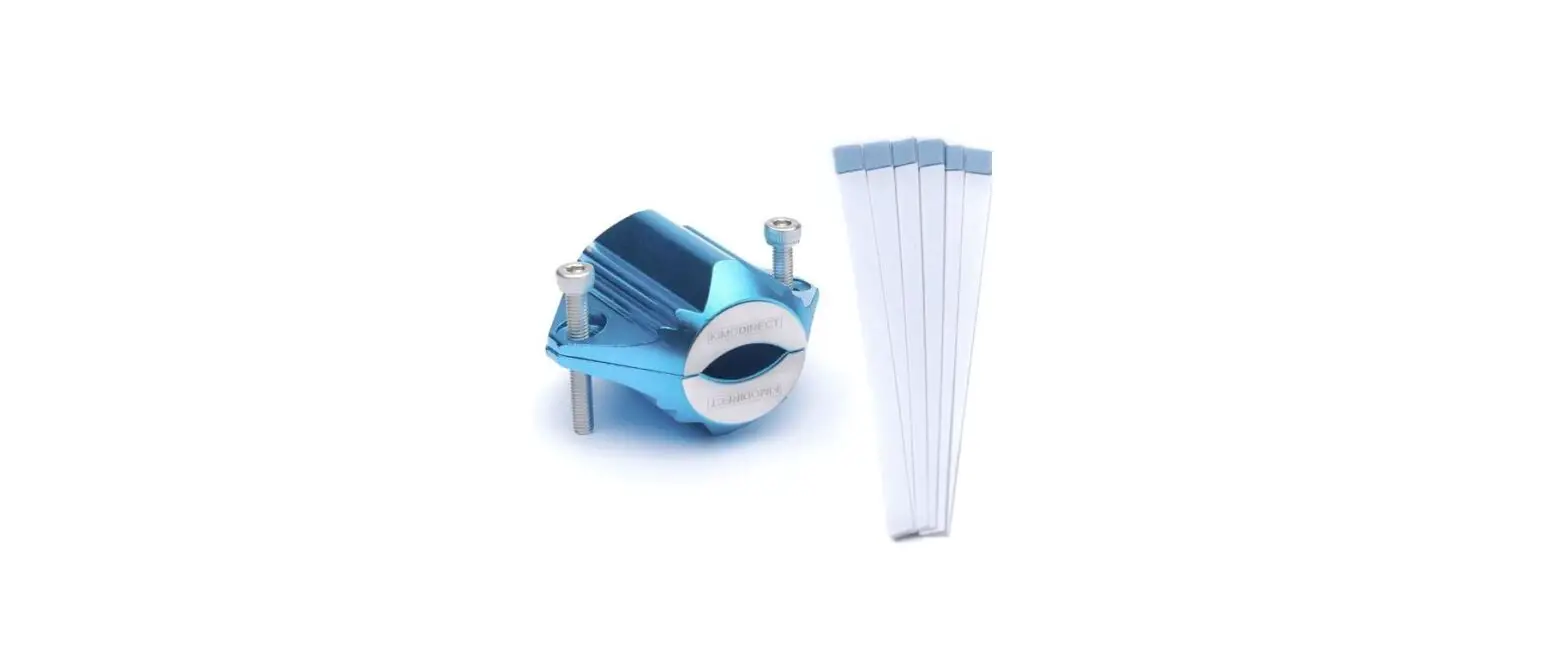

KIMO DIRECT 7500 Water Softener with 6 Test Strips
- 1. About
Thank you for choosing our KIMO DIRECT product! Please read the manual carefully before use. If there are any questions or problems, please contact us: [email protected] - Contents
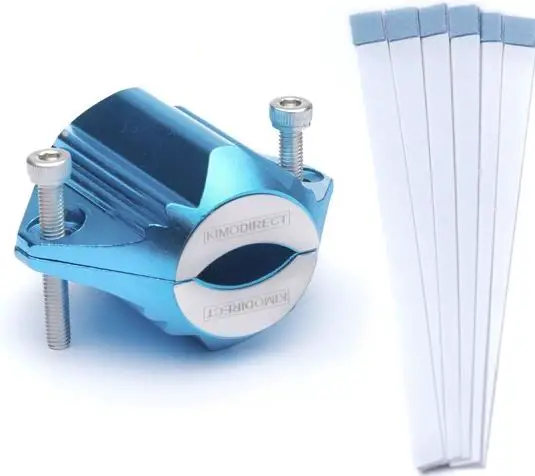
- Water softener
- 6 test strips
- 2x Bolt
- 1x Allen key
- Manual
- Technical Data
| Size | 4. 5*5. 5*3. 5cm |
| Weights | 0,13kg |
| Color | Blue |
| Pipe | 12-38mm |
| Gauss | 7500 |
Installation

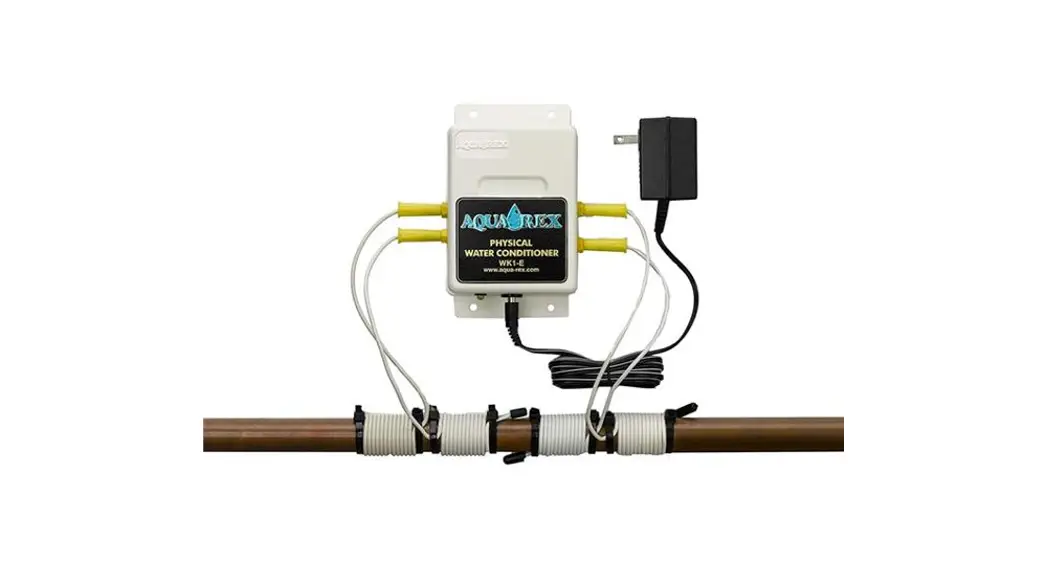
- Hold the Water Softener against the pipe.
- Use the bolts to secure him.
- Tighten the bolts with the allen key.
- The Water Softener is now installed.
NOTE: Place near the water meter for optimal operation.
Test water hardness 
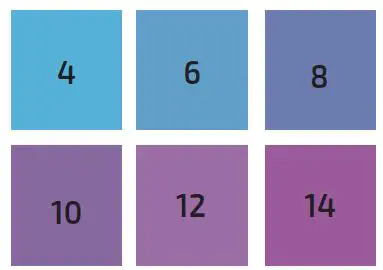
- <4-8 = Soft Water 8-12 = Medium Hard Water 12-14> = Hard Water
- Step 1 Hold the strip in water for 2 sec.
- Step 2 Dry the strip 30 sec.
- Step 3 Check the result with the color chart.
- Step 4 Repeat 3x and calculate the average.
- Step 5 Record the result and repeat after 6 months.