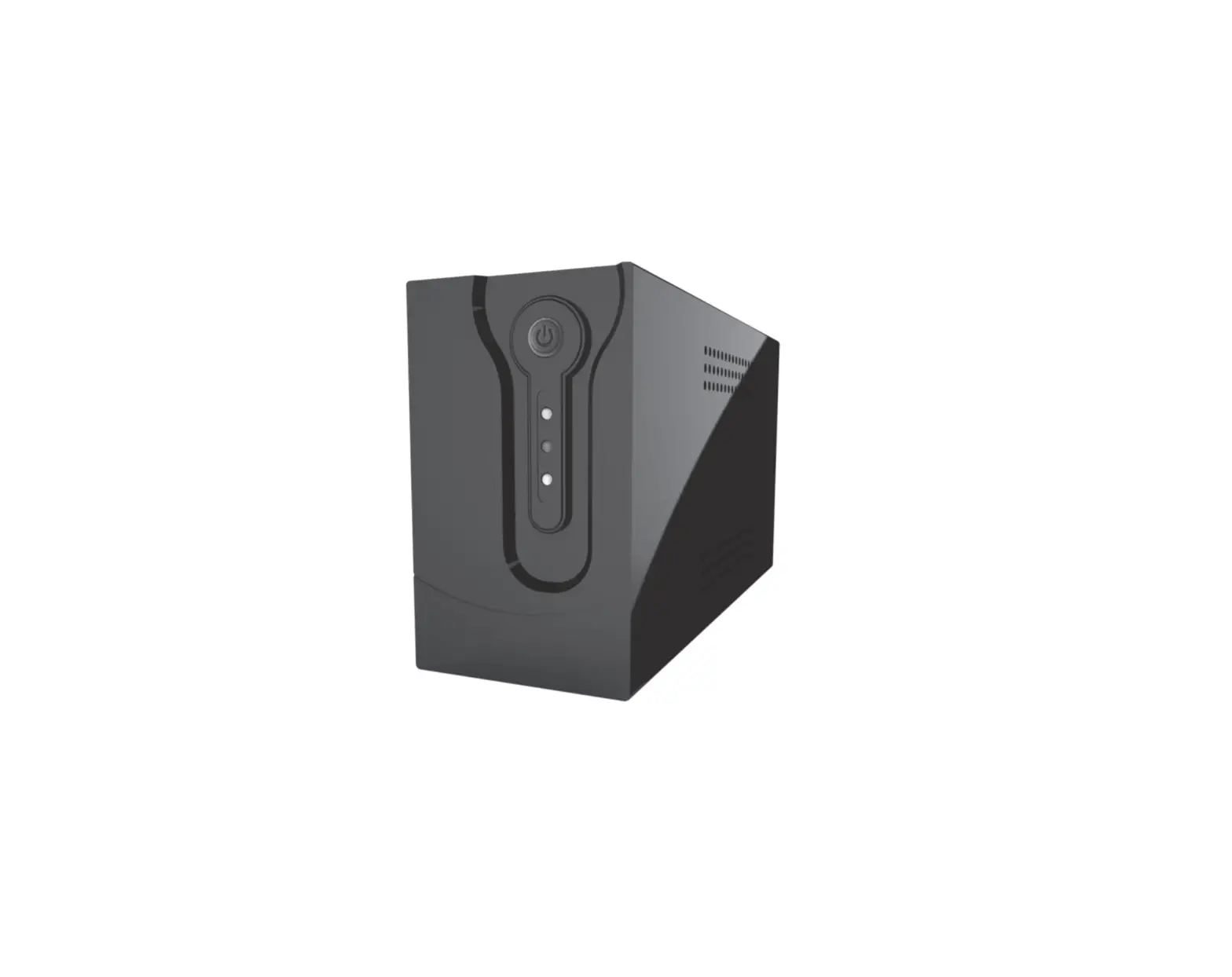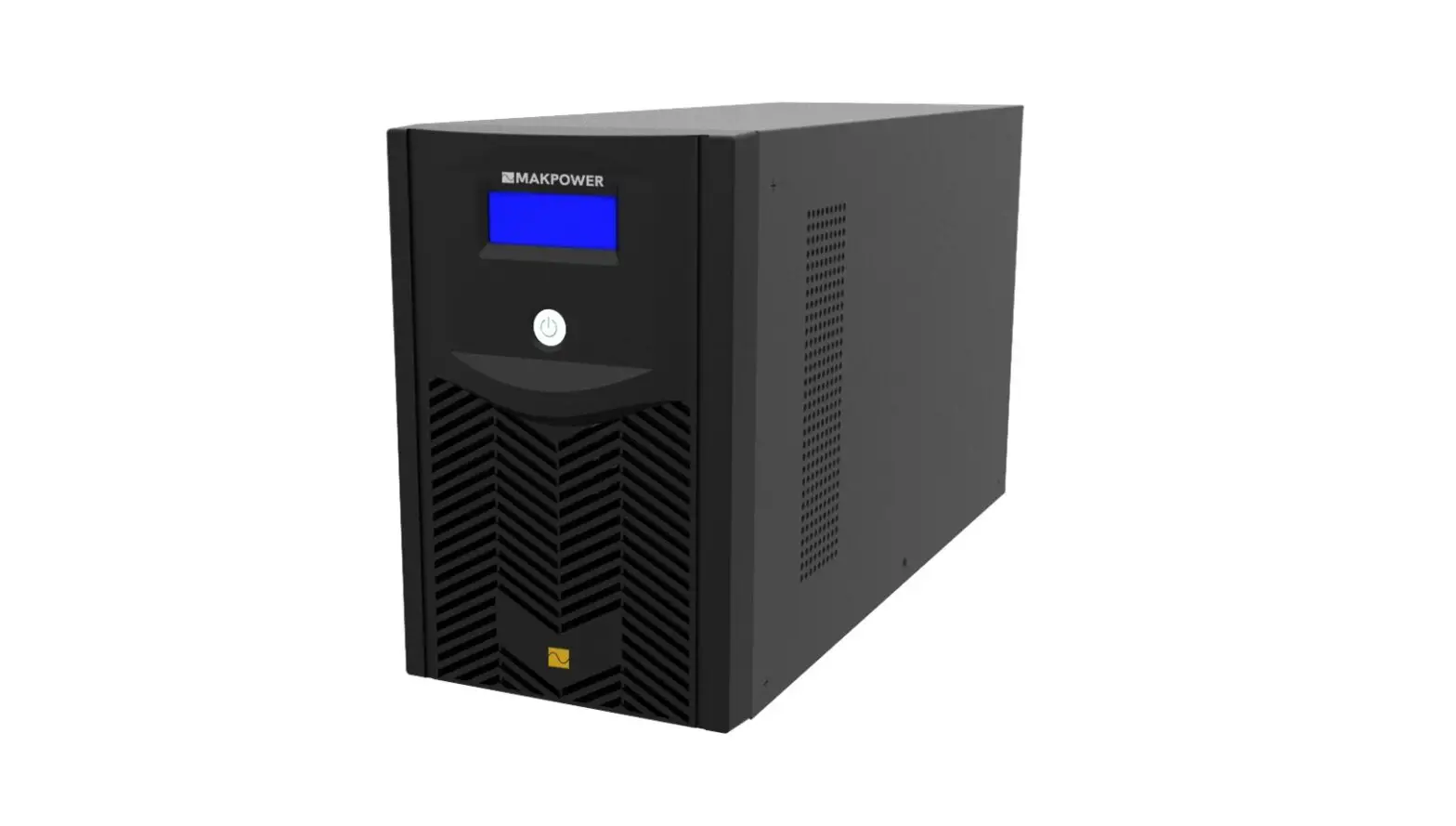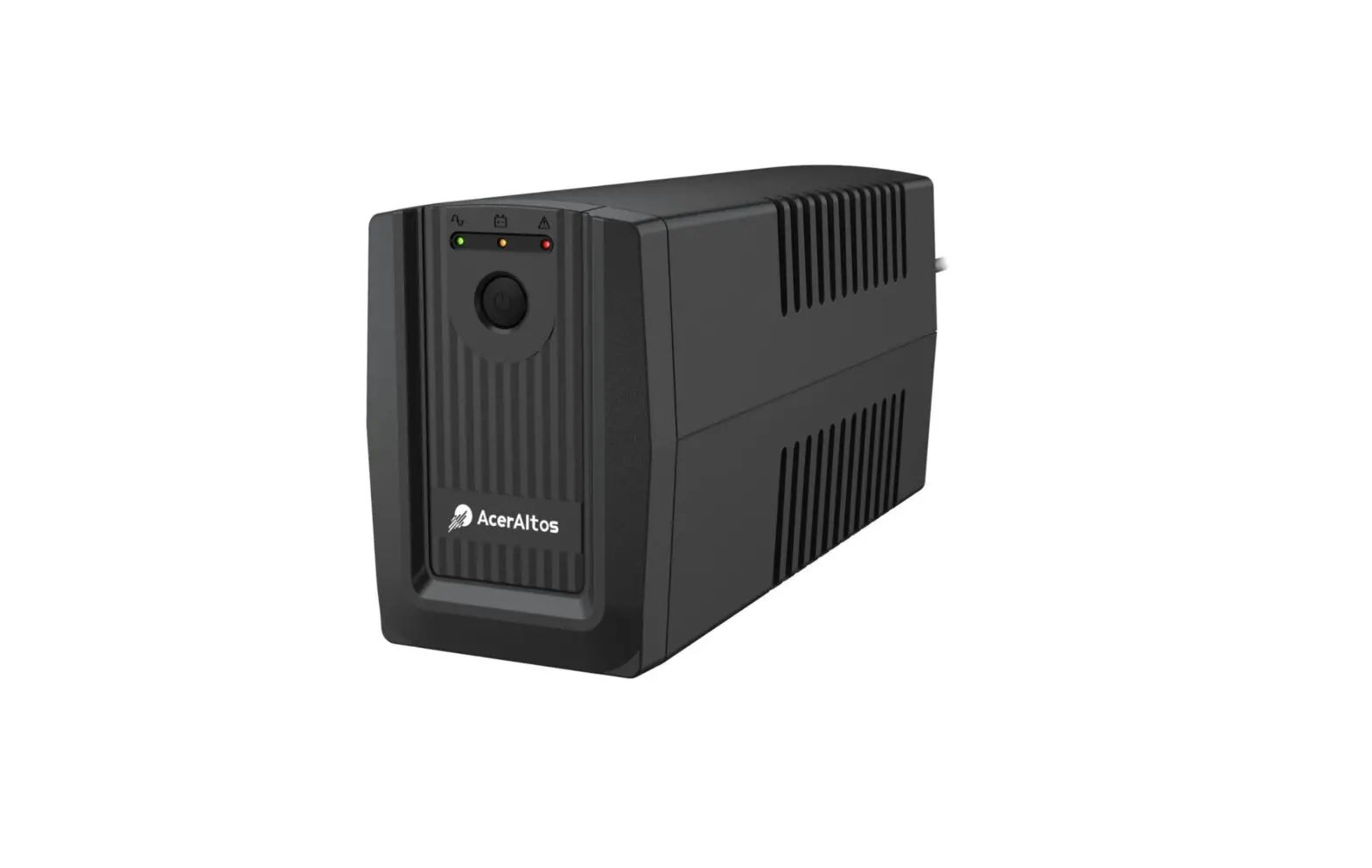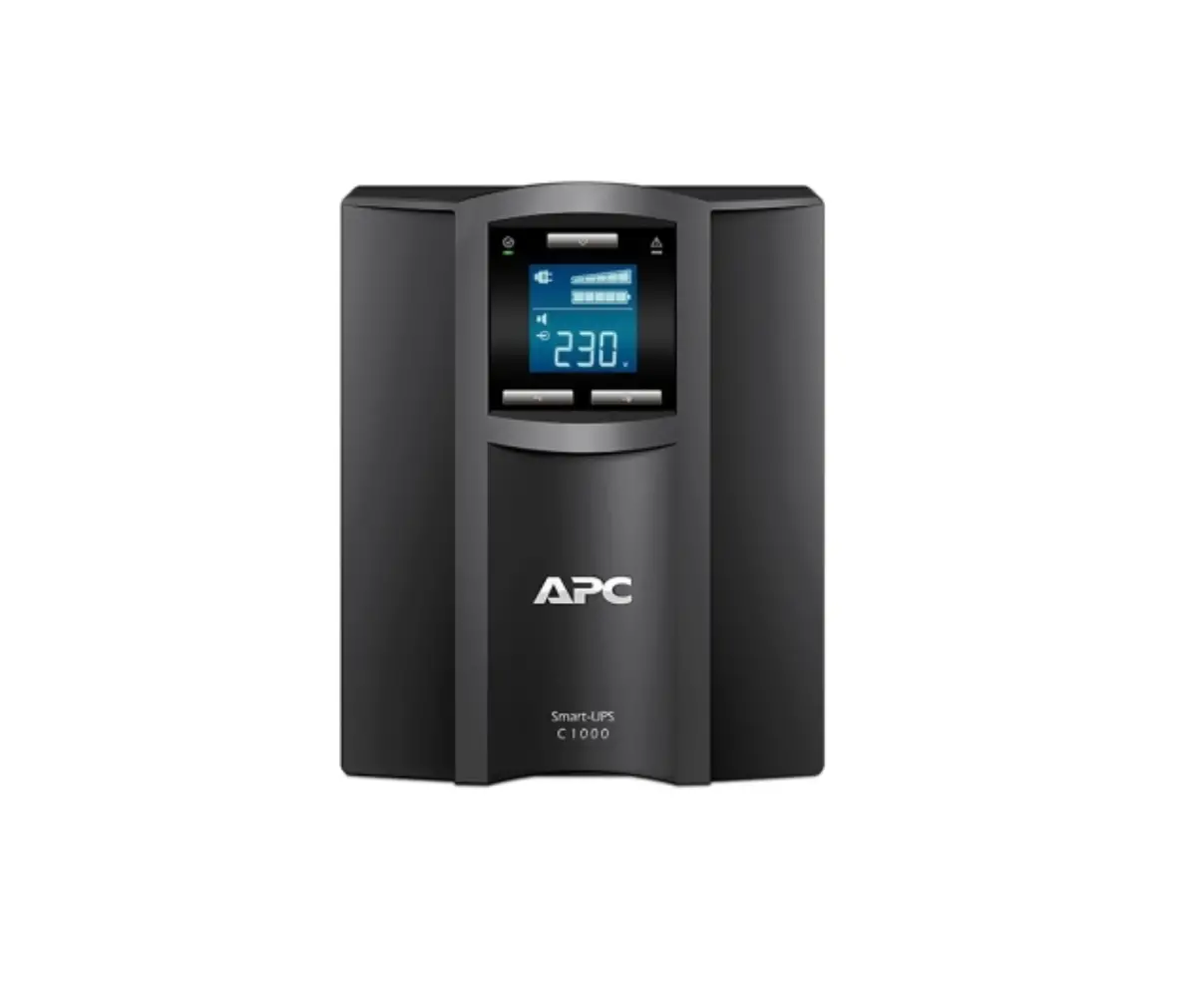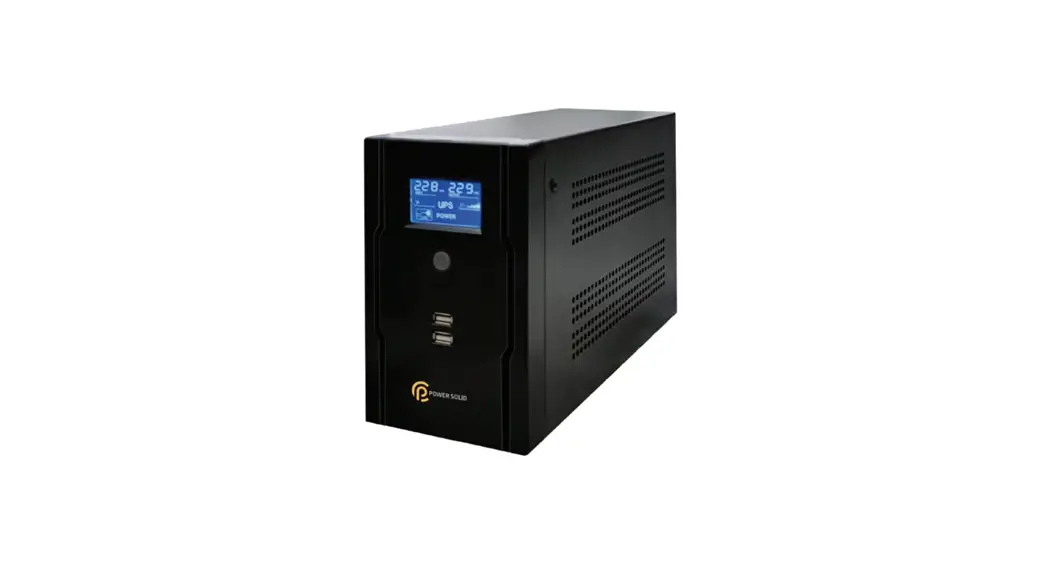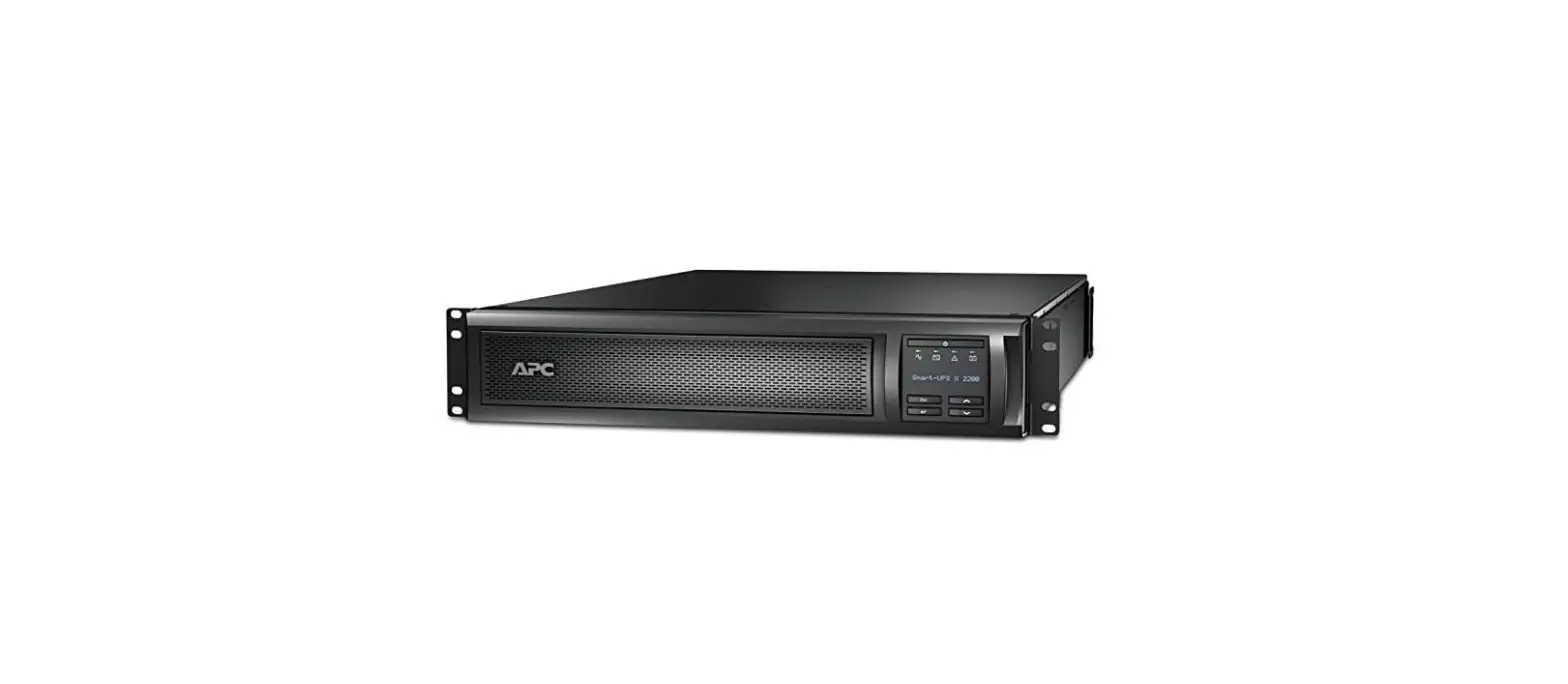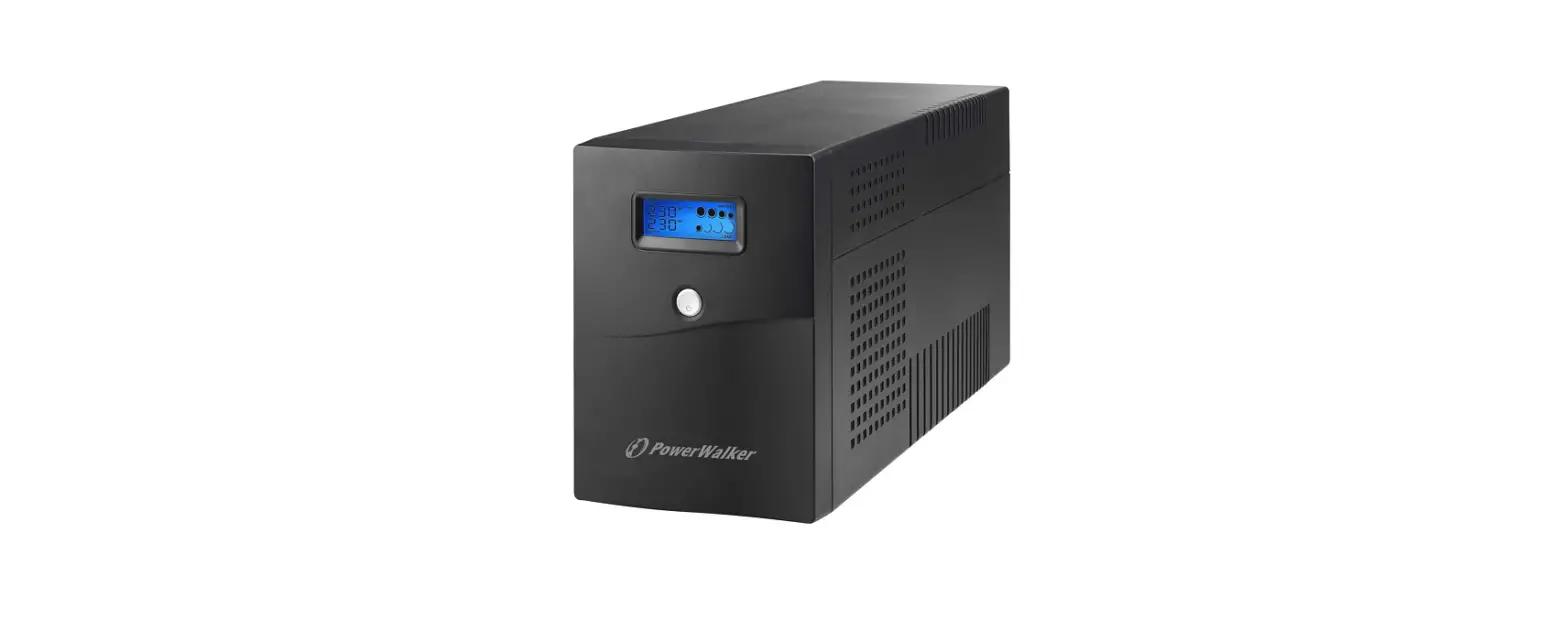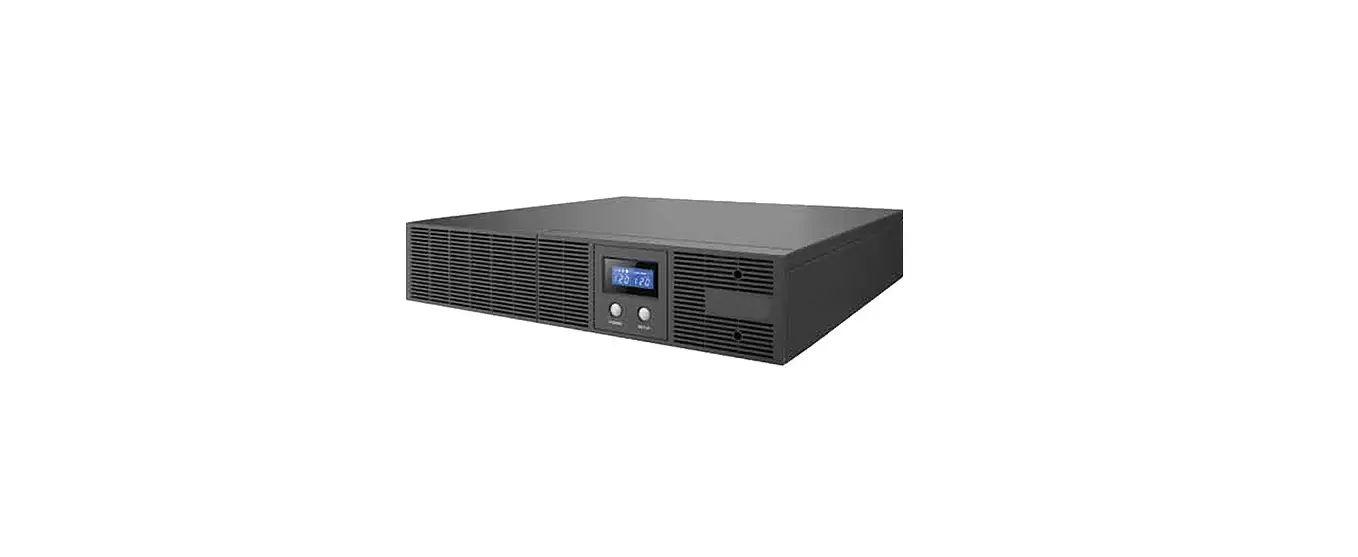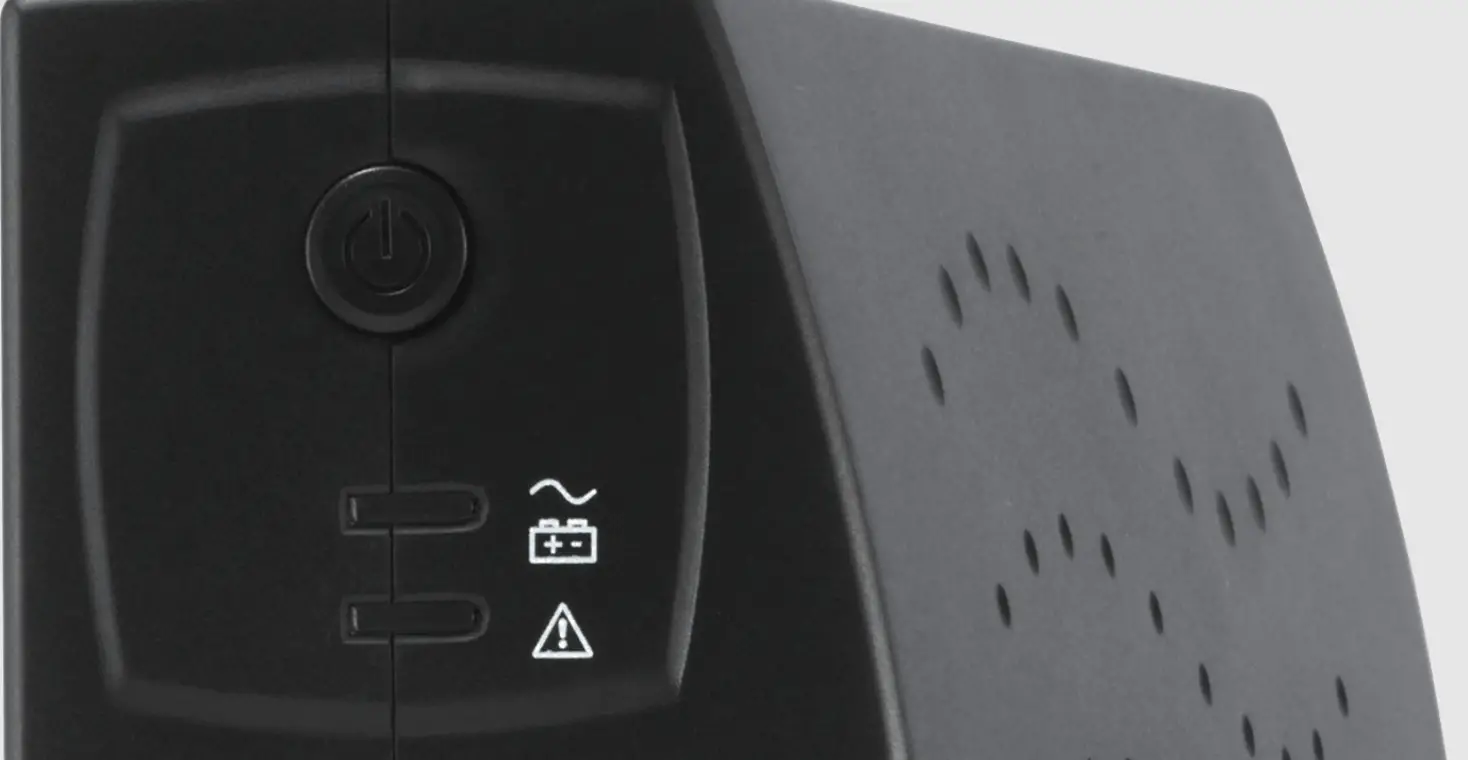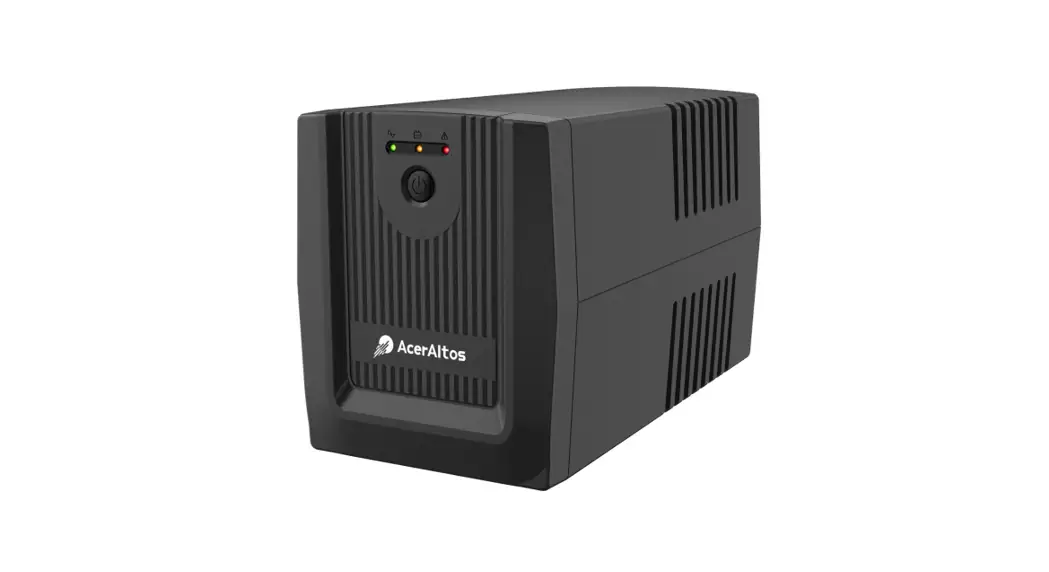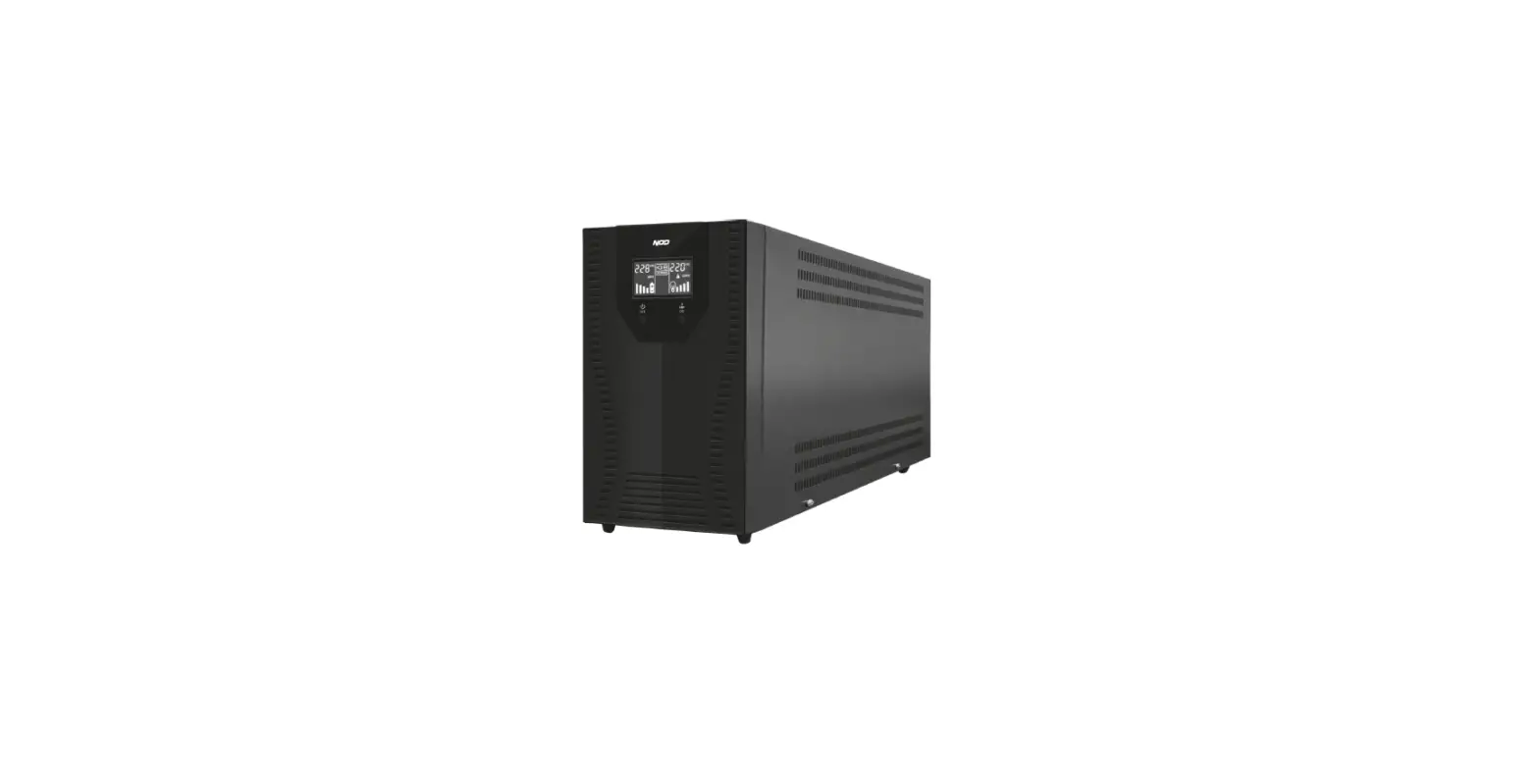

NOD U-3000 Line Interactive UPS 3000VA -2400W
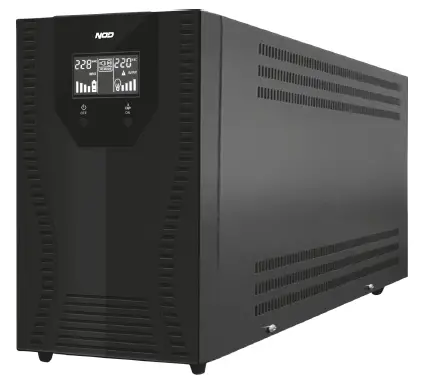
INSTRUCTION MANUAL
Thank you for choosing our product. We hope you will enjoy using the appliance.
SYMBOLS IN THESE INSTRUCTIONS FOR USE
Important information for your safety is specially marked. It is essential to comply with these instructions in order to avoid accidents and prevent damage to the machine:
WARNING: This sign warns you of dangers to your health and indicates possible injury risks.
CAUTION: This sign refers to possible hazards to the machine or other objects. i NOTE: This sign highlights tips and information
GENERAL NOTES
Read the operating instructions carefully before putting the appliance into operation and keep the instructions including the receipt and, if possible, the box. If you give this device to other people, please also pass on the operating instructions.
SAFETY INSTRUCTIONS
- Check that the voltage indicated on the appliance rating label corresponds to the voltage in the mains.
- Always plug the UPS into an outlet that is earthed. Risk of electric shock!
- Do not use the device outdoors.
- Do not place/ use the UPS near dusty areas.
- Keep it away from sources of heat, direct sunlight, humidity (never dip it into any liquid) and sharp edges.
- Do not use the appliance with wet hands. Risk of electric shock!
- Do not place /use the UPS on or near flammable material and sources of heat.
- Do not place / use the appliance near places with very high or very low temperatures (above 40° C or below 0° C ).
- Do not place/ use the appliance near places with a very high humidity level (above 90%).
- Do not place / use the appliance near places with severe vibration.
- Charge the UPS battery for at least 8 hours before using the device for the first time.
- If the UPS is not used for a long time, charge the battery for at least 8 hours before use it in order to avoid damage.
- UPS is designed exclusively for use with computers only. Do not connect the device to other induction or capacitive load devices e.g. laser printers or scanners.
- It is prohibited to use the UPS with vital support devices because in the event of failure, the devices will stop working. Violation of this particular security and liability is solely the responsibility of the user.
- WARNING: Do not operate the appliance with a damaged cord. In order to avoid the risk of an electric shock, never try to repair the appliance by yourself. Bring it to the authorized service station for repair.
- WARNING: It is hazardous for anyone other than a trained person to carry out any service or repair operation which involves the removal of cover of UPS. To reduce risk of electric shock, UPS should be only be opened by an authorized technician when service is required.
- WARNING: Do not place objects containing water or any other liquid on the UPS in order to avoid the risk of a short circuit. Risk of electric shock! Risk of fire!
- To protect again electric shock, do not immerse the cord, plug or unit in water or any other liquid.
- In case of fire, use a dust extinguisher. The use of a liquid extinguisher is prohibited. Risk of electric shock!
- Do not place objects on the UPS.
- CAUTION: Do not connect devices load higher than UPS can handle.
- Place the device on a flat and stable surface.
- Keep a distance of at least 15cm around all sides of UPS.
- Make sure the power cord is easily accessible at all times.
- When cleaning or storing the device, switch off the appliance and always pull out the plug from the socket (pull the plug, not the cable).
- Keep the device and its cord out of the reach of children.
WARNING: Do not allow small children to play with the foil. Danger of suffocation!
LCD IDENTIFICATIONS
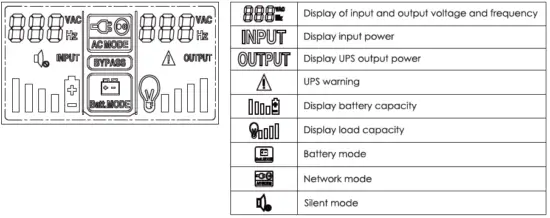
TECHNICAL SPECIFICATIONS
| MODEL: | 3000VA |
| Input voltage | 145-280 ± 5VAC |
| Input frequency | 50Hz |
| Output frequency | 50Hz ± 1% |
| Output voltage | 220V AC± 10% |
| Transfer time | <6ms |
| Waveform type | Pure sine wave under constan t mains voltage |
| Overload protection | Safety for overload and short circuit operation |
| Short circuit protection | Power safety and limitation and power failure |
| Battery backup time | 7 minutes (half load) |
| Battery type | 12V 7.2Ah x4 |
| Battery protection | Automatic operation control, discharge protection and battery error warning |
| Battery charging time | 4 hours for 90% |
| Low battery sound notification | Sufficient battery capacity – Audible alarm once every 6 seconds |
| Insufficient battery capacity – Audible alarm every 1 second | |
| Battery / overload / short circuit sound notification | Audible alarm every 0.5 seconds / Continuous audible alarm |
| Schuko outputs | 3 |
| Net weight (Kg) | 17.64 |
| Device dimensions (mm): | 405 x144 x 213mm |
USING THE UPS
- Before using the UPS for the first time, check that the voltage shown on the device rating label corresponds to the voltage in the mains.
- Turn off the devices and disconnect them from the power supply.
- Connect the load (e.g. computer) to the outlet on the back side of UPS
- Connect UPS to the power supply.
- Press the UPS power button for 2 seconds.
- Turn on your computer.
STORAGE
- Always unplug the device before storing it.
- Always store the device in a safe and clean place. For the better protection of the appliance, store it in its original packaging.
TROUBLESHOOTING
| PROBLEM | POSSIBLE CAUSE | SOLUTION |
| Error code FAL 16 | Int e rnal heating | Make sure the UPS is not overloaded , the vent ilation opening is not blocked and the indo or temperature is not too high. Wait l O minutes for the UPS to coo l down, then rest art. In case of failure, contact your dealer or the authorized service center |
| Error code FAL 15 | Output short circuit or internal fault | Turn off the UPS, remove all the load and confirm that the load is not defective and that there is no short circui t. Then restart the UPS. In case of failure, contac t the officia l service |
| Error code FAL 14 | Internal error | Contact the authorized service |
| Error code FAL 13 | Exce ssive charging | The UPS charger is defective, contact the authorized service |
| ErrorcodeFAL 12 | The UPS is overloaded or the charger is defective in battery mode | Check the load and remove non-critical devices. Repeat the load power calculation and reduce the amount of loaders connected to the UPS. Check if the load er is defective. |
| The audible alarrn is activated every second | The battery voltage is too lo w | Contact the authorized se rvice |
| AC is normal, UPS lacks electricity | Th e UPS input switch is disconnected | Manual re set of the circuit breaker |
| Battery discharge time is short | Lo w battery | Keep the UPS connected to the AC power supply for more than l O hours to recharge the battery. |
| UPS overload | Check the loading level and remove non-critical equipment. | |
| After chronic use of the battery, its capacity decreases | Contact the authorized service | |
| After pressing the power button, the UPS cannot start | The time to press the power button is too short | Contact the authorized service |
| Internal UPS failure | Press the power button for more than three seconds and sta rt the UPS |