
Instruction Manual –
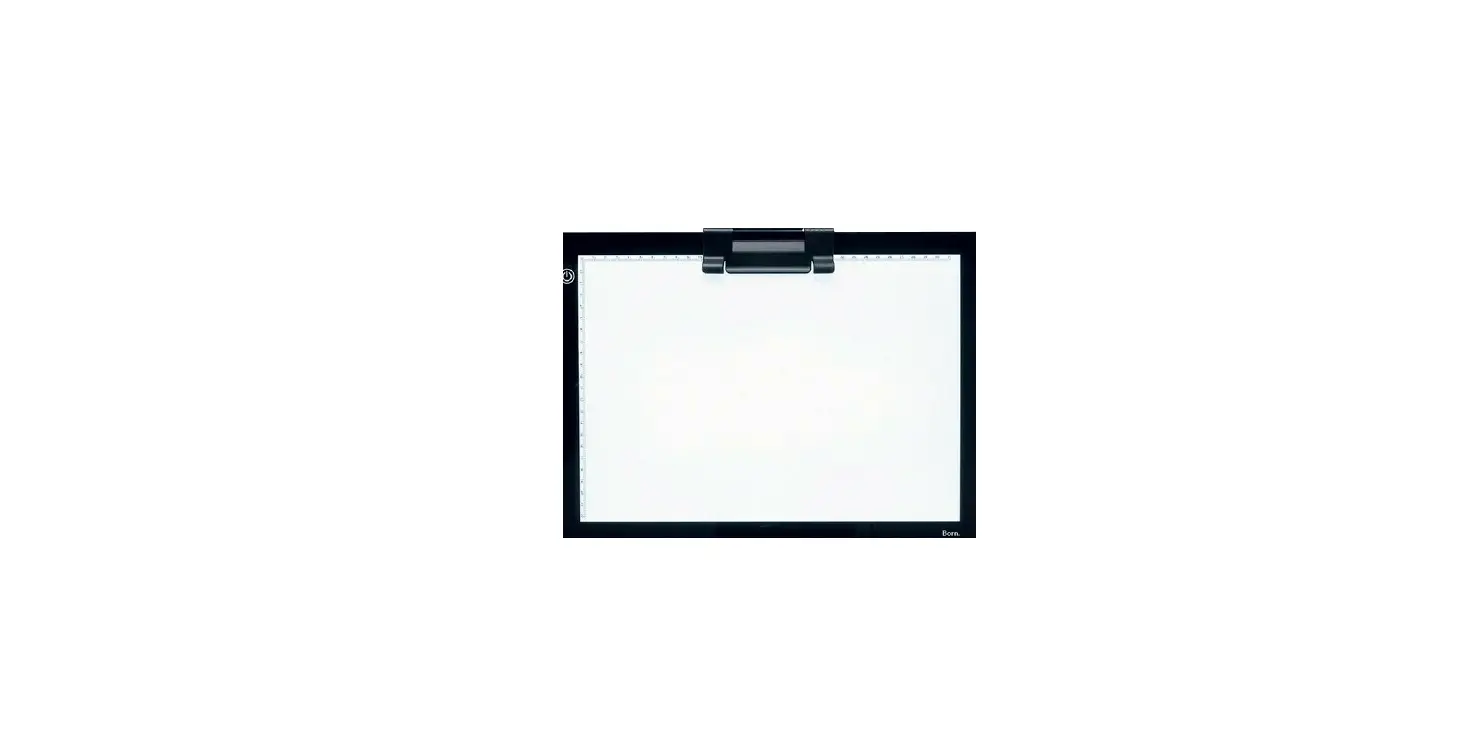
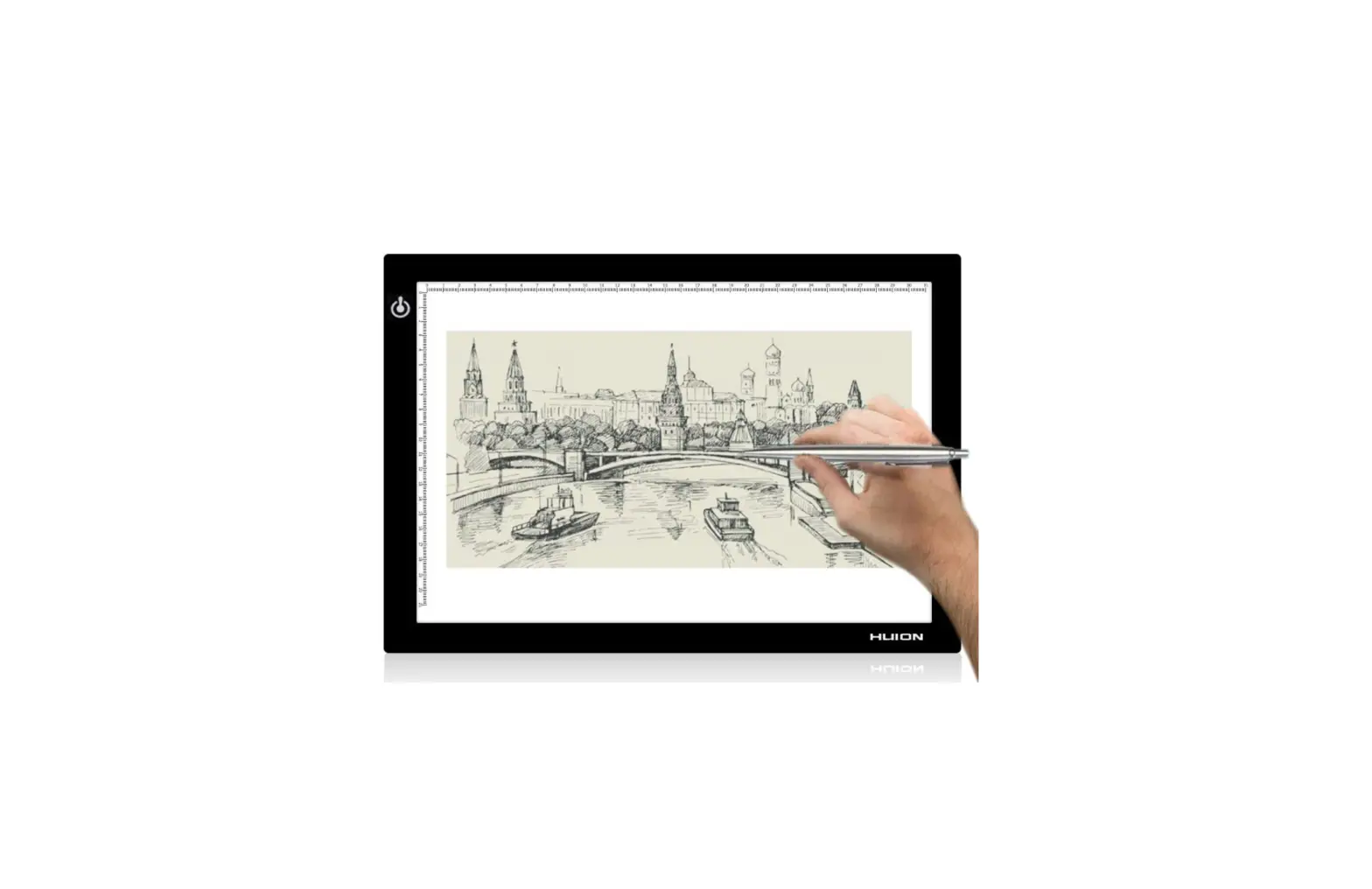
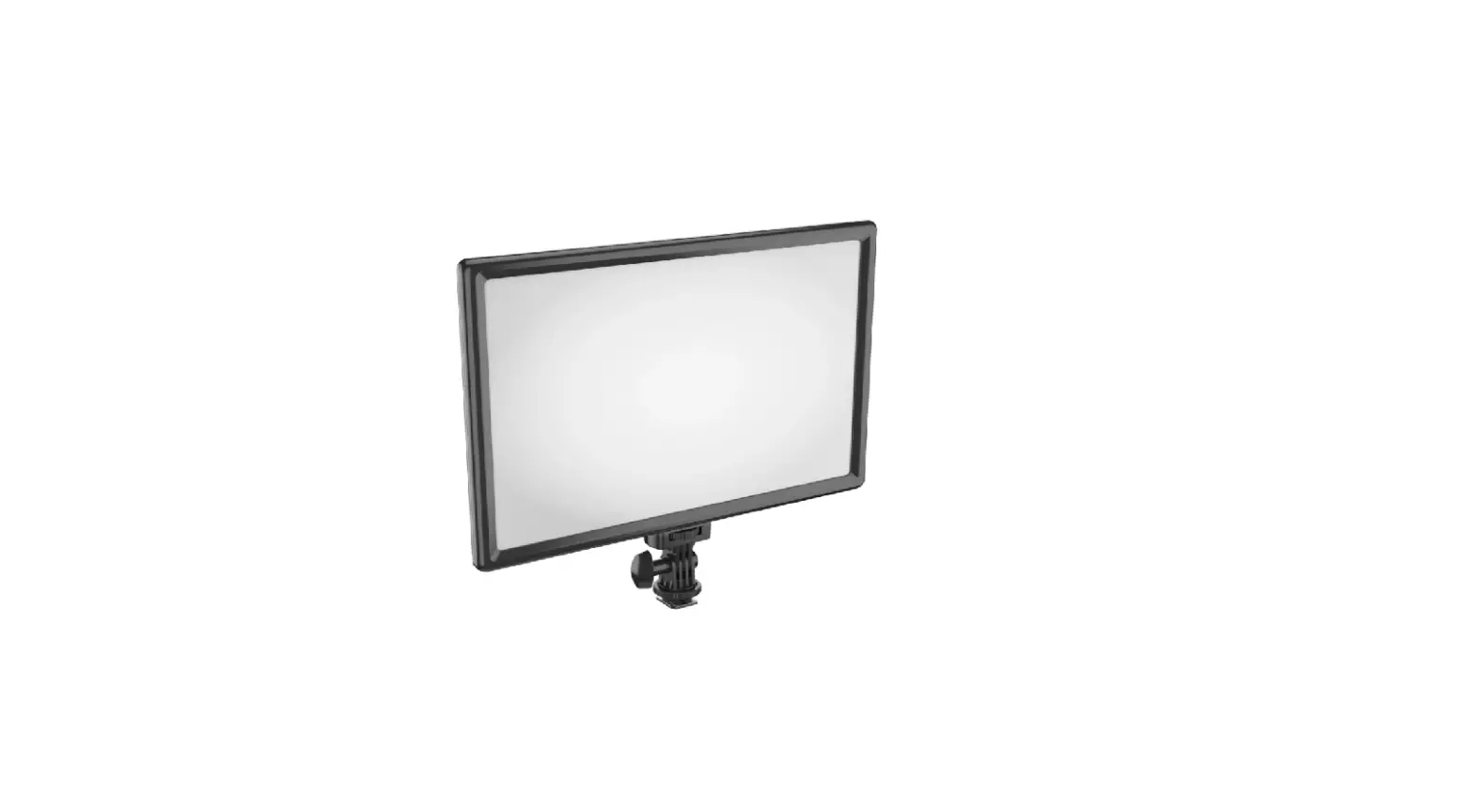
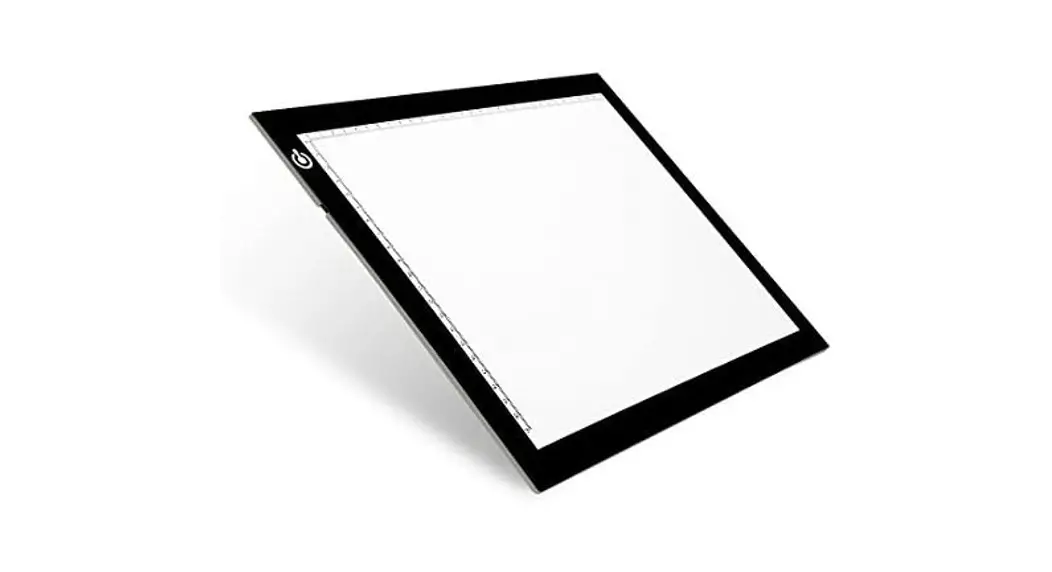
A4 LED Light Pad with stand
www.officeworks.com.au
Package Contents:
LED light pad, USB cable, Clip stand.
User Instructions:
A) Place the light pad on a dry, flat surface and carefully remove the protective film.
B) Connect to power supply via USB cable included.
C) To turn on – Touch the  switch gently and the working panel will gradually light up.
D) To adjust – Hold down the switch until you achieve your desired light level. Release your finger at the desired brightness and this will set an automatic memory of brightness level.
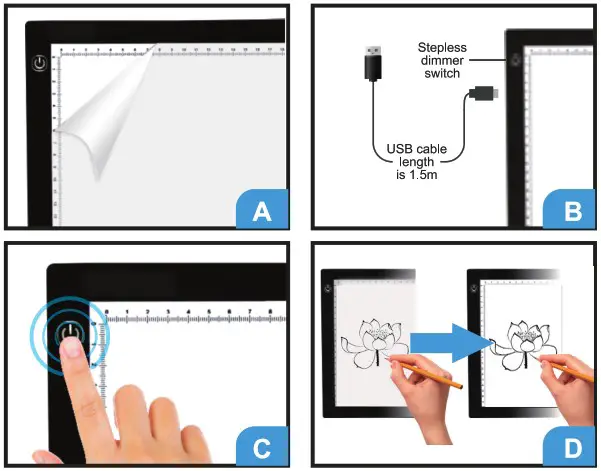
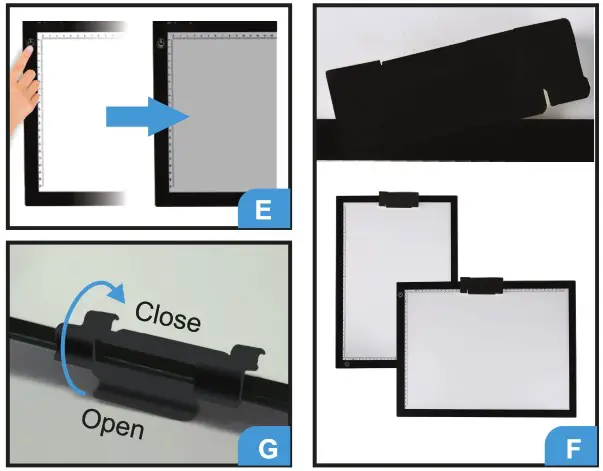
E) To turn off – Touch the switch again and the lighted area should turn off gradually.
- Note: Turn on again – Touch the
 switch, you will go back to the last memory of brightness level. Hold down the switch, it can reach the maximum. Release your finger, then hold down the switch you can dim the light.
F) Slide on/slide off clip stand at the top, for working in either landscape or portrait. The Clip stand can also be used as a pen holder.
G) Flip open centre top section to create the stand.
H) Store the unit in a dust free and dry environment.
BOLEDLPA4 Specifications:
| Dimension(HxWxD) | 270x360x5mm |
| Illuminated Area | 220x310mm |
| Input Voltage | DC5V-2A |
| Working Current | 1.46A |
| Rated Power | 7.3W |
| Surface ; | Acrylic |
| Light Source | LED |
| Luminance | 2/9Lumens (+/- 10%) |
| Scale Size | 31x22cm |
| Net Weight | 0.551kg |
 WARNING!
ONLY CONNECT USB CORD T0 POWER SUPPLY WITH 2A MAX.

Officeworks Ltd.
236-262 East Boundary Road
East Bentleigh VIC 3165
AUSTRALIA