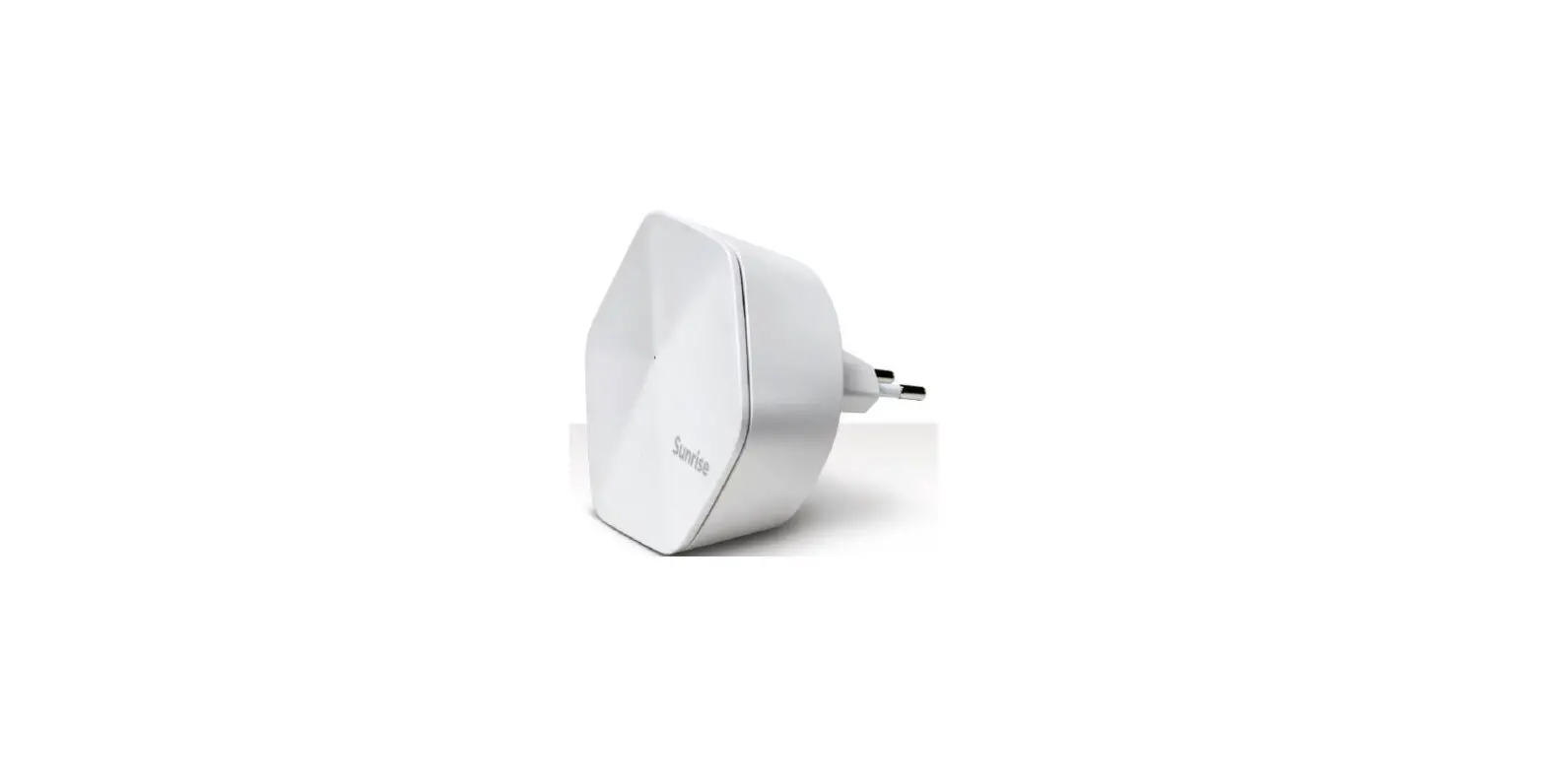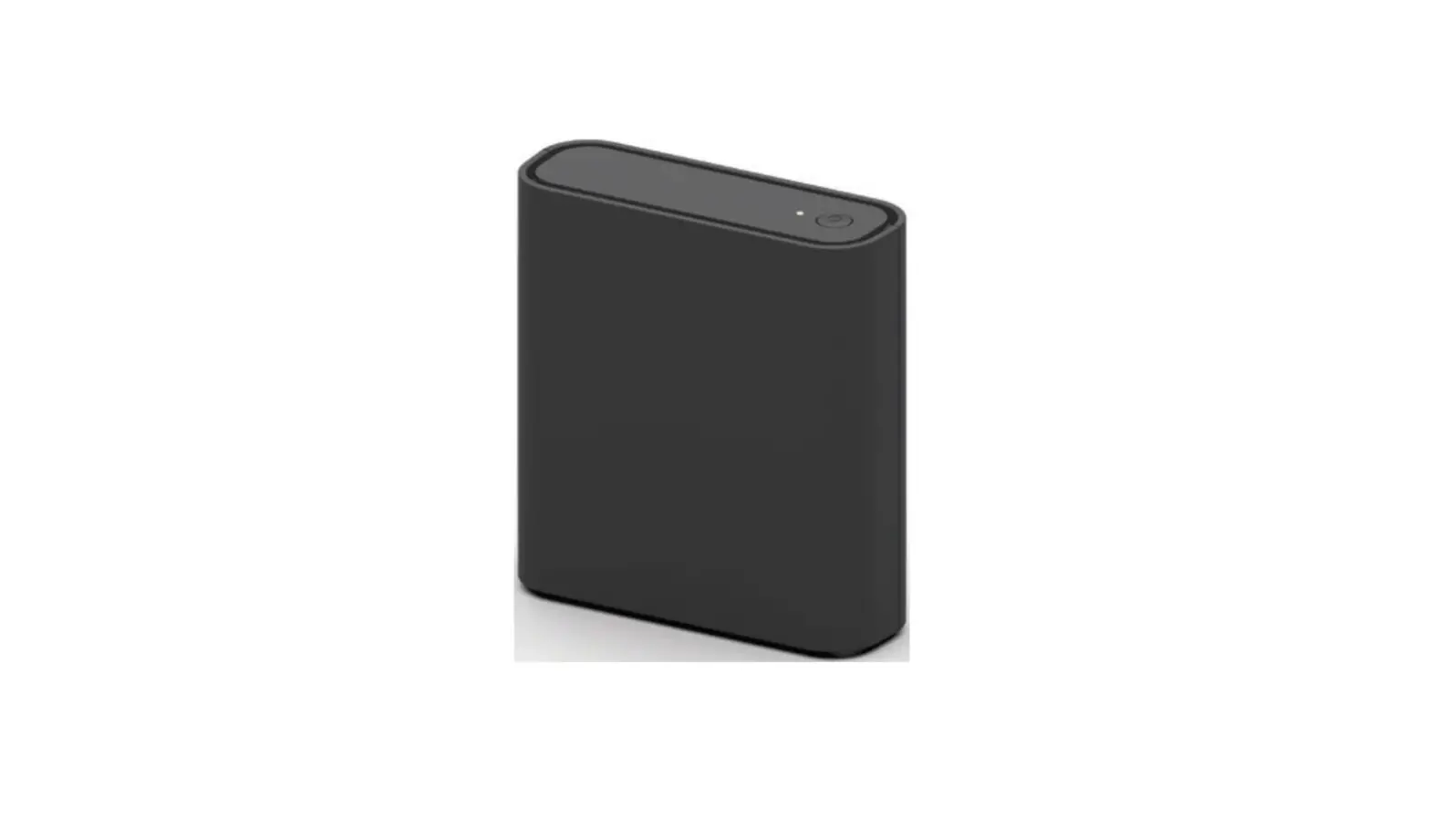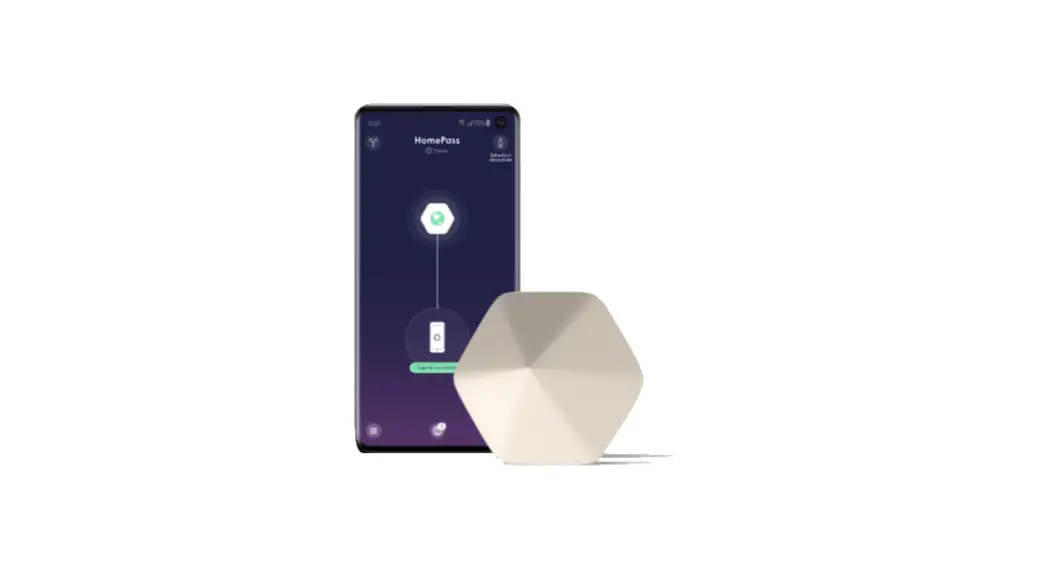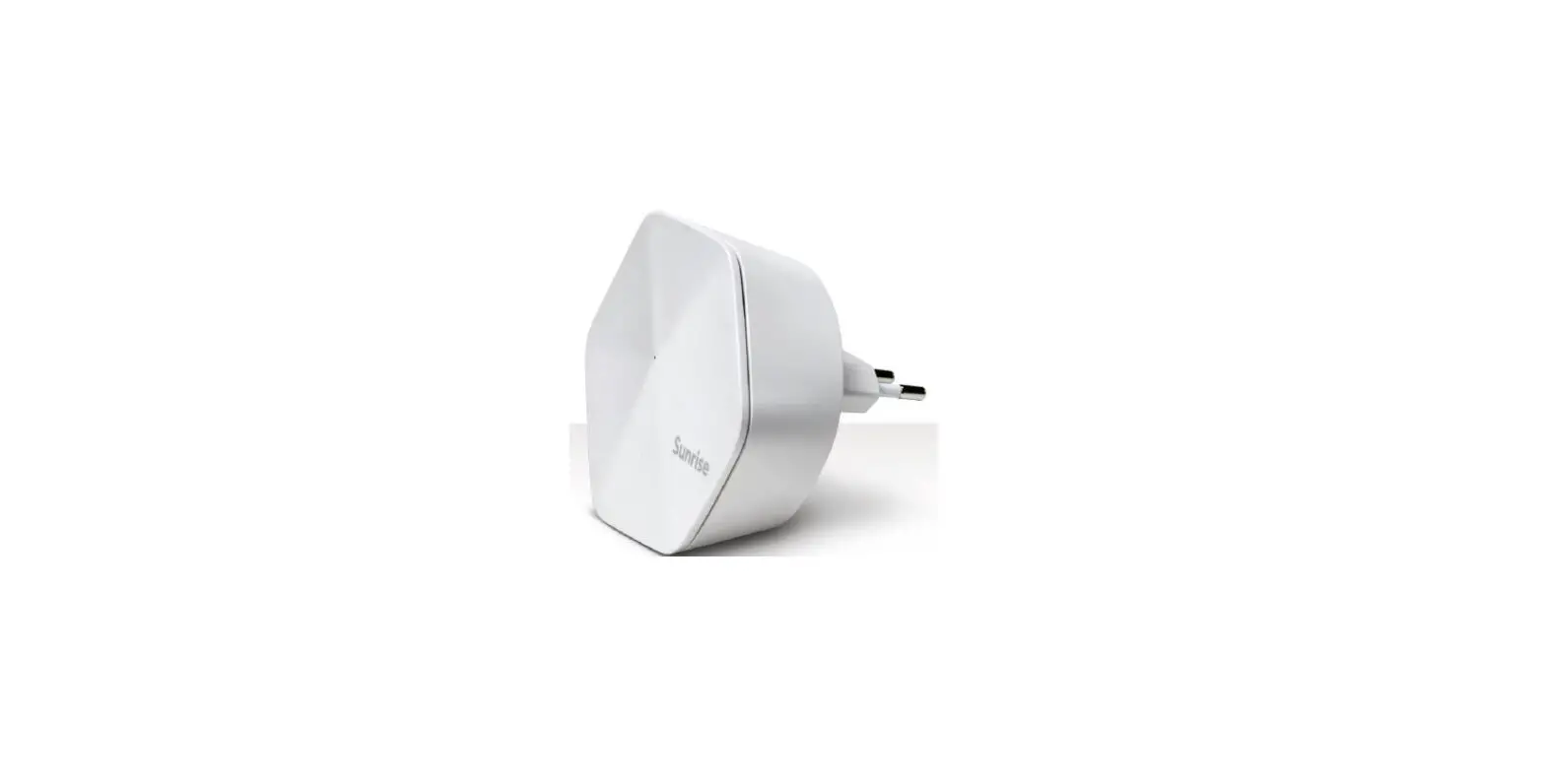

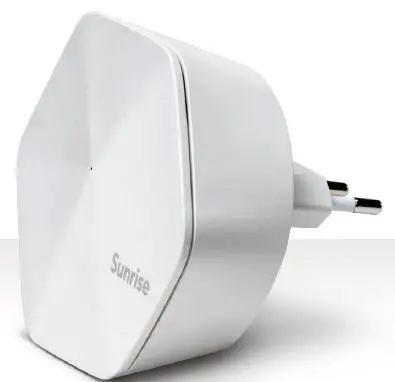
Sunrise Connect Pod 1 Smart Wifi Start
Tip
If you do not notice an improvement in the Wi-Fi coverage within 24 hours, position Pod at a different location.
- Open the Sunrise Smart Wi-Fi app. Tap the button at the top left of the start screen.
- Select the «Adapt» menu item. Tap the button «Set Up New Pods».
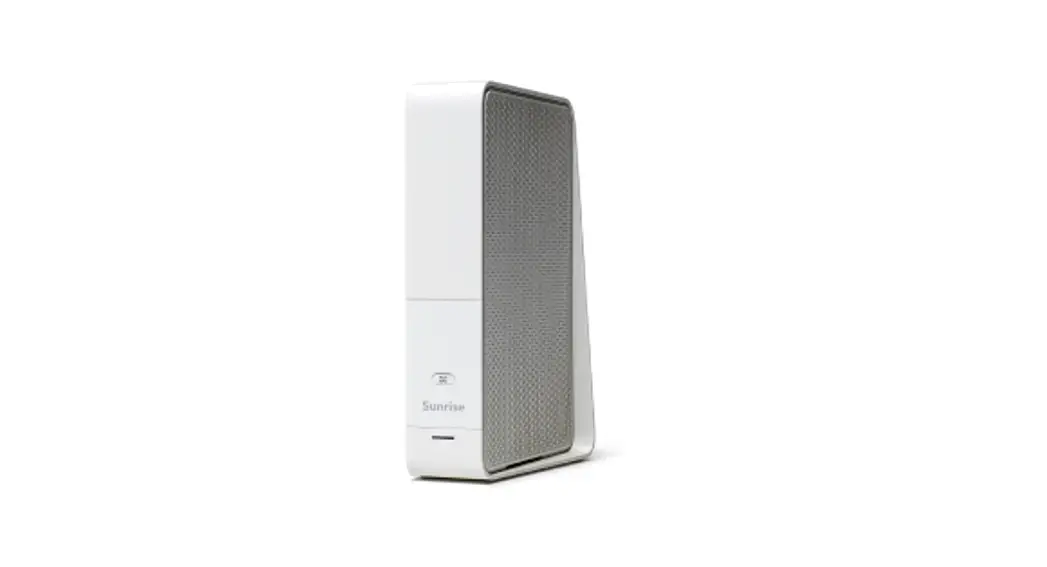
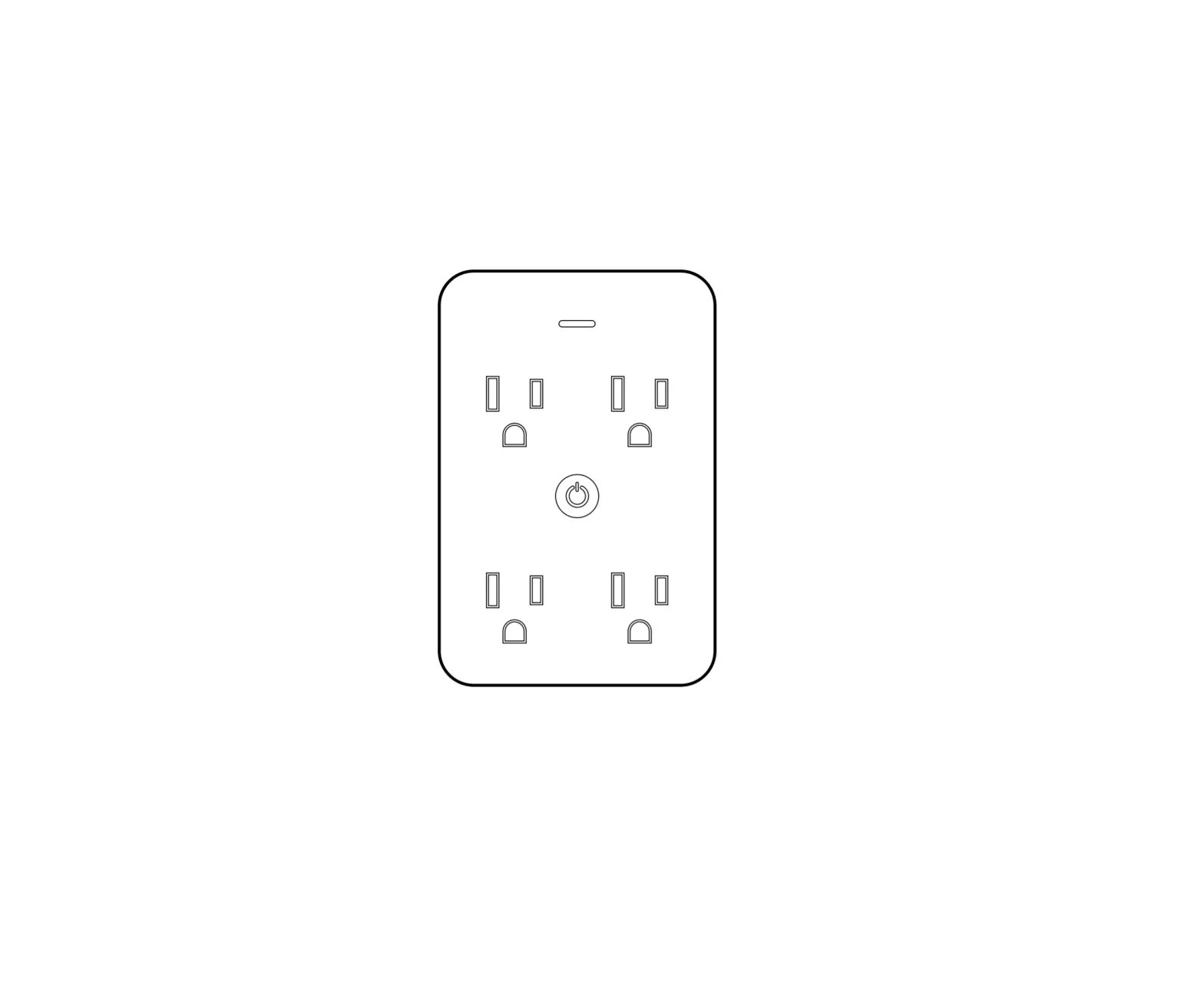
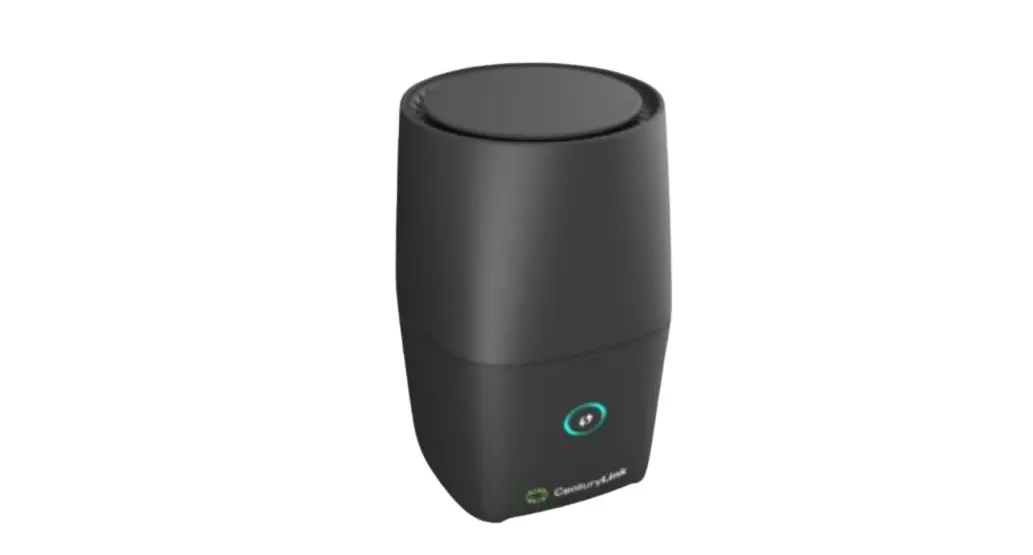
- Plug the Connect Pod into a wall socket. After connecting the Pod, confirm the installation with «All done».
 Connect Pods – Setup & troubleshooting | Sunrise Help