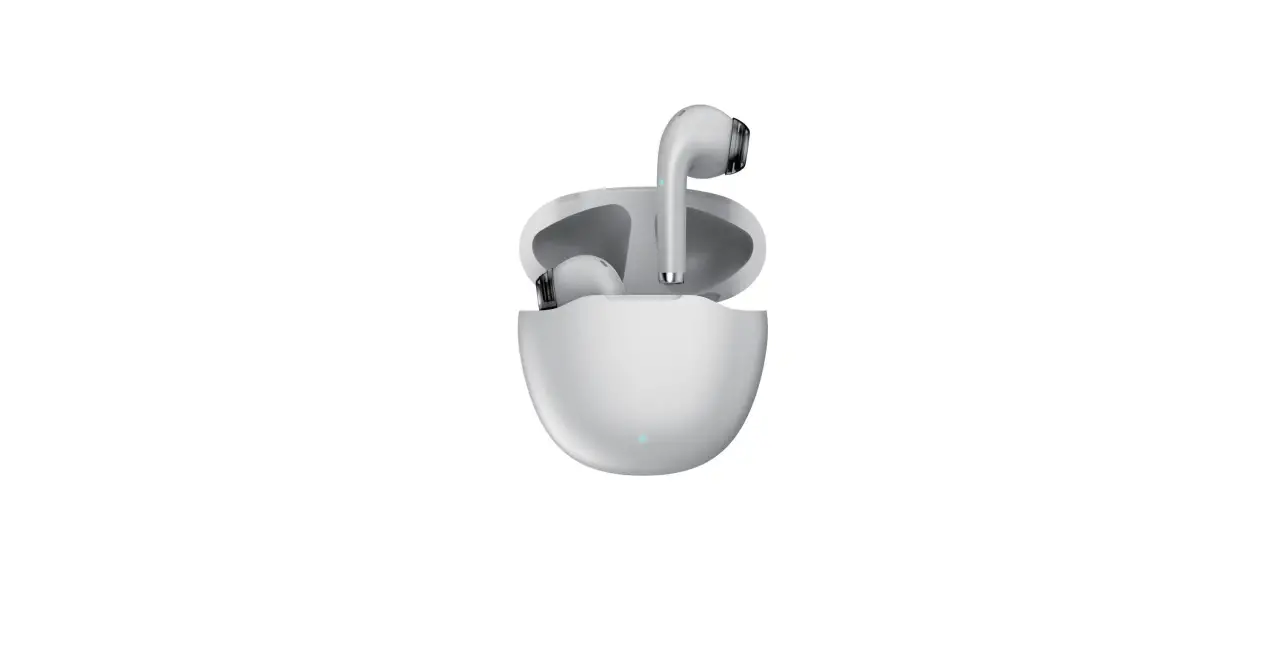
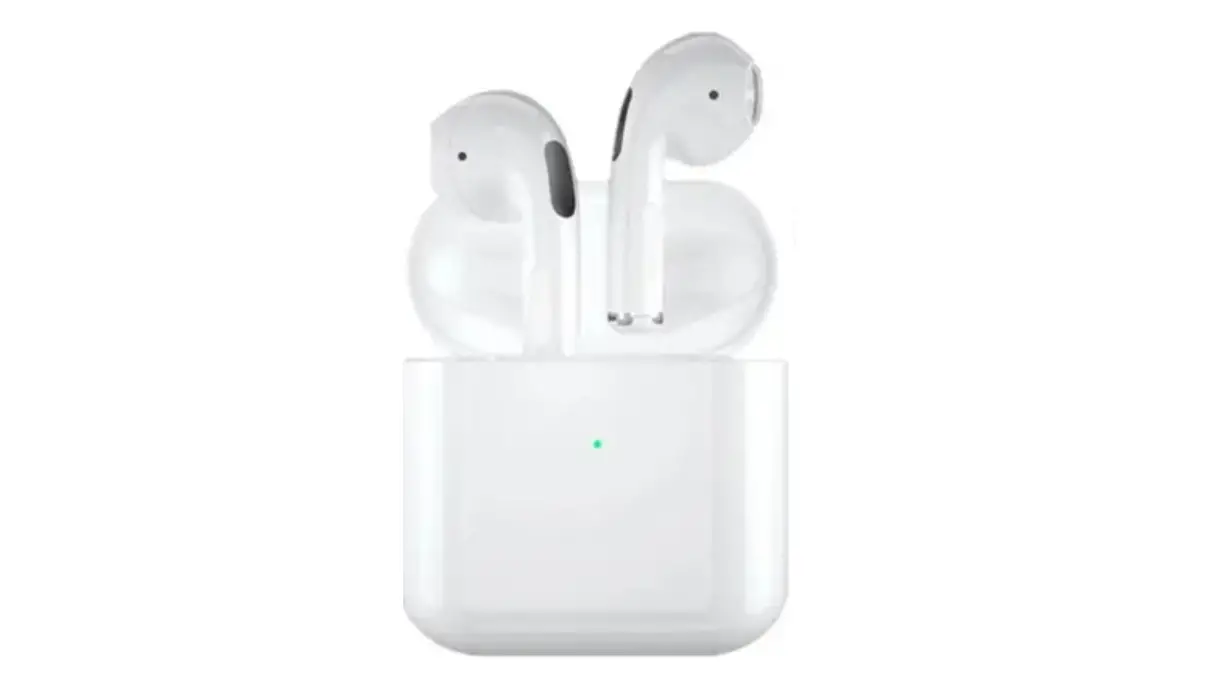
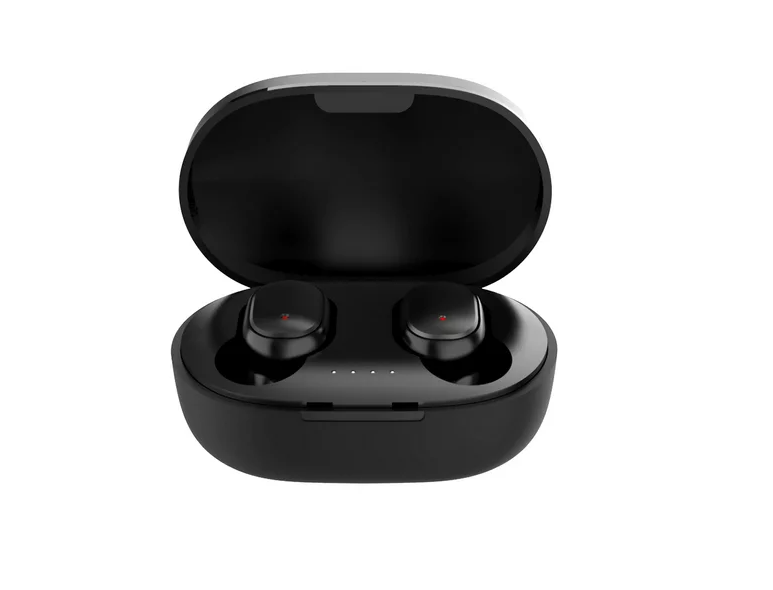
TWE-110 Bluetooth Earbuds
Product Information
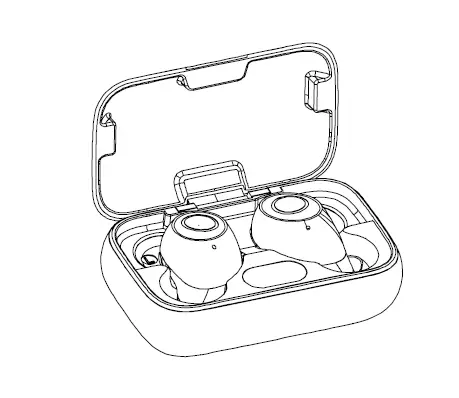
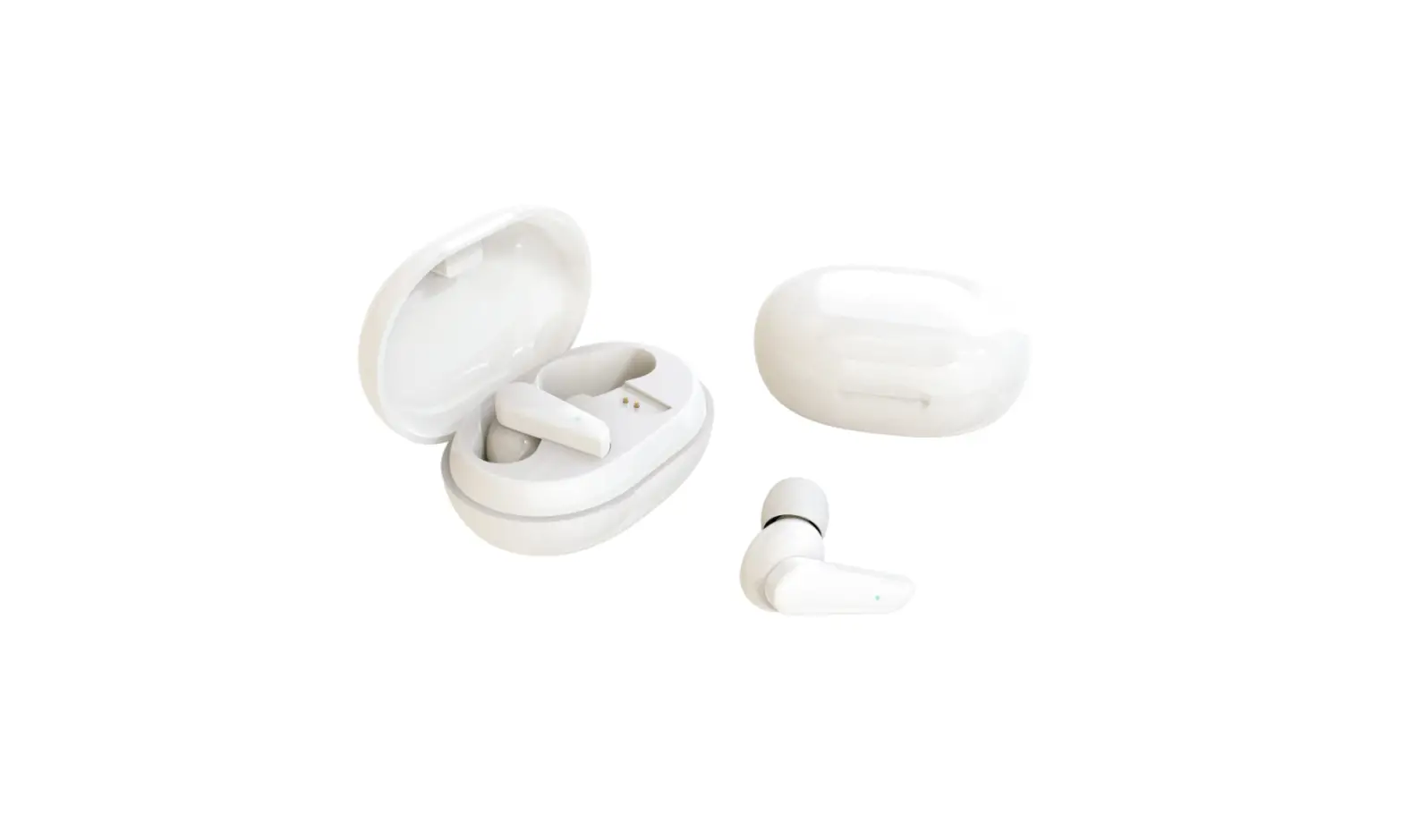
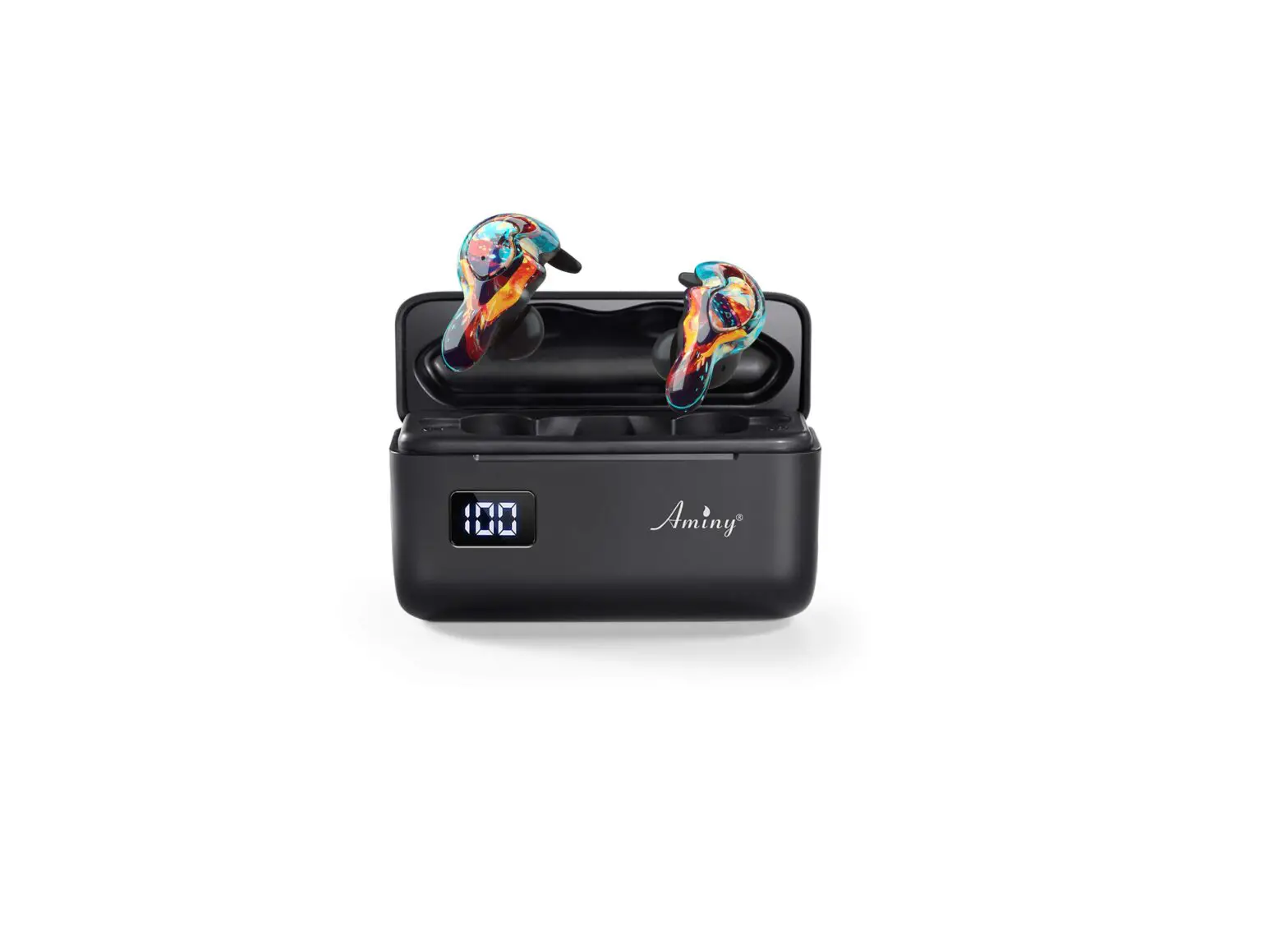
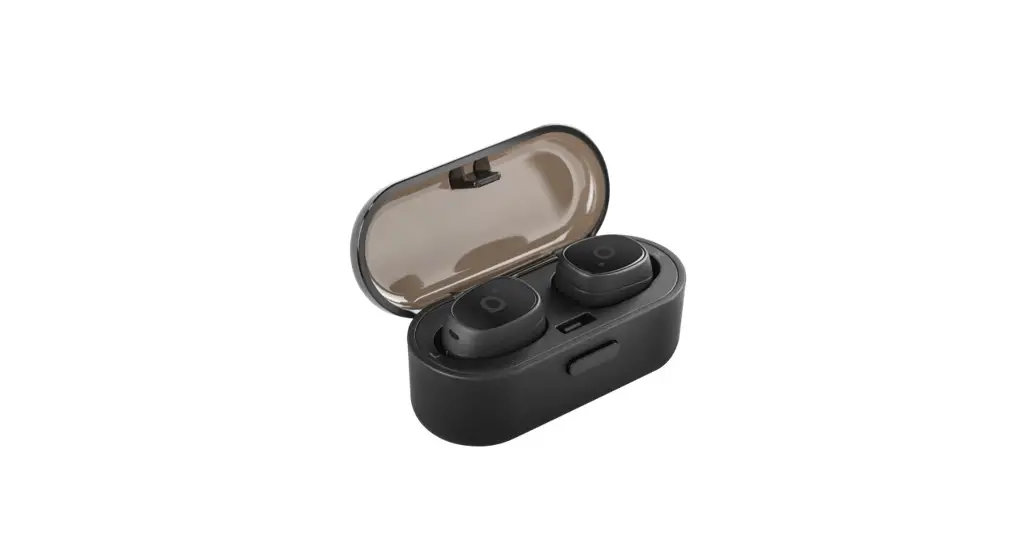
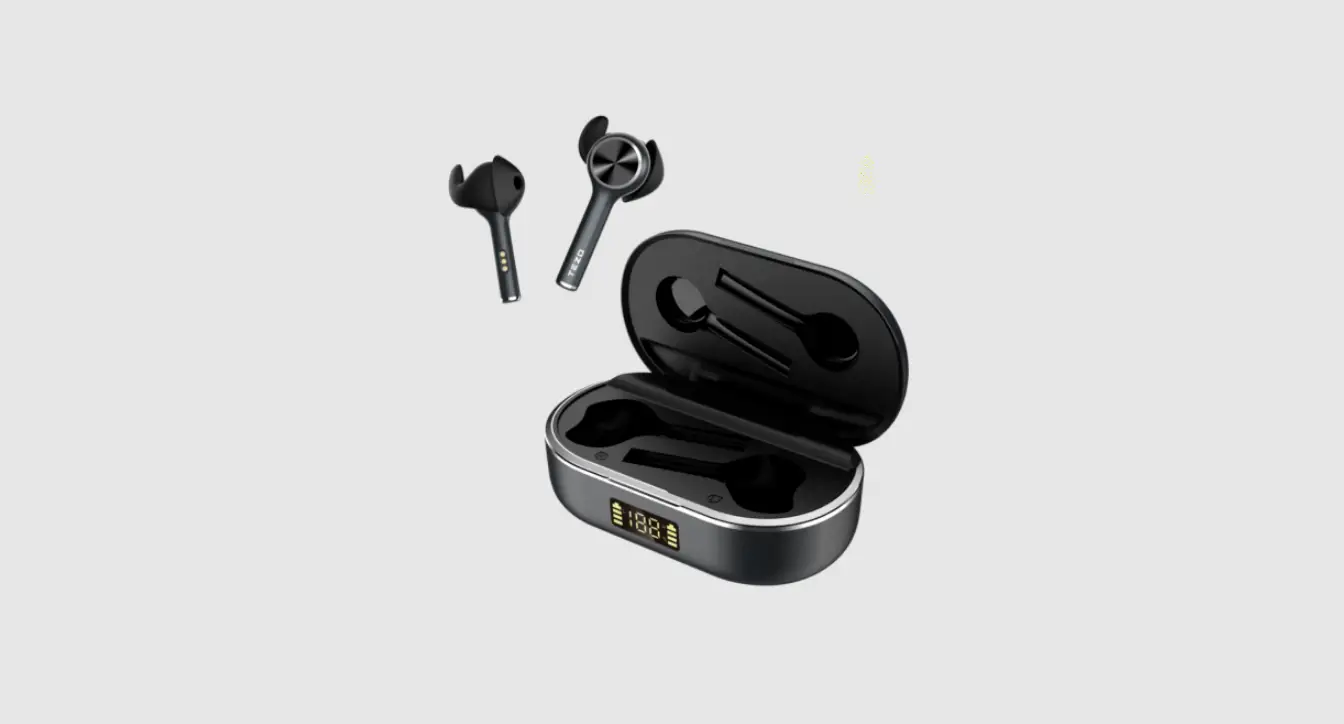
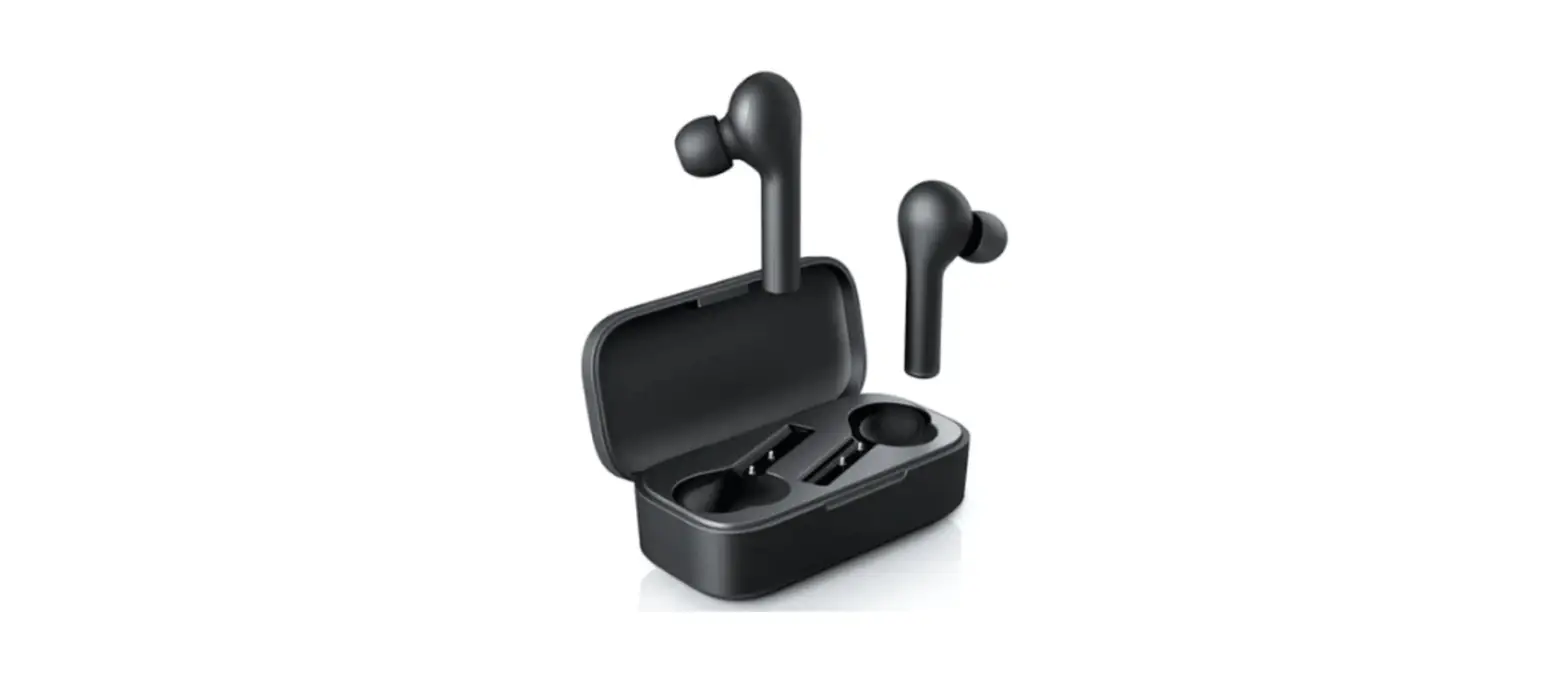
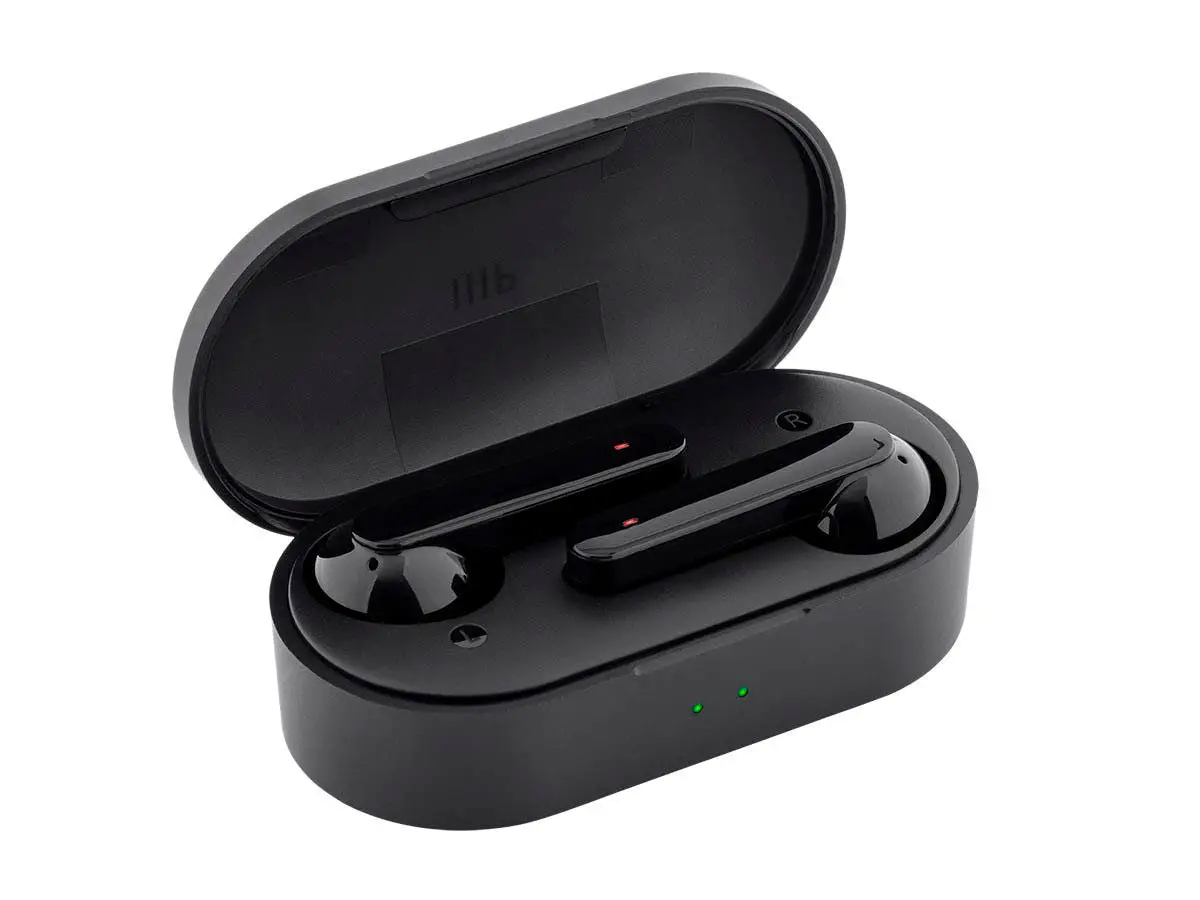
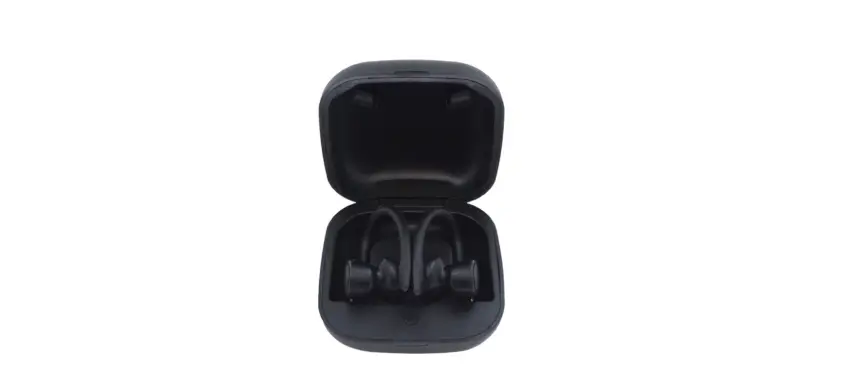
The TWE-110 FOREVER BLUETOOTH EARPHONES are a wireless earphone
set that come with a charging case. The earphones have a touch
control feature for music and call control. There is an LED
indicator to display the battery level of the charging case. The
earphones operate on Bluetooth technology with a frequency range of
2402-2480 MHz and a maximum radiated radio frequency power of 1,56
dBm (EiRP).
Product Usage Instructions
- Take out the two earphones from the charging box to turn them
on and interconnect them. - Turn on the Bluetooth function on your mobile device and select
TWE-110 from the list. After successfully pairing, you will hear
“Connected”. - To play or pause music, tap either earphone once.
- To go to the previous song, quickly double tap the left
earphone. To go to the next song, quickly double tap the right
earphone. - To activate voice assistant, long press either earphone for 2
seconds. - To answer an incoming call, tap either earphone once. To end
the call, tap either earphone again. - To reject an incoming call, quickly double tap either
earphone. - To turn the volume up or down, quickly tap either earphone
three times.
It is important to note that if the earphones are not connected
to your mobile device within 3 minutes of being taken out of the
charging case, they will exit pairing mode and you will need to put
them back in the charging case and take them out again to re-enter
pairing mode. Additionally, proper disposal of used equipment and
batteries is encouraged for environmental and health reasons.
21 (EN, PL, BG, CZ, DE, DK, EE, ES, FR, GR, HU, IT, LT, LV,NL RU, RO, SK, SE,SI, UK)
EN
Thank you for buying the Forever brand product. Before use, read this instruction manual and keep it for future reference. Do not open the device on your own any repairs should be carried out by a serviceman. Only use original parts and accessories supplied by the manufacturer. The device should not be exposed to direct sunlight, fire or other heat sources. We hope that Forever will meet your expectations.
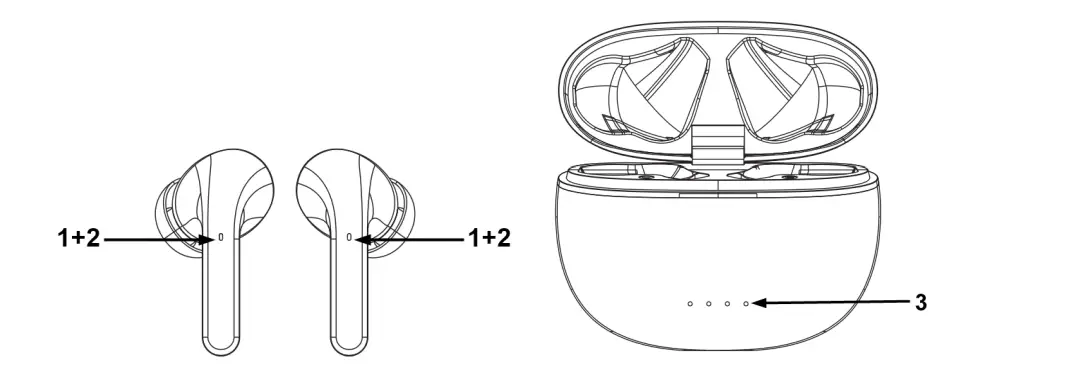
Description: 1. Multiple function touch control- music/calls control 2. LED indicator 3. Charging case battery level indicator
Charging: Connect the device with the USB micro charging cable included in the set. Then connect the USB cable to a power source. The battery level indicator on the charging case will flash during charging. When the battery is fully charged, all the LEDs will be on. Turning the device on / off: The earphones will turn on automatically when you remove them from the charging case. When you put the earphones in the charging case, they will turn off automatically. When the earphones are not connected, they will turn off automatically after 5 minutes. To turn off the paired earphones, press and hold the touch area for 5 seconds. Device pairing:
1. Take out the two earphones from the charging box, the two ears are automatically turned on and interconnected.
WARNING: You have about 3 minutes to connect the earphones with your mobile phone, otherwise the earphones will exit the pairing mode. Put the earphones back in the charging box and pull them out again to re-enter the pairing mode. 2. Turn on the Bluetooth function and select TWE-110 from the list. After successfully pairing
you will hear “Connected”.
Play/Pause music. When listening to music. Tap left/right earphones once to play or pause the music.
Previous /Next Song When listening to music. Quick double tap left earphones to go to previous song. Quick double tap right earphones to go to next song.
Voice assistant Long press left or right earphones for 2 seconds to activate voice assistant.;
Answer/Hang up When there is an incoming call. Tap left or right earphones once to answer the call. Tap left or right earphones again to end the call.
Reject When there is an incoming call. Quick double tap left or right earphones to reject the call.
Volume Quick tap left/right earphones 3 times to turn volume down/up. Voice assistant Long press left or right earphones for 2 seconds to activate voice assistant.;
The maximum radiated radio frequency power in the frequency range
Frequency range
Bluetooth 2402-2480 MHz
Transmit power
1,56 dBm (EiRP)
Proper disposal of used equipment
This device is marked with a crossed-out garbage container symbol, in accordance with the European Directive 2012/19/EU on Waste Electrical and Electronic Equipment (WEEE). Products marked with this symbol should not be disposed of or discarded with other household waste at the end of their service life. The user is obliged to dispose of waste electrical and electronic equipment by delivering it to a designated point, where such hazardous waste is recycled. The collection of this type of waste in separate locations and the proper
recovery process contributes to the conservation of natural resources. Proper recycling of waste electrical and electronic equipment is beneficial to human health and environment. For information on where and how to dispose of used electronic equipment in an environmentally safe manner, the user should contact the relevant local authority, the collection point or the point of sale where the equipment was purchased.
Proper disposal of used battery
In accordance with EU Directive 2006/66/EC, as amended by Directive 2013/56/EU on the disposal of batteries, this product is marked with a crossed-out garbage container symbol. This symbol means that the batteries used in this product should not be disposed of with ordinary household waste, but handled in accordance with the directive and local regulations. Do not dispose of batteries with unsorted municipal waste. Battery users must use available collection network for these items, that allows for their return, recycling and disposal. Within the EU, the collection and recycling of batteries is governed by separate procedures. To learn more about existing battery recycling procedures in your area, contact your city hall, waste management agency or landfill.
Declaration of Conformity with European Union Directives TelForceOne Sp. z o.o. hereby declares that the TWE-110 FOREVER BLUETOOTH EARPHONES is in compliance with Directive 2014/53/EU. The full text of the EU Declaration of Conformity is available at the following web address: http://manual.forever.eu/TWE110
PL
Dzikujemy za zakup produktu marki Forever. Przed uyciem zapoznaj si z niniejsz instrukcj i zachowaj j na przyszlo. Nie rozkrcaj urzdzenia samodzielnie – wszelkie naprawy powinny by wykonywane przez serwisanta. Uywaj tylko i wylcznie oryginalnych czci i akcesoriów dostarczonych przez producenta. Urzdzenie nie powinno by wystawiane na bezporednie dzialanie promieni slonecznych, ognia lub innego ródla ciepla. Mamy nadziej, e produkt Forever spelni Twoje oczekiwania. Opis: 1. Wielofunkcyjne przyciski dotykowe – sterowanie muzyk/ polczeniami 2. Wskanik LED 3. Wskanik poziomu naladowania akumulatora etui ladujcego
Ladowanie: Podlcz urzdzenie za pomoc dolczonego do zestawu kabla ladujcego USB micro. Nastpnie podlcz kabel USB do ródla zasilania. Wskanik poziomu baterii na etui ladujcym bdzie miga podczas ladowania. Gdy bateria jest w pelni naladowana, wszystkie diody LED bd si wieci. Wlczanie/wylczanie urzdzenia: Sluchawki wlcz si automatycznie po wyjciu ich z etui ladujcego. Gdy wloysz sluchawki do etui ladujcego, wylcz si automatycznie. Gdy sluchawki nie s podlczone, wylcz si automatycznie po 5 minutach. Aby wylczy sluchawki rcznie nacinij i przytrzymaj obszar dotykowy przez 5 sekund.
Parowanie urzdzenia: 1. Wyjmij obydwie sluchawki z etui z funkcj ladowania, sluchawki s automatycznie wlczane i w trybie parowania.
Obsah je uzamcen
Dokoncete, prosím, proces objednávky. Následn budete mít pístup k celému dokumentu.
Proc je dokument uzamcen? Nahnvat Vás rozhodn nechceme. Jsou k tomu dva hlavní dvody: 1) Vytvoit a udrzovat obsáhlou databázi návod stojí nejen spoustu úsilí a casu, ale i financní prostedky.
Dlali byste to Vy zadarmo? Ne*. Zakoupením této sluzby obdrzíte úplný návod a podpoíte provoz a rozvoj nasich stránek. Teba se Vám to bude jest nkdy hodit. *) Mozná zpocátku ano. Ale vzte, ze dotovat to dlouhodob nelze. A rozhodn na tom nezbohatneme. 2) Pak jsou tady ,,roboti”, kteí se pizivují na nasí práci a ,,vysávají” výsledky naseho úsilí pro svj prospch. Tímto krokem se jim to snazíme pekazit. A pokud nemáte zájem, respektujeme to. Urgujte svého prodejce. A kdyz neuspjete, rádi Vás uvidíme!