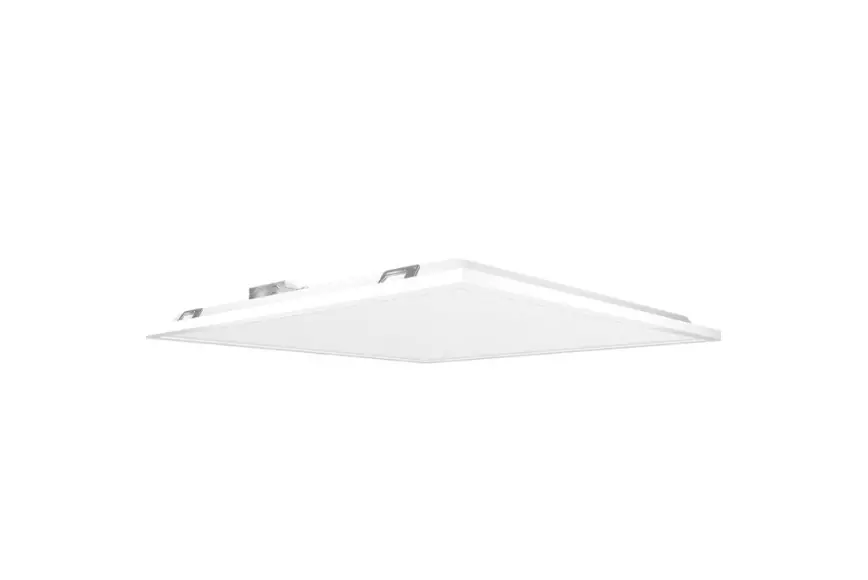
T34 Smartshift 1×4 with Lightcloud Blue
Product Information
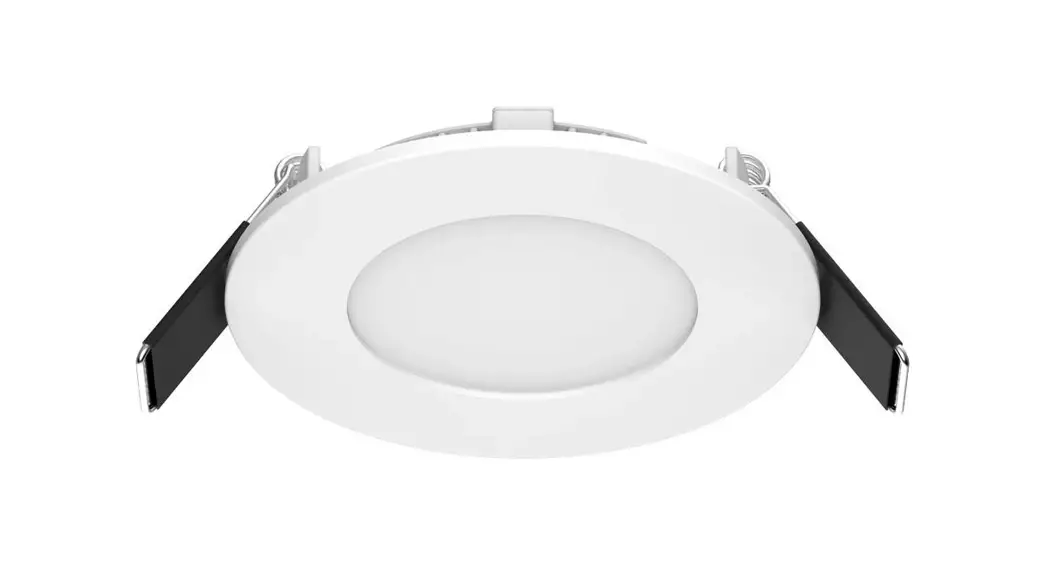
The product is a downlight fixture with model numbers T34LCB1X4
/PIR /MVS /E, T34LCB2X2 /PIR /MVS /E, and T34LCB2X4 /PIR /MVS /E.
The fixture comes with Grid Clips, Tee-Grid Bar, Support Wires,
Access Plate, Conduit Knockouts, and Splice Box. The Lightcloud
Blue app can be downloaded from the Apple App Store or Google Play
store to control the device. The product is equipped with Rapid
Provisioning technology that allows for quick and easy
commissioning of devices for residential and large commercial
applications without the need for a Gateway or Hub.
Product Usage Instructions
- Download the Lightcloud Blue app from the Apple App Store or
Google Play store. - Create an account in the app.
- Tap the add device icon in the app to start connecting
devices. - Follow the remaining steps in the app to create areas, groups,
and scenes to organize and control your devices. - If the Lightcloud Blue Fixture is already paired, it can be
reset to factory settings using the Delete function in the app or
by using the Rapid Reset Tool provided by a professional
electrician qualified by RAB. - The fixture can be cleaned by first ensuring it is cool enough
to touch, then cleaning the glass lens with non-abrasive glass
cleaning solution. Do not touch the LED while cleaning. - If troubleshooting is necessary, ensure the fixture is powered,
wired correctly, and grounded properly. Contact Lightcloud Blue
Support at 1.844.LIGHTCLOUD for further assistance.
INSTRUCTIONS
T34® Smartshift 1×4, 2×2, 2×4 with Lightcloud Blue
T34LCB1X4 /PIR /MVS /E
T34LCB2X2 /PIR /MVS /E
T34LCB2X4 /PIR /MVS /E
IMPORTANT
READ CAREFULLY BEFORE INSTALLING FIXTURE. RETAIN THESE INSTRUCTIONS FOR FUTURE REFERENCE.
WARNING: WARNING:
WARNING: WARNING: WARNING:
Fig. 1
Fixture
Firmly bend Grid Clips up and out
Grid Clips
Tee-Grid Bar
Fixture Fixture
Tee-Grid Bar.
Support Wires Fixture by others)
Support Wires (supplied Grid Clip Hole
Plate
Splice Box Access
Access Plate Screw
Access Plate
Conduit Knockouts
Access Plate
Fig. 4
Fig 6 Splice Box
WARNING: To prevent wiring damage or abrasion, do not expose wiring to edges of sheet metal or other sharp objects.
Access Plate
Access Plate Screw
Fig. 2 Grid Clip (4)
Access Plate Screw Fixture Splice Box
Tee-Grid Bar
Fig. 3
Support Wire
(supplied by others)
Grid Clip Hole Grid Clip
Fig. 4
Access Plate Conduit Knockouts
INSTRUCTIONS
T34® Smartshift 1×4, 2×2, 2×4 with Lightcloud Blue
CONTROLLING LIGHTCLOUD® BLUE DEVICE
1. 2. Download the Lightcloud Blue app from the Apple App Store or
Google Play store. 3. Launch the App and create an account.
4. Tap the “add device” icon in the app to start connecting devices.
5. Follow the remaining steps in the app. Create areas, groups, and scenes to organize and control your devices.
6. You’re all set!
For additional information about the Lightcloud Blue mobile app visit change web link to: www.lightcloud.com/item/lcb-getting-started/
Method 3: Rapid Reset Tool The rapid reset process must be done by professional electricians qualified by RAB. Reach out to your RAB sales manager to request a Rapid Reset Tool. The tool simply needs to be placed directly on the small Lightcloud logo on fixture for 2 seconds. The downlight will flash 3 times, then reset to 100% brightness at default CCT.
LCB/DC/SS/W*
LIGHTCLOUD® BLUE
Lightcloud Blue is a Bluetooth mesh wireless lighting control system that allows you to control various compatible devices. With RAB’s patent-pending Rapid Provisioning technology, devices can be quickly and easily commissioned for residential and large commercial applications using the Lightcloud Blue mobile app. Each device in a system can communicate with any other device, eliminating the need for a Gateway or Hub and maximizing the control system’s reach.
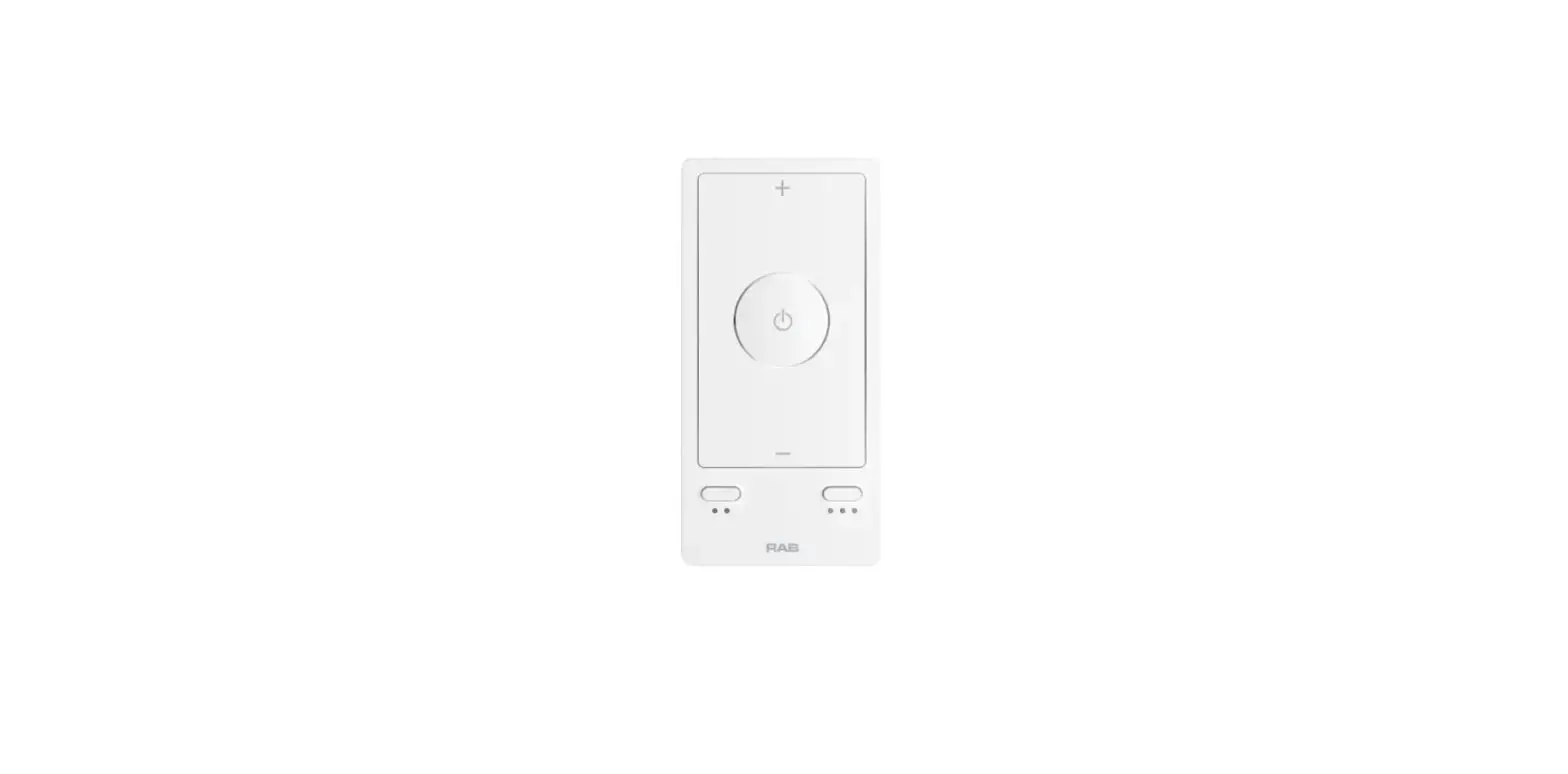
*LCB/DC/SS/W is Bluetooth controller that can work with fixtures.
CLEANING
CAUTION: Be sure fixture temperature is cool enough to touch. Do not clean or maintain while fixture is energized.
1. Clean glass lens with non-abrasive glass cleaning solution.
2. D
xture to clean the LED. Do not touch the LED.
Lightcloud Blue device through standard building materials or up to 200′ clear line of sight.
Setting Device to Pairing Mode
If your Lightcloud Blue Fixture is already paired, you can reset it to factory settings by using the below methods. Method 1: Delete from App Open the app and access the device settings for the paired device. Be sure that the downlight is online and select “Delete”. Method 2: Manual
less than 5 seconds and more than 10 seconds to elapse from switch
TROUBLESHOOTING
1.
xture is powered.
2.
rrect. Refer to wiring
directions.
3. Be sur
xture is grounded properly.
4. Call Lightcloud Blue Support at 1.844.LIGHTCLOUD.
CONFIGURATION
For additional information about the Lightcloud Blue mobile app visit www.lightcloud.com.
at default CCT.
INSTRUCTIONS
T34® Smartshift 1×4, 2×2, 2×4 with Lightcloud Blue
NOTE:
CAUTION:
Test Button
Test Button
Fixture Frame
UNSWITCHED HOT UNSWITCHED
SWITCHED SWITCHED
HOT AC UNSWITCHED
SWITCHED HOT
DIM
DIM
GROUND
BATTERY.
Battery
Fixture Frame
Test Button Placement BATTERY
(internal battery)
Test Button
LIGHT FIXTURE
Purple/DIM+ Pink/DIM
Black/Switched Line Black/Unswitched Line
White/Neutral Green/Ground
Note: These instructions do not cover all details or variations in equipment nor do they provide for every possible situation during installation, operation or maintenance.
Test Button,
© 2023 RAB LIGHTING Inc.
Cranbury, New Jersey 08512 USA
T34PIRMVSE IN-0423
Easy Answers
rablighting.com Visit our website for product info
Tech Help Line Call our experts: 888 722-1000
e-mail Answered promptly – [email protected]
RAB WARRANTY: RAB’s warranty is subject to all terms and conditions found at rablighting.com/warranty
Free Lighting Layouts Answered online or by request
‘$$4UBUFNFOU
“OZ$IBOHFTPSNPEJGJDBUJPOTOPUFYQSFTTMZBQQSPWFECZUIFQBSUZSFTQPOTJCMFGPSDPNQMJBODFDPVMEWPJEUIFVTFSTBVUIPSJUZUPPQFSBUFUIFFRVJQNFOU
5IJTEFWJDFDPNQMJFTXJUIQBSUPGUIF’$$3VMFT0QFSBUJPOJTTVCKFDUUPUIFGPMMPXJOHUXPDPOEJUJPOT
5IJTEFWJDFNBZOPUDBVTFIBSNGVMJOUFSGFSFODF
BOE
5IJTEFWJDFNVTUBDDFQUBOZJOUFSGFSFODFSFDFJWFE
JODMVEJOHJOUFSGFSFODFUIBUNBZDBVTFVOEFTJSFEPQFSBUJPO
/PUF5IJTFRVJQNFOUIBTCFFOUFTUFEBOEGPVOEUPDPNQMZXJUIUIFMJNJUTGPSB$MBTT#EJHJUBMEFWJDF
QVSTVBOUUPQBSUPGUIF’$$3VMFT5IFTFMJNJUT
BSFEFTJHOFEUPQSPWJEFSFBTPOBCMFQSPUFDUJPOBHBJOTUIBSNGVMJOUFSGFSFODFJOBSFTJEFOUJBMJOTUBMMBUJPO5IJTFRVJQNFOUHFOFSBUFT
VTFTBOEDBOSBEJBUF
SBEJPGSFRVFODZFOFSHZBOE
JGOPUJOTUBMMFEBOEVTFEJOBDDPSEBODFXJUIUIFJOTUSVDUJPOT
NBZDBVTFIBSNGVMJOUFSGFSFODFUPSBEJPDPNNVOJDBUJPOT
)PXFWFS
UIFSFJTOPHVBSBOUFFUIBUJOUFSGFSFODFXJMMOPUPDDVSJOBQBSUJDVMBSJOTUBMMBUJPO*GUIJTFRVJQNFOUEPFTDBVTFIBSNGVMJOUFSGFSFODFUPSBEJPPS
UFMFWJTJPOSFDFQUJPO
XIJDIDBOCFEFUFSNJOFECZUVSOJOHUIFFRVJQNFOUPGGBOEPO
UIFVTFSJTFODPVSBHFEUPUSZUPDPSSFDUUIFJOUFSGFSFODFCZPOFPS
NPSFPGUIFGPMMPXJOHNFBTVSFT
3FPSJFOUPSSFMPDBUFUIFSFDFJWJOHBOUFOOB
*ODSFBTFUIFTFQBSBUJPOCFUXFFOUIFFRVJQNFOUBOESFDFJWFS
$POOFDUUIFFRVJQNFOUJOUPBOPVUMFUPOBDJSDVJUEJGGFSFOUGSPNUIBUUPXIJDIUIFSFDFJWFSJTDPOOFDUFE
$POTVMUUIFEFBMFSPSBOFYQFSJFODFESBEJP57UFDIOJDJBOGPSIFMQ
5PDPNQMZXJUIUIF’$$T3’FYQPTVSFMJNJUTGPSHFOFSBMQPQVMBUJPOVODPOUSPMMFEFYQPTVSF
UIJTUSBOTNJUUFSNVTUCFJOTUBMMFEUPQSPWJEFBTFQBSBUJPO EJTUBODFPGBUMFBTUDNGSPNBMMQFSTPOTBOENVTUOPUCFDPMPDBUFEPSPQFSBUJOHJODPOKVODUJPOXJUIBOZPUIFSBOUFOOBPSUSBOTNJUUFS
© 2023 RAB LIGHTING Inc.
Cranbury, New Jersey 08512 USA
T34PIRMVSE IN-0423
Easy Answers
rablighting.com Visit our website for product info
Tech Help Line Call our experts: 888 722-1000
e-mail Answered promptly – [email protected]
RAB WARRANTY: RAB’s warranty is subject to all terms and conditions found at rablighting.com/warranty
Free Lighting Layouts Answered online or by request
 Welcome to RAB