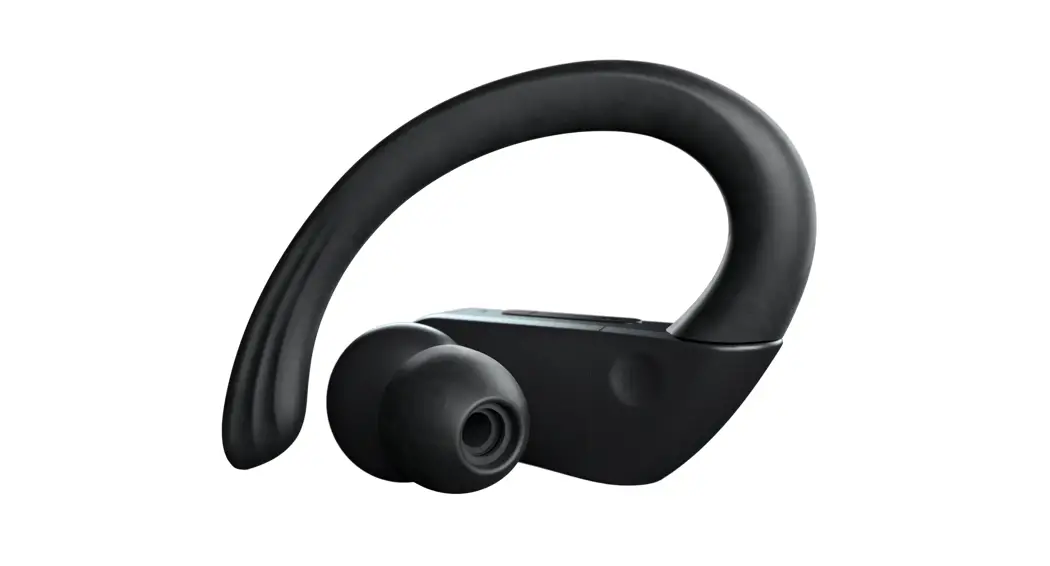
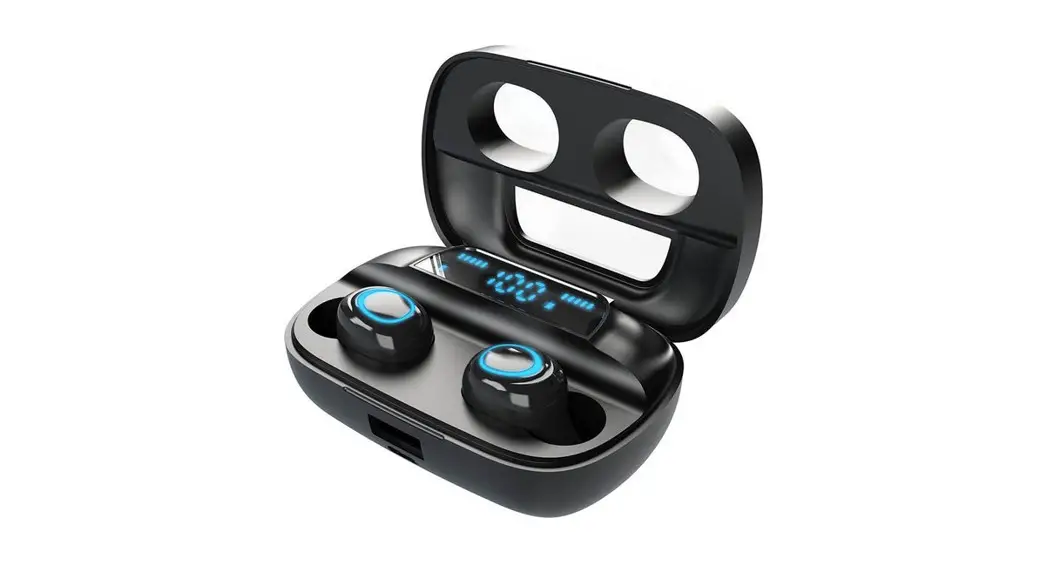
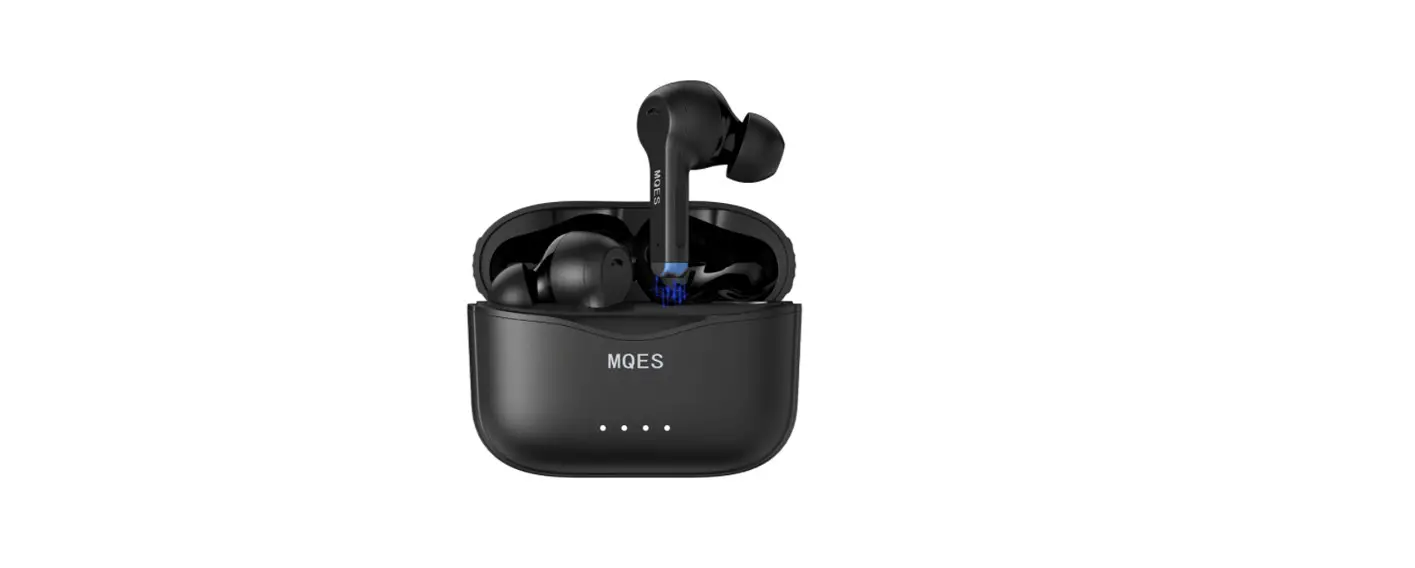
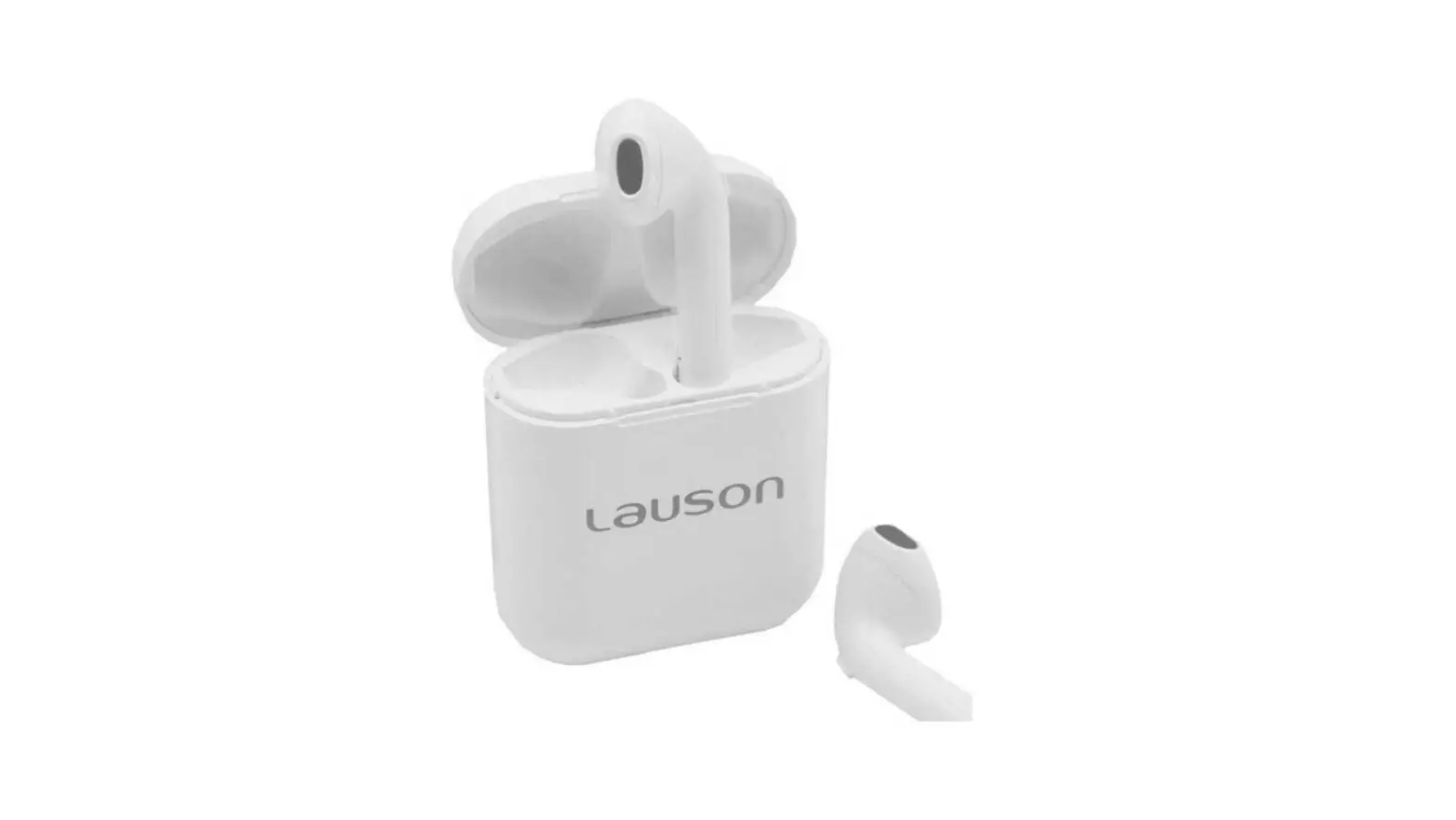
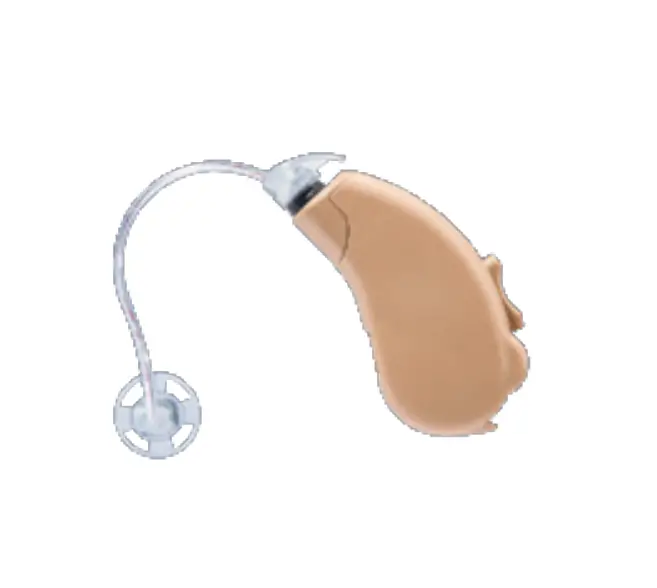
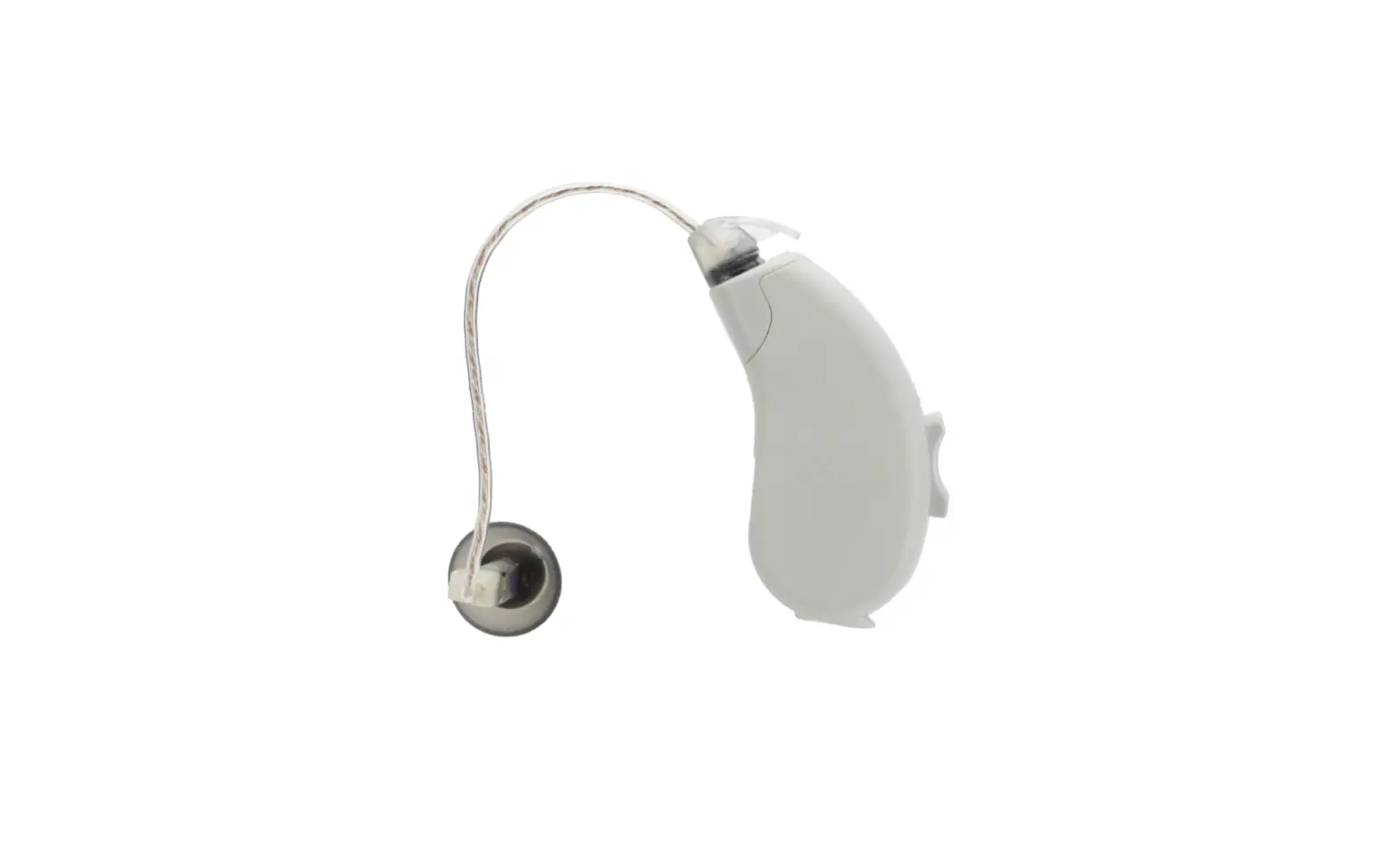
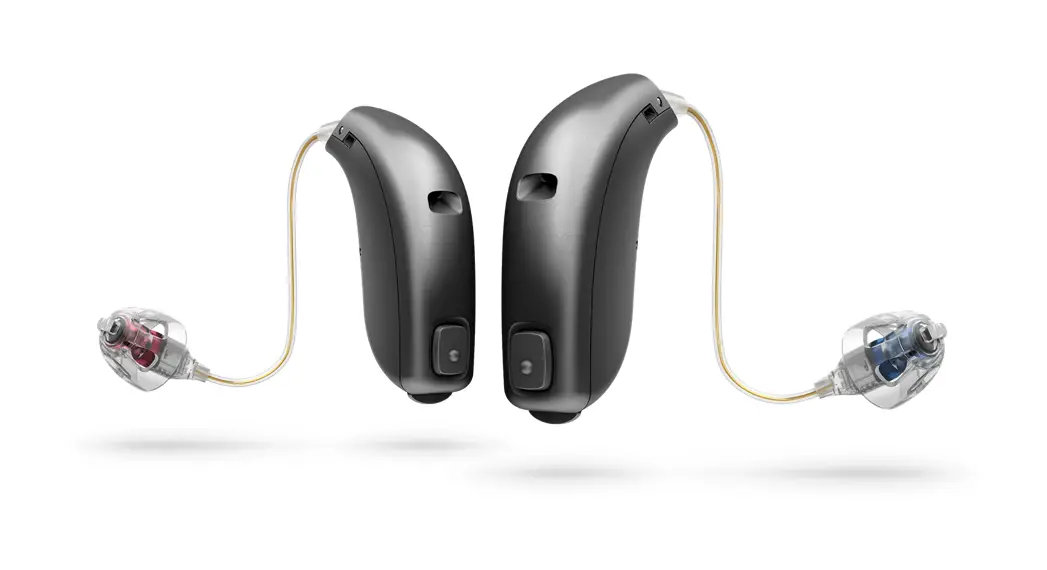
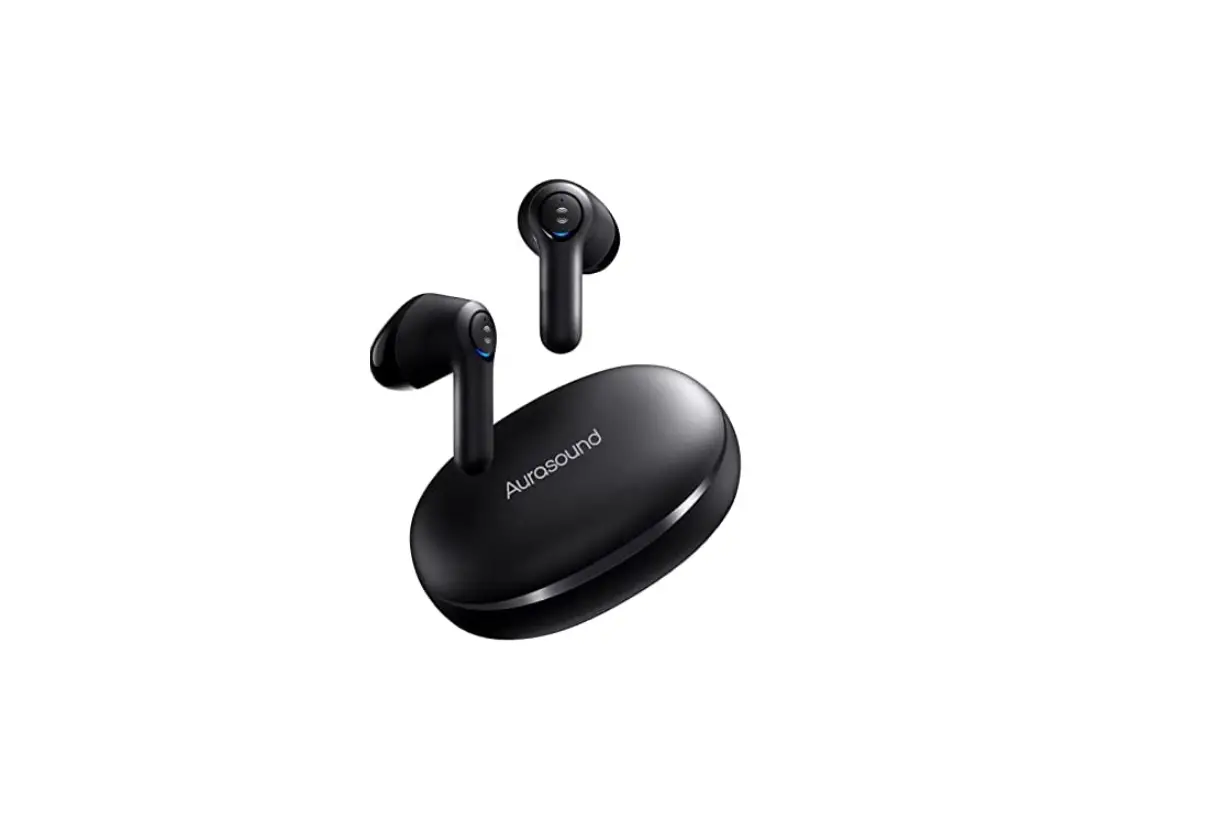
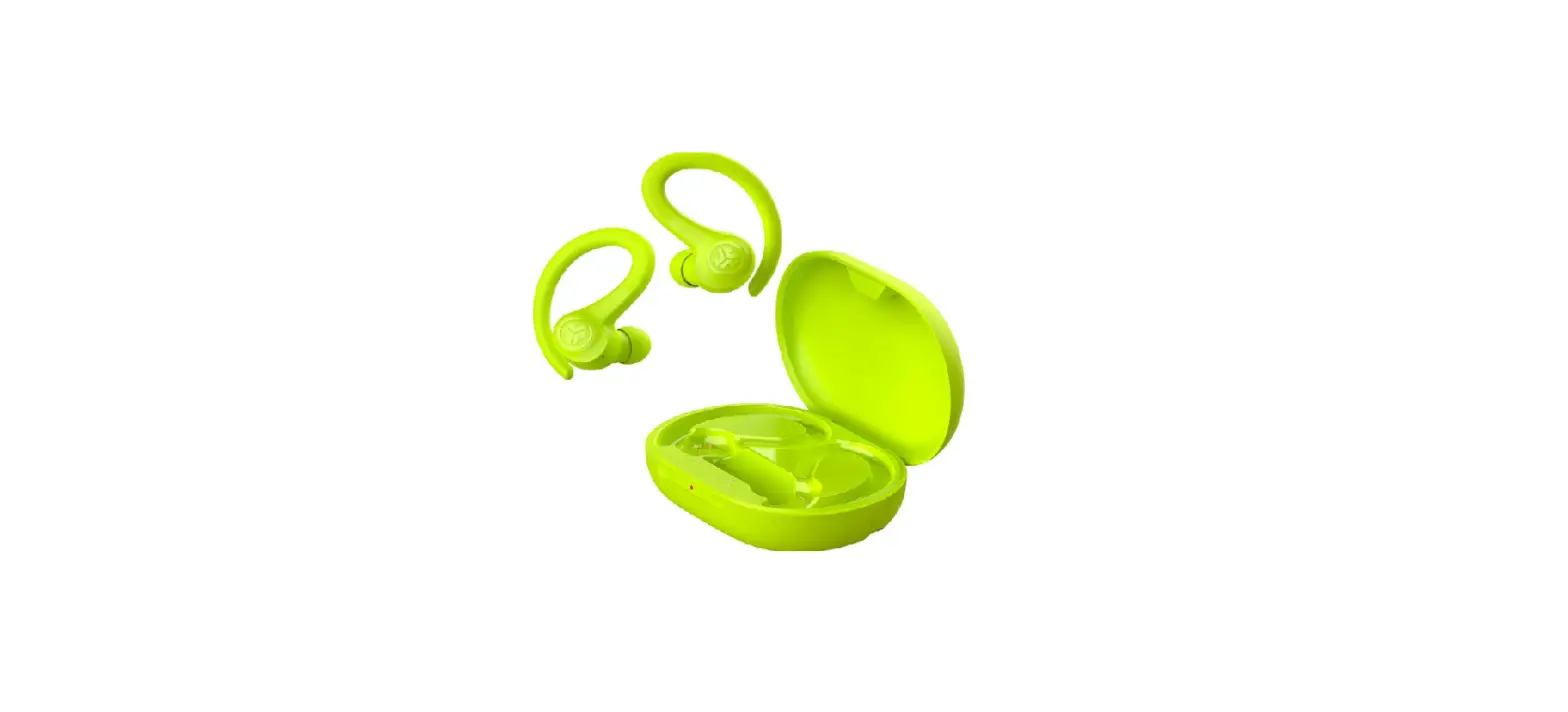
SAQ001 In Ear Hearing Aid Earbuds
Product Information
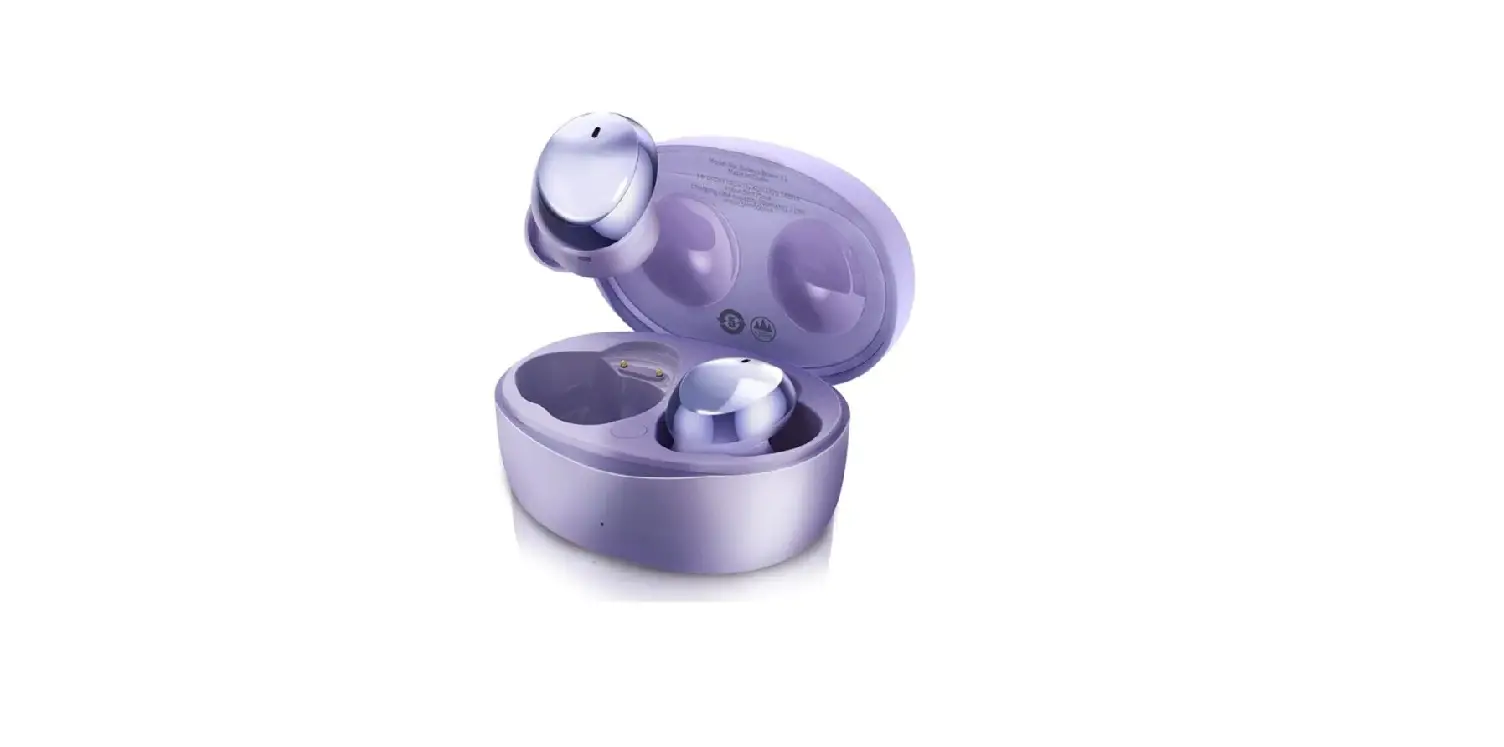
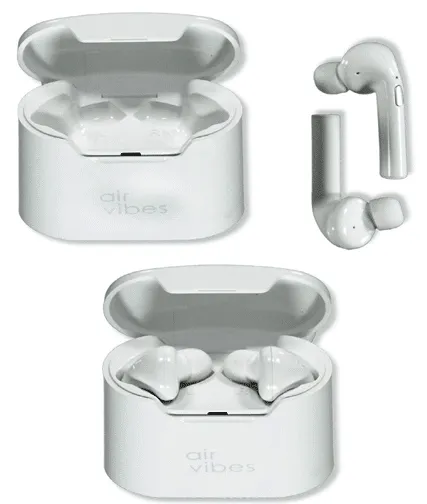
The Muama FT-03B hearing aid is an in-ear hearing aid designed
for experience distribution and compensatory hearing for patients
with air-induced hearing loss. The product consists of a
microphone, signal processor amplifier circuit, receiver, battery,
housing, and embedded software (version V1.0). It has a frequency
response range of F1 300Hz F2 4500Hz and is equipped with Bluetooth
version 5.2 with A2DP AVRCP HFP HSP SPP Realtone I ITC HD
protocols. The hearing aid has a working time of 7 hours in call
mode, 6 hours in music mode, and 8 hours in hearing aid mode. It
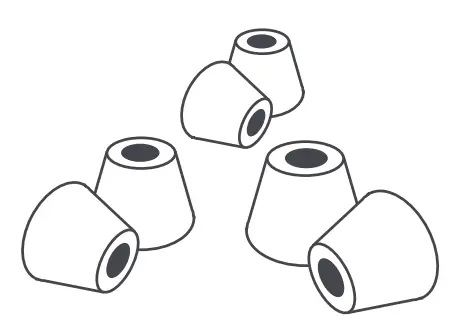
comes with earphone caps in three sizes (S,M,L), a charging case, a
Type-C cable, and two earphones.
Product Usage Instructions
- Turn on/off the earbuds by taking them out or putting them into
the charging case. You can also turn them on/off manually by
long-pressing the touch button for 2 seconds or 5 seconds
respectively. - To wear the earphones, choose a suitable ear cap and fit it
over the sound mouth. Hold the earphone with your index finger and
thumb and push the head side of the eardrum into the ear canal.
Gently pull the earlobe down and push the earphone to the best
position with your index finger. - To charge the hearing aid, place it in the charging case. The
indicator light will turn blue to indicate that it is charging.
When it is fully charged, the indicator light will turn green. It
takes approximately 1.5 hours to fully charge the hearing
amplifier. - To charge the charging case, insert one end of the Type-C cable
into the charging interface on the charging box and the other end
into the adapter. Connect the adapter to the power supply. The
charging indicator light will turn green when it is fully charged
and white when it is charging. - To get the best experience, read the user manual carefully
before use. If you have any problems while wearing the hearing aid,
contact [email protected] for assistance.
Instructions: 108g book paper, riding nails Size:70mm*80mm
SAQ001 User manual
Thank you very much for choosing our Muama FT-03B hearing aid. To have a great experience, please read this manual carefully before use. If you have any problem during wearing, please contact us @ [email protected], we will help you asap.
1 Product introduction
1 . Product parameters Product name: In-ear hearing aid
Model: SAQ001
Scope of application: Experience distribution, compensatory hearing for patients with air-induced hearing loss Product Structure: The product consists of microphone, signal processor amplifier circuit, receiver, battery, housing and embedded software (version V1.0)
Product performance parameters:
Model
Output sound pressure value
Maximum (dB) High frequency mean(dB)
Maximum noisegain at full range(dB)
Full range sound gain (average high frequency)(dB)
Frequency response range
SAQ001 113 106 50 43
F1 300Hz F2 4500Hz
Bluetooth protocol Bluetooth name
Bluetooth Version 5.2 A2DP AVRCP HFP HSP SPP Realtone I ITC HD
W orking time
Charging time
Battery capacity Charging base charging cycle time W orking distance Input voltage/current
Call mode 7 h M usic mode 6 h Hearing aid 8h Earphone 1.5h Charging case: 2.5h
60mAh/400mAh
3 times
10 m
5V/1A
Speci cation data are based on laboratory test result
-2-
2. Product Diagram
Touch Key
Indicator light
Ear caps
Photosensitive lens
Headphone back shell
Remove the insulation sticker before use. -3-
2 Product list
Earphone*2
rging case*1
ear cap *3 (S,M,L)
Type-C cable*1
The speci c product accessories shall be subject to the actual situation
-4-
3 Operation Guide
1. Turn on/ o
The earbuds turn on automatically when it is taken out of the charging case and turn o automatically when they are put into the charging case. Long press the touch button of the earbuds for 2 s to turn on manually, and long press the button for 5 s to turn o manually
Touc
2. Wearing
1. Choose a ear cap with suitable size to t over the sound mouth; 2. Hold the earphone with your index nger and thumb and push the head side of the eardrum into the ear canal; 3 . Gently pull the earlobe down and push the earphone to the best position with your index nger.
-5-
3. Charging
Charge the hearing aid
1. If the hearing aid indicator is steady blue, the hearing aid is charging.
2. The hearing amplifiers have been full-charged if the indicator is green.
3. It takes about 1.5 hours to charge the hearing amplifier fully.
Status
legend
Headphone indicator light
Charging
Blue
Blue light flashing
Full charged
Green
Green light
Regularly clean and wipe the charging contacts of headphones and charging case; When the headset is low power, you will hear the “low power” prompt tone automatically when wearing it. It can be used for at least half an hour. After charging for 15 minutes,it can be used for another 2 hours.
-6-
4. Charging the charging case
1. Insert one endof the small head of the datacable intothe charging interface on thecharging box and the other end intothe adapter.
2 . Connect theadapter to the power supply: Charging: green indicator light on, Full-charged:white indicator light on
3. The fully charged case can charge the earbuds 3 times.
Status charging full charged
legend
White White
Indicator light white light flashing All white lights are on
The specific product accessories are subject to the actual situation. If you have any questions, please contact the customer service in time.
-7-
4 Operation Guide
1. Bluetooth pairing
Take the earbud out of the charging case and wear them
Turn on your phone’s Bluetooth search device
Select”Realtone I ITC HD”for pairing
When the earbud is paired with the mobile phone for the rst time, there is a prompt tone of “pair”.
Bluetooth will automatically connect the next time you pair near the device.
2. Hearing Aid Mode
It will automatically enter the Hearing Aid mode(when Bluetooth is not connected),click the button 3 times to switch to the next Hearing Aid program, The program selection is shown in the following table:
Program mode
Applicable scenario
Prompt
Program 1
indoor
indoor
Program 2
outdoor
outdoor
Program 3
Strong noise reduction The noise reduction
3. Telephone mode (Bluetooth is paired) When a call comes in, tap the touch button twice to answer the call, press and hold for 2 seconds to reject the call.
During a call, tap the touch button twice to hang up the call.
4. Music mode When Bluetooth is paired, please adjust the music volume through the mobile phone music APP.
5. Bluetooth mode The hearing aid function and the Bluetooth functioncan be used at the same time, the two programs are automatically switched, and there is no need to turn off the Bluetooth when using the hearing aid function.
6 . Restore factory Settings
Turn o and then long press the power button for 12 S , when hear “du” twice, and both the blue and green indicator light ash 5 times ,it indicates that the earbuds is restored to factory Settings successfully.
-9-
5 General fault self-reference table
When problems occur in the use of your equipment, please refer to the following table for simple treatment:
Symptoms
Possible Cause
handling method
scream
1 . Excessive earwax in the ear canal 2. The position of ear caps is incorrect 3. High volume
1 . Clean the ear canal 2 . Take the earbuds out and put it on again
3 . Turn down the volume
noise
1. Low battery power 2 . The sound hole is blocked 3 . The touch switch is faulty 4 . Battery Fault
1 . Charge the device 2 . Clean the sound holes 3. send to repair 4 .send to repair
no sound
1. Low battery power 2. Battery Fault
1 . Charge the device 2 . send to repair
-10-
6 Thenameand content of thehazardous substance in the product
Part name
Circuit board ( including LCD)
Battery Shell
Packaging
lead (Pb)
O O O O
Harmful substances
pump (Hg)
cadmium Hexavalent (Cd) chromium (Cr6+)
Polybrominated biphenyls (PBB)
Polybrominated diphenylethers
(PBDE)
O
O
O
O
O
O
O
O
O
O
O
O
O
O
O
O
O
O
O
O
This form is based on SJ / T1 1 3 6 4 .
Indicates that the content of the hazardous substance in all homogeneous materials of
O the part is below the limit requirement specified in GB/T 26572.materials of the part is below the limit requirements speci ed in
X It Indicates that the hazardous substance exceeds the limit requirements specifi edin GB / T 26572 in at least one homogeneous material of the part.
Note:The label of the product ( as shown in the right picture) meets the requirements of china SJ/T11 3 6 4 , and indicates Green service life (Under normal use) .
10
The ” hazardous substances” shown in this table will not cause any harm to human body and the environment under the normal use of the product.
The ” hazardous substances” and the components present in the form provide information to consumers and recycling practitioners about the presence of the relevant substances and facilitate the proper disposal of products when they are discarded.
” Waste Electrical appliances and electronic Recycling and Treatment Regulations” suggestive description
The company advocates environmental protection and low carbon consumption experience, Suggestions have of the company products user when no longer need this product recycling and disposal of waste electric and electronic products shall keep countries related laws and regulations and hand it over to the local manufacturers with recycling quali cation approved by the state for recycling, reduce resource waste, protect the earth’s natural environment.
7 Environmental conditions
1 . Normal working conditions
The environment temperature 10 – 40 Atmospheric pressure 86Kpa – 106Kpa
Relative humidity 80% Power supply 1.2V – 3.7V
2 . Transportation and storage conditions
Transport
The packaged hearing aid can be transported by general cargo transportation, but should be protected from exposure, rain, snow, direct contact or mechanical collision. Transportation environment conditions should be: temperature 0-38 , relative humidity not more than 80%.
Storage
If the hearing aid needs to be stored for a long time, it should be stored in the warehouse which with the ambient temperature between 0-38 , relative humidity is not more than 80 % , has ventilation conditions and no corrosive odors that can a ect the performance of hearing aids.
8 Electrical Safety Instructions
1 . Hearing aid class
Device class: Internal power supply Type of the device: Type B
The device is not an AP or APG Equipment operation mode: continuous operation
2 . Hearing aid electromagnetic compatibility
High-power devices can have electromagnetic interference with hearing AIDS, such as pacemakers. When using similar equipment, please
Consult a doctor. The electromagnetic compatibility of hearing AIDS complies with GB/T25102.13-2010 Electroacoustic hearing AIDS No Part 13: Electromagnetic Compatibility (EMC) and has passed the EMC test
When the hearing aid complies with the hearing aid immunity speci ed in GB/T25102.13 , the eld strength of the RF test signal
Frequency range M icrophone mode
Pick up coil mode
Point to microphone mode
Bystander compatibility
When in the following eld intensity, IRIL eld intensity is expressed as V/m
55 dB
0.08~ 0.8 0.8~ 0.96 0.96~ 1.4 1.4~ 2.0 2.0~ 3.0
/
3
/
2
/
/
/
/
/
/
/
/
/
/
/
3 . This section describes key components
The manufacturer undertakes to provide technical data, such as circuit diagram and component list, to the manufacturer if the relevant conditions are met.Testing technicians. Hearing aid key components include: microphone, receiver, movement.
9 Contraindications and precautions
Theoretically, any person with hearing loss may become a hearing aid user. Currently, there is no comprehensive quantitative indicator to measure whether the hearing loss person needs a hearing aid. However, medical attention should be considered first in the following cases, and then the doctor or the fitter should decide whether the hearing aid can be matched according to the needs: 1.Congenital atresia of the external ear or deformity of the external auditory canal, a large number of foreign bodies in the external auditory canal. 2 . Sudden deafness, especially within 3 months. 3 .Rapid progressive hearing loss. 4. Hearing loss is accompanied by vertigo, headache or earache. 5.. Conductive deafness of any cause (external ear, middle ear inflammation, discharge, cerumen or foreign body embolism, etc.). 6 . Patients with acute external otitis, tympanitis, chronic suppurative otitis media (in the purulent infection stage), acute purulent otitis media should not wear this hearing aid
A small number of users wearing hearing AIDS for the first time may have ear blocked their voice is too loud and other feelings, generallythis situation will be gradually adapted within three months
-16-
10 Safety and Precautions
1.the hearing aid should be placed in the charging base when not in use to avoid being lost or damaged 2.Do not place the hearing aid in an environment with high temperature (such as heat source, exposed re source) and high humidity. Otherwise, the device may fail, catch re, or explode. 3. Do not immerse the hearing aid in any liquid, the hearing aid should be removed before swimming or washing hair, bath; After swimming or bathing, hearing AIDS should not be worn until the ear canal is dry. 4.The surface of the hearing aid should be kept clean, and earwax should be cleaned regularly from the sound mouth of the hearing aid. If there is redness or swelling in the area where the skin is in contact with the headset, stop using it immediately and consult a doctor. 5. Do not disassemble the hearing aid by yourself. 6hearing aid is not resistant to seawater, acid and alkaline solvents, chemical reagents and other corrosive liquids. 7. The equipment and accessories may contain some small parts. Please keep the equipment and accessories out of reach of children. 8. If the product is not used for a long time, please turn it o after fully charging, and put it in a cool and dry place. 9 . please charge the device with the attached charging cable, when charging the device with a power adapter, the adapter should meets the corresponding safety standard or certi ed by CCC 1 0 Please do not discard the discarded hearing aids at will. If you need to discard them, please dispose of them in accordance with the relevant national regulations.
11.FCC Compliance Statement
This device complies with Part 15 of the FCC Rules. Operation is subject to the following two conditions: (1) this device may not cause harmful interference, and
(2) this device must accept any interference received, including interference that may cause undesired operation. Changes or modifications not expressly approved by the party responsible for compliance could void the user’s authority to operate the equipment.
NOTE: This equipment has been tested and found to comply with the limits for a Class B digital device, pursuant to Part 15 of the FCC Rules. These limits are designed to provide reasonable protection against harmful interference in a residential installation. This equipment generates, uses instructions, may cause harmful
interference to radio communications. However, there is no guarantee that interference will not occur
in a particular installation. If this equipment does cause harmful interference to radio or
television reception, which can be determined by turning the
equipment off and on, the user is encouraged to try to correct the interference by one or more of the following measures:
— Reorient or relocate the receiving antenna. — Increase the separation between the equipment and receiver. –Connect the equipment into an outlet on a circuit different from that to which the receiver is connected.
–Consult the dealer or an experienced radio/TV technician for help. FCC Radiation Exposure Statement The device has been evaluated to meet general RF exposure requirement. The device can be used in portable exposure condition without restriction