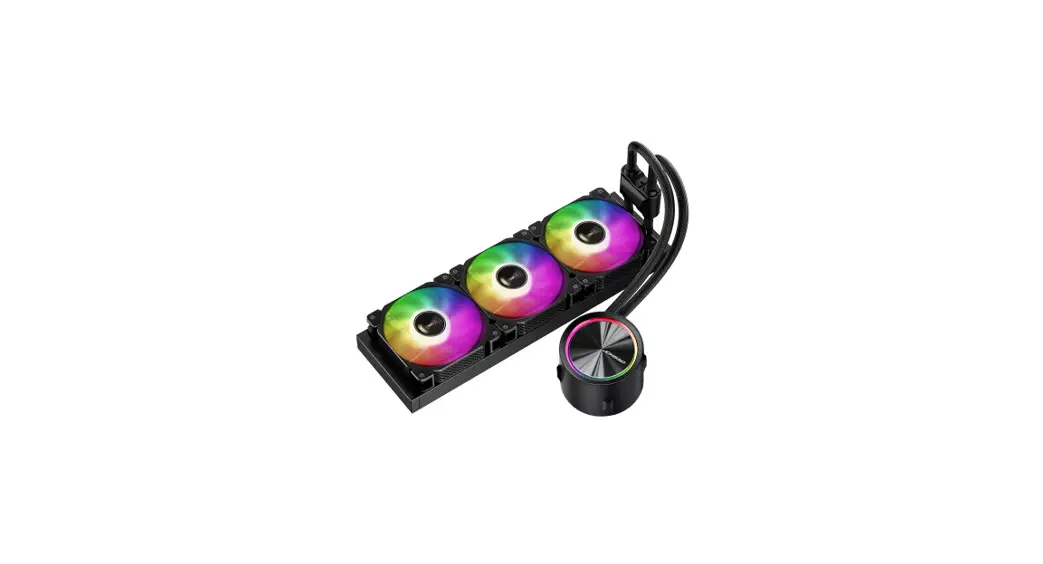
 TF ARGB
User Manual
Chapter 1- Part List
| Intel Backplate | Intel mounting brackets |
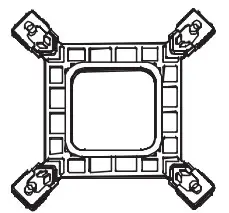 | 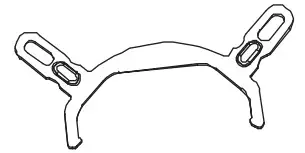 |
| AMD mounting brackets | Intel 115X mounting standoff |
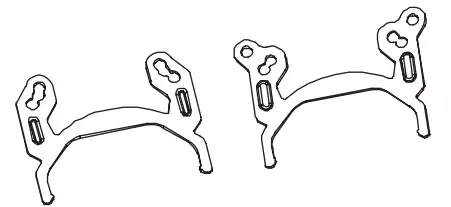 | 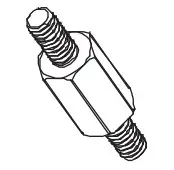 |
| Intel 178X mounting standoff | Intel 208X mounting standoff |
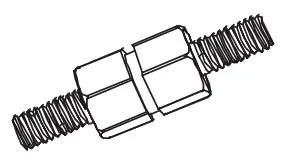 | 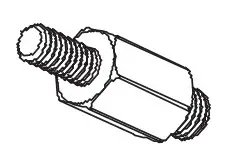 |
| AMD AM4 mounting stand off | AMD TR4 mounting standoff |
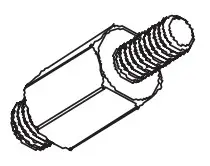 | 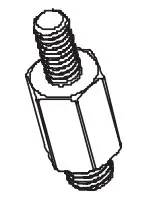 |
| Radiator mounting screws | Thermal paste |
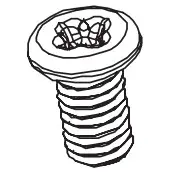 | 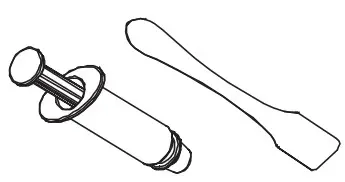 |
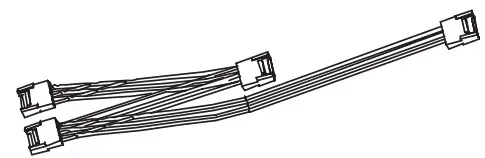
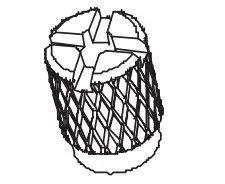
| Y-cable | Mounting nut |
 |  |
Chapter 2- Installation
Step 1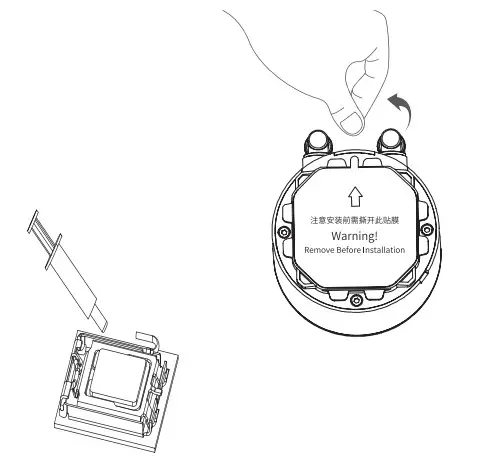
Step 2
Intel/AMD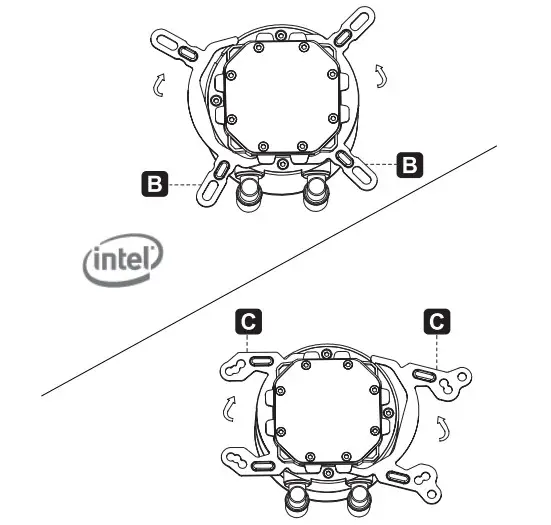
Step 3 115X & 17XX
Applying thermal paste on CPU/ Remove the protection film
First insert one end of the bracket into slot on the pump unit, then push in the other end to fix it
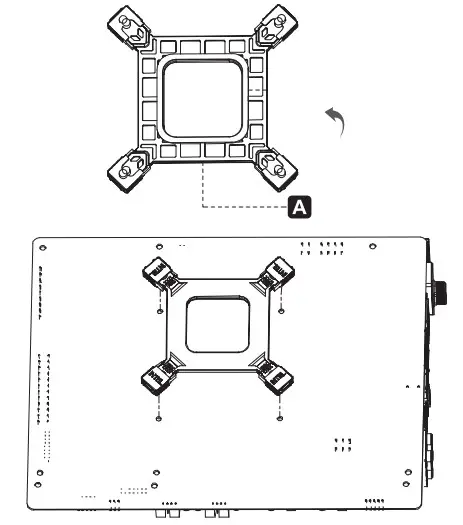
Tear off the double-sided adhesive film on the back panel, align it with the mounting holes, and fix it on the back of the motherboard
Step 4
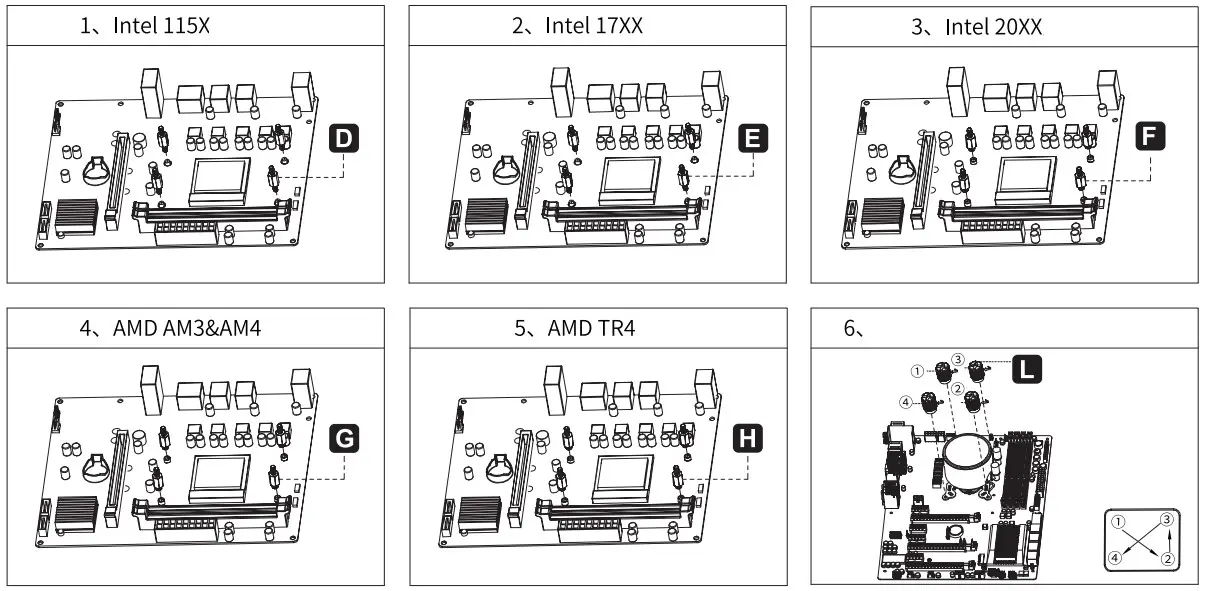
Step 5
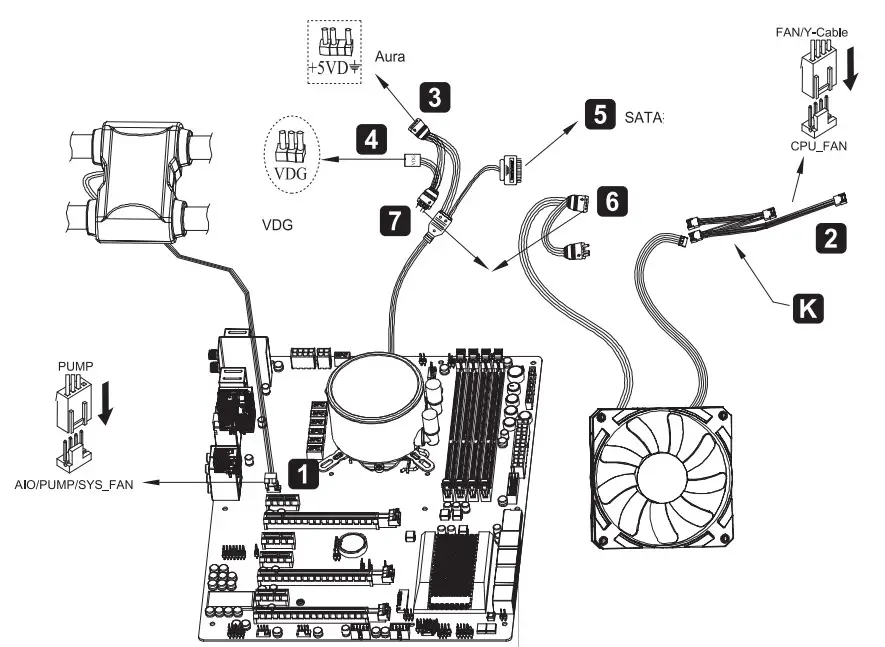
- Connect the 3-pin cable from pump unit to AIO/PUMP socket on motherboard.
- Connect the 4-pin PWM fan with Y-cable to the CPU_FAN socket on the moterboard
- Connect to ASUS’s 5V AURA socket
- Connect to Gigabyte’s 5V VDG AURA socket
Steps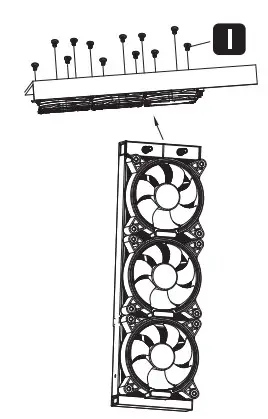 Secure the fans and radiators to case