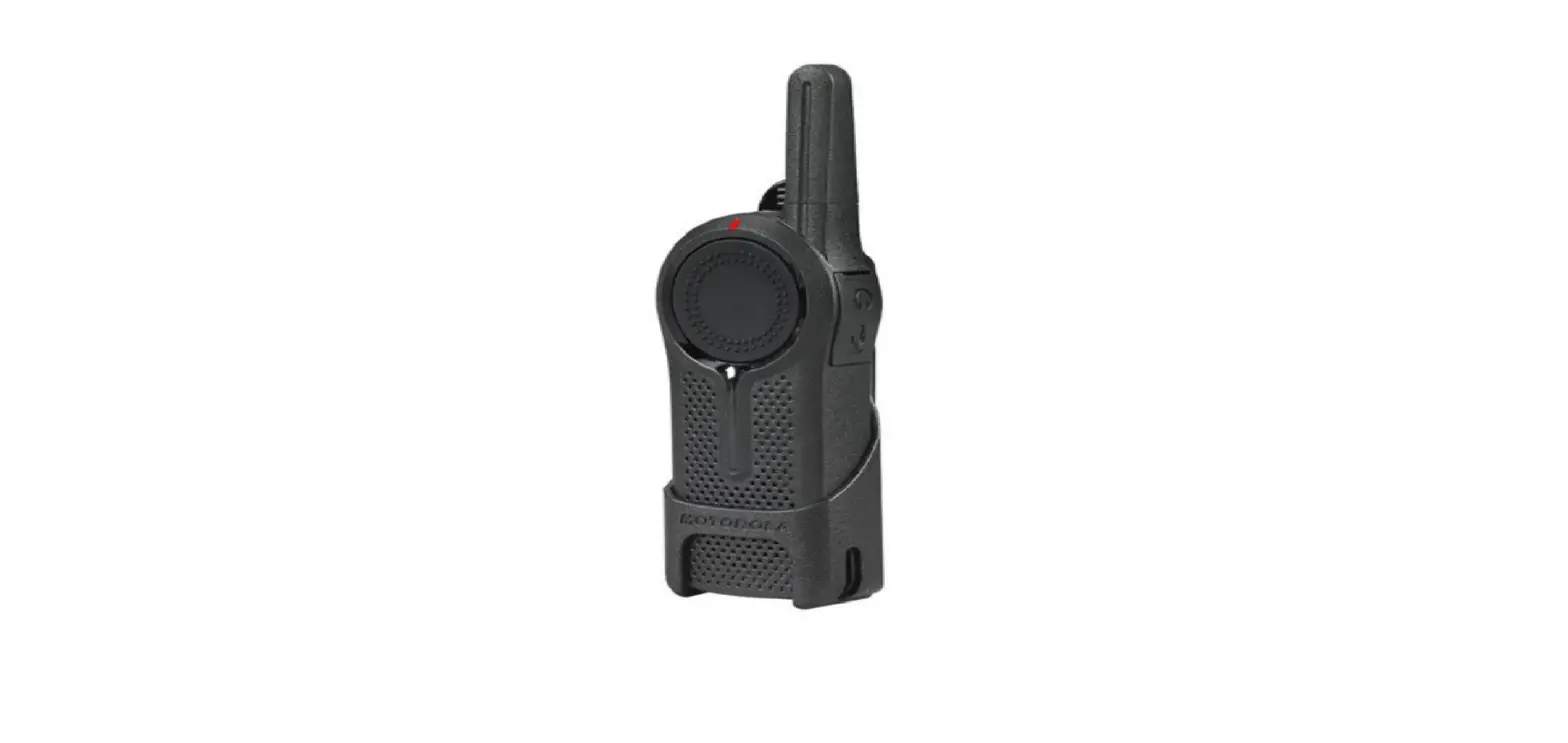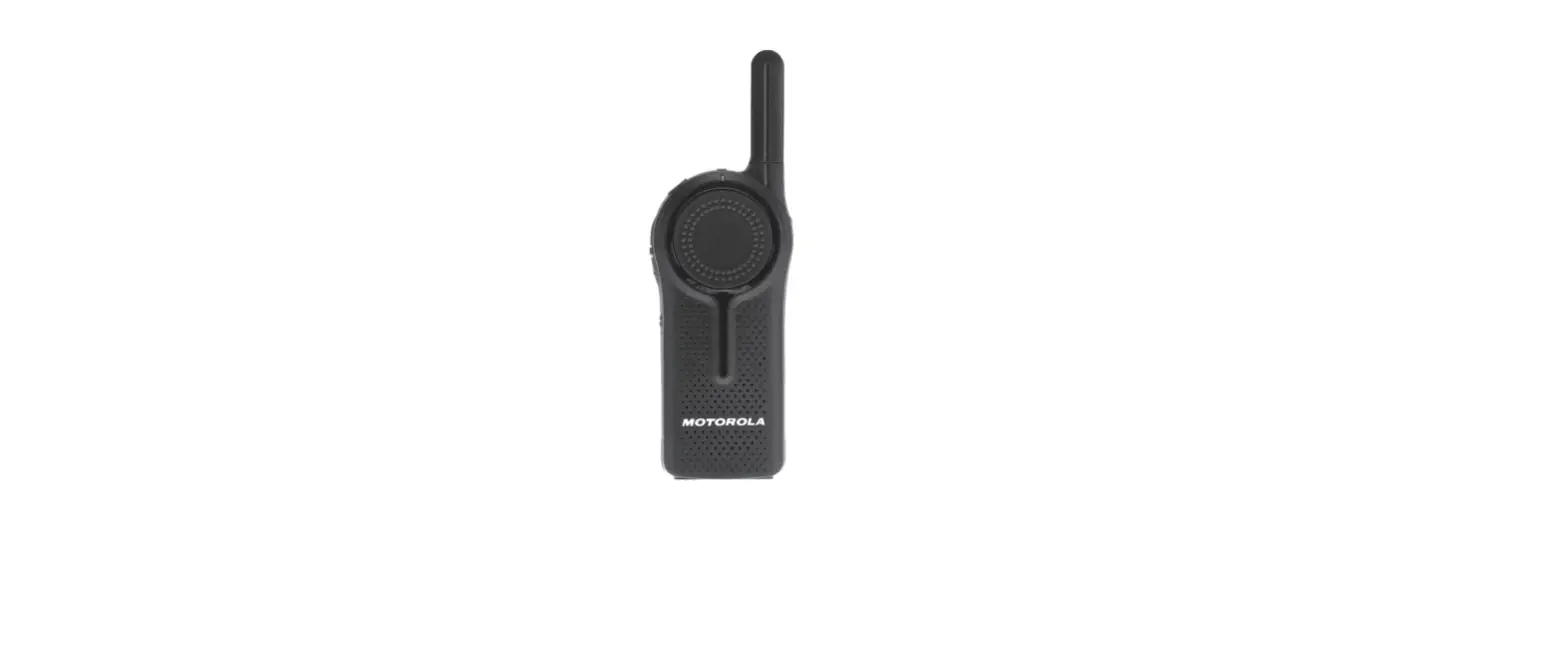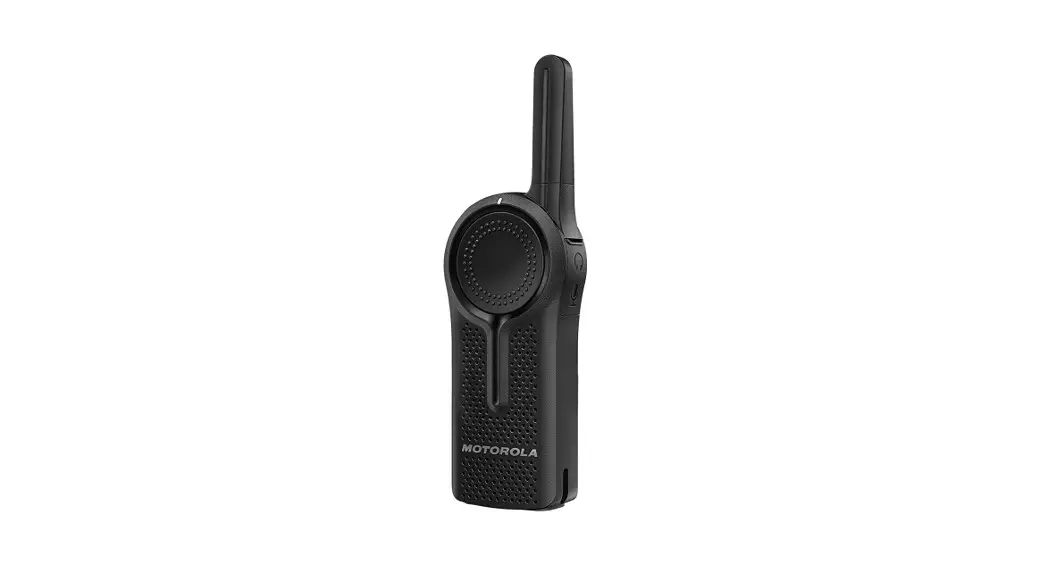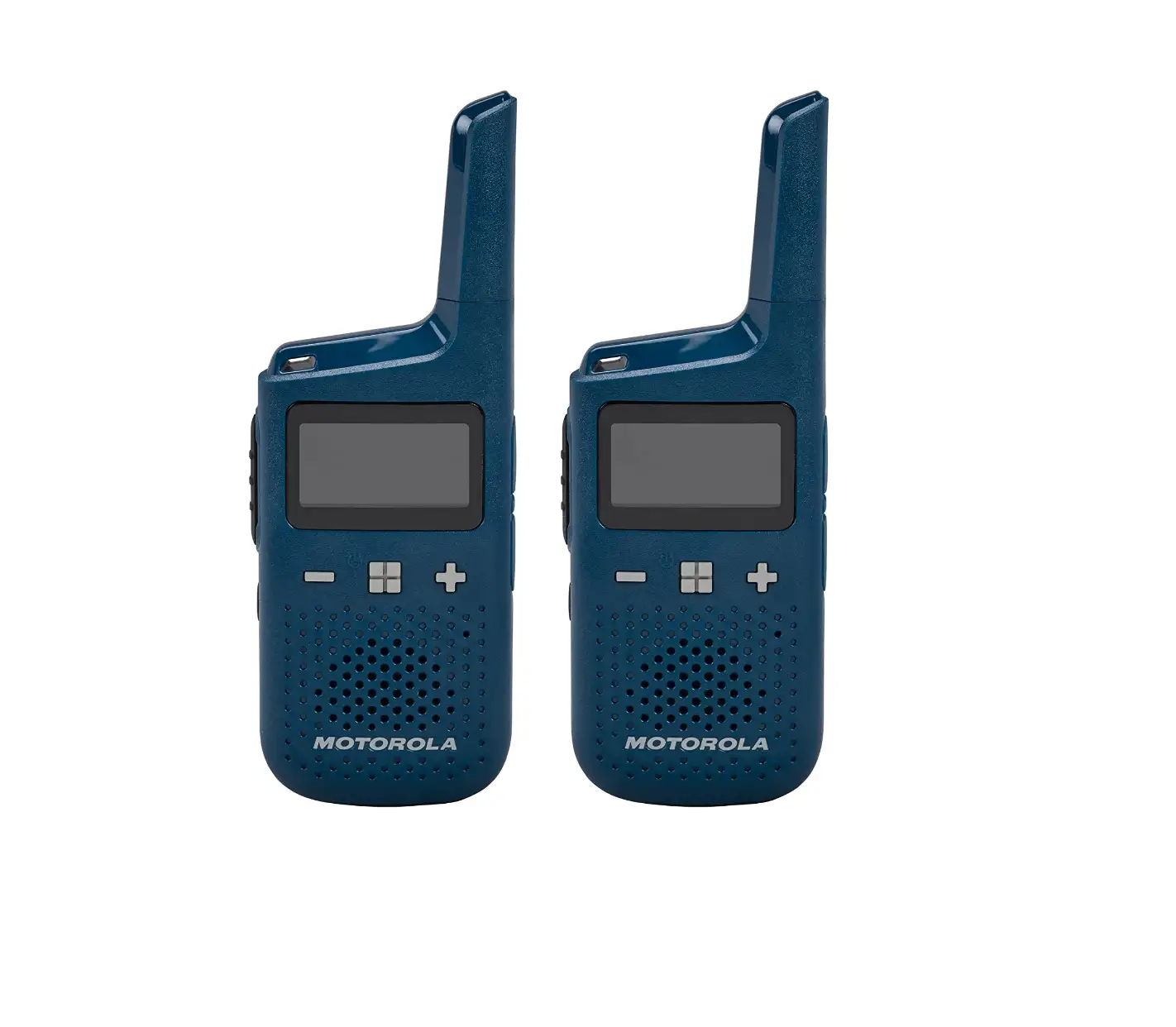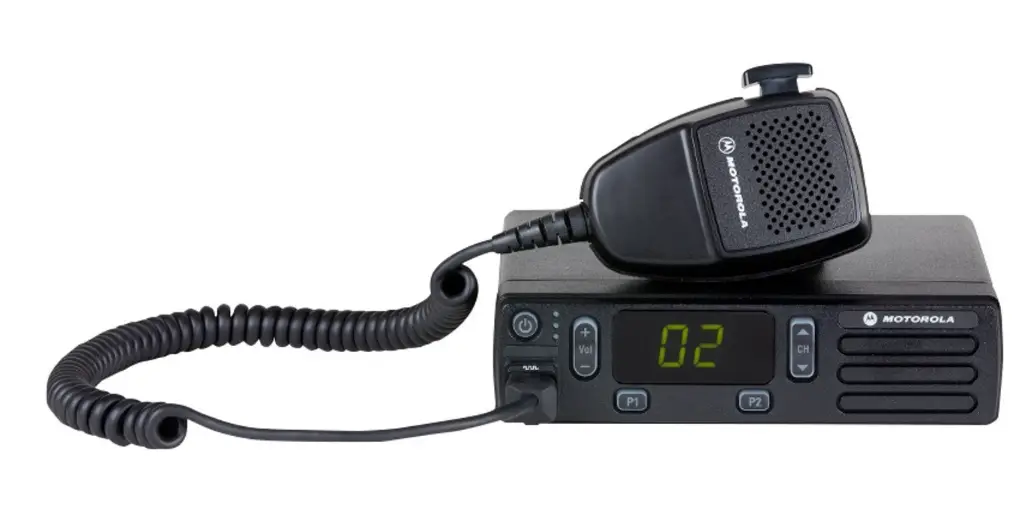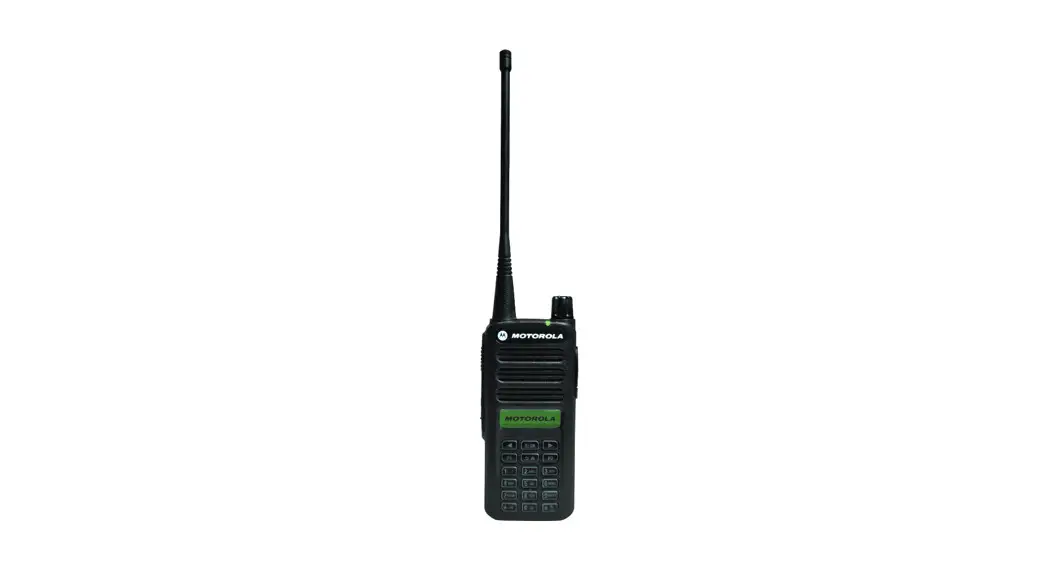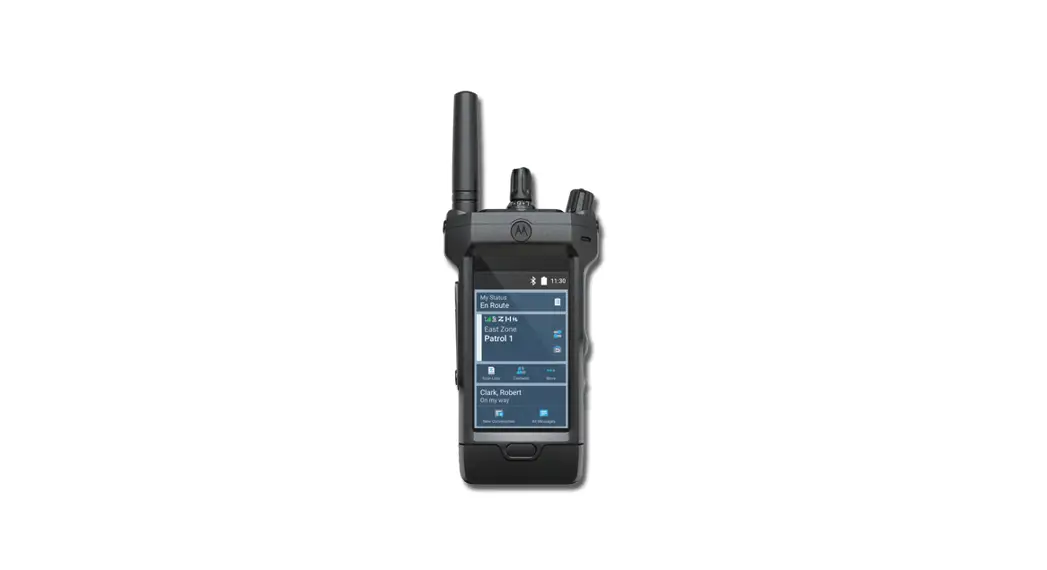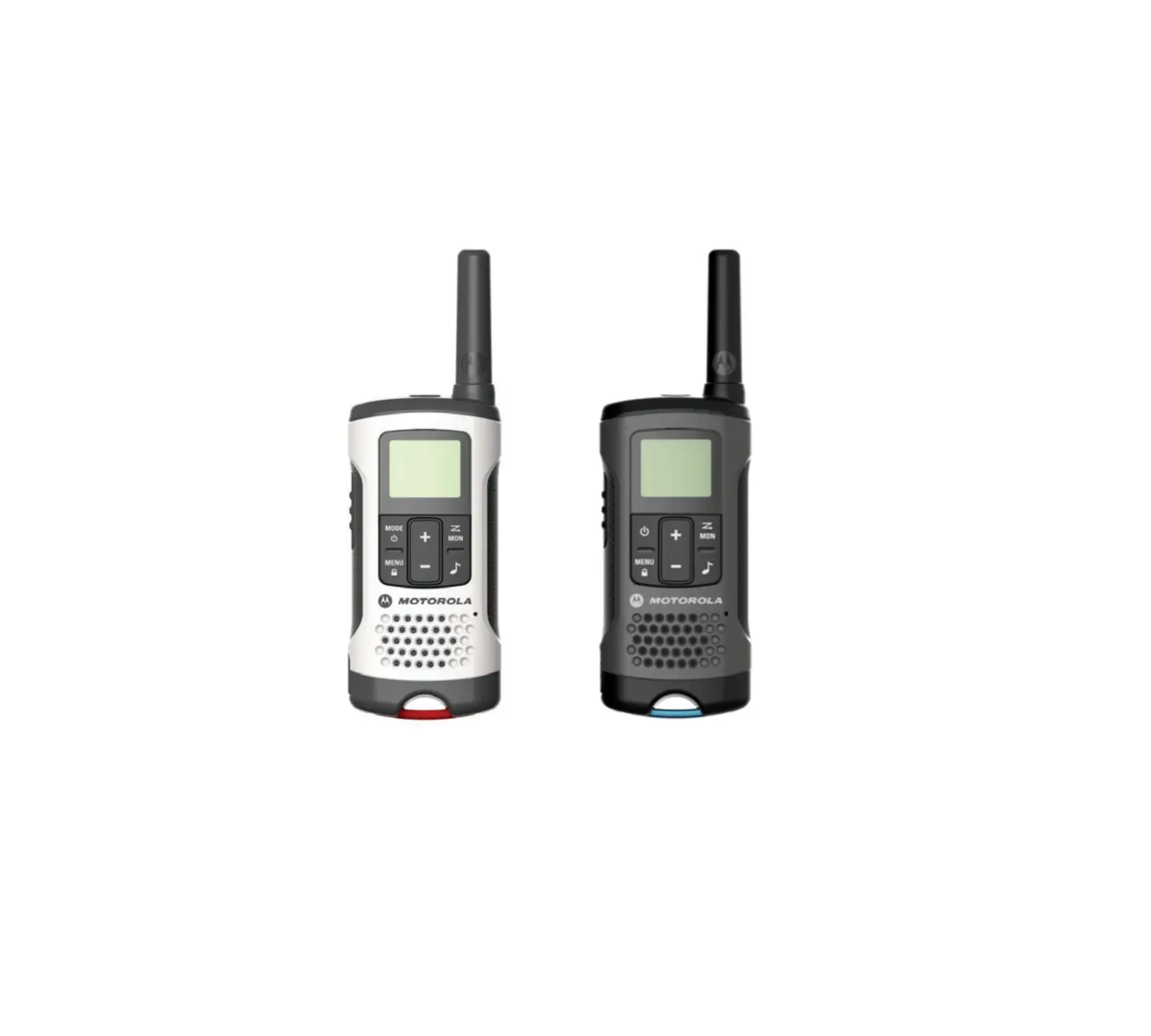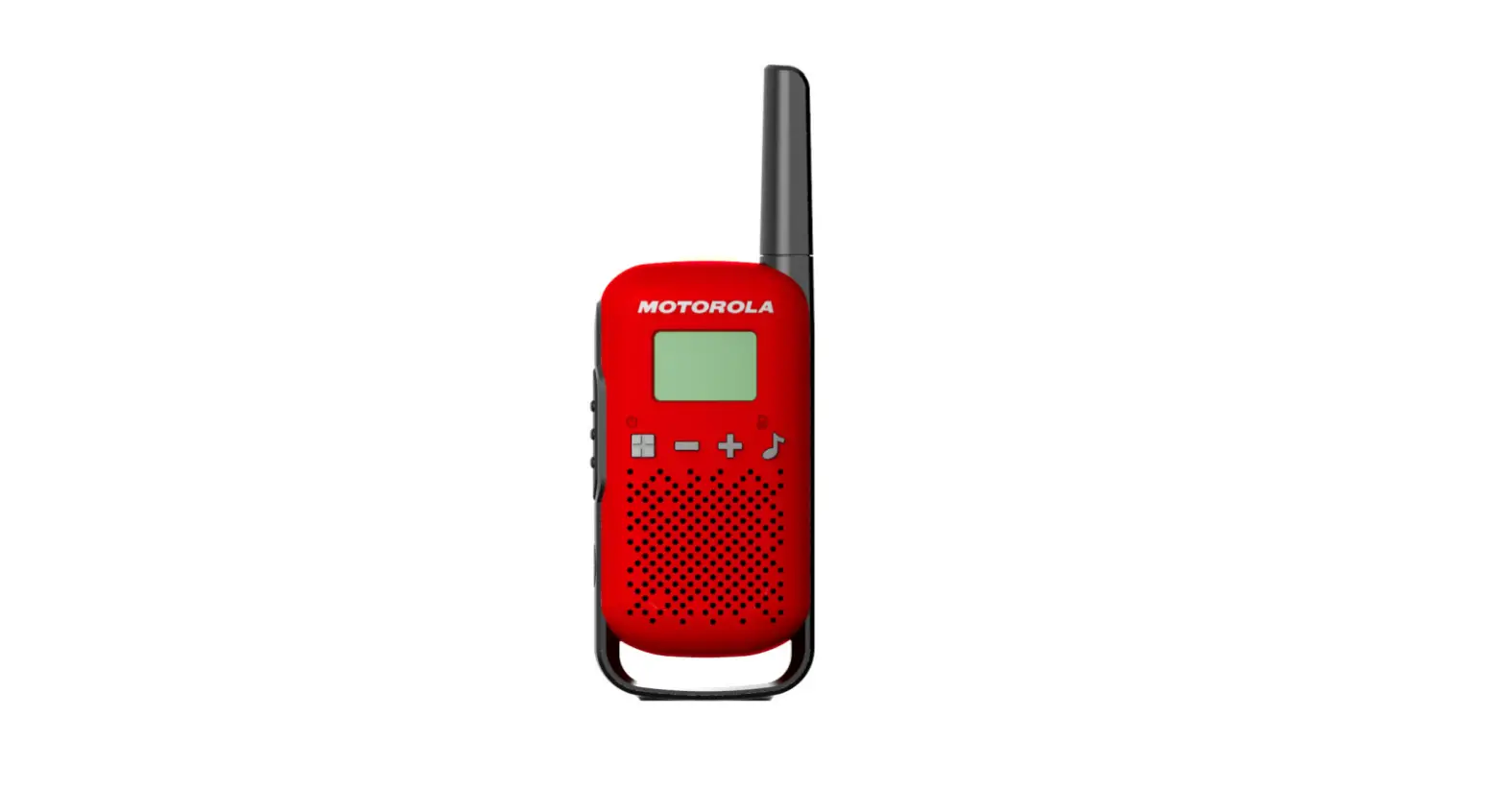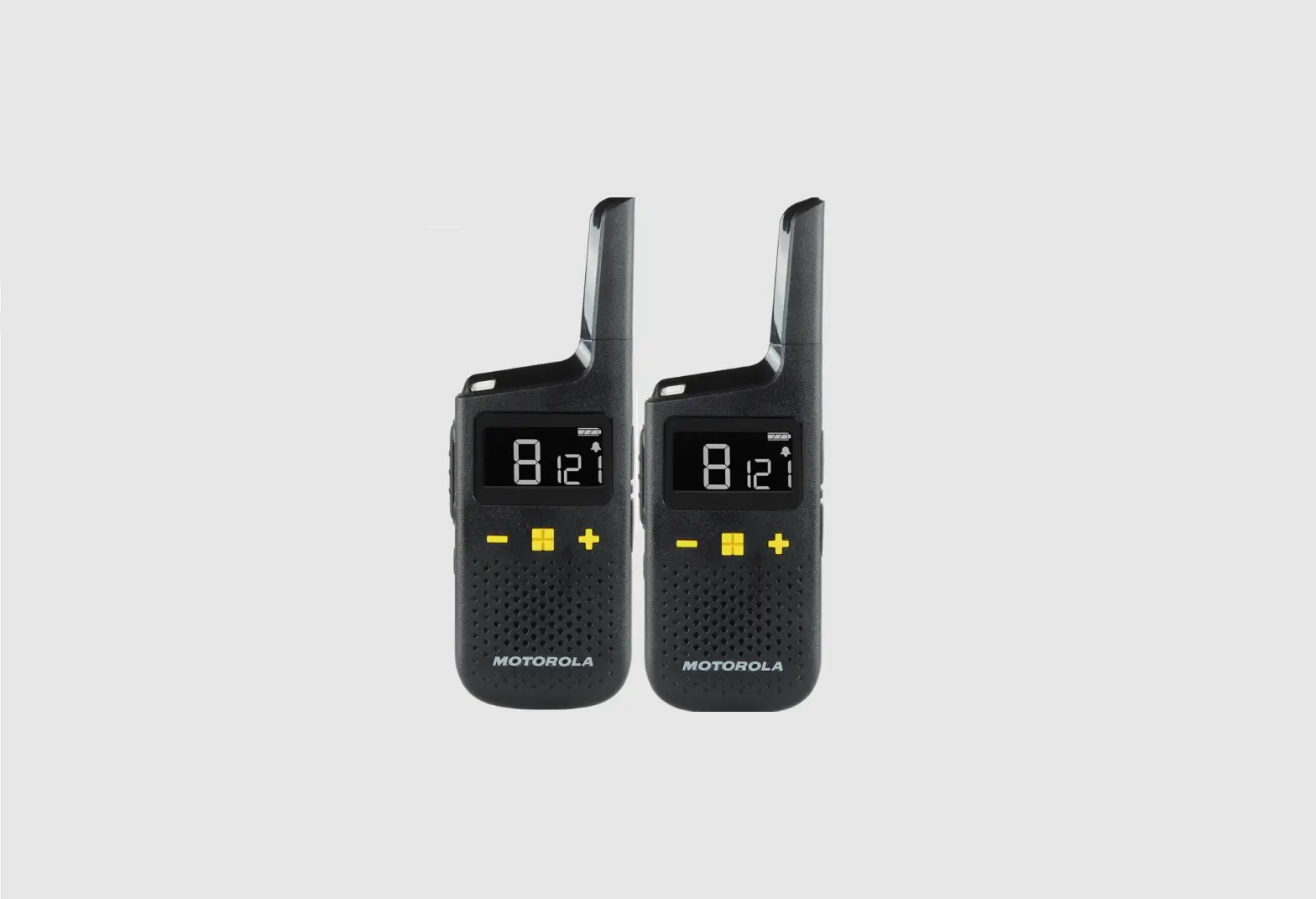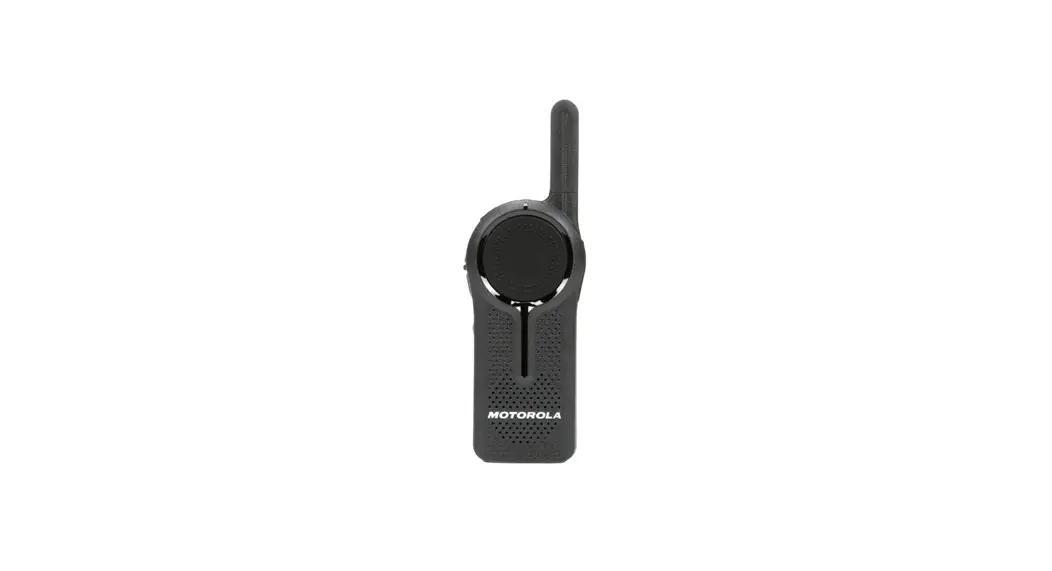


MOTOROLA DLR1020 RADIO
PROGRAMMING INSTRUCTIONS
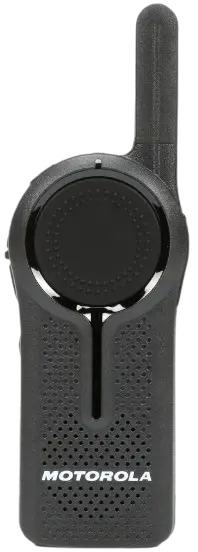
DLR1020 2 Way Digital Business Radio
- Turn the radio off.
- Hold the push-to-talk (big circle button), plus button, and power button simultaneously. The radio will then enter programming mode.
- Once in programming mode, press the four-squared menu button on the side of the radio. The radio should then say, “profile ID, to change press plus or minus”.
- Press the plus button continuously to change the first digit of the code to 8.
- Press the four-squared menu button to move to the second digit and press the plus button continuously to change it to 4.
- Press the four-squared menu button to move to the third digit and change it to 7 and repeat this to change the fourth digit to 3.
- Press the four squared menu button again to lock in the code. The radio should then read “profile ID saved as 8473”.
- Once this is completed your radios should work together.

 VALUE ADDED DISTRIBUTOR