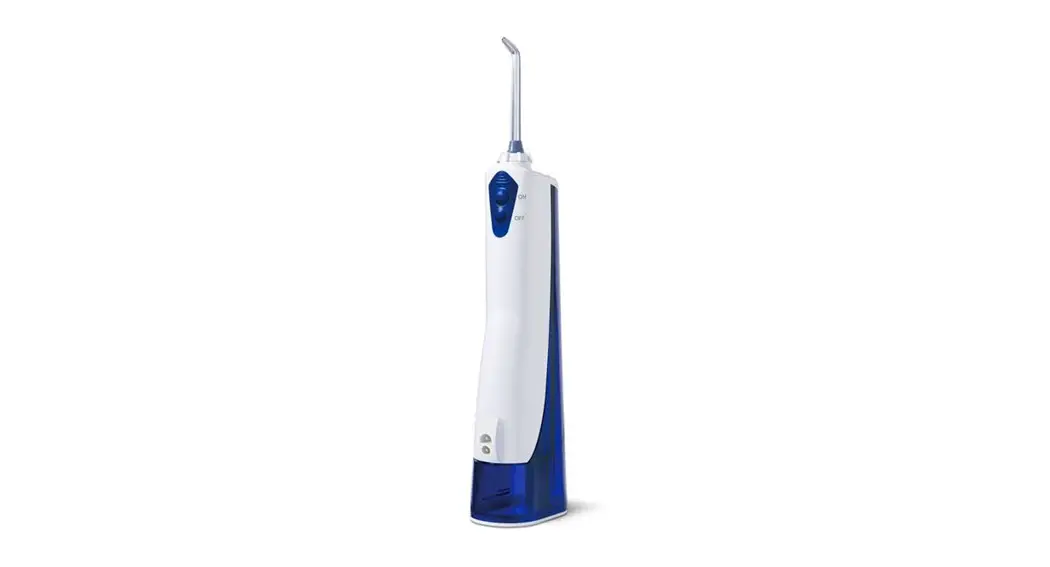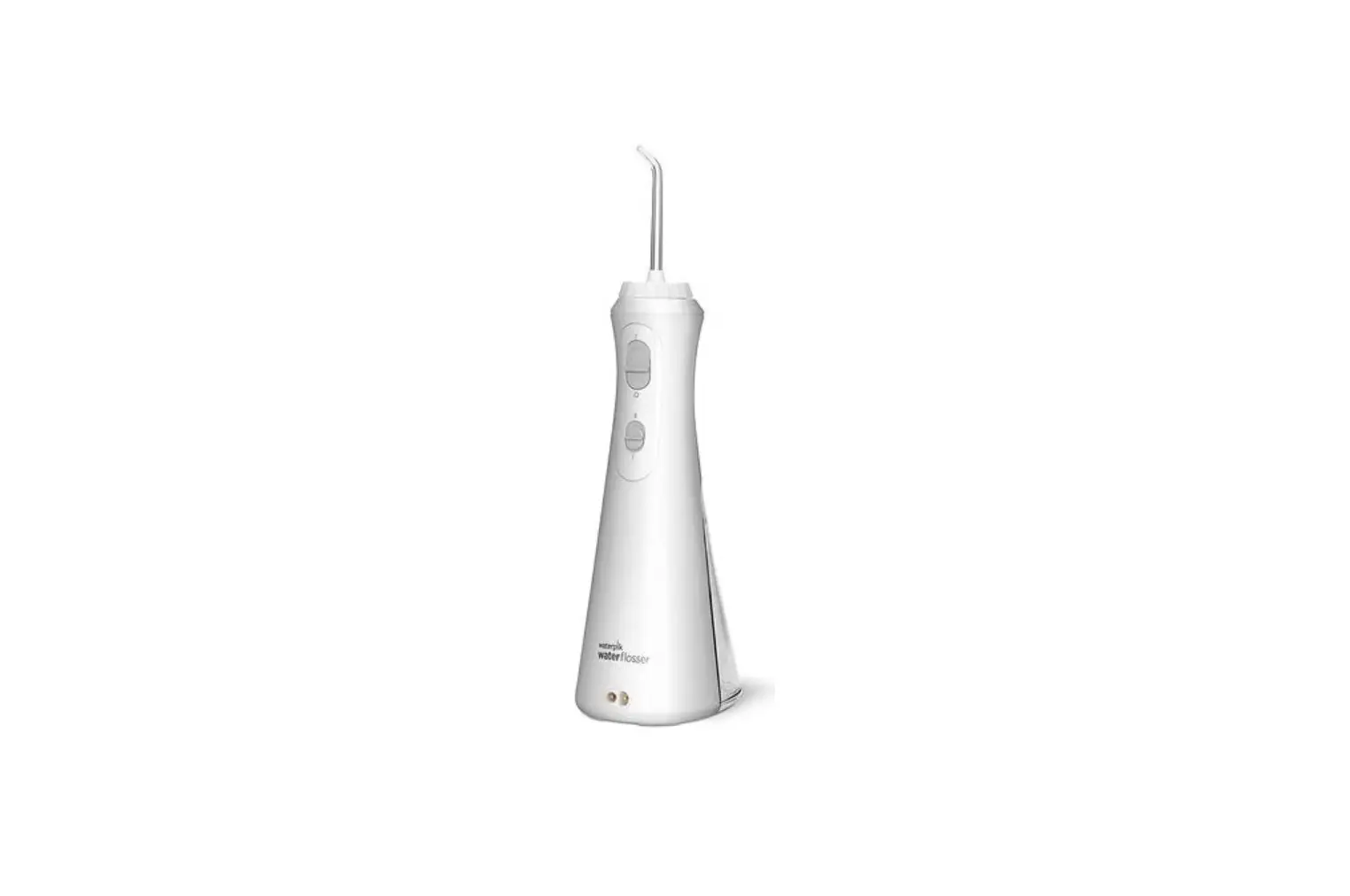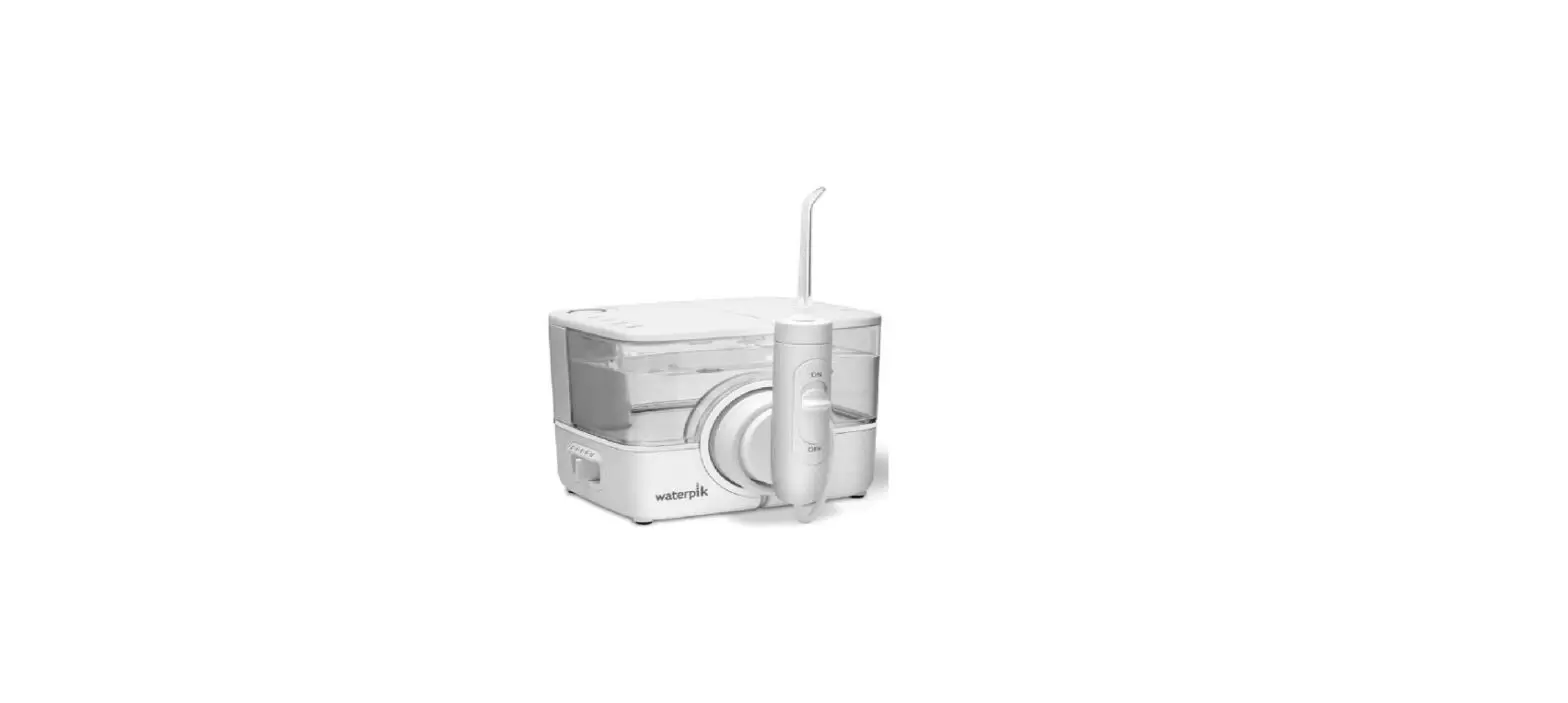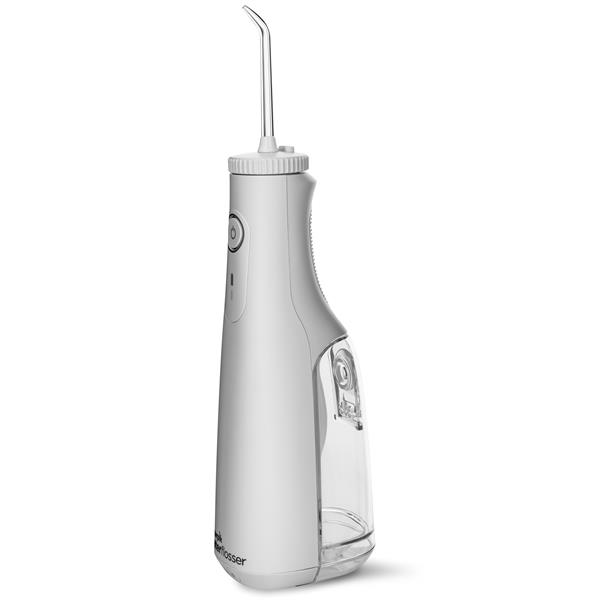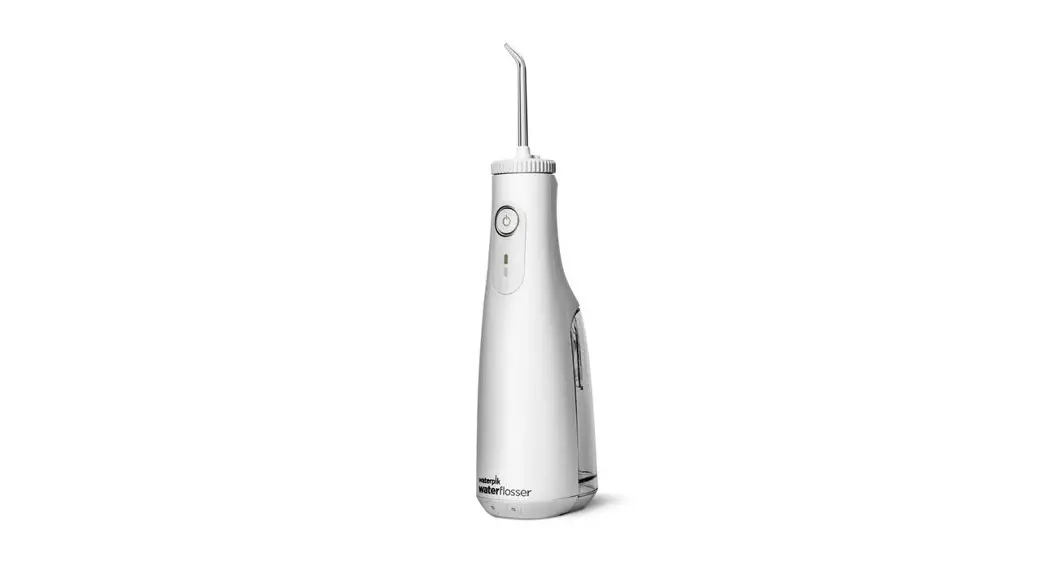
 Congratulations!
You are now on your way
to better oral health!
√ Register and Save
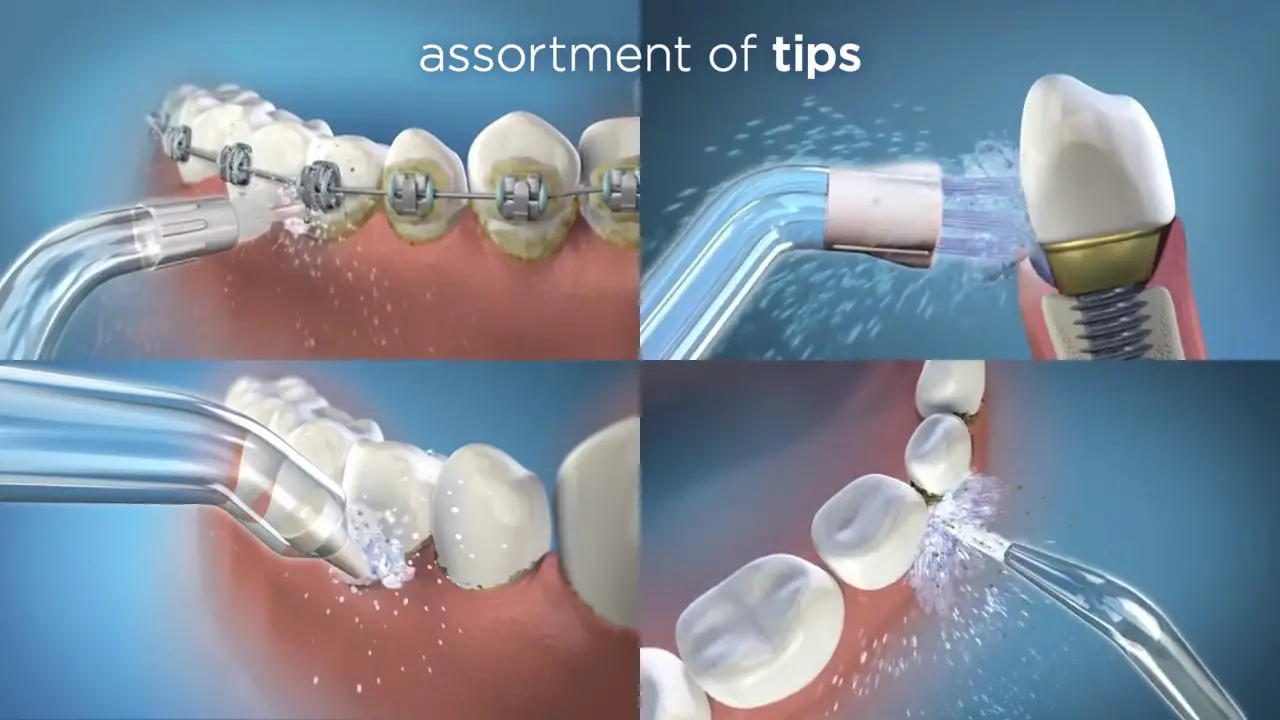
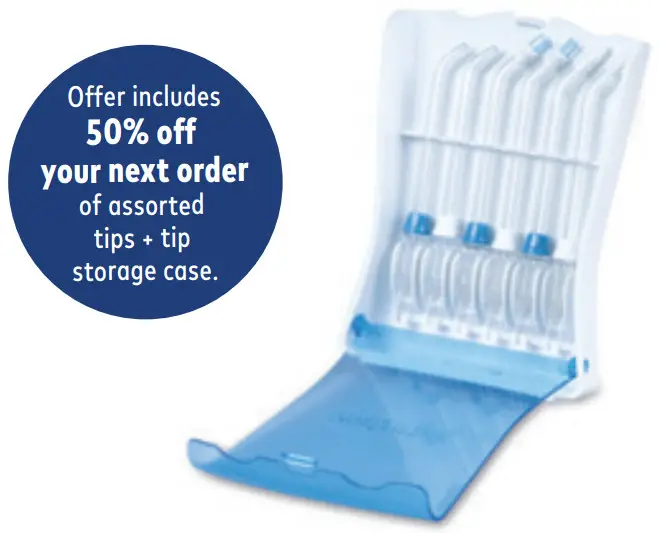
Register your product at waterpik.com/registration to receive over $50 in savings (includes 50% off your next order assorted tips + tip storage case).
√ Write a Review
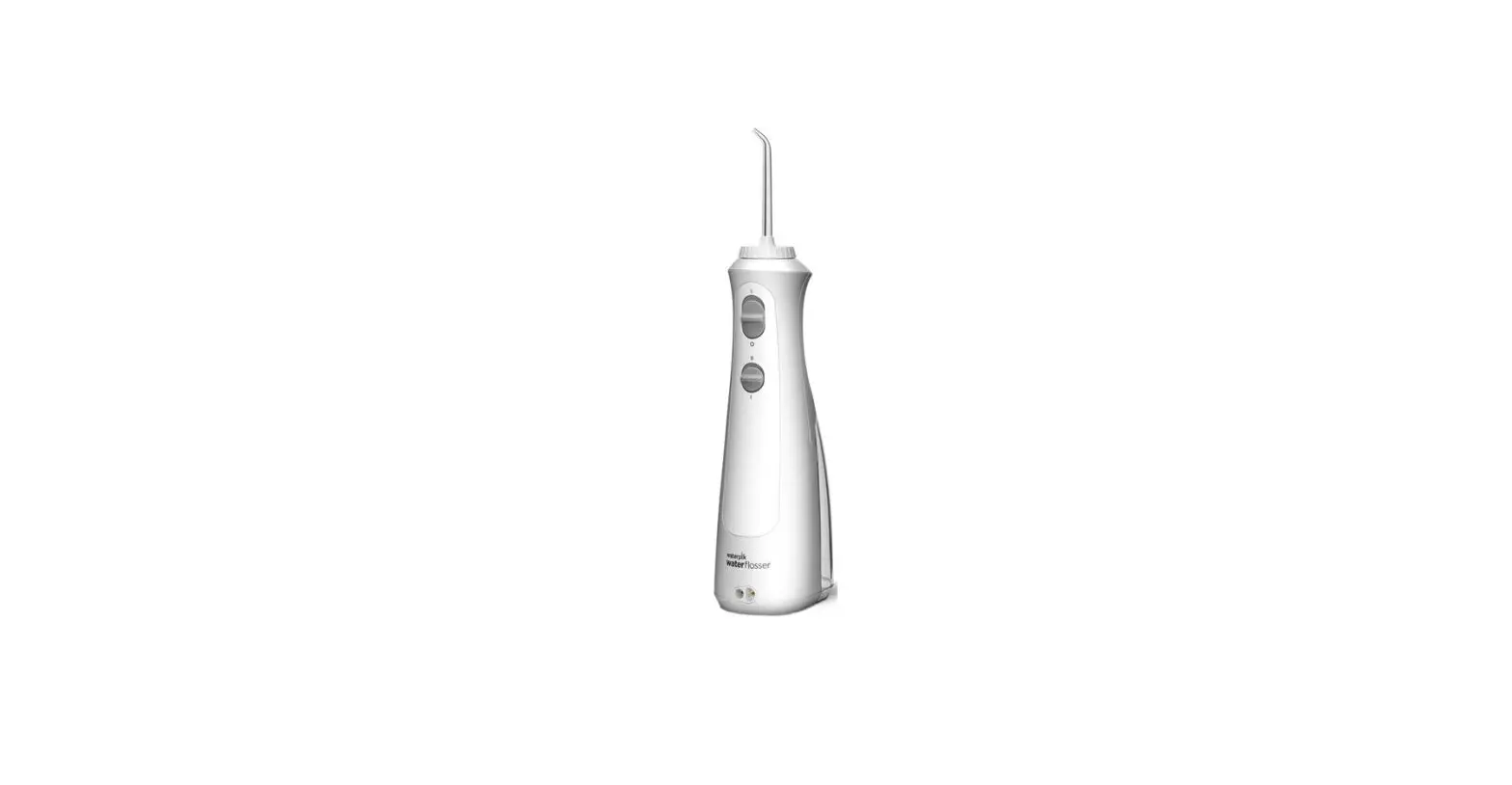
Creating innovative Waterpik® products that inspire better oral health is our passion. We invite you to leave a review by sharing your thoughts on the Cordless Select Water Flosser on waterpik.com or the retailer’s website.
√We’re Here to Help
We hope you are loving your new Cordless Select Water Flosser. If for any reason you are not satis˜ied or have any product questions,
please contact our fast and friendly Customer Service Team based in Fort Collins, Colorado. The Cordless Select Water Flosser is backed by a 2-year manufacturer’s warranty.
 Call: 1-800-525-2774
Monday-Friday
7 am – 5 pm MST
 Chat or E-mail
[email protected]
Quick Start
Guide Inside!
Register and Save!
Save over $50!
Register at Waterpik.com/Registration to receive an exclusive discount code.
We’d Love to Hear from You! Connect with Us
@Waterpik

Call: 1-800-525-2774
www.waterpik.com
Waterpik® 14 Day
Challenge App
Make water ˜ossing a habit! Try our new mobile App for the best water flossing experience.

Quick Start Guide
GETTING STARTED
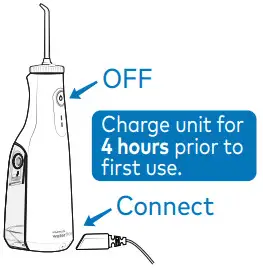
- Power unit OFF before charging. Plug the power cord into an outlet and connect the charging cord to the unit.

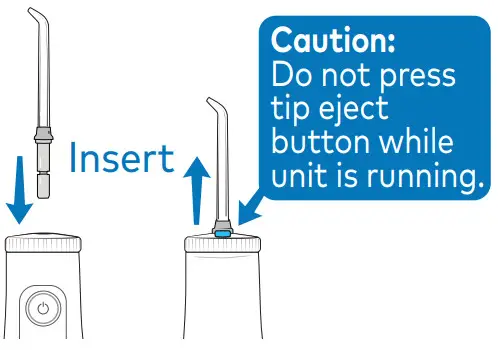
- Press tip ÿrmly into unit until it clicks into place. To remove the tip, push the tip eject button.

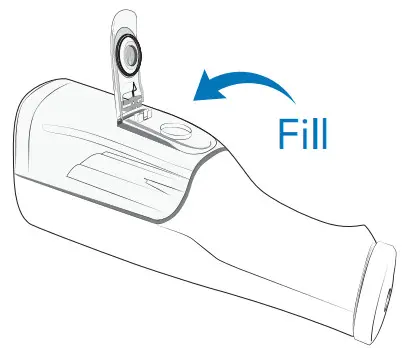
- Disconnect the charging cord from the unit. Li˛ the ˜ip top on reservoir and ÿll with warm water.
Reÿll as needed. WATER FLOSS
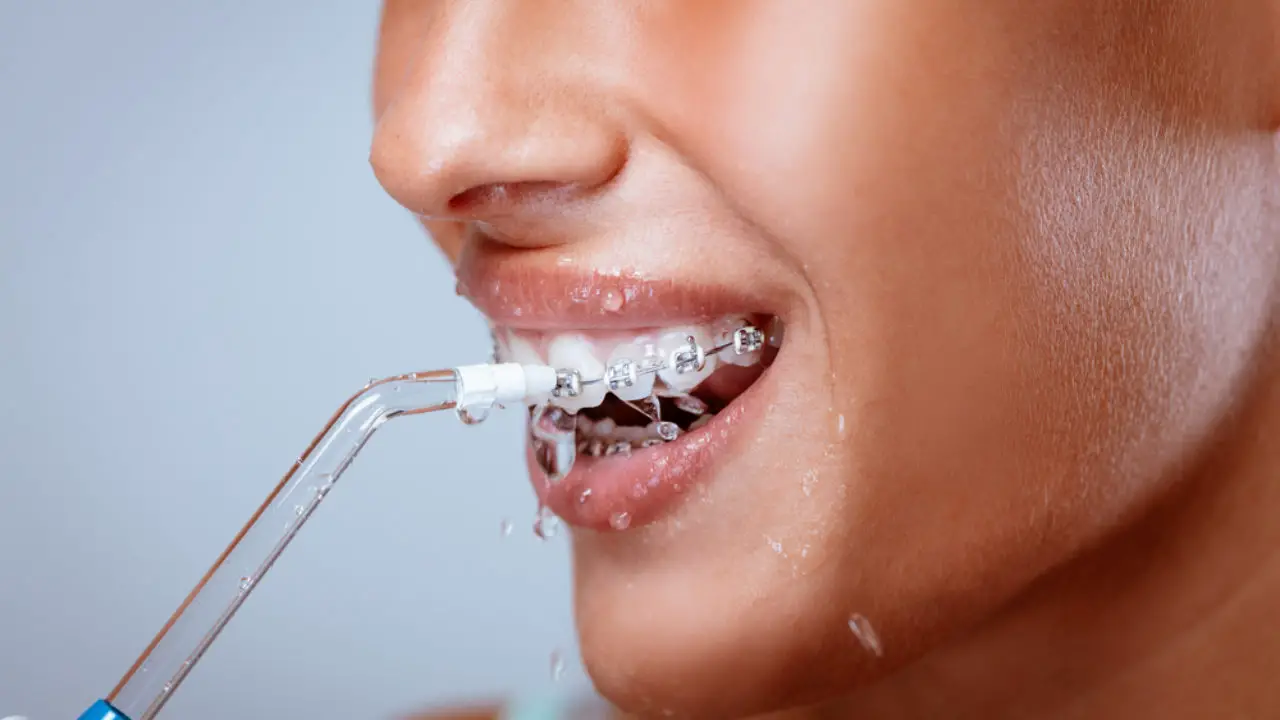
 - With unit OFF, place tip in mouth. Start on low pressure, by pressing the power button once. Press the Power button twice for high pressure.

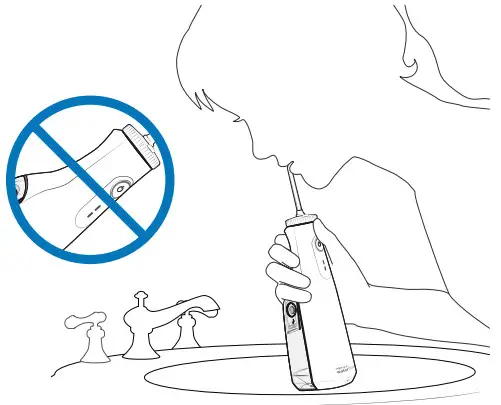
- Lean over a sink. Close lips enough to prevent splashing. Keep the unit upright during use to ensure continuous water flow.
 TECHNIQUE
 - Aim water at the gumline at a 90-degree angle. Follow the gumline and pause brie˜y between teeth.

TO AVOID MESS: KEEP TIP IN MOUTH WHILE UNIT IS ON.
NEED HELP?
Visit Waterpik.com/WelcomeWF
To watch a How-To Video and ÿnd additional product support.
Call Us! 1-800-525-2774
 WATER FLOSS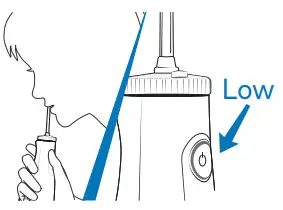
 TECHNIQUE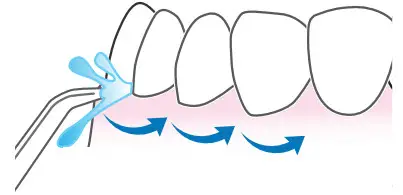
 Waterpik® Water Flossers, Electric Toothbrushes, Shower Heads
 Waterpik® Water Flossers, Electric Toothbrushes, Shower Heads