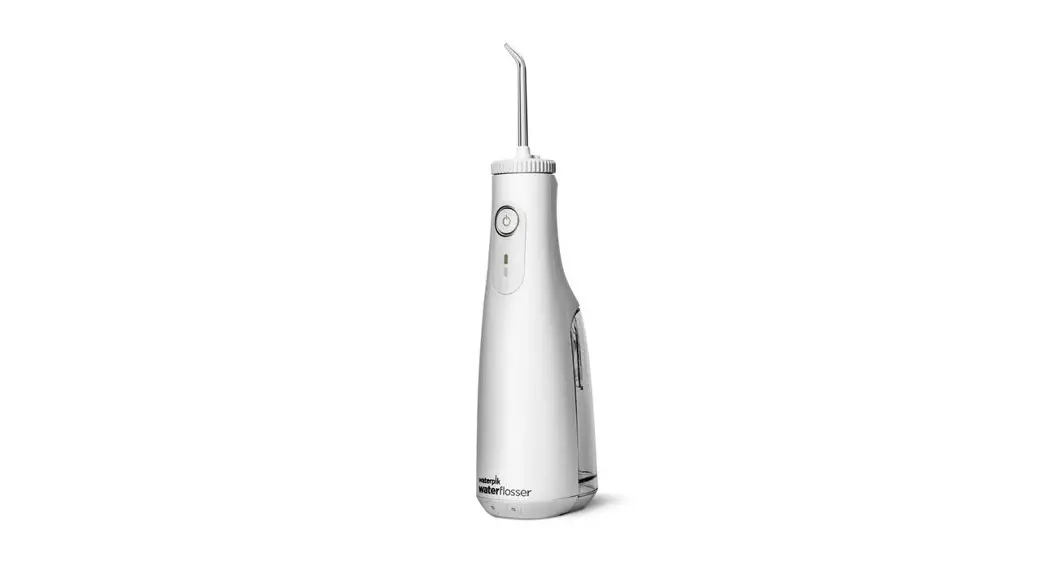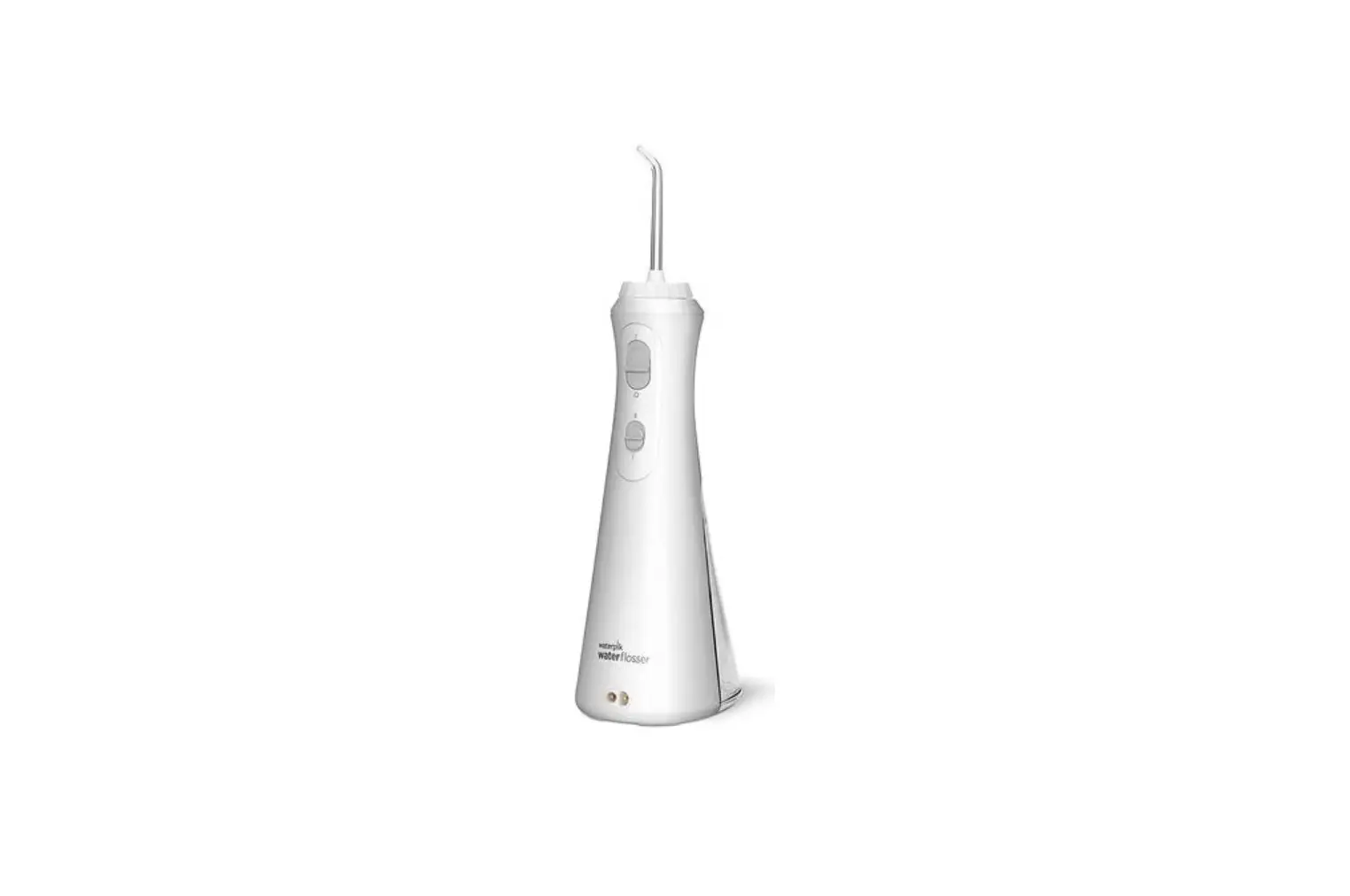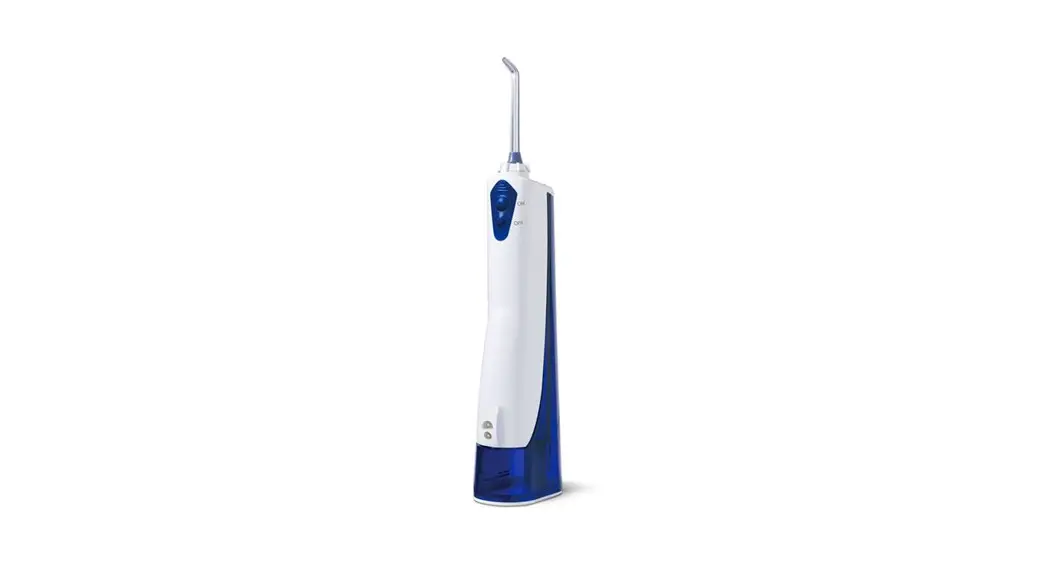

CONGRATULATIONS F
You are now on your way to better oral health!
√Register and Save
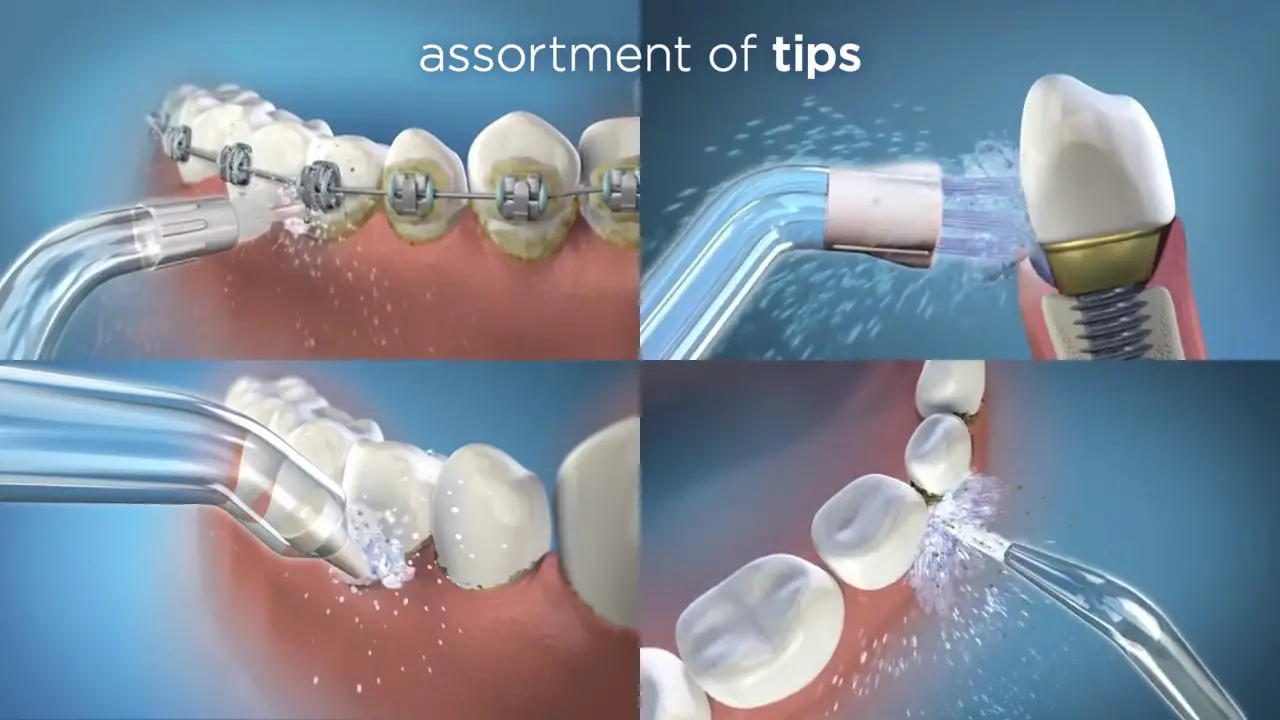
Register your product at waterpik.com/registration to receive over $50 in savings (includes 50% off your next order of assorted tips 4. tip storage case).
√Write a Review
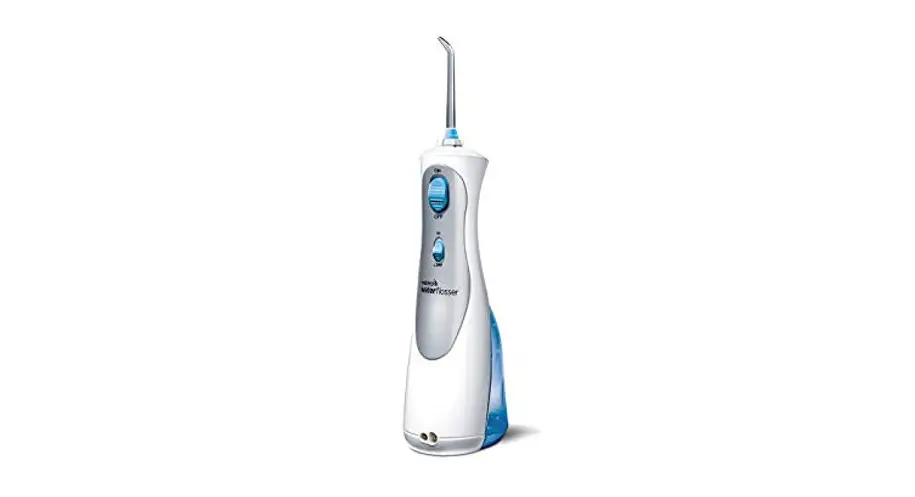
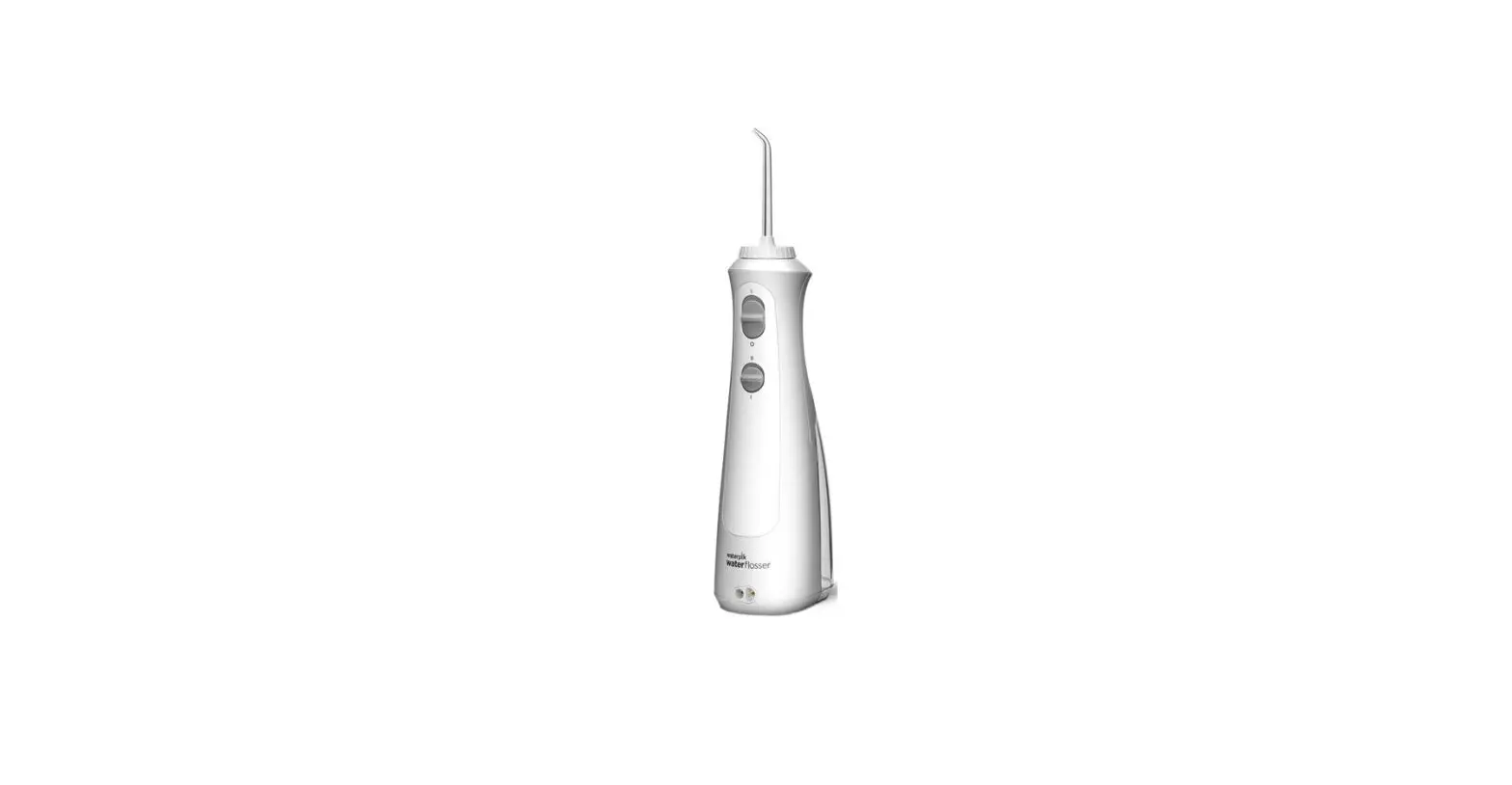
Creating innovative Waterpik products that inspire better oral health is our passion. We invite you to leave a review by shoring your thoughts on the Cordless Water Flosser on waterpik.com or the retailer’s website.
√We’re Here to Help
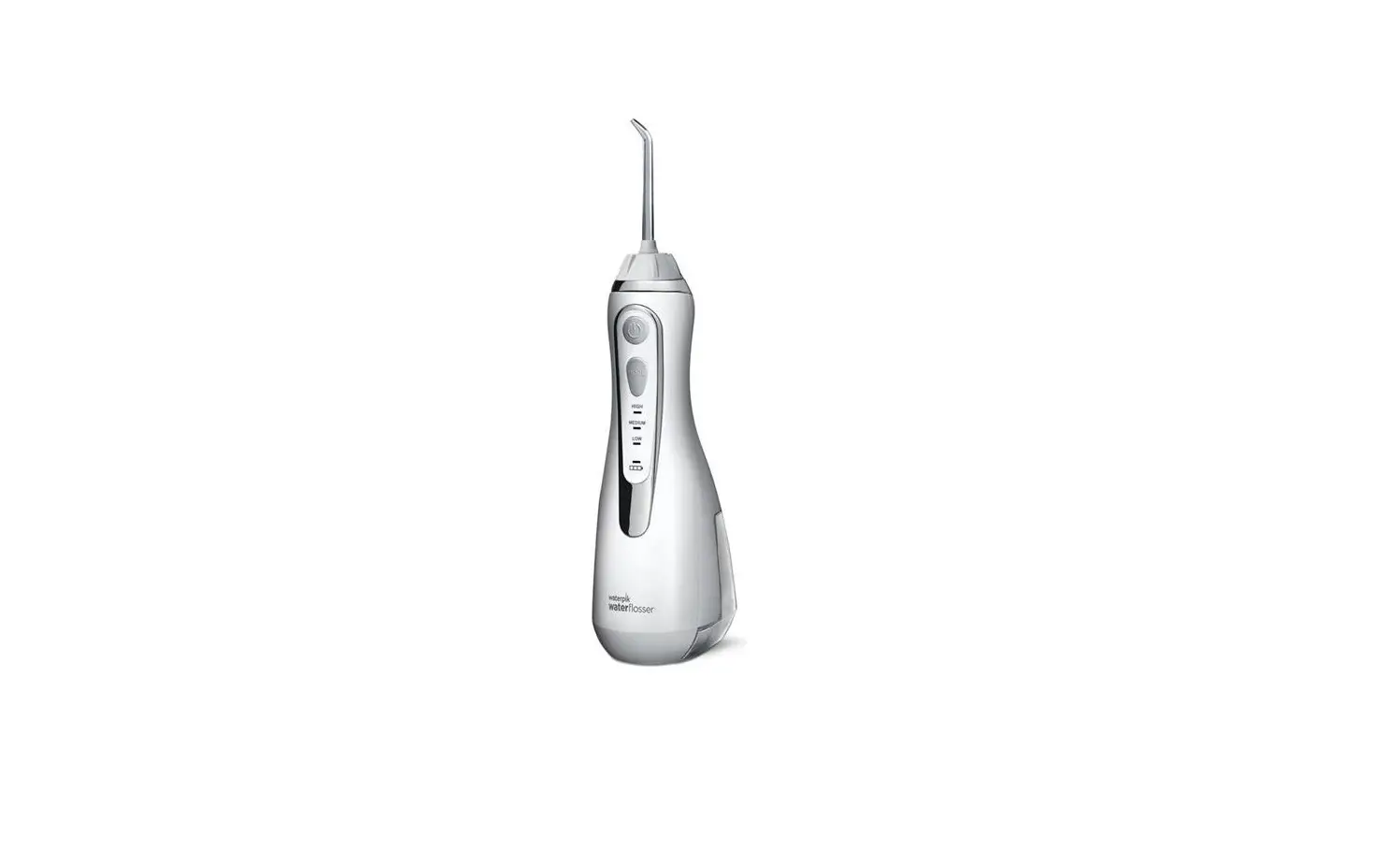
We hope you are loving your new Cordless Water Flosser. If for any reason you are not satisfied or have any product questions, please contact our fast and friendly Customer Service Team based in Fort Collins, Colorado.
The Cordless Water Flosser is backed by a 1-year manufacturer’s warranty.
 Call:1-800-525-2774
Monday-Friday
7 am – 5 pm MST
 Chat or E-mail
[email protected]
Quick Start
Guide Inside!
Register and Save!
Save over $50!
Register at Waterpik.com/Registration to receive an exclusive discount code.
We’d Love to Hear from You! Connect with Us
@Waterpik

Call: 1-800-525-2774
www.waterpik.com
Waterpik® 14 Day
Challenge App
Make water ˜ossing a habit! Try our new mobile App for the best water flossing experience.

Quick Start Guide
GETTING STARTED
- Charge the unit for 24 hours prior to first use.
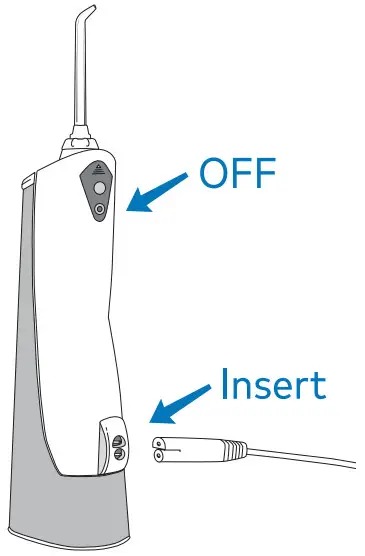
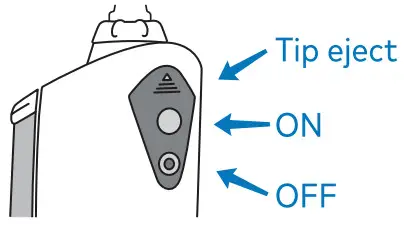
Turn the power off by pressing the OFF button. Plug the power cord into an outlet, and insert the charging cord into the unit.

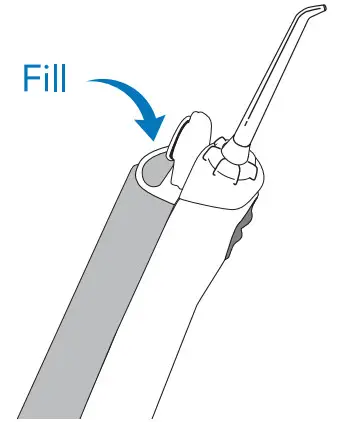
- Unplug the charging cord from the unit prior to filling with water and during use Lift the flip top on the reservoir and fill with lukewarm water.
A refill is needed.
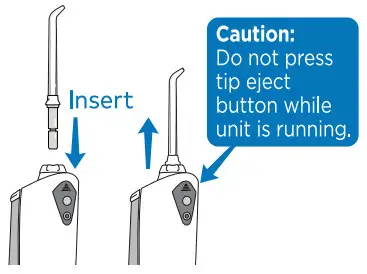
- Press tip firmly into the unit until it clicks into place. To remove the tip, push the tip eject button.

WATER FLOSS - Turn power ON.
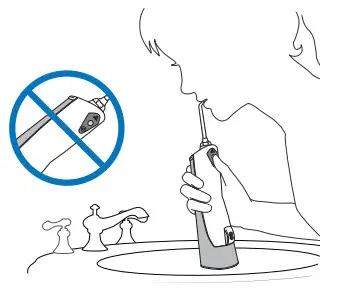
Lean over a sink. Close lips enough to prevent splashing.
Keep the unit upright during use to ensure continuous water flow.
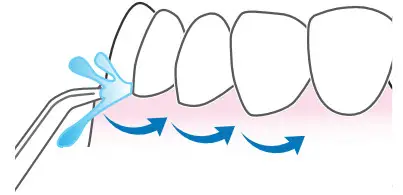
TECHNIQUE - Aim water at the gumline of o 90-degree angle Follow the gumline and pause briefly between teeth.
TO AVOID MESS: KEEP TIP-IN
MOUTH WHILE UNIT IS ON
NEED HELP?
Waterpik.com/WelcomeWF
Watch How-To Video and find additional product support.
Call Us! 1-800-525-2774