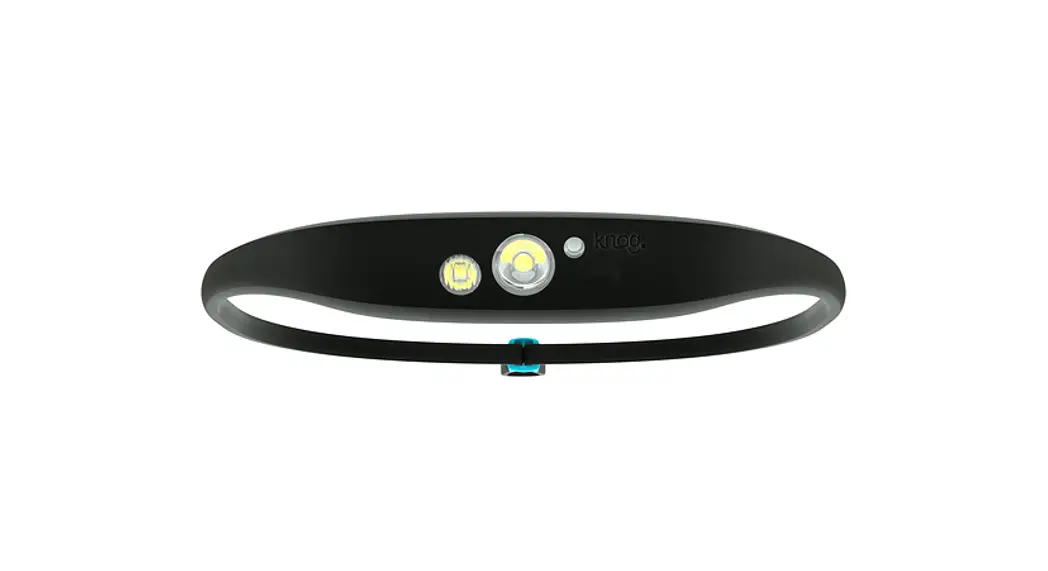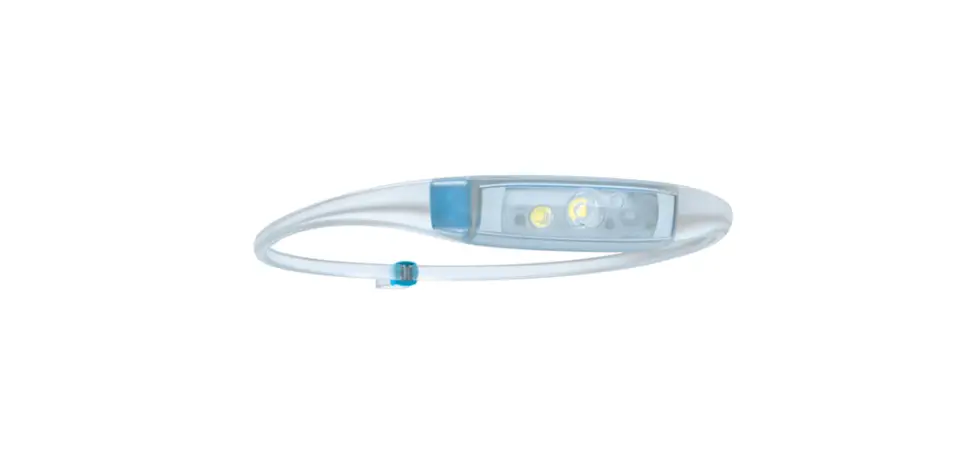
 Quokka Run 100
User Manual
Quokka Run 100
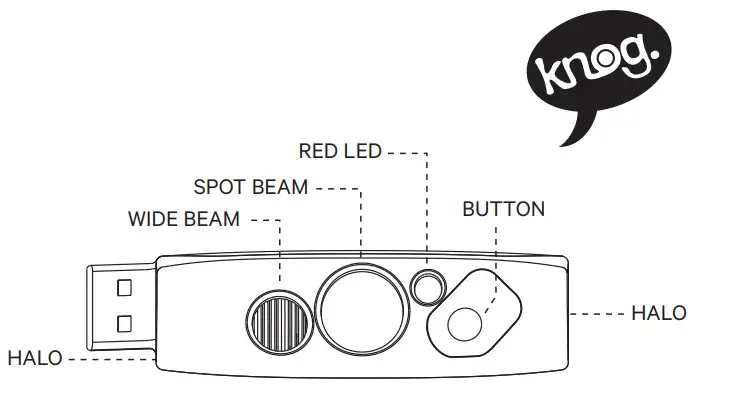
GET STARTED
Quokka comes locked
To unlock hold the button for 5 seconds, light will unlock and turn on at the last used mode.
OPERATION
Turnon/off: Long press of the button.
Modes: To change between the 4 light modes, use a quick double press of the button.
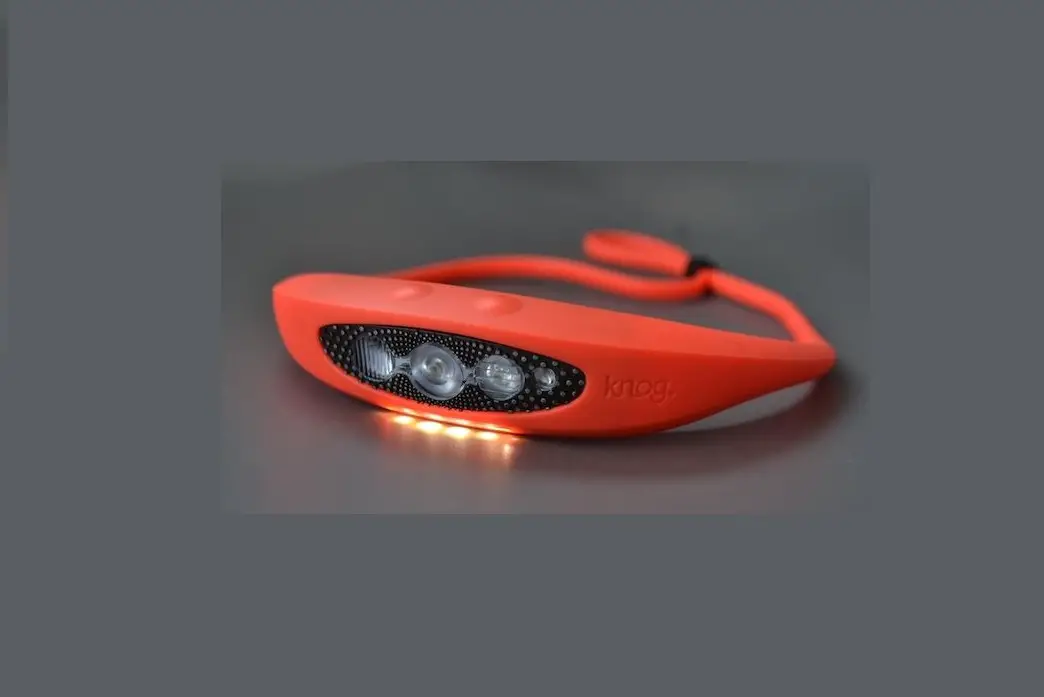
The modes are: Combo (Spot with Wide)/Spot Only/Wide Only / Halo.
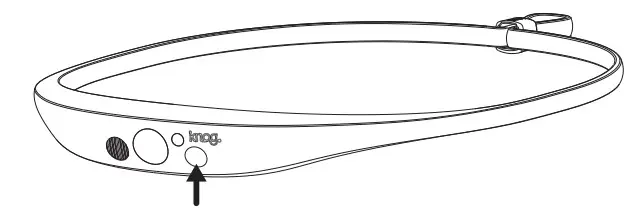
Brightness & Flash Setting: To adjust the brightness or flash of a mode, use a single press of the button.
The brightness settings for all modes except Halo: High / Medium / Low / High Steady & Halo / High Steady & Halo Flash.
he brightness settings for Halo are: High/Medium/Low/High Flash/Random Flash.
CHARGING
Fully charge the Quokka before first use.
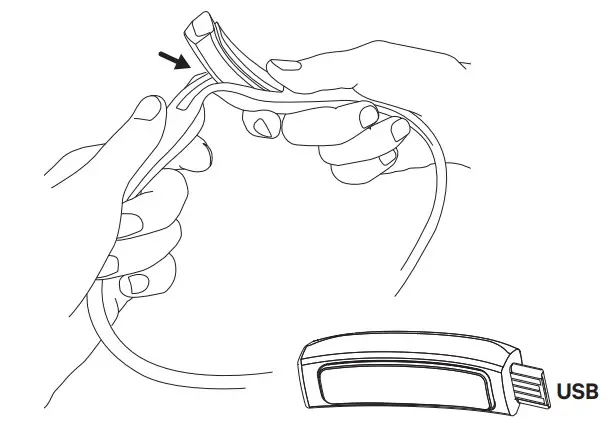
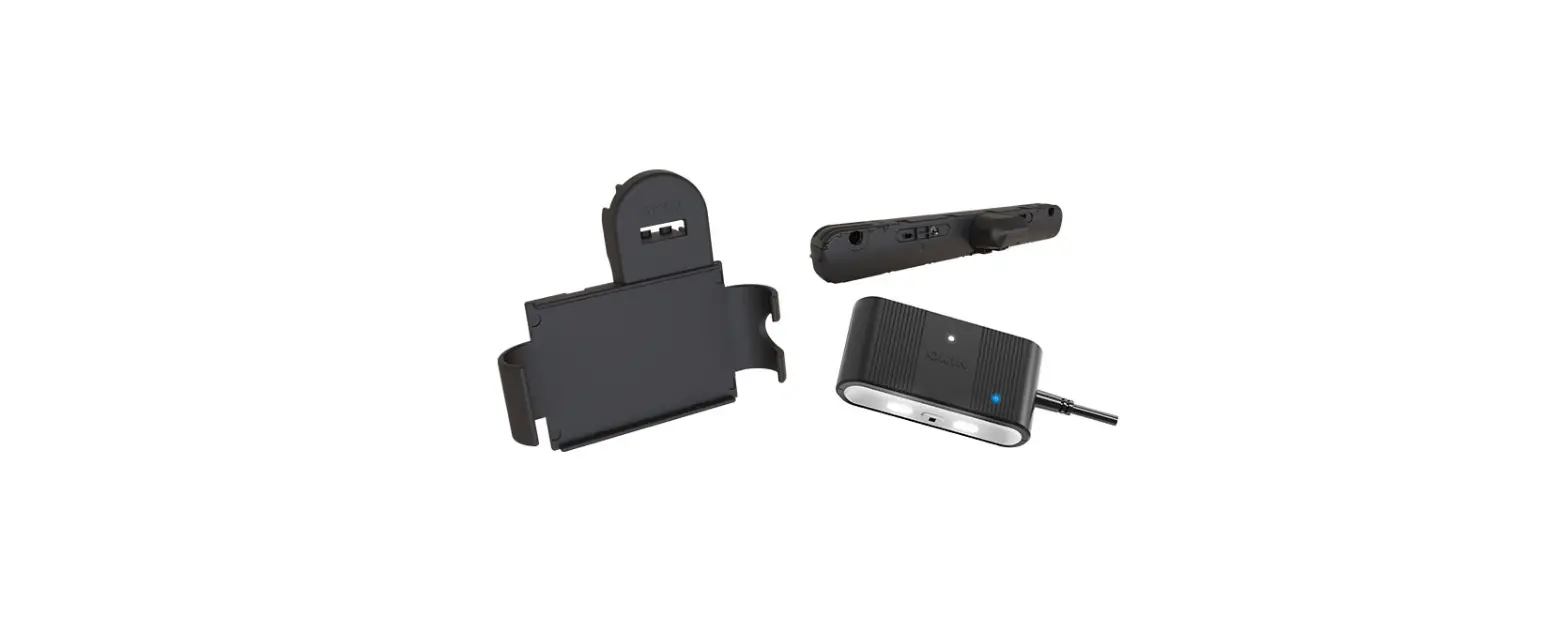
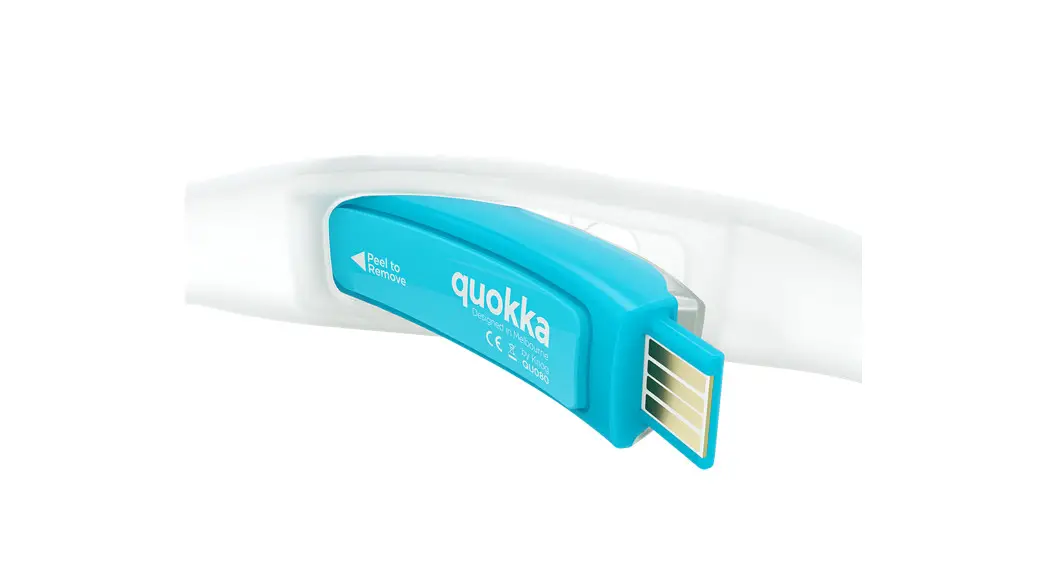
To charge, take the light out of the silicone strap. Pop out left side of the light first (to avoid damaging the usb on right side).
Then charge in any USB charge port. Charge time: 3.3 hr.
HEADSTRAP
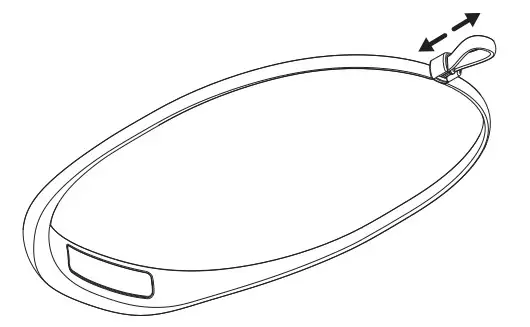
Secure the band with adjustable strap toggle. Once you’ve found your size you can set and forget.
BATTERY INDICATOR
When the light is turned on/off the Red LED will flastwice to indicate batterys Low twice to indicate battery is Low.
When charging, the Red LED is on. Once fully charg the Red charging LED turns off.
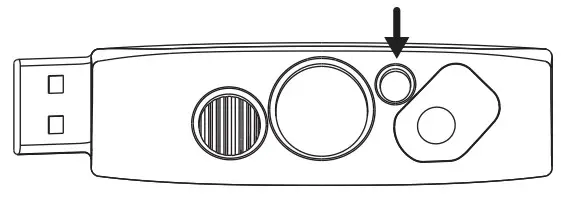
TO LOCK:
If light is off After 1second of holding button the light will turn on, light will turn on, if button is held for an additional 4seconds the Spot LED will flash 3 times to indicate the light is locked.
If light is on: After 1 second of holding button, the turn off, if button is held for an additional 4 seconds the Spot LED will flash 3 times to indicate the light is locked.
| Modes / Lumen | Max Lumen Runtime | Min Lumen Runtime |
| Combo 100 Lm | 2.5 hr | 25 hr |
| Spot 75 Lm | 4 hr | 24 hr |
| Wide 20 Lm | 10 hr | 46 hr |
| Halo 12 Lm | 6.5 hr | 36 hr |
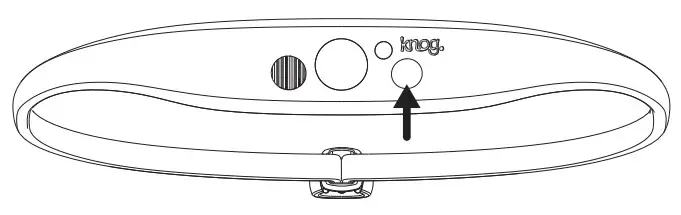
TO UNLOCK: Hold button for 5 seconds, light will unlock and turn on in the last used mode.
CARE & MAINTENANCE
To clean: wipe with damp, lint-free cloth, don’t useharsh chemicals, air dry, don’t sun dry.
WARRANTY
The light is guaranteed for 2 years against manufacturing defects only. The battery is guaranteed for 6 months against manufacturing defects only. See the website for more details. KNOG.COM.AU.
 Knog | Gear For The Road, Trail & Outdoors