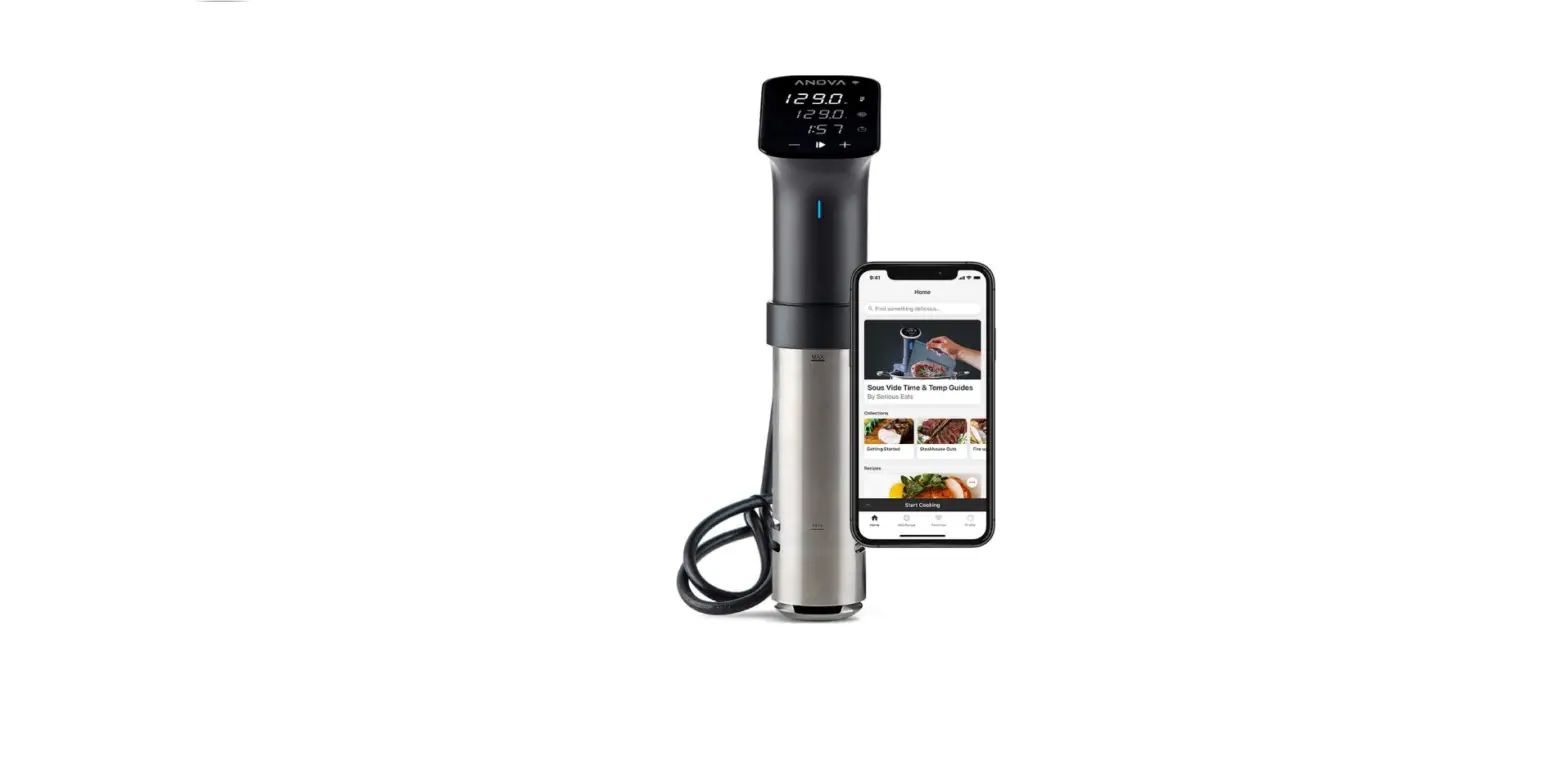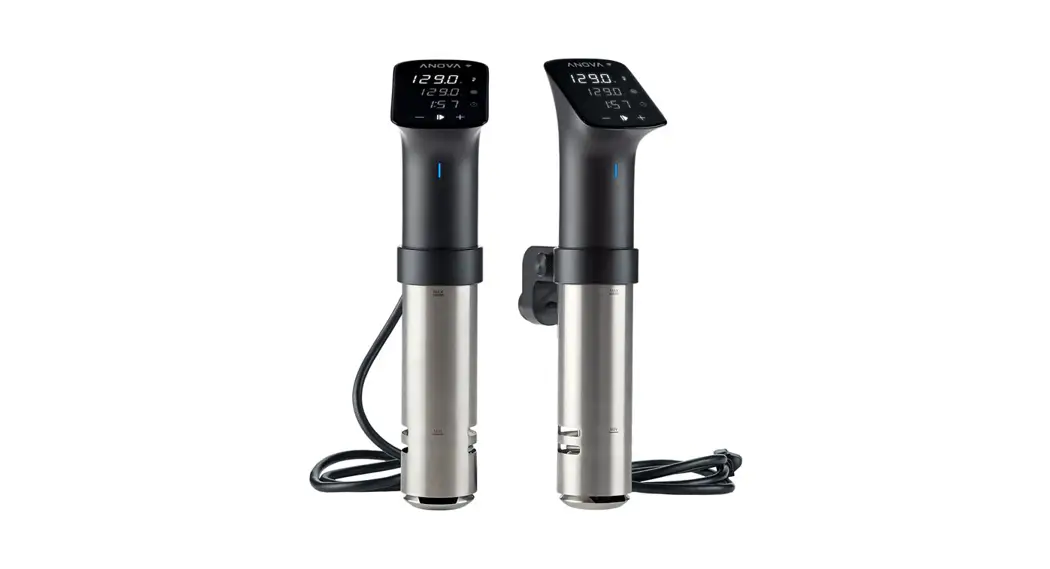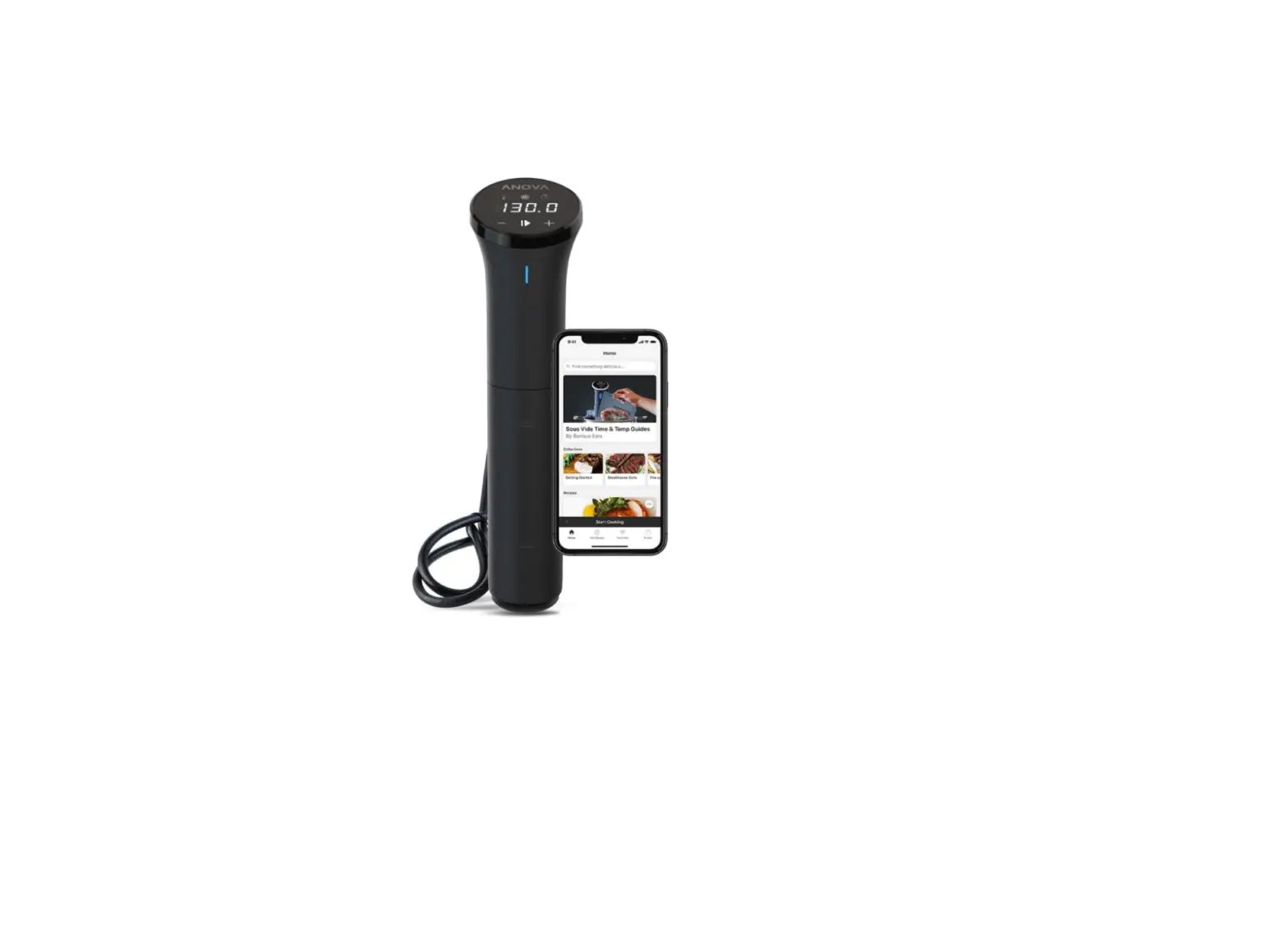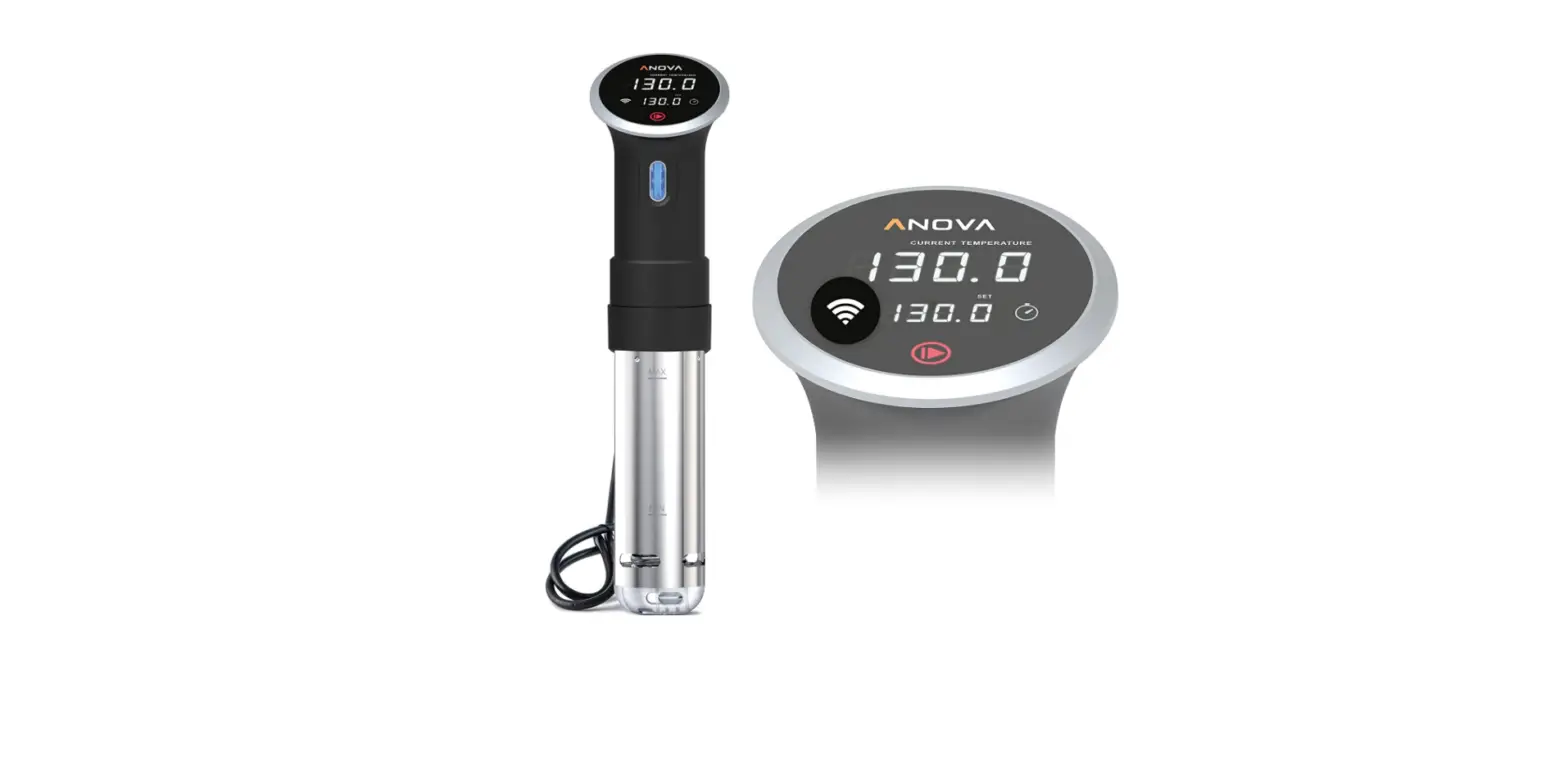

Anova Culinary A3.2-120V-US Sous Vide Precision Cooker
Introducing Your Precision” Cooker
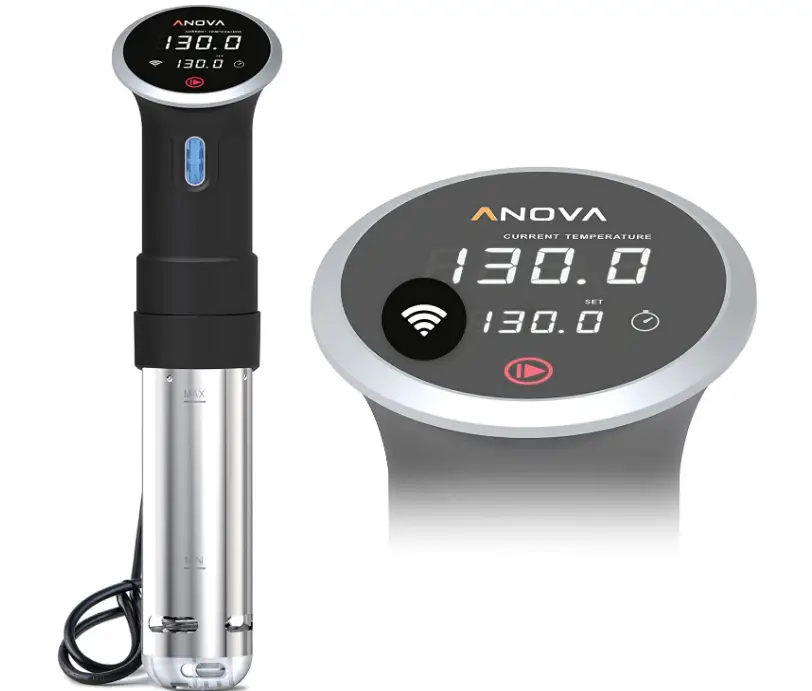
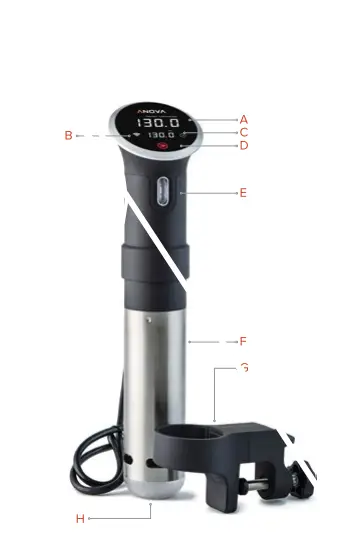
It may look like rocket science, but the Anova Precision” Cooker is actually easier than pie. Just like any meal prep, it’s best to know the ingredients before you begin, so let’s get to know your Precision” Cooker.
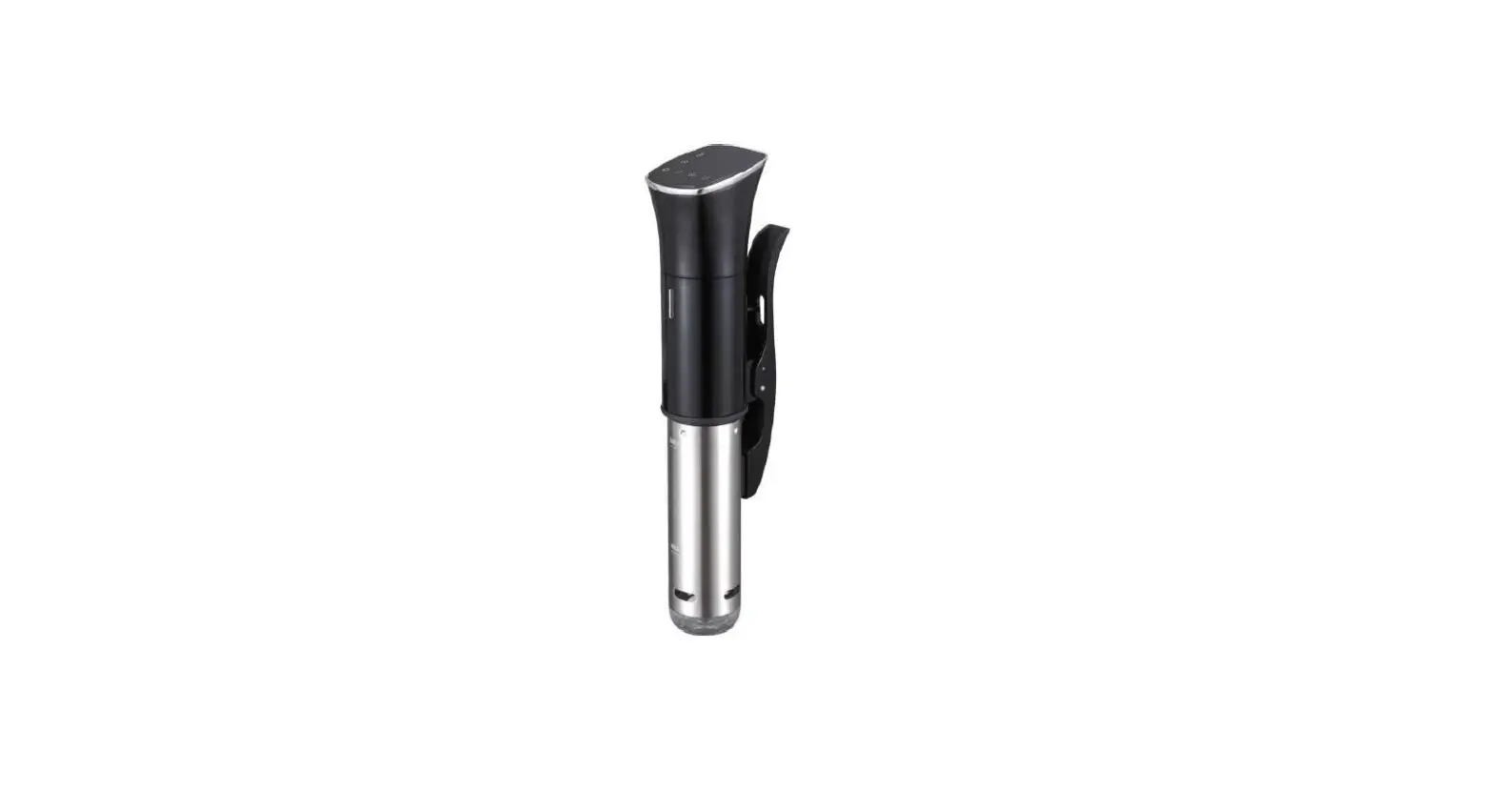
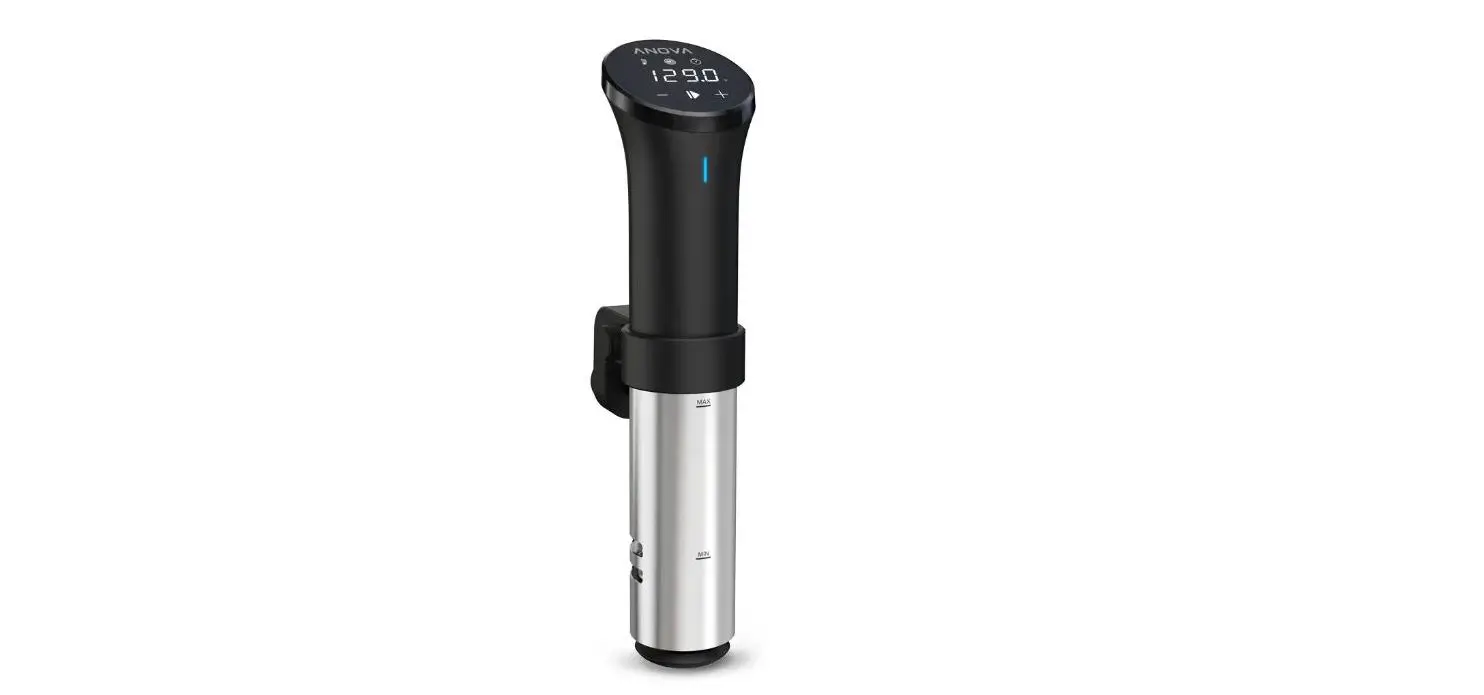
- Current Temperature
- WI-FI or Bluetooth
- Set Temperature
- Start/Stop
- Numeric Scroll Wheel
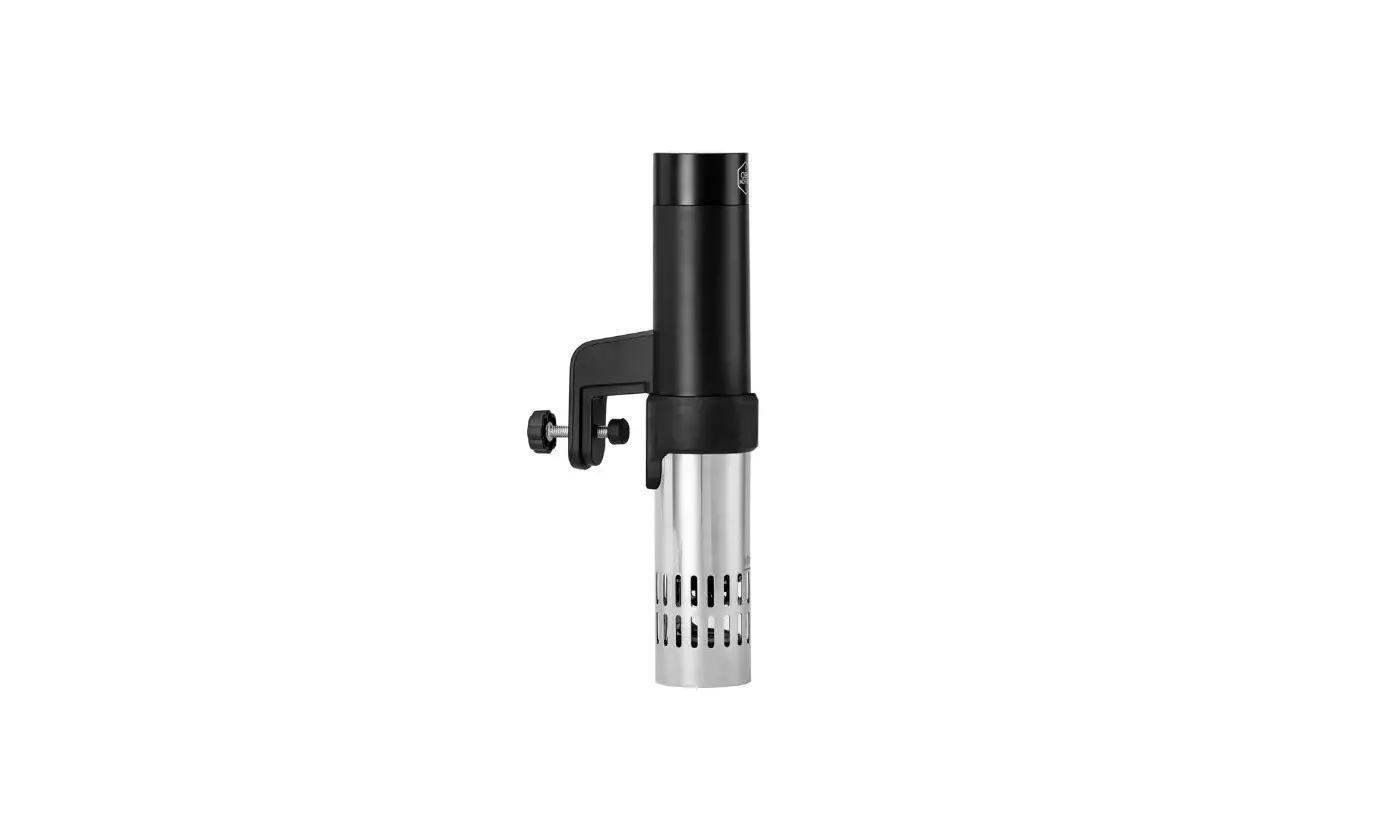
- Removable Skirt
- Adjustable Ring Clamp
- Water Pump Cap
 Setting up Your Precision” Cooker
 Setting up Your Precision” Cooker
Because the only thing easier than using your Precision Cooker is its setup.
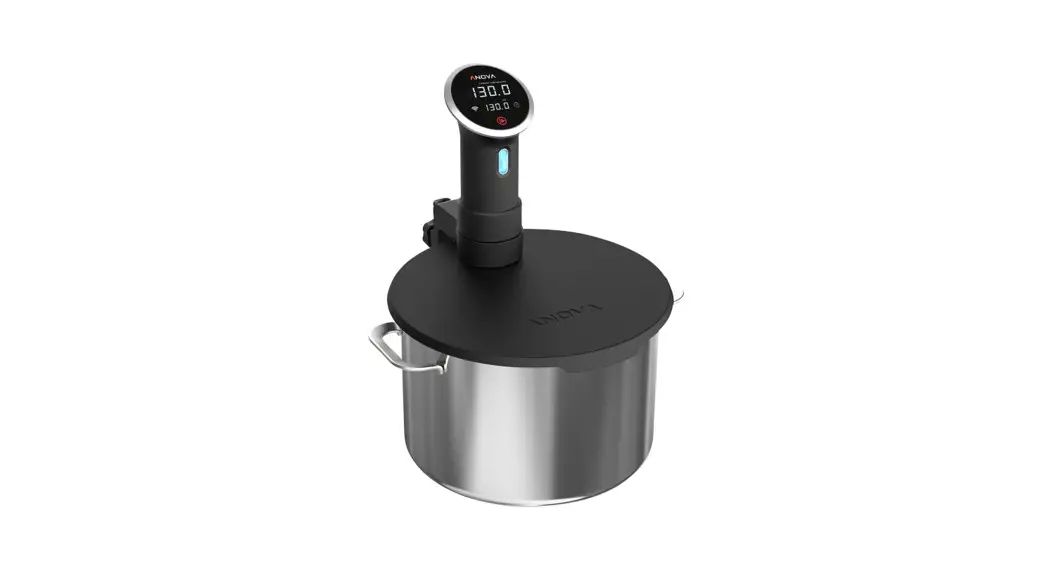
- First attach the clamp to the side of a pot and tighten the lower knob.
- Then slide your Precision Cooker into the clamp ring and secure by rotating the upper knob.
- Plug the Precision” Cooker into the nearest outlet and now you’re just a few steps away from becoming a better chef.
Cooking never looked so good.
Connecting Your Precision Cooker
The future of cooking is here – first let’s get you connected.
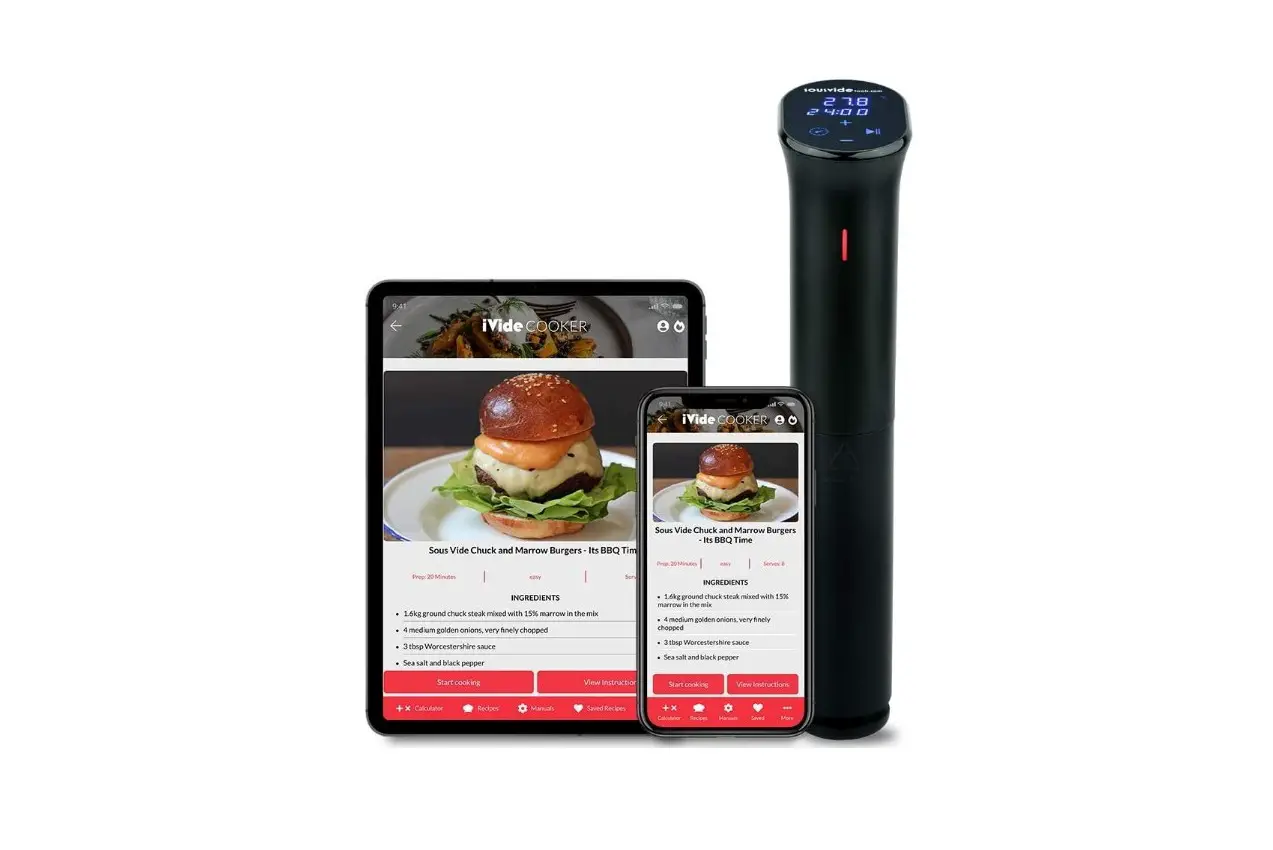
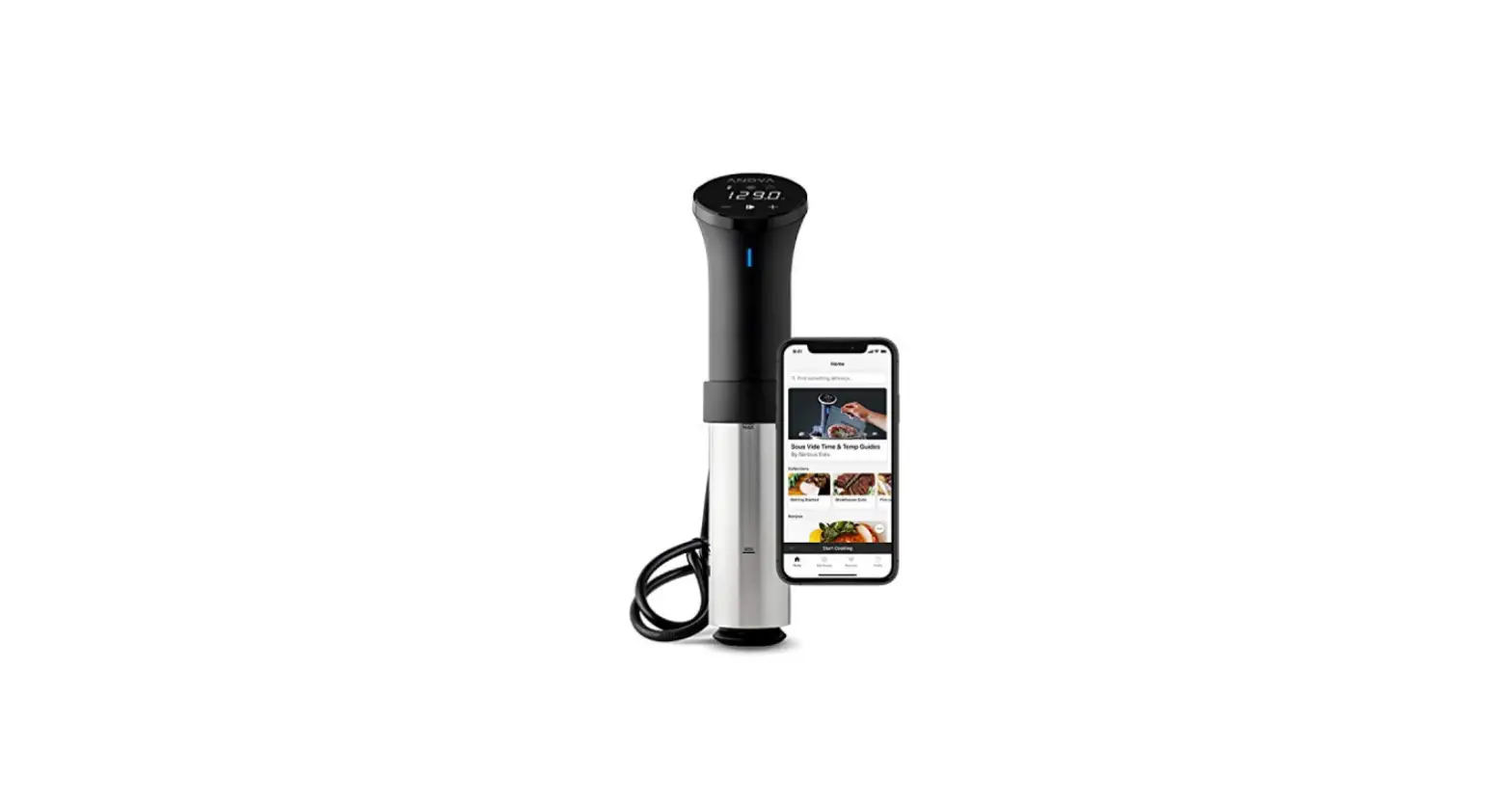
When you download the Anova Culinary App, you’re not just getting access to countless recipes, you’ll also have the ability to send specific cooking times and temperatures directly to your Precision Cooker. Plus, with the Precision Cooker WI-FI®, you’ll be able to cook and monitor your device from virtually anywhere, anytime.
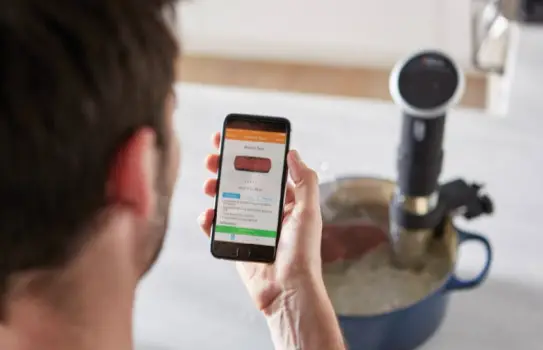
Your Wl-FI° Precision Cooker
- Make sure your device’s Bluetooth and W-F are turned on, and your device is connected to your prererred network.
- Now download the Anova Culinary App and open the application On your device.
- Just follow the simple steps to set up your Precision” Cooker W1-F1®.
Yeah, now you’re cooking – and with years of culinary experience right in the palm of your hand.
Your Bluetooth” Precision Cooker
- Make sure your device’s Bluetooth is turned on.
- Now download the Anova Culinary App and open the application On your device.
- Just follow the simple steps to get your Precision” Cooker paired to your device.
Perfecting Your Precision” Cooker
While your Precision” Cooker will transform cooking into an exact science, troubleshooting isn’t. Still we’ve got you covered. If you’re having problems setting up your Precision” Cooker, the solution could be as simple as unplugging the device and starting over, or re-installing the app.
Still not working? No worries. Consider us the chef in your corner, and if you email us at supportaanovaculinary.com will have you cooking in no time.
Also visit support.anovaculinary.com to view the complete user manual, or tor more recipe ideas check out recipes.anovaculnary.com
IMPORTANT SAFETY INFORMATION
Please read this safety information before operating your Anova Precision” Cooker. You’ll find additional safety tips in the complete user manual, which can be found at support.anovaculinary.com
- The Precision” Cooker is hot when in use. Use caution to avoid burns and always allow the system to cool before emptying water from the cooking container/pot.
- To avoid risk of fire or electric shock, never immerse your Precision”Cooker past the top etch mark of its stainless steel skirt
- When using your Precision” Cooker, place your pot on a potholder or on a stovetop to protect your countertop.
- Never use extension cords or a damaged cord or plug with your Precision Cooker. Use properly grounded electrical outlets and unplug the cooker when not in use.
- Never place your cooking container/pot on a marble or Corian countertop as the heat generated by your Precision” Cooker may damage those surfaces.
- Never place the cooking container/pot in which your Precision Cooker is immersed on a stove or in a heated oven where the power cord may be damaged.
- Never disassemble your Precision” Cooker for cleaning beyond the steps explained in the complete user manual found at support.anovaculinary.com]
- Never use deionized water (DI water) with your Precision” Cooker as it may damage the cooker’s surfaces.
- Always supervise children when they are in the area where your Precision” Cooker is in use.
- Always put food in a sealed bag/jar before submerging it in the water of the pot/container in which your Precision Cooker is immersed.
- Consuming raw or undercooked meats, poultry, seafood, shellfish or eggs may increase risk of foodborne illness.
ANOVA LIMITED WARRANTY
The following Limited Warranty and Limitation of Remedies and Damages apply to all Anova products. Purchase and use of thee Anova Precision Cooker (“product”) constitutes acceptance of this Limited Warranty and Limitation of Remedies and Damages. The remedies provided under this Limited Warranty are exclusive and in lieu of all other remedies. Read carefully-the terms of this Limited Warranty affect your legal rights.
LIMITED WARRANTY
Anova warrants to the Buyer that the product is free from defects in material and workmanship for a period of one (1) year from the date the product is purchased.
RETURNs For return requests, please access anovaculinary.com/pages/returns/ and follow the instructions.
SHIPPING Anova will send to Buyer a prepaid shipping label that will cover shipping and handling charges for the product to be returned to Anova or its authorized representative. After repair or replacement, Anova will be responsible fo shipping and handling for the return of the product to Buyer.
ANOVA’S LIMITED WARRANTY IS BUYER’S EXCLUSIVE REMEDY WITH REGARD TO THE PRODUCT. NEITHER THIS LIMITED WARRANTY NOR ANY OTHER CONTENT OR STATEMENT ON ANOVACULINARY.CcOM, NOR ANY OTHER STATEMENT BY OR ON BEHALF OF ANOVA, SHOULD BE CONSTRUED AS AN EXPRESS OR IMPLIED WARRANTY FOR ANY ANOVA PRODUCT. ANOVA PRODUCTS ARE SUBJECT TO THE SPECIFIC, LIMITED WARRANTY INCLUDED WITH EACH PRODUCT, WHICH IS INCLUDED IN LIEU OF ALL OTHER WARRANTIES, EXPRESS OR IMPLIED, INCLUDING ANY WARRANTY OF MERCHANTABILITY OR FITNESS FOR A PARTICULAR PURPOSE.
Bluetooth® is a registered trademark owned by Bluetooth SIG, Inc. All other trademarks are properties of their respective owners.
Frequently Asked Questions
I usually always operate mine manually because it is so simple to use without WiFi.
The temperature range is accurate to within 1/10 of 1 degree, spanning from a high of 210F (99C) to a low of 77F (25C). The timer can be set for up to 99 hours, however during lengthy cooking, you need keep an eye on the water level to allow for evaporation. Pumping at a rate of 1-1.2 gallons per minute (7-8 litres per minute). 4-5 gallons is the maximum suggested tank volume (15-19 liters).
I’ve never made use of the wifi functionality. When starting with tap water, the only advantage of a greater wattage device is that it boils the water more quickly. So I wait a little bit longer for it to reach 131 so I can cook a steak. Even during my longest 24-hour cook, the 800-watt unit precisely regulates the temperature. (Roast Lamb)
You would want the steak’s entire surface to be exposed to heat. While it is possible to accomplish this by placing two steaks side by side in a single, enormous bag, using separate bags for each steak would be preferable and much simpler.
Depending on the size of the pot and the sort of food being cooked, you can rotate the unit to control the water flow, which is circulated by a pump.
Following sous vide cooking with the Anova, you can sear the steak by briefly grilling or frying it to brown it.
The app is great to alert you when it reaches cooking temperature while you are outside the room even though the device already displays the temperature. If not, you might need to check it multiple times before you can decide when to put the food in.
Kind of. The Bluetooth model is this. Therefore, you can begin it from your couch. No, if you want to begin it at the office. You must then purchase the more recent wireless model.
Since my device is Bluetooth-enabled, you can only send data over short distances (seems to work for about 30 feet). Since the recipes always instruct you to bring the water to temperature before adding the food, there isn’t much you could do besides preheat.
The head can indeed be turned in any direction. To rotate it, you need to undo a thumb screw on the back.
Yes, you can, but the cost isn’t justified. Water is a far better option than cooking oil because it is less messy, easier to clean up, cheaper, and easier to discard. Although oil may be heated much more than water, the Sous Vide method’s main goal is to cook food at temperatures “below” 212°F.