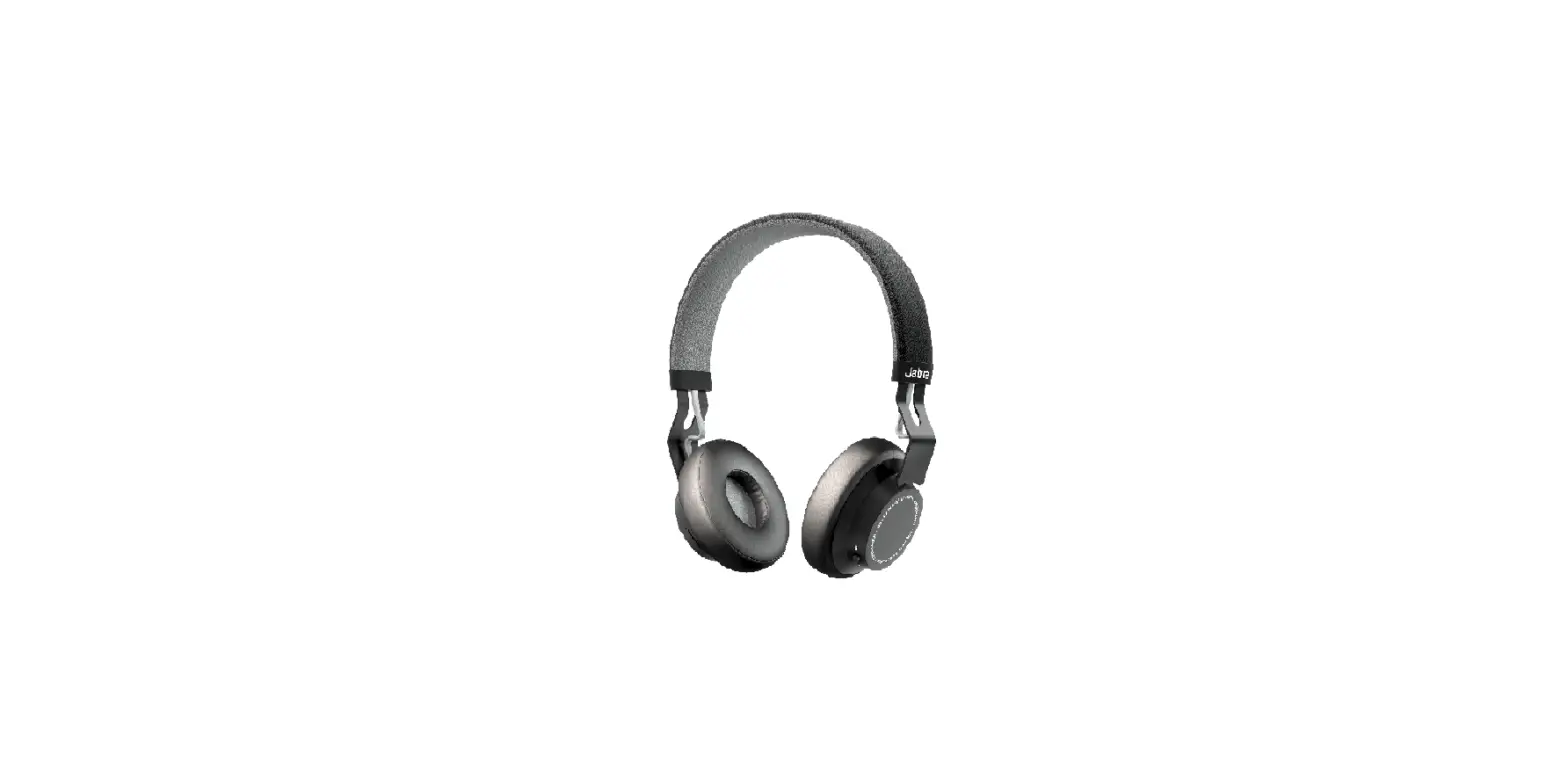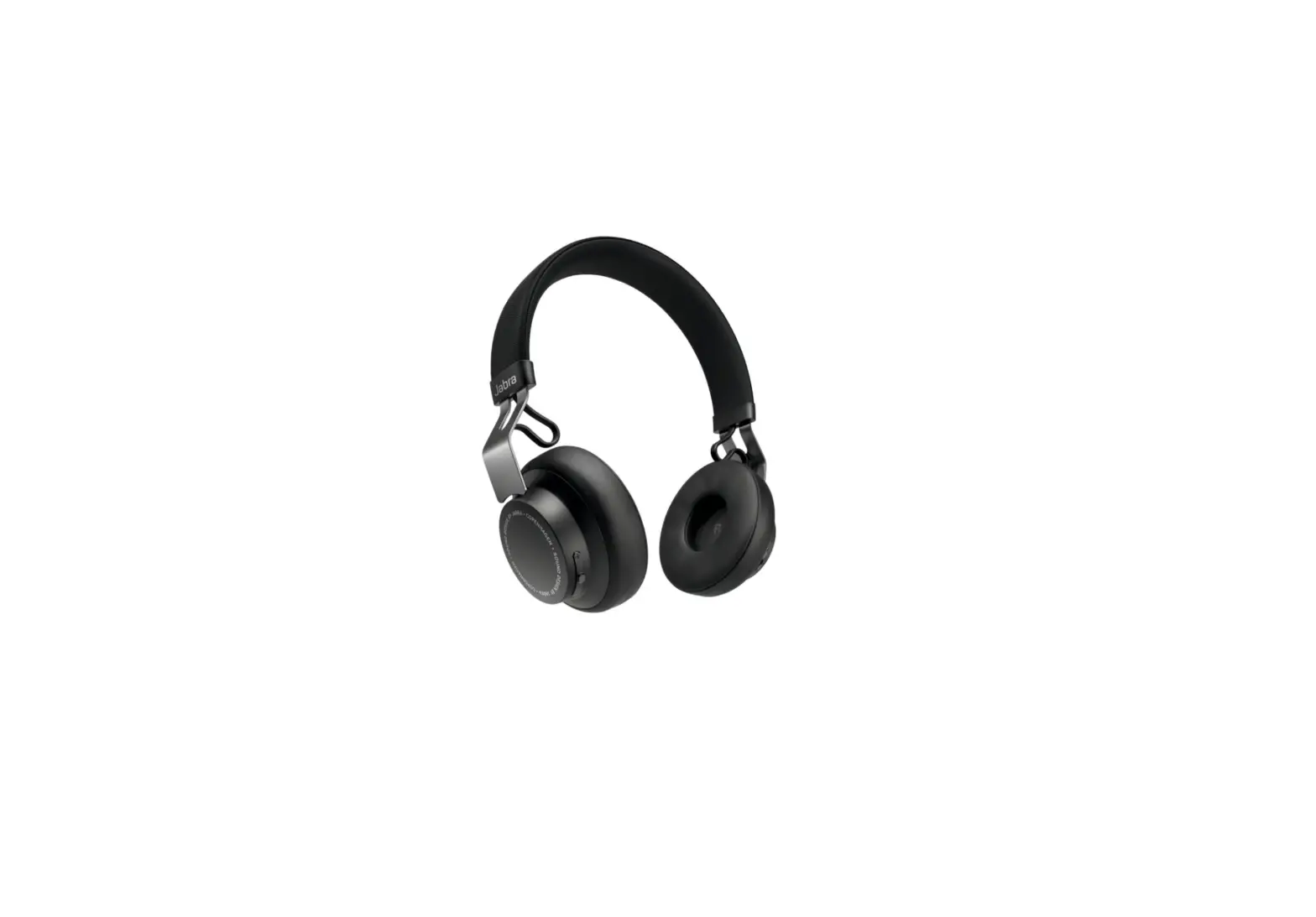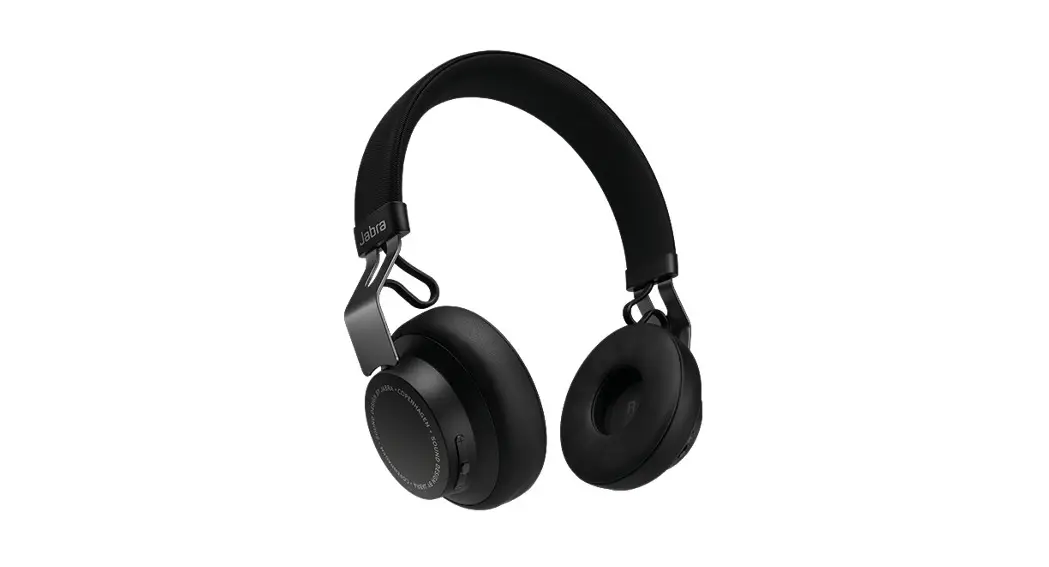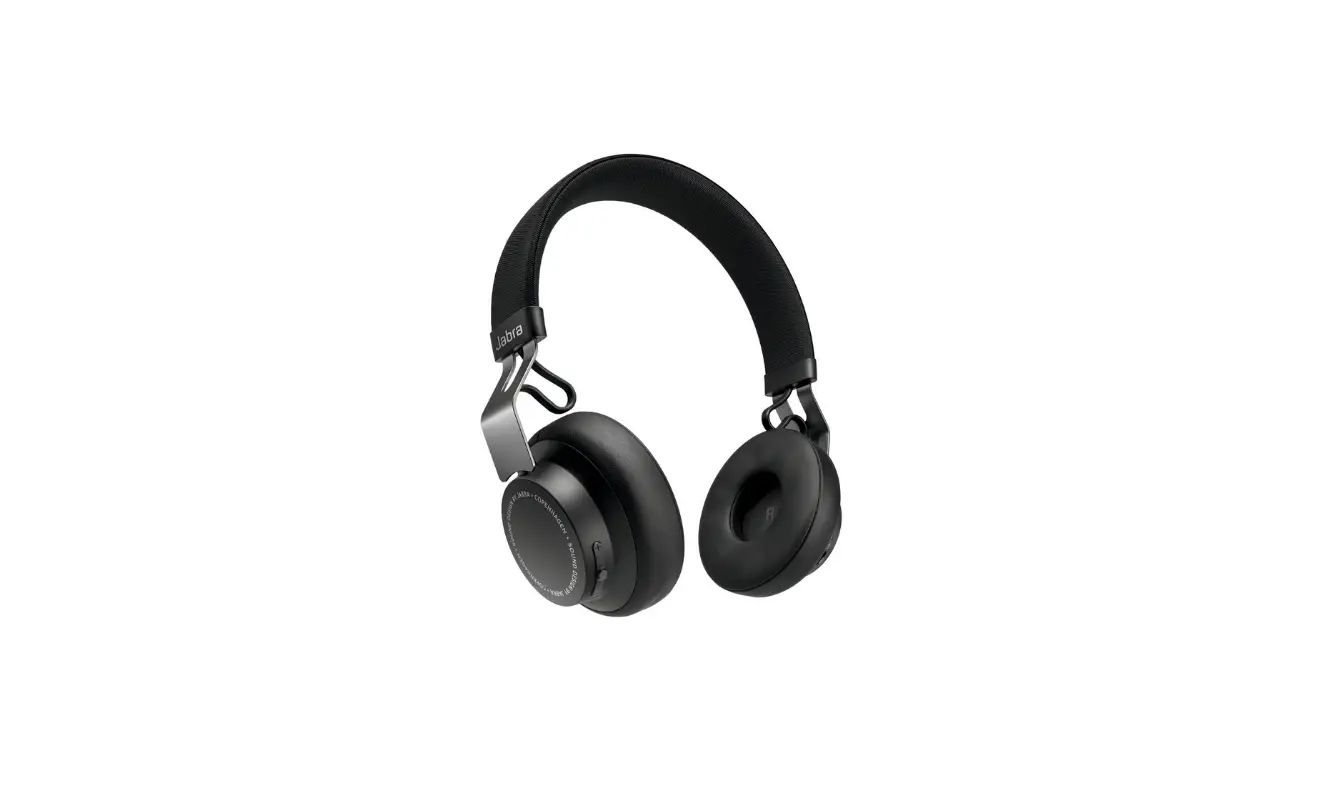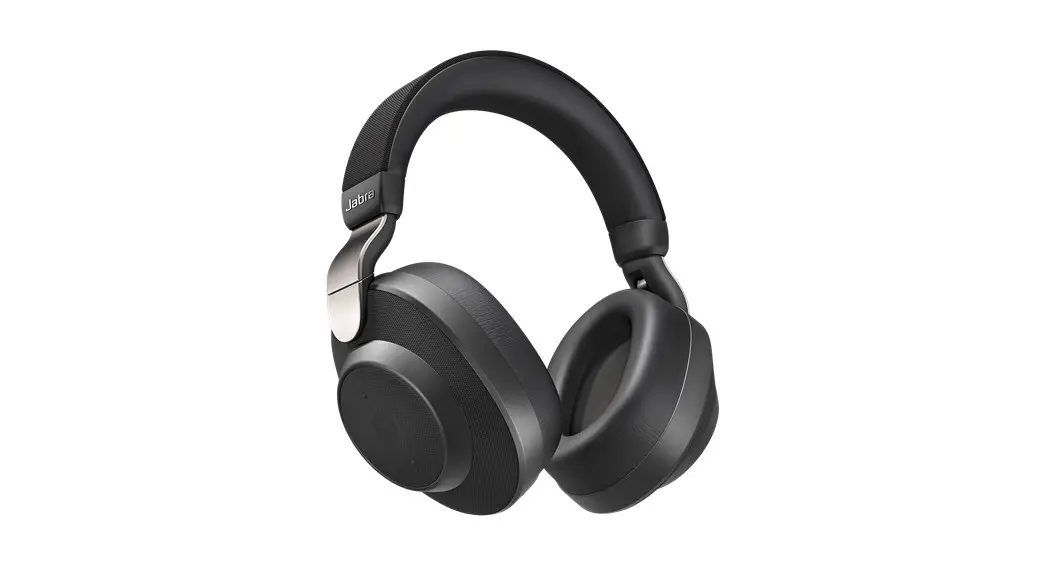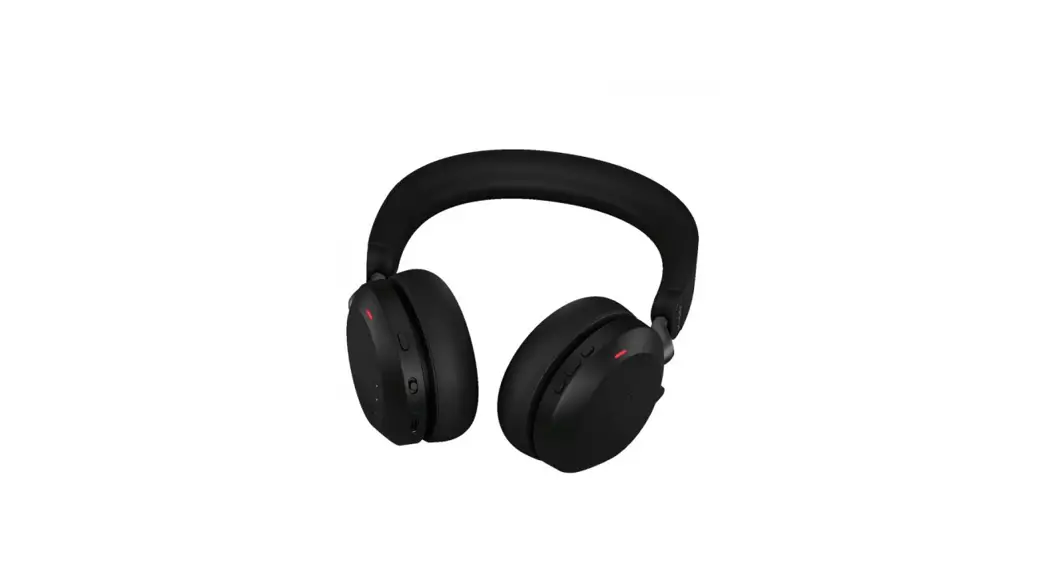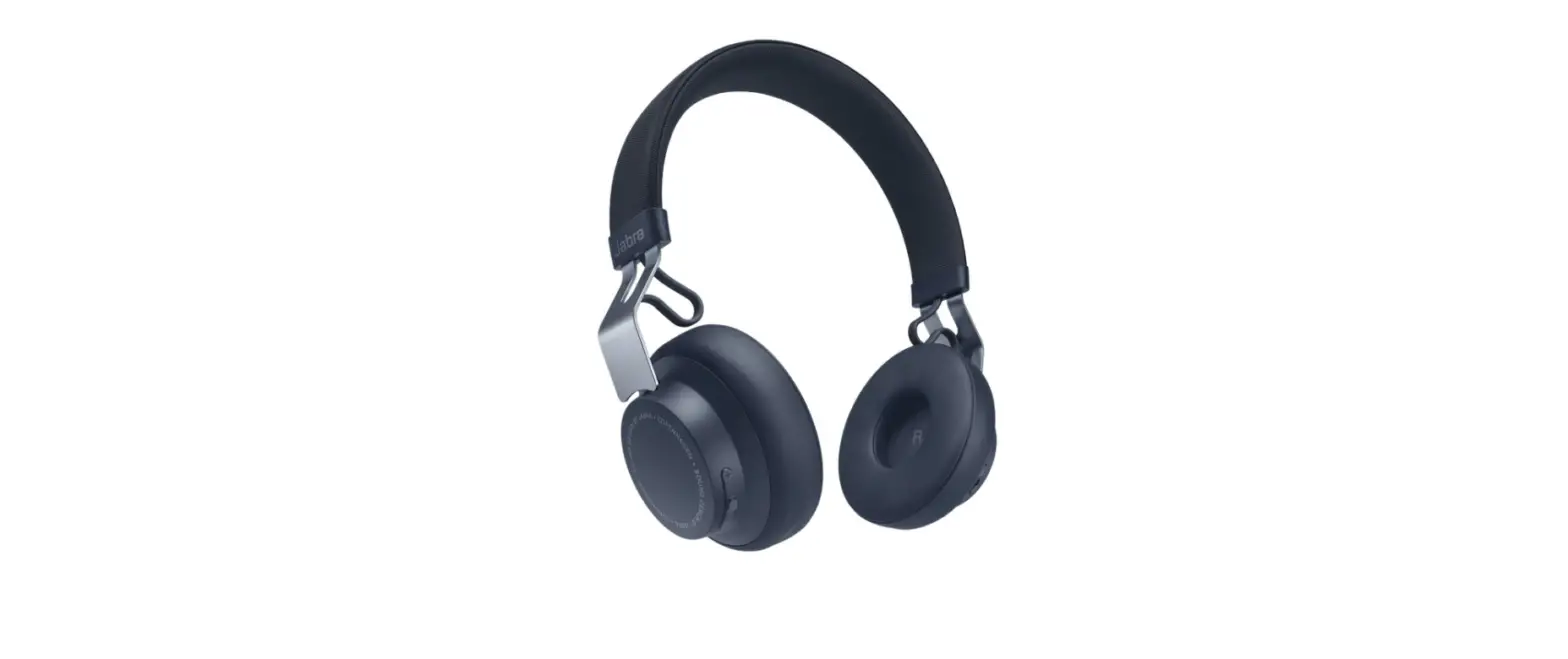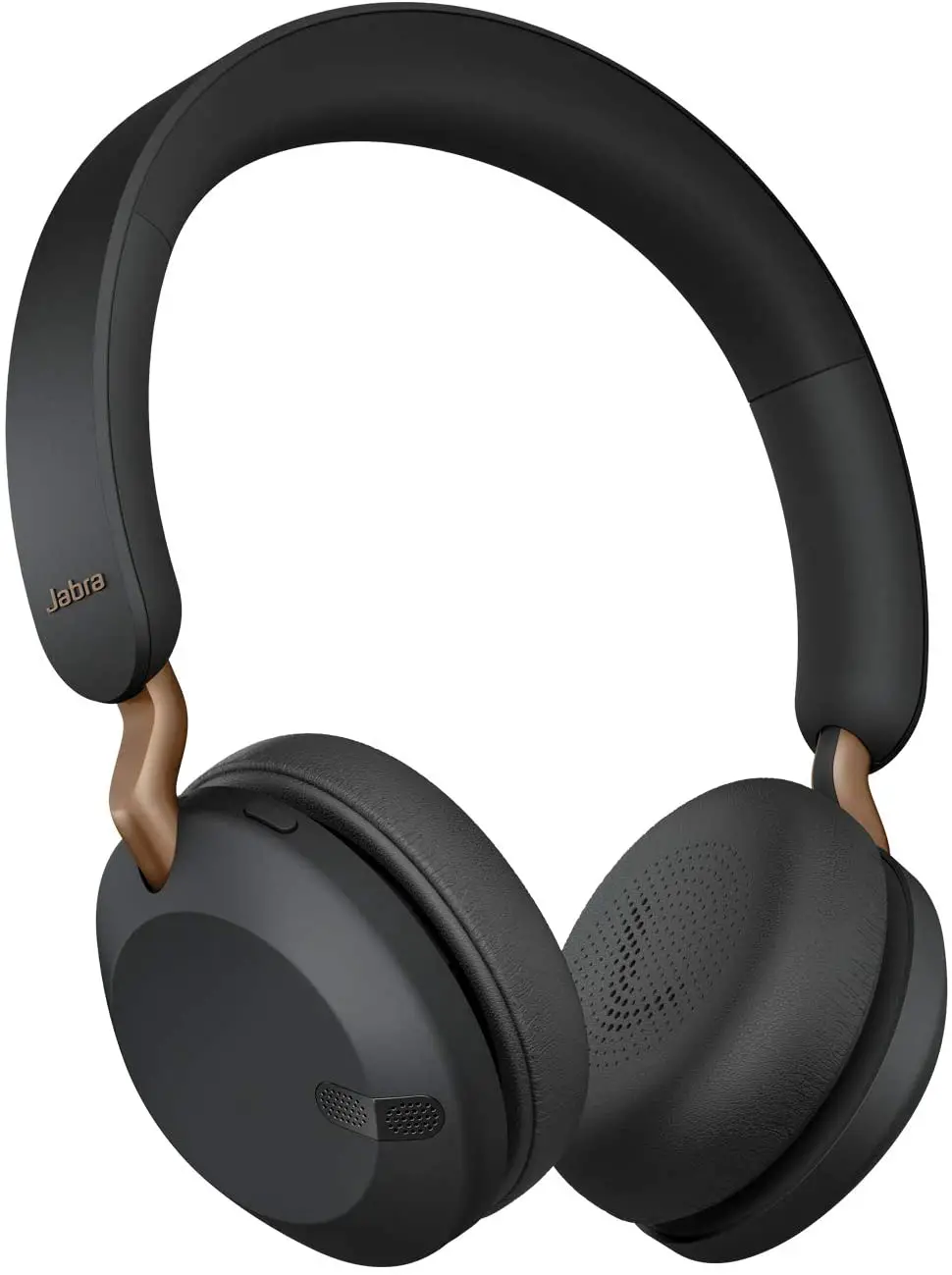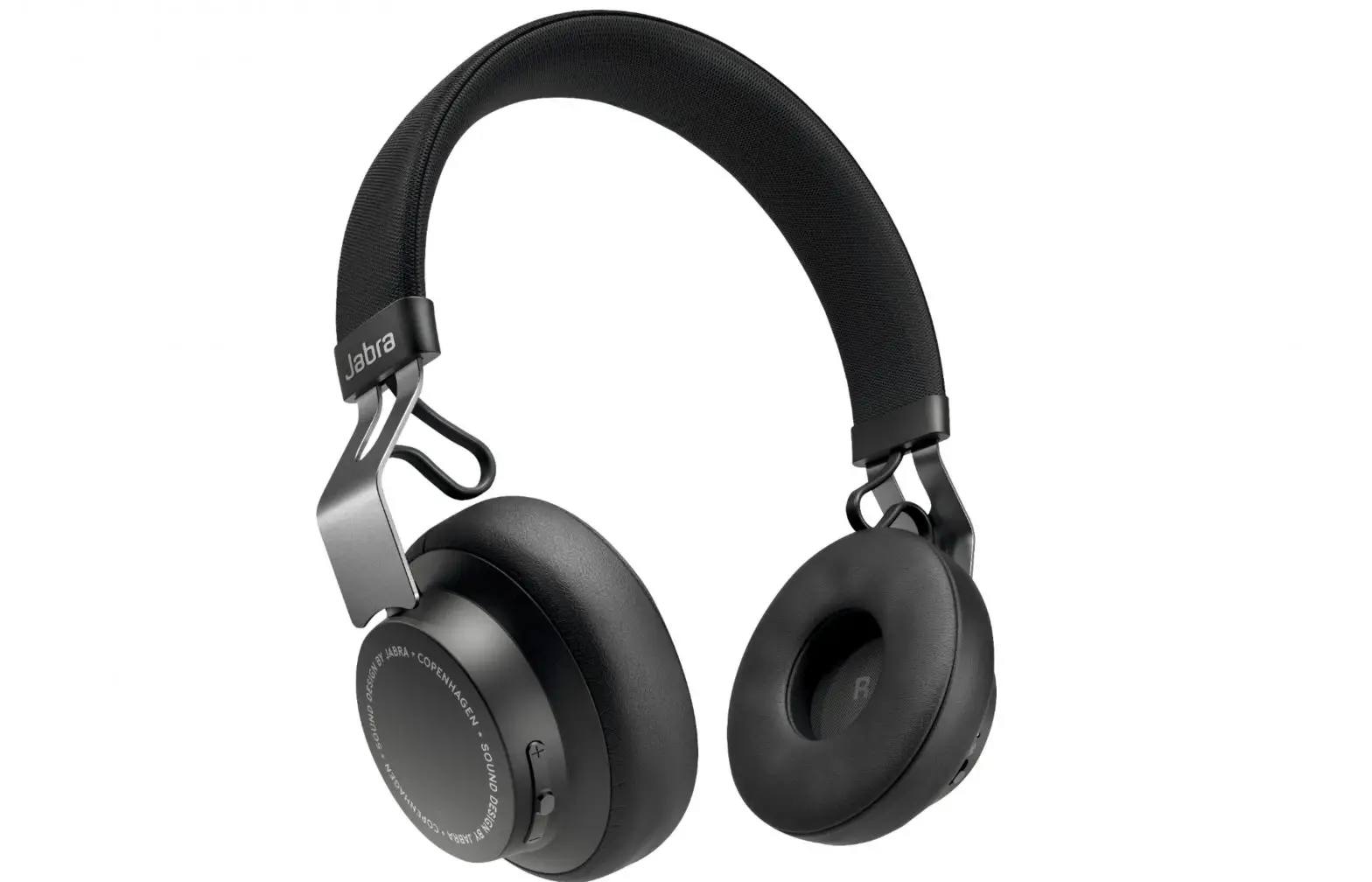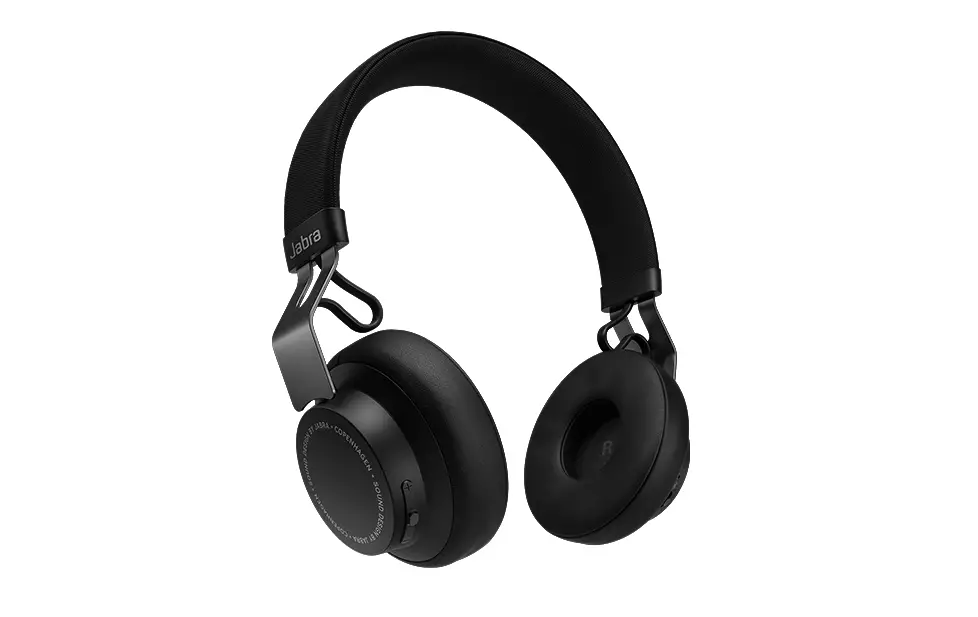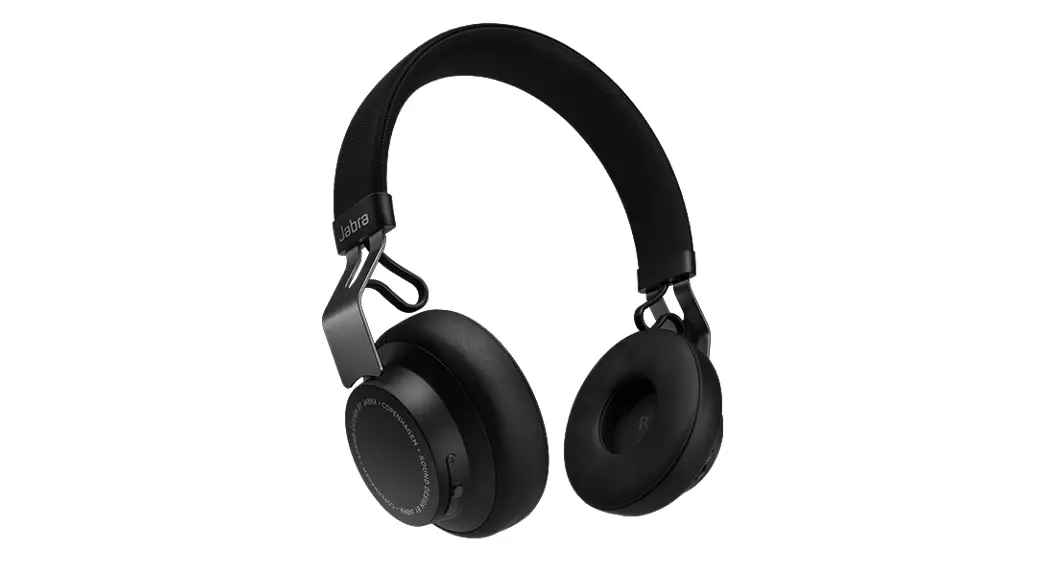

JABRA MOVE WIRELESS
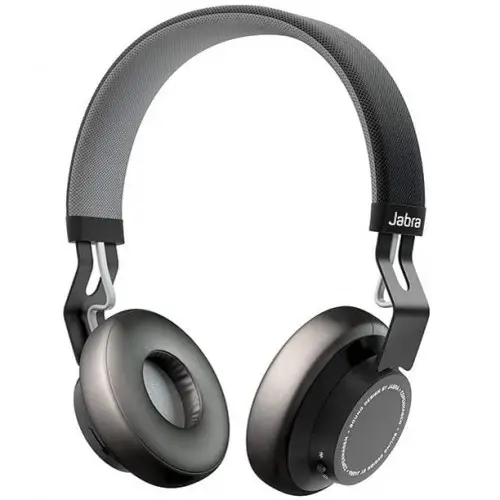
User Manual
WELCOME
Thank you for purchasing the Jabra Move Wireless. We hope you will enjoy it!
JABRA MOVE WIRELESS FEATURES
- Premium wireless sound experience – amplifies without distortion. Brings out the depth and clarity of your music
- Seals the sound – angled ear cups allow you to hear all the music
- Easily connect with any device via Bluetooth 4.0
- Life proof – lightweight, comfortable headphones built & tested for life on the move
- Premium materials – stainless steel
- Wired option – detachable cord for when you need to be wired
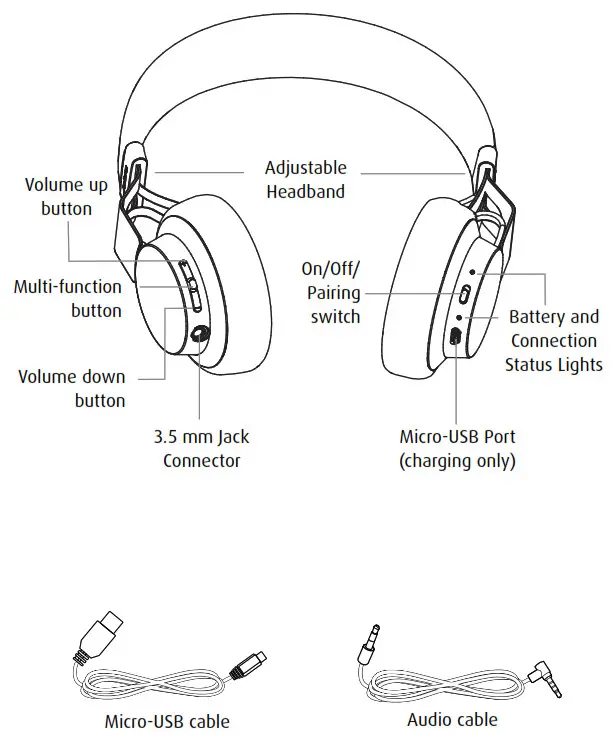
WHAT’S IN THE BOX
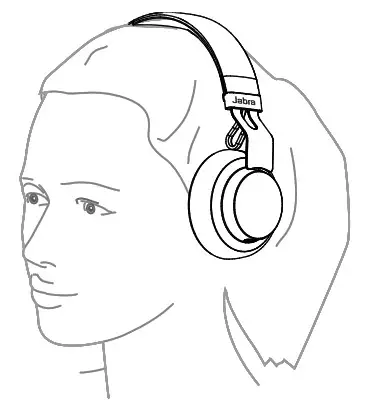
HOW TO WEAR
HEIGHT ADJUSTMENT
Get the perfect fit by adjusting the headband, as illustrated.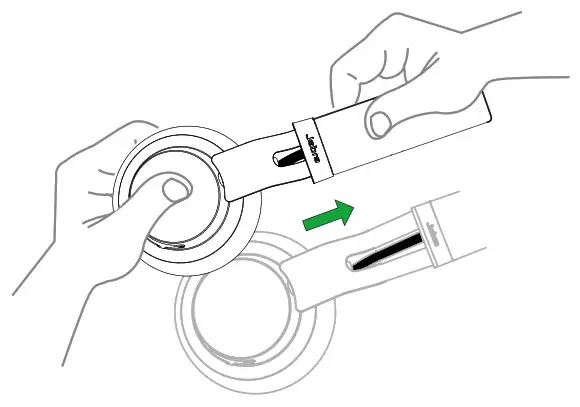
HOW TO CHARGE
Plug the headphones into any available USB port on your PC using any micro-USB cable.
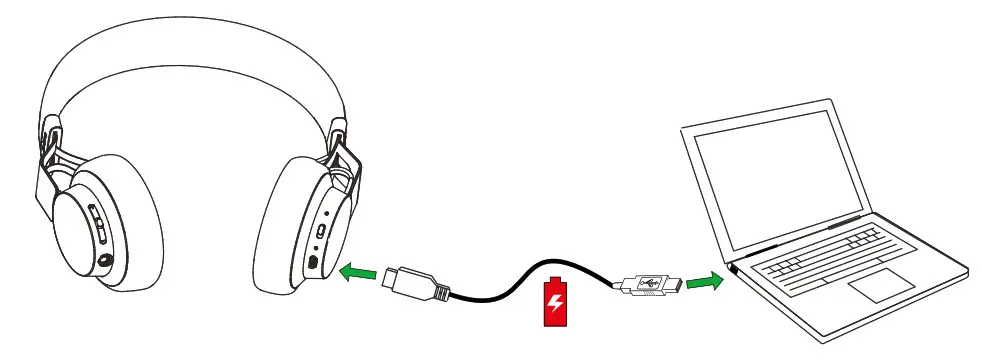
BATTERY STATUS
Tap the Multi-function button when not on a call to see the battery status. It takes 1-2 hours to fully charge the headphones.
| LED | COLOR | BATTERY LEVEL |
 | Green | Medium/High |
 | Red | Low |
| Flashing red | Critically low |
HOW TO CONNECT
The Jabra Move Wireless will automatically attempt to Bluetooth connect to a mobile device whenever it is powered on (unless already connected to a Bluetooth device). Simply follow the voice-guided connection instructions.
BLUETOOTH CONNECT TO A NEW OR SECOND MOBILE DEVICE
1. Hold the On/Off/Pairing switch in the Pairing position for 3 secs.
2. Pairing mode will be announced in the headphones, and the Bluetooth light will flash blue.
3. Follow the voice-guided instructions to connect to your Bluetooth device.
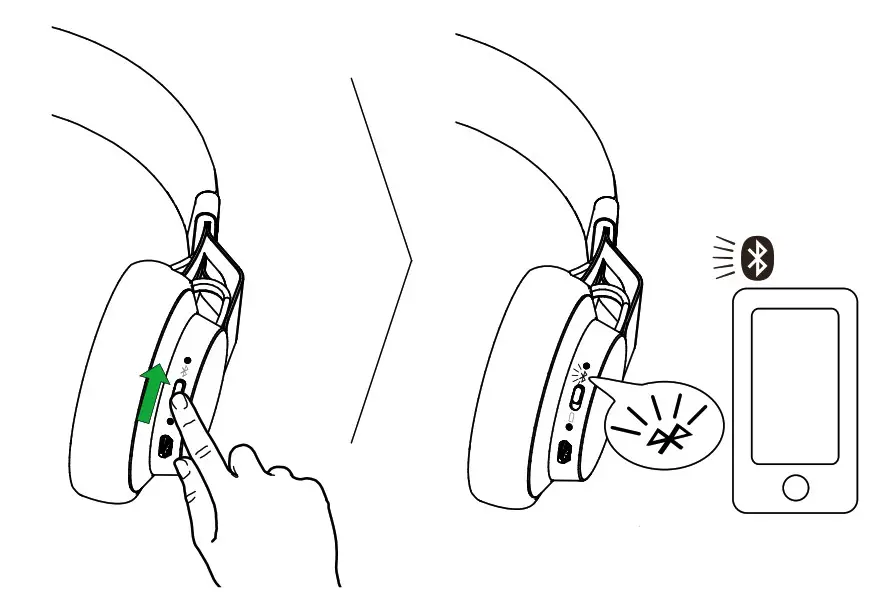
NOTE: If two mobile phones have been connected to the Jabra Move Wireless, you may need to select which phone will be used for calls/music. Simply open the Bluetooth menu on the mobile phone you wish to use for calls/music and select Jabra Move Wireless from the list of devices.
5.2 CONNECT TO 3.5 MM JACK CONNECTOR
Connect the headphones to a 3.5 mm jack connector on your mobile device or PC using the supplied audio cable.
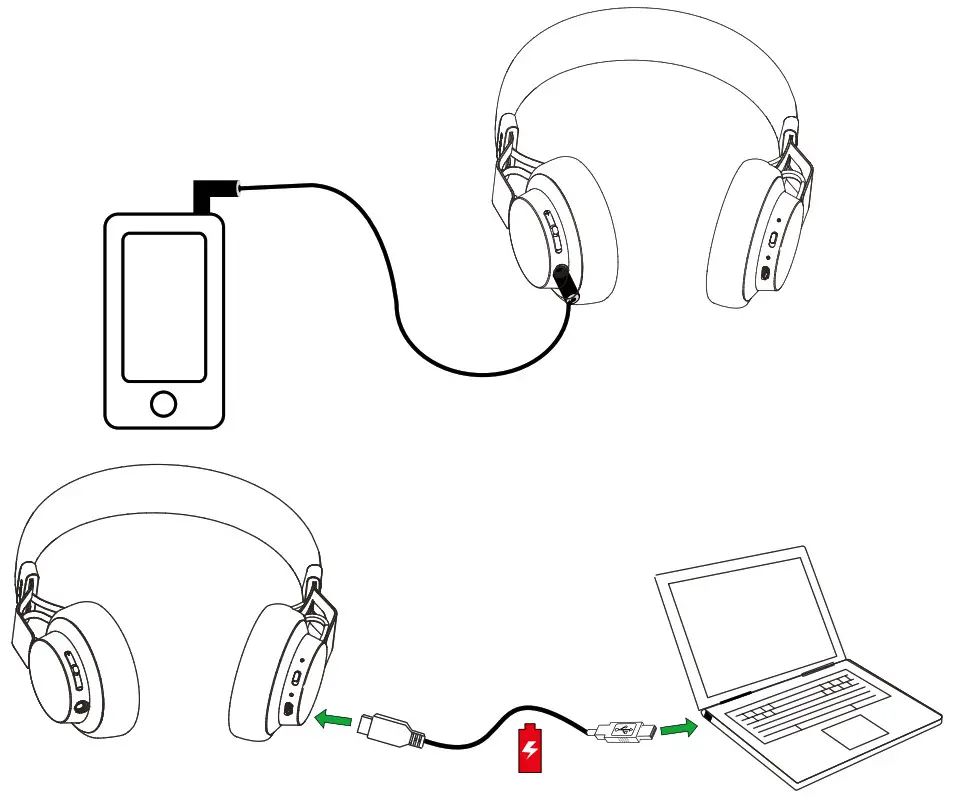
NOTE: Bluetooth connections are disabled when connected to the 3.5 mm Jack Connector.
HOW TO USE
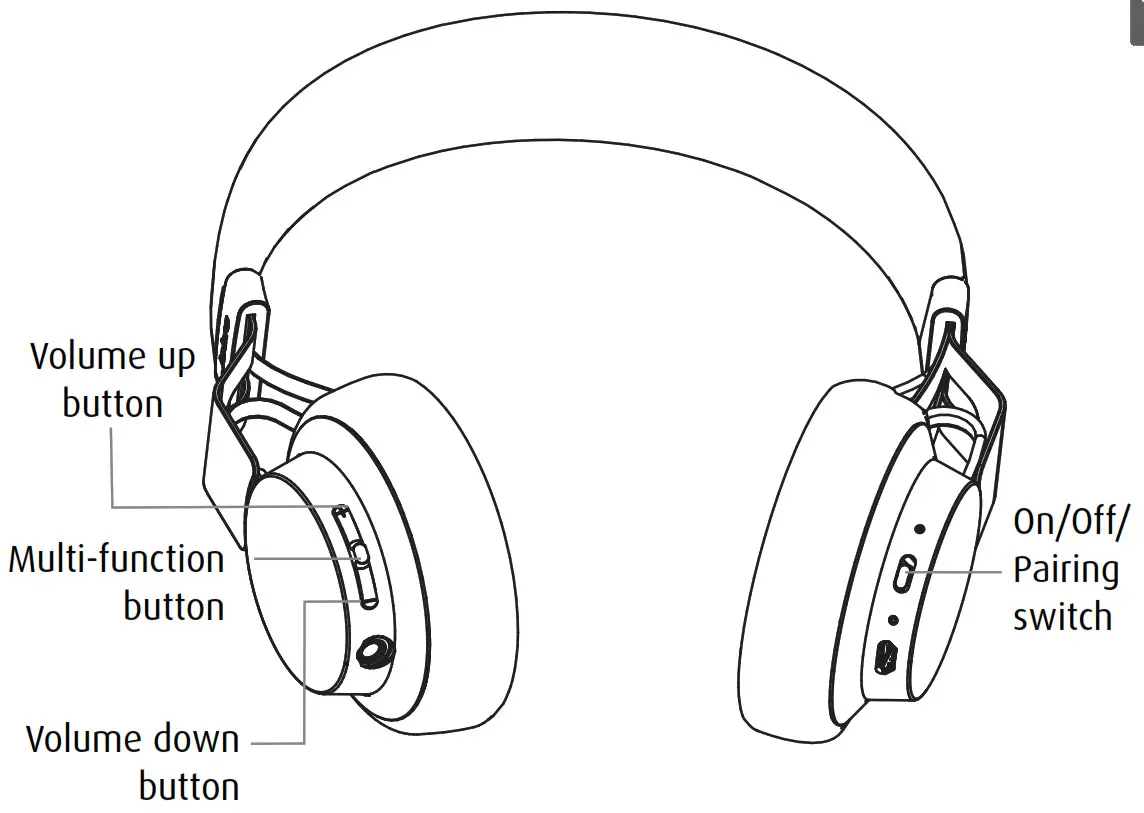
MUSIC & CHAT
The buttons on the headphones enable you to control your music and phone calls.
| FUNCTION | HOW TO DO IT | |
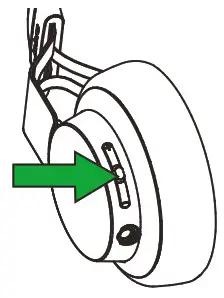 | Pause/play music | Tap the Multi-function button |
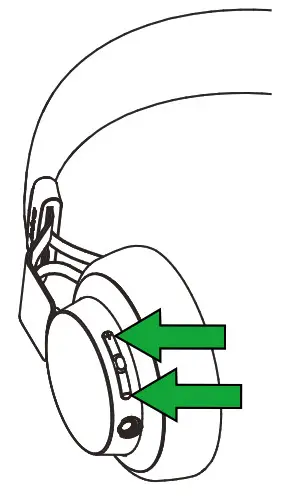 | Adjust volume | Tap the Volume up or Volume down button |
| Skip track | Press and hold either the Volume up or Volume down button | |
| Battery status | Tap the Volume up or Volume down button, when not on a call | |
 | Answer/end call | Tap the Multi-function button |
| Reject call | Press and hold (1 sec) the Multi-function button | |
| Redial last number | Double-tap the Multifunction button |
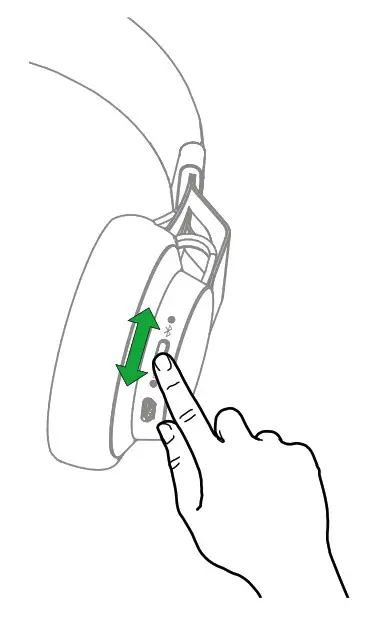
TURN HEADPHONES ON/OFF
Slide the On/Off/Pairing switch to On or Off.
MULTIPLE CALL HANDLING
The headphones can accept and handle multiple calls simultaneously.
| FUNCTION | HOW TO DO IT | |
| Put the current call on hold and answer an incoming call | Press (2 secs) the Multifunction button |
| Switch between held call and active call | Press (2 secs) the Multifunction button | |
| Reject incoming call | Double-tap the Multifunction button |
VOICE GUIDANCE
| CLICK TO LISTEN | WHAT YOU HEAR |
 | To connect Move, go to the Bluetooth menu on your phone and select it from the list. |
| Connected |
| Disconnected |
| Connection canceled |
| Two devices connected |
| No device connected |
| Recharge battery |
| Battery level low |
| Battery level medium |
| Battery level full |
| Voice prompts off |
| Voice prompts on |
| Redialing |
SUPPORT
FAQ
View the full FAQ at jabra.com/movewireless
FACTORY RESET
To factory reset the headphones and clear the pairing list, press and hold (5 secs) both the Volume up button and the Multi-function button at the same time.
HOW TO CARE FOR YOUR HEADPHONES
- Always store the headphones with the power off and safely protected.
- Avoid storage at extreme temperatures (above 85°C/185°F or below -20°C/-4°F). This can shorten battery life and may affect operation.
High temperatures may also degrade performance. - Do not expose the headphones to rain or other liquids.
TECHNICAL SPECIFICATIONS
| JABRA MOVE HEADPHONES | SPECIFICATION |
| Weight: | 150 grams |
| Dimensions: | H 172 mm x W 146.1 mm x L 59 mm |
| Microphone: | 4 mm Omni-directional microphone |
| Speaker: | 40 mm dynamic speaker |
| Operating range: | Up to 10 meters (33 feet) |
| Bluetooth version: | 4.0 |
| Paired devices: | Up to 8 devices, connected to 2 at same time (MultiUseTM) |
| Supported Bluetooth profiles: | Headset profile v1.2, Handsfree profile v1.6, A2DP v1.2, AVRCP v1.4 |
| Talk time: | Up to 8 hours |
| Standby time: | Up to 10 days |
| Operating temperature: | -10° C to 60° C (14 F to 140 F) |
| Storage temperature: | -20° C to 85° C (-4 F to 185 F) |
| Pairing passkey or PIN: | 0000 |
 Wireless Headphones for calls and music | Jabra Move Wireless Style Edition