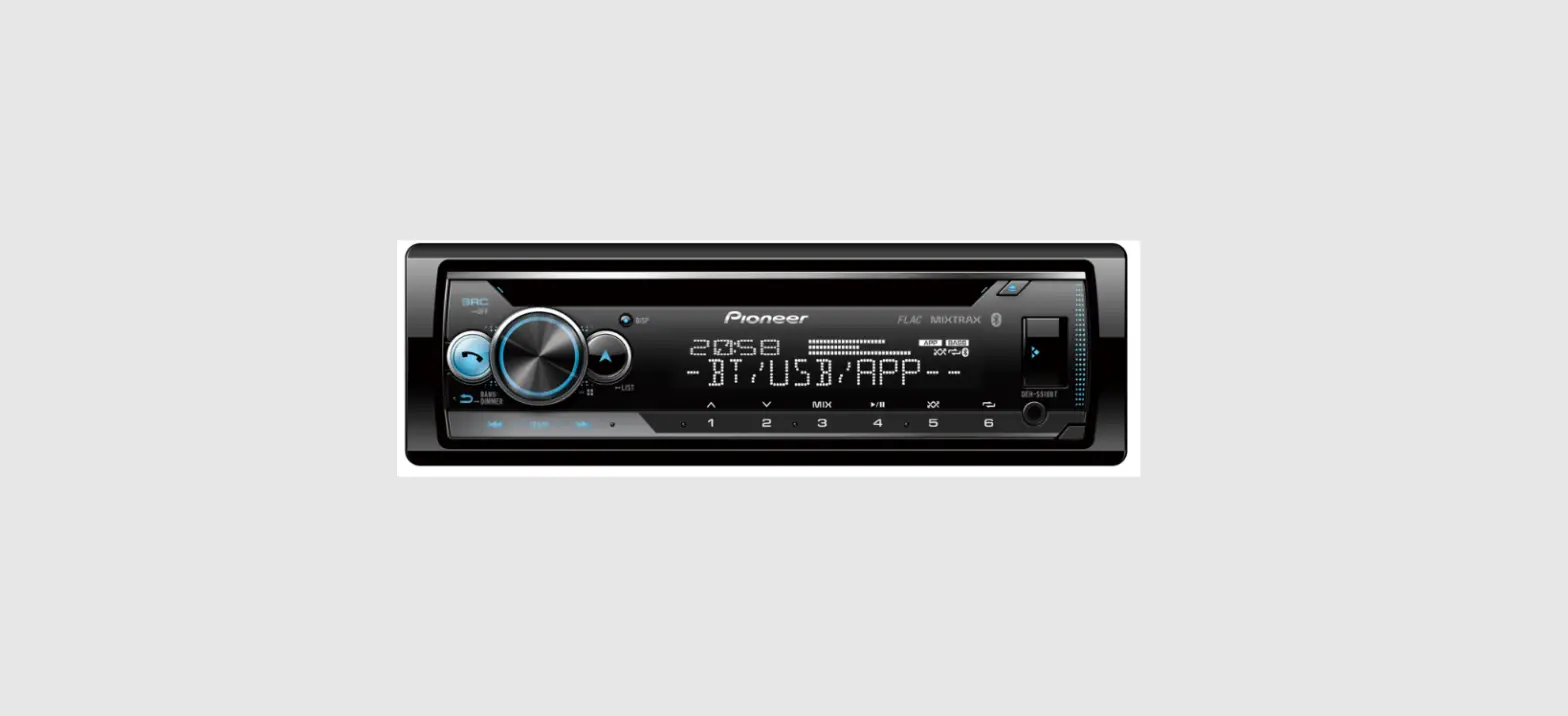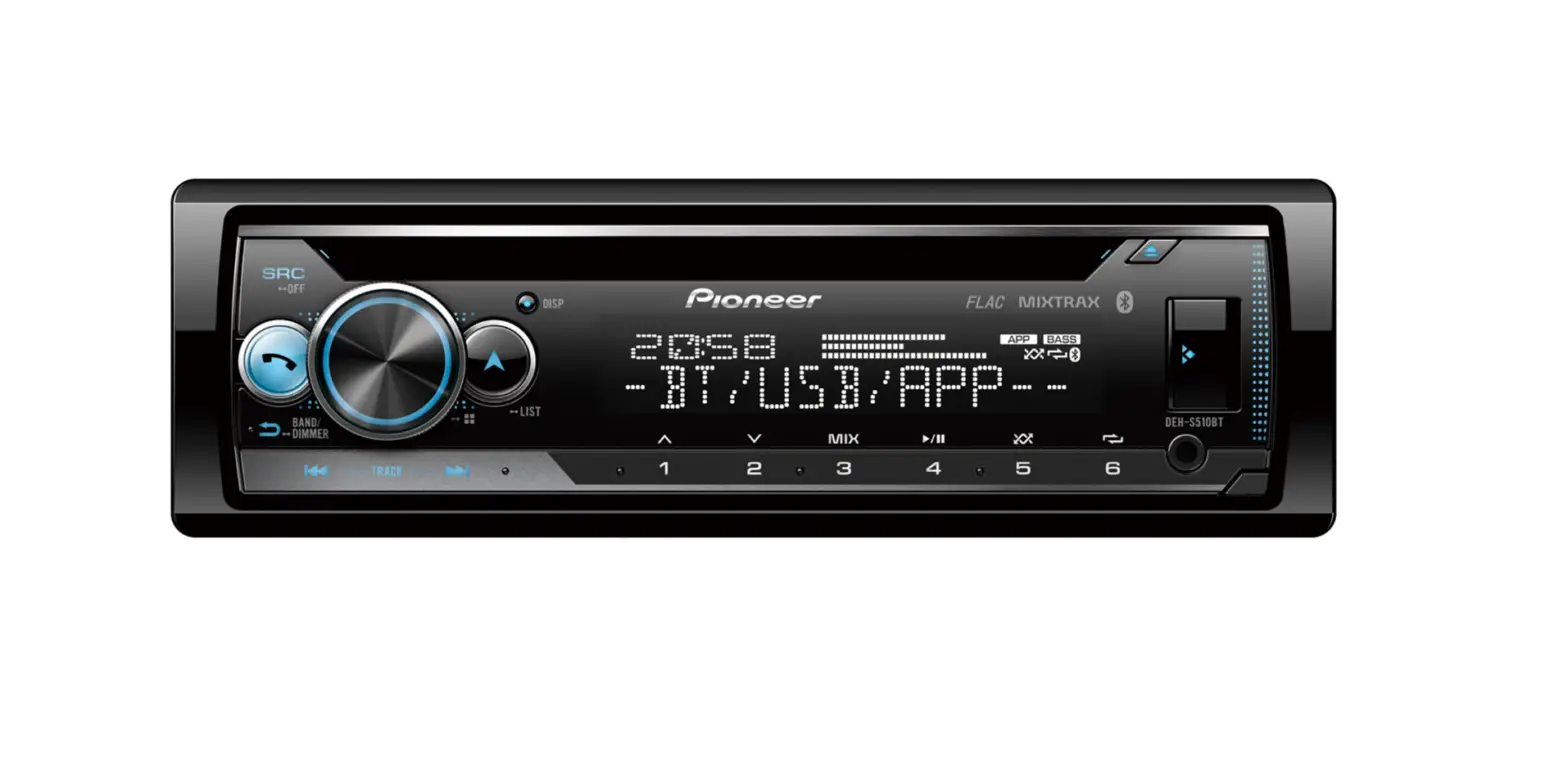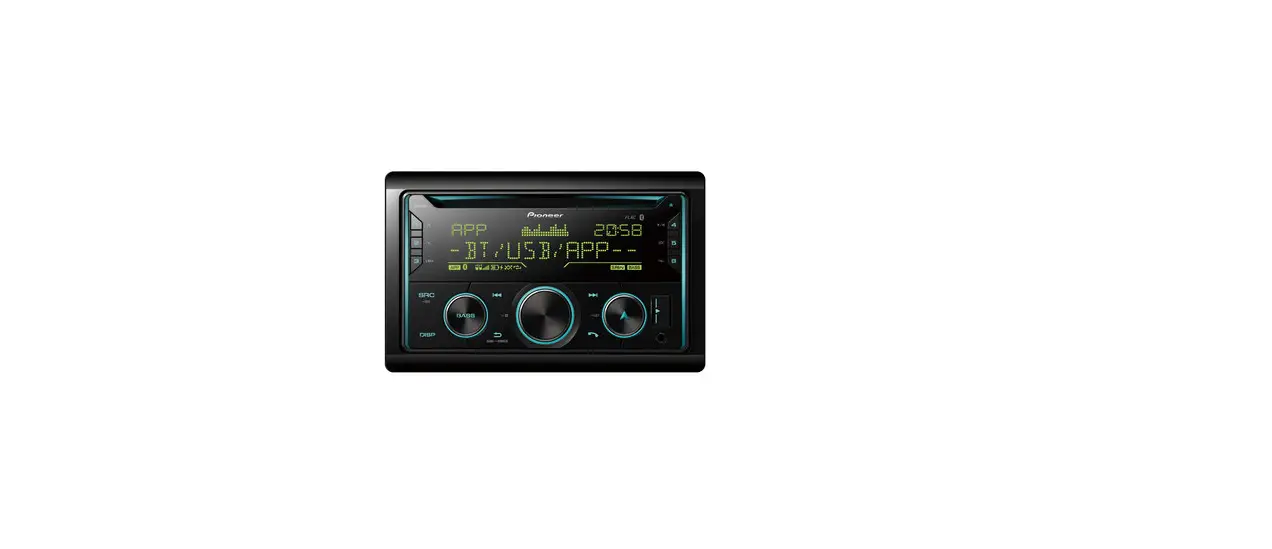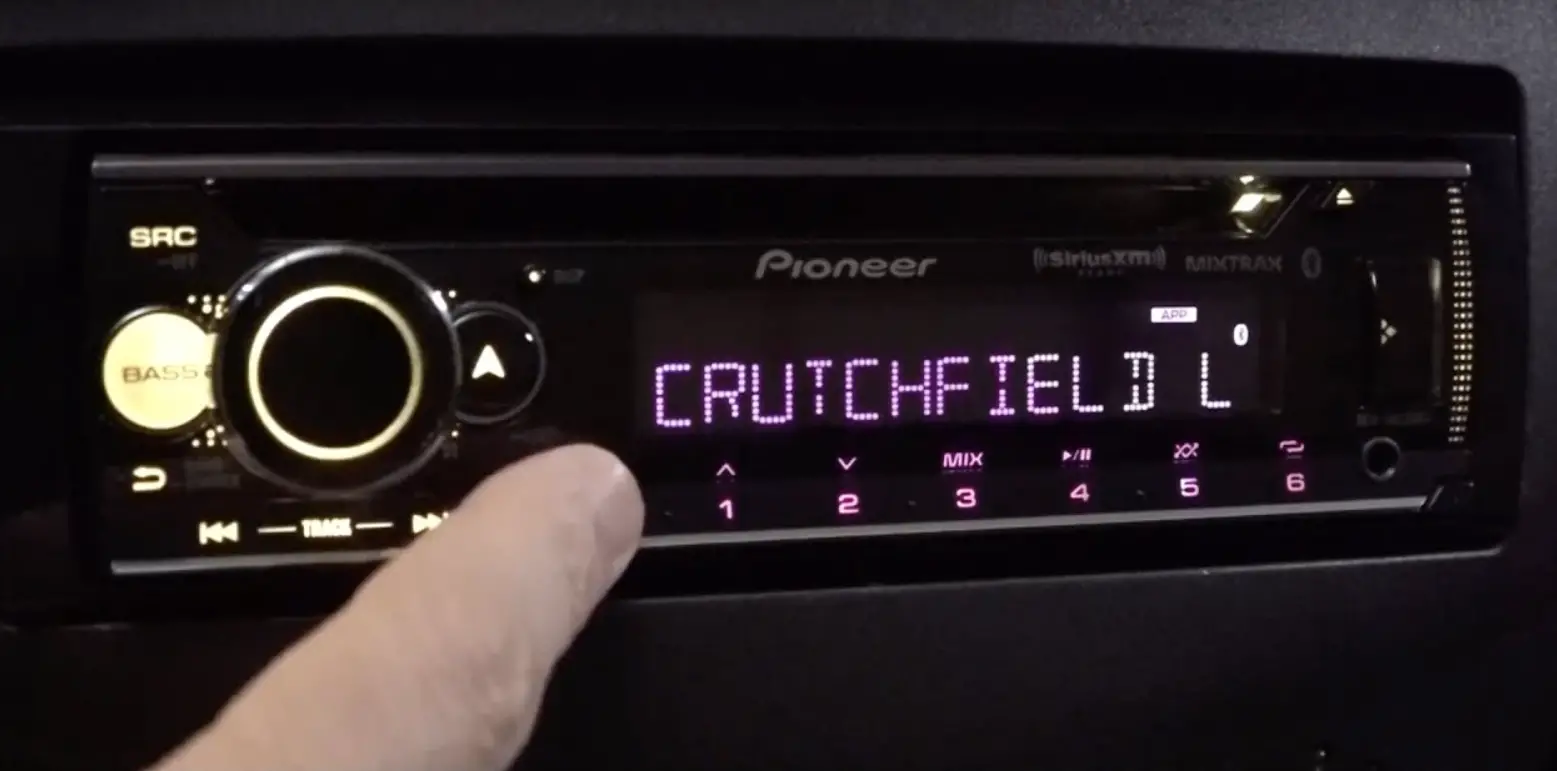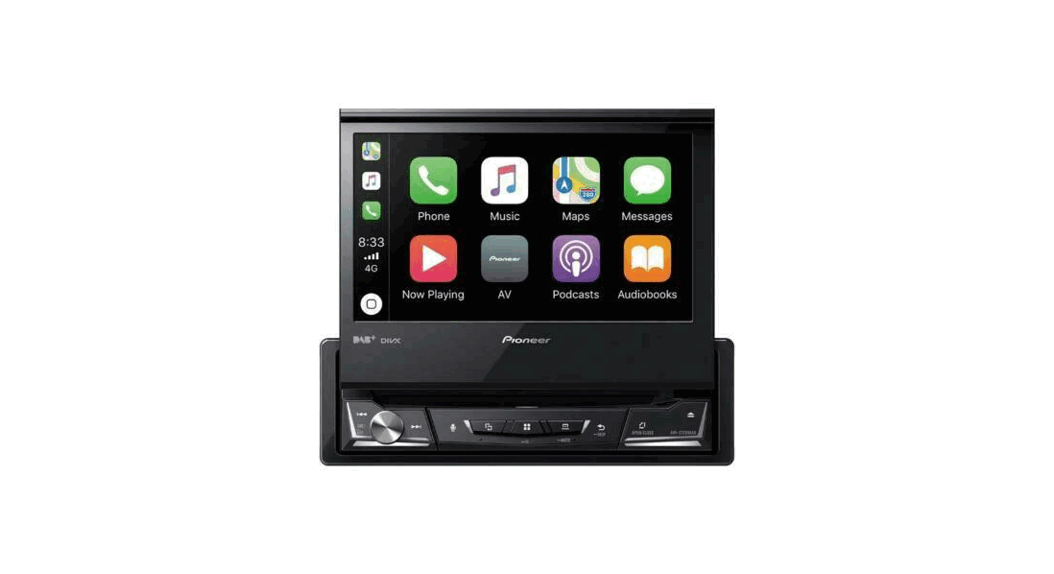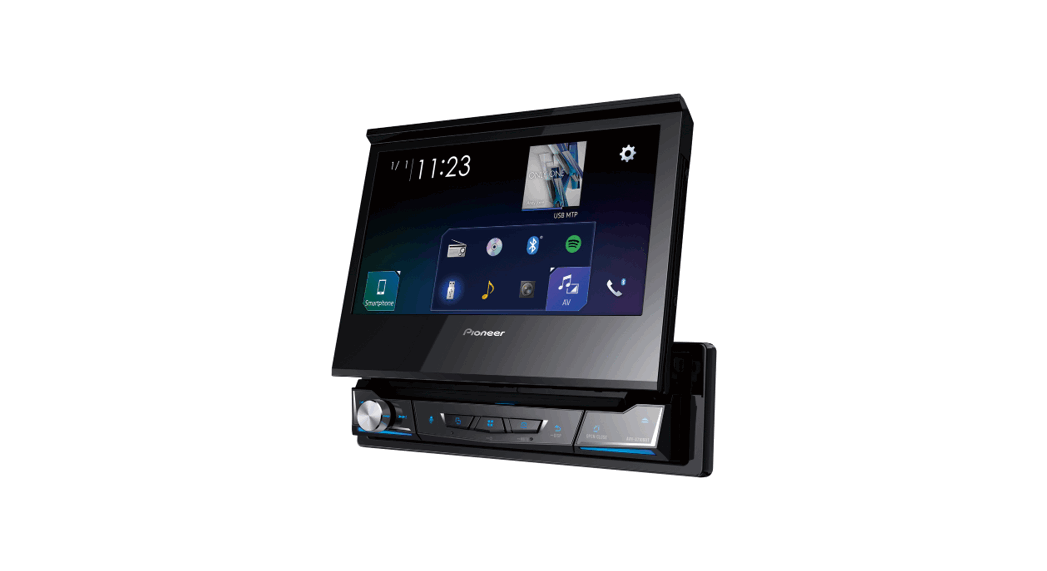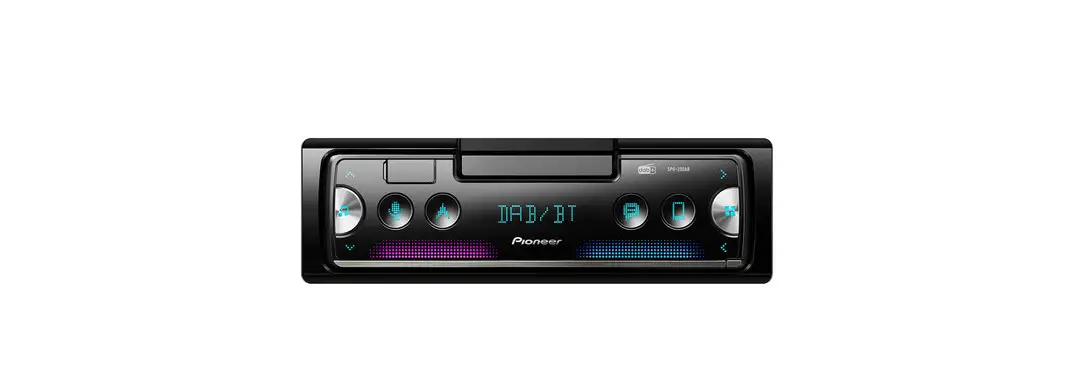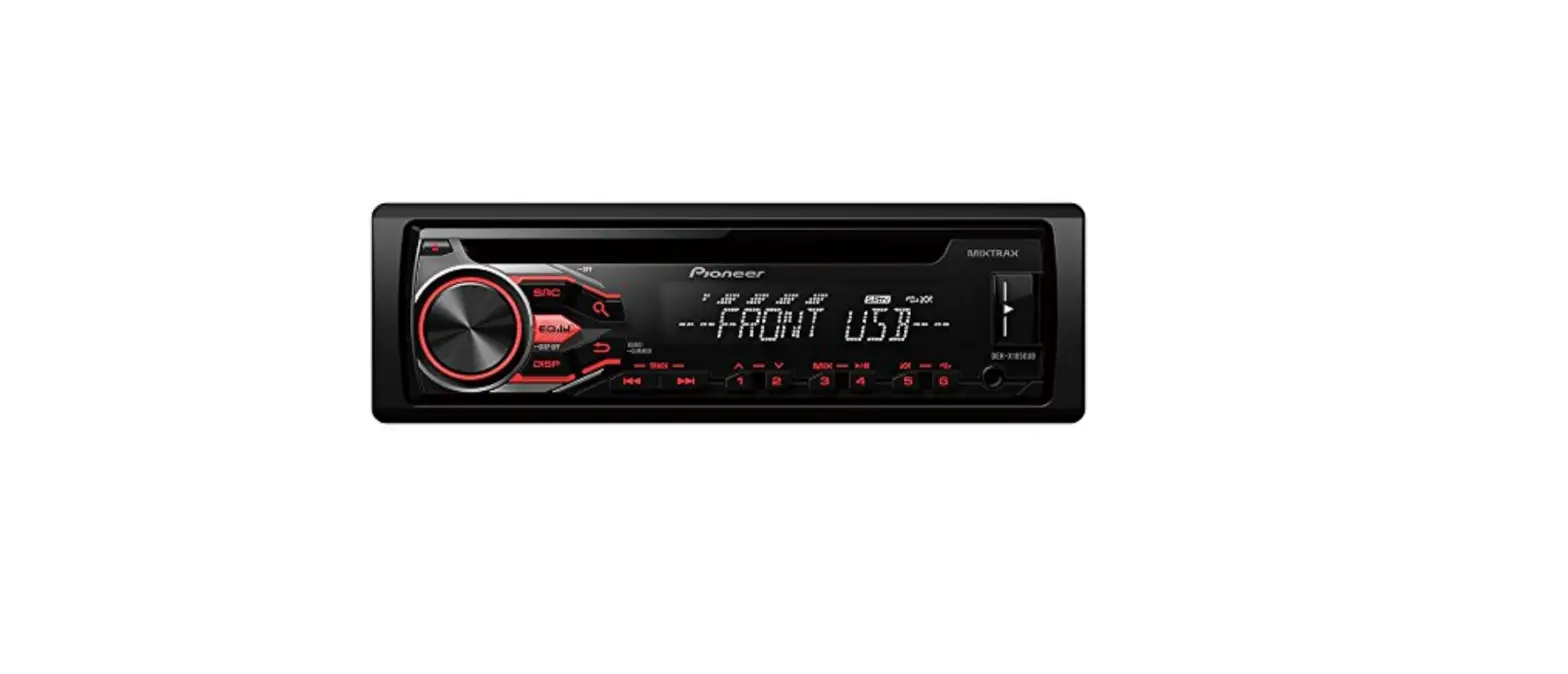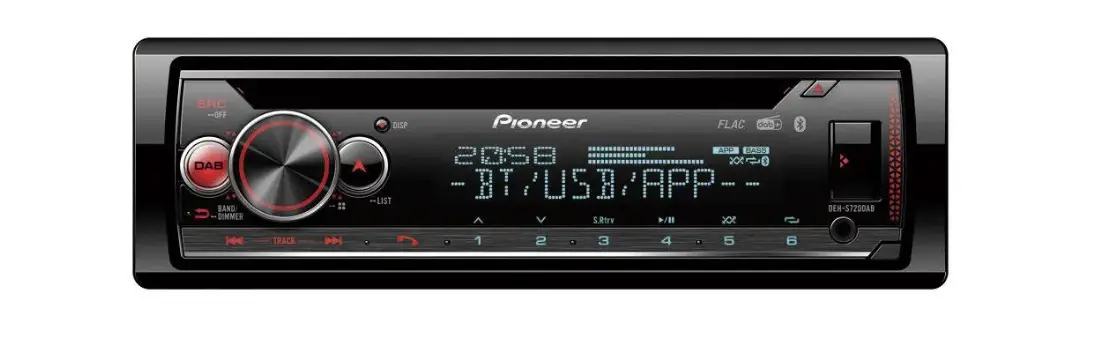

Pioneer DEH-S720DAB 1-DIN CD Tuner
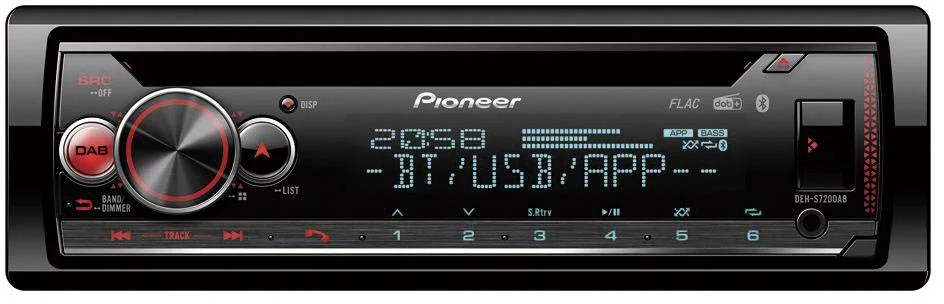
System Firmware Update Instructions for 2020 Pioneer CD Receivers
REMARKS:
- If you have any difficulty carrying out these instructions, please contact Pioneer Customer Support. Once upgraded to this version, it is not possible to downgrade to a lower version.
- Please download and print these instructions before downloading and installing the firmware update. It is important that you complete all steps correctly and in the order described below.
- This update applies only to the following models and which are sold in Europe:
DEH-S720DAB MVH-S620BT FH-S820DAB DEH-S520BT MVH-S520DAB FH-S720BT DEH-S420BT MVH-S520BT DEH-S42BT MVH-S420DAB DEH-S320BT MVH-S420BT MVH-S42BT MVH-S320BT
Check the current firmware version of the unit
PROCEDURE:
- Start the vehicle engine.
- If AV Source is On, Press and hold the [SRC/OFF] button to switch off the source.
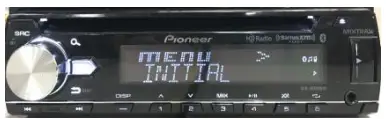
- Press and hold SRC/OFF to display the Initial menu. Next press the Multi Control to confirm.

- Press and hold SRC/OFF to display the Initial menu. Press the Multi Control to confirm

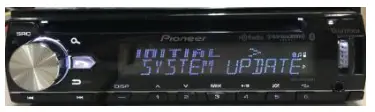
- Rotate the Multi Control to select “SYSTEM UPDATE” then press to confirm.

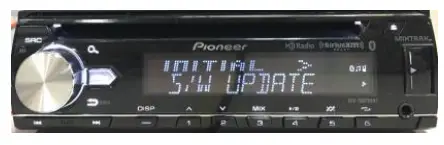
- . Select the “S/W UPDATE” item for updating the unit to the latest software.

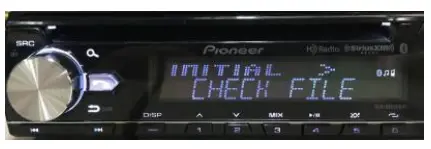
- The “CHECK FILE” screen appears.
If an error is displayed on the display, you can try the following:- “FILE ERROR” Confirm that the software is correct, next restart the update procedure or change the USB memory.
- “ERR->RETRY” Do not turn off the power! The update will restart automatically

- After starting, there will be a progress bar while updating. If it shows “ERROR” on the display, try the following: “ERR->RETRY” Disconnect / connect the USB storage device. And press the M.C. dial to restart the update.

- Wait until the update procedure completes. (approx. 5 minutes)
- The product will reboot after the update is finished. Do not touch anything even when the screen is blacked out. After rebooting finished, the screen will return to the Source OFF

- Press and hold SRC/OFF to set the unit Source OFF. Next Press and hold SRC/OFF to display the initial menu

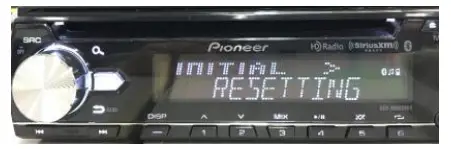
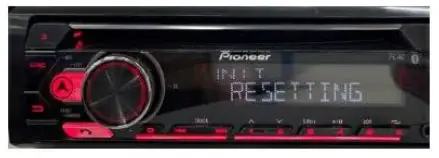
- Rotate the Multi Control to select “SYSTEM RESET” then press to confirm. Select “YES” for system reset

- Do not touch anything even when the screen is lacked out. After the unit finished rebooting, the screen will return to the menu screen.

- The firmware update is now complete. Your Pioneer CD Receiver is now ready for use.
- Check if the firmware has been updated. Perform the same procedure “A. Check the current firmware version of the unit” to check if the firmware has been updated.



Contact Information
Pioneer Customer Support Center http://www.pioneer.eu Copyright(c) 2022 Pioneer Corporation
 Pioneer