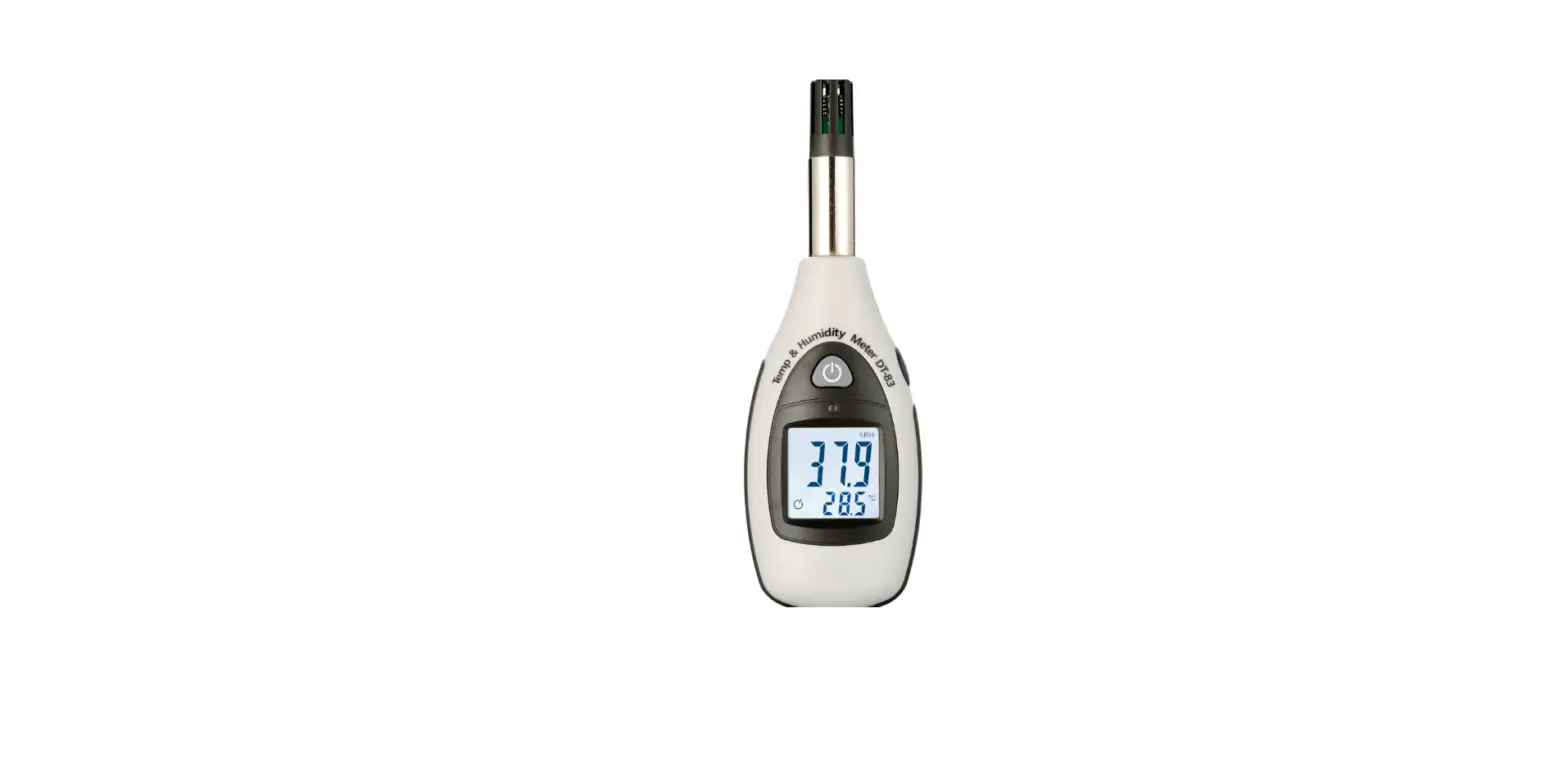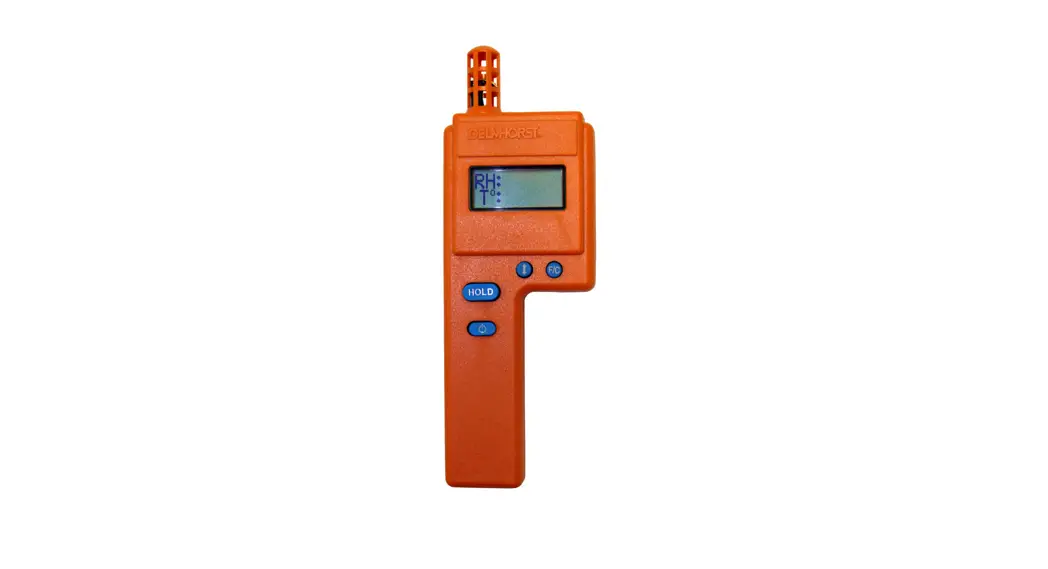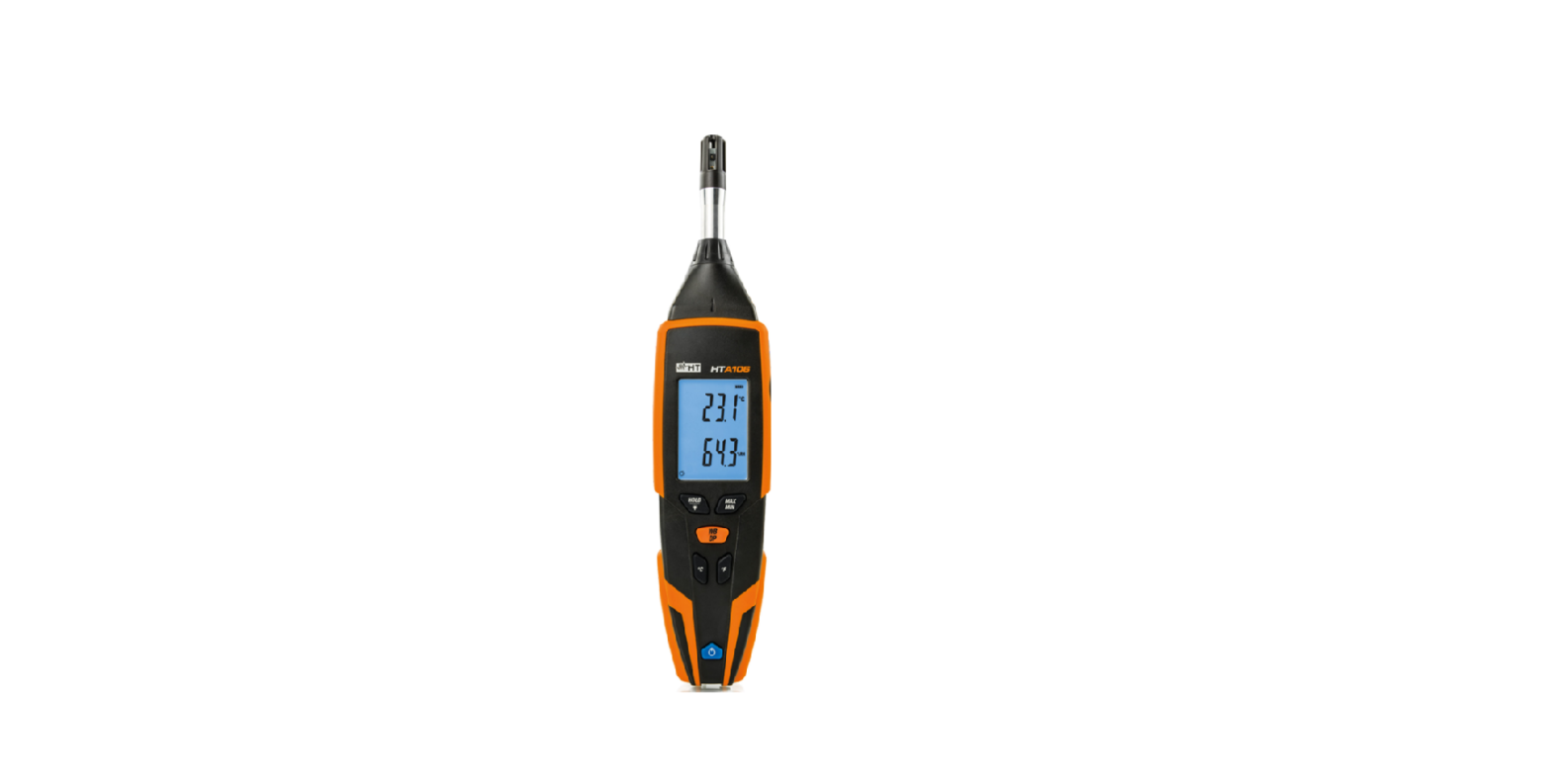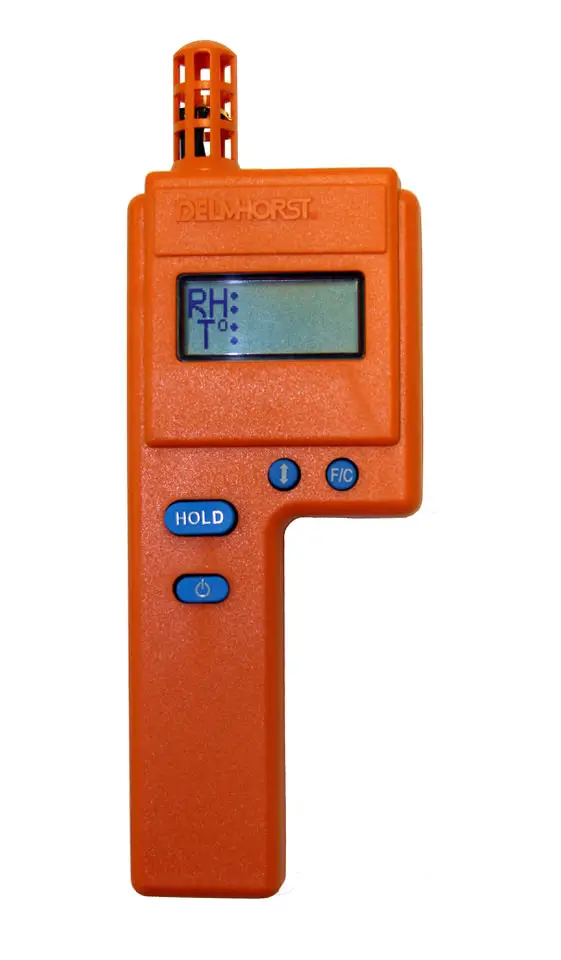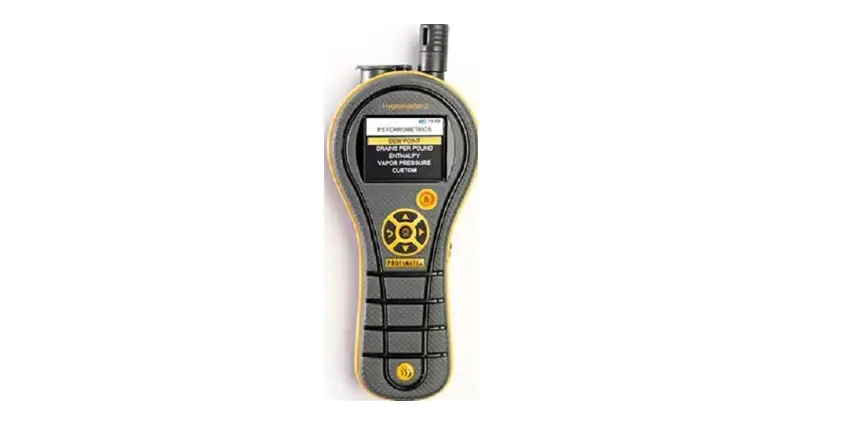

PROMETER OE-BLD7751-EA Hygromaster 2 Material Hygrometer
Auto upgrade through Protimeter software
Equipment required:
- Windows PC/Laptop with Protimeter software installed:
- USB cable – Type Micro USB MMS3 and Mini USB for MMS2 and Hygromaster 2
Procedure:
- Install Protimeter software The software can be found here
- Installation instructions can be found at the end of this guide.
- Once installed double-click on the Protimeter.exe shortcut available on the desktop or click on the Protimeter.exe option from the windows menu to run the Protimeter software.

- Make sure that the batteries are properly placed in meter.
- Connect the meter to PC/Laptop through micro/mini USB cable.
- Turn on the meter device and the software shall detect the device.

In case the device is not identified, check for the below:- MMS3 configuration – Settings -> USB connection -> PC software (Default)
- Replace the cable
- Connect to a different USB port on your PC/Laptop
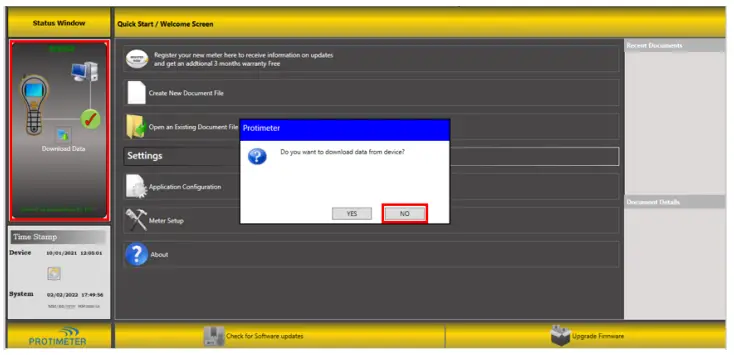
- Once the device is identified, you will be prompted to download the data. Click on “NO”.
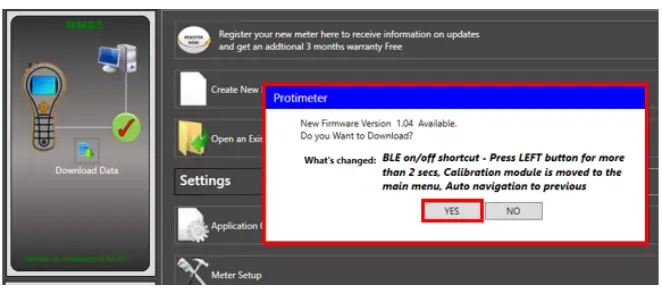
- Auto new firmware prompt: If a firmware upgrade from the one in the connected device is available, then an auto-prompt to download the same will be shown.

- Click on “YES” to upgrade the device firmware.
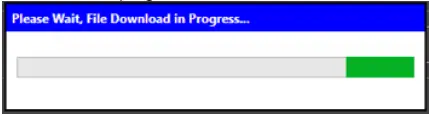
- The download progress will be shown and the meter device will enter the Bootloader mode.

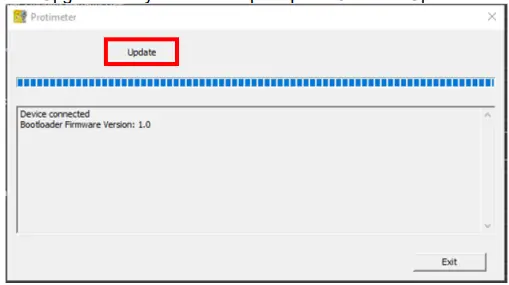
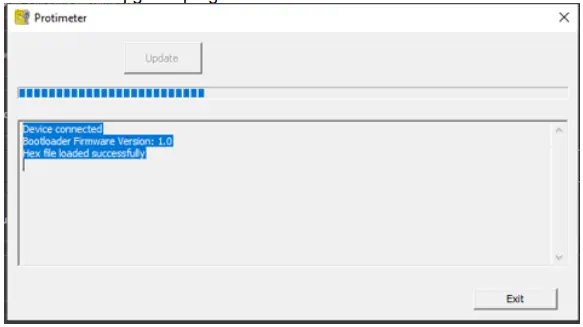
- The Upgrade utility will now be prompted. Click on “Update”.

- The firmware upgrade progress can be seen as below:

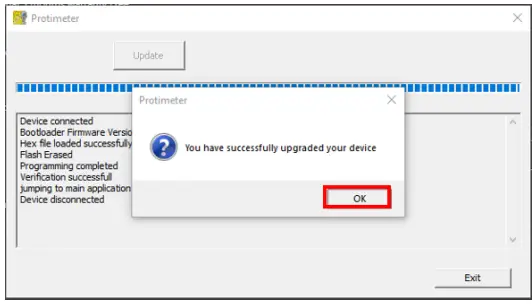
- On successful firmware upgrade, the below popup will be displayed. Click on “OK”.

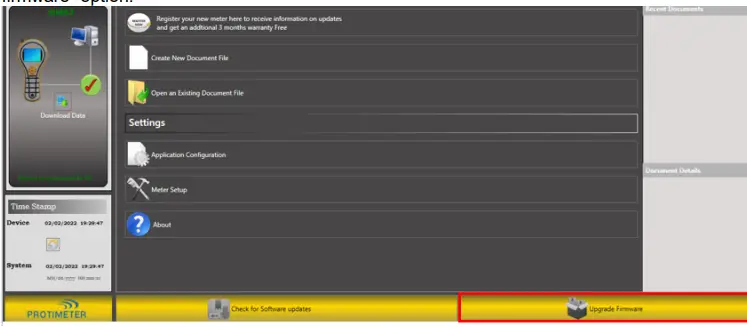
- Manual latest firmware check: In case you are not notified about new firmware availability automatically or you missed clicking on “YES” in reference to step 6, click on “Upgrade firmware” option.

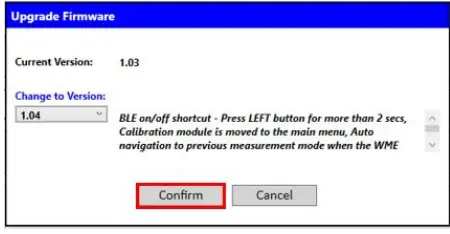
- A dialog with current firmware version in the device and the latest firmware version availableis shown. Click on “Confirm” if you want to upgrade the firmware.

- Follow steps 7 to 11.
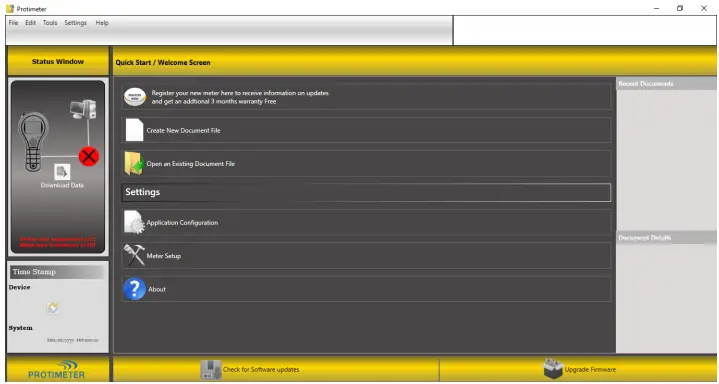
Appendix (Protimeter software installation guide)
- Click on the below link to download the latest Protimeter software
The software can be found here - Save and unzip the setup files
- Click on “Save”.

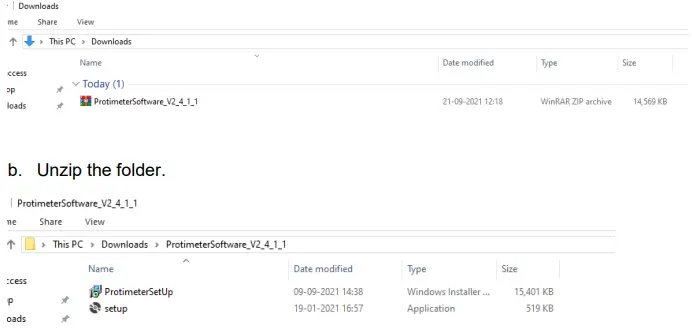
The setup zip file will be downloaded into the “Downloads” folder:
- Click on “Save”.
- Install the software
- Make sure that the new software setup folder is unzipped.
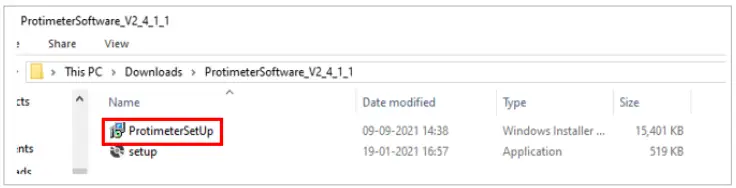
- Double-click on the “ProtimeterSetup” installer.

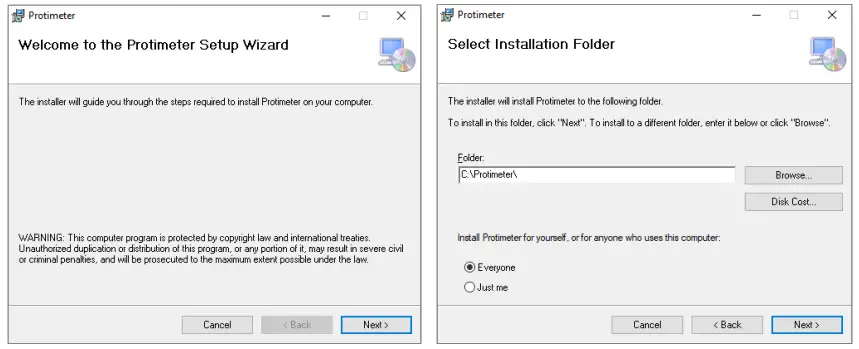
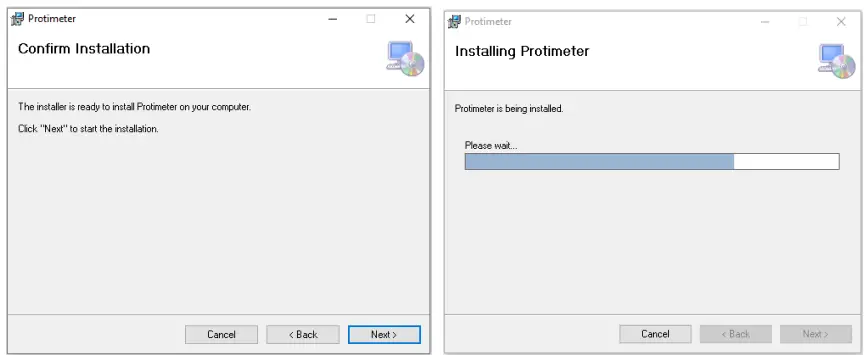
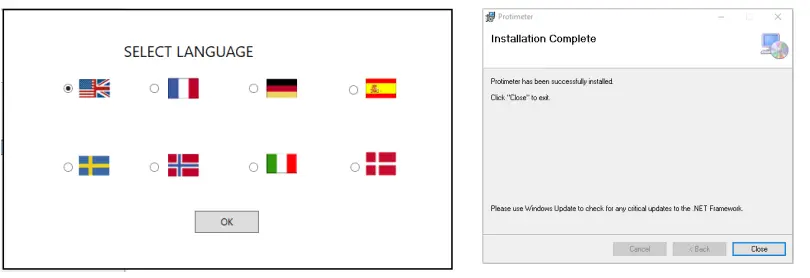
- Refer the below pictures for installation:


- The software is installed and ready to be used.