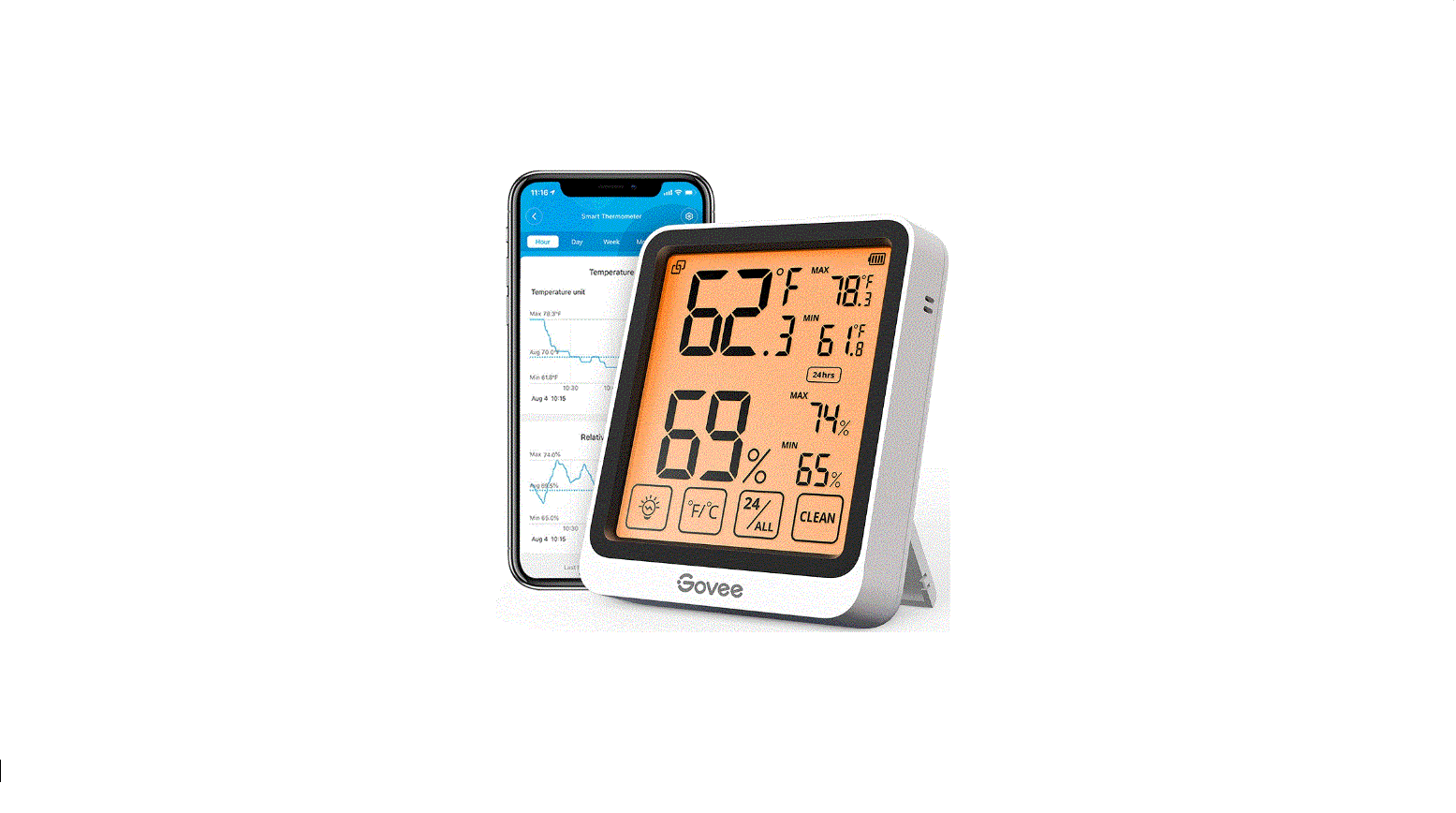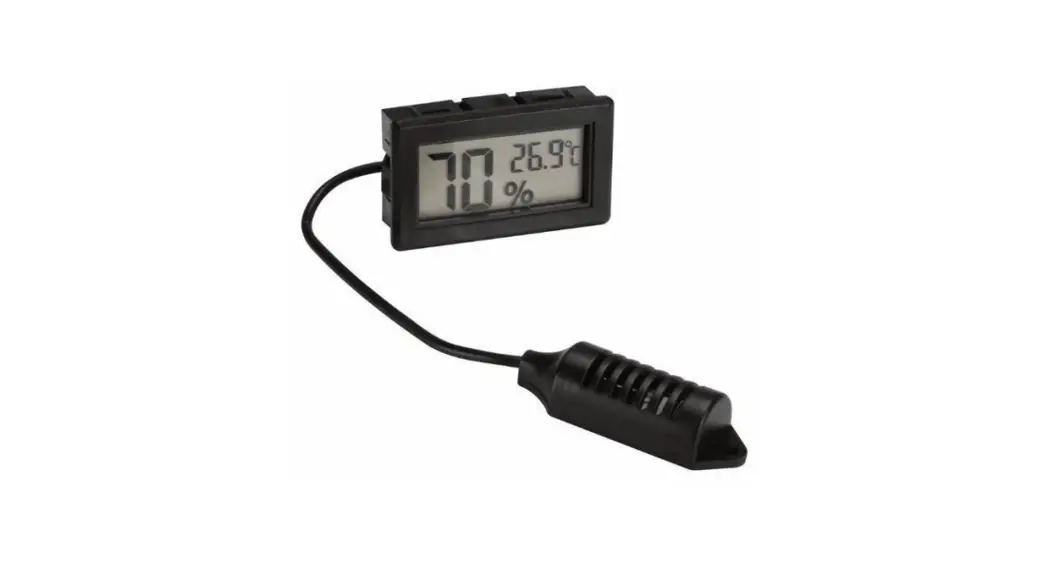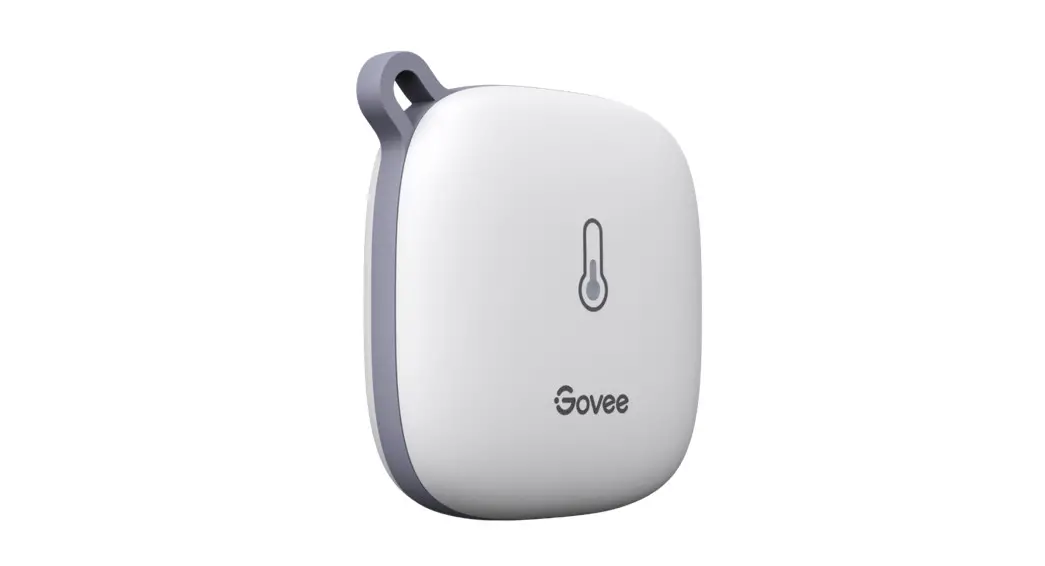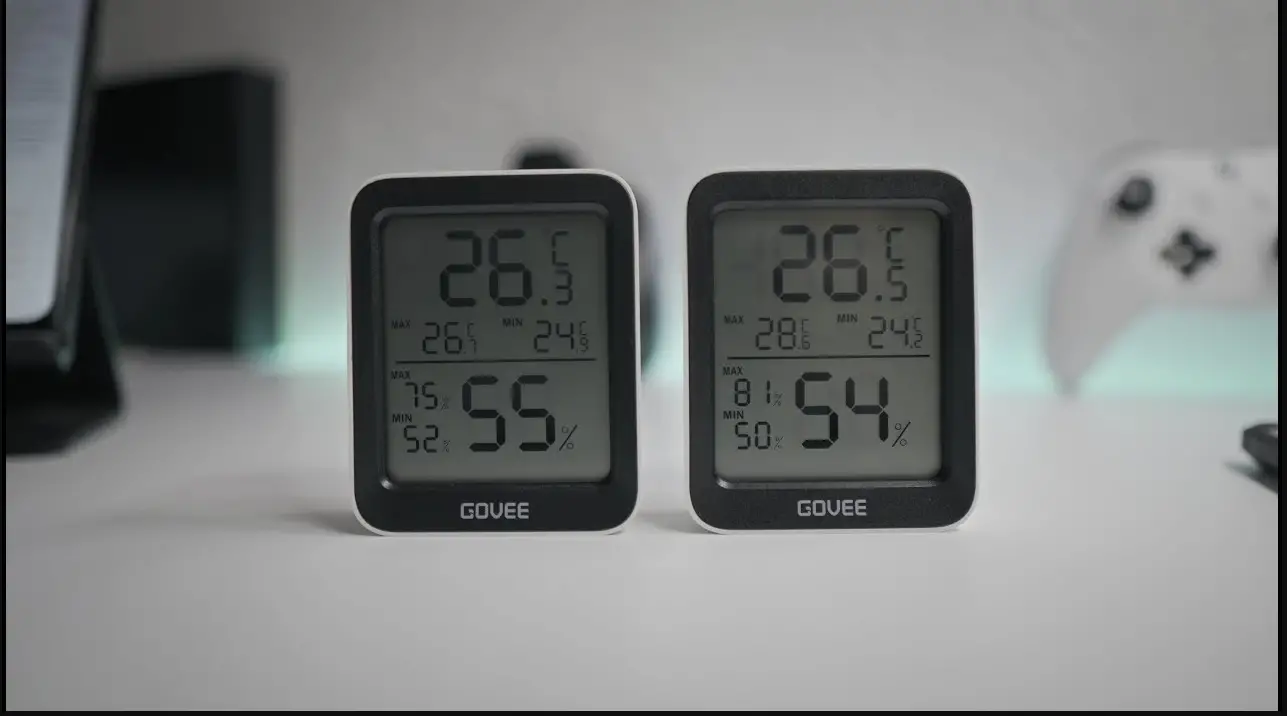
Hygrometers Temperature Hygrometer
User Manual
Specifications :
- Range of temperature measurement: -10%~50℃(-14℉~ 122℉)
- Accuracy of temperature measurement: ±1℃(1.8℉)
- Temperature resolution : ±0.1℃(0.2℉)
- Range of humidity measurement : 10%~99%RH
- Accuracy of humidity measurement : ±5%RH
- Humidity resolution: 1%
- Battery : 1 * AAA 1.5V
Basic functions of the device:
- Temperature & Humidity display,℃ and ℉ temperature switch display
- The Minimum & Maximum temperature and humidity memory function
- 12 / 24 hour display
- Hourly chime function
- Daily clock alarm function
- Calendar function
User manual :
- Install battery–remover battery cover and install battery.
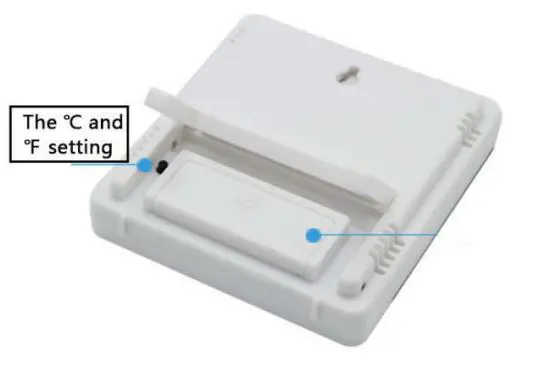
- The ℃ and ℉ setting key is covered by the back bracket, press ℃ and ℉ key to switch ℃ and ℉ display

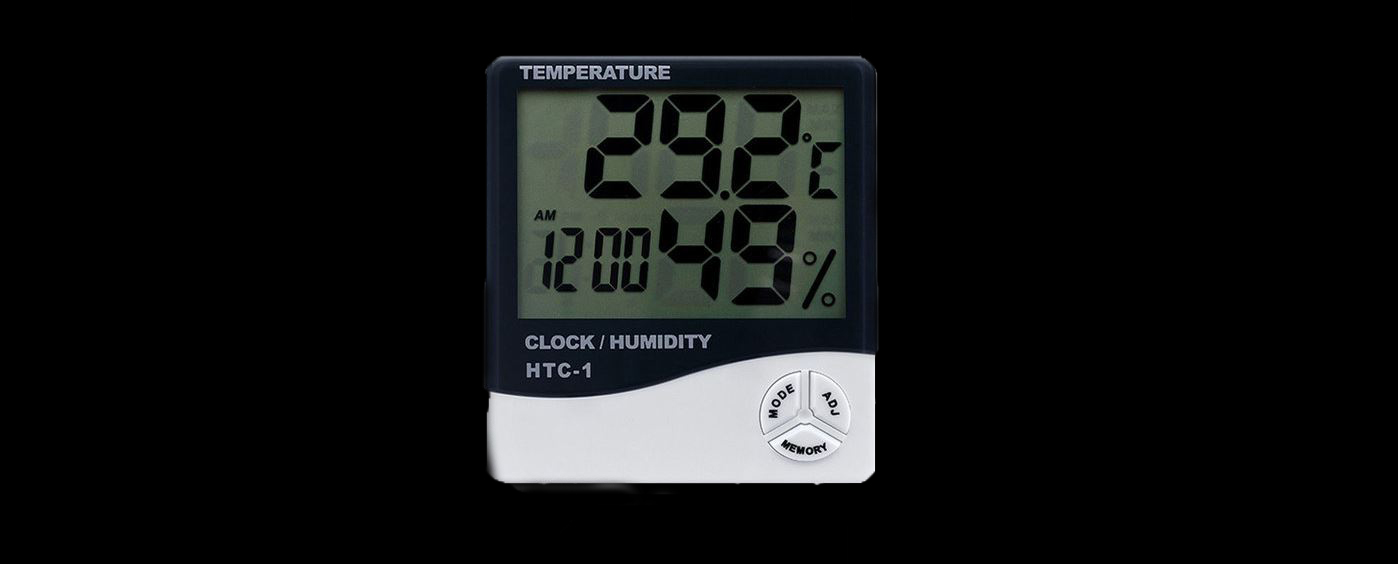
- Time setting–press “MODE” for 2 seconds, then the minutes time will flash. Press “MODE” to switch hour time & minutes time. press “ADJ” button to adjust the correct time.
- 12 / 24 hour setting–press “MODE” for 2 seconds, then press “MODE” for 2 times
into 12 /24 hr setting, press “ADJ” to adjust 12/24 hr. - Month(M) and Day(D) time setting–press “MODE” for 2 seconds, then the minutes time is flashing, press “MODE” for 3 times into Month and Day time setting, press “ADJ” to adjust correct date, and press “MODE” to switch Month(M) and Day(D) setting.
- Now time setting–press “MODE” for 1 time to switch alarm setting, press “ADJ” to switch on Now Time function.
- Alarm clock setting–press “MODE” for 1 time switch alarm setting; press “ADJ” for 3 times to switch on Now Time and Alarm clock functions; press “MODE” for 2 seconds to alarm clock time setting; press “MODE” to switch Hour and Minute, press “ADJ” to set time.
- Under alarm clock setting mode–press “ADJ” will show Calendar.
- Press “MEMORY” display show minimum temperature & humidity and maximum temperature & humidity.
- Press “MEMORY” for 2 seconds to clear Maximum and Minimum.