
hama Thermo-Hygrometer
Features
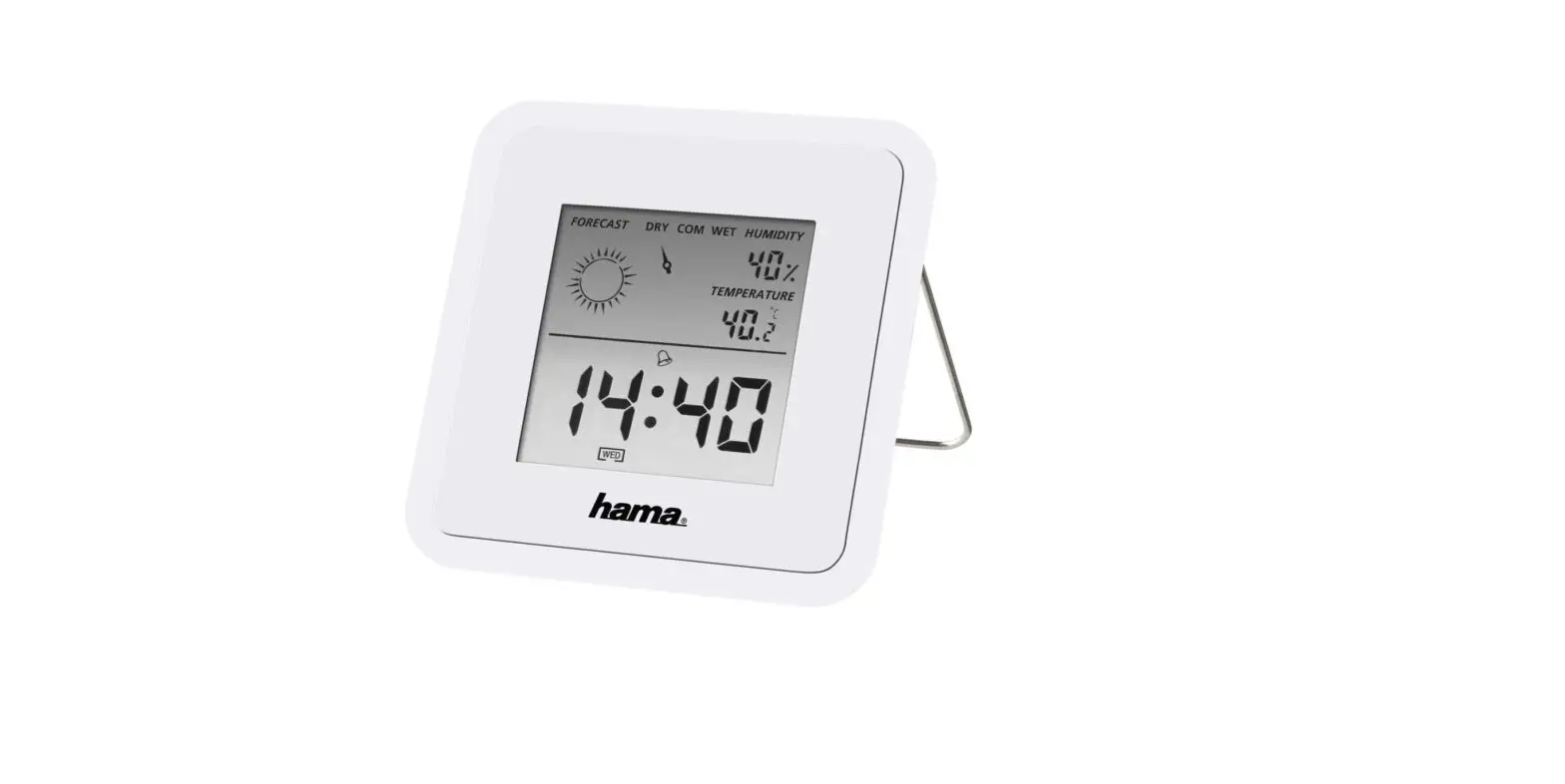
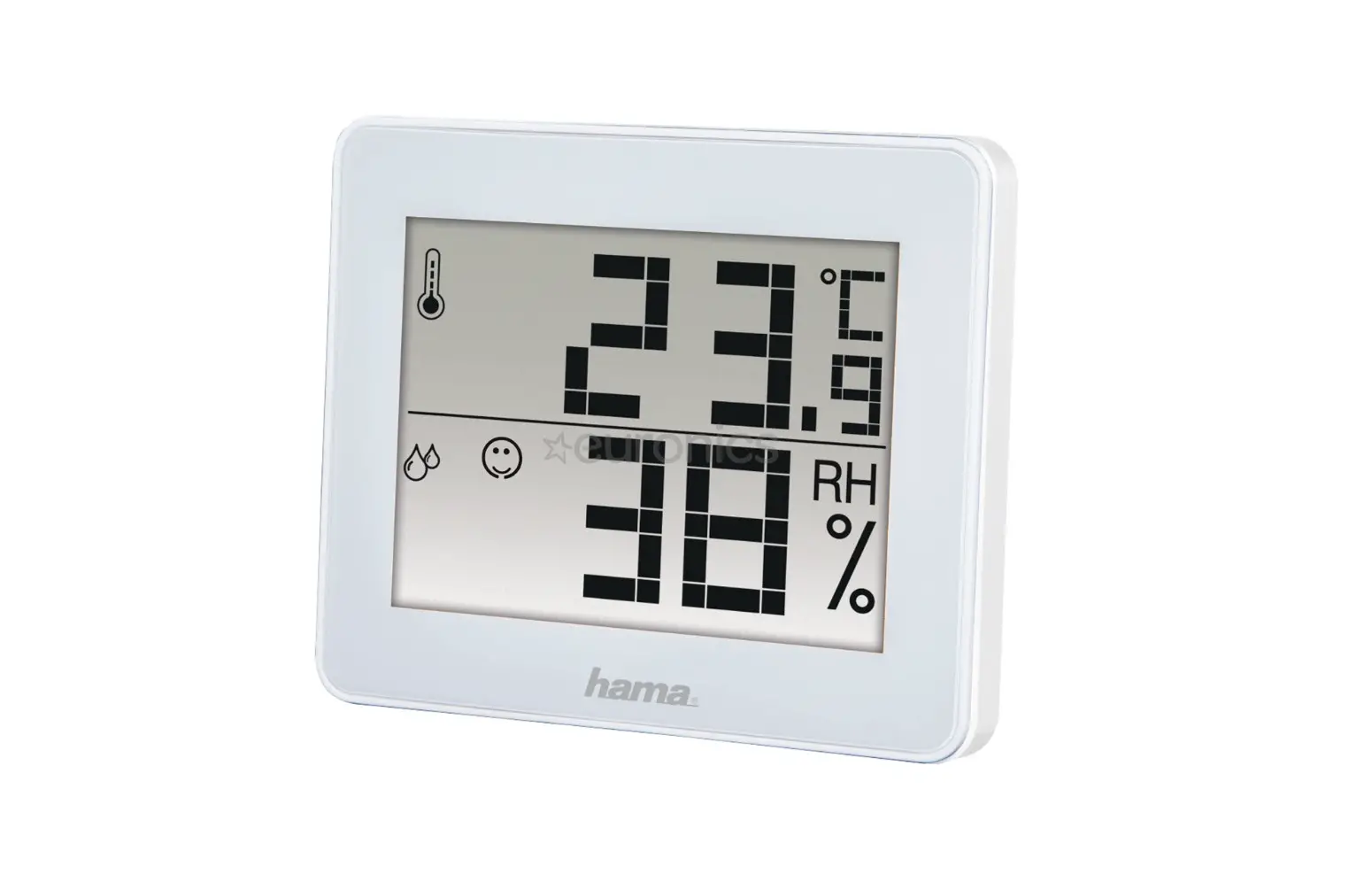
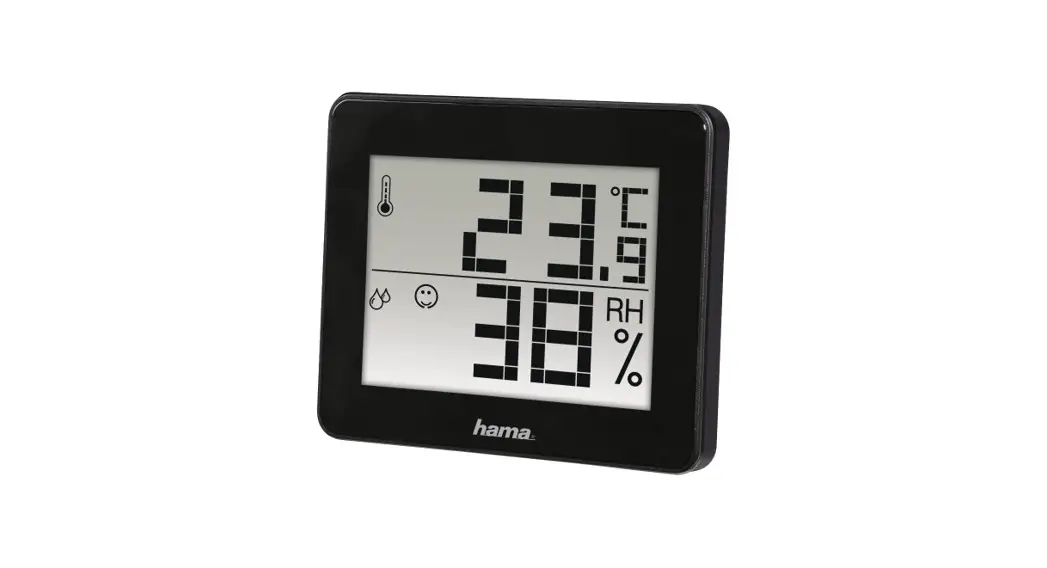
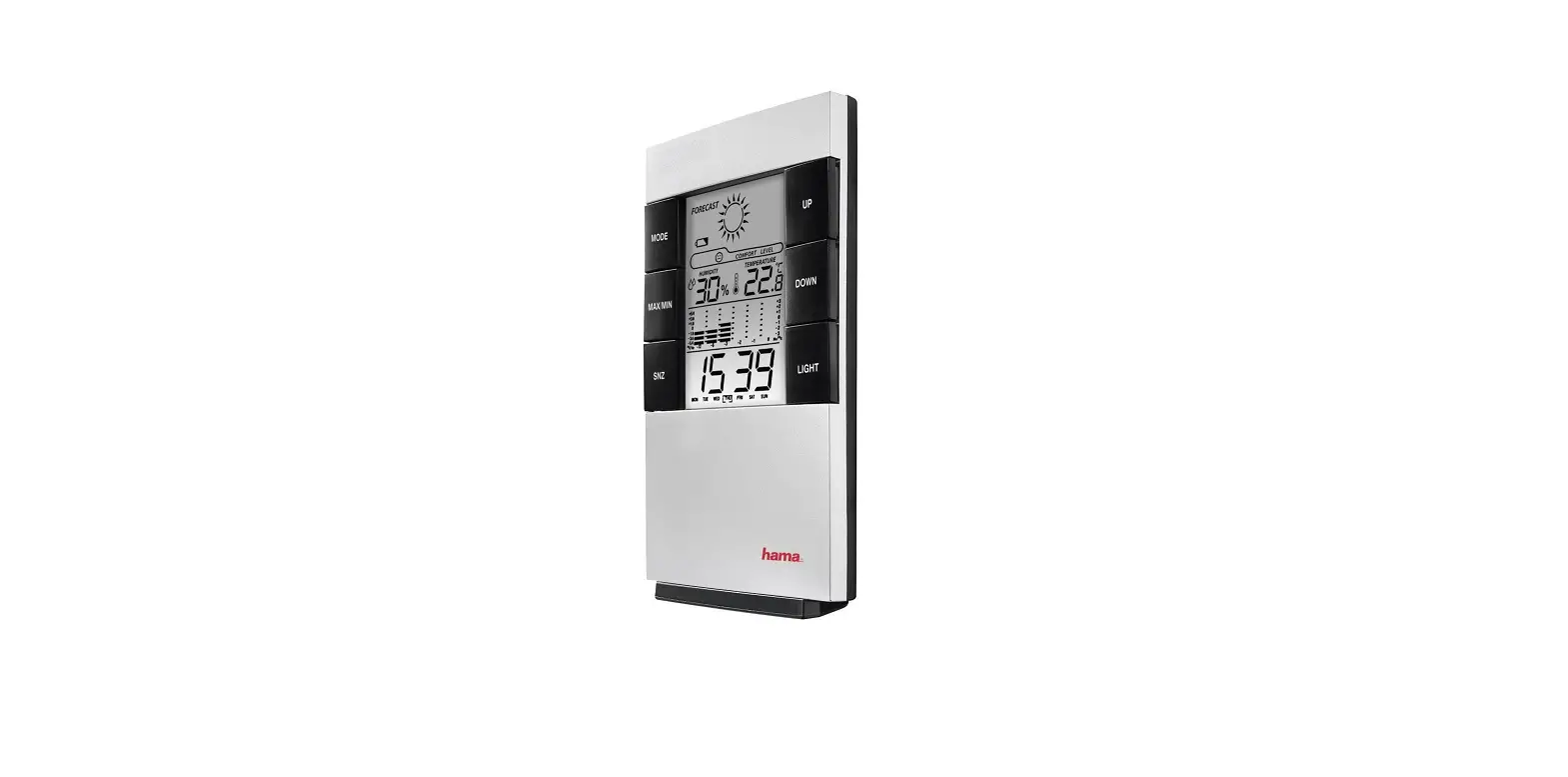
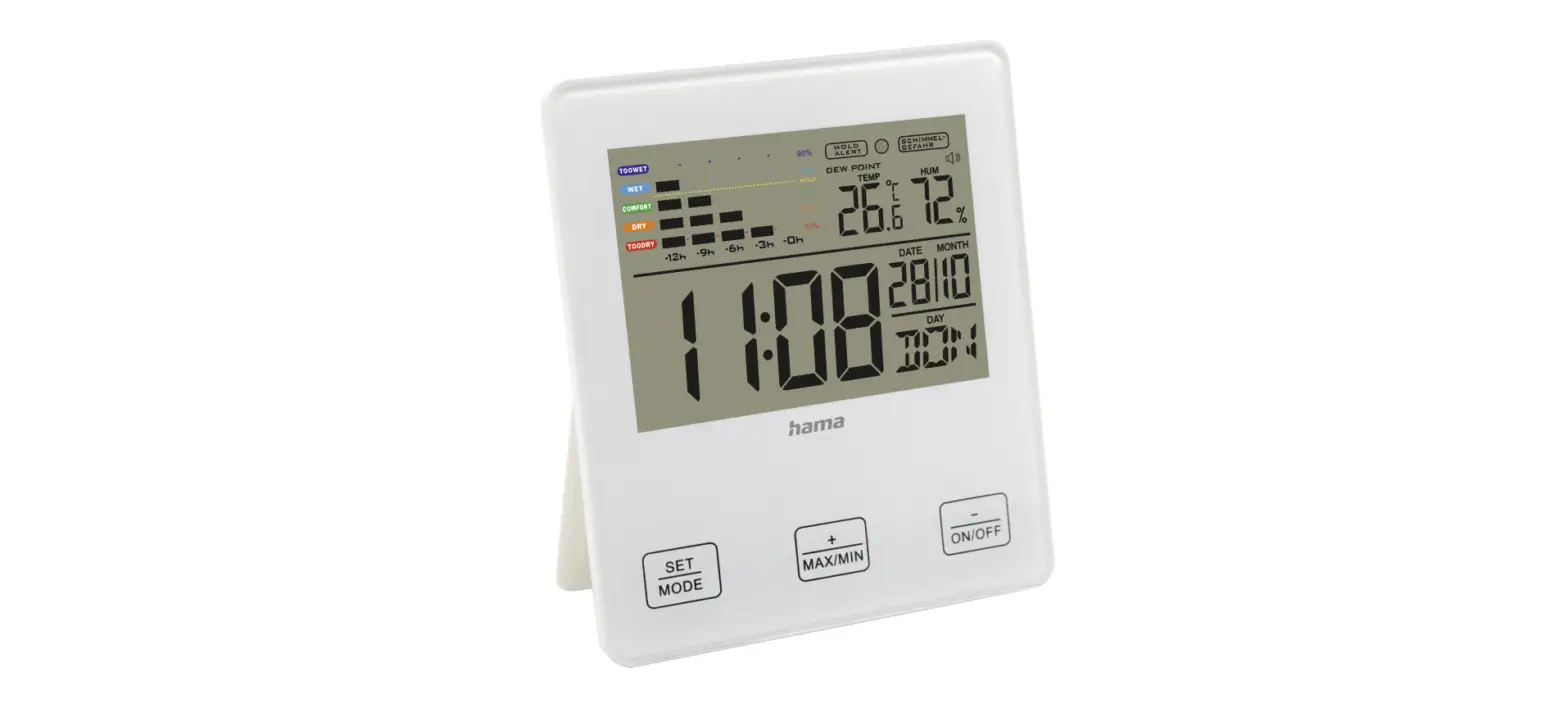
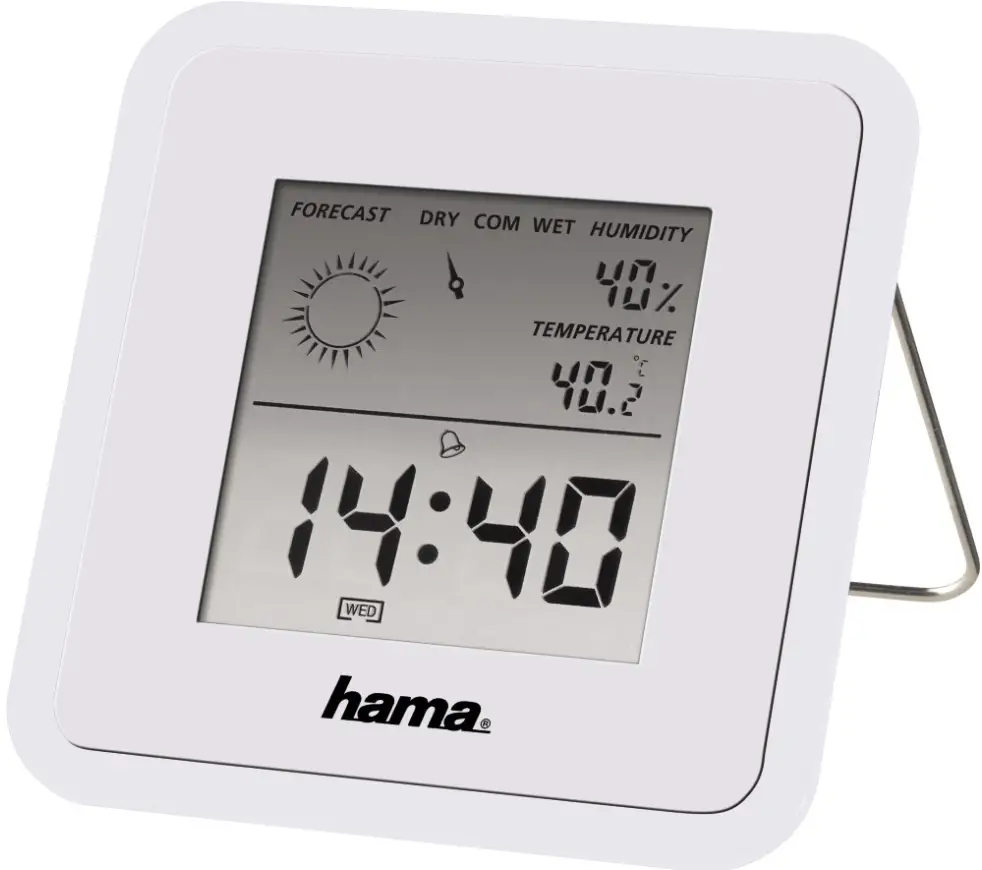
- Comfort Index Display: COMFORT, WET, DRY.
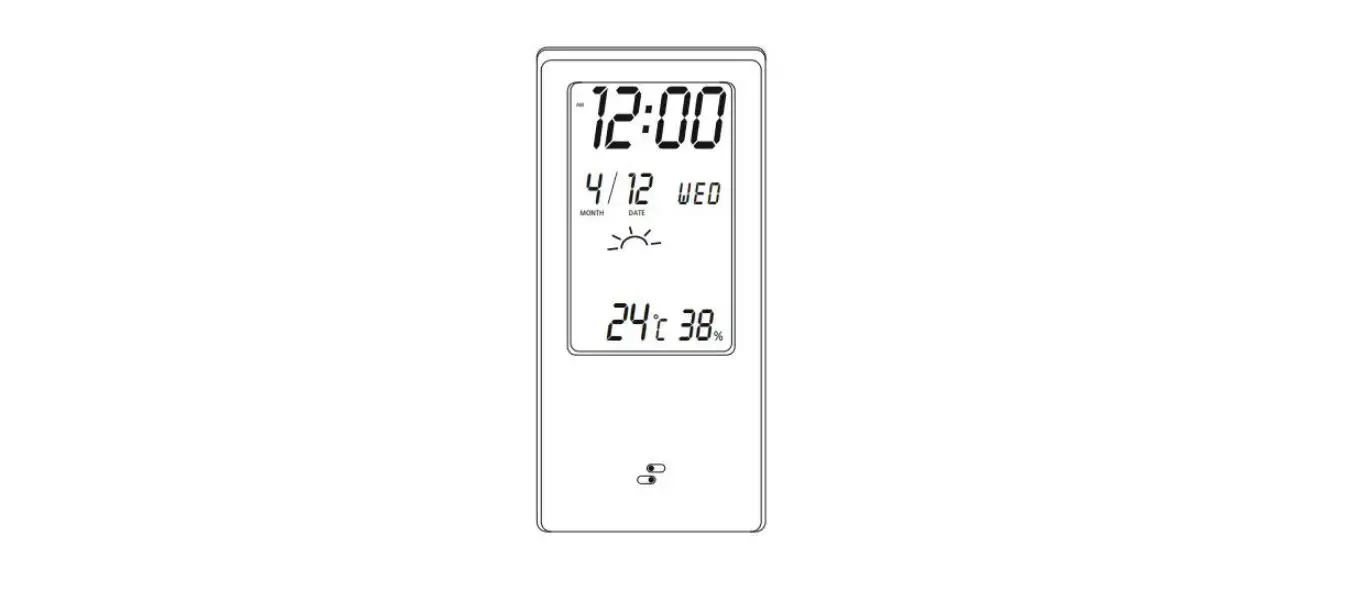
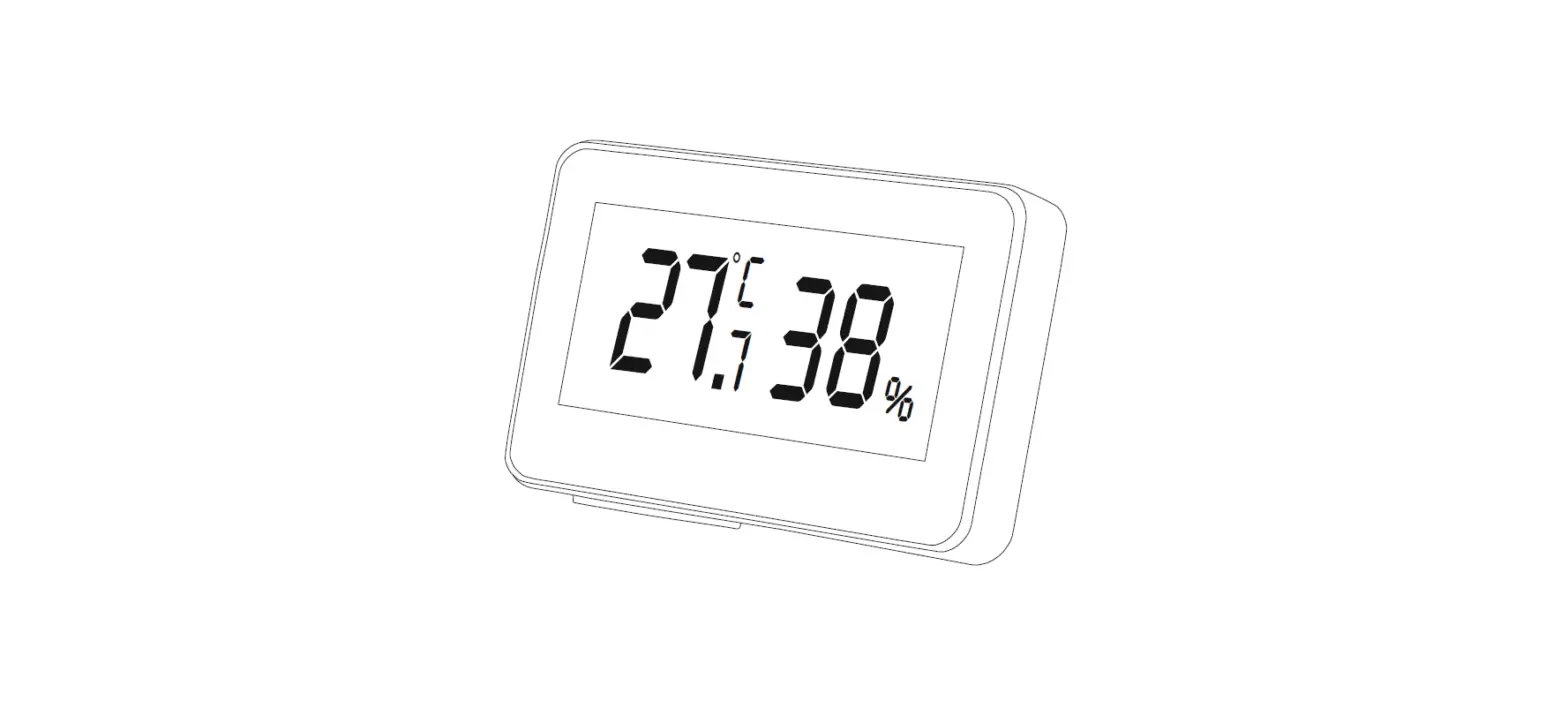
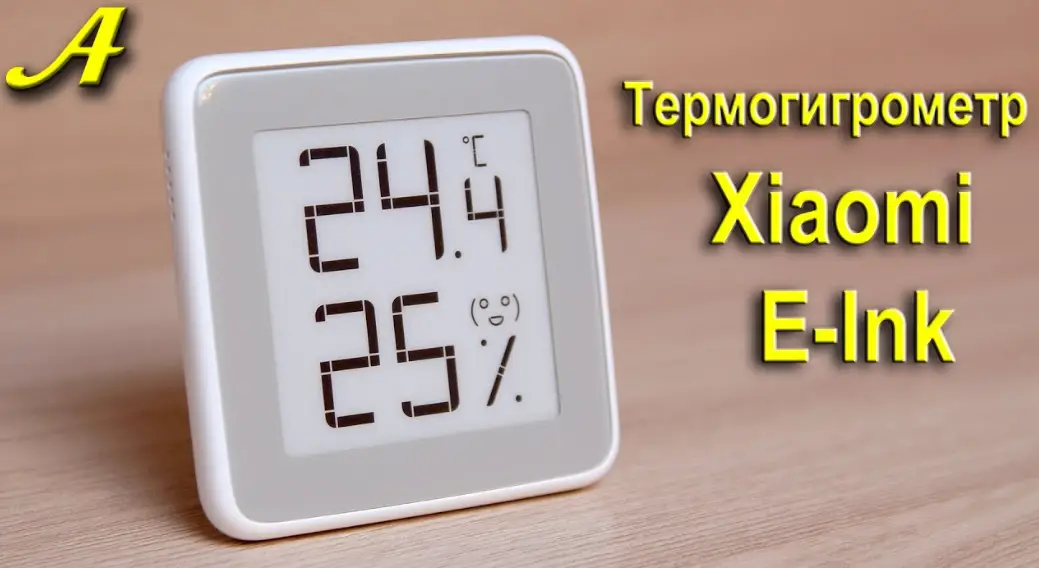
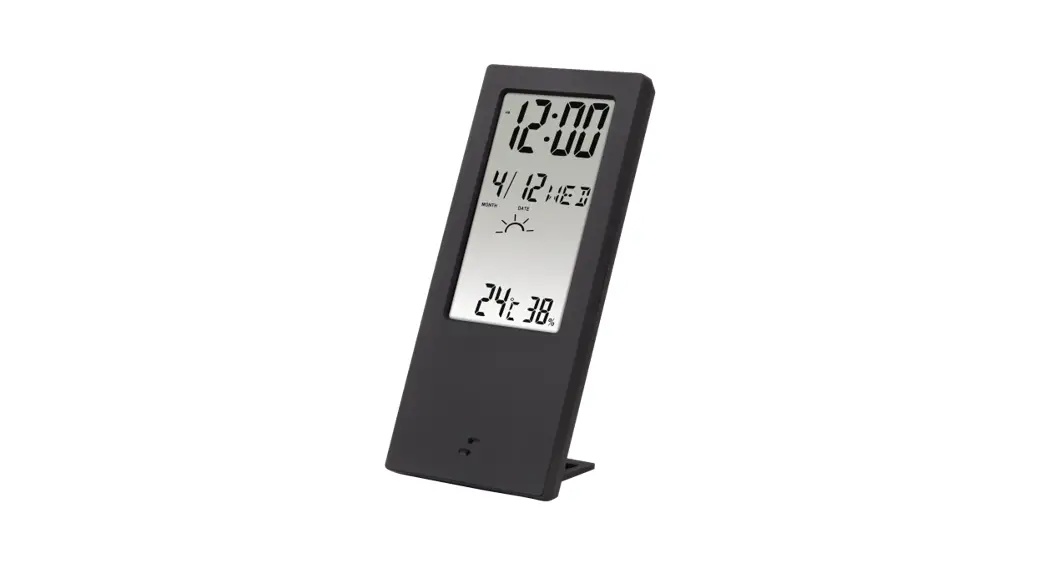
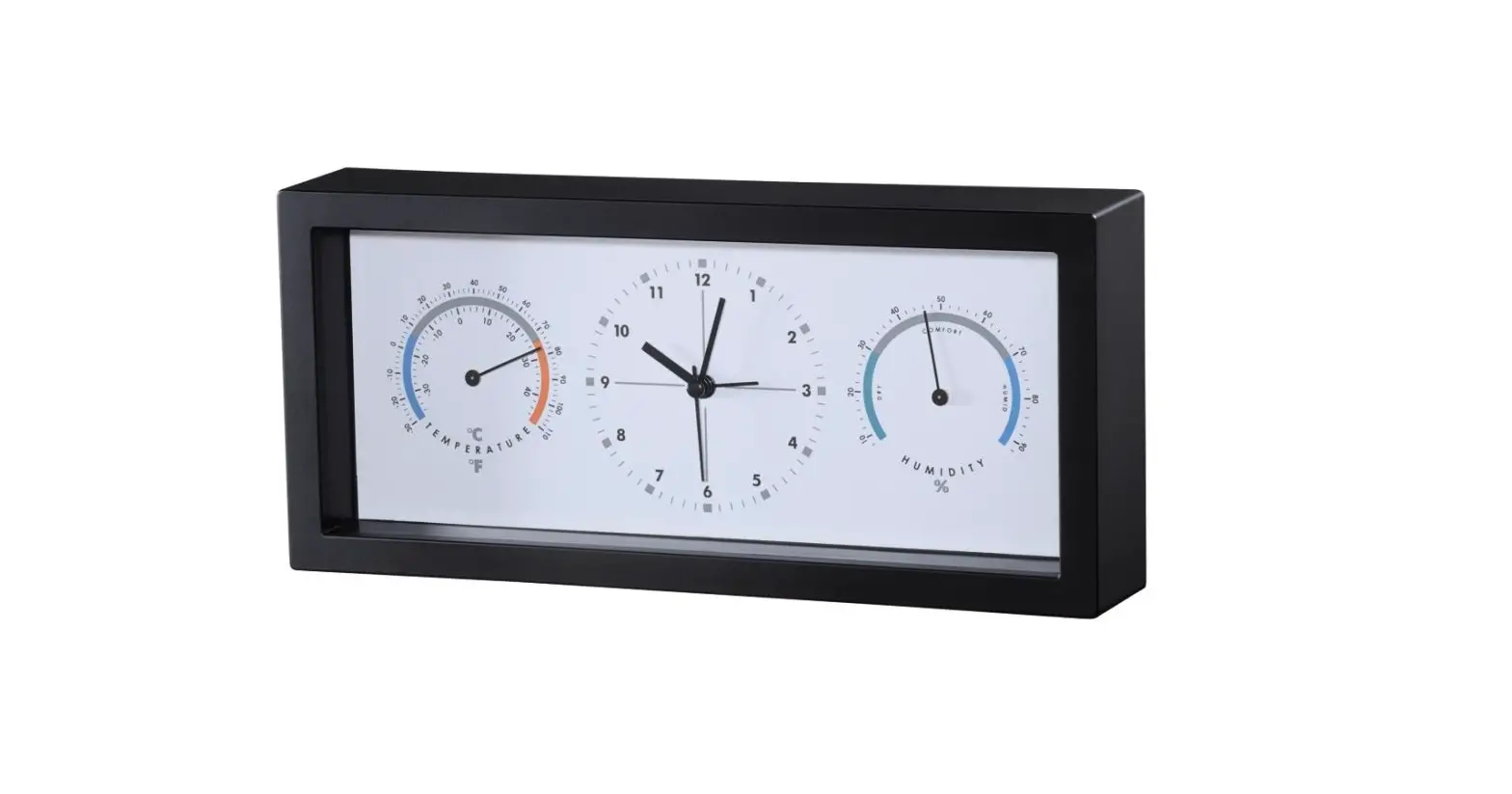
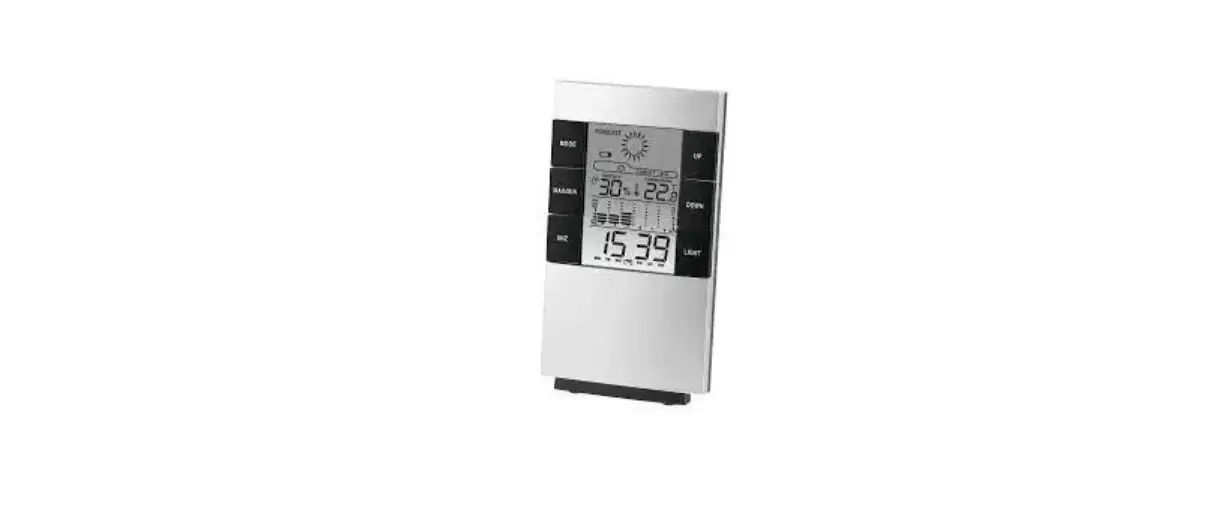
- Simultaneous Indication: Temperature, Humidity, CLOCK.
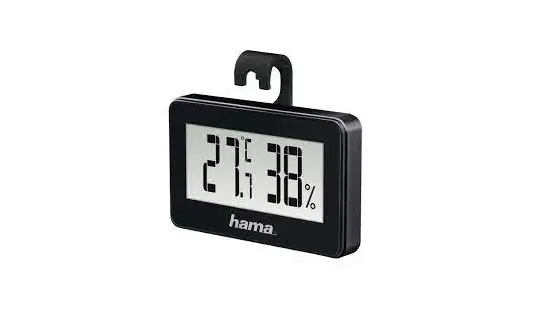
- Temperature Indication: ℃/℉
- Max. /Min. Temperature and humidity data store function.
- Calendar function, HOUR BEEP function, alarm clock, and 12/24 hour display.
- Temperature Range: -50℃~70℃ (-58℉~158℉)
- Temperature Accuracy: ±1.0℃ (1.8℉)
- Temperature Resolution: 0.1℃ (0.1℉)
- Humidity Range: 10%RH~99%RH
- Humidity Accuracy: ±5% (35%~75%), and else ±10%
- Battery: AAA 1.5V
- Basic Function Button:
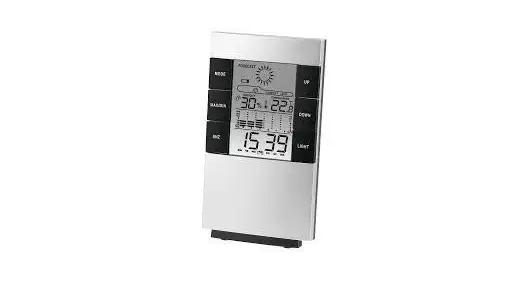
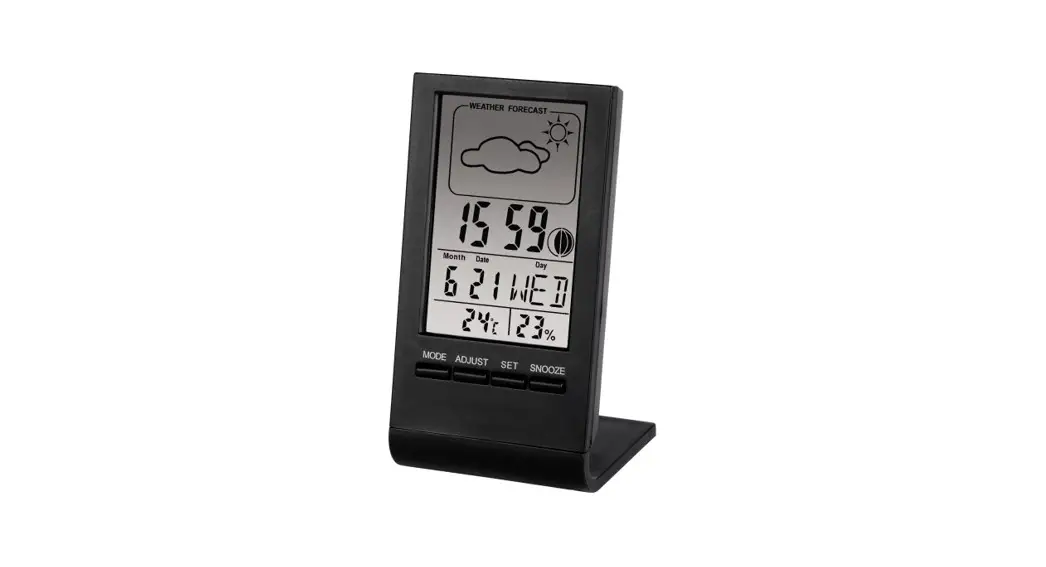
[MODE/SET] is used to shift between the alarm and clock and set the time, alarm and calendar;
[ADJ] is used to adjust the values, turn on/off the alarm and display date;
[MAX/MIN/CLEAR] is used to indicate the MAX and MIN values of temperature and humidity;
[ºC/ºF] is used to select the unit of temperature between ºC and ºF
[RESET] is used to clear the all records, and reset to factory defaults. - Time and Date Adjustment: Press the [MODE/SET] for three seconds the digit on “second” will start to flash, then press [ADJ] to adjust. Press [MODE/SET] again, the digit on “hour” will start to flash, then press [ADJ] to adjust. Press [MODE/SET] again it can show 12/24 hour system, and then press [ADJ] to choose. Press [MODE/SET] again, and then press [ADJ] to choose month. Press [MODE/SET] again, and then press [ADJ] to choose date. Press [MODE/SET] one more time to confirm all the settings.
- Alarm Adjustment: Press [MODE/SET] to show the alarm time, and press [MODE/SET] for three seconds the digit on “second” start to flash, and then press [ADJ] to adjust. Press [MODE/SET] again the digit on “hour” will start to flash, then press [ADJ] to adjust. Continually press [MODE/SET] twice to confirm.
Alarm on/off: Press [MODE/SET] to show the alarm time, and press [ADJ] and then press [ADJ]. Press [ADJ] again, two symbols will be shown together. Continually press [ADJ] can turn on or off those functions, and at last press [MODE/SET] to confirm. When the alarm is ringing, press any button will stop the alarm. - Calendar Display: When clock display press [ADJ] can show the date and it will back to clock display in 3 seconds.
- MAX/ MIN Temperature and Humidity Display: Press [MAX/MIN/CLEAR] to show the MAX/ MIN values of temperature and humidity. Continuously press [MAX/MIN/CLEAR] for 2 seconds can clear all the memory.
- Comfort Index Display: Temperature between 20ºC ∼ 26ºC (68ºC ∼ 78.8ºC), relative humidity between 50% ∼ 70% RH, it will show “COMFORT”. Under any temperature, it will show “WET”, as long as the relative humidity is over 70%RH. Under any temperature, it will show “DRY”, as long as the relative humidity is lower than 50%RH. There is no comfort index display when the temperature is lower than 20ºC (68ºF) or higher than 26ºC (78.8ºF) and the relative humidity is between 50% ∼ 70% RH.
NOTE:
- When the digital get blurred, please replace the battery. Please put the used battery into the recycling bin.
- Operation Environment: 0℃~50℃
- This thermo-hygrometer is not suitable for industrial usage. It is suitable for household.