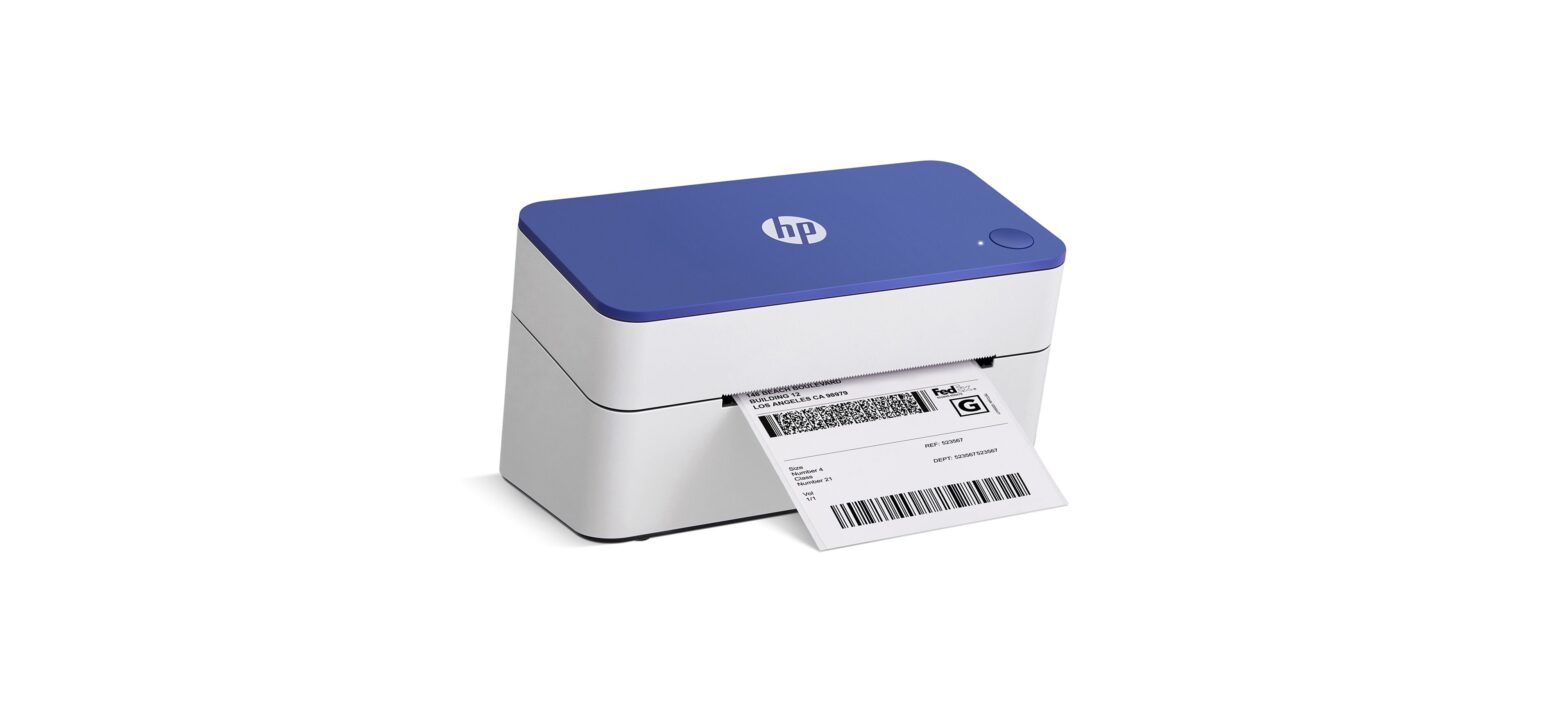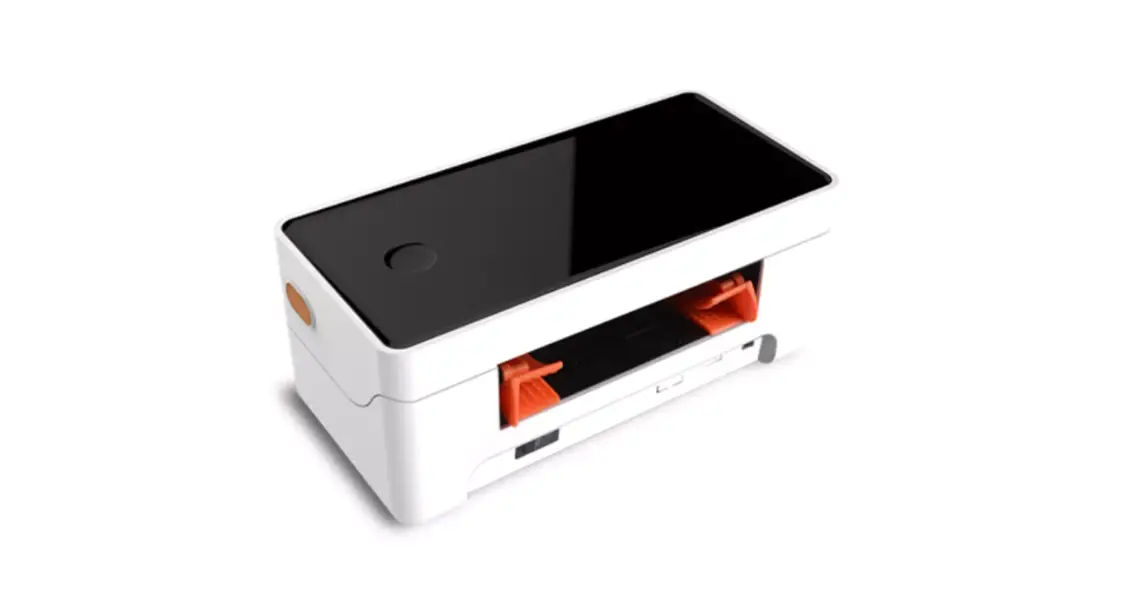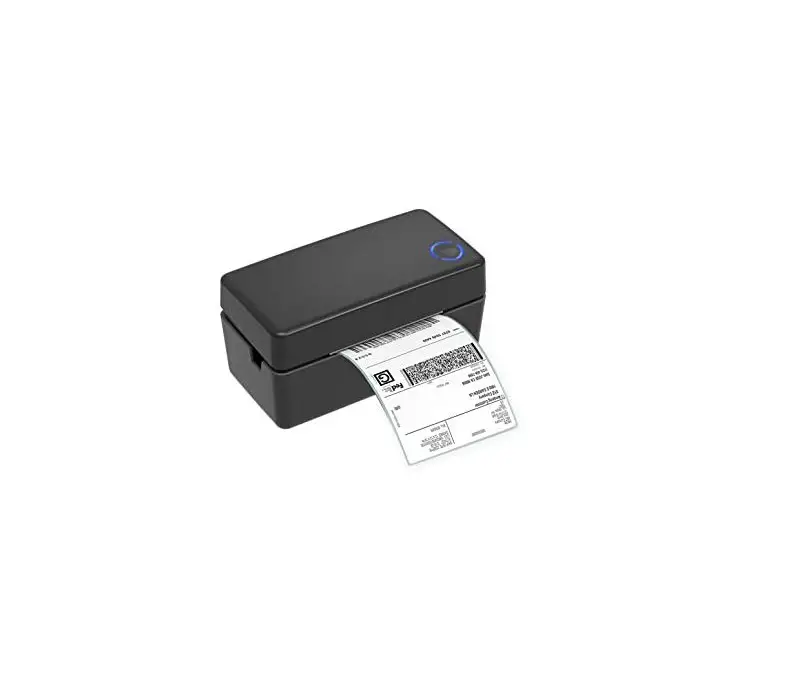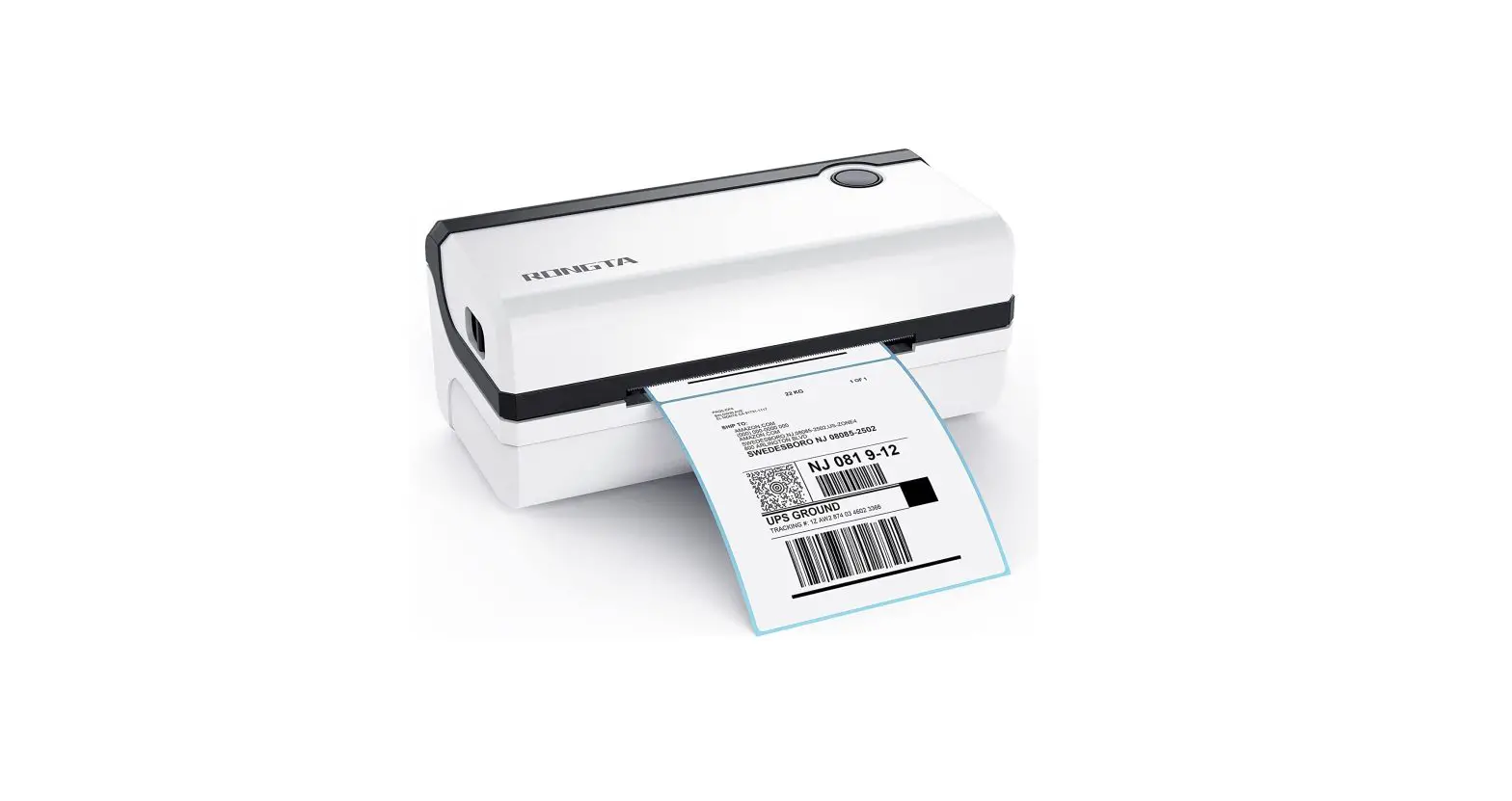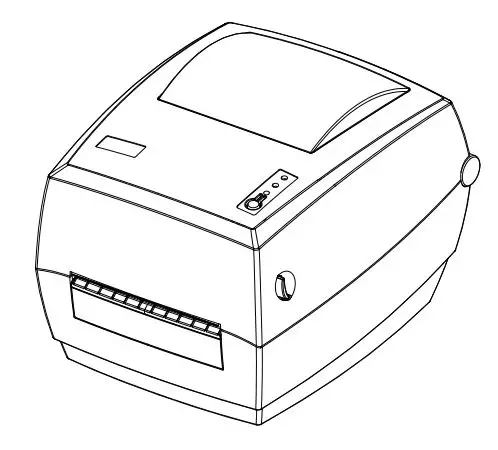

BESTEASY BE-G42S Label Printer User Guide
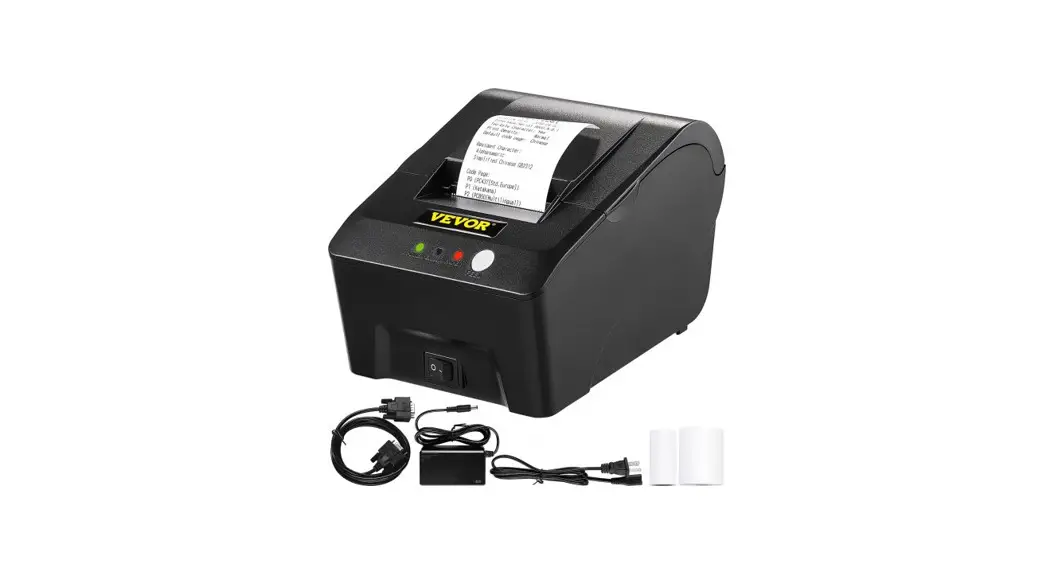
Packing List
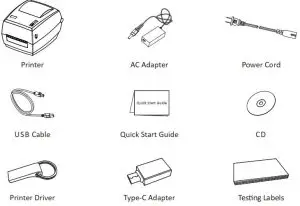
 Note: The packing materials are actually based on the order.
Appearance and Components
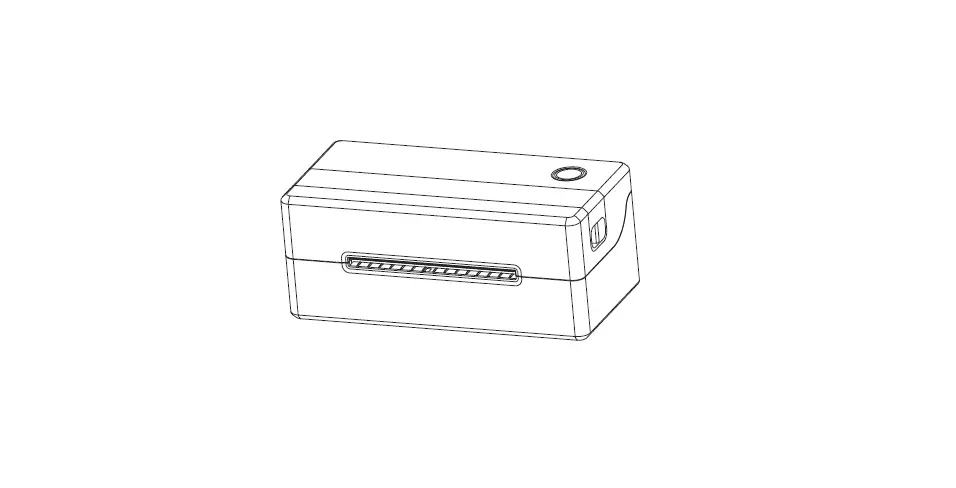
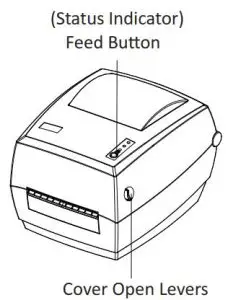
Front View
Rear View
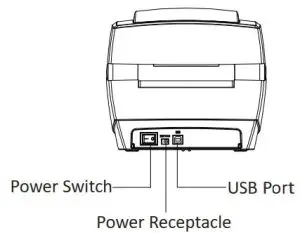
Note: The views above are for your reference. Ports vary by your choice.
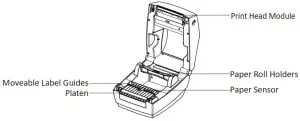
Inside View
Loading the Roll
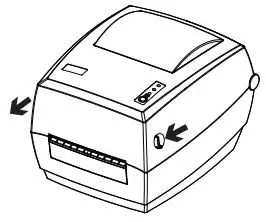
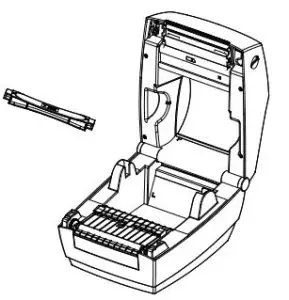
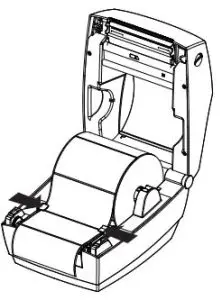
- Press the left and right cover open lever with hands simultaneously and lift the printer cover.

- Hold the paper roll shaft and take it out.

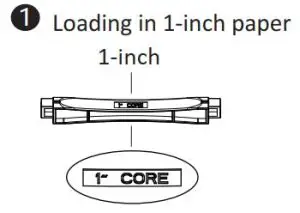
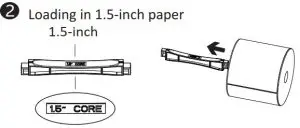
- Load the paper roll in the shaft.


 Note: When using 1-inch paper roll, the font of “1 CORE” should be upward; when
using 1.5-inch paper roll, the axis should be turned 180 degrees and the font of
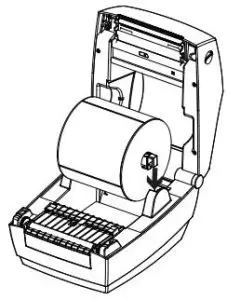
“1.5 CORE” should be upward. - Then load the paper module from the top down to printer.

- Pull some paper and pass the it through paper guides, adjust paper guides according to the paper width.

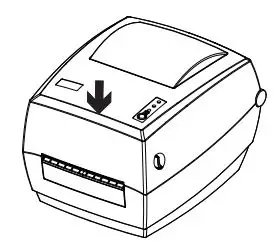
- Press down the top cover until it closes.

Power Connection
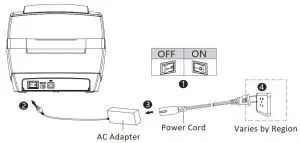
- Make sure the printer is “OFF”
- Connect the AC adapter to printer.
- Connect the power cord to AC adapter.
- Connect the other side of power cord to the socket outlet.
 Note: tool and driver installation please refer to BE-G42S User Manual.
Read More About This Manual & Download PDF: