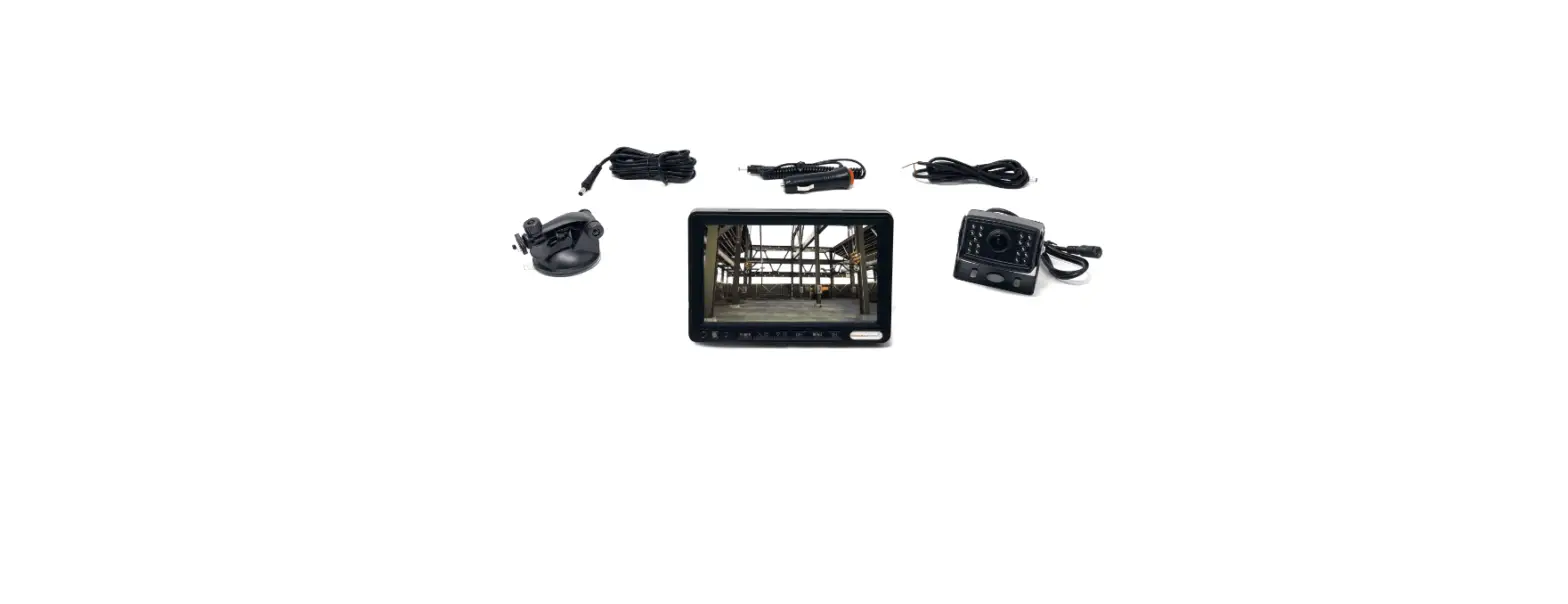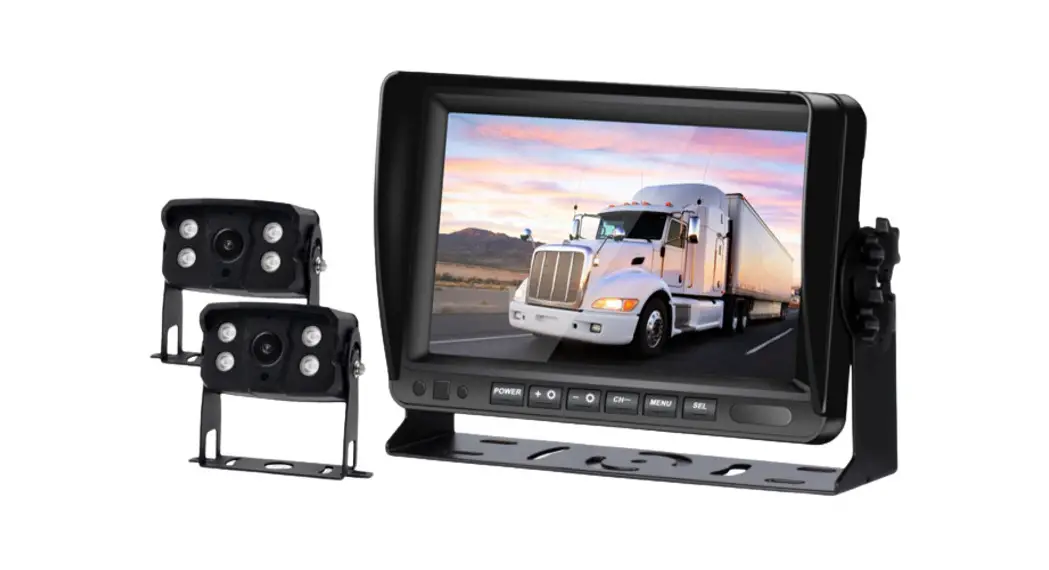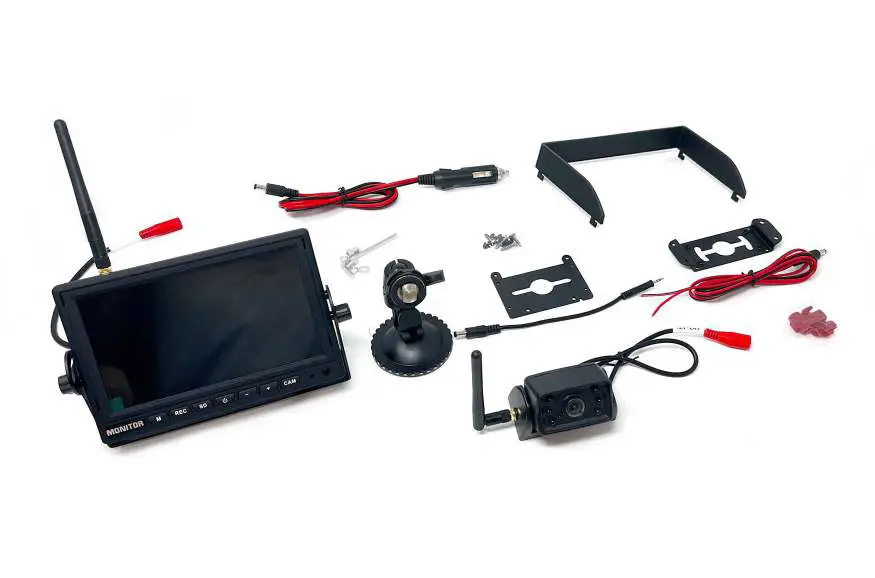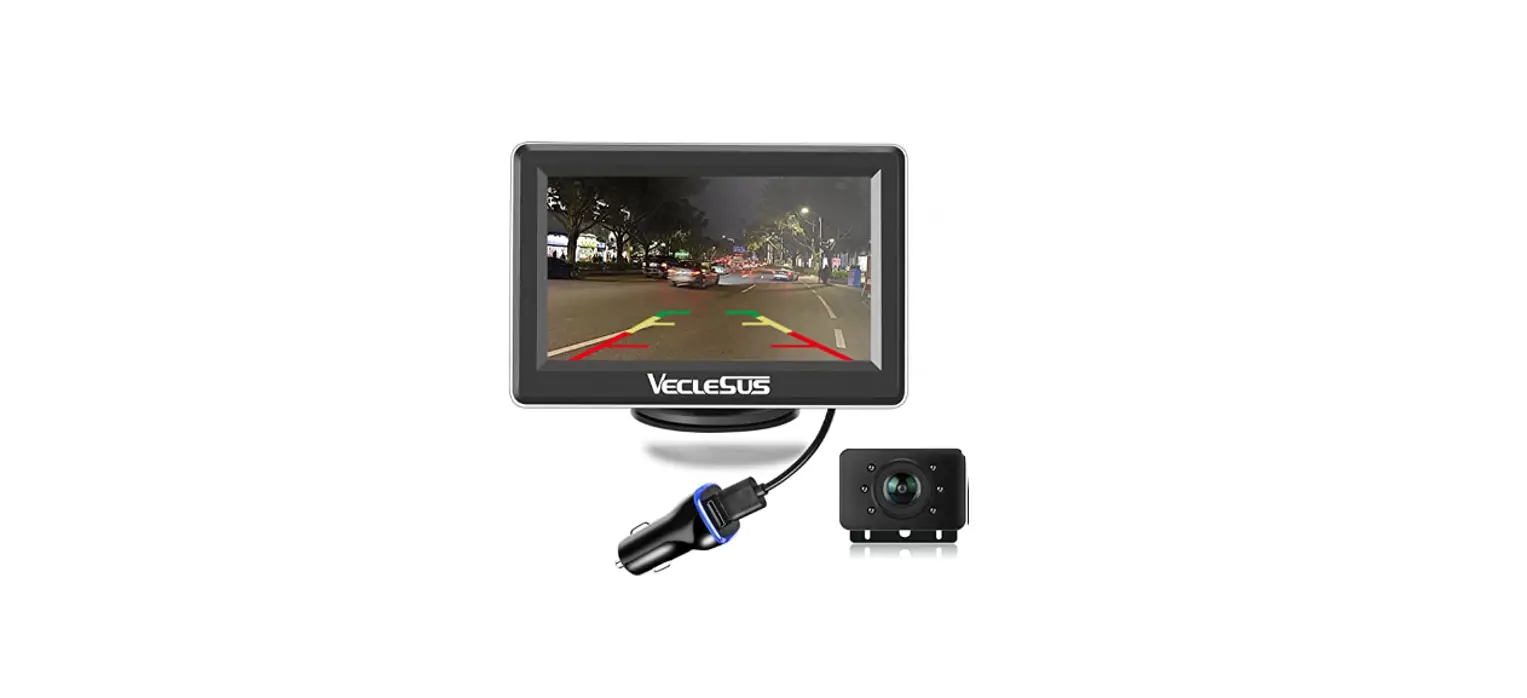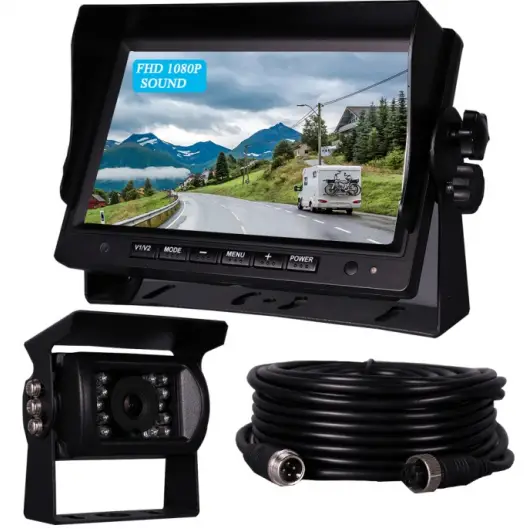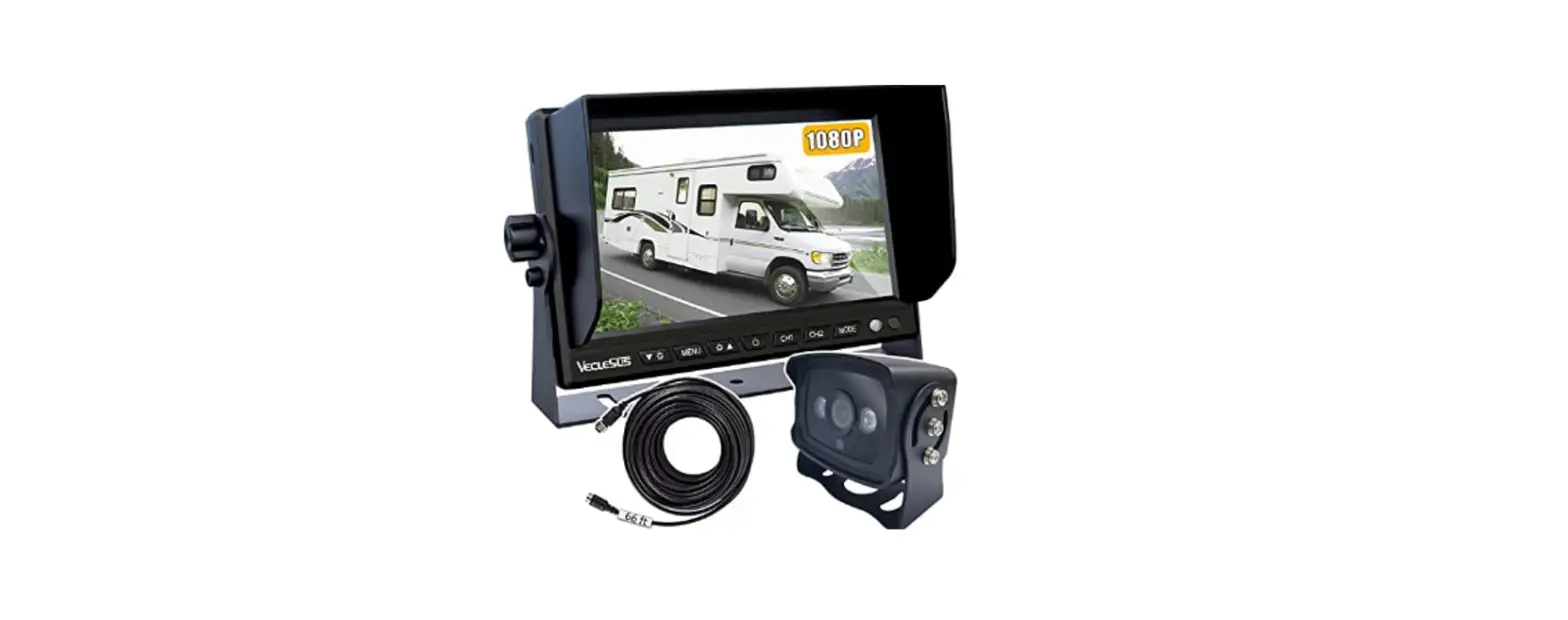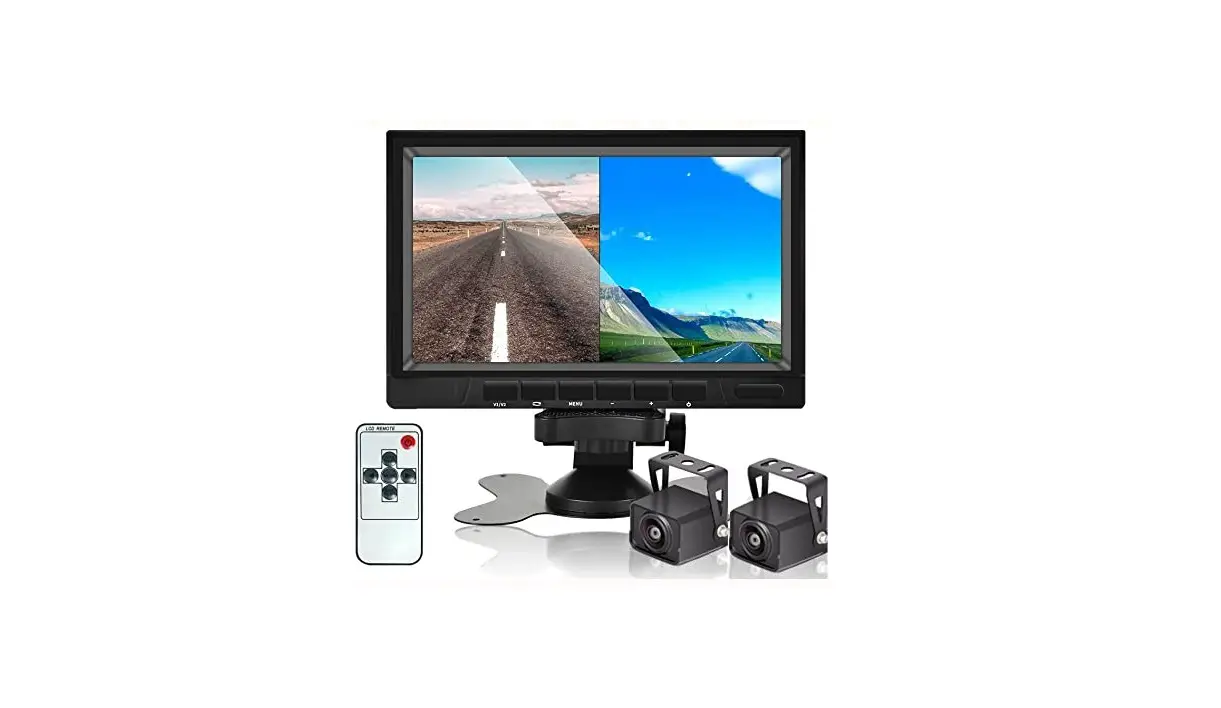
AHD 1080P Backup Camera System with 7 Inch DVR Dual Split Screen Monitor Instructions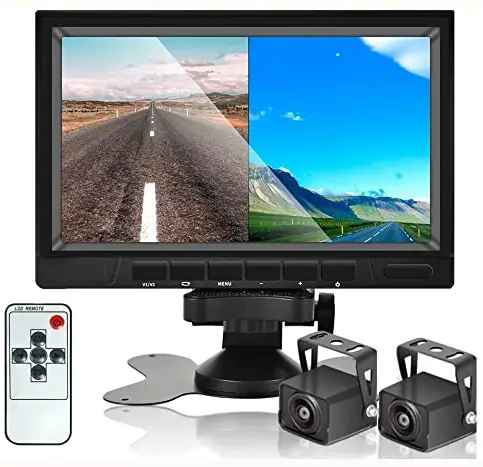
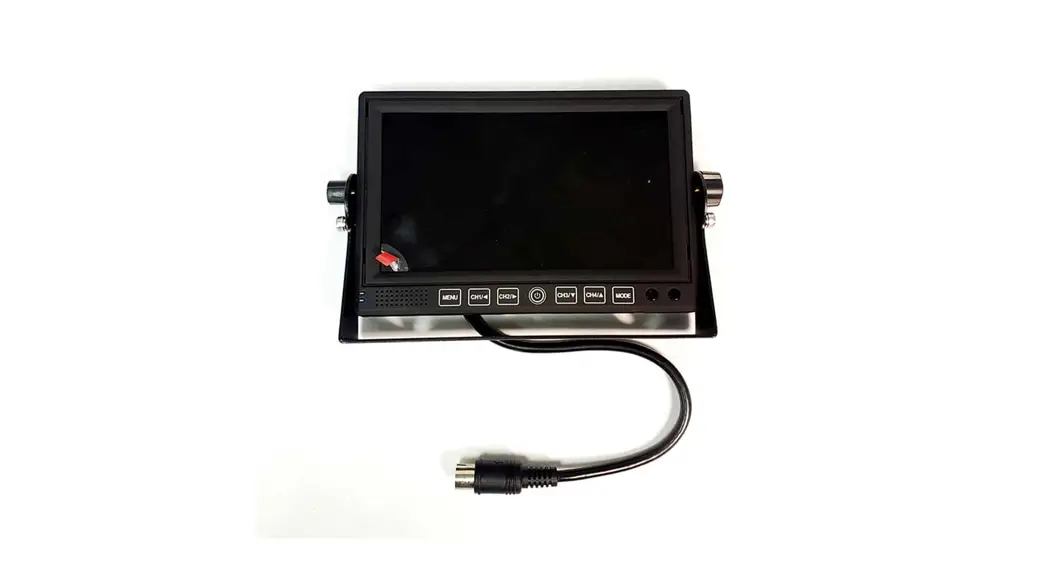
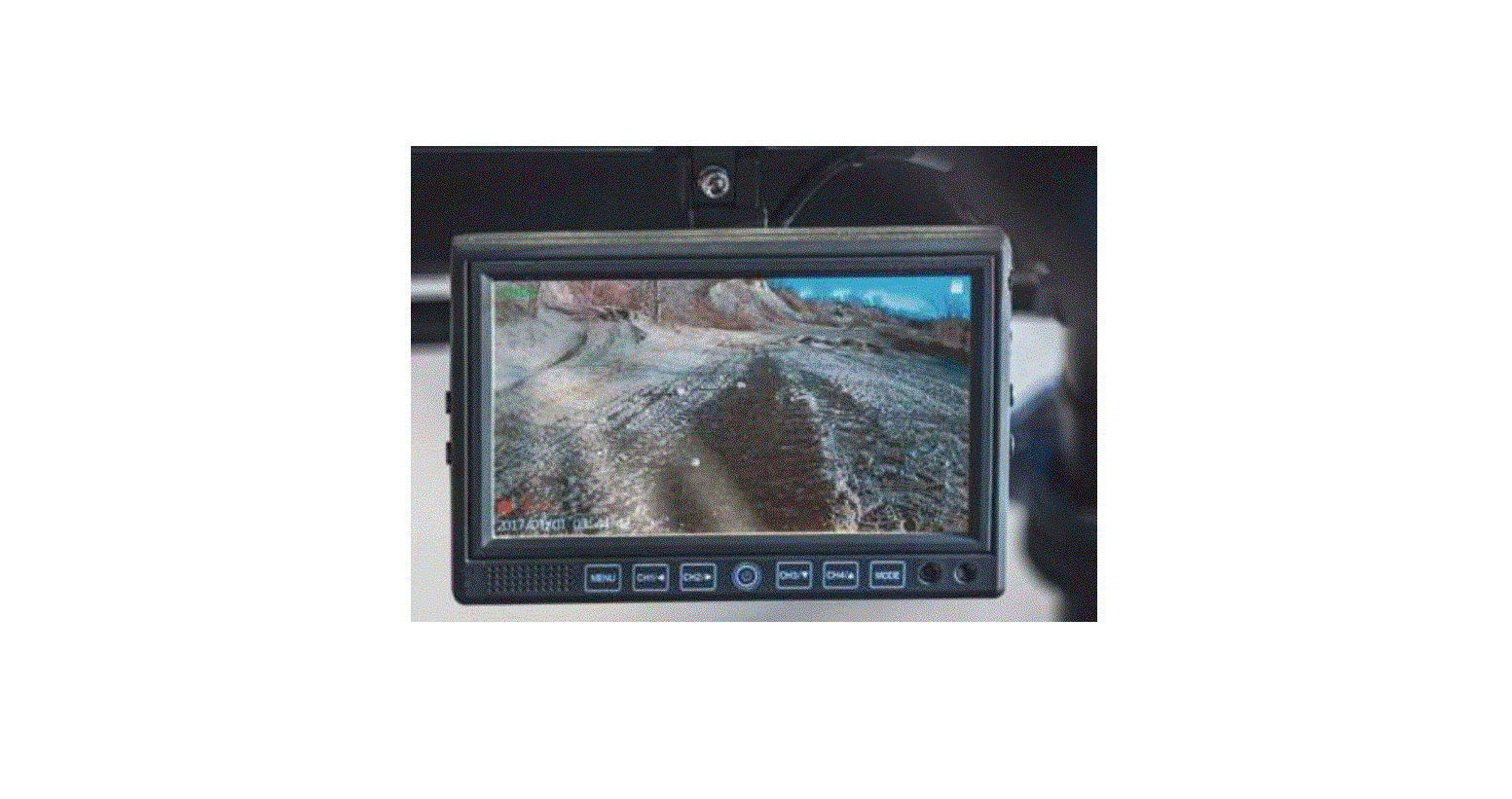
Function keys
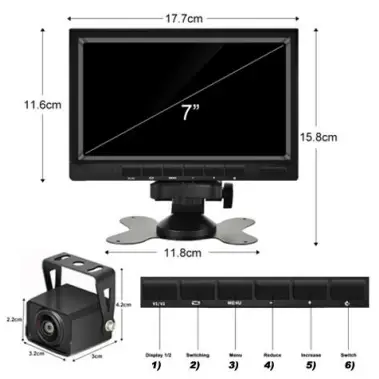
Key introductions
- AHD channel switch button
- Compound confirmation key
a. Short press confirm menu function, picture mode video cameras, videomode began to stop function, theplayback mode playback function; b.Long press to switch video, photo, playback modes; - Menu button
- Reduce, key menu page up button;
- Plus, menu page down keys
- Power key
The remote control function
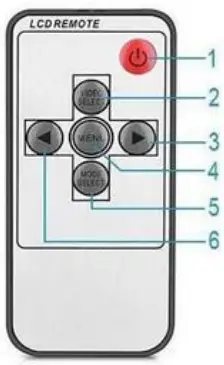
- POWER : Switch for power supply
- VIDEO : V1 / 2 selecting
- VOL +: Increase button / select channel
- MENU : ( brightness , colors , contrast ) button
- MODE : Selecting results of display
- VOL – : Reduces button / select channel
Function parameters
Screen dimensions : 7 inch
Resolution : 1024 ( W ) X RGB X 60(H)
Brightness : 500 cd/m2 Screen Angle : the Angle of view ( IPS )
System : PAL/NTSC
Power : DC 12V-35V
Consumption : 6W
Video : two way video input
 }
}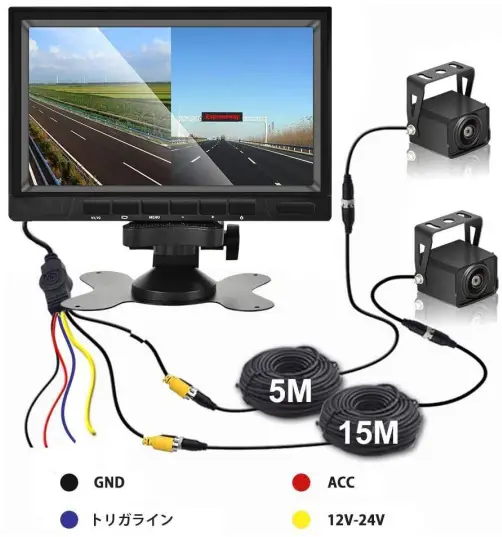
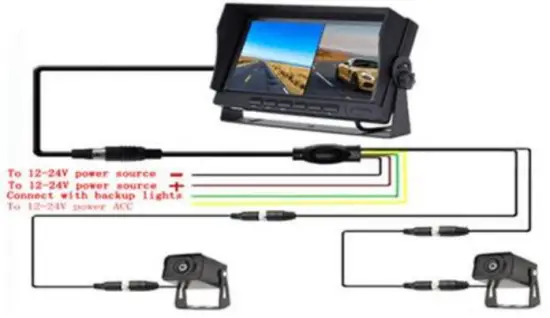
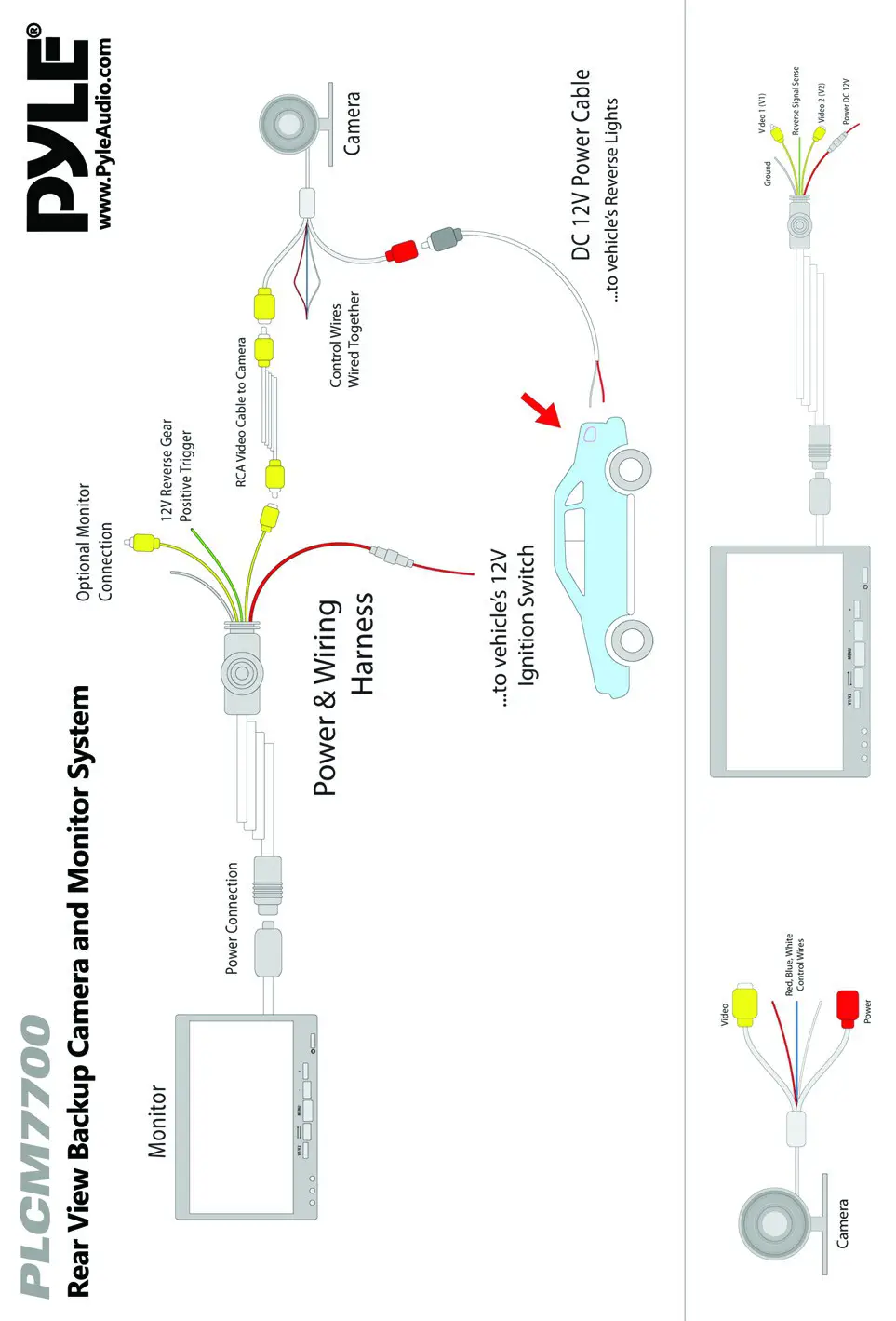
- connect black line to the 12v-14v negative power –
- connect red line to the 12V-14V ACC. 3.connect yellow line to the 12V-14V positive power +
- connect green line to the positive of the reverse light +
Note: If you connect blue cable,when you put rear gear,the screen will automatically switch to V2 image. If you do not need this function,you leave blue cable disconnected,and covered by insulating tape.