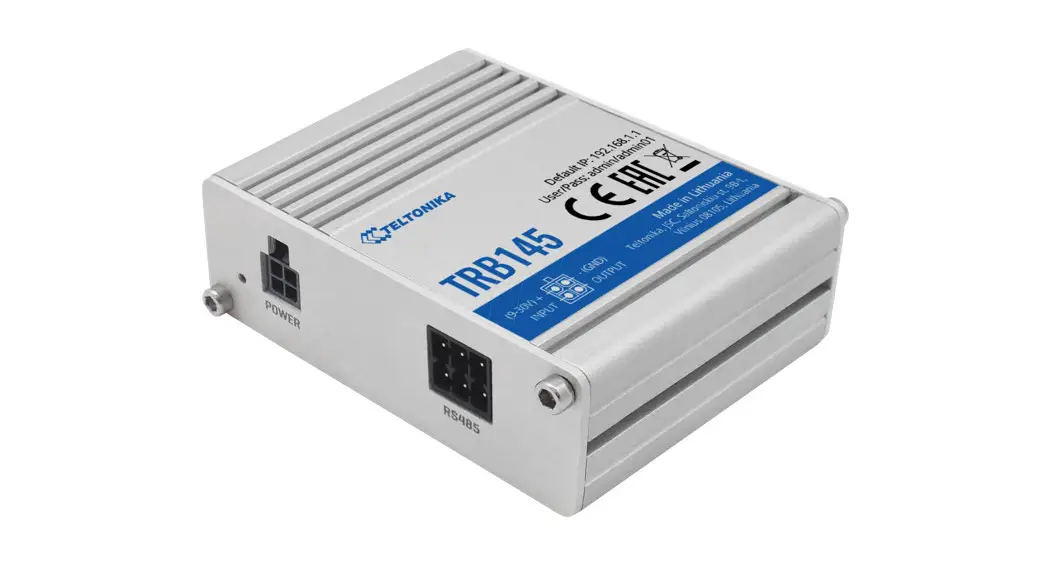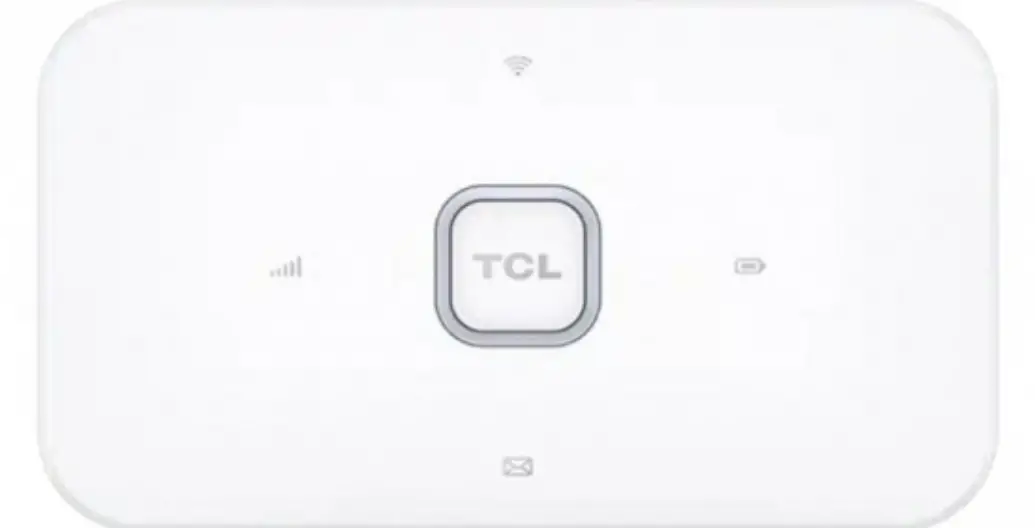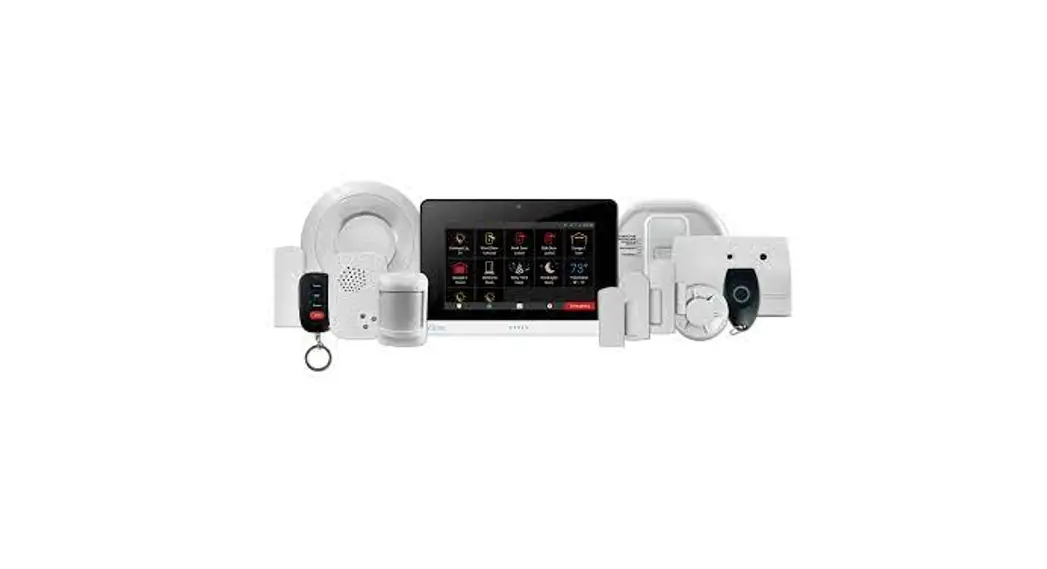
Tacfone Cb-4g User Guide

Tacfone Cb-4g User Guide

TACFONE CB-4G User Guide

TACFONE CB-4G User Guide

SIM Service
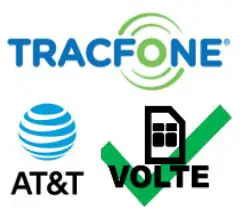
TACFONE CB-4G User Guide - SIM Service

This product comes with a SIM card, which will run on At & T service. You must have At & T signal in the area for this unit to operate. Please survey the location for signal BEFORE installing this device.

Site Wiring
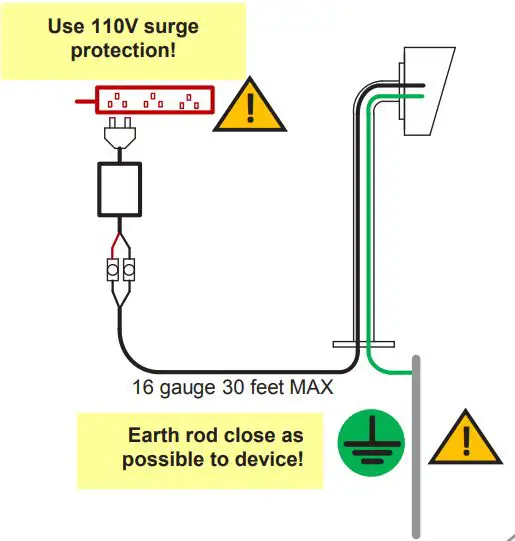
 

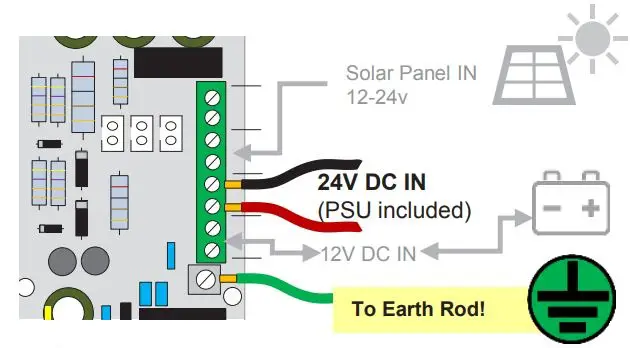
TACFONE CB-4G User Guide - Site Wiring

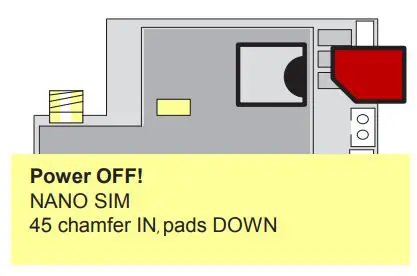
Inserting SIM

TACFONE CB-4G User Guide - Inserting SIMTACFONE CB-4G User Guide - Be ahead

Earthing

TACFONE CB-4G User Guide - Earthing

This product MUST be EARTHED in the following states in order to qualify for manufacturers warranty
FL, LA, MS, AR, OK, MO, AL, IL, KY, TN, IN, KS, SC, GA, IA, TX, OH, NC, NE, MD, WV, VA, DE

Wiring Relays
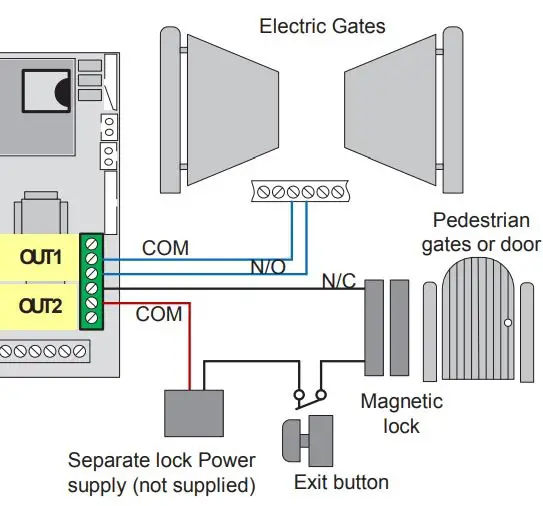
TACFONE CB-4G User Guide - Wiring Relays

Power

TACFONE CB-4G User Guide - Power

LEDs

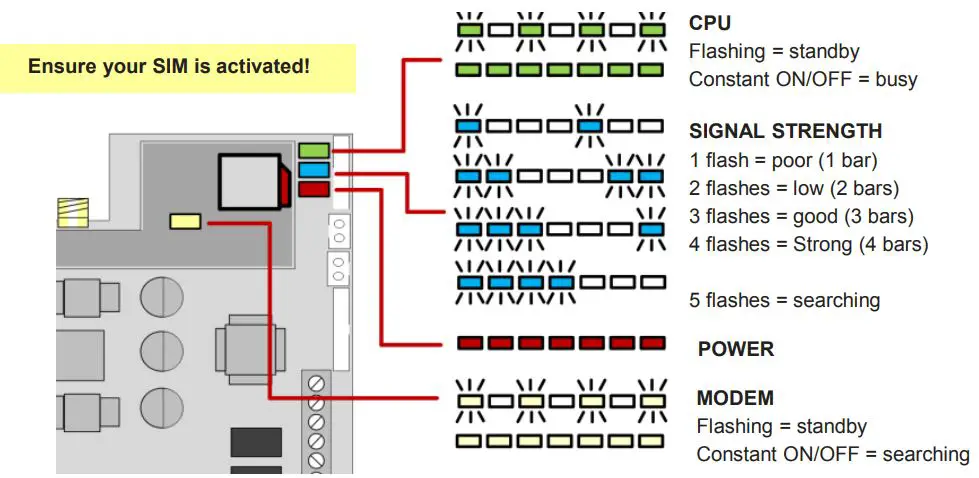
TACFONE CB-4G User Guide - LEDs

Basic Programming

1.

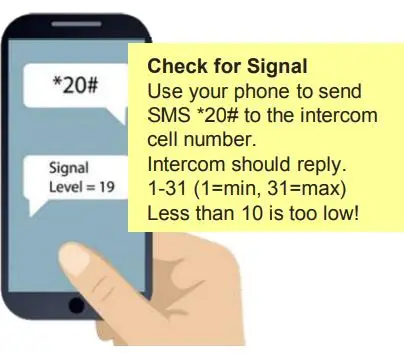
TACFONE CB-4G User Guide - Check for Signal

2. Setting APN
Only do this if the signal reply is 3G. APN details for various networks in main manual and can be searched online. To change APN send SMS below..
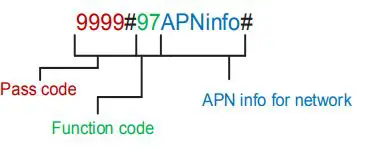
TACFONE CB-4G User Guide - Setting APN

3. To Set Dial out phone numbers..
Send SMS below..
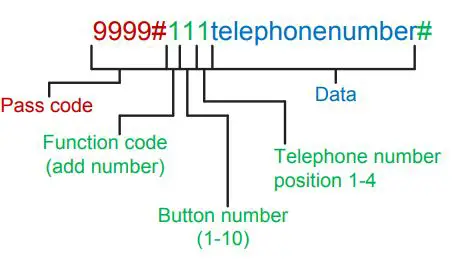
TACFONE CB-4G User Guide - Set Dial out phone numbers

4. To program keypad codes..
Send SMS below..
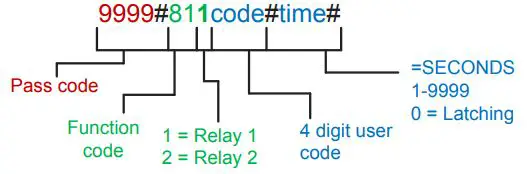
TACFONE CB-4G User Guide - program keypad codes

5. To program caller ID phone numbers
Send SMS below..

TACFONE CB-4G User Guide - program caller ID phone numbers


Scan to view full instructions


TACFONE CB-4G User Guide - QR Code
3cc276_bbca40670ed54b77bfed453166df5155 [PDF]
For more information, please visit www.devancocanada.com or call toll free at 855-931-3334

References

Documents / Resouces

Download manual
Here you can download full pdf version of manual, it may contain additional safety instructions, warranty information, FCC rules, etc.


Related Manuals