
INSTRUCTION MANUAL
KORETRAK IMPORTANT SAFETY INFORMATION
To prevent personal injury or damage to your KoreTrak, read the following guidelines carefully to ensure proper usage:
- Avoid exposing KoreTrak to chemicals, sudden impacts, and extreme heat.
- When cleaning KoreTrak. do not use any solvents that contain alcohol.
- Do not attempt to reassemble KoreTrak or remove the battery
- If you feel any discomfort while wearing KoreTrak, loosen the wristband.
- It is not meant to diagnose or treat medical conditions.
Warning: This device Is not a toy. Keep away from children.
Although KoreTrak’s mechanism is cutting edge, there are inherent limitations with the technology that may cause some of the sensor readings to be inaccurate under certain circumstances. These circumstances include, but are not limited to. the user’s physical characteristics, skin perfusion. permanent or temporary changes to your skin. the fit of the device. and the type and intensity of the motion or activity is accomplished. If the sensor appears inaccurate, adjust the position of the device on your wrist and ensure that there are no obstructions, such as. body hair. dirt, tattoos, or other objects between the sensor and your wrist.
TIPS FOR USE:
- KoreTrak requires 20 seconds to get a heart rate, blood pressure, or blood oxygen reading.
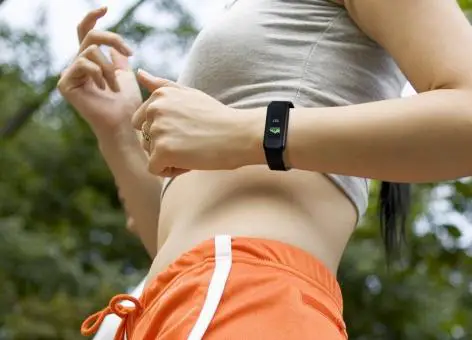
- For optimal performance, it is recommended to wear KoreTrak on your left wrist.
- To keep KoreTrak clean, wipe it down with a damp cloth once a week or after physical activities.
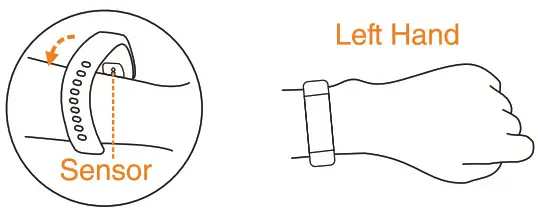
FASTENING THE WRISTBAND:
- Hold KoreTrak In place on the outside of your wrist.
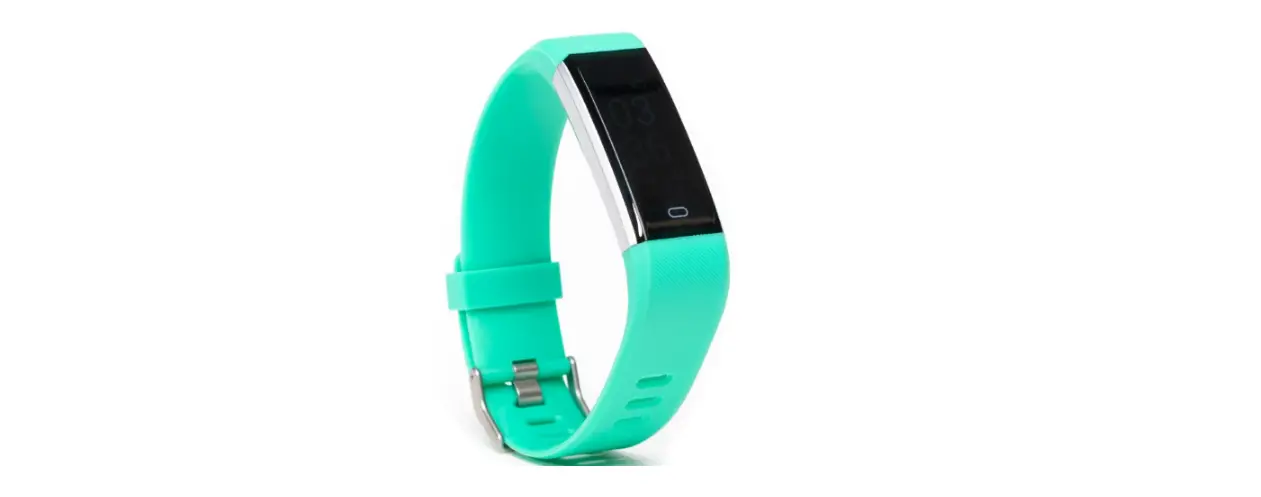
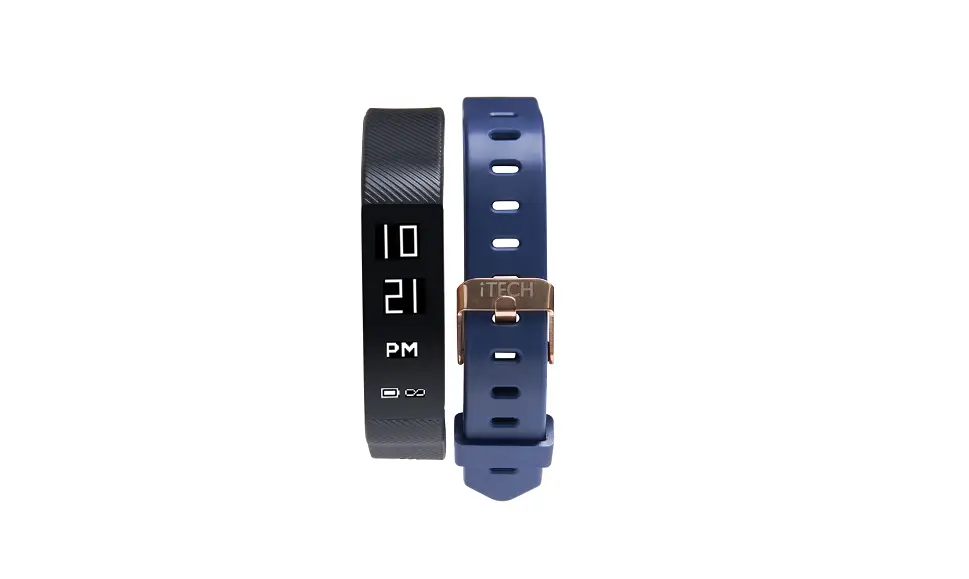
- Tighten the wrist band until you feel it has a firm grip around your wrist, but not so tight that it cuts off circulation, then fasten the buckle. 3. To remove the wrist band, loosen the pin buckle.
CHARGING THE BATTERY:
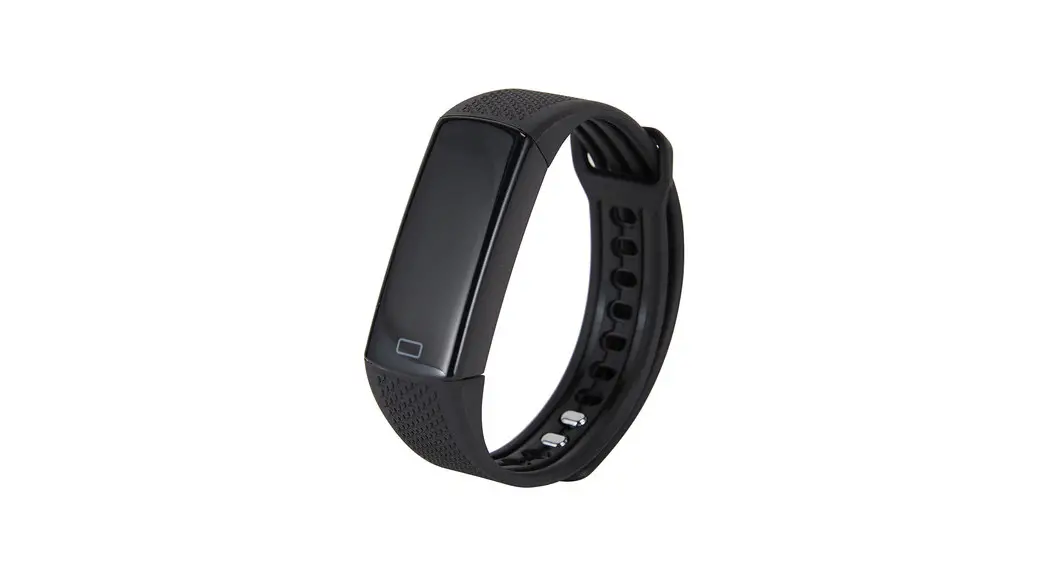
- Remove the bottom wristband to access the charging connector with a twist and pull motion (refer to diagram 1). You can find the connector side under the KoreTrak marked “USB” with an arrow pointing at it, the USB metal contacts should be visible (refer to diagram 2).

- Plug the charging connector into your computer’s USB port or a wall socket with a USB adapter. Make sure your power source is at least 5V.

- If KoreTrak does not charge after inserting the connector, it may be oriented upside down. Unplug KoreTrak, flip it, and reinsert the USB connector. When properly connected, KoreTrak will vibrate and will start charging.
- Allow KoreTrak to charge for up to 2 hours or until the battery indicator on the home screen is full.
- To reattach the bands, slide the wrist band pieces onto either side of the KoreTrak.
- Press firmly until you hear and feel a click.
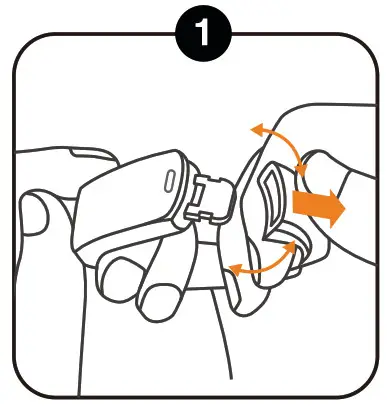
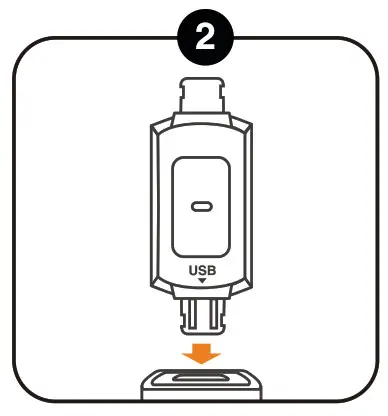
Note: You can locate the USB connector by looking at the back of your KoreTrak, there you will find markings of USB and an arrow. Make sure the KoreTrak USB connector contacts are properly inserted to the USB port of your computer or USB adapter (refer to diagram 2). If the KoreTrak screen still does not light up immediately after being plugged in properly the battery may be completely drained. Let it charge for at least 5 minutes, the screen should light back up within this time. If KoreTrak still does not light up or charge after all these steps, please contact customer support. No charging dongle is required.
INSTALLING THE KORETRAK APP:
- Download the KoreTrak App onto your iOS or Android smartphone by scanning the QR codes below, or by searching “DayBand” in the App Store or Google Play Store.
- Device Requirements: iOS 8.0 and above; Android 4.4 and above.
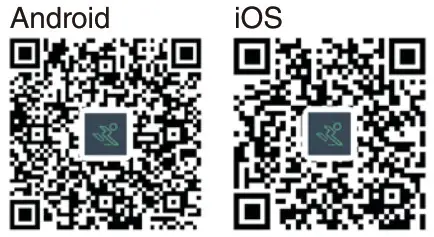
https://play.google.com/store/apps/details?id=com.yc.dayband
https://apps.apple.com/cn/app/id1461078333
CONNECTING KORETRAK TO YOUR SMARTPHONE:
You will have to pair your KoreTrak to your smartphone manually the first time you use it. After that, it will connect automatically anytime your device is within range.
Your KoreTrak can store offline data for up to 7 days before syncing with your smartphone.
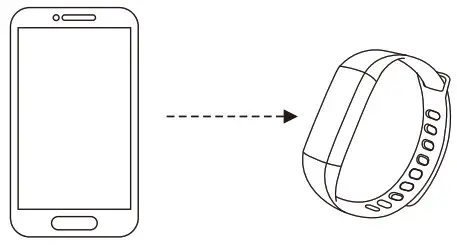
- Open the DAY BAND app on your smartphone.
- Hold KoreTrak near your smartphone and go to the Device page, click “Bind Bracelet”.
- Choose corresponding Bluetooth name “KoreTrak7
- Connection completed.
USING KORETRAK:
- To turn on KoreTrak, long-press the function button at the bottom of the screen.
- Short press the function button to scroll through Long press the function button to select an app or exit out of an app.
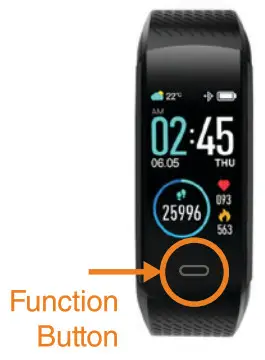
HOME SCREEN
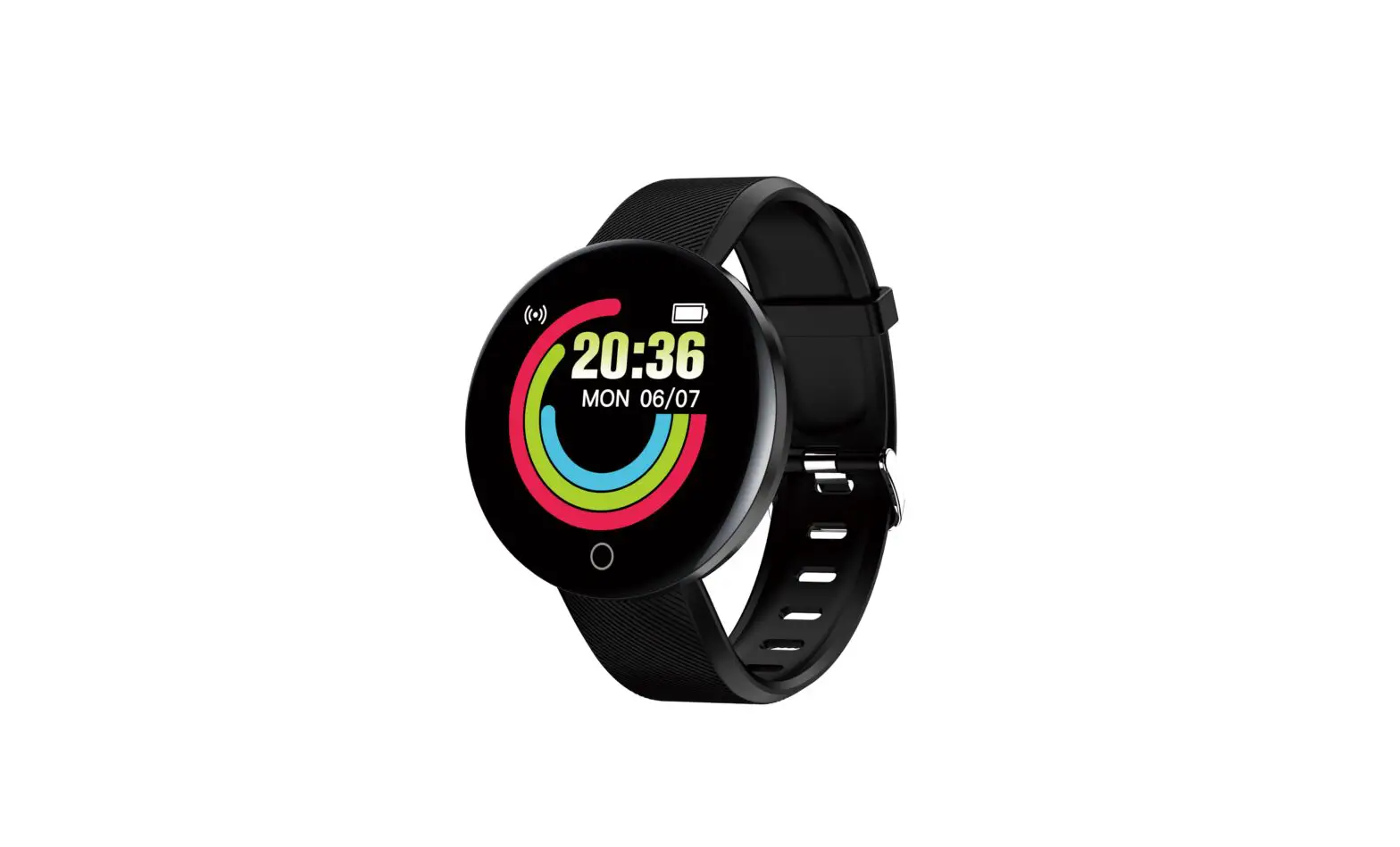
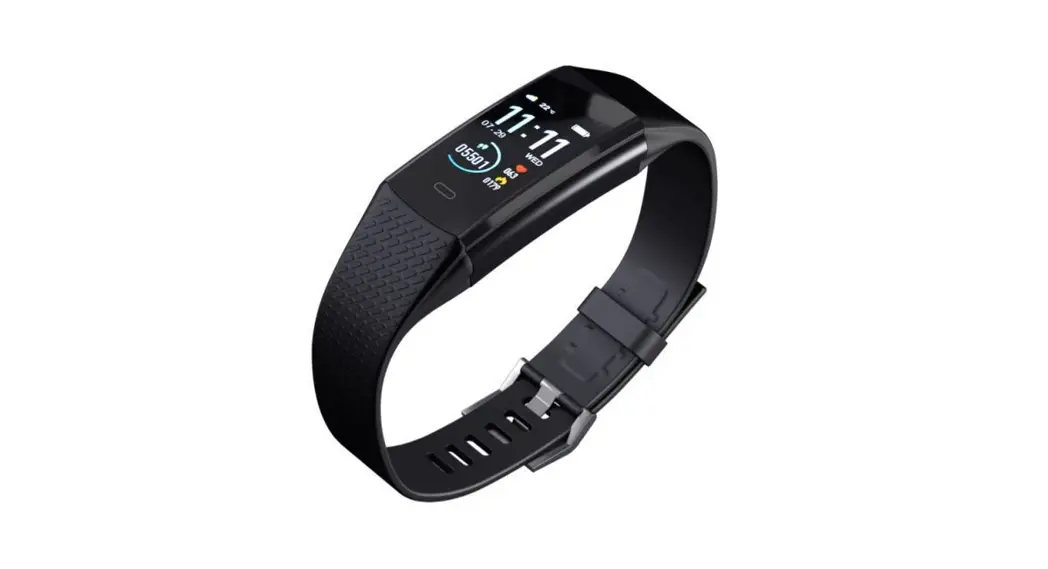
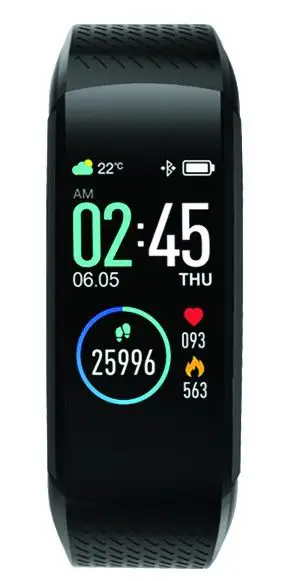
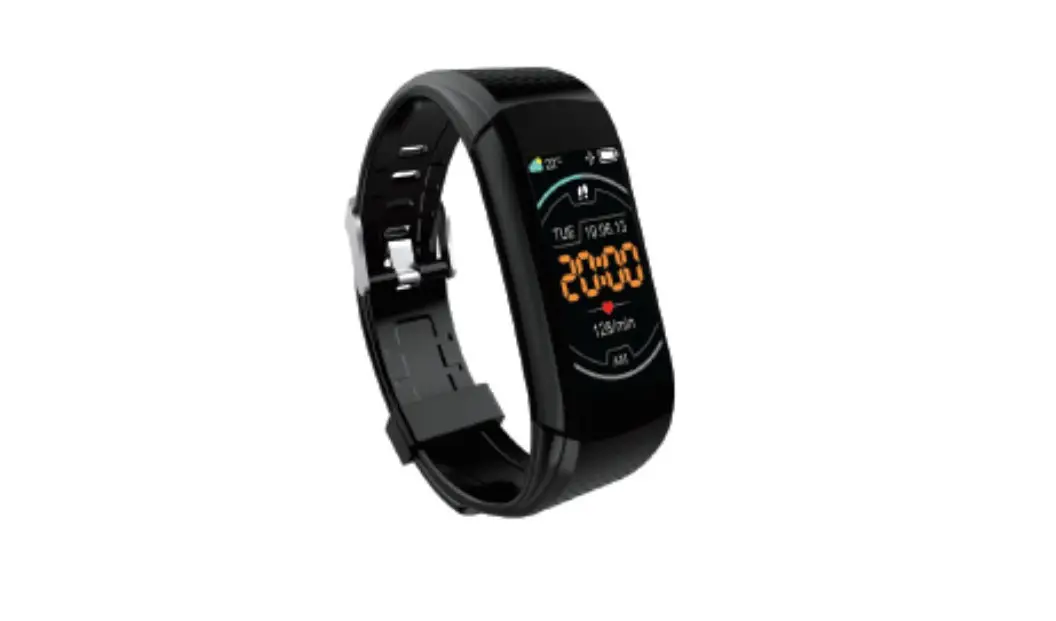
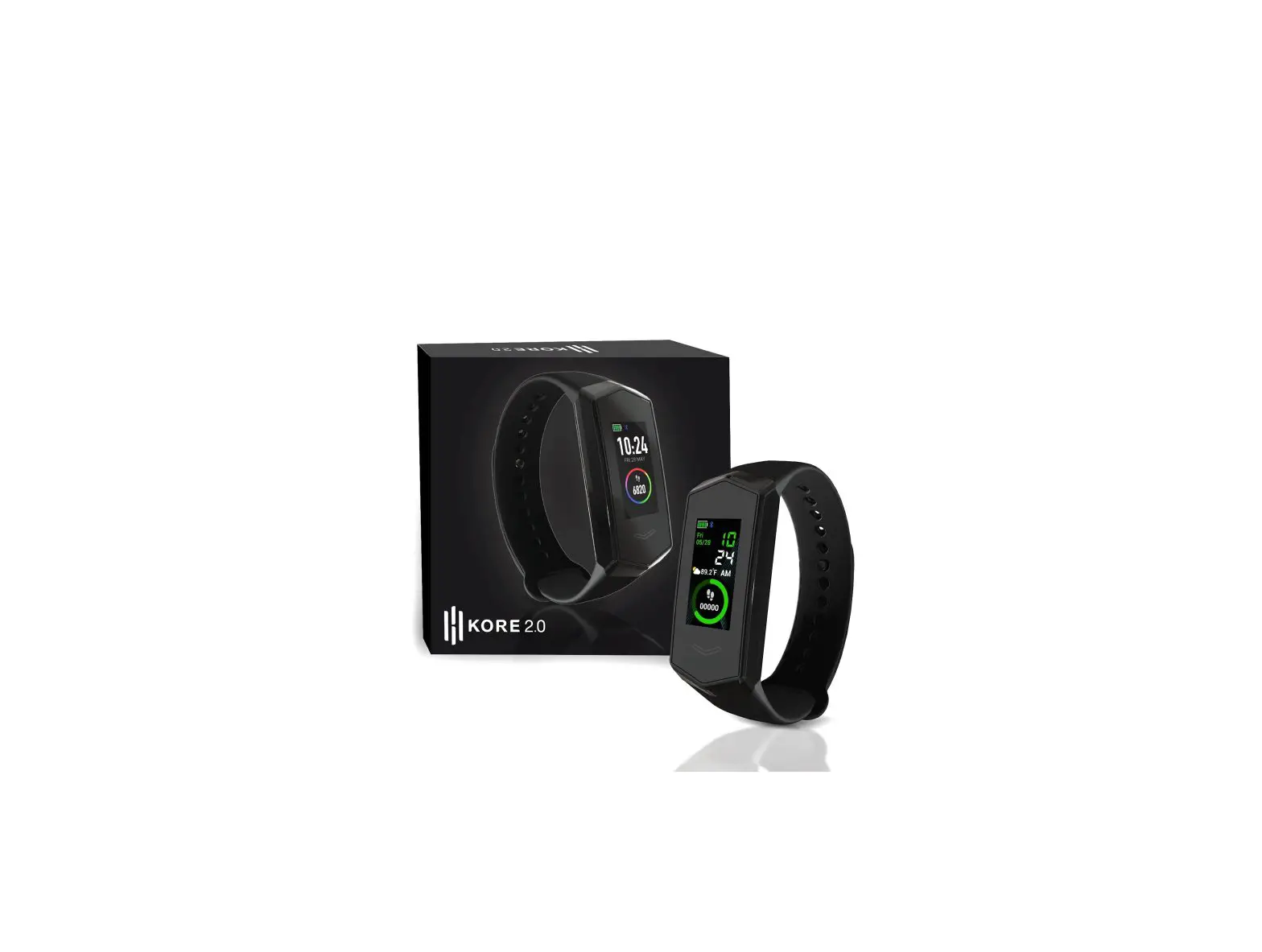
Displays the time, date, weather, and kinetic stats. Long press 3 seconds to cycle between different home screen configurations.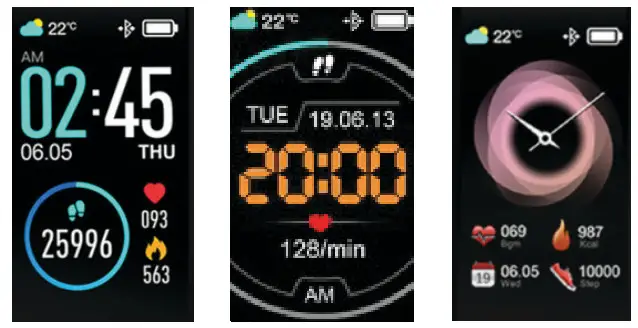
PEDOMETER
Records the number of steps you have taken.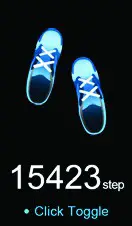
ODOMETER
Records the distance you have traveled.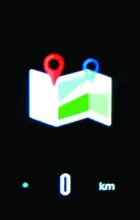
CALORIMETER
Records the number of calories you have burned.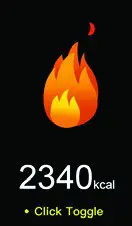
HEART RATE MONITOR
Measures your heart rate in beats per minute.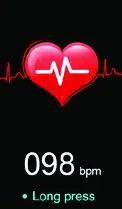
BLOOD PRESSURE MONITOR
Measures your blood pressure.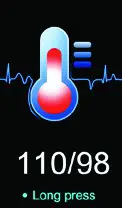
BLOOD OXYGEN MONITOR
Measures oxygen levels in your blood.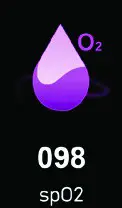
SPORT
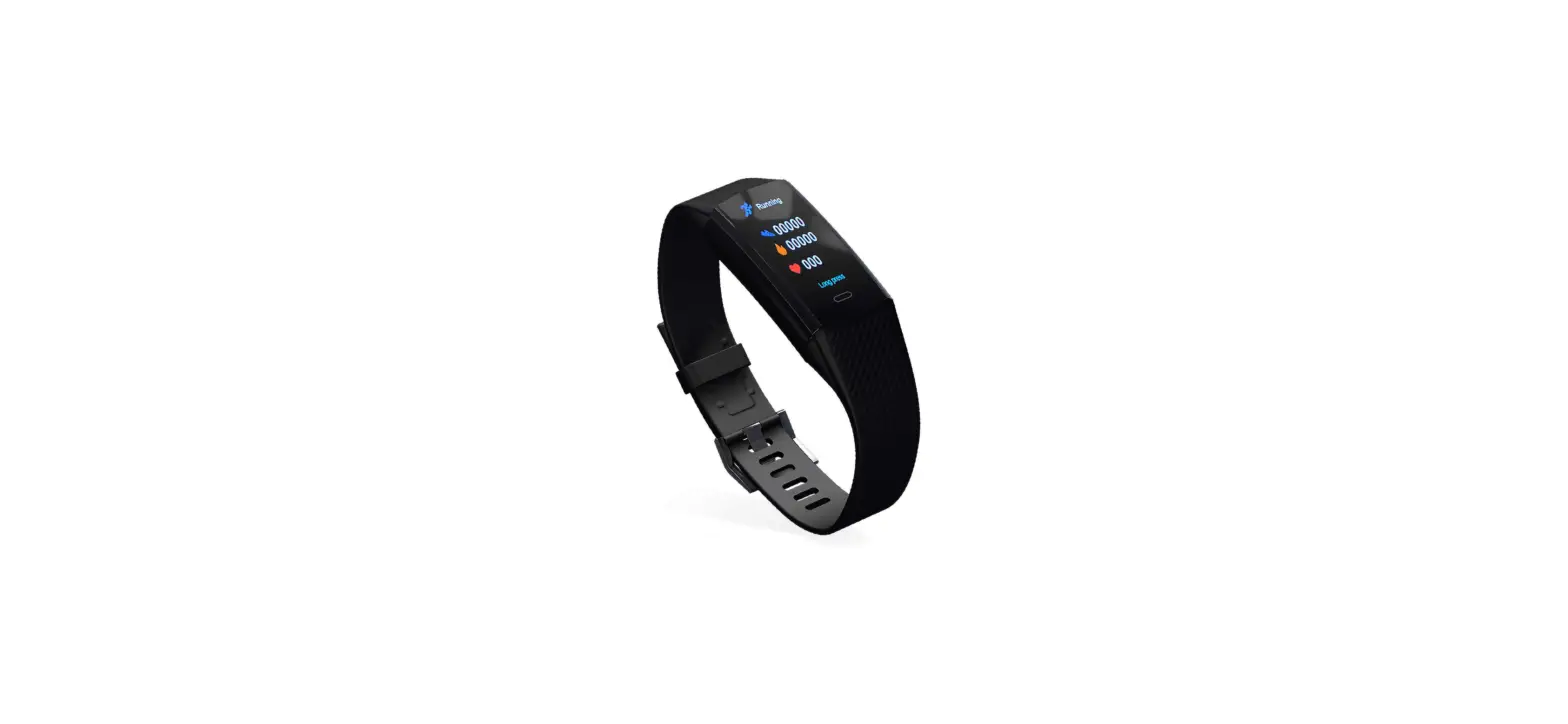
Measures your performance during specific exercises. Long press to enter app; short press to scroll through activities (Running, Cycling, Badminton, Table Tennis). Long press again to start or stop an activity.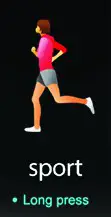
MESSAGES
View incoming text messages from your smartphone. Long press to enter app; short press to scroll through messages.
Messaging alerts support Twitter, Messenger, Facebook, Whatsapp, Hangout, Skype, Wechat, QQ, and Line.
MORE
Access to settings and other apps. Long press to enter the menu; short press to scroll through functions.
VERSION
Displays Bluetooth version.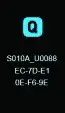
FIND
Helps you locate your smartphone. Long press to send a vibration alert to your smartphone.
BRIGHTNESS
Adjusts the display brightness. Long press to scroll through screen brightness levels.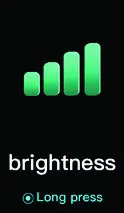
SHUTDOWN
Turns off KoreTrak. Long press to power down. RESET
RESET
Resets KoreTrak’s data and restores factory settings. Long press to reset.
STOPWATCH
Records time. Long press to start timer; short press to stop. Long press again to reset the timer.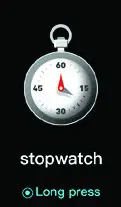
FEATURES VIA APP
- KoreTrak will vibrate when you receive a call or text message. To activate this function, you will need to set it up in the App under ‘Device o When you receive a call, KoreTrak will vibrate. Long press the function button to decline the call.
- Message (e.g. Twitter, Messenger, Facebook, Whatsapp, Hangout, Skype, Wechat, QQ, and Line.) alert needs to connect in App” section.
- The alarm function can only be used on the App
- Stand Up Reminder is adjustable from 30 — 180 minutes in increments of 5.
- You can link KoreTrak data to Apple Health App.
- Find Device — selecting this feature will cause your KoreTrak to vibrate.
- Shake to Take a Picture — this will allow you to take a photo on your smartphone by shaking your wrist.
- Light Up — KoreTrak’s screen will automatically turn on when your hand is raised.
- Distance Units — adjust by going to the app, ‘Device’ →General’
- Display Timeout — Adjustable by 5, 10, or 15 seconds.
- Heart Rate — you can set up auto heart rate monitoring every hour.
- Do Not Disturb — select a time frame where you can turn off KoreTrak’s vibrations, light-up feature, or information push.
- 24-hour Time Setting — adjust by going to App, ‘Device’ → ‘General’
- Safety Function — you will get a phone notification when you are away from your KoreTrak device. (This feature will not work if your Bluetooth is off.)
LANGUAGE SETTINGS:
You can change the language settings directly on the KoreTrak band by selecting MORE and cycling through till you reach the languages. To change the language settings through the mobile app, go to ‘Device’→’General’ while connected to your KoreTrak. • English • German • French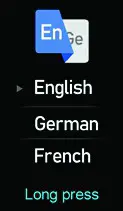
SPECIFICATIONS:
| Package Includes | KoreTrak, wrist band, instruction manual |
| Screen Size | 1.08in |
| Wrist Band Size | 245mm x 18mm x 11.5mm |
| Bluetooth Version | 4.0 |
| Waterproof Rating | IP67 |
| Battery Type | Lithium Polymer |
| Battery Capacity | 120mAh |
| Charge Time: | 1.5 — 2 hours |
 The device complies with the European Directives 2014/53/EU.
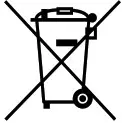 At the end of its service life, this product may not be disposed of in the normal household waste, but rather must be disposed of at a collection point for recycling electrical and electronic devices. The materials are recyclable according to their labeling. You make an important contribution to protecting our environment by reusing, recycling, or utilizing old devices in other ways. Please ask the municipal administration where the appropriate disposal facility is located. Subject to change.

![Lintelek Fitness Tracker Manual [id115plus]](https://static-data1.manualsee.com/1/img/308/65148/2021/02/Lintelek-Fitness-Tracker-Manual-ID115Plus.jpg "Lintelek Fitness Tracker Manual [id115plus]")