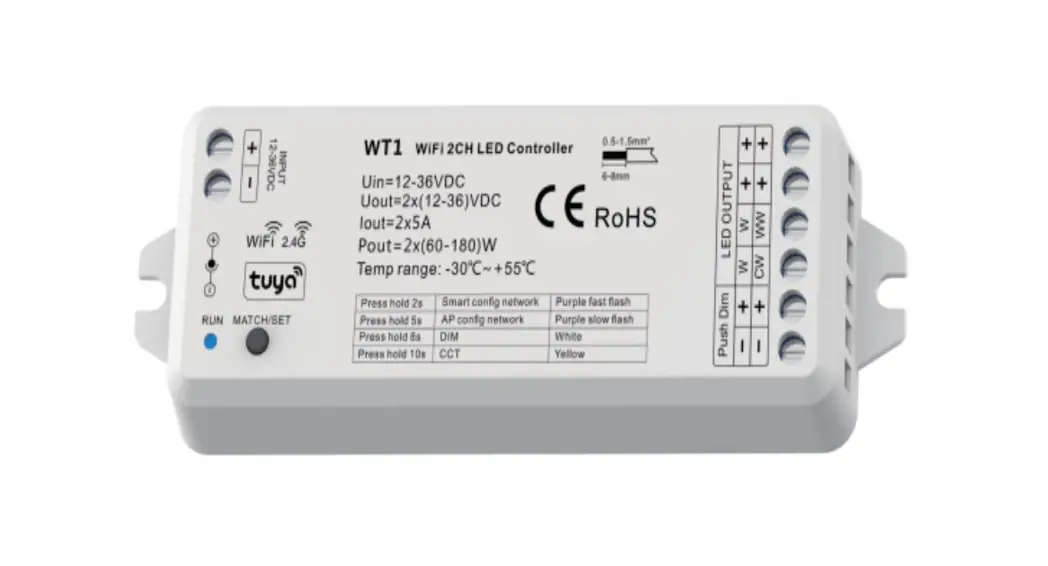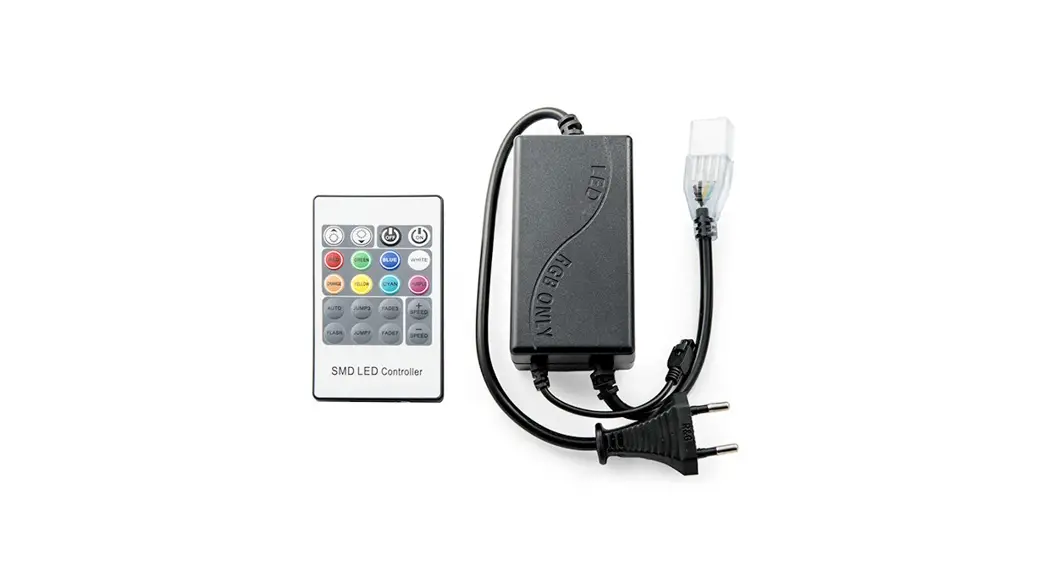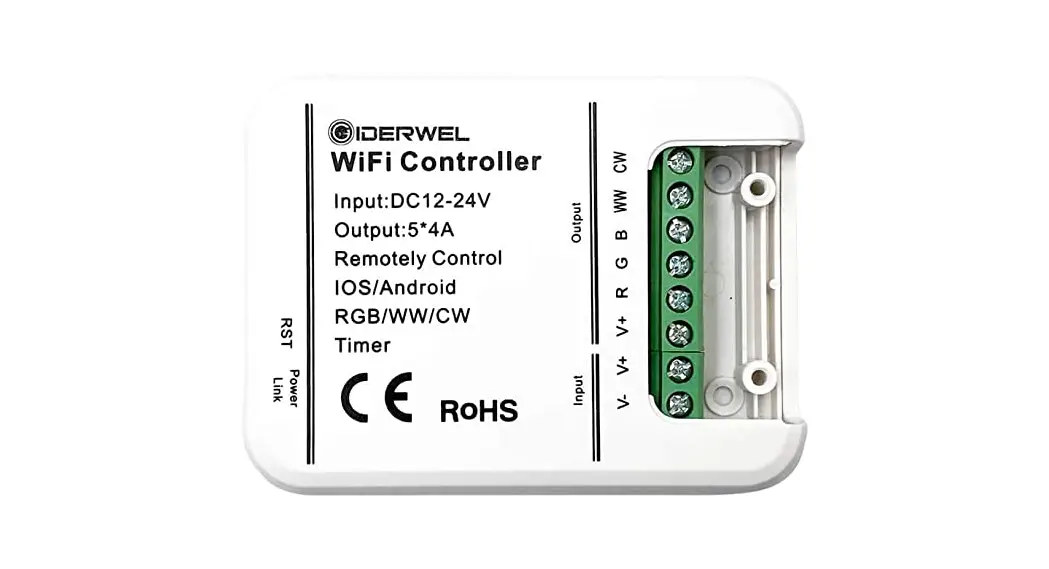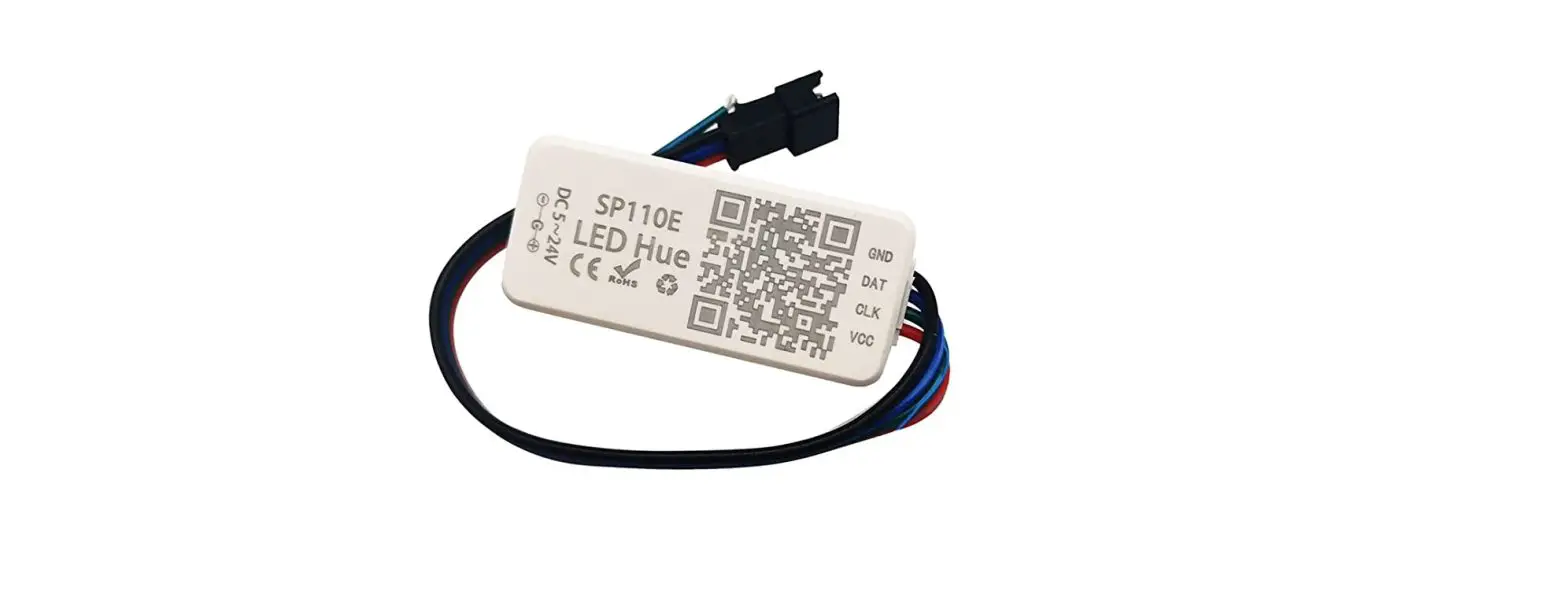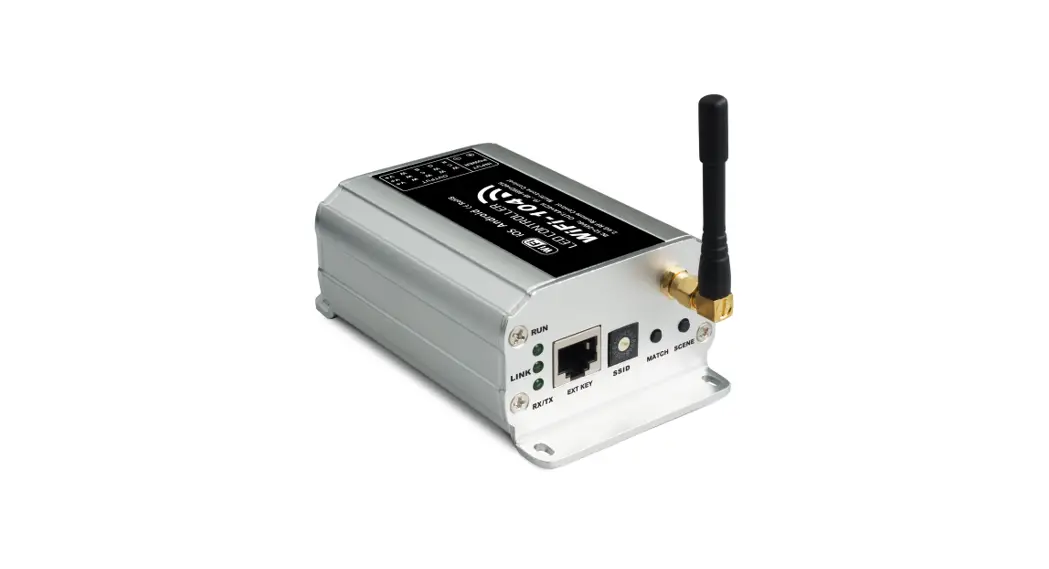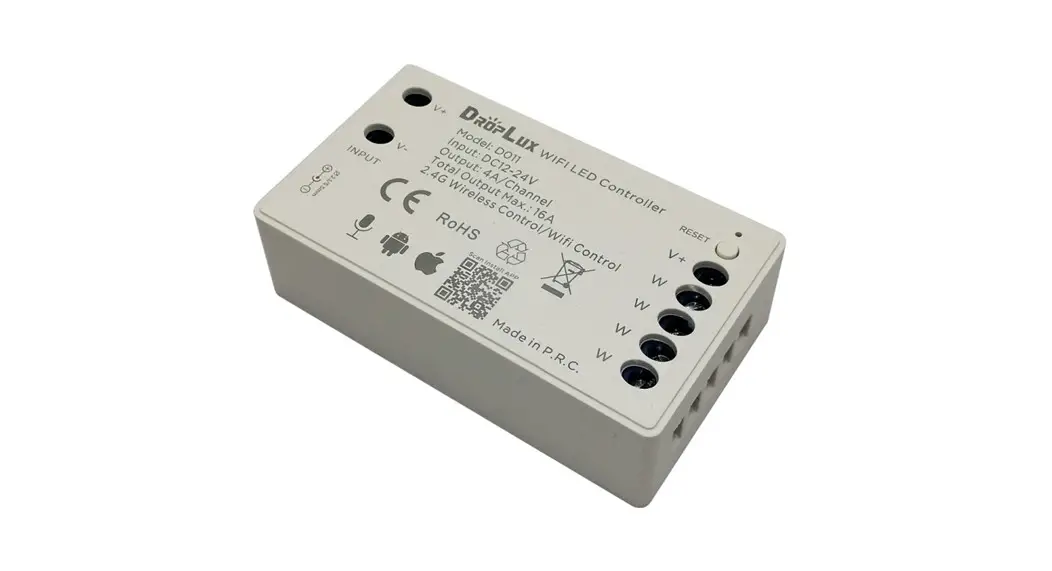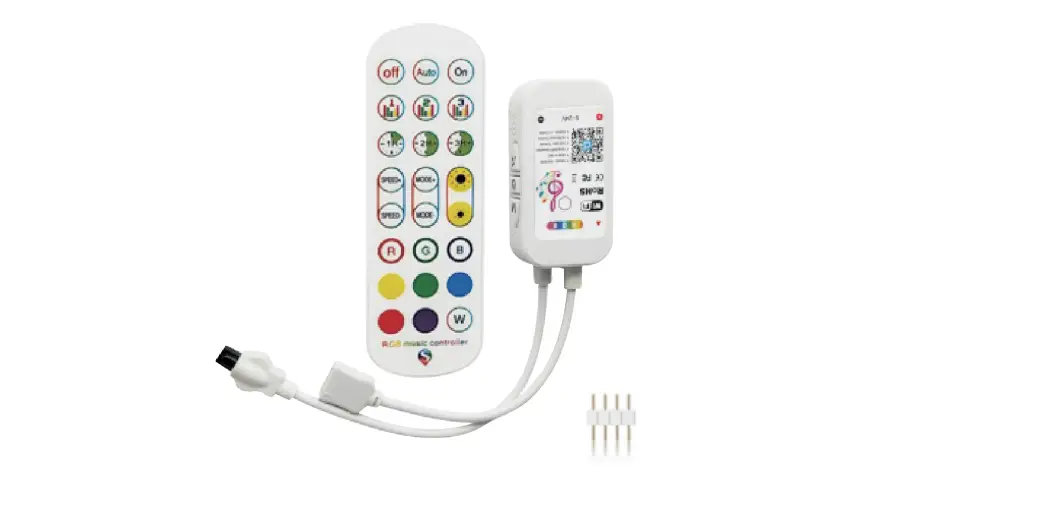

Shenzhen Shuanghongyuan Technology SHYWFTYC324 24 Key WIFI Graffiti Side Three- Key LED Controller
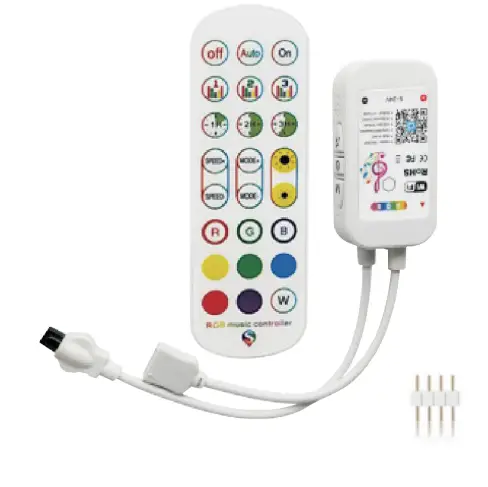
product overview
- Built-in MEMS microphone, real-time acquisition of music, and environmental sound intensity.
- LED Strip Light sync to music, contains a variety of musical rhythm modes.
- Infrared Remote Controller Control(Optional).
- Press the key to switch color and mode.
- Control by SmartLife APP.
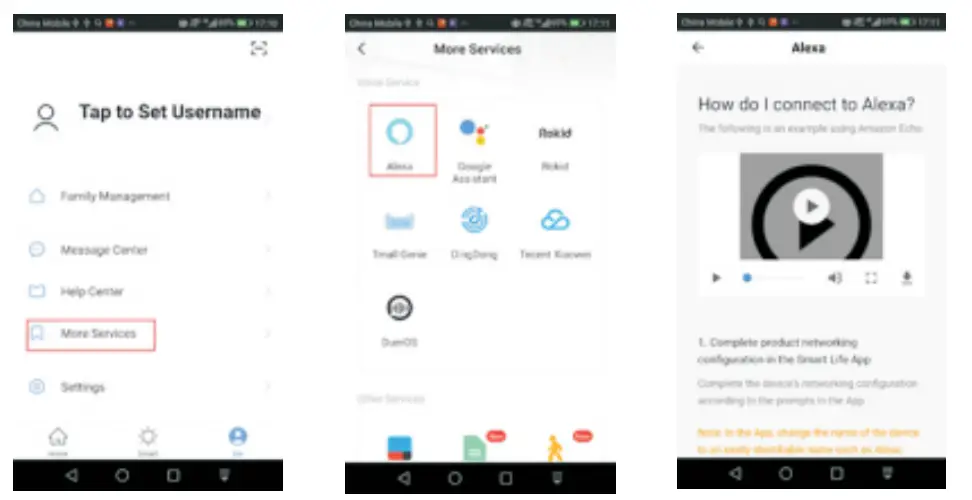
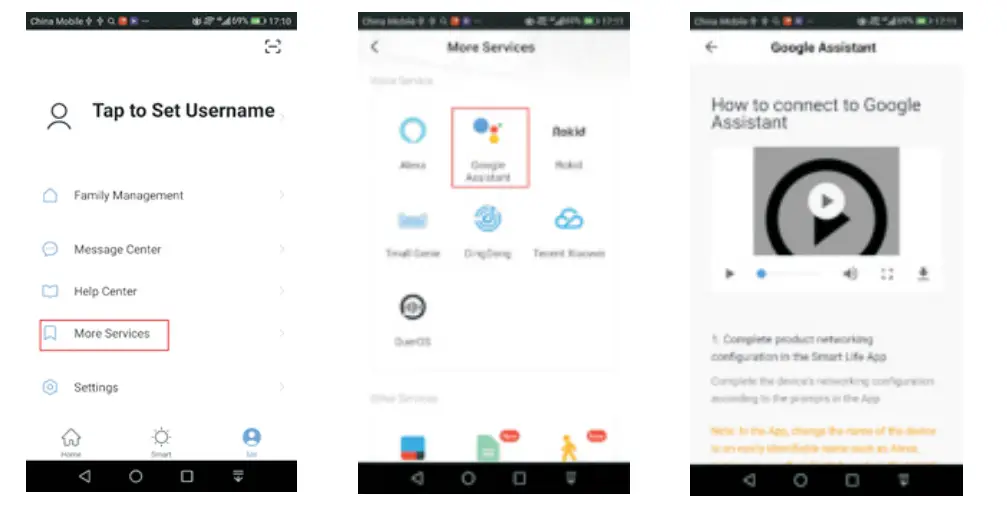
- Works with Amazon Alexa and Google home and so on.
Product parameter
Model Number WD300
Category LED Controller
Domination Principle WiFi
APP SmartLife
Language Chinese、English
Operation Platform Android4.0 or IOS9.0orhigher
Sound Sensor MEMS MIC
LED Drive Type Constant voltage: MOSFET
Channels 3
Input Voltage DC (4.5-25) V
Max Output Power 144W
Work For LED Strip or other constant voltage lights
Connect Method Common Anode
IP Rating IP20
Control Distance Visible distance 30M
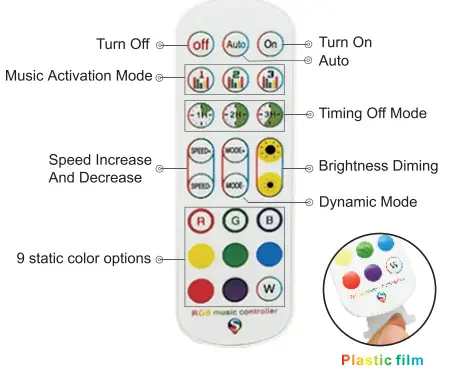
Key Instruction:
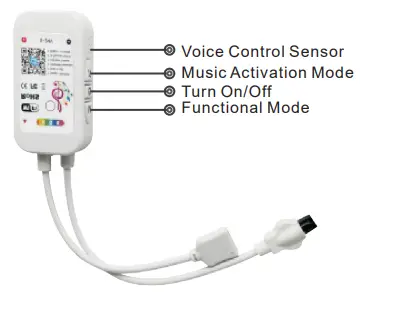
- built-in microphone, the lights strip sync with any sound sources.
- the lights strip can sync with the music.
- turn on/off the led strip lights.
- switch colors and different light modes.
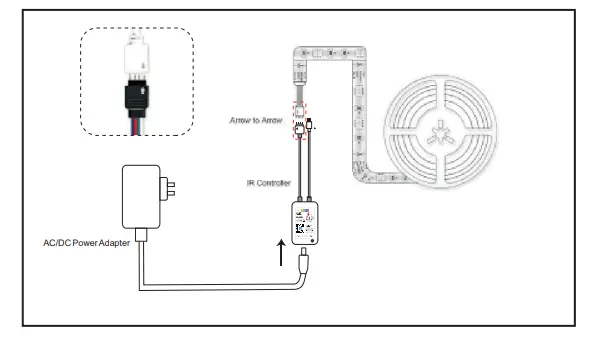
Cutting connector application
software Manual
download and install the app
Use your phone to scan the QR code below or search“Smart
Life” in application marker to Download and install the App
Register/Login/forget password
Register: Register
your account to the following tips before using at the first time.If you have an account,please enter the password to login directly.
Login:
Input the correct account number and password to login.
Forgert your password:
You can enter the login page to retrieve your password.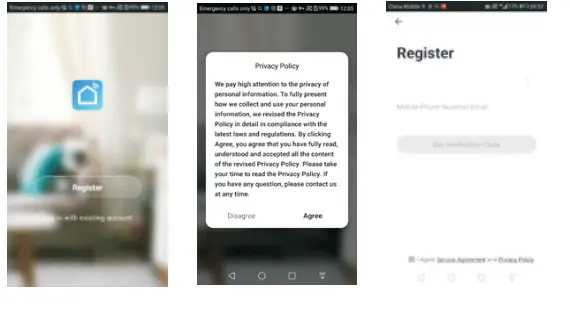
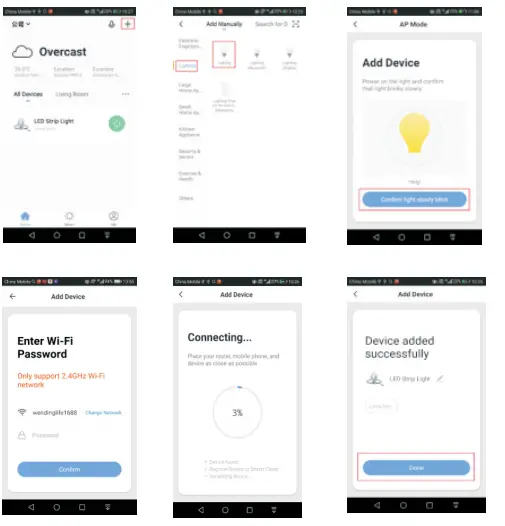
Add Device normal Model
On the main application page, please wait a moment, will Pop up the Device,then click “Go to add” , click the device “ ”, as shown below. In normal mode, please confirm that the device’s red light is quickly blinking and then into the next step.
Note:
If the light is not flashing, press the “mode” key of the controller for 5-10 seconds to keep the red light in the quick blink for searching & connecting the network. If you don’t want to open your Phone, please go to Add Device-EasyConfig mode or Add Device-AP mode.
Add Device -Easy config mod
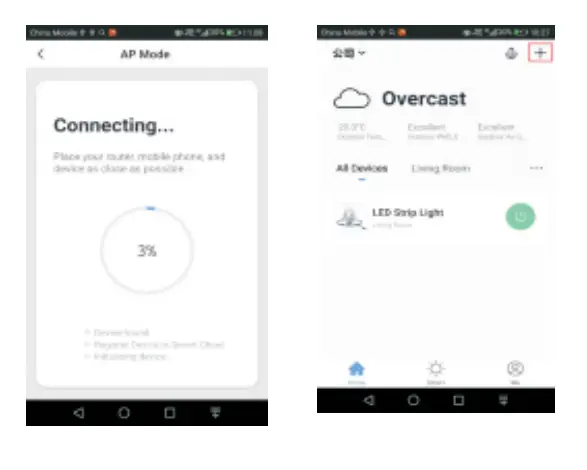
In the main application page, click on the top right corner “+” to the next window page and then choose Lighting,as shown below. In normal mode, please confirm that the device red light is quickly blinking and then into the next step.
Note:
If the light is not flash, please power on your device, and then power off (repeat 3 times), until the red light will quickly blink, also you can long-press the “ON” button of the infrared remote control(5-10seconds) ,until the red light will quickly blink.
If add the device in Normal mode fails many times,please go to Add Device-AP mode
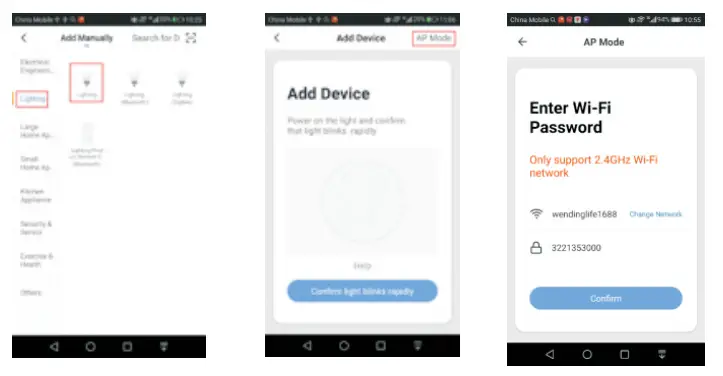
 Add Device -Ap mod
 Add Device -Ap mod
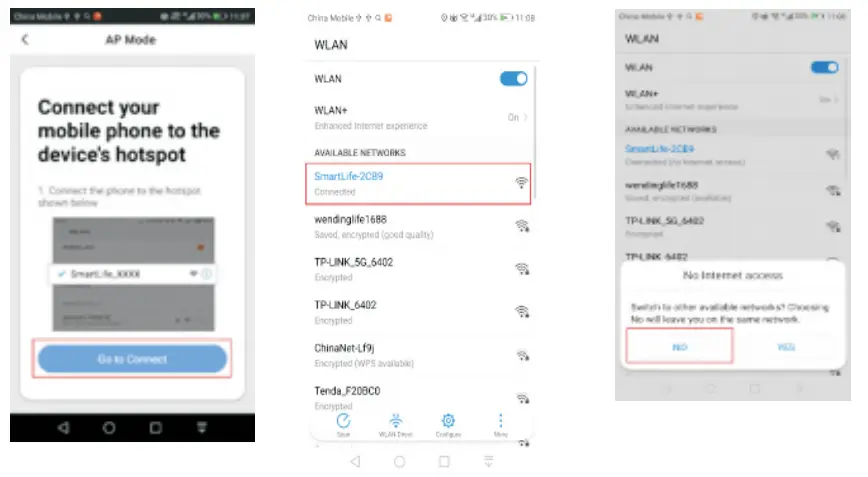
In the main application page, click on the top right corner ”+” to the next window page and then choose Lighting,as shown below. In normal mode, click on the top right corner ”AP Mode” to AP Mode window page.
In AP Mode, please confirm that the device’s red light is slowly blinking and then into the next step.
Note:
If the light in quickly blink,just press the controller for 5-10 seconds again, and the red light will slowly blink. If the light neither slowly blink nor quickly blink. First press the “mode” key of the controller for 5-10 seconds to keep the red light in the quick blink, Second release the button and then press the controller for 5-10 seconds again, the red light will slowly blink.
Control device
After successfully connecting the devices, the related smart device will be shown on the home page. Tap to enter its control page
Note:
- when the device is online,it supports quick operations
- when the device is offline, it displays “Offline”.and can not be controlled.
LED Strip light Sync to Music Function
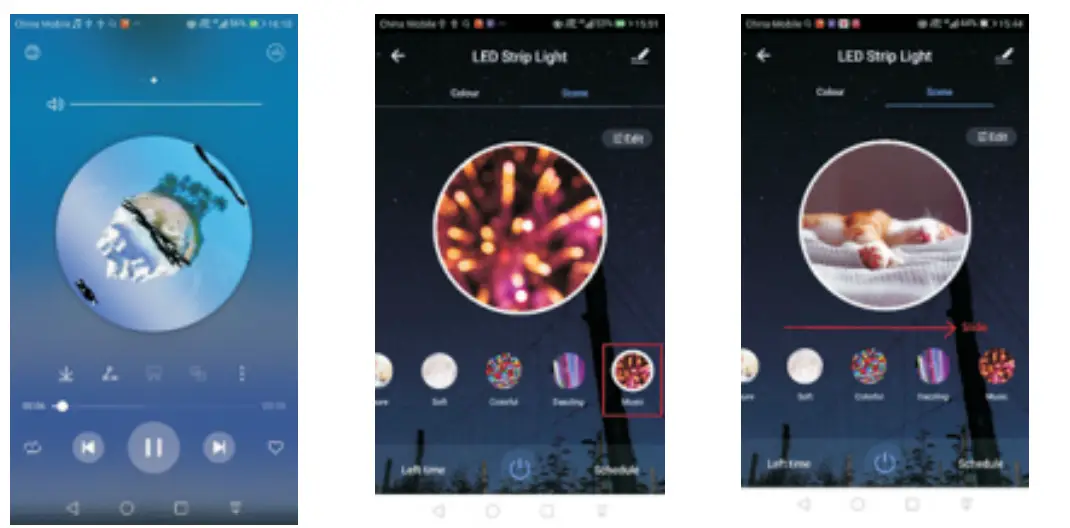
Enter music mode and play music with any device,and the led strip light will sync to music
Note:
The volume of mobile phone is relatively small, it’s better to use Bluetooth audio
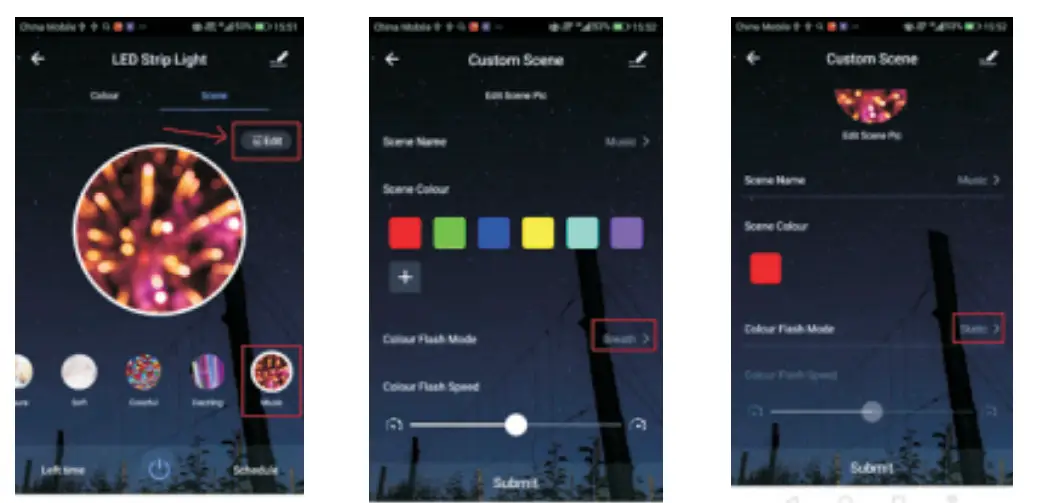
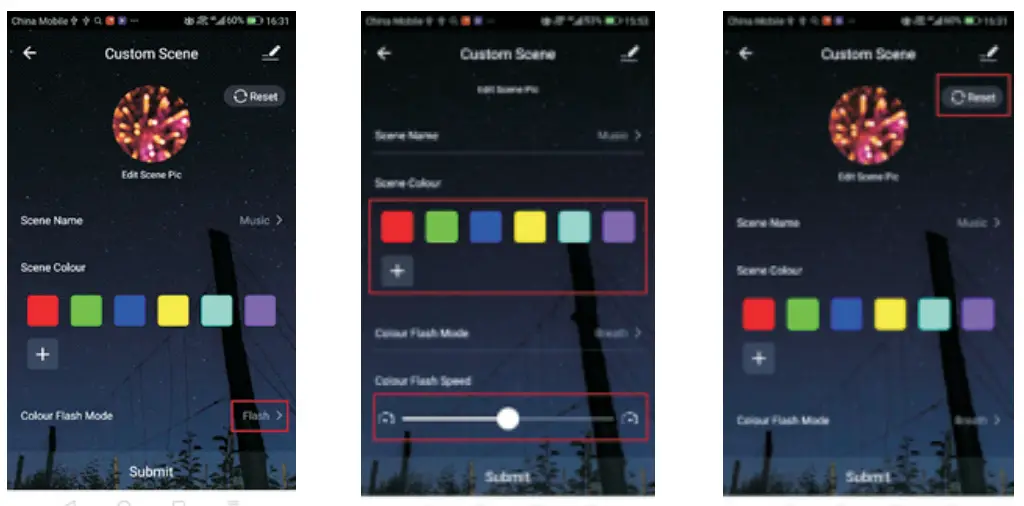
- Click Edit in the top right corner to enter custom scene
- Breath and Static music mode is suitable for light music
- Flash music mode is suitable for fast rhythm music
- You can add/delete/modify the color displayed and change the speed of color switching
- I f you are not satisfied, you can reset the settings
Works with Amazon Alexa
Works with Google Assistant
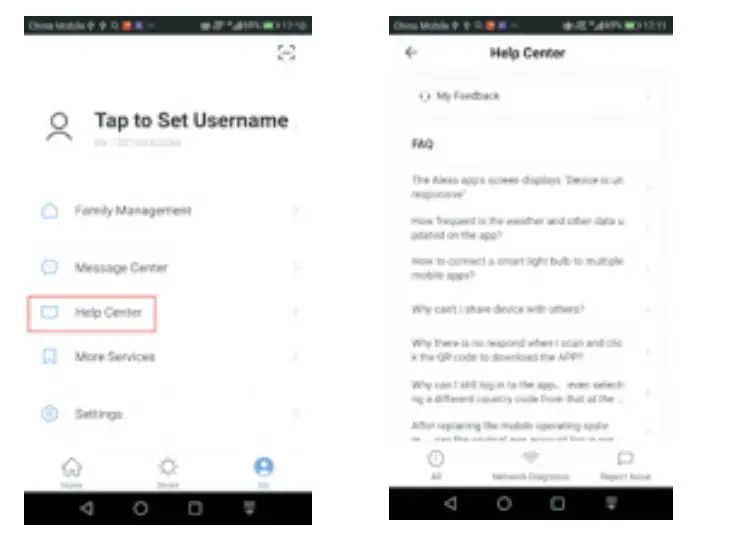
FAQ
- How to reset the controller? Press the “mode” key of the controller with 5-10 seconds
- How to get more help?
Attentions
- Please use the product in a dry environment.
- Please use the input voltage at 4.5-25V DC voltage, must not connect into 220V AC directly.
- The product is requested a common anode connection. The wrong connection will cause a malfunction.
- In the process of the product and software upgrade,the data and software interface listed in the text are only for description and reference.No further notification will given if there is any change
Customer service
If you have any questions about products, please feel free to contact our customer service team via email. We will help you to solve the problems.
Email:ledstriplights.[email protected]