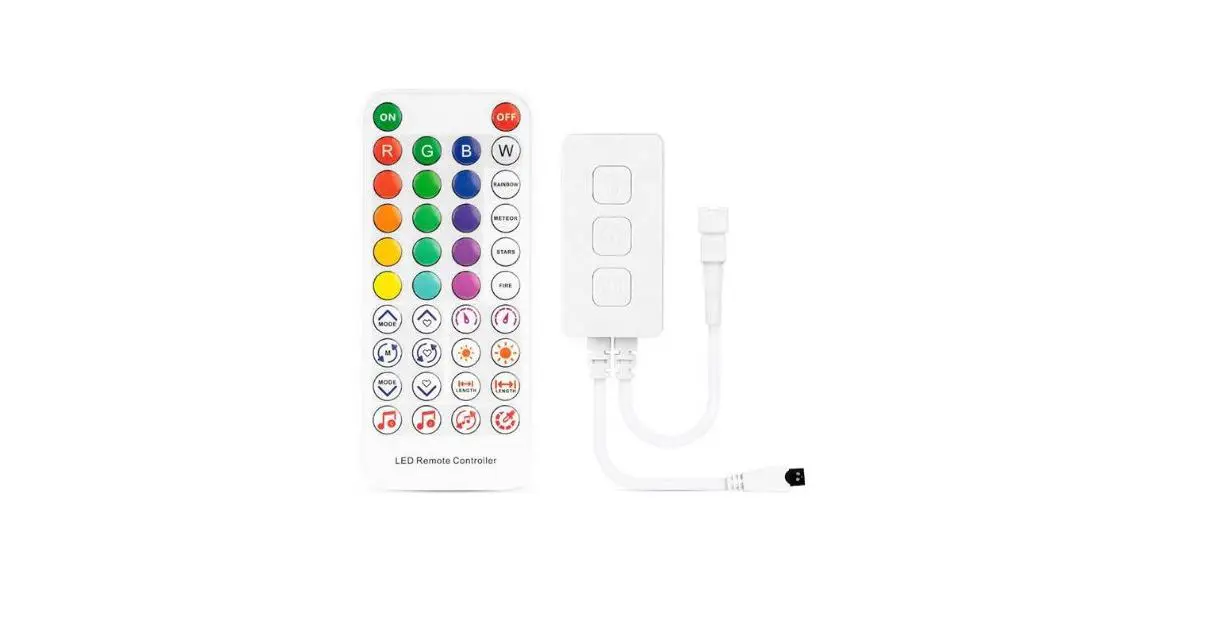
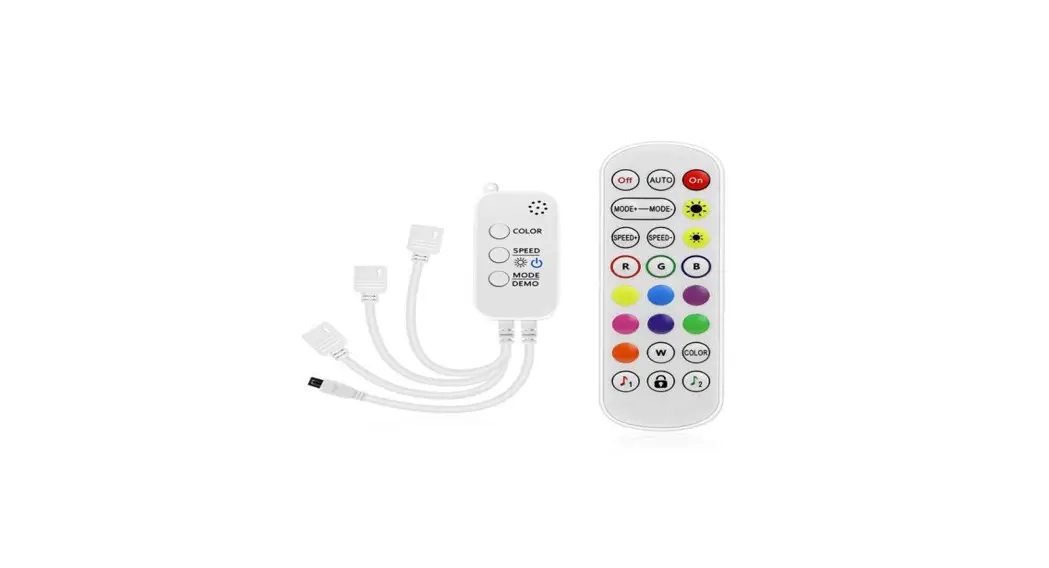
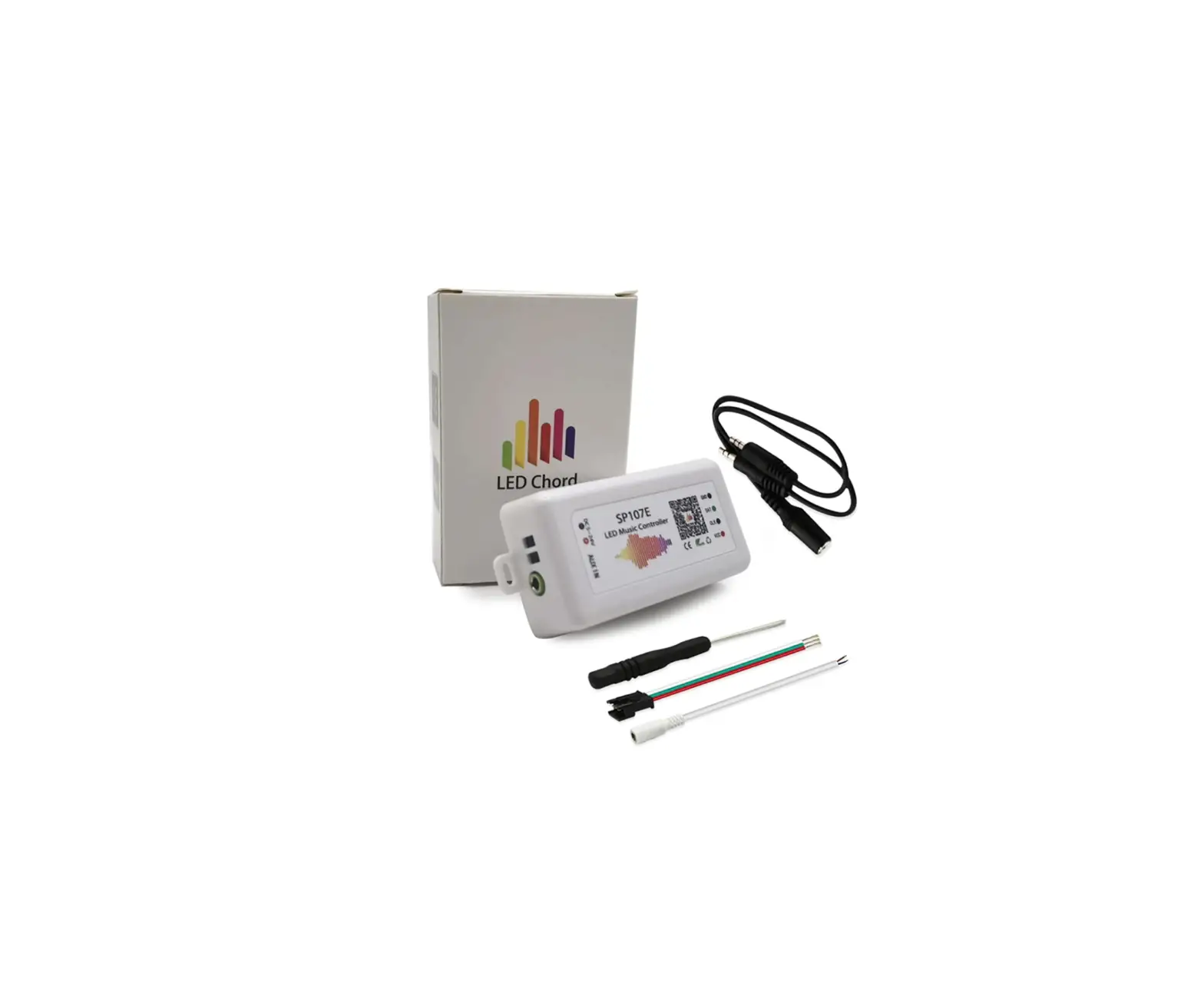
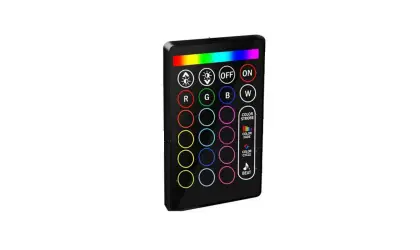
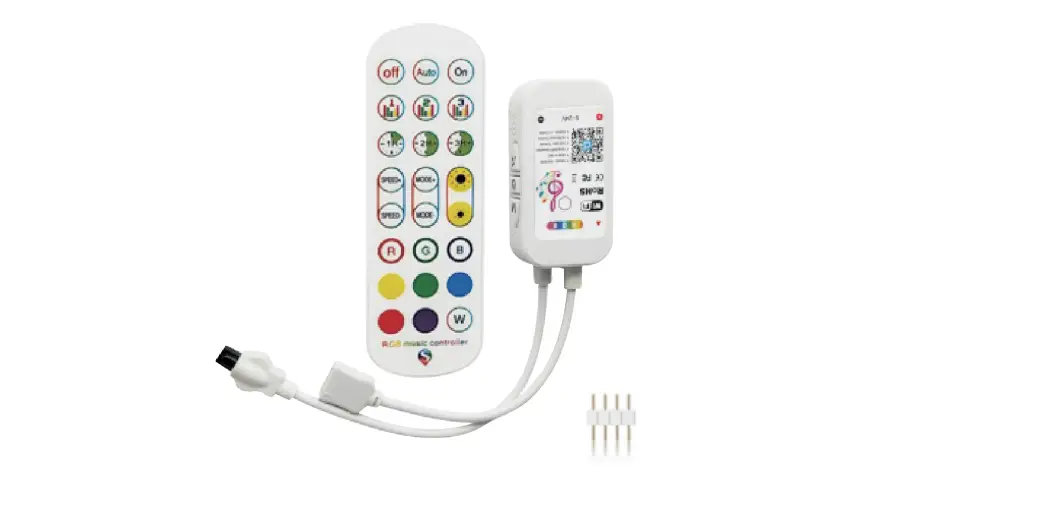
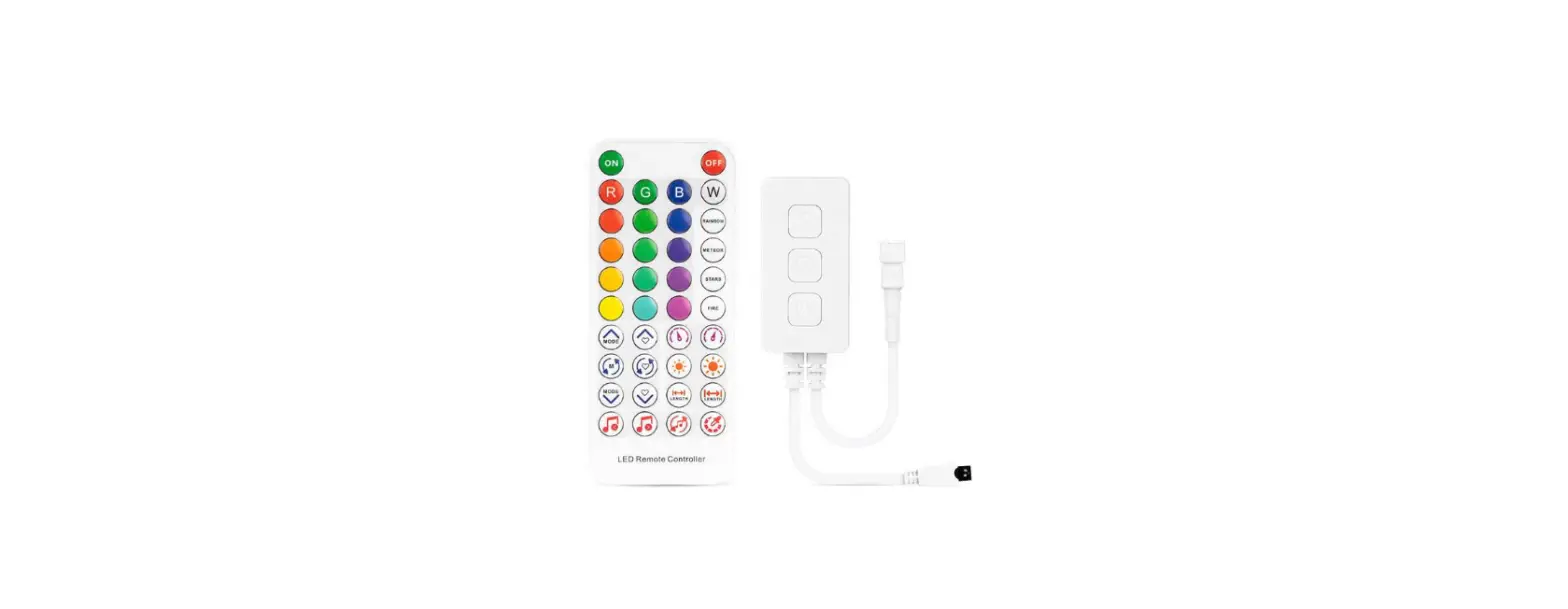
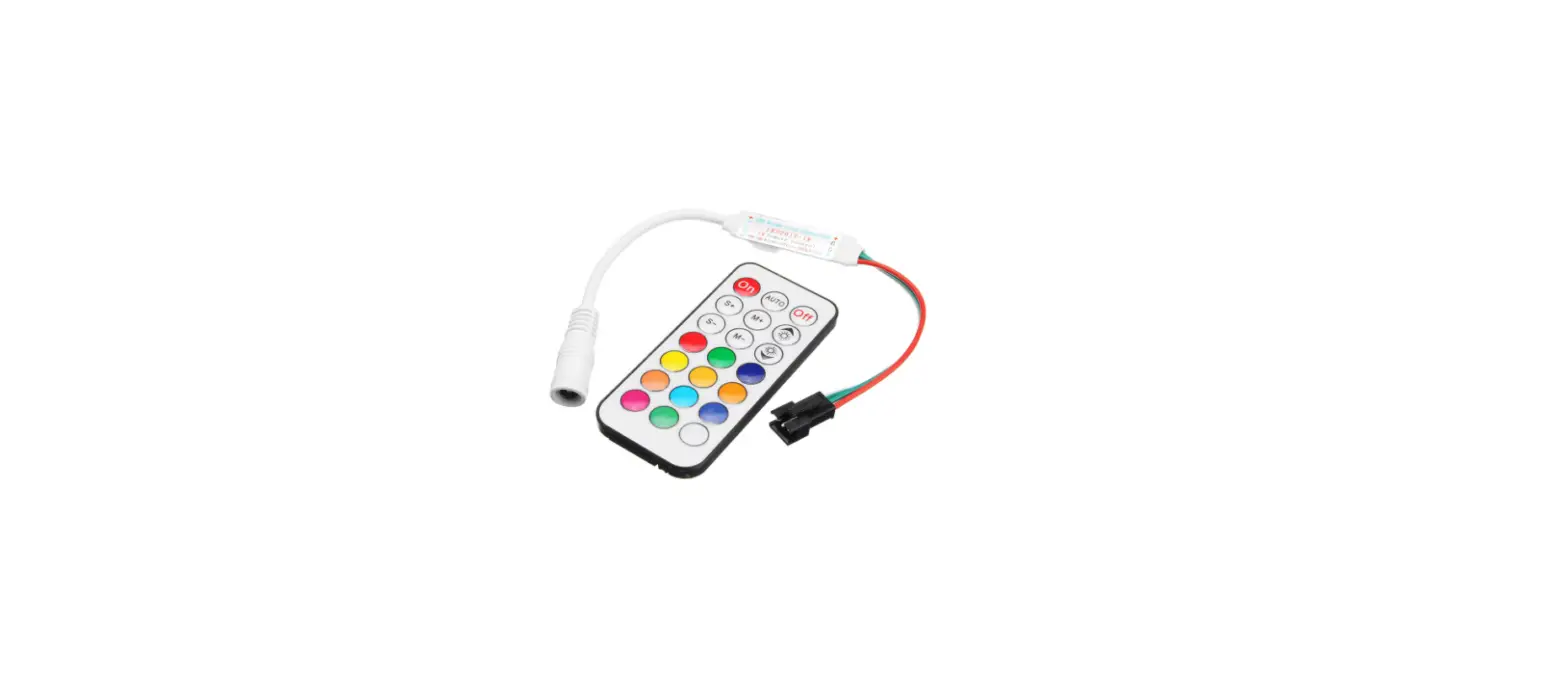
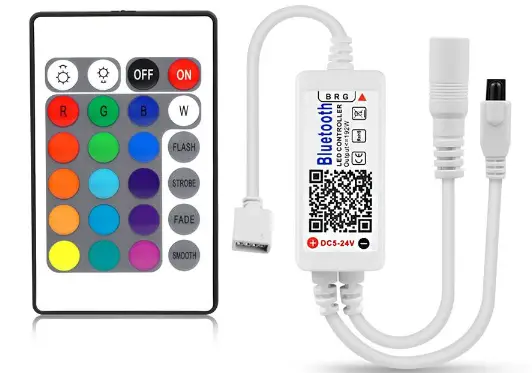
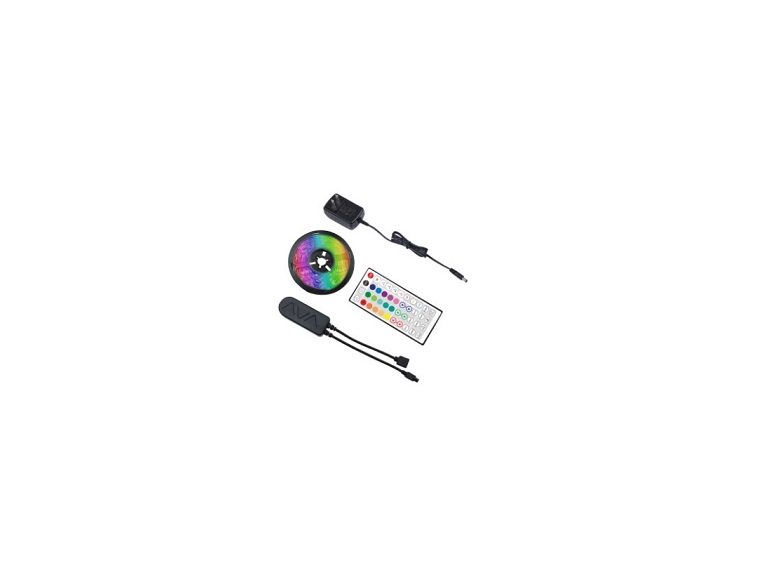
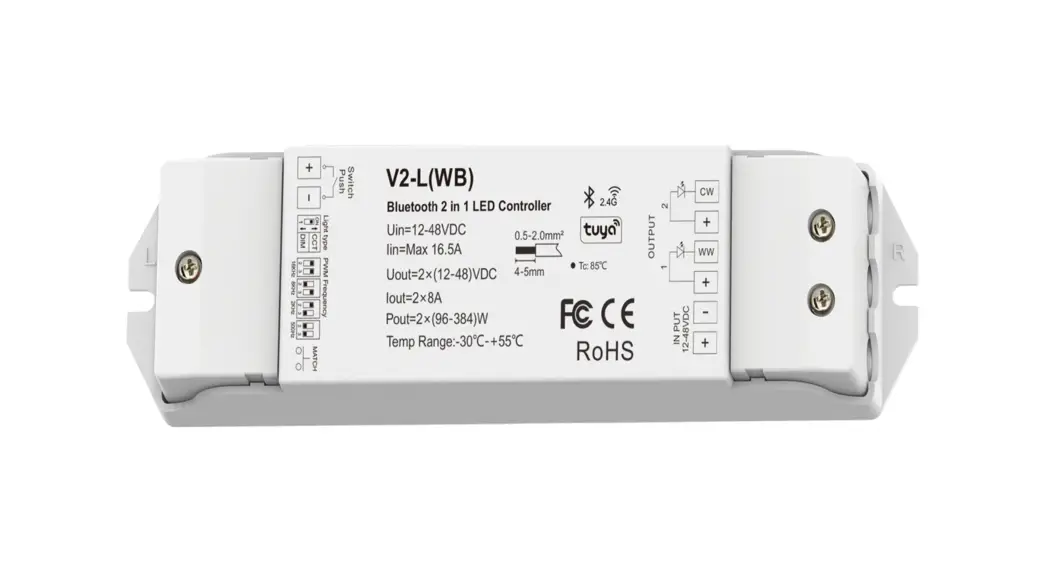
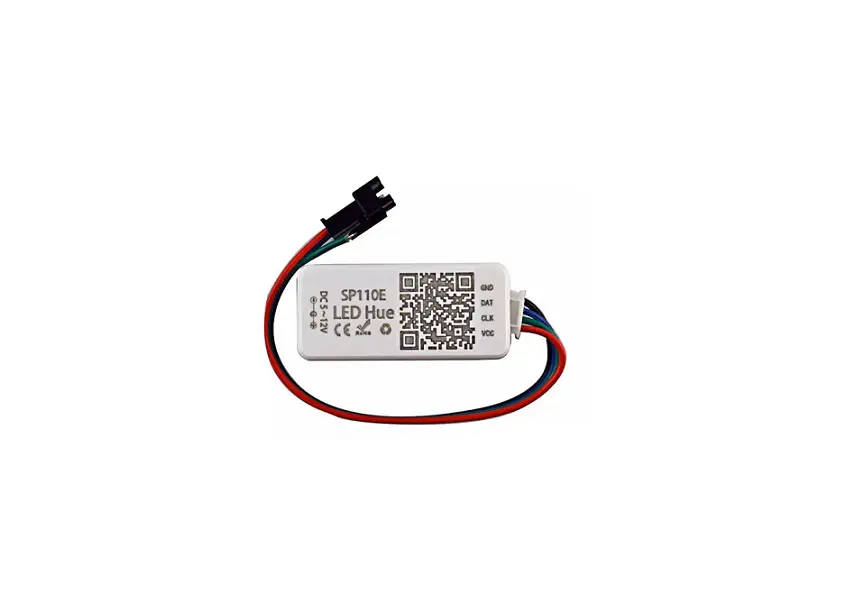
Shenzhen Shuanghongyuan Technology SHYBTXBHDX24 24 Key Bluetooth Music Side Three- Key LED Controller


MUSIC REMOTE

Controller Mode

Wire Connection
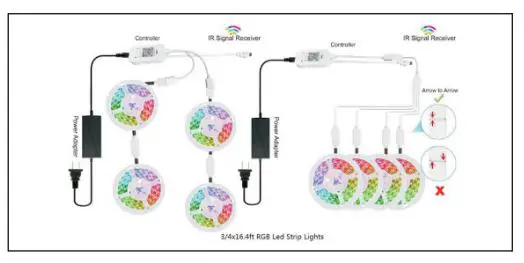
- The connection between the controller and the power supply

- Controller and device connection

- Foam adhesive

Notice:
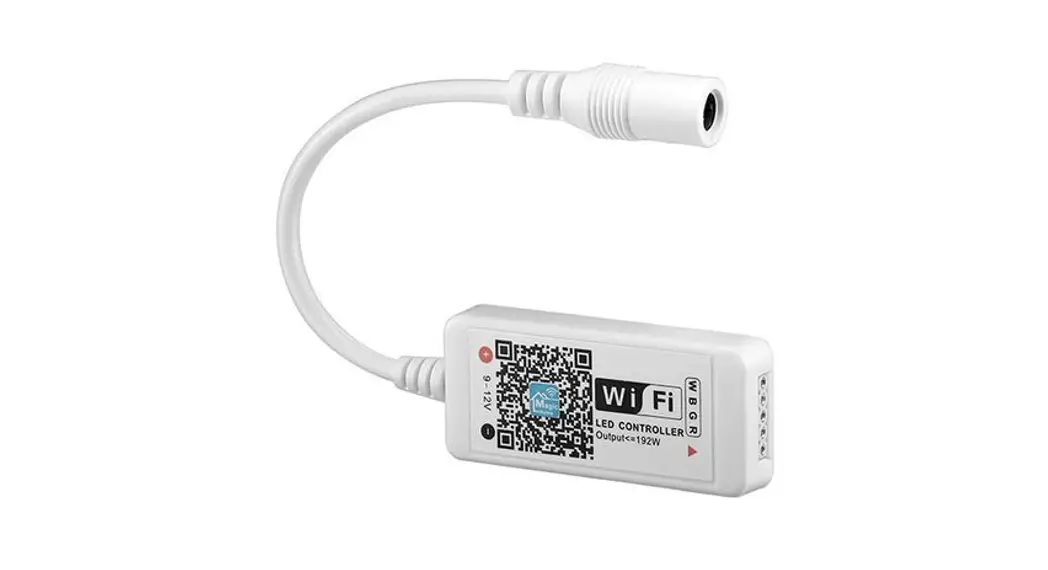
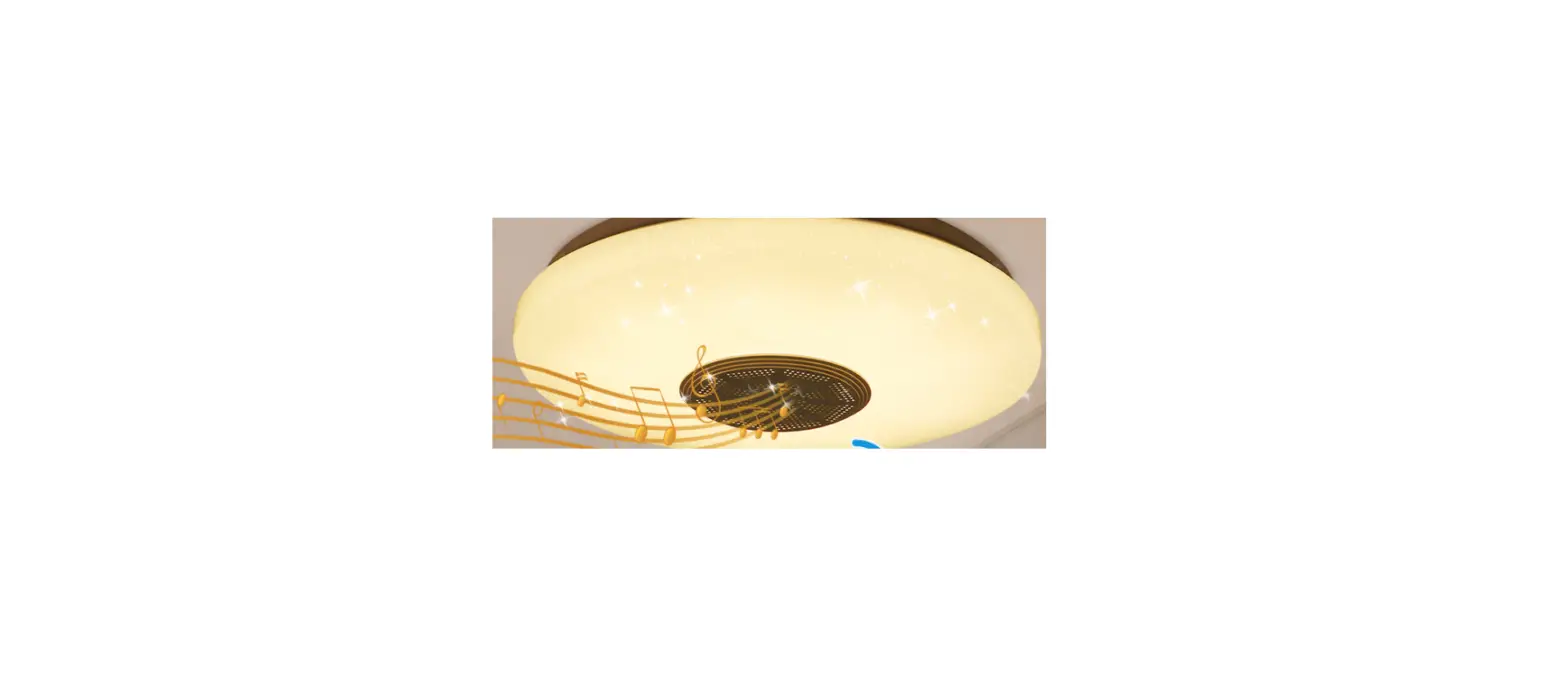
It is necessary to ensure that the red arrow of the controller corresponds to the black arrow of the device end, otherwise the device will have a short circuit. This product has a unique and exclusive two-in-one design – the smart LED lamp . Bluetooth 4.0(Enhanced data rate) Wish you have infinite joy from the combination of light and music.Open the mobile phone and scan the code to download the app


Bluetooth Connection
For the first time you use it or never pair with ‘QHM-’ after moving the equipment, please following the below steps:
- First, please enter your phone settings, open the Bluetooth, searching and pairing with the ‘Happy Lighting’.
- Second, Open the Happy Lighting app, the app will auto to connect the BLE light.

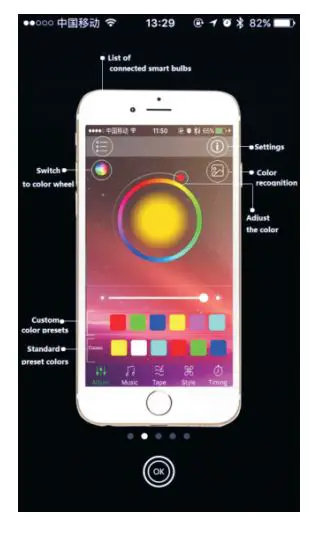
Main User Interface
- Adjust: Change the RGB LED color and White LED bright.

- Music: Play music and change RGB LED color by music rhythm.

- Mood: Change RGB LED color by phone microphone input voice rhythm.

- Patterns: Change RGB LED color by fixed model.

- Schedules: Timers, auto ON/OFF.
 Setting: Shake: Change RBG LED color by shake the phone; Music Hop: RBG LED color changed by music. G/Click group management to add a group or modify the name of the device
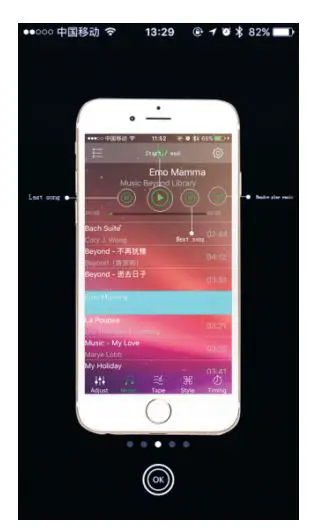
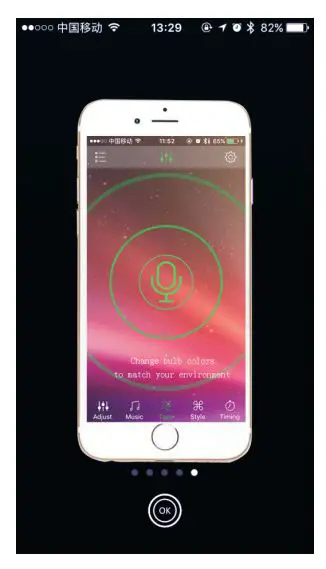

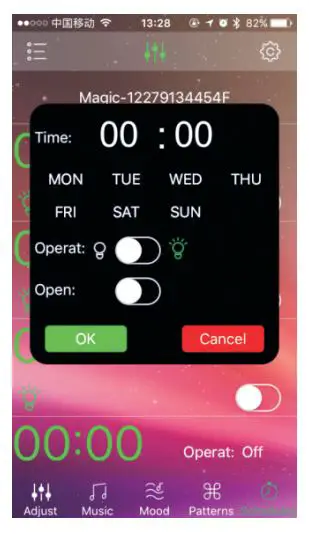 Setting: Shake: Change RBG LED color by shake the phone; Music Hop: RBG LED color changed by music. G/Click group management to add a group or modify the name of the device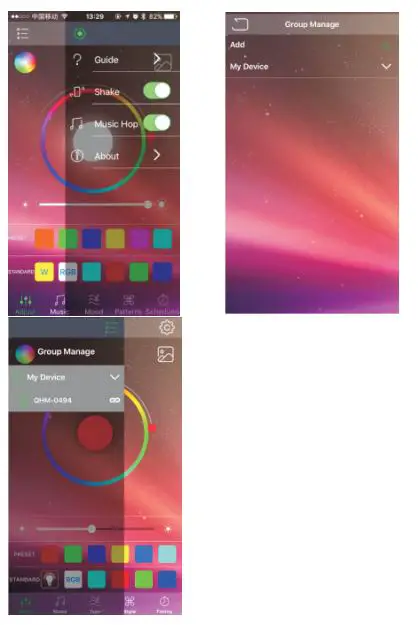
Specification
| NO. | Item | Parameter |
| Input Voltage(V) | 12V/50-60HZ | |
| Input Power(W) | <192W | |
| Power Factor (PFC) | >90% | |
| LED light indicators | ||
| Lamp Power(W) | <10W | |
| Lumen Ratio(K) | >400,5W power consumption | |
| CRI | White>0.75; Warm white>0.85 | |
| Color Temperature(IF) | 3000-6500,Tolerance: 500K | |
| Light Decay | <10%,T=25℃; RH=90%; H=20000 | |
| Illumination Angle | >90°,According to customers request | |
| Dimming | PWM | |
| Audio amplifier indicators | ||
| Audio Power (W) | 3W,THD+N=10%, 1KHz | |
| Frequency Response | 40HZ-18KHZ, Nonuniformity: 3dBm | |
| Audio Distortion(HTD+N) | <1%,P=1W;A-weight | |
| Volume Control | Phone key or Audio APP | |
| Bluetooth Distance | 0~15m,Straight line distance and no obstacles | |
| The use of ambient temperature | ||
| Working Temperature(℃) | -20-60 | |
| Storage Temperature | -40-70 | |
Note:
- If you can’t search your Bluetooth bulb device or can’t connect with the Bluetooth lamp device for a long time, please enter your phone ‘setting’ and connect again;
- If you can’t connect to the device for a long time or other abnormal , please close the APP ,then try to restart;
- Do not put the product in closed lampshade;
- Do not put the product in the place which is humid or has water;
- Keep using it under the power supply of 12V DC,50-60Hz;
- This product is not a toy and keep it untouchable to children;
- Do not put the product on high-temperature surface;
- Do not open any sealing device for safety and according to Warranty Terms;
- Cool down the product before replacing it to avoid electric shock or burning.
FCC
This device complies with Part 15 of the FCC Rules. Operation is subject to the following two conditions: (1) this device may not cause harmful interference, and (2) this device must accept any interference received, including interference that may cause undesired operation
NOTE: This equipment has been tested and found to comply with the limits for a Class B digital device, pursuant to Part 15 of the FCC Rules. These limits are designed to provide reasonable protection against harmful interference in a residential installation. This equipment generates, uses and can radiate radio frequency energy and, if not installed and used in accordance with the instructions, may cause harmful interference to radio communications. However, there is no guarantee that interference will not occur in a particular installation.
If this equipment does cause harmful interference to radio or television reception, which can be determined by turning the equipment off and on, the user is encouraged to try to correct the interference by one or more of the following measures:
- Reorient or relocate the receiving antenna.
- Increase the separation between the equipment and receiver.
- Connect the equipment into an outlet on a circuit different from that to which the receiver is connected.
- Consult the dealer or an experienced radio/TV technician for help.
Warning: changes or modifications not expressly approved by the party responsible for compliance could void the user’s authority to operate the equipment