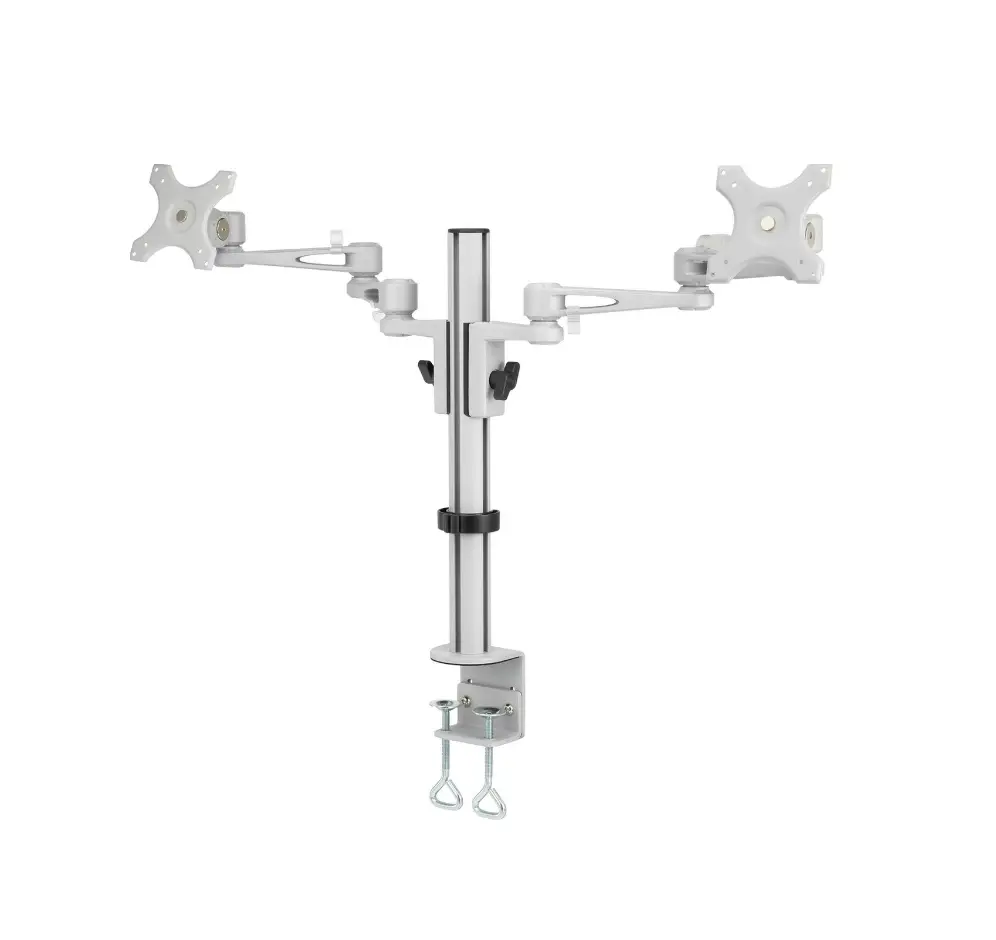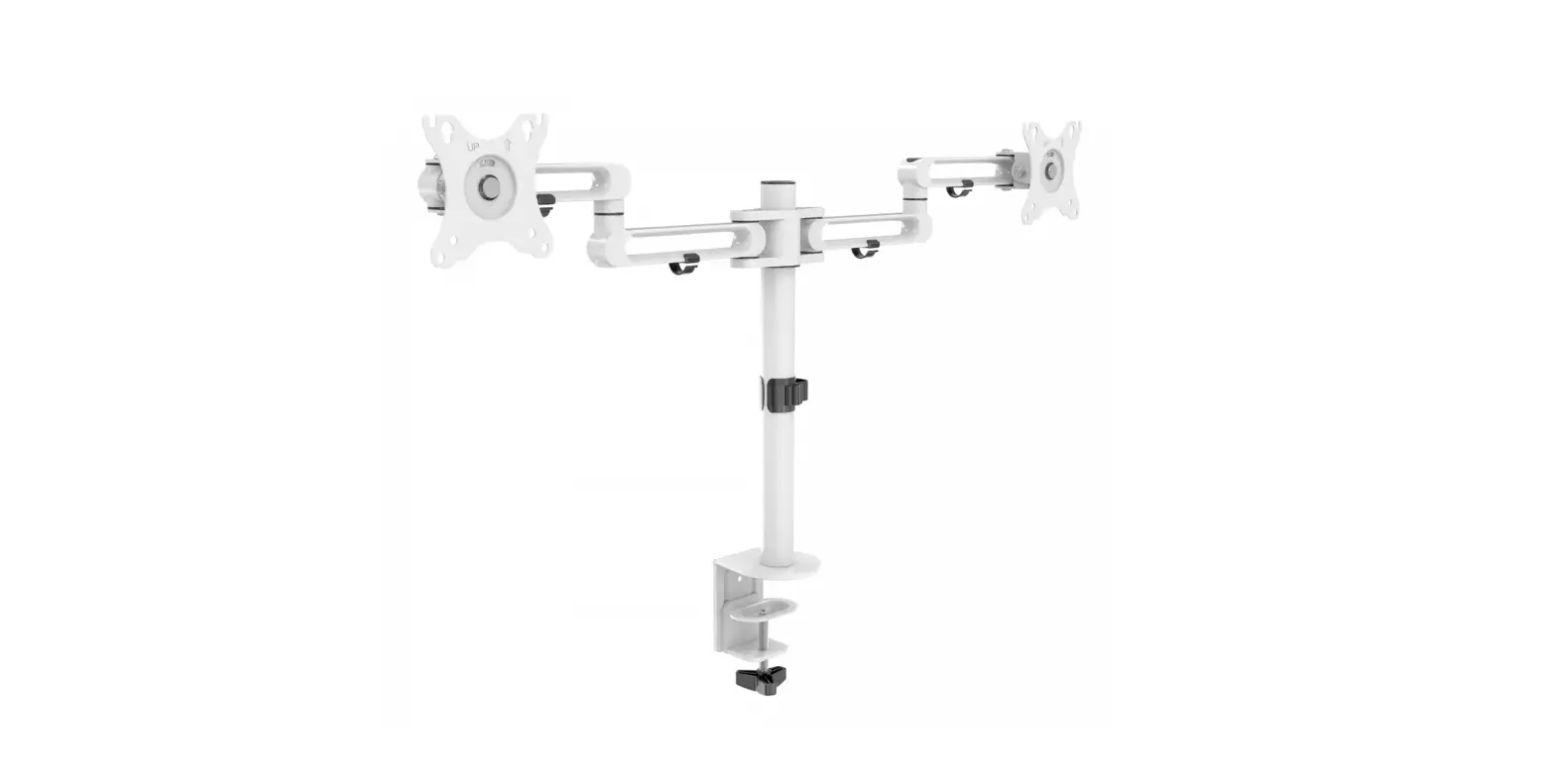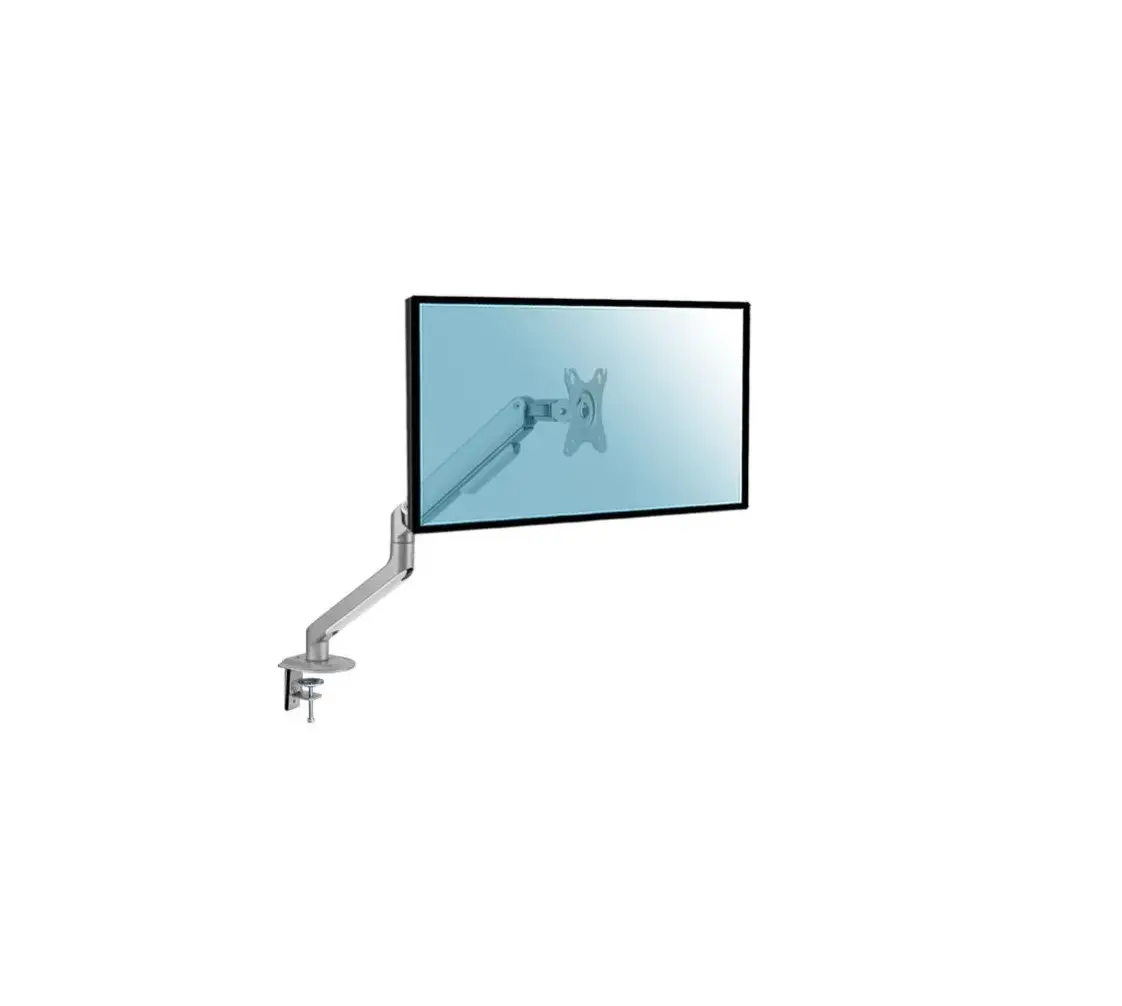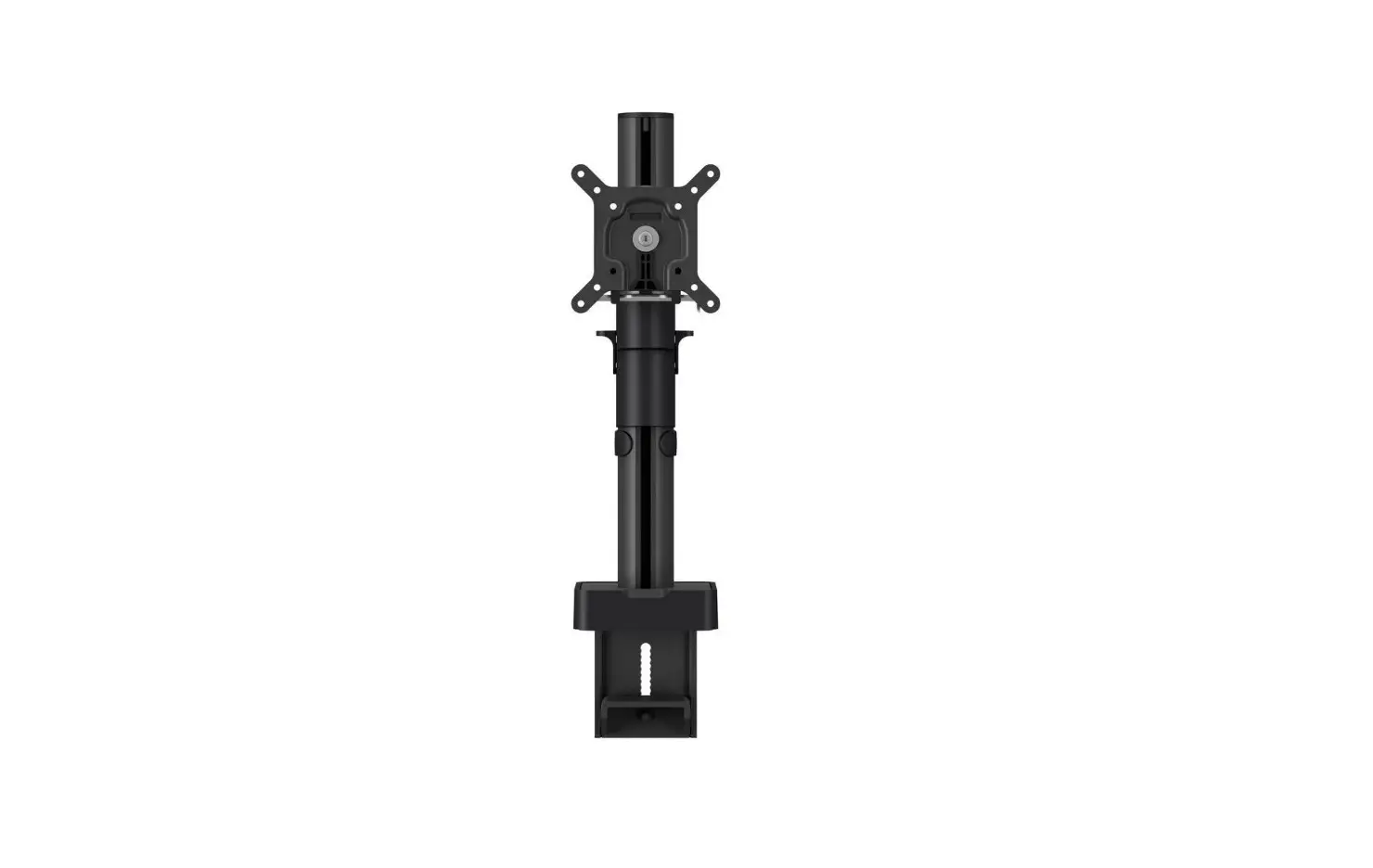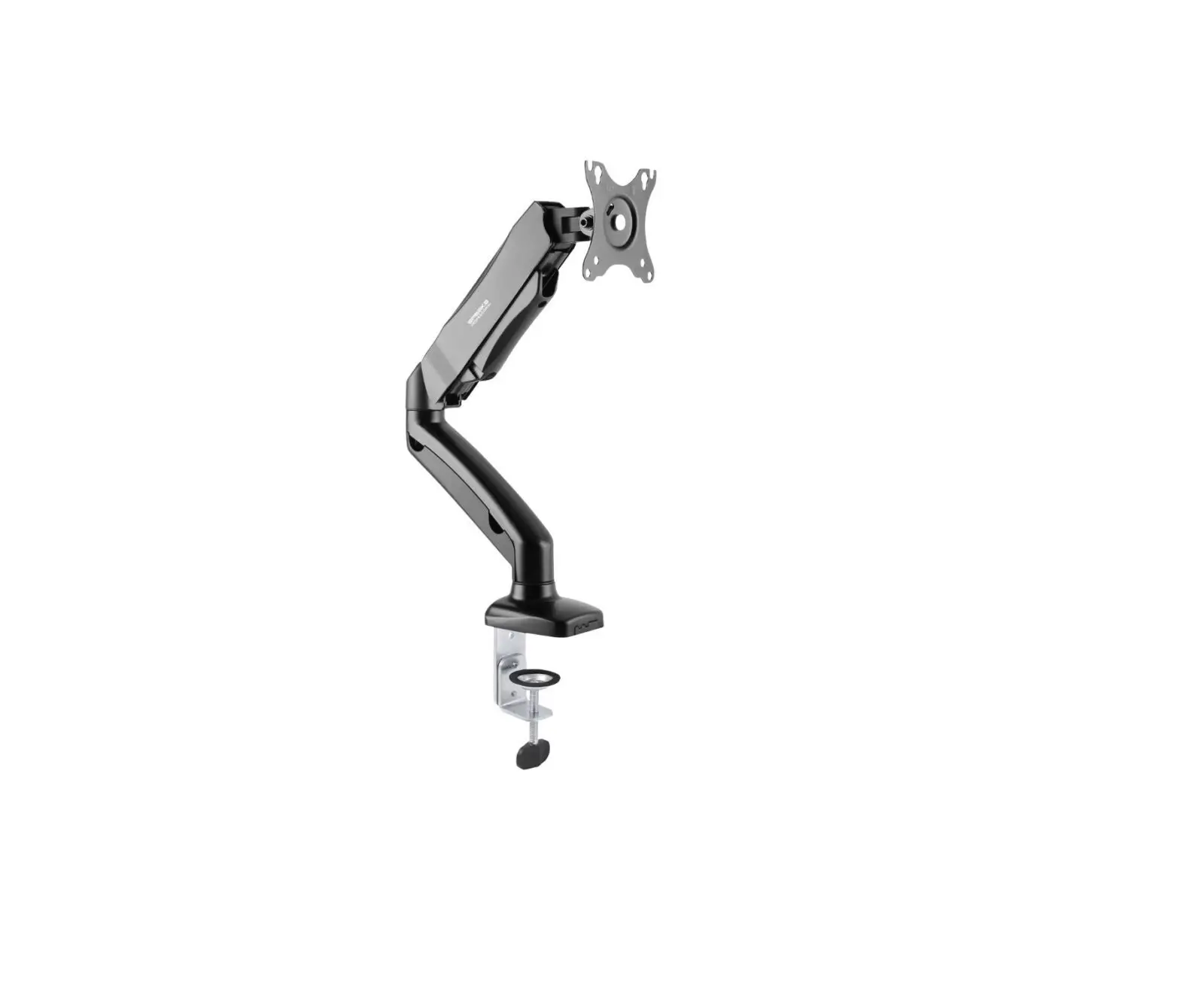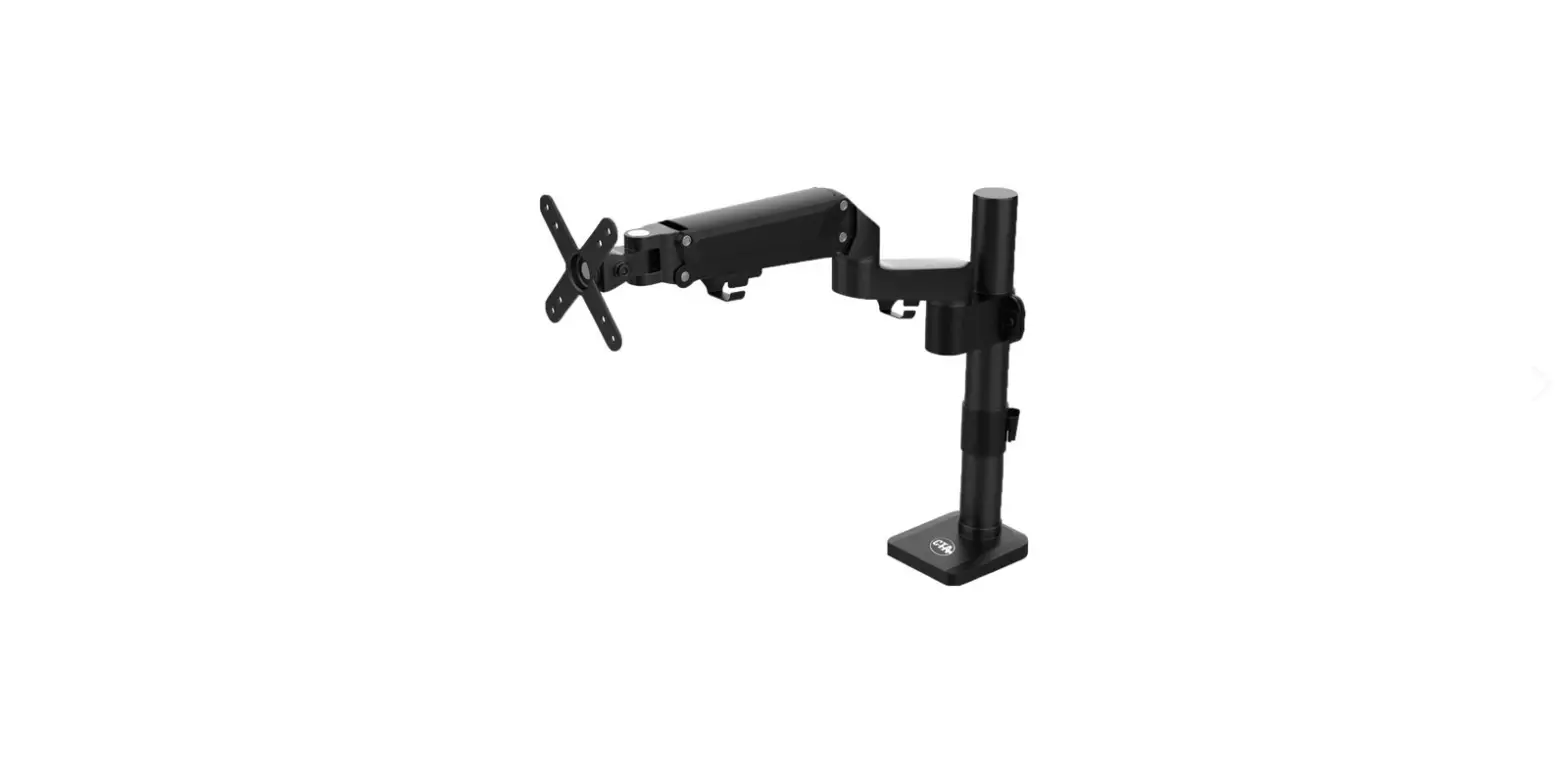

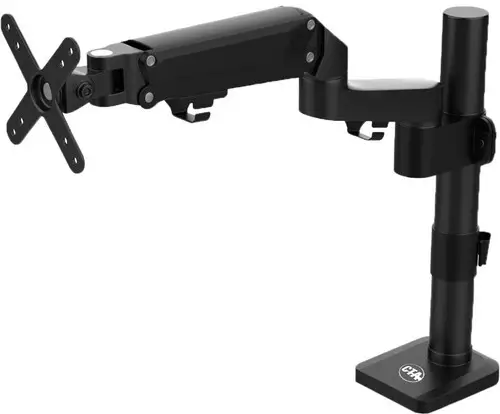
CTA ADD-DMCG Counter Balance Monitor Arm
Thank you for choosing CTA Digital’s product. We hope that you will enjoy using it. Please follow the guidelines and instructions as laid out in this instruction manual.
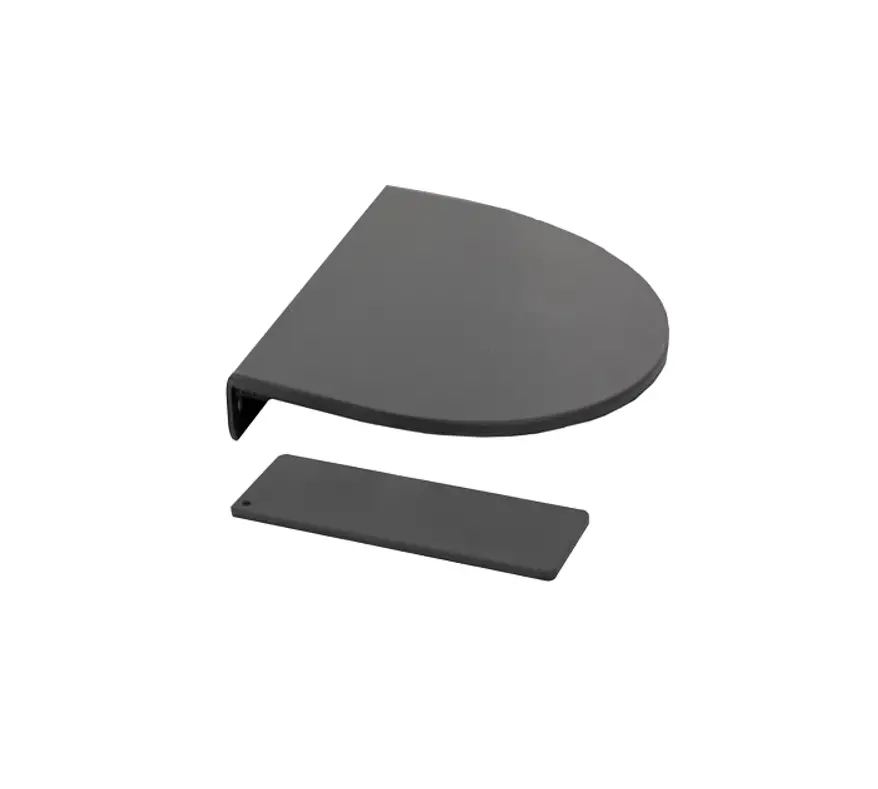
Package Contents:
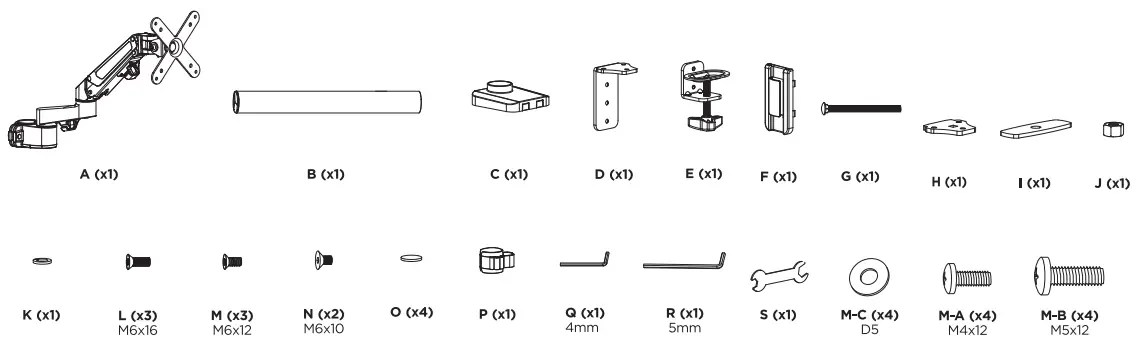
Instructions:
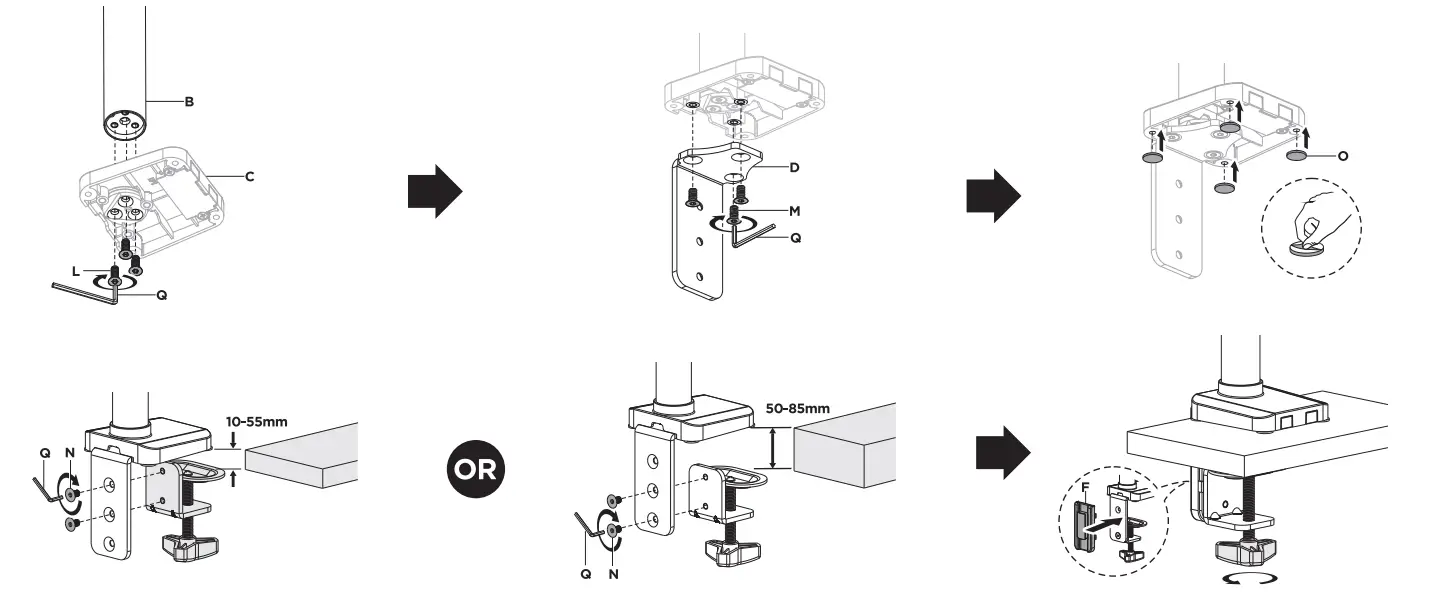
- CLAMP MOUNT INSTALLATION

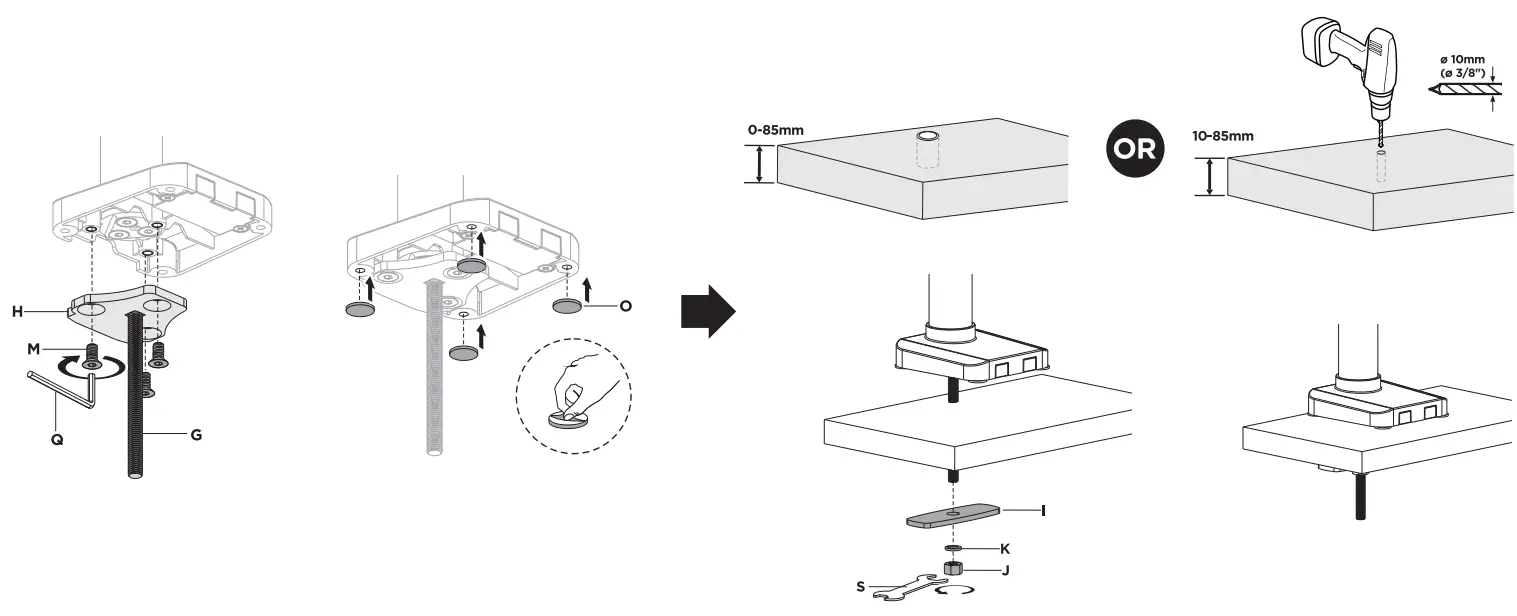
GROMMET MOUNT INSTALLATION

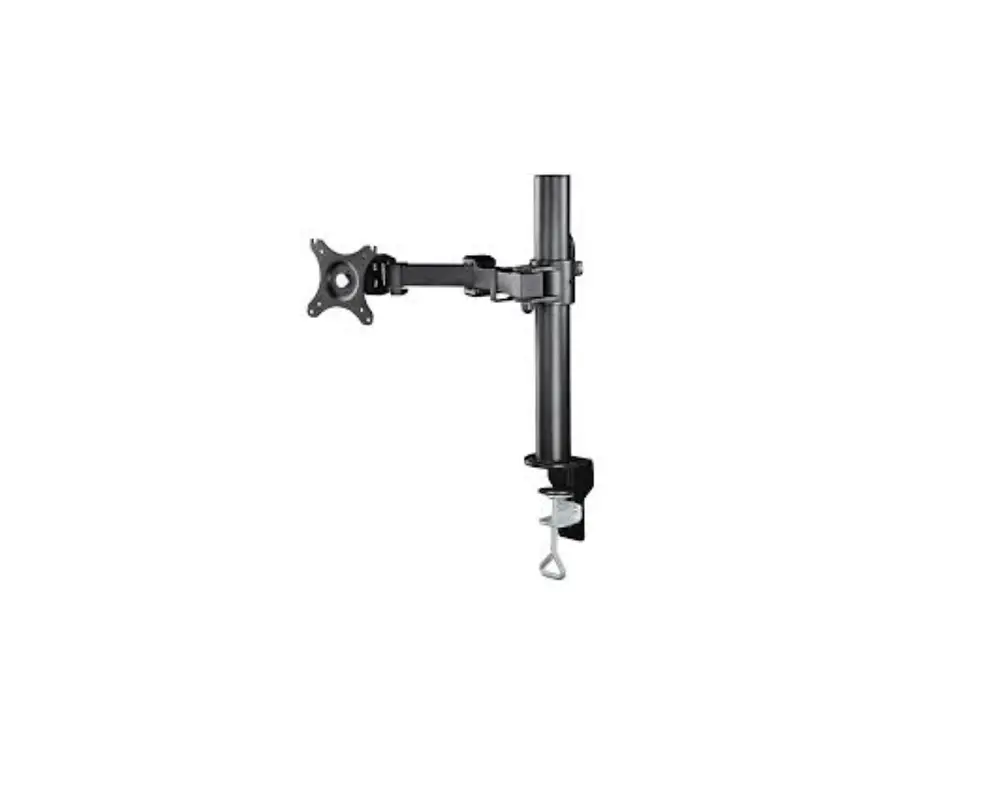
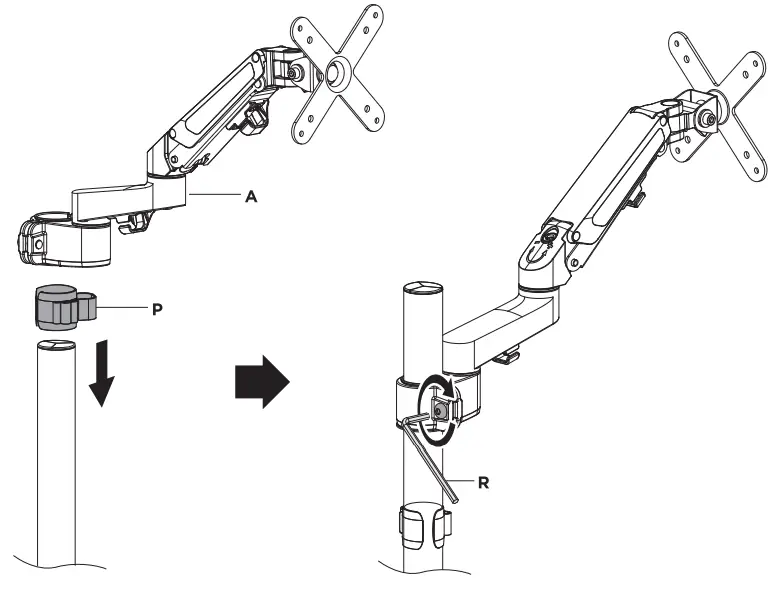
- MOUNTING ARM TO POLE

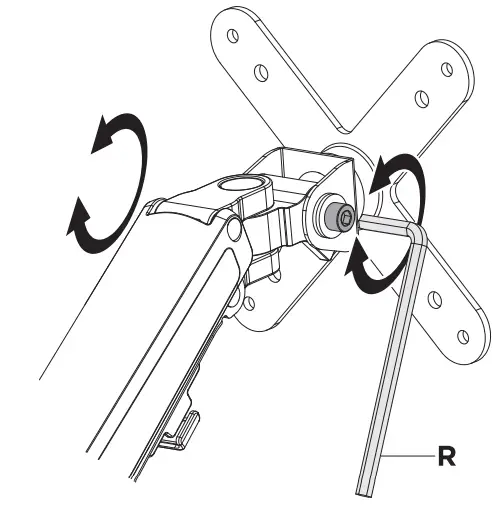
- ADJUSTING VESA JOINT FOR TILT AND ORIENTATION VERSATILITY

Note: Adjust to the desired angle then tighten the screws using the Allen key as shown, alternating from each screw as you tighten them. - ADJUSTING ARM

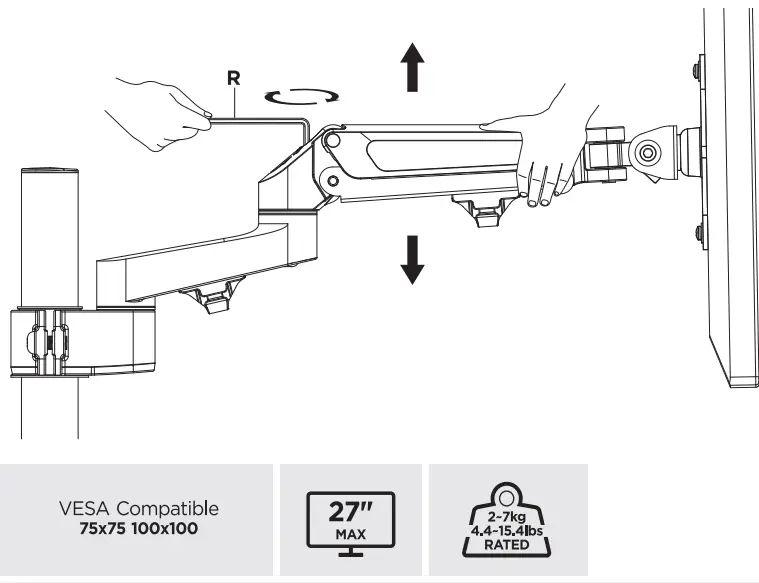
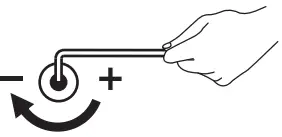
- To properly balance the arm with monitors mounted, adjust the spring tension using the supplied Allen Key as follows:
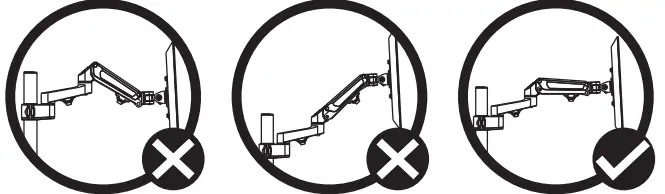
- First position and firmly hold the arm horizontally as shown. Ask for assistance should you require it.

CAUTION
To avoid damage to monitors or mount, always keep the arm in a horizontal position while making adjustments.
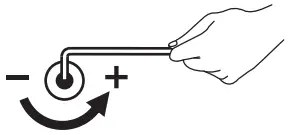
Again, ask for assistance if required. - If the arm drops, turn the adjustment screw counter-clockwise until it stays in a horizontal position.

- IF the arm rises, turn the adjustment Screw clockwise until it stays in a horizontal position.

CAUTION
DO NOT Over tighten the screws.
- CABLE ROUTING
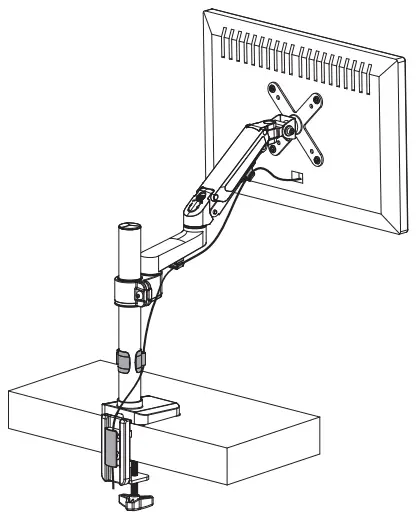
Using the provided clips, route the wire from your device to the power source as illustrated to the right. (Monitor for illustration and NOT included)
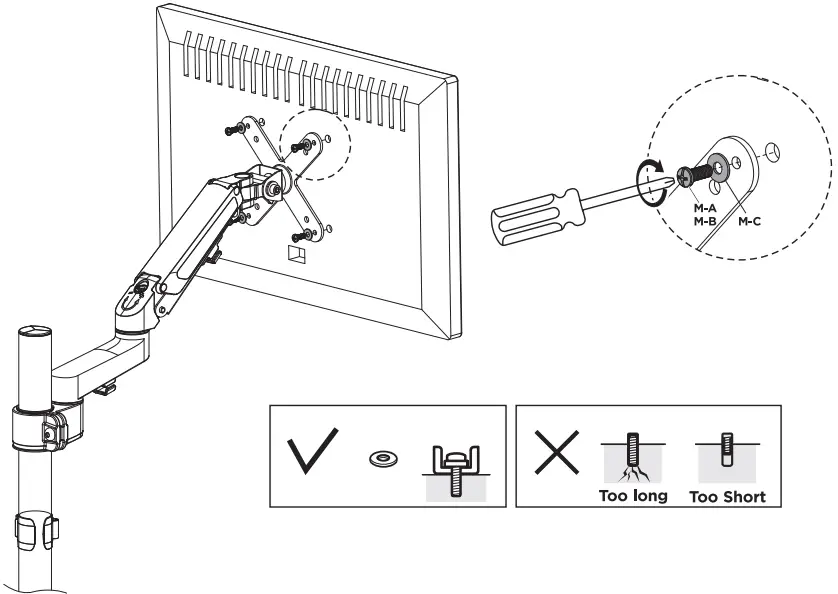
- CONNECTING VESA MOUNT TO VESA COMPATIBLE ITEM
(Monitor for illustration and NOT included)
Caution
Please be sure to fasten all the screws securely before using. Failure to do so may compromise integrity.
WEB: [email protected]