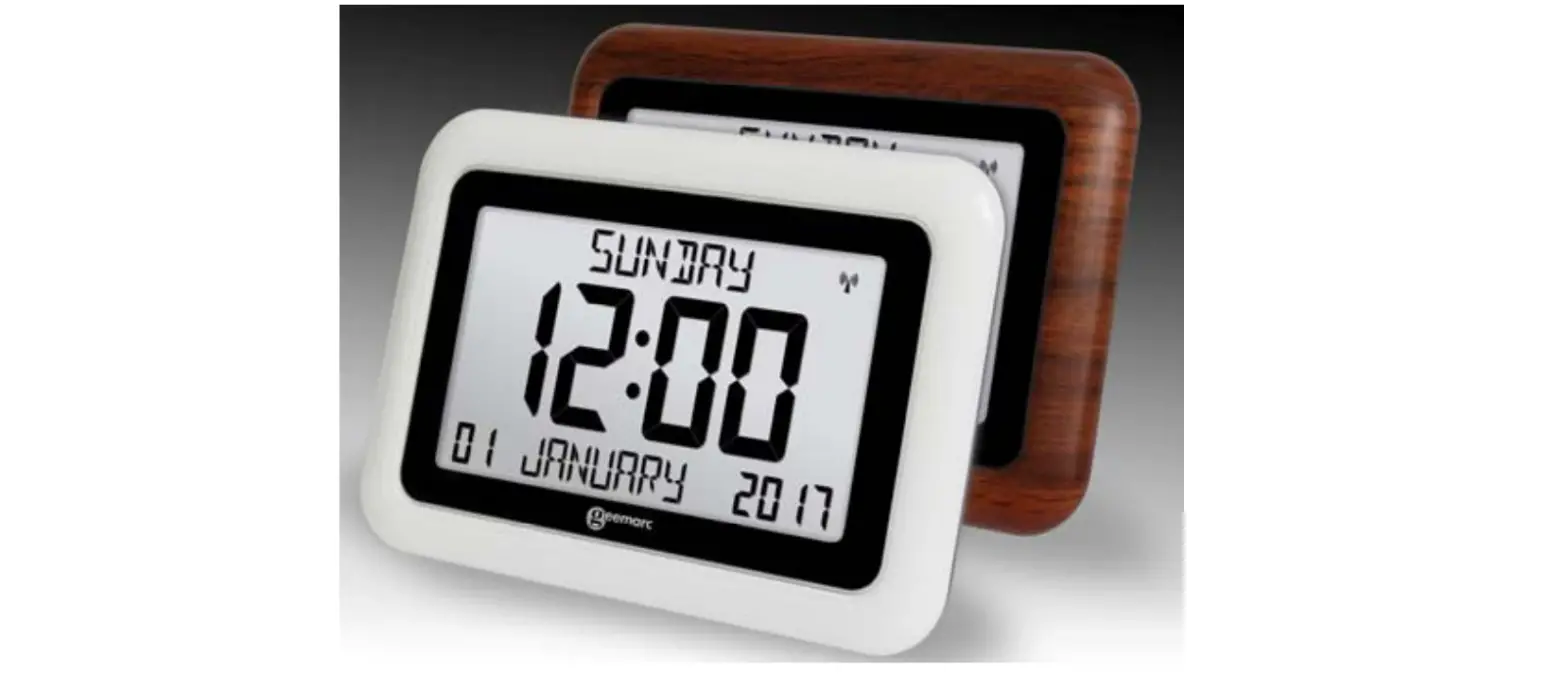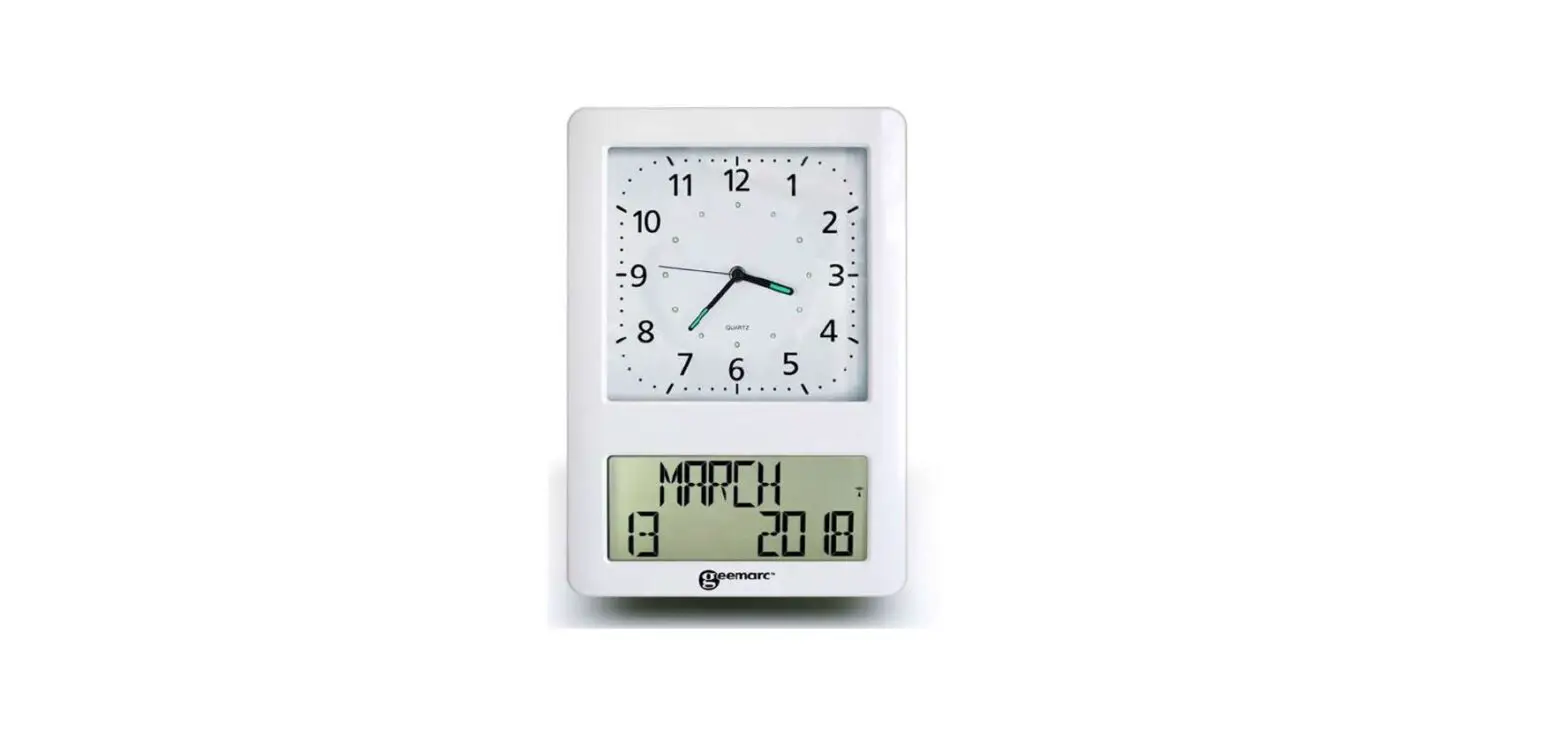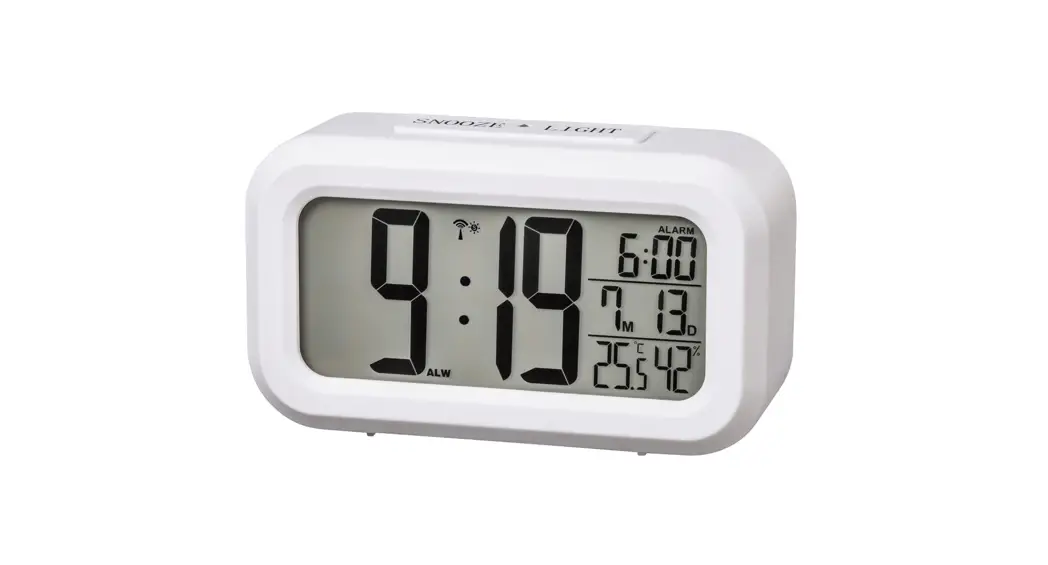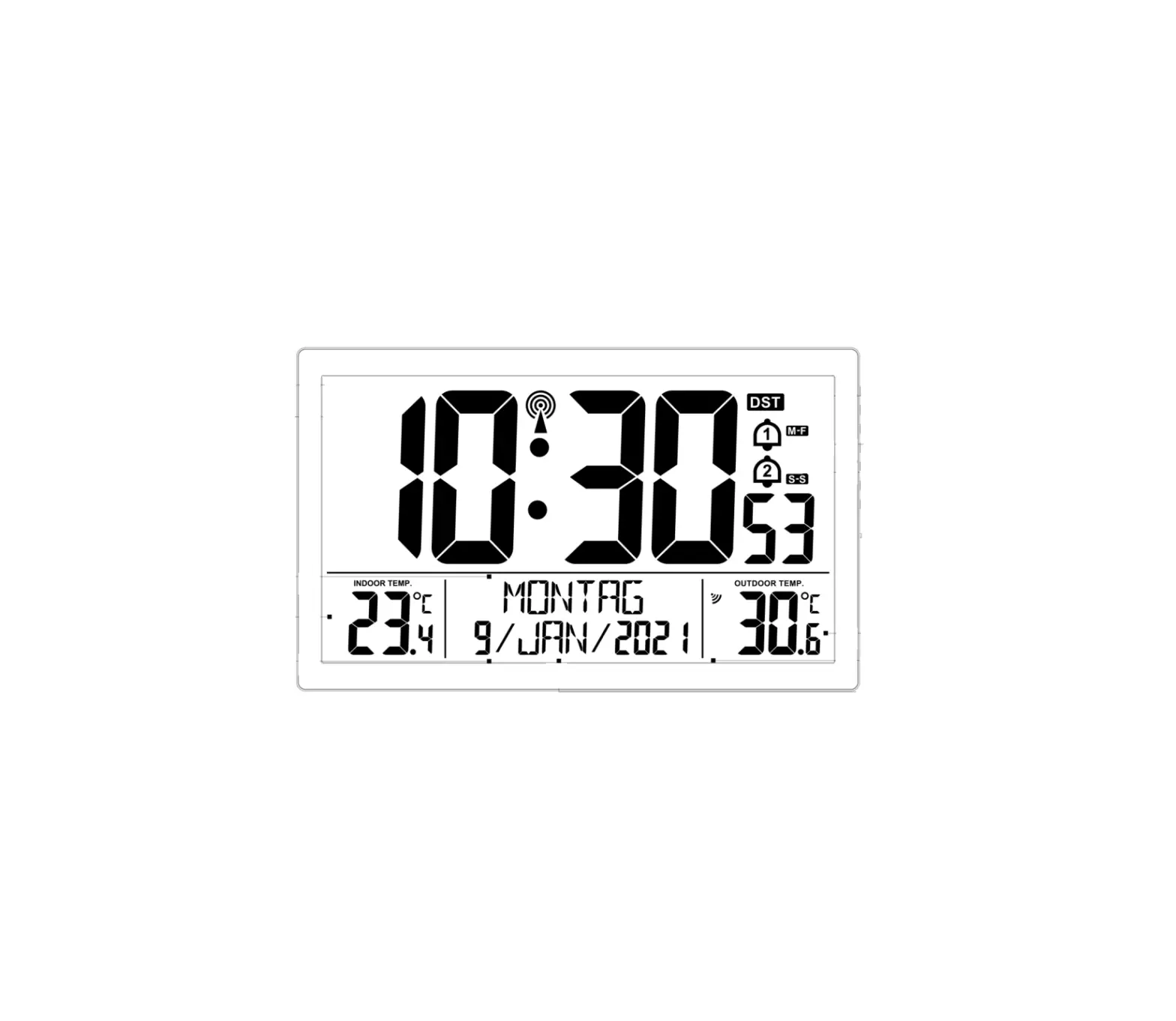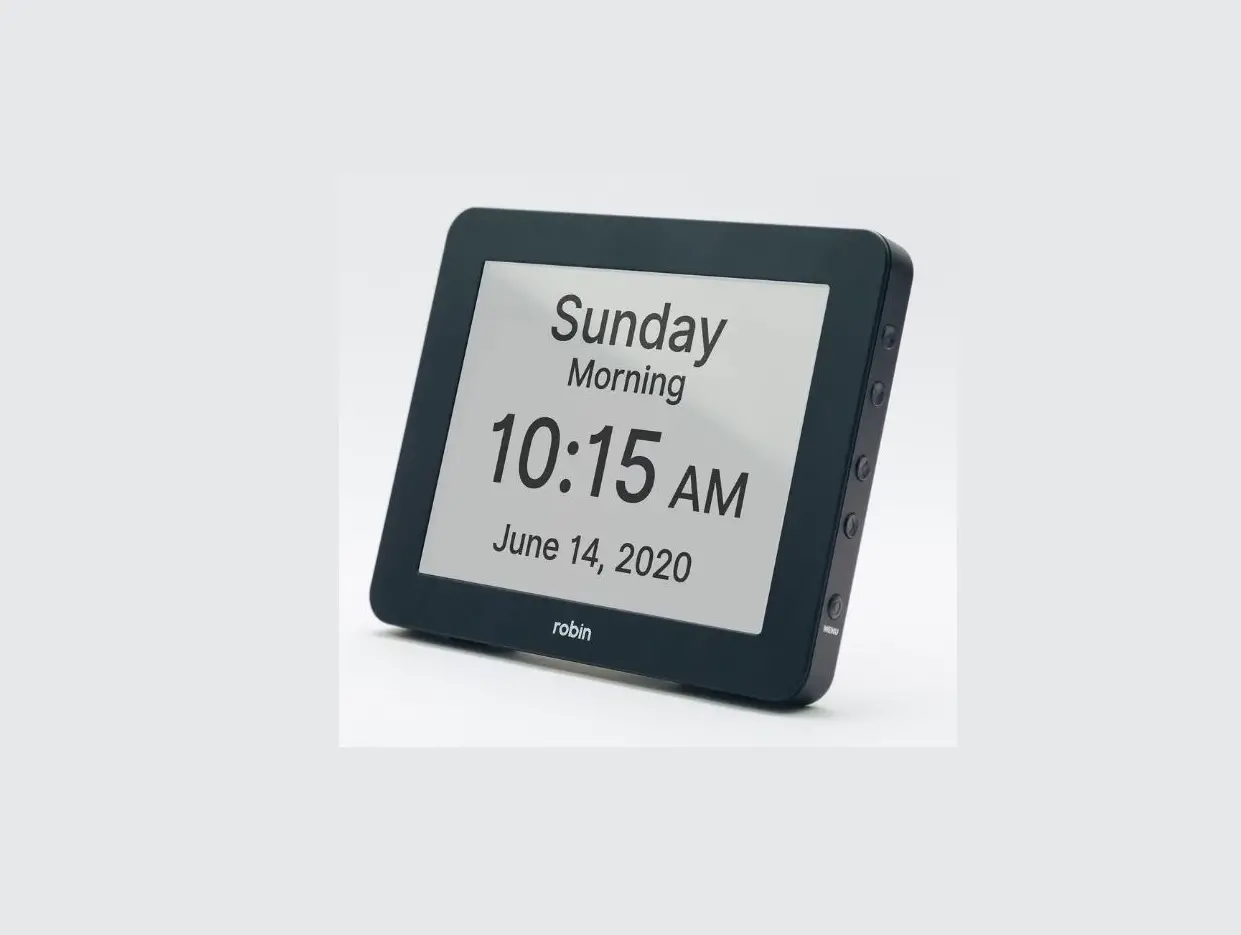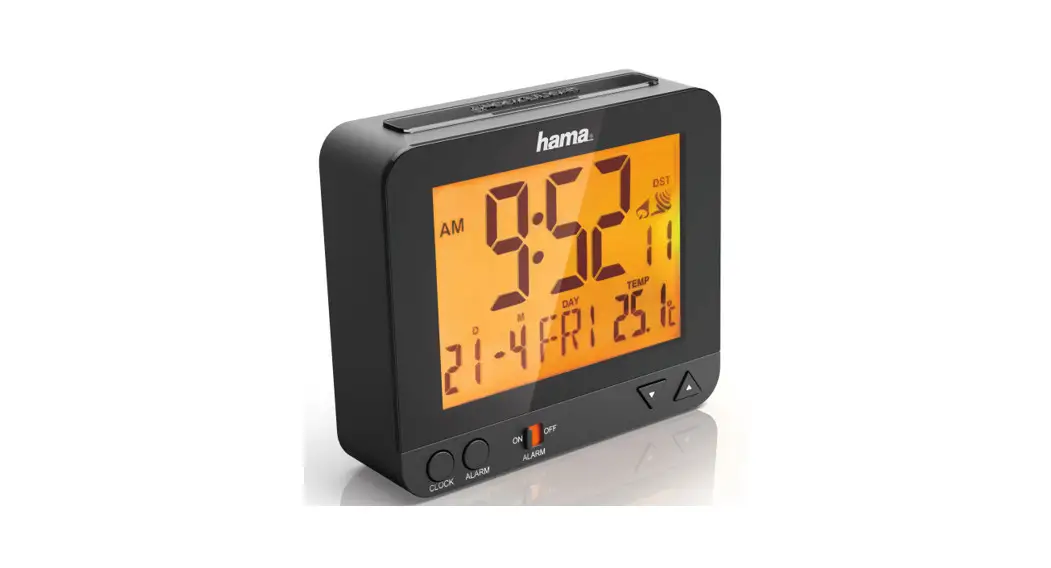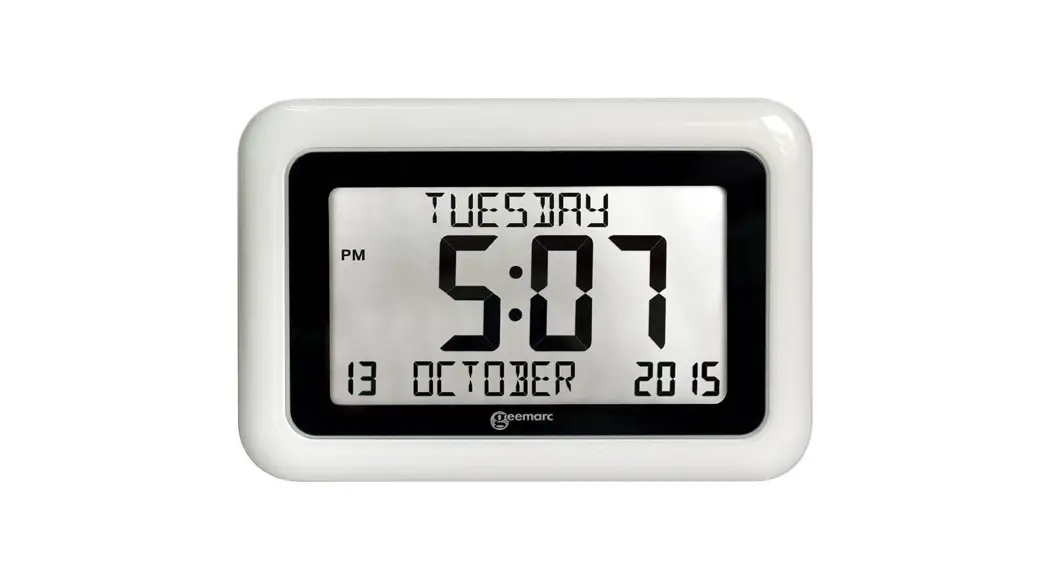
 Viso 8 Radio Controlled Calendar Clock
User Manual
Viso 8 – DCF
(Mainland Europe – Not UK)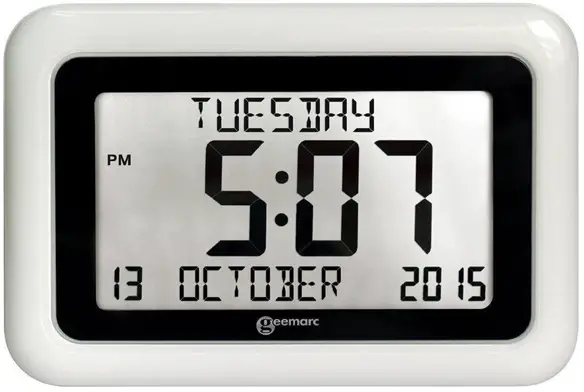
!!! Please refer to our website:
www.geemarc.com for an up to date user guide, as there may be important updates and changes you need to be aware of !!!
Features
- Easy to Read and Understand Time display
- Perpetual Calendar Up to Year 2099
- Day of week & Month in 8 languages user selectable
- 12 h/24 hours
Unit Appearance
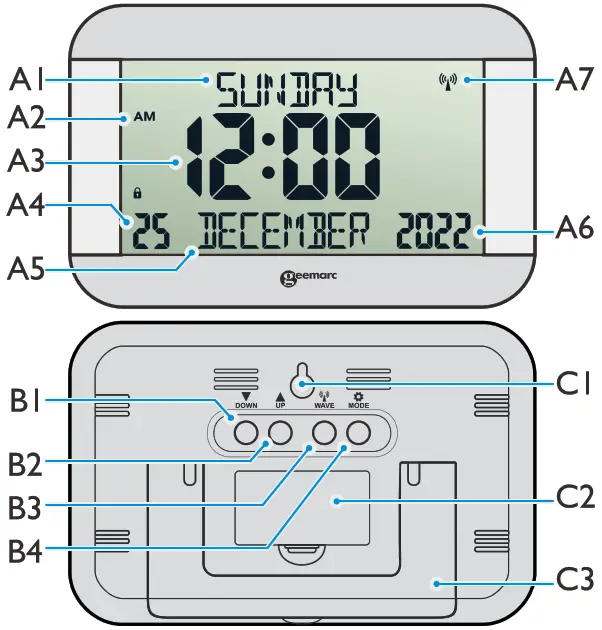
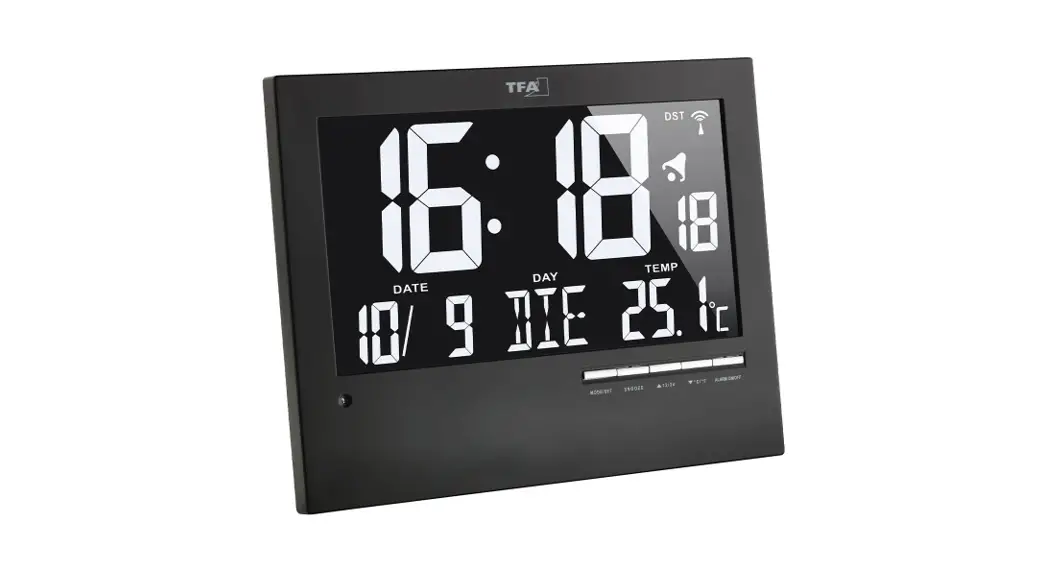
| Part A‐LCD | Part B‐Button | Part C‐Structure |
| A1: Day of the Week A2: AM/PM A3: Time A4: Date A5: Month A6: Year A7: Radio Control Icon | B1: “  ” Button ” ButtonB2: “  ” Button ” ButtonB3: “  ” Button ” ButtonB4: “  ”Button ”Button | C1: Hanging Hole C2: Battery Door C3: Stand |
Getting started:
- Open the battery Cover (C2).
- Insert 2 x AA size alkaline batteries observing polarity [“+” and “–“marks]. There is “click” sound when insert batteries to remind user the batteries was inserted correctly.
- Replace the battery compartment cover. Place the unit onto flat surface; the unit is ready for use now.
Time Setting
4.1 Radio Controlled Time:
- After the start‐up of the unit, the clock automatically starts to scan the DCF time signal. Radio Control Icon “
 ” (A7) flashes on LCD. (A7) flashes
Indicating now is receiving DCF signal (A7) turns onIndicating signal received successfully (A7)disappearsIndicating signal reception failed - The clock automatically synchronizes with the DCF radio signal every day at 3.00 am to maintain accurate time keeping. If synchronization with the DCF radio signal fails, ” ” on LCD disappears and the clock then attempts to synchronize with the DCF radio signal at 4.00 am and 5 am.
- The clock can be set to scan the radio signal manually by holding ”
 ” button (B3) for 3 seconds. Each reception takes around several minutes. If receptions fail, scanning stops. (” ” on LCD disappear) and repeats again on next full hour. E.g. scanning failed at 8:20 a.m. It will scan again at 9:00 a.m.
 - Stop scanning DCF radio signal by holding ” ” button (B3) for 3 seconds.
- “DST” shown on the LCD if it is in Daylight Saving Time Mode.
 ” (A7) flashes on LCD.
4.2 Manual Time Setting:
- In time display, hold ”
 ” button(B4) for 3 seconds to enter Clock/Calendar setting Mode.
 - Press ”
 ” (B1) or ”
  ” (B2) button to adjust the setting and press ” ” button (B4) to confirm each setting.
 - The setting sequence is shown as follow: Weekday & Month Language, 12/24 Hr, RCC (Radio Clock) ON/OFF, Time Zone, Hour, Minute, Year, Month, Day.
- There are 8 languages, English, German, French, Spanish, Italian, Dutch, Polish and Swedish, for day-of-week & Month.
- (By keeping the ” ” (B1) or ” ” (B2) button pressed, that will accelerate the process and you will reach the desired value faster)
Note:
- All Setting mode will automatically exit in around 15 seconds without any adjustment (
- For Time Zone: If you receive no RC-DCF frequency signal, the time zone should be set to 0. Time Zone is used in countries which can received the DCF frequency signal but the time zone is different from German Time ( i.e. GMT+1).
- Hold ” ” (B1) and ” ” (B2) button at the same time for 5 seconds to lock the rest buttons. When rest buttons’ functions been locked, icon ”
 ” displayed. Hold ” ” (B1) and ” ” (B2) button 5 seconds again to unlock.
 ” displayed. Hold ”
 Precautions
- The clock loses its time information when the battery is removed.
- Use a pin to press the reset button if the Unit does not work properly.
- Do not expose it to direct sunlight, heavy heat, cold, high humidity or wet areas
- Never clean the device using abrasive or corrosive materials or products. Abrasive cleaning agents may scratch plastic parts and corrode electronic circuits.
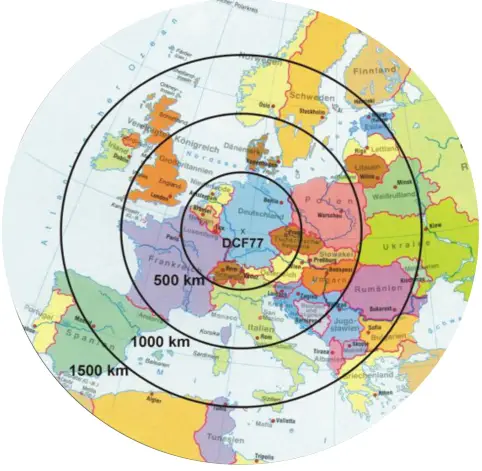
Radio controlled time reception range:
up to 1500km from DCF77 transmitter.
Guarantee
From the moment your Geemarc Viso 8 is purchased, Geemarc guarantee it for the period of two years. During this time, all repairs or replacements (at our option) are free of charge. Should you experience a problem then contact our helpline or visit our website at www.geemarc.com. The guarantee does not cover accidents, negligence or breakages to any parts. The product must not be tampered with or taken apart by anyone who is not an authorised Geemarc representative. The Geemarc guarantee in no way limits your legal rights.
IMPORTANT: YOUR RECEIPT IS PART OF YOUR GUARANTEE AND MUST BE RETAINED AND PRODUCED IN THE EVENT OF A WARRANTY CLAIM.
CE Declaration:
The declaration of conformity may be consulted at www.geemarc.com
UKCA Declaration:
The declaration of conformity may be consulted at www.geemarc.com
| RF power | < 250 mW |
| Power requirements | AA batteries (2) |
Recycling directives
The WEEE (Waste Electrical and Electronic Equipment) has been put in place for the products in end of life are recycled in the best way.
When this product is out of order, please do not put it in your domestic waste bin.
Please use one of the following disposal options:
- Remove the batteries and deposit them in an appropriate WEEE skip.
Deposit the product in in a appropriate WEEE skip. - Or hand the old product to the retailer. If you purchase a new one, they should accept it.
For product support and help
Visit our website at www.geemarc.com
E-mail: [email protected]
Telephone 01707 387602
Lines are open 09h00 to 16h00 Mon to Fri
Parc de l’Etoile, 2 Rue Galilee, 59760 Grande-Synthe, France
This product is made in China To Geemarc Telecom
UGViso8_DCF_En_A4_V1.0
 Home - Geemarc UK