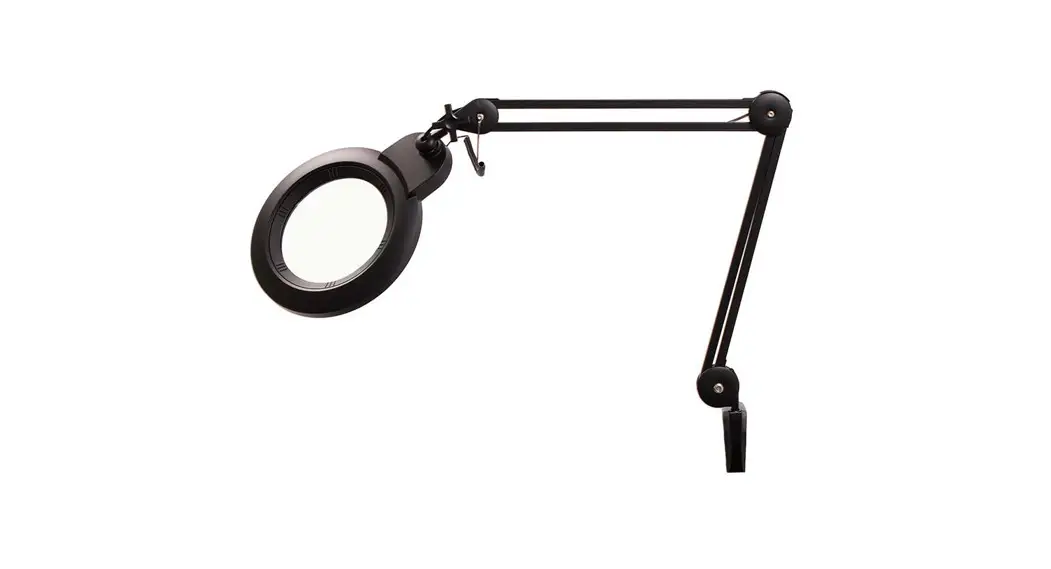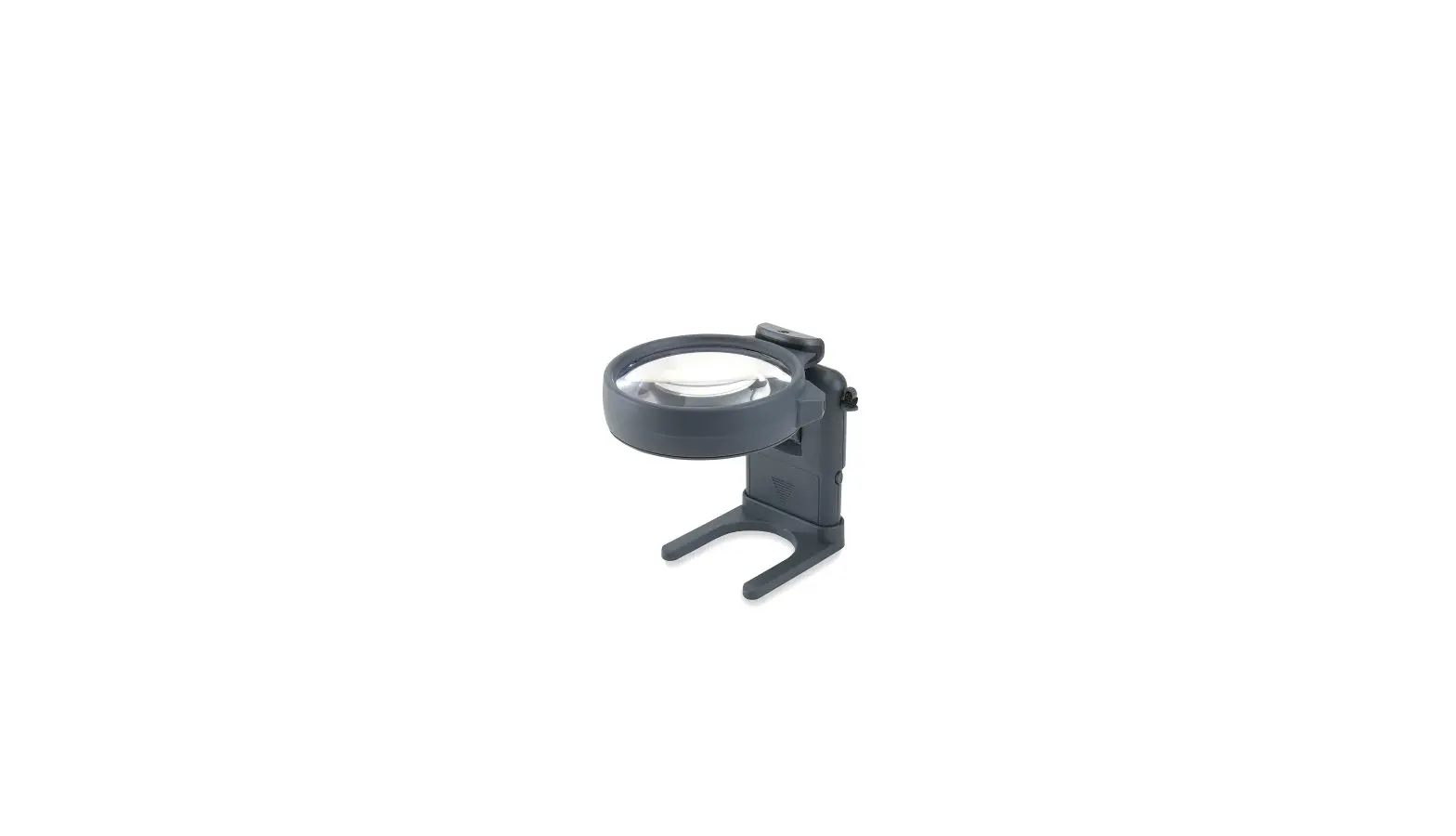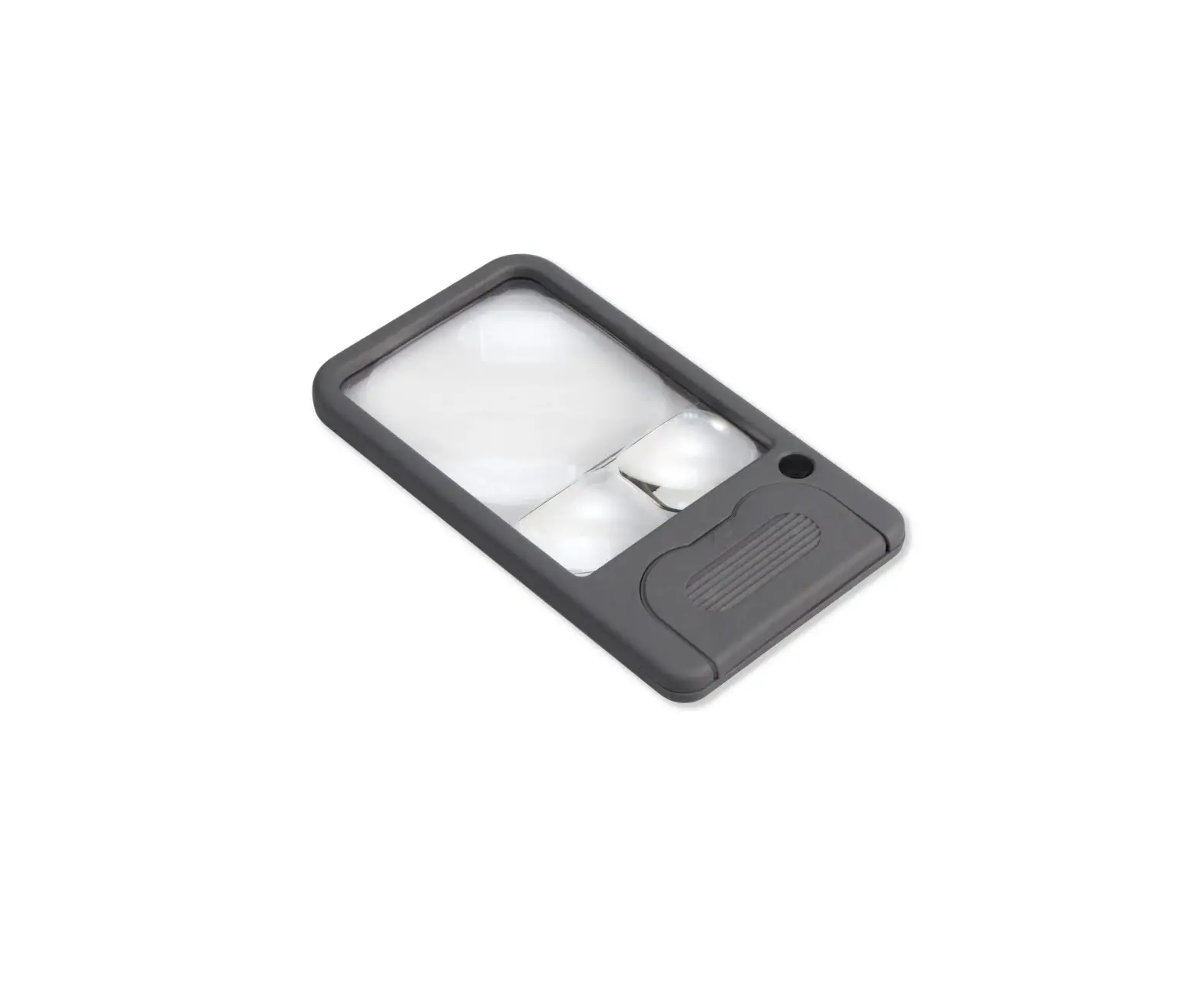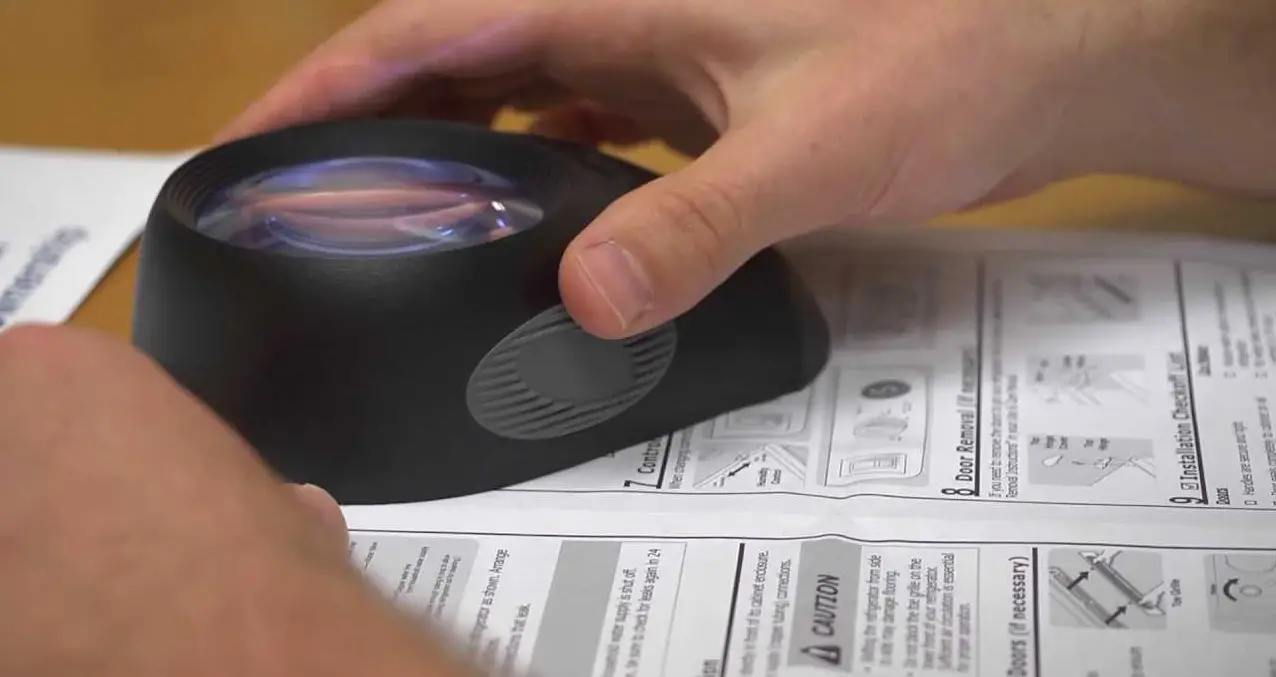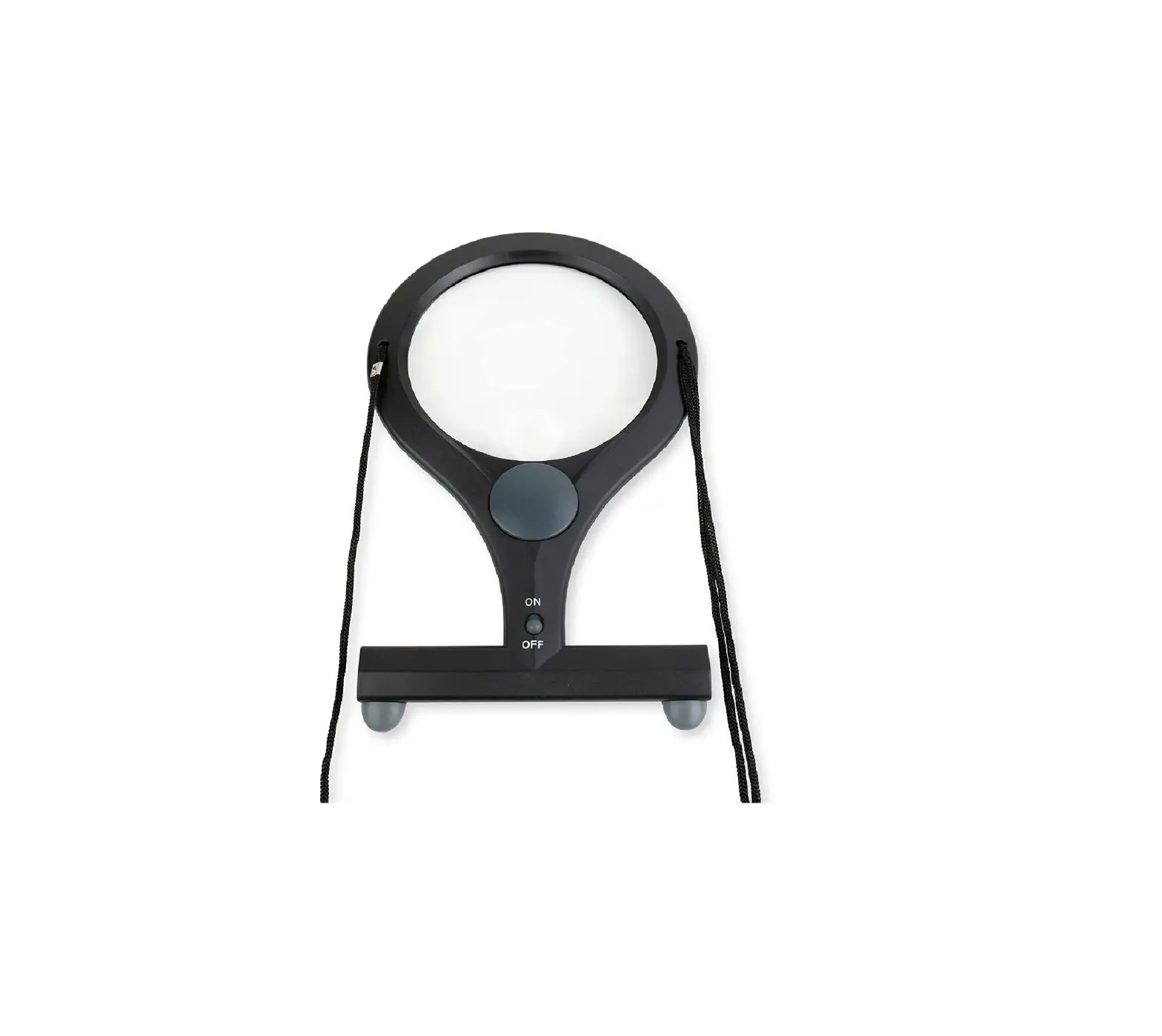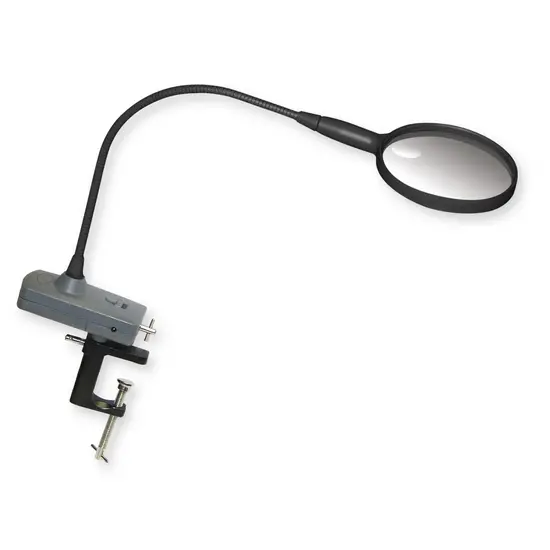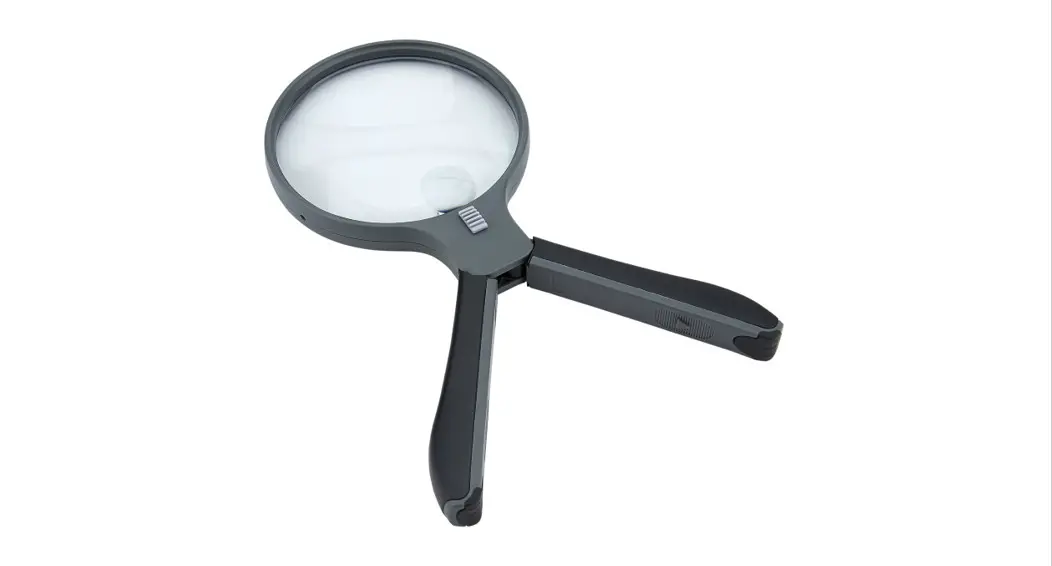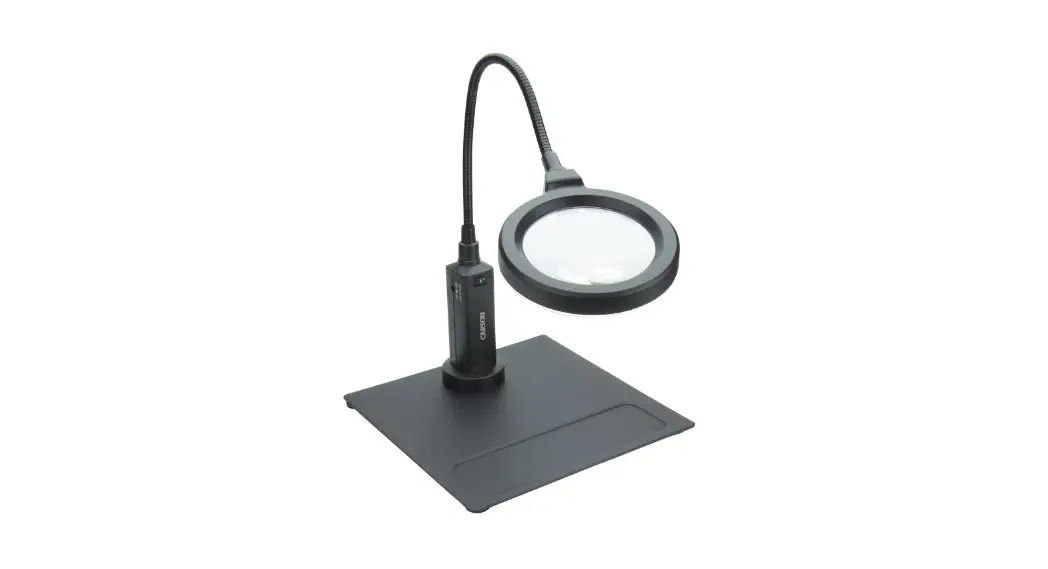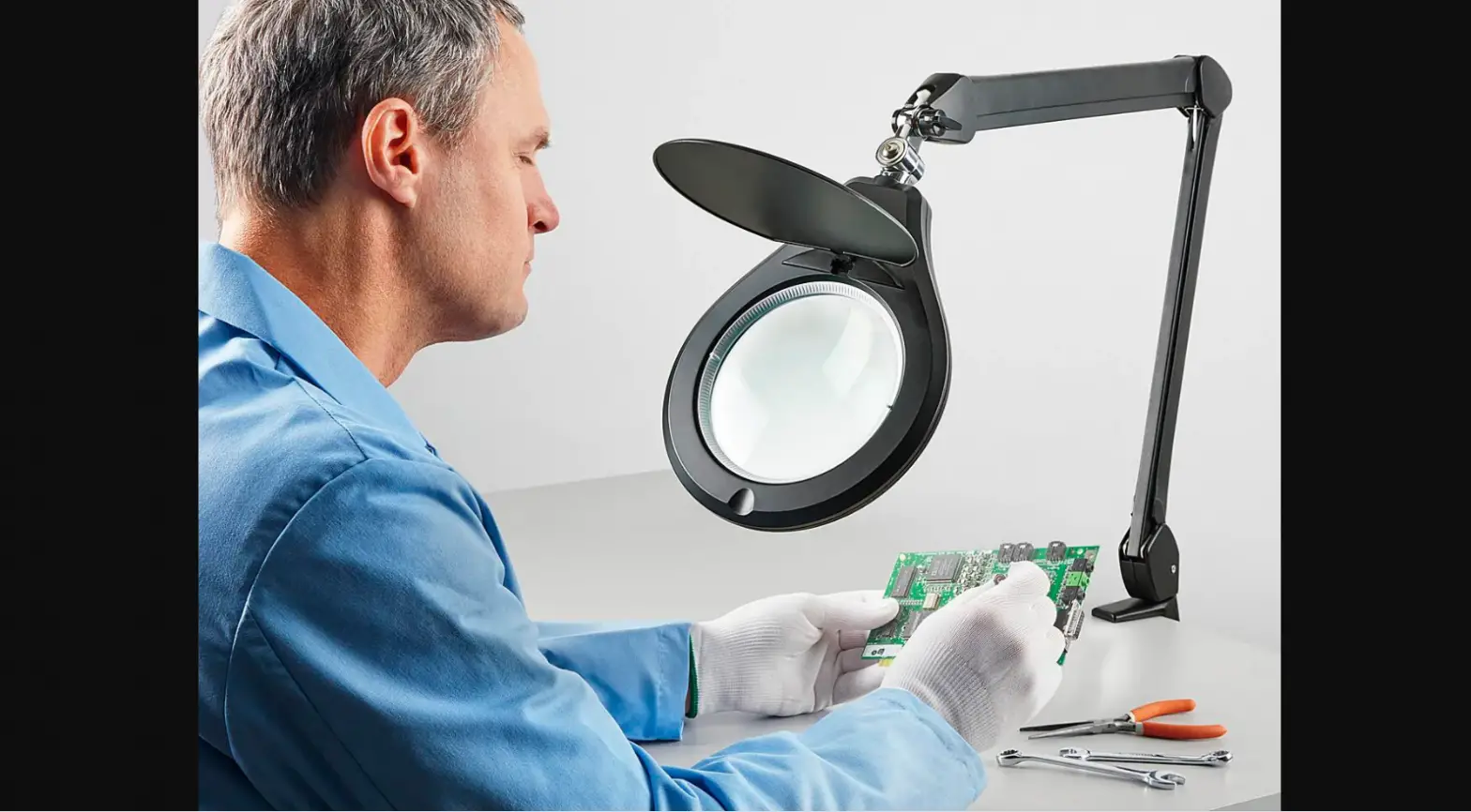
ULINE H-6546 Industrial LED Magnifier
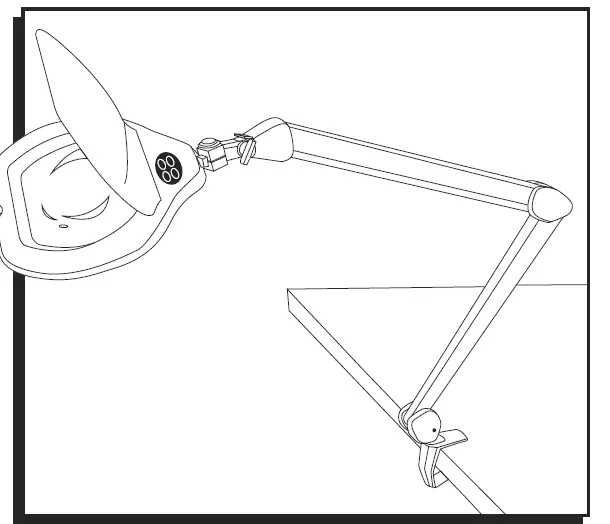
INSTALLATION
- Locate and remove clamp from packaging.
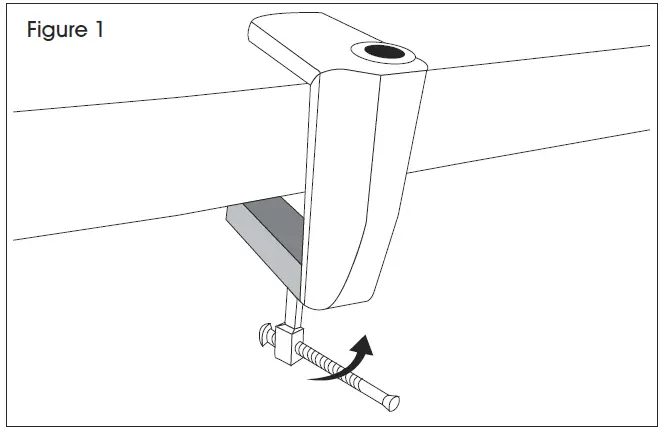
- Use screw mechanism to open clamp to the thickness of the desired mounting surface.
- Slide clamp onto desired mounting surface and tighten screw mechanism. (See Figure 1)

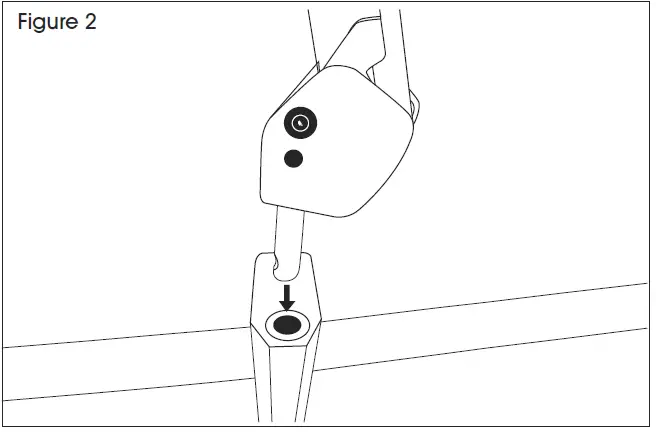
NOTE: Clamp must be tightened completely before attaching lamp. - Remove lamp from packaging.
CAUTION! Use both hands to hold lamp arms closed when removing packaging. Open arms slowly and carefully. - Lower stem of lamp into hole in clamp. (See Figure 2)

- Insert plug into properly rated 120V outlet.
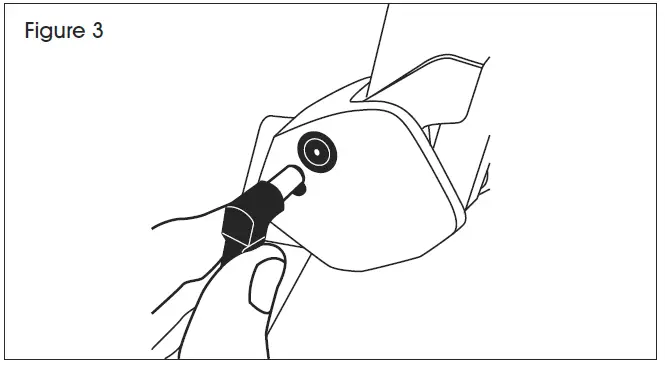
- Insert other end of plug into base of lamp.(See Figure 3)

OPERATION
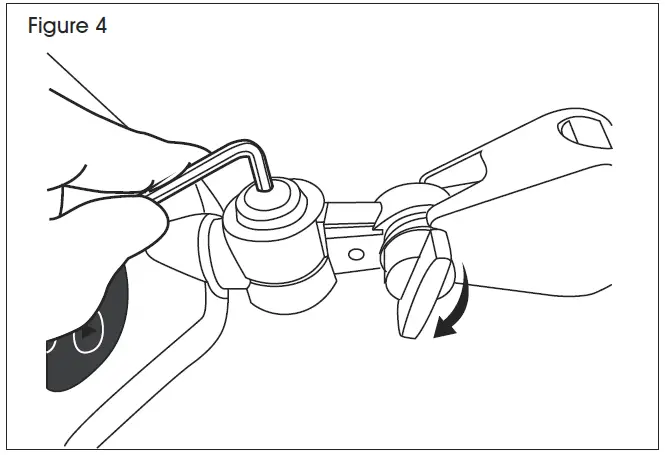
- Adjust magnifier head to desired position. Tighten adjustment knob to secure head tilt. To lock side to side movement, use 4 mm Allen wrench to tighten bolt on head. (See Figure 4)

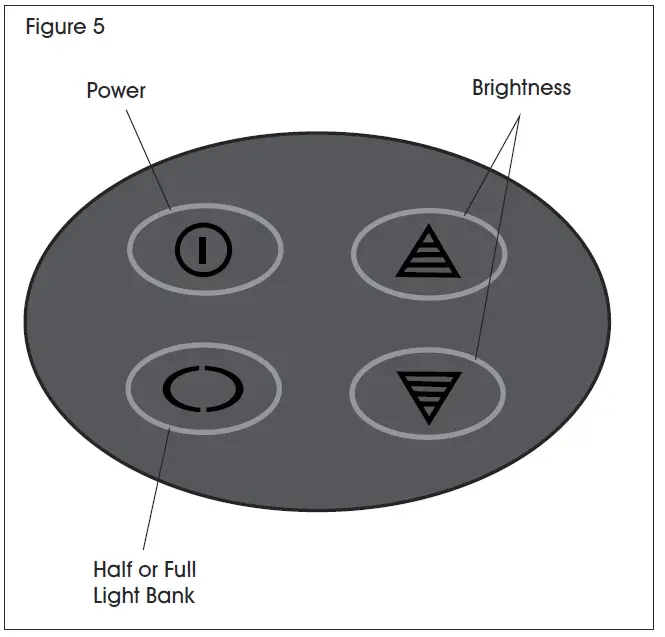
- Lift the magnifier cover and use control pad to operate LED lights.


1-800-295-5510
uline.com