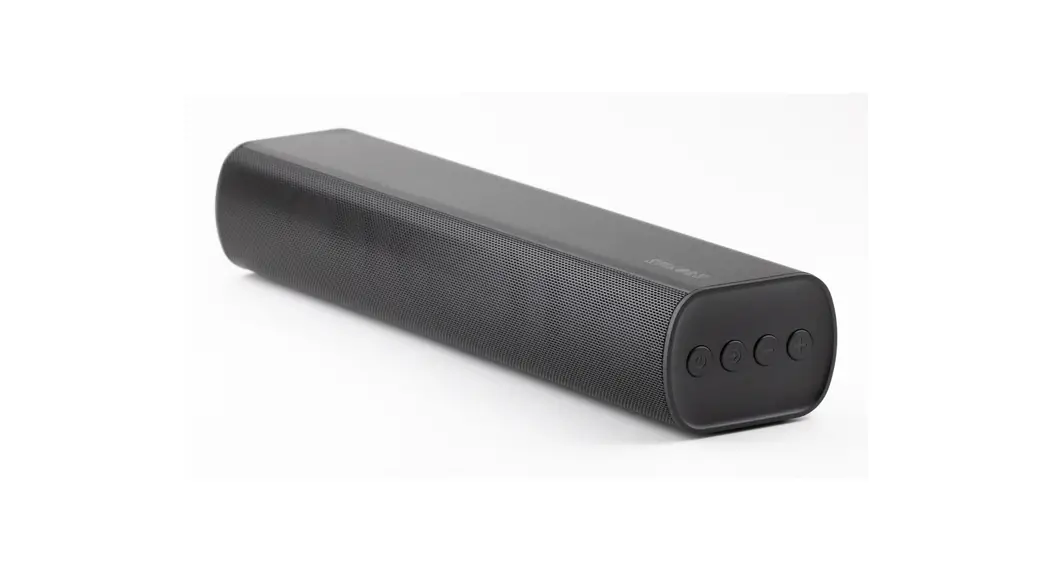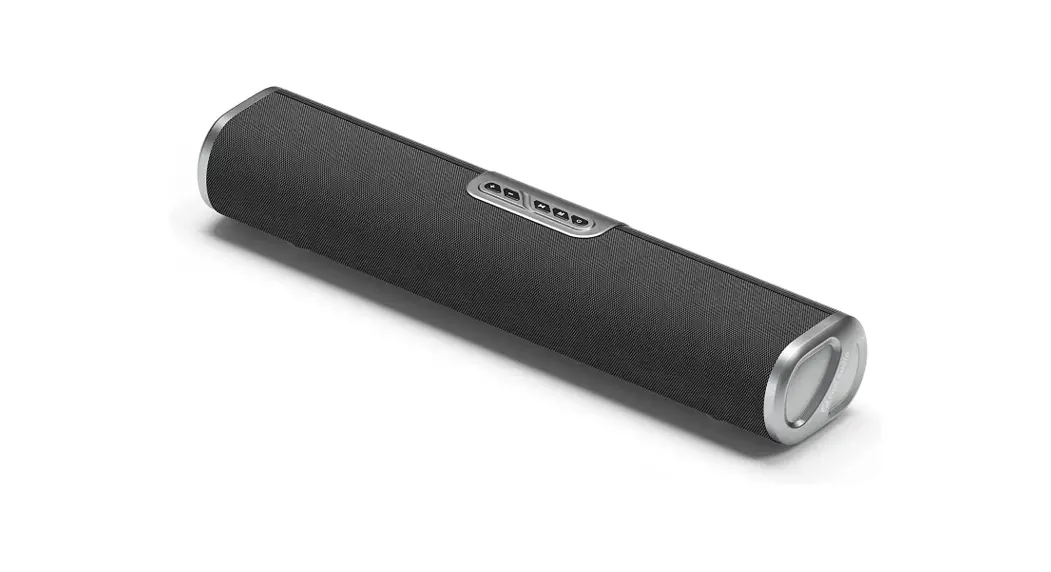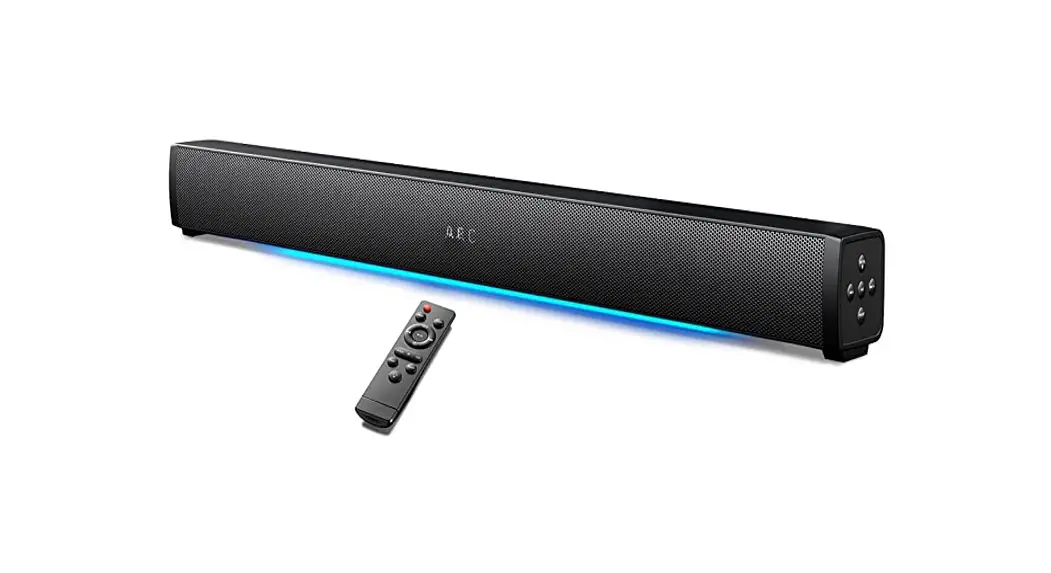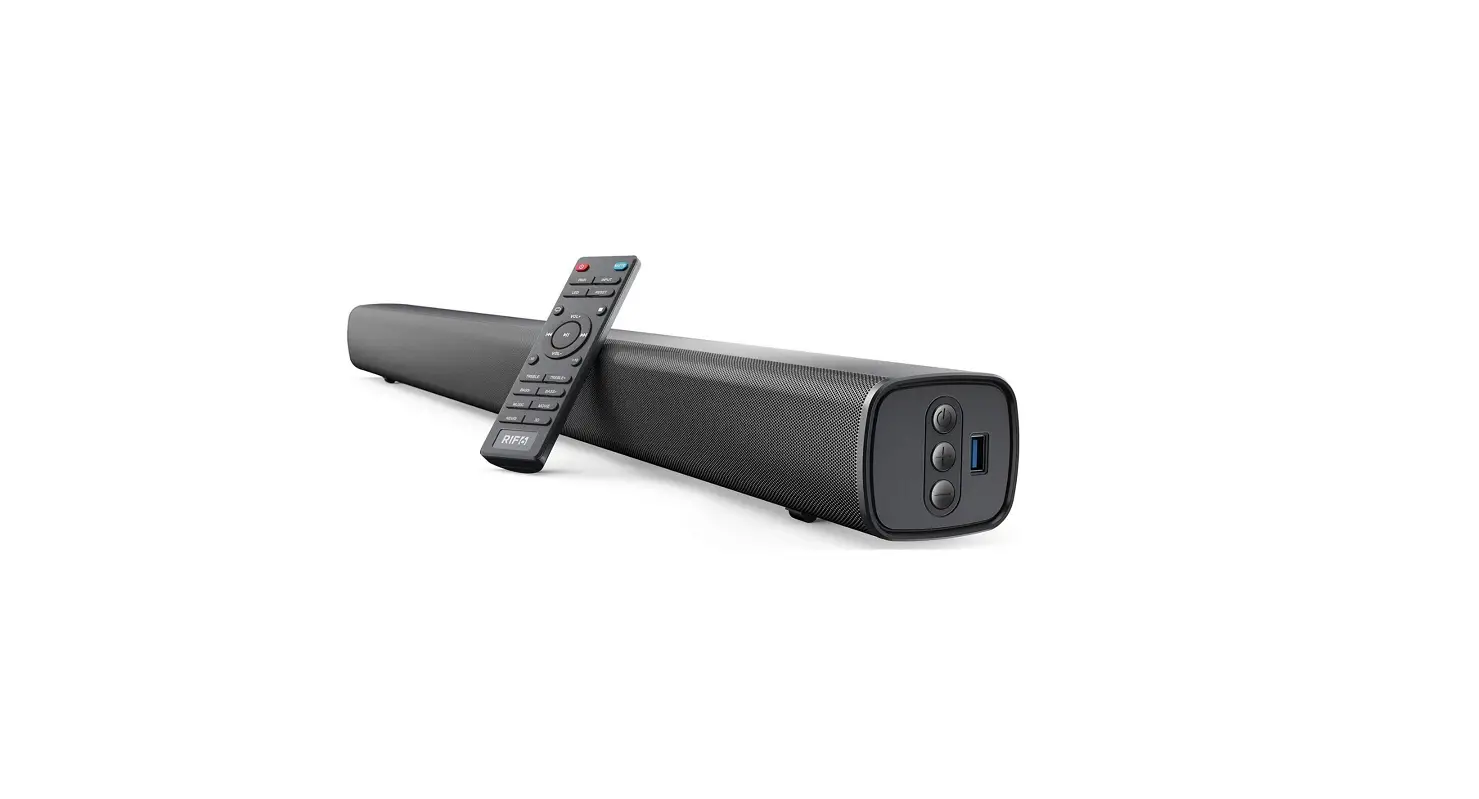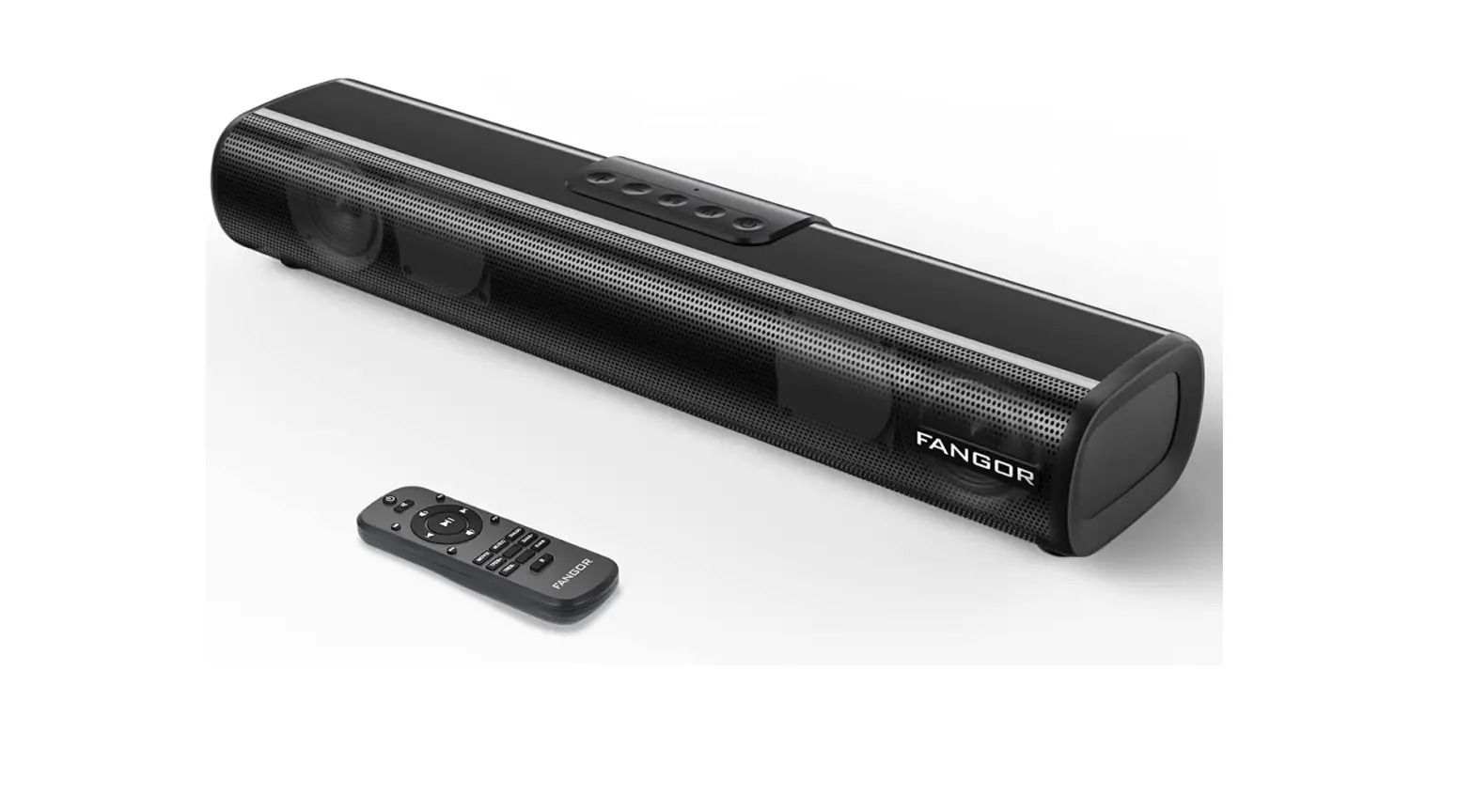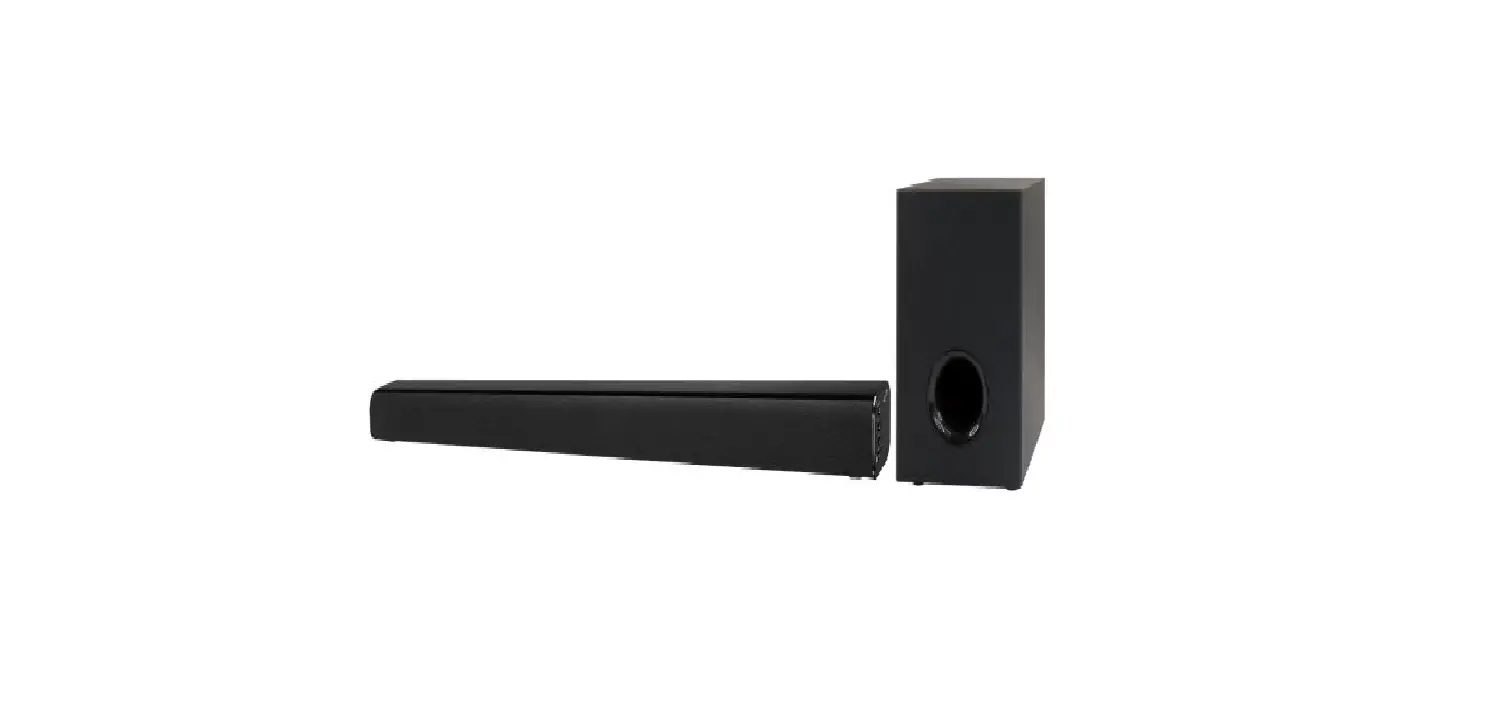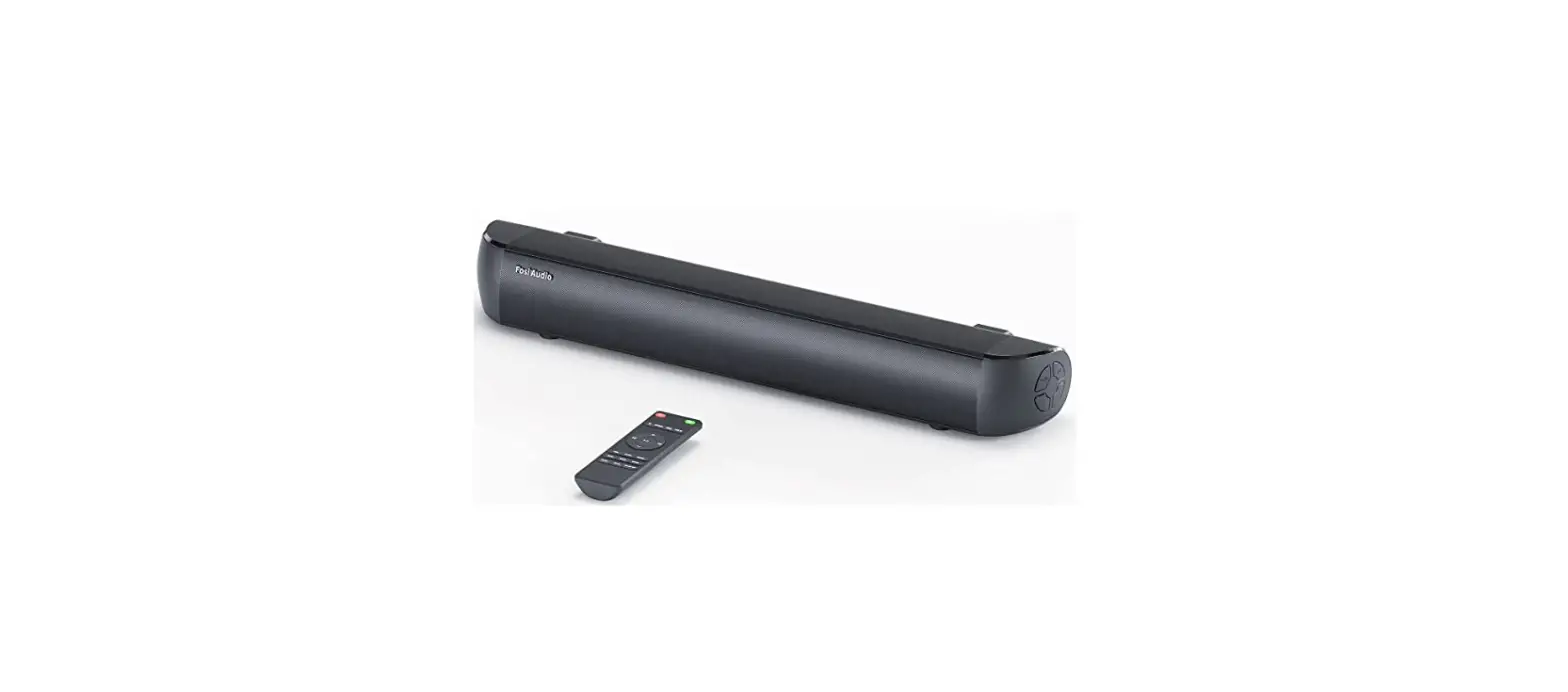

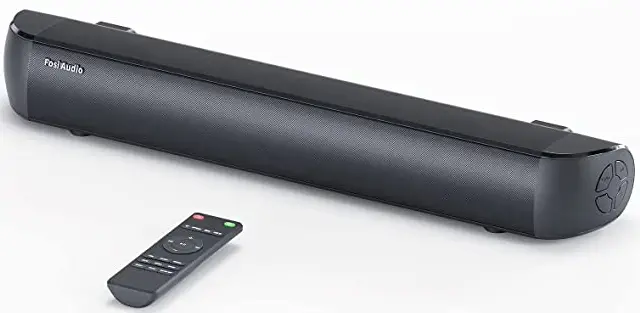
Fosi Audio A3 Sound Bars for TV,18 Inch Small Soundbar
Foreword
Thank you very much for purchasing the A3 soundbar. Please read the instructions carefully before using this product. If you have any problems or suggestions for the product, please contact us via [email protected].
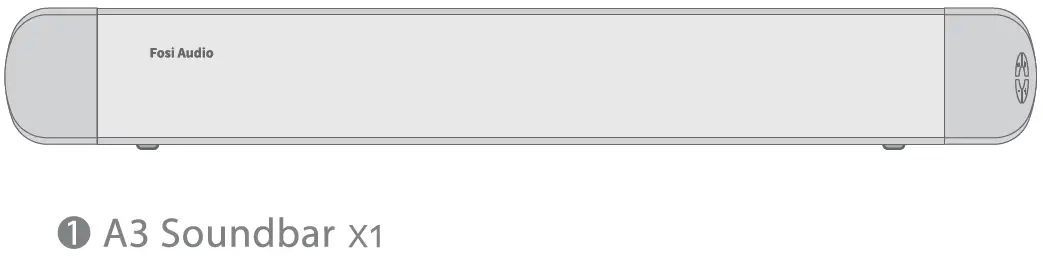
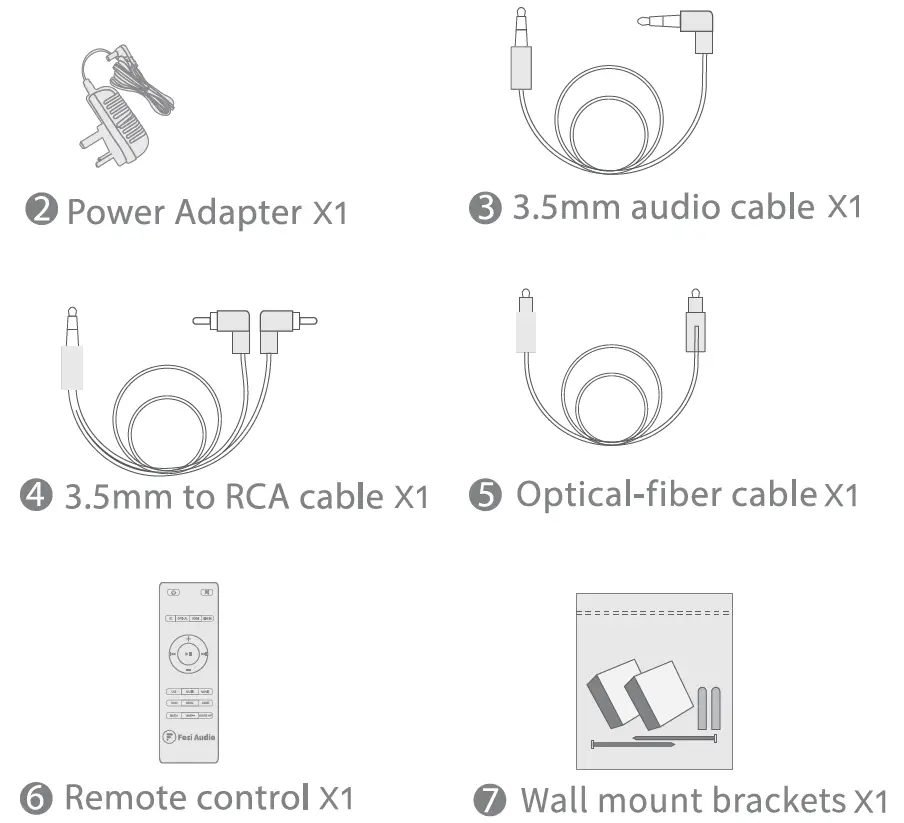
Packing list
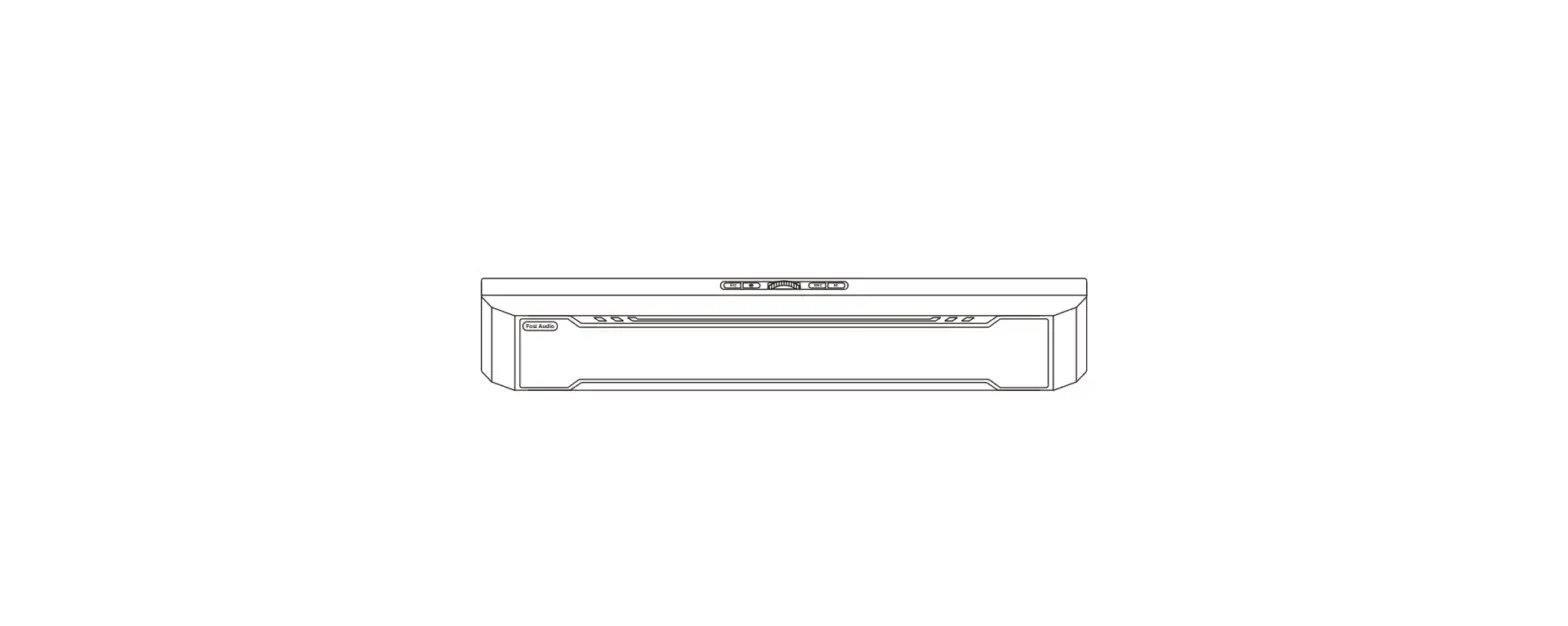
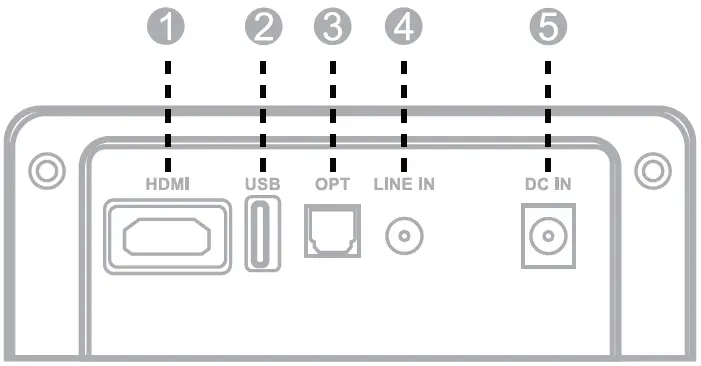
- HDMI(ARC) input
- USB playback
- OPT: Optical input
- LINE IN: 3.5mm line in
- DC in

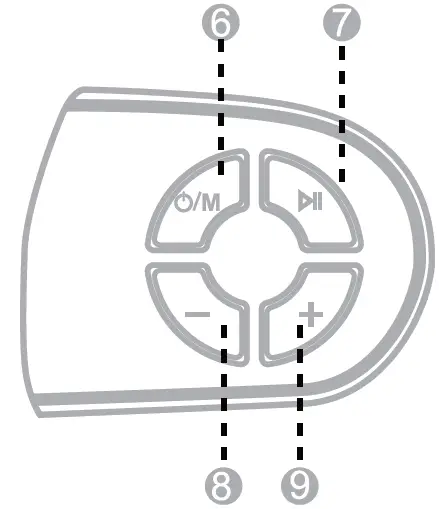
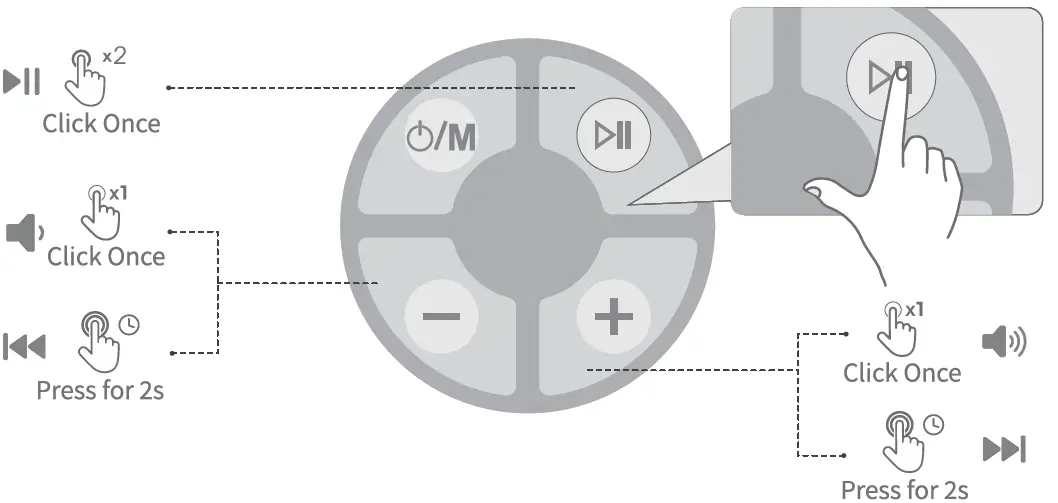
- Power/Mode switch button
- Play/Pause/EQ Switch
- Volume-/Previous track
- Volume+/Next track

Remote control installation
Insert 2 pieces of AA batteries to activate the remote control. (batteries not included).
Note
- The remote control works within the range of 6 meters.
- TV remote control or other universal remote controls are not compatible with the soundbar.
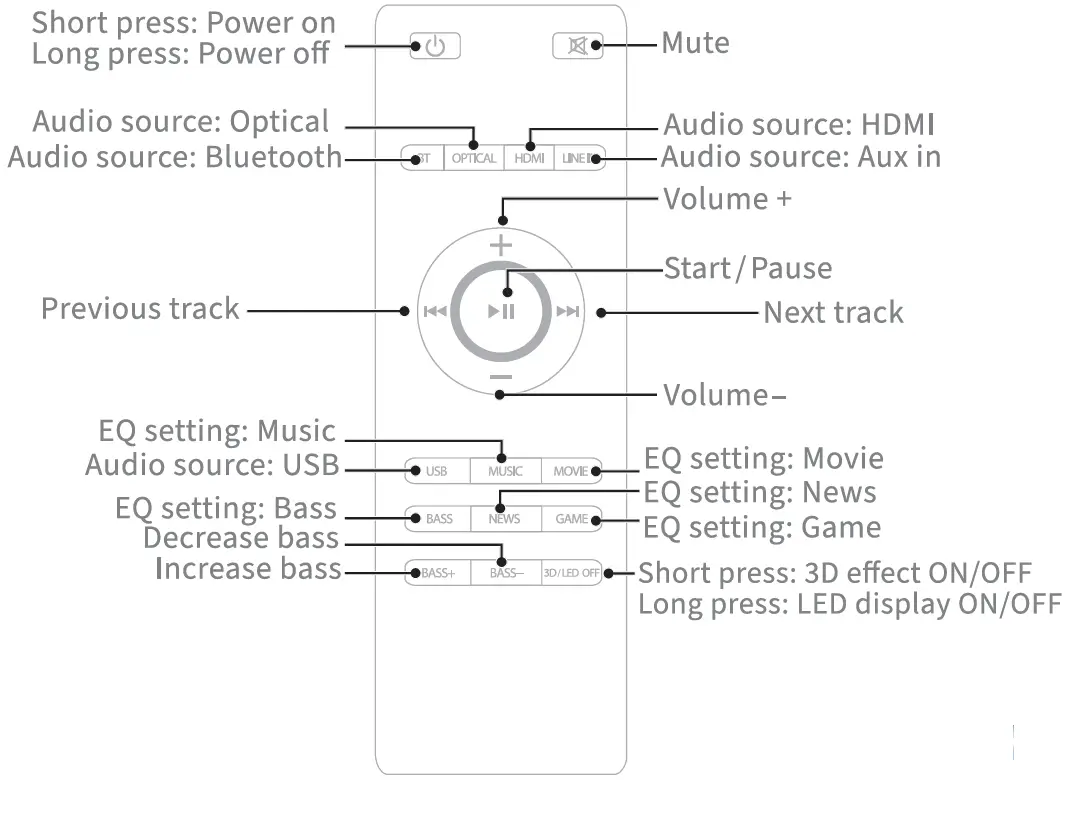
Note
The buttons in the only function in Bluetooth mode.
How to Operate
Note
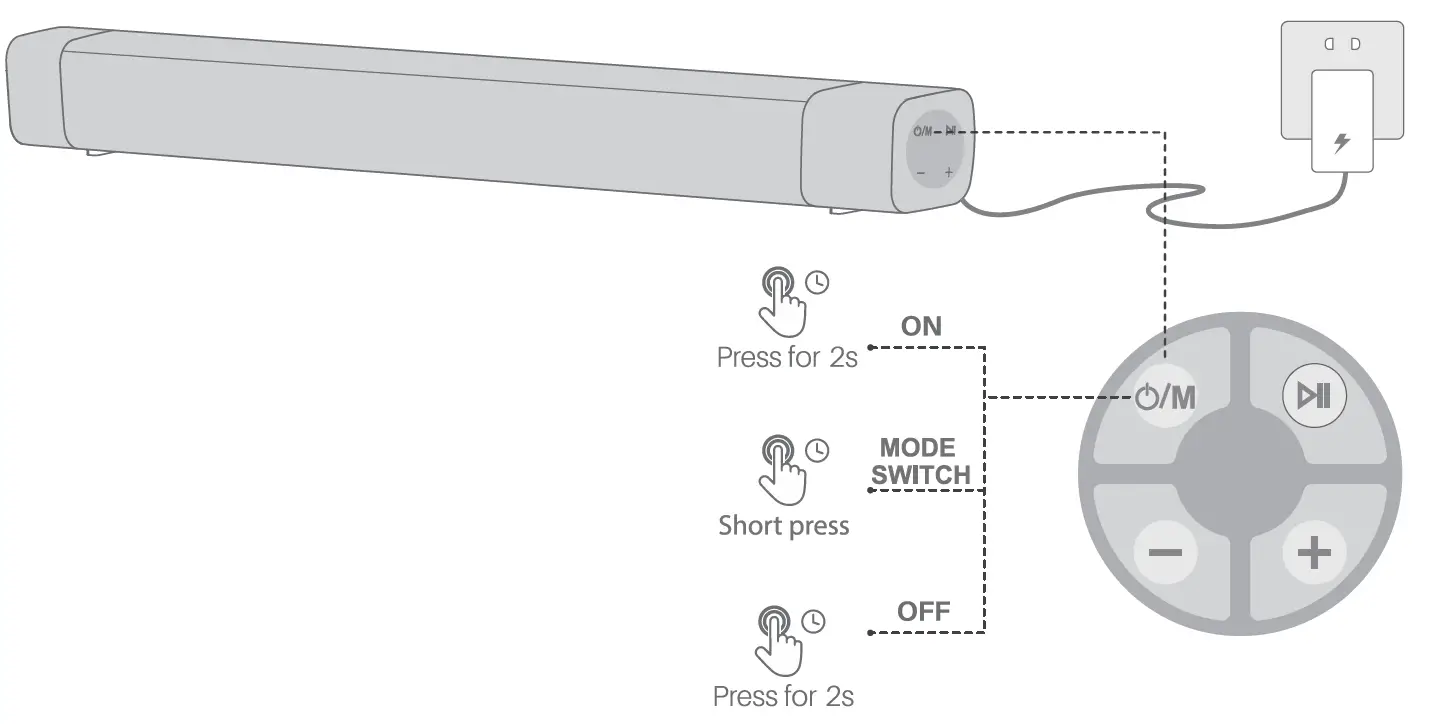
- Please connect it to power before using.
- Short press the” O/M” SOURCE on unit or “O/M “on remote control to turn on the soundbar. The Bluetooth will light up.
- The Soundbar will enter the Standby Mode again if there is no operation for 20 minutes.
Power
Note
- Please connect it to power before using.
- Short press the
 SOURCE on unit or on remote control to turn on the soundbar. The Bluetooth will light up.
 - The Soundbar will enter the Standby Mode again if there is no operation for 20 minutes.
 SOURCE on unit or
 How to Music
EQ Switch
Double click “ ” to switch the EQ modes.
Bluetooth
Note
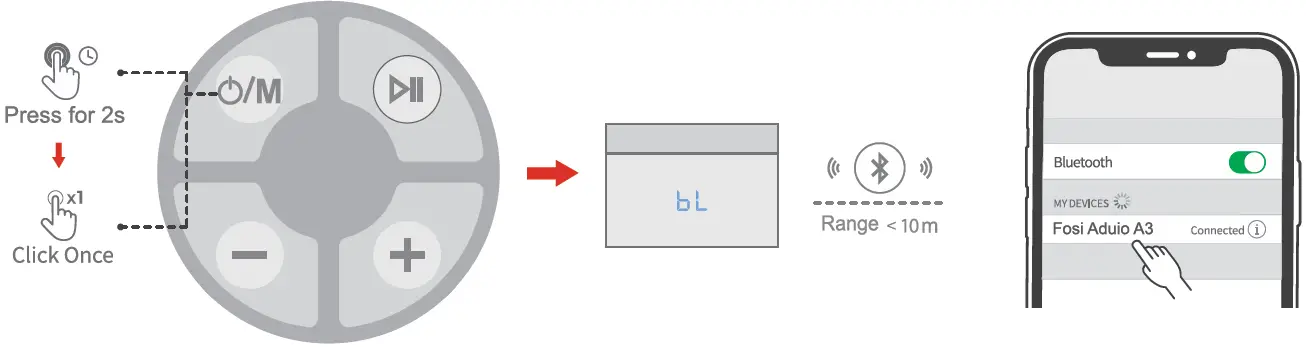
- The default input setting is Bluetooth mode after booting the soundbar. You can click the ” ” to switch between Line-in input and optical-fiber input mode.( input mode priority order: Bluetooth > Line-in >optical-fiber > HDMI(ARC).
- Press and hold the Bluetooth button on the remote control or “
 ” source button on the soundbar for 3 seconds to remove the Bluetooth connection.
OPTICAL IN Source
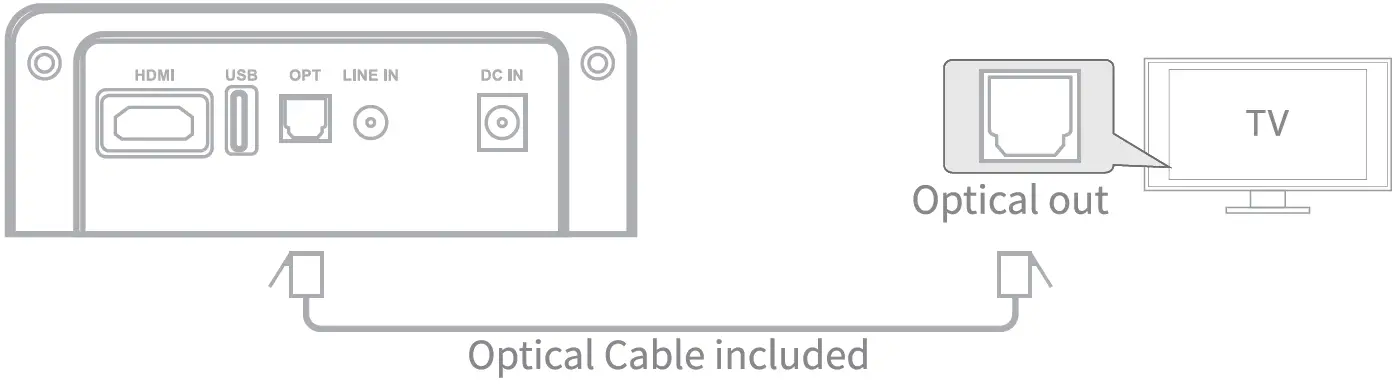
- Ensure that the soundbar is connected to the TV or other audio devices via an optical cable.
- Press the Optical button on the remote control to enter the Optical input mode. You can also short press the ” ” source button on the soundbar to choose the Optical source.
Note
The playback is controlled by your device and the button on the remote control. Before use, you need to unplug the cover.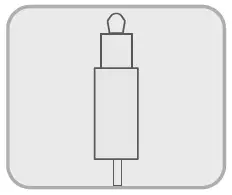
LINE IN Source
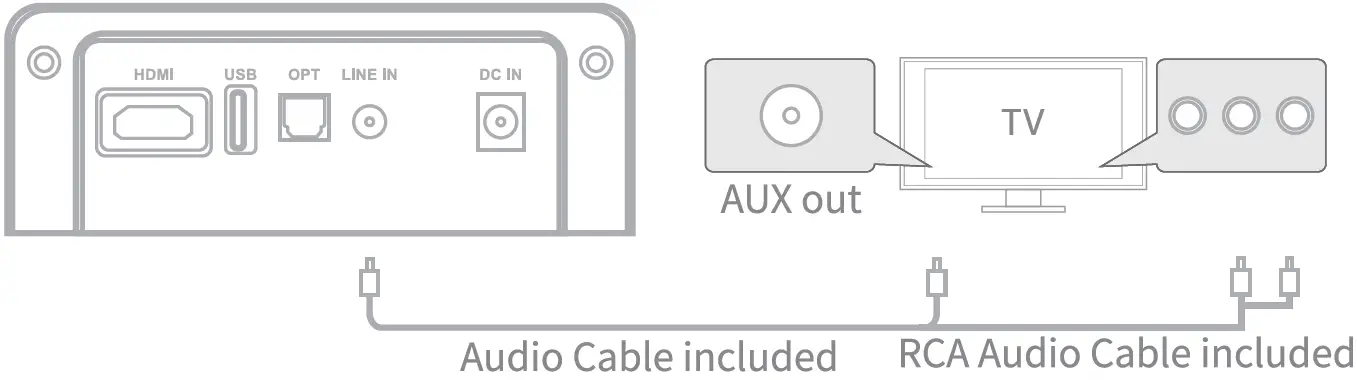
- Ensure that the soundbar is connected to the TV or other audio devices via a 3.5mm/RCA audio cable.
- Press the LINE IN button on the remote control to enter the mode. You can also short press the ” ” source button on the soundbar to choose the LINE IN source.
Note
The playback is controlled by your device or buttons on the remote control.
Use playback
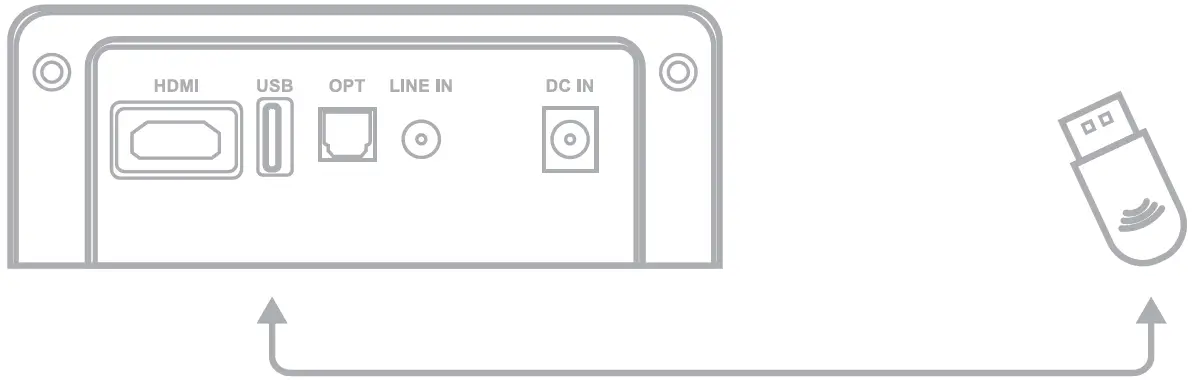
- Short press the ” ” Button to turn on the soundbar. Plug your USB flash drive into the USB port and the soundbar will play the music in your USB flash drive. You can press “
 “or “
“or “ ” button on the remote control to switch between your music.
 “or “
“or “ ” button on the remote control to switch between your music.
HDMI (ARC) source
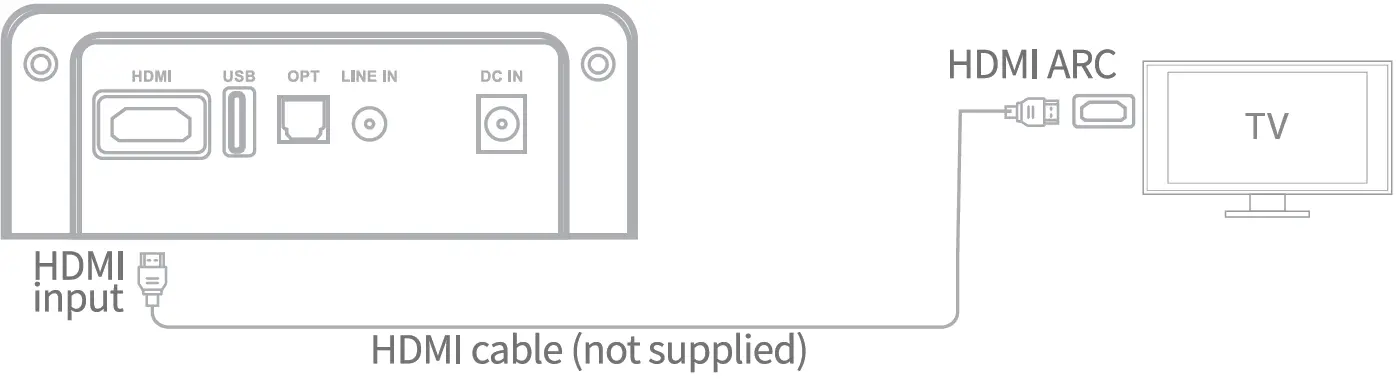
- Ensure that the soundbar is connected to the TV or other audio devices via an HDMI(ARC) cable. Press the HDMI button on the remote and play.
- Note: The device can synchronize the volume with the TV as well as the switch.
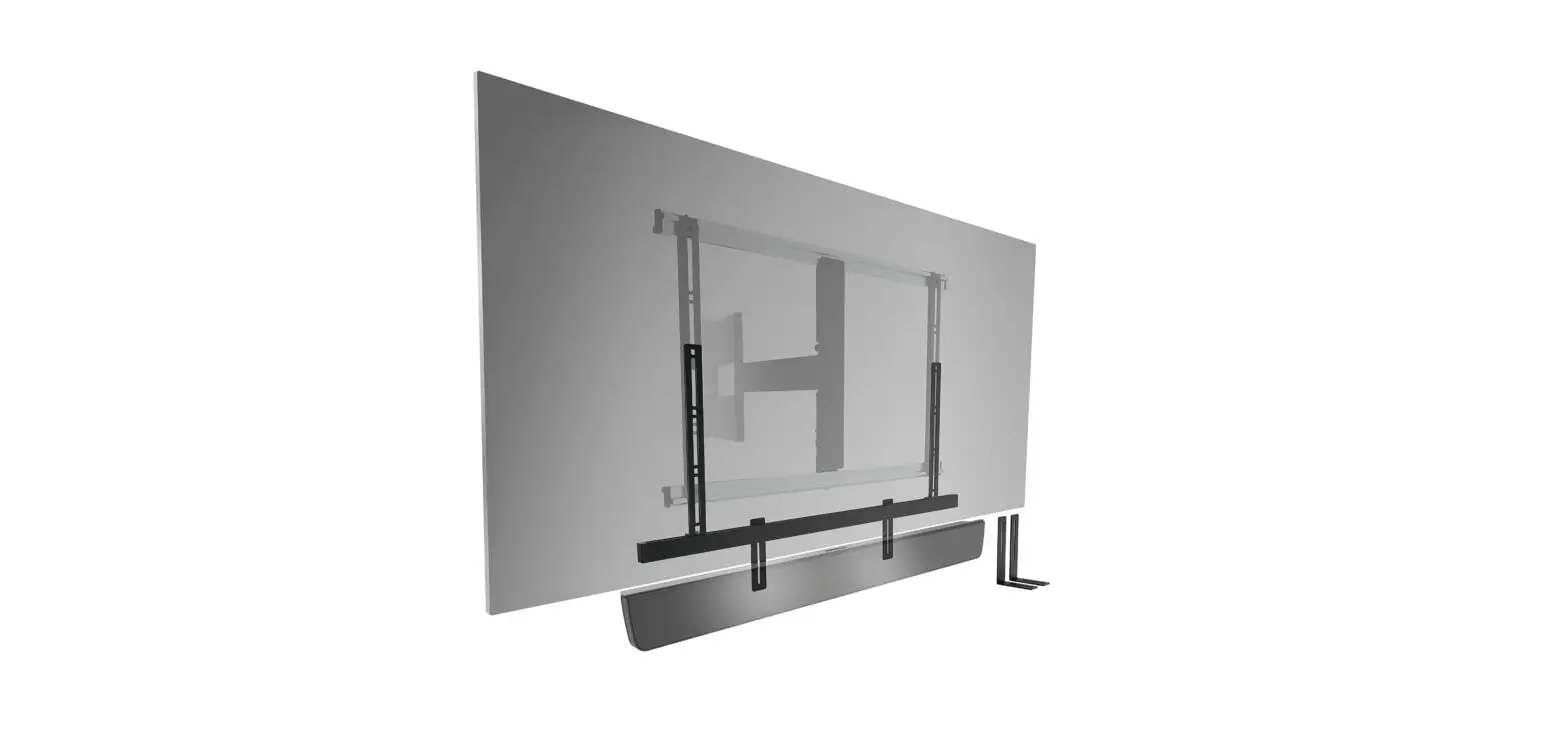
Wall mounting guide
Mark the position points on the wall
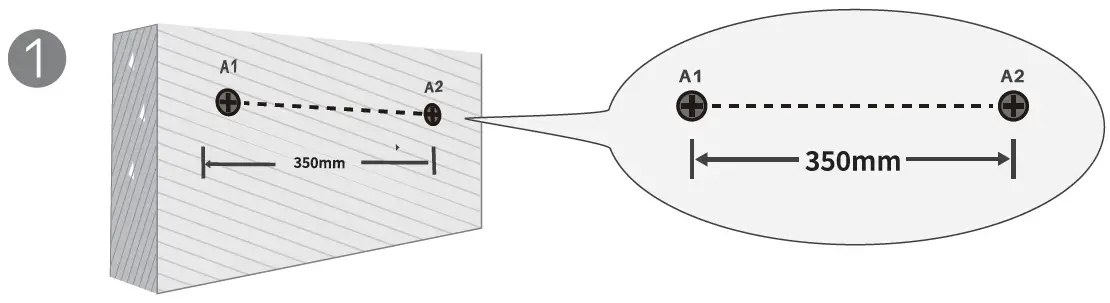
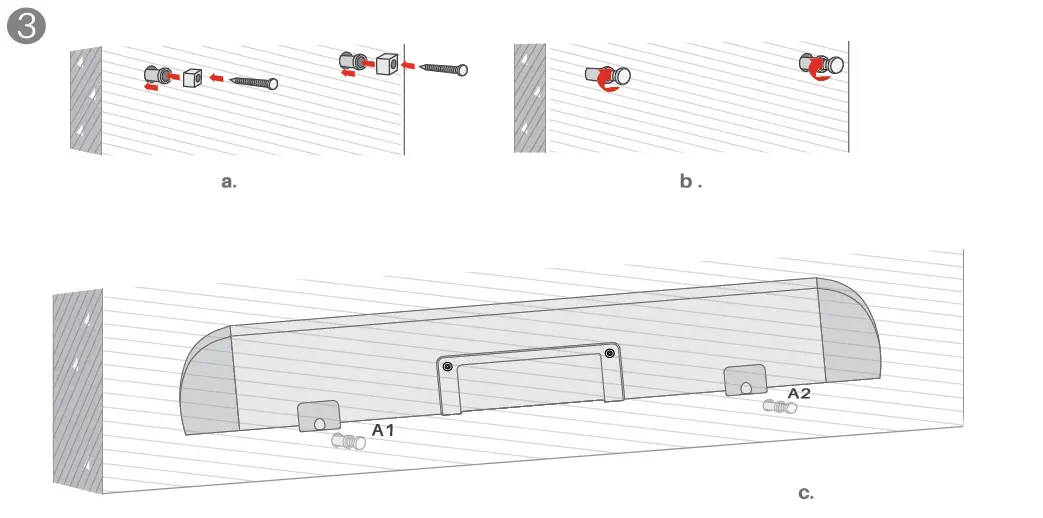
- Mark the position points on the wall: Choose the mounting height and Mark Al. Mark A2 on the right of Al on the same horizontal line. The distance between the 2 points should be 300mm exactly.

- Drill the holes: Drill holes in the marked position.

- Hang up the soundbar: Insert the wall plugs into the holes. Tighten the screws into the plugs through the foam pads. Hang up the soundbar on the screws.


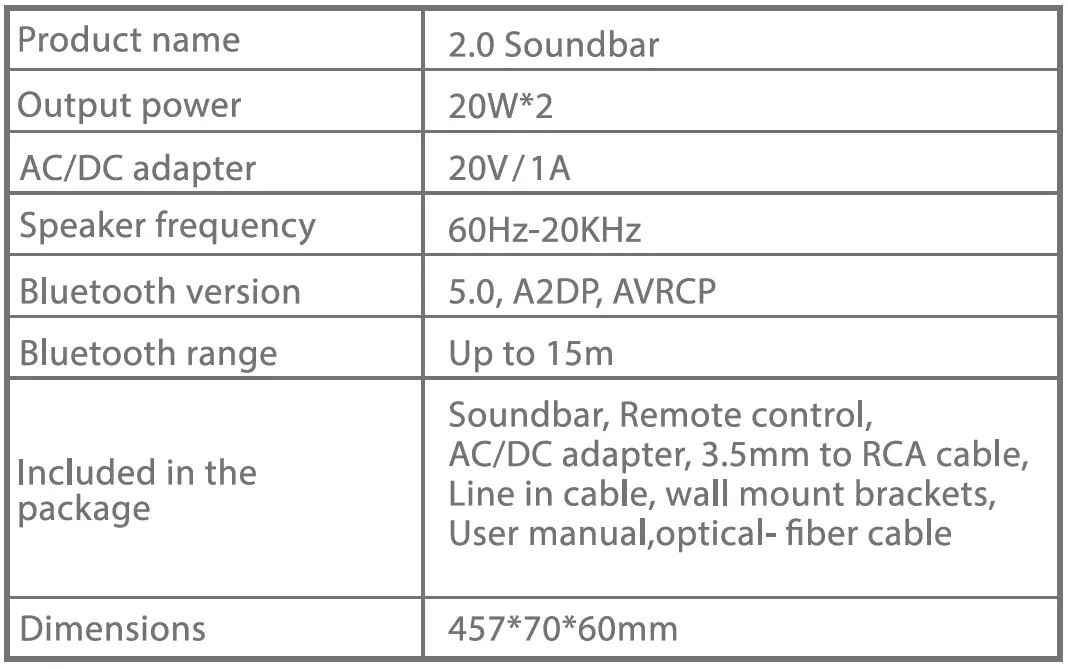
Specification
About Fosi Audio
Fosi Audio designs and builds innovative audio products with all your music in mind. Great sound, simple but elegant designs, high-quality materials, and truly useful features are what Fosi Audio is about. We sincerely hope you get as much enjoyment from our products as we’ve had to create them.
- Our website: www.fosiaudio.com
- Amazon store: www.amazon.com/fosiaudio
- Our Youtube channel: Fosi Audio
- Our Facebook page: Fosi Audio After-sale
- Service and Technical Support Email: [email protected]
Please be informed that if you connect your soundbar to your TV using HDMI (arc), the TV remote will control both devices simultaneously.
No, an HDMI cable is not included.
Whether using an iPhone, TV, or other device, you can connect over Bluetooth. There are five different ways to connect to our soundbar: Bluetooth 5.0, HDMI ARC, optical, aux, and USB input. As long as your device has one of the ports, you can use our soundbar.
In no way! multiple ways to connect! Utilize HDMI Arc to connect the soundbar. Plug in the power. You’ve finished.
The 2.46-inch-tall soundbar doesn’t obstruct your TV.
Not a battery. The power adapter on a sound bar with wireless Bluetooth must be linked to a power source in order to operate.
You can control the volume and on/off of your smart TV and sound bar using a single TV remote if your TV includes an HDMI arc terminal.
Power output is 20W*2.
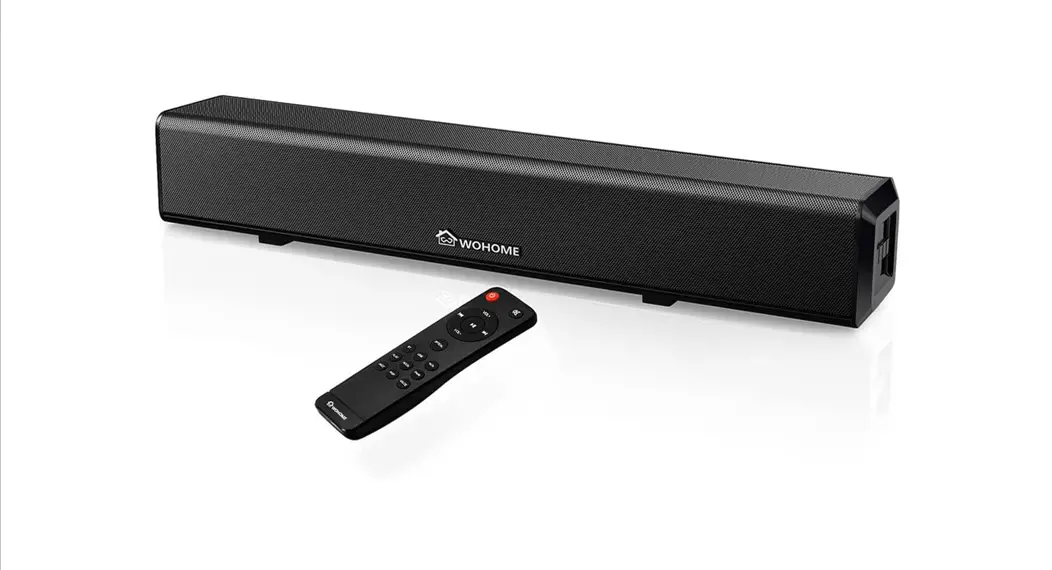
I purchased both to compare. Fosi Audio’s bass is superior to WoHome’s. makes fantastic home theatre sound! I continue to use my little Fosi Audio sound bar.
In my regular connections, I utilise HDMI ARC. Additional connection options supported by the mini sound bar include Bluetooth, Optical, Aux, and USB input.
This wireless sound bar’s bass can be adjusted within a 6dB range.
No. 7.1 channels are not supported by this sound bar.
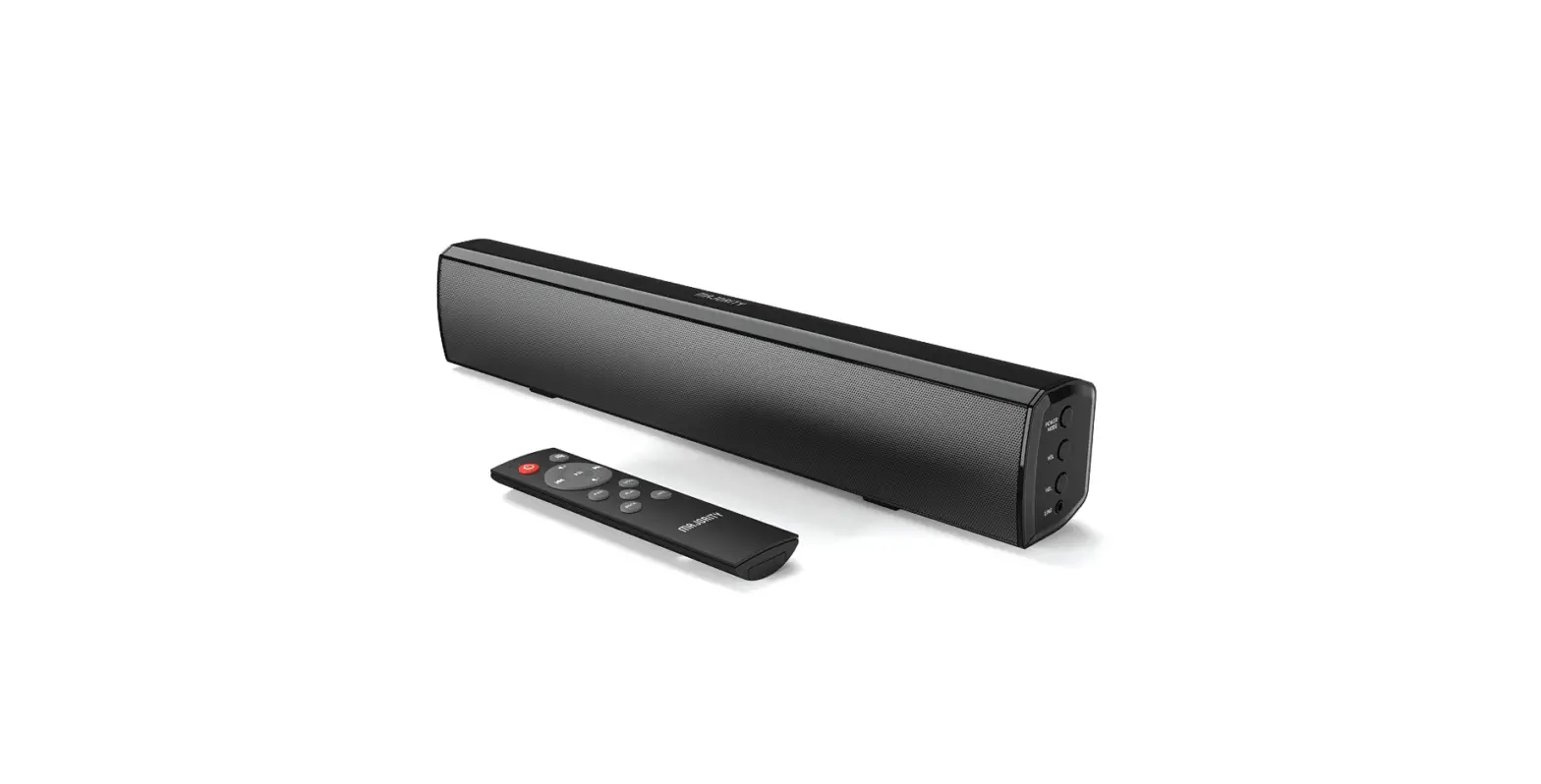
Around my home, there are a few different soundbars. I have a value Majority sound bar in addition to a mid-range Sony soundbar with subwoofer for my living room (for my PC). This Fosi Audio soundbar, which I purchased for my brother, is actually better in terms of both design and sound quality. The overall volume comes in cleaner, and the length is about 3 inches longer than the Majority one. I genuinely believe that this soundbar is a terrific value among soundbars at this price range.
Yes. As long as the TV and soundbar are connected through HDMI, you can change the volume using the television’s remote (ARC).
The soundbar has USB input, HDMI ARC, Optical, Aux input, and Bluetooth 5.0 (49-foot range). As long as your TV is compatible with these connectors, our soundbars will function.
Yes. The TV remote can synchronically operate the TV and the soundbar when the soundbar is linked to the TV through HDMI (arc).