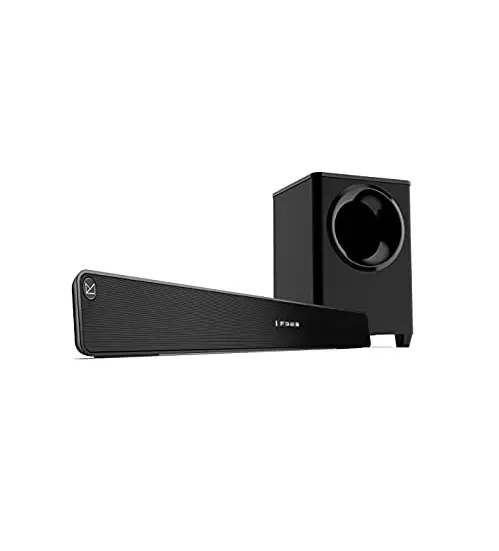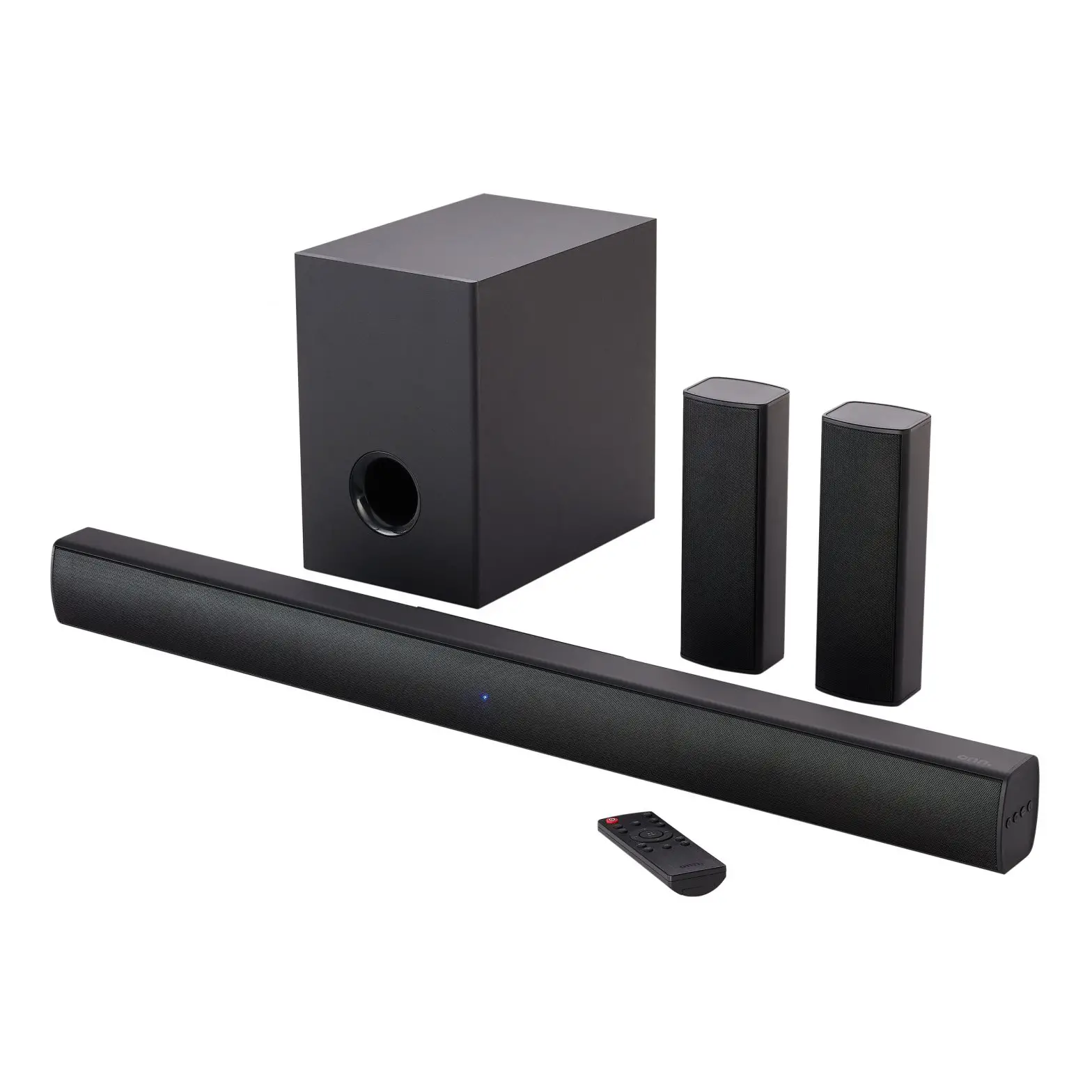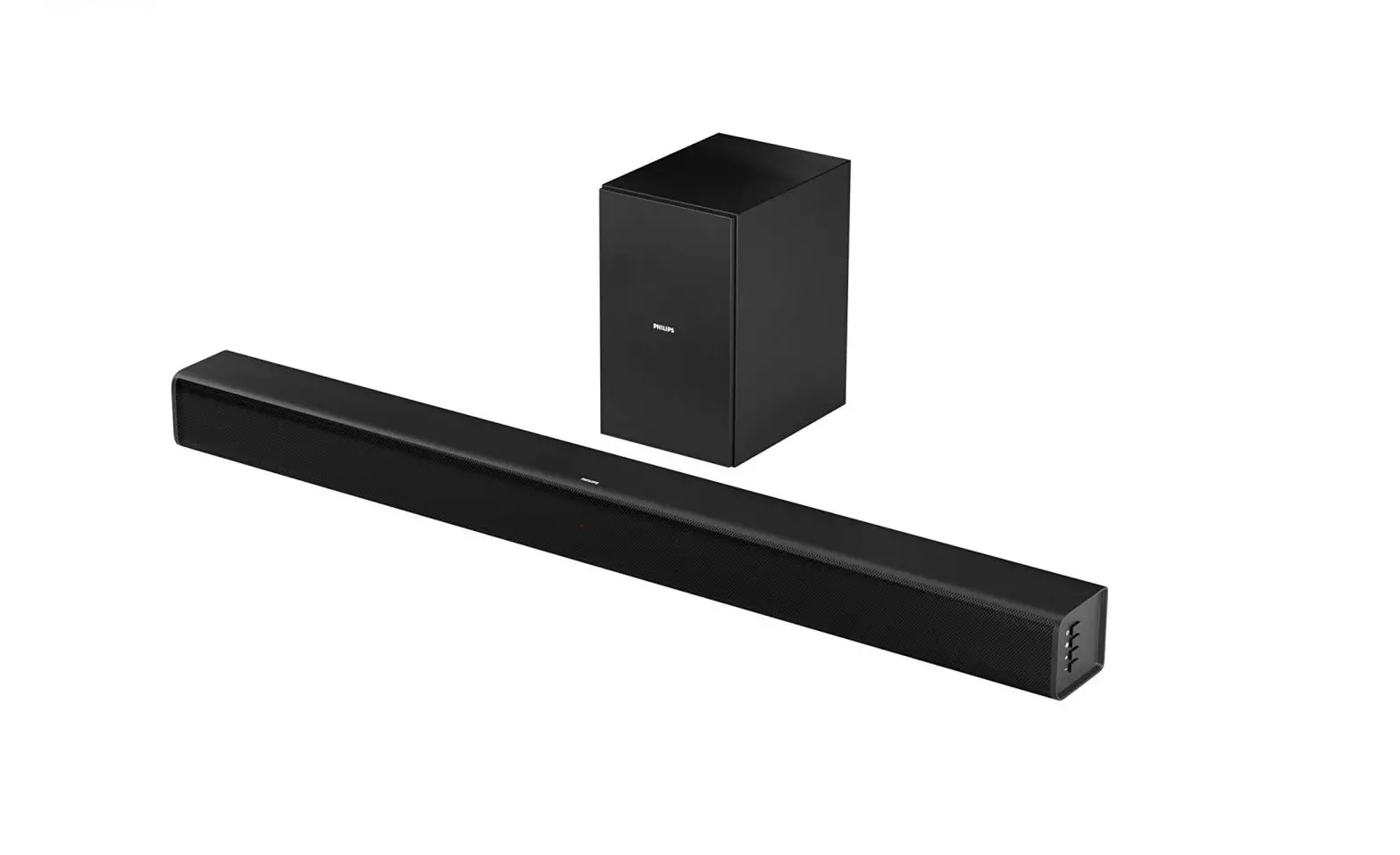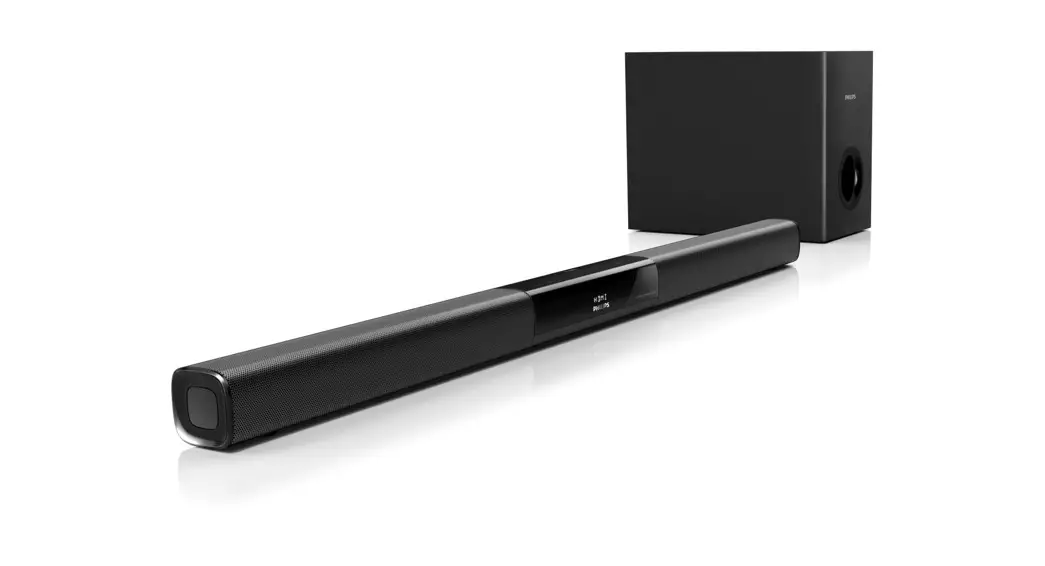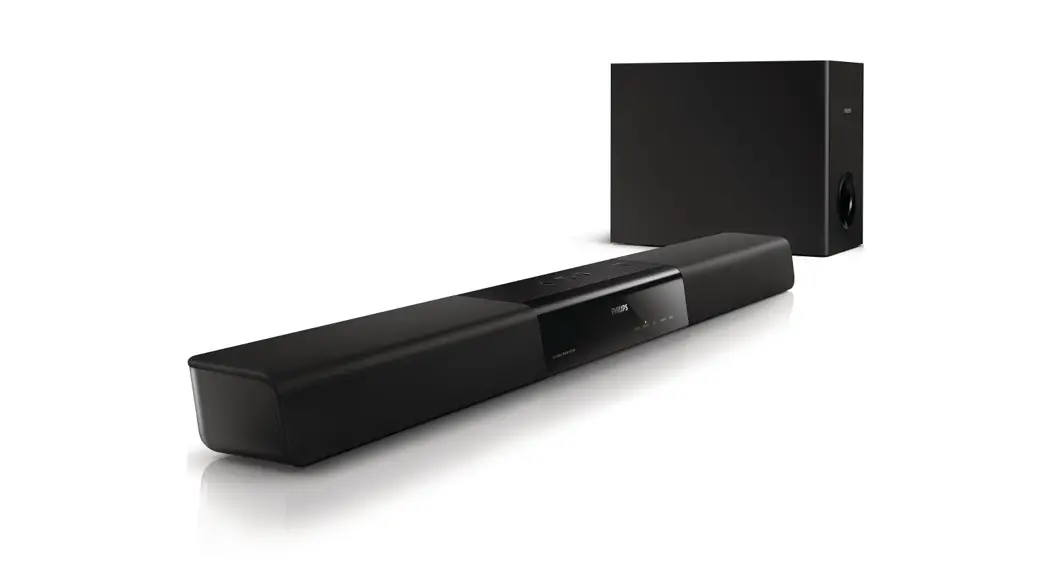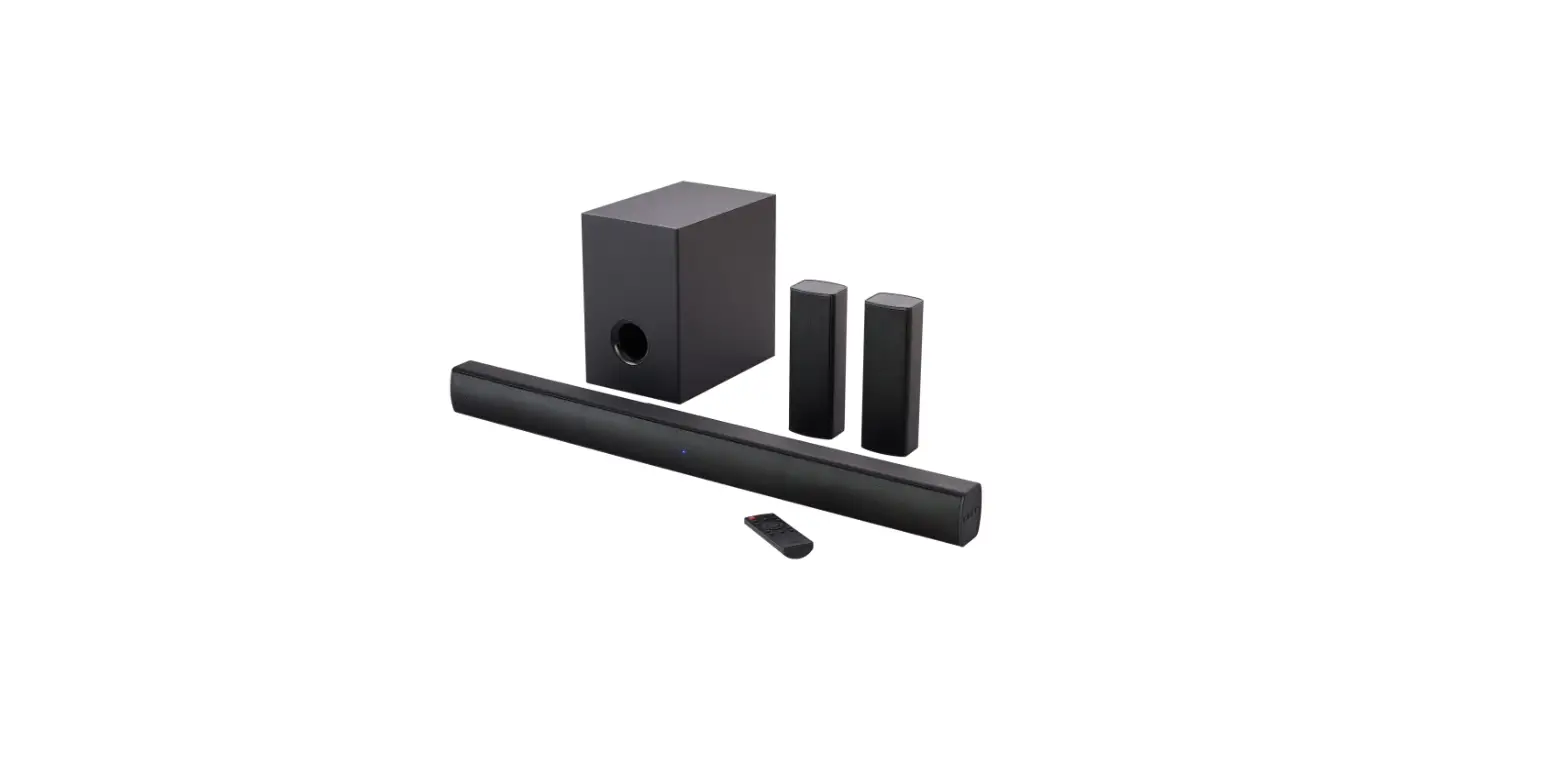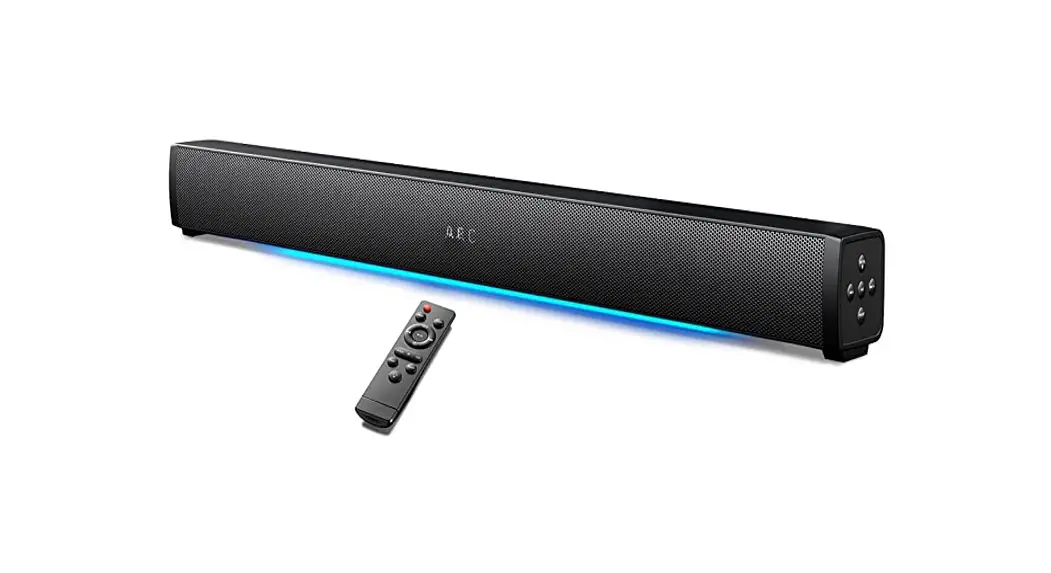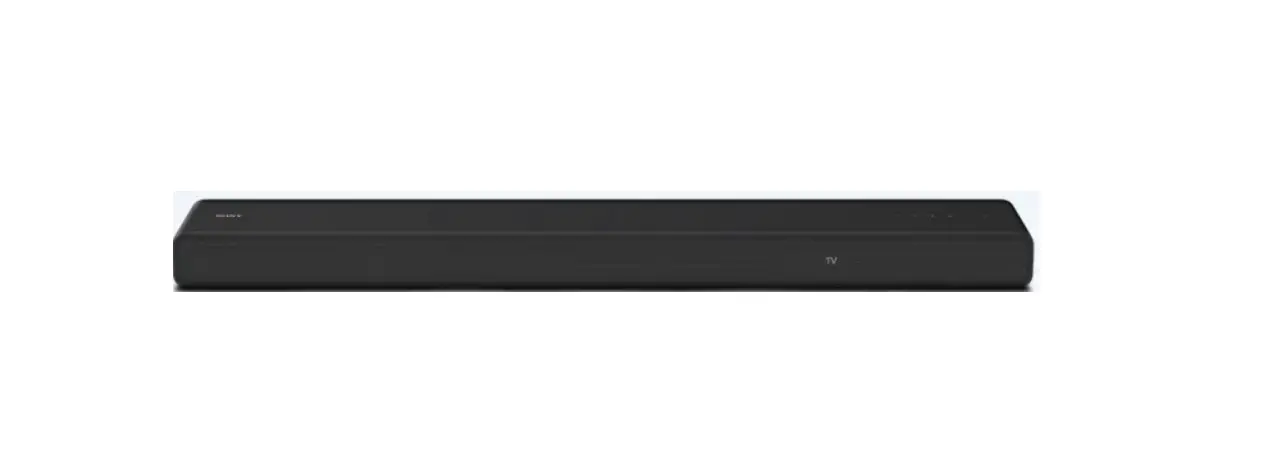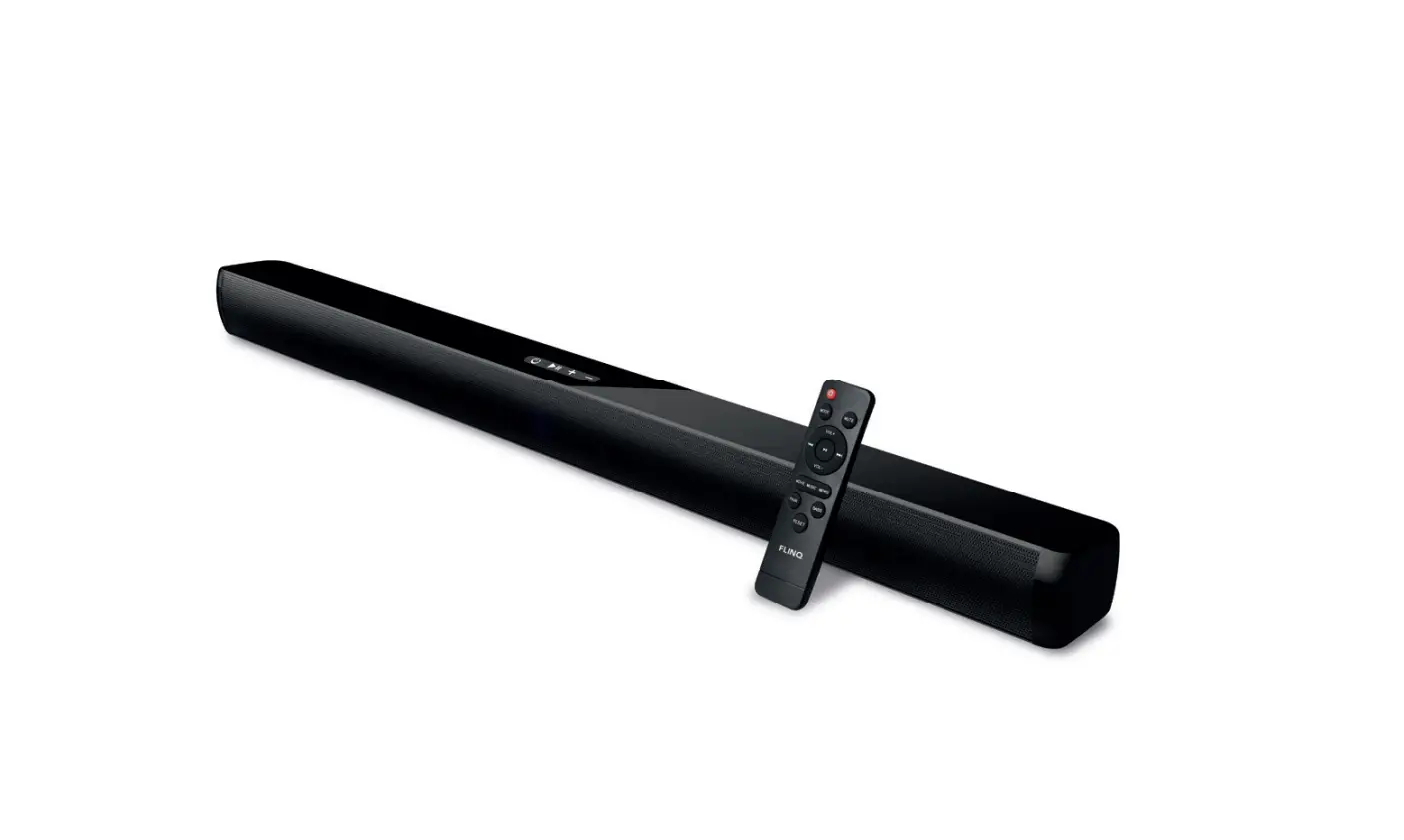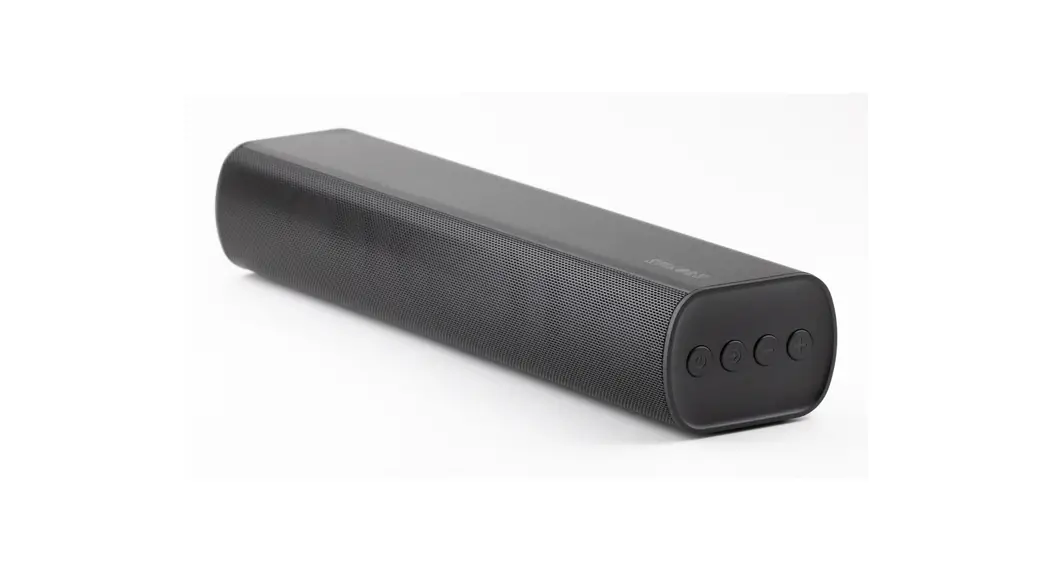
 A3 Soundbar
 User Manual
Foreword
Thank you very much for purchasing the A3 soundbar.
Please read the instructions carefully before using this product.
If you have any problems or suggestions for the product, please contact us via [email protected].
Packing List
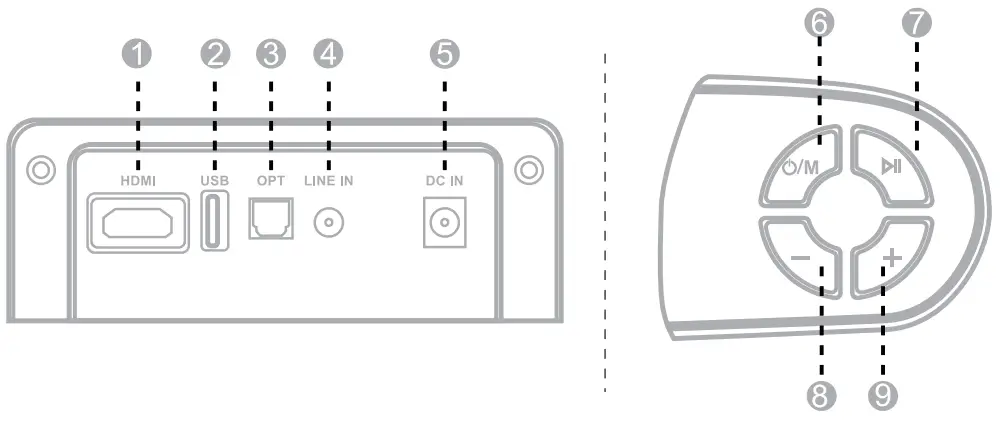
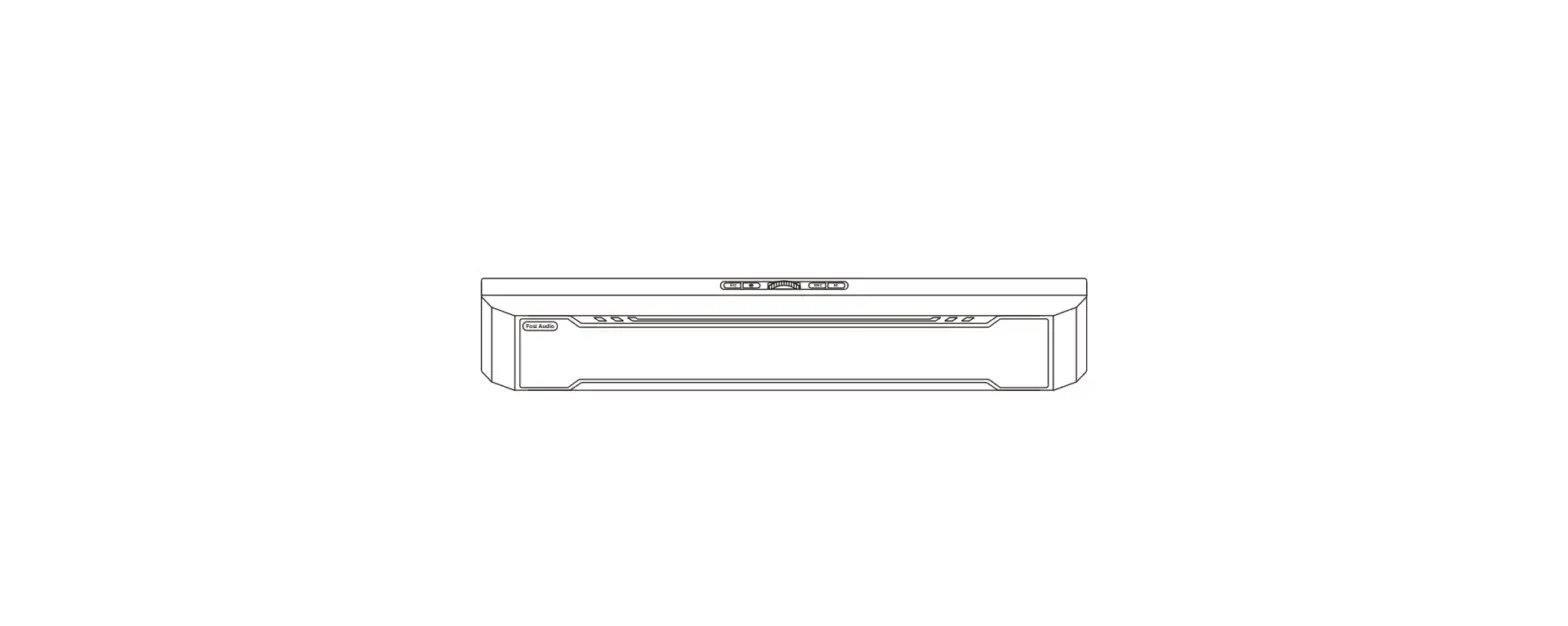
- HDMI(ARC) input
- USB playback
- OPT: Optical input
- LINE IN: 3.5mm line in
- DC in
- power / Mode switch button
- play/pause/EQ Switch
- Volume-/Previous track
- Volumet+ /Next track
Remote Control Installation
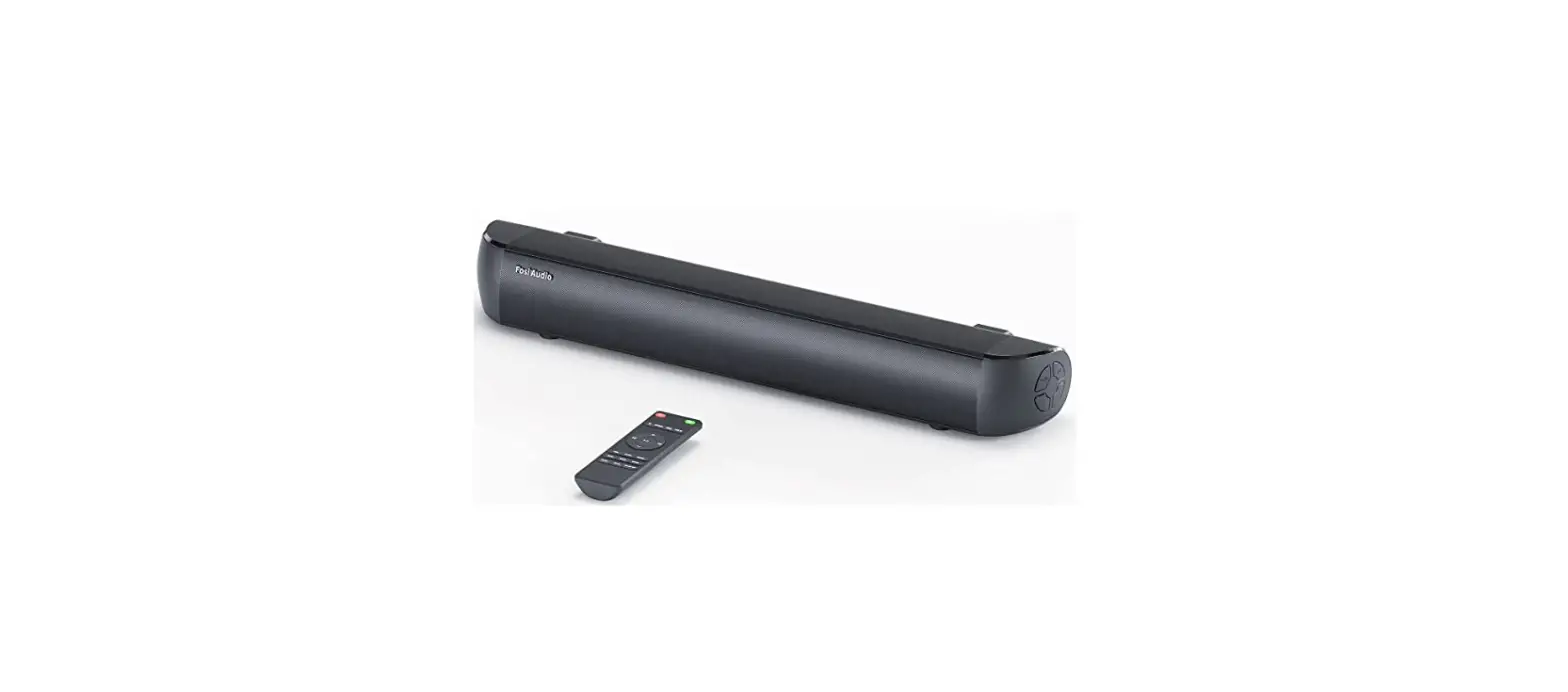
Insert 2 pieces of AA batteries to activate the remote control.(not include)
Note: 1) The remote control works within the range of 6 meters
2) TV remote control or other universal remote controls are not compatible with the soundbar.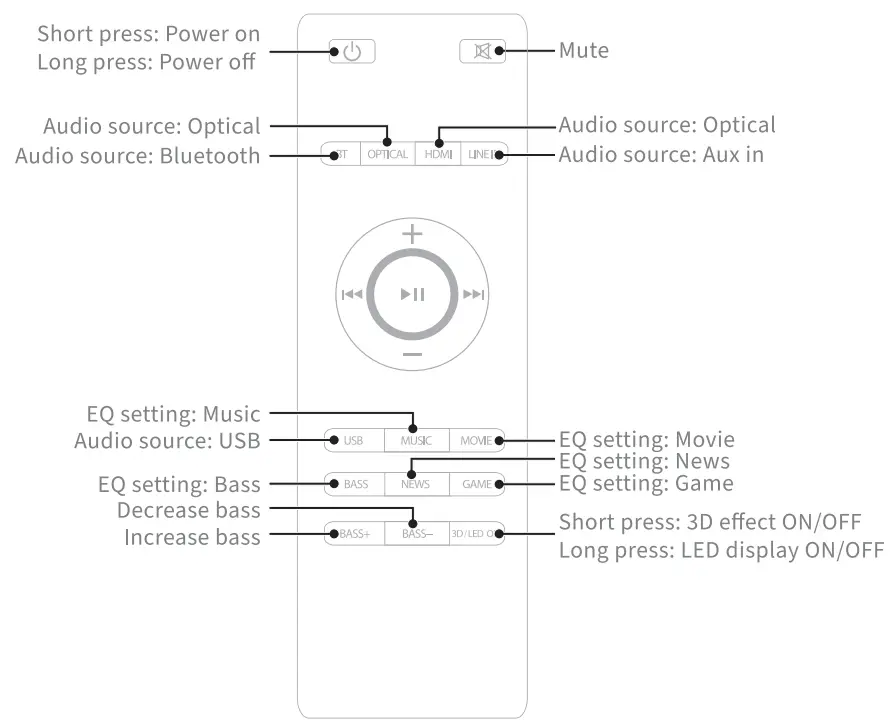
 /M
/M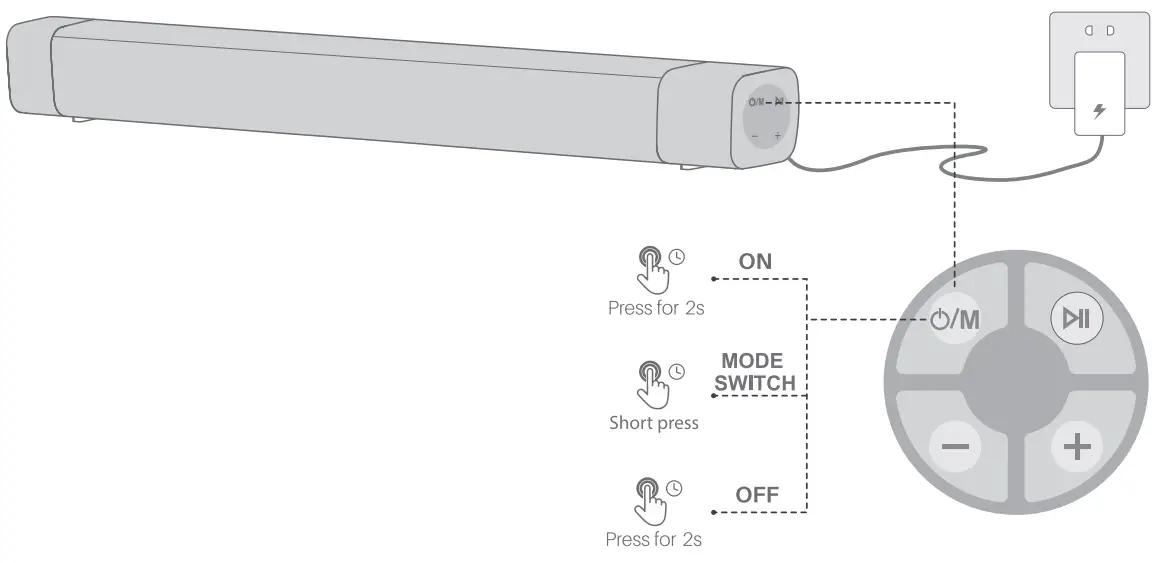
Note:
- please connect it to power before using
- Short press “O/mM” SOURCE on unit or “o/mM”on remote control to turn on the soundbar. The Bluetooth will light up
- The Soundbar will re-enter the Standby Mode again if there is no operation for 20 minutes.


EQ Switch:
Double click ” to switch EQ

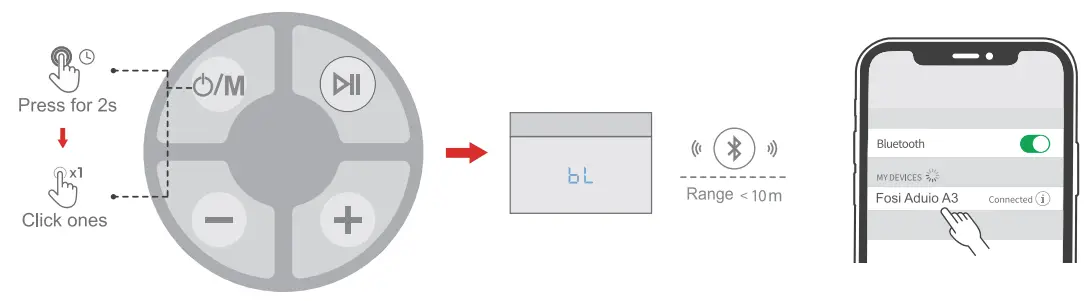
Note:
- The default input setting is Bluetooth mode after booting the speaker. You can click the “o/m” to switch between Line-in input and optical-fiber input mode.( input mode priority order:Bluetooth > Line-in > optical-fiber > HDMI(ARC))
- Press and hold the Bluetooth button on the remote control or ” source button on the soundbar for 3 seconds to remove the Bluetooth connection.
OPTICAL N Source
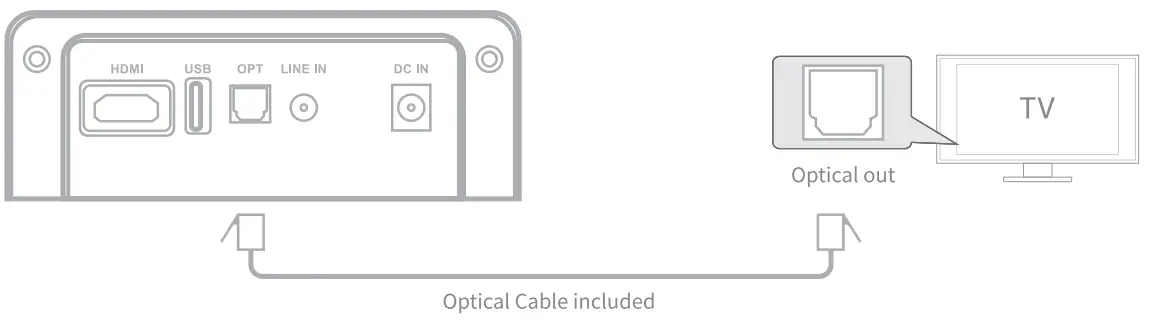
- Ensure that the soundbar is connected to the TV or other audio devices via an optical cable.
- Press the Optical button on the remote control to enter the Optical input mode. You can also short press the “o/m” source button on the soundbar to choose the Optical source.
Note: The playback is controlled by your device and the button on the remote control.Before use, you need to unplug the cover
LINE IN SOURCE
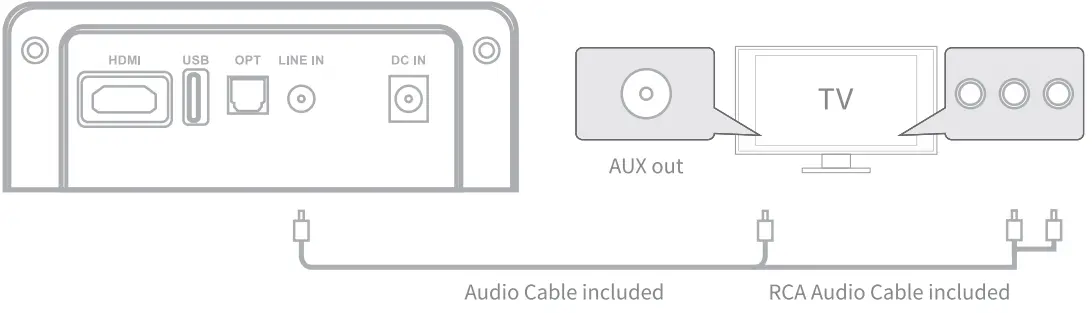
- Ensure that the soundbar is connected to the TV or other audio devices via a 3.5mm/RCA audio cable .
- Press the LINE IN button on the remote control to enter the mode. You can also short press the “o/m” source button on the soundbar to choose the LINE IN source. Note: The playback is controlled by your device or buttons on the remote control.
USB Playback
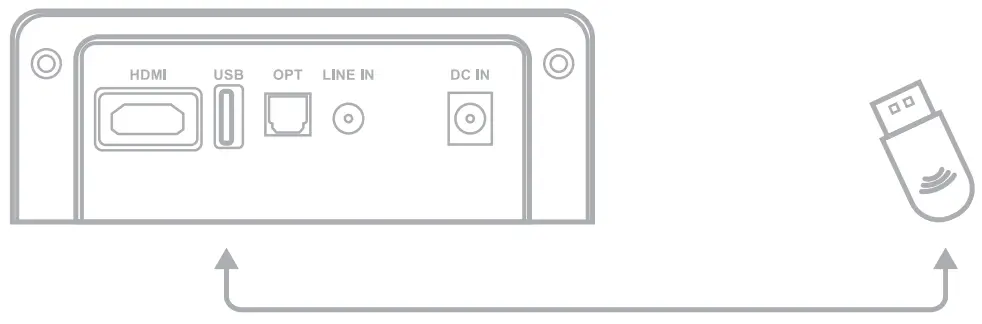
- Short press the Button to turn on the “o/m” soundbar, plug your USB flash drive into the USB port and the soundbar will play the music in your USB flash drive; You can press” or” button on the remote control to select your music
HDMI (ACR) SOURCE
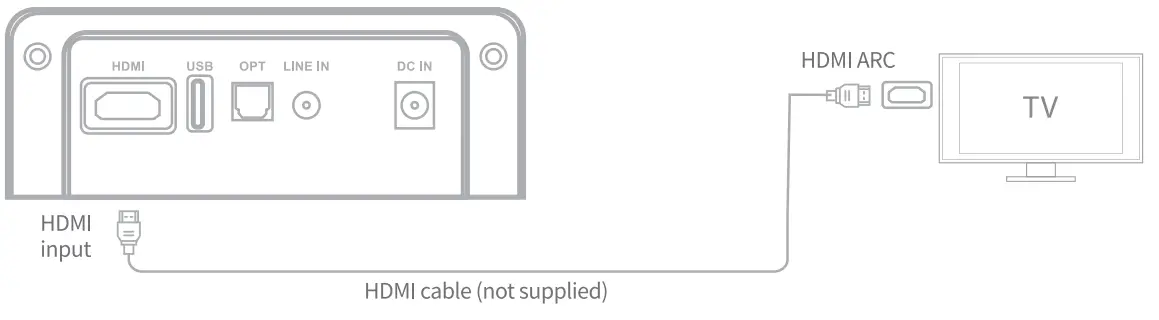
Ensure that the soundbar is connected to the TV or other audio devices via an HDMI(ARC) cable.Press the HDMI button on the remote and play.
Note: The device can synchronize the volume with the TV and also with the switch
WALL MOUNTING GUIDE
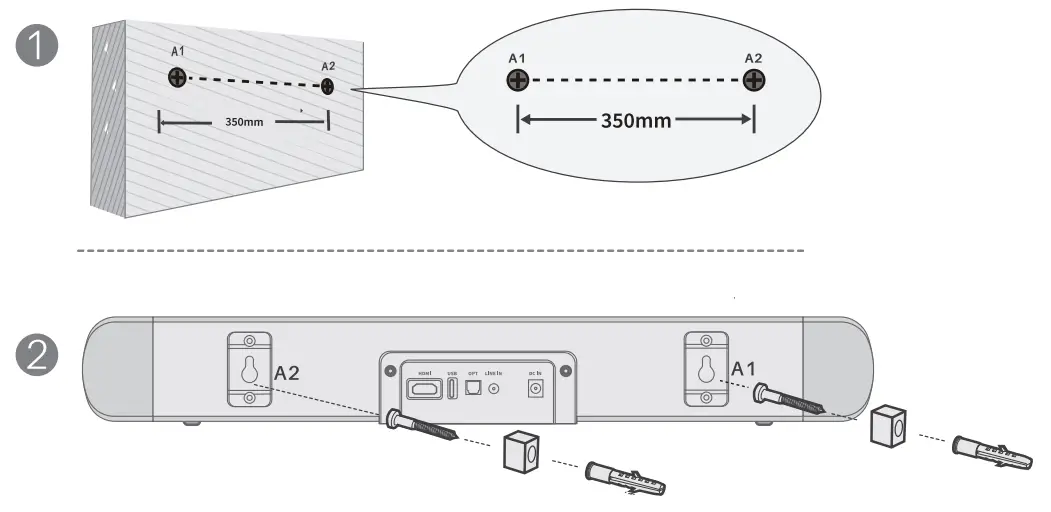
Mark the position points on the wall
- Mark the position points on the wall Choose the mounting height and Mark Al; Mark A2 on the right of Al on the same horizontal line; The distance between the 2 points should be 300mm exactly.
- Drill the holes Drill holes in the marked position.

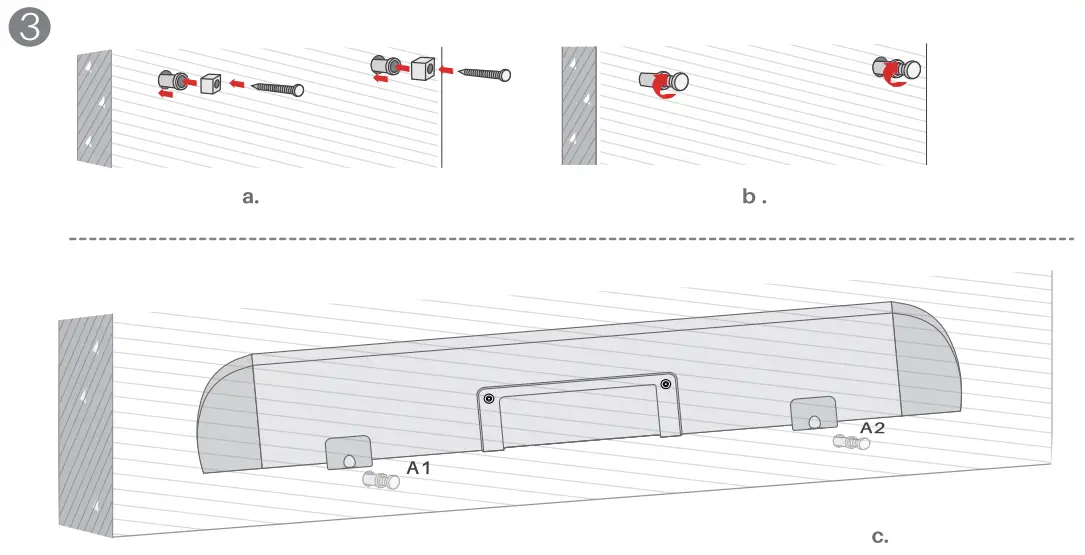
- Hang the soundbar Insert the wall plugs into the holes; Tighten the screws into the plugs through the foam pads; Hang the soundbar on the screws.
Trouble shooting
| Troubles | Solutions |
| Pairing connection via Bluetooth cannot be completed | Once you connect one device to the soundbar, the connection will be stored and when you turn on the soundbar the Bluetooth connection will be activated automatically. If you want to connect another device to the soundbar you need to disconnect the former connection first by turning off Bluetooth on your former device or clearing the former connection by pressing and holding the Bluetooth button on the remote control for 3 seconds. After that. you can find and connect the other devices. |
| Why there is no sound output from the soundbar when I connect it to my TV set? | 1.Please make sure that the TV has a audio output interface 2.Please set the N to digital audio output and select PCM outp. |
| The Bluetooth connection is not stable | There should be some obstructions between the soundbar and your Bluetooth devices which interferes with the connection. Please remove them. The supported range for the Bluetooth connection is around 10 meters indoor. Please do not exceed that range. |
| Silent play after connection via Bluetooth | After connections with mobile devices, Bluetooth device audio is oft Turn on the mobile’s output volume. |
Specification
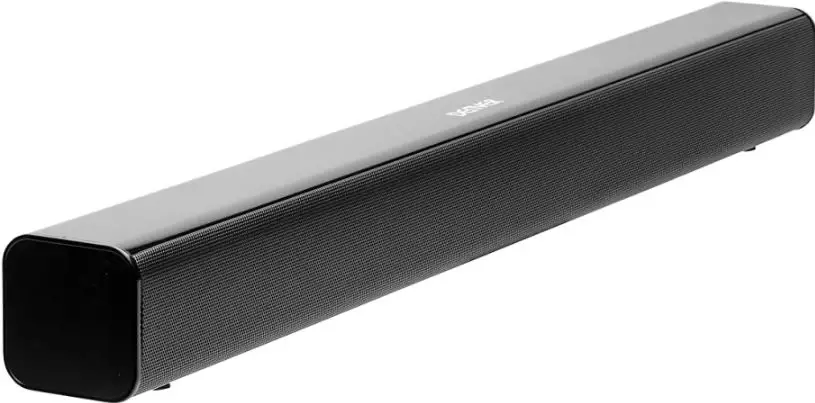
| Product name | 2.0 Soundbar |
| Output power | 20W*2 |
| AC/DC adapter | 100-240V-50/60Hz |
| Speaker frequency | 45Hz-20KHz |
| Bluetooth version | 5.0, A2DP, AVRCP |
| Bluetooth range | Up to 10m |
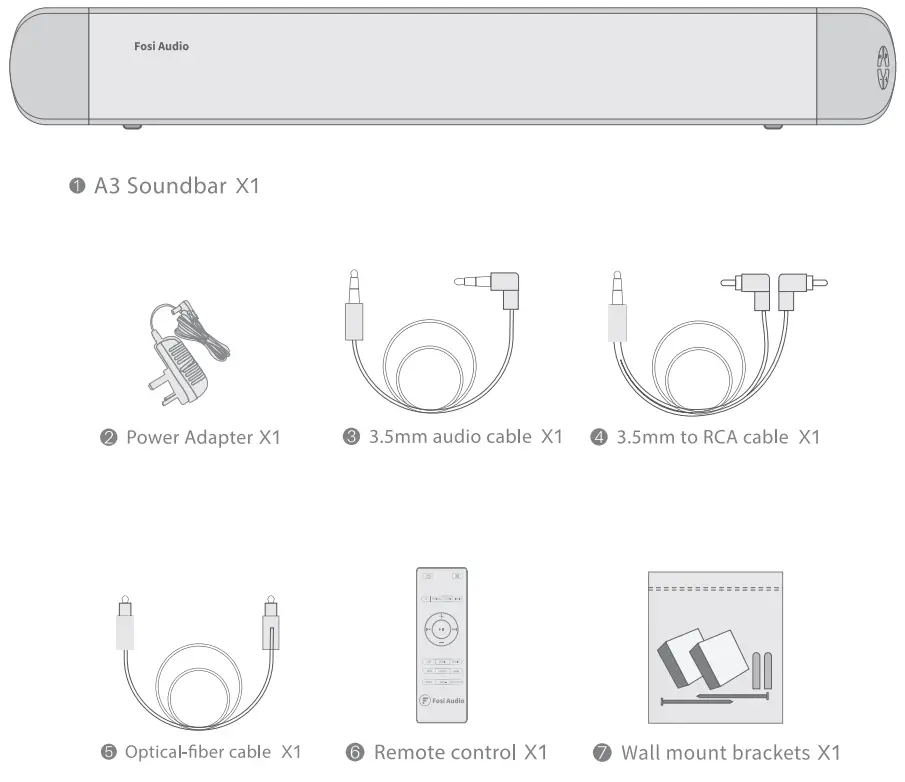
| Included in the packaging | Soundbar, Remote control, AC/DC adapter, 3.5mm to RCA cable, Line in cable, wall mount brackets, User manual |
| Dimensions | 457*70*60mm |
About Fosi Audio
Fosi Audio designs and builds innovative audio products with all your music in mind. Great sound, simple but elegant designs, high-quality materials, and truly useful features are what Fosi Audio is about. We sincerely hope you get as much enjoyment from our products as we’ve had to create them!
Our website: www.fosiaudio.com
Amazon store: www.amazon.com/fosiaudio
Our Youtube channel: Fosi Audio
Our Facebook page: Fosi Audio
After-sale Service and Technical Support Email: [email protected]