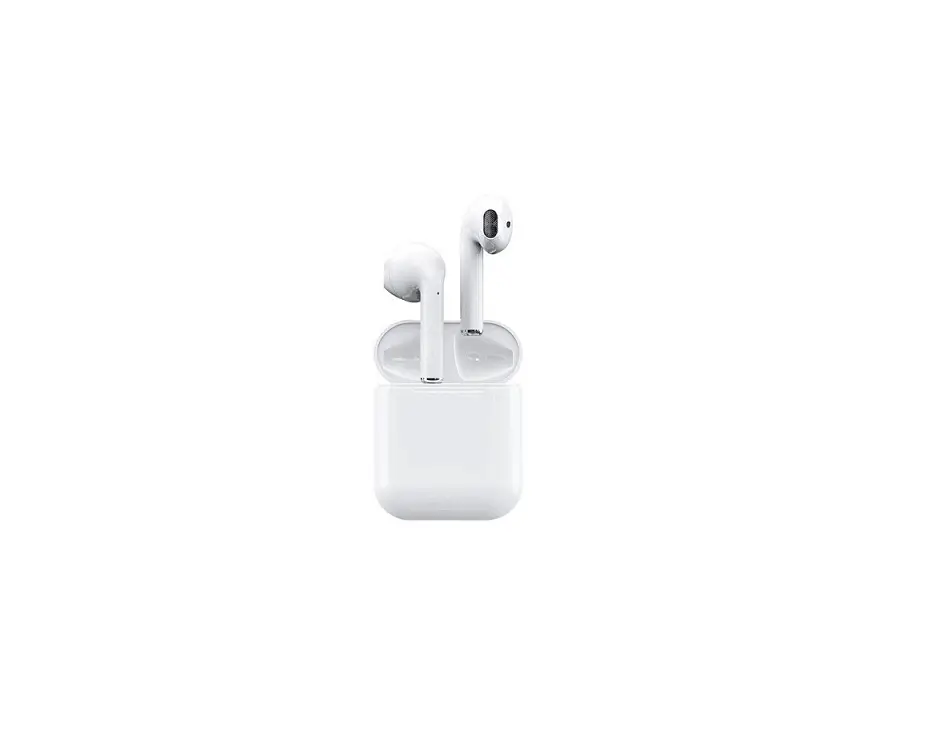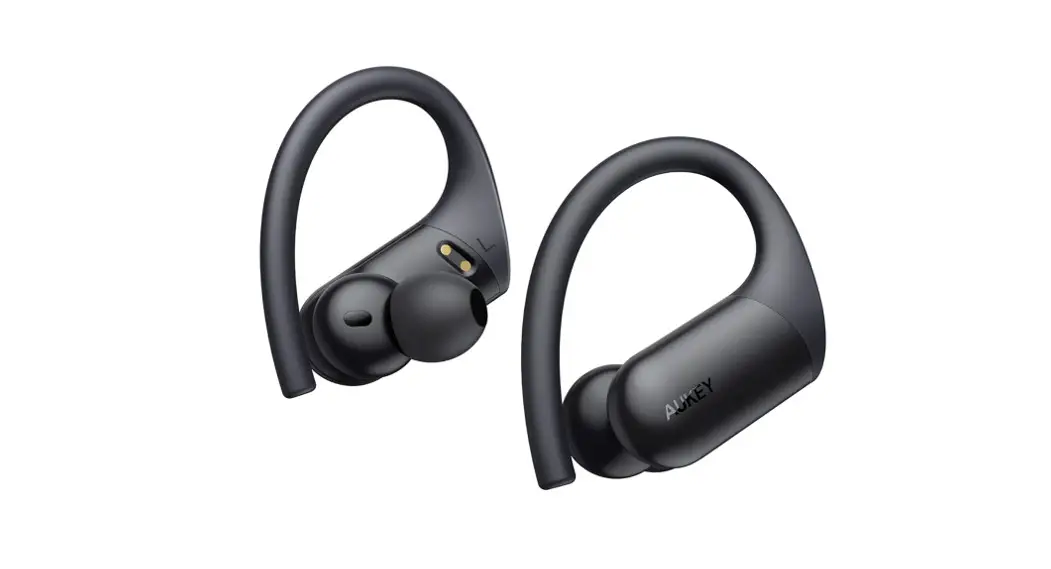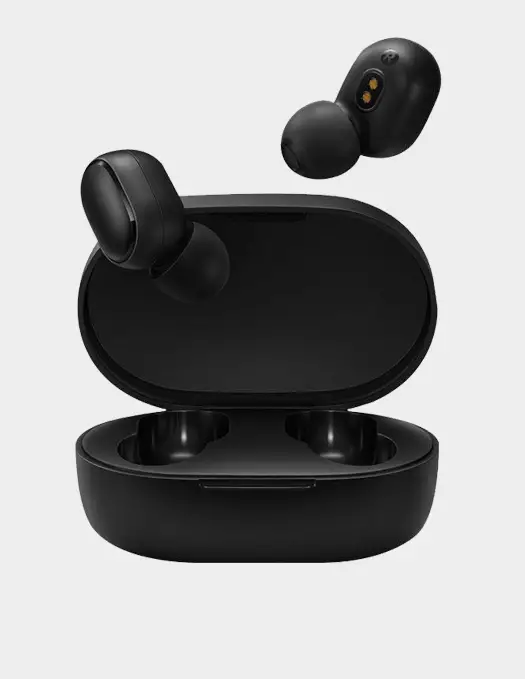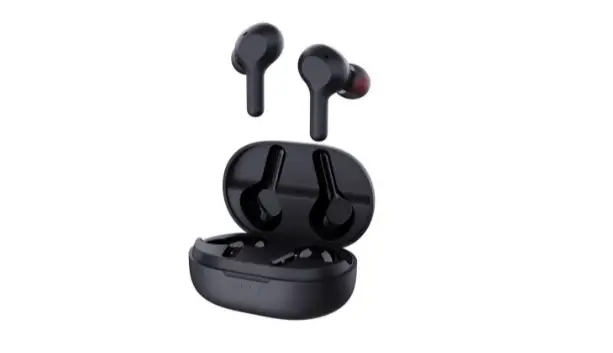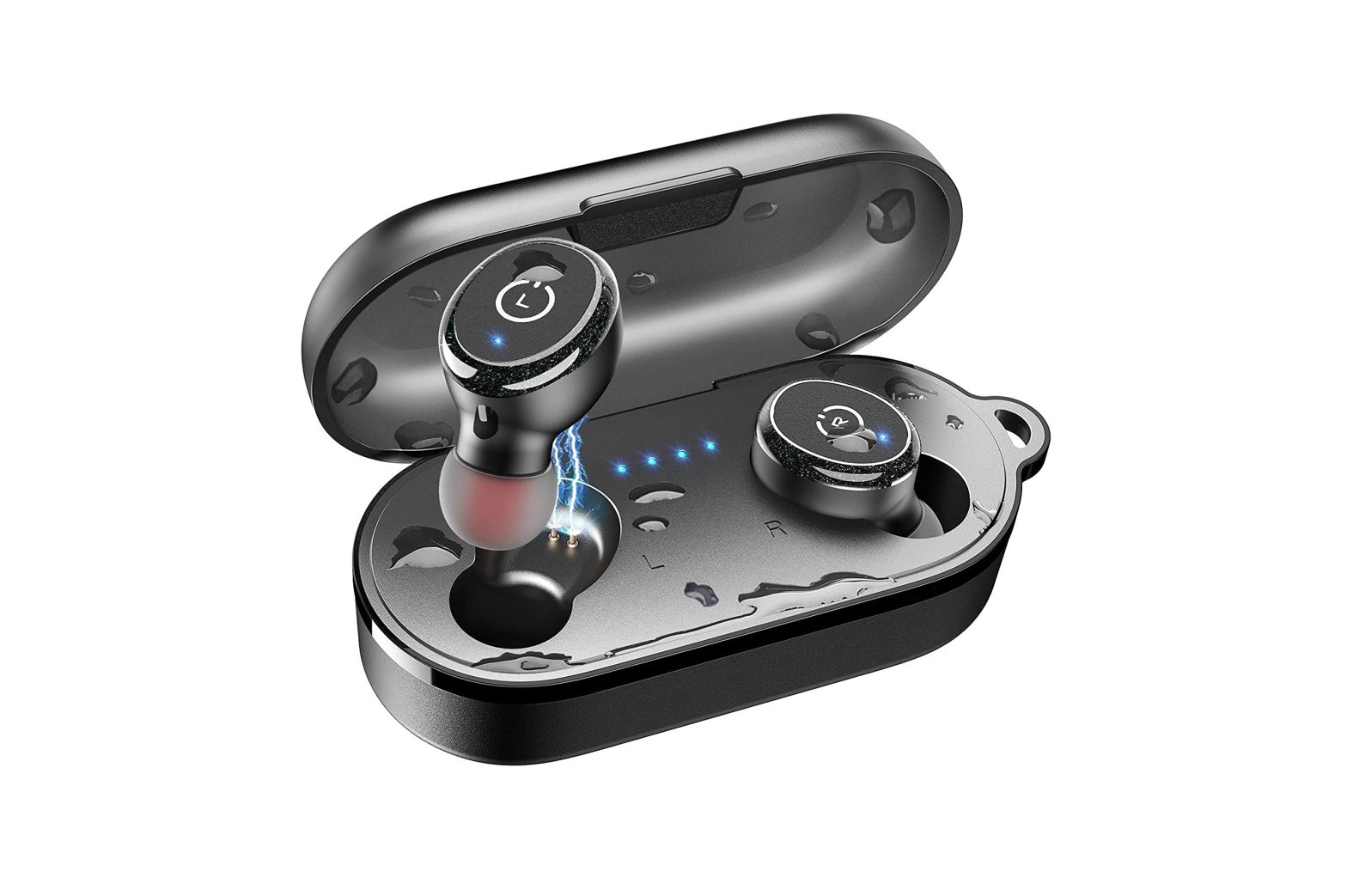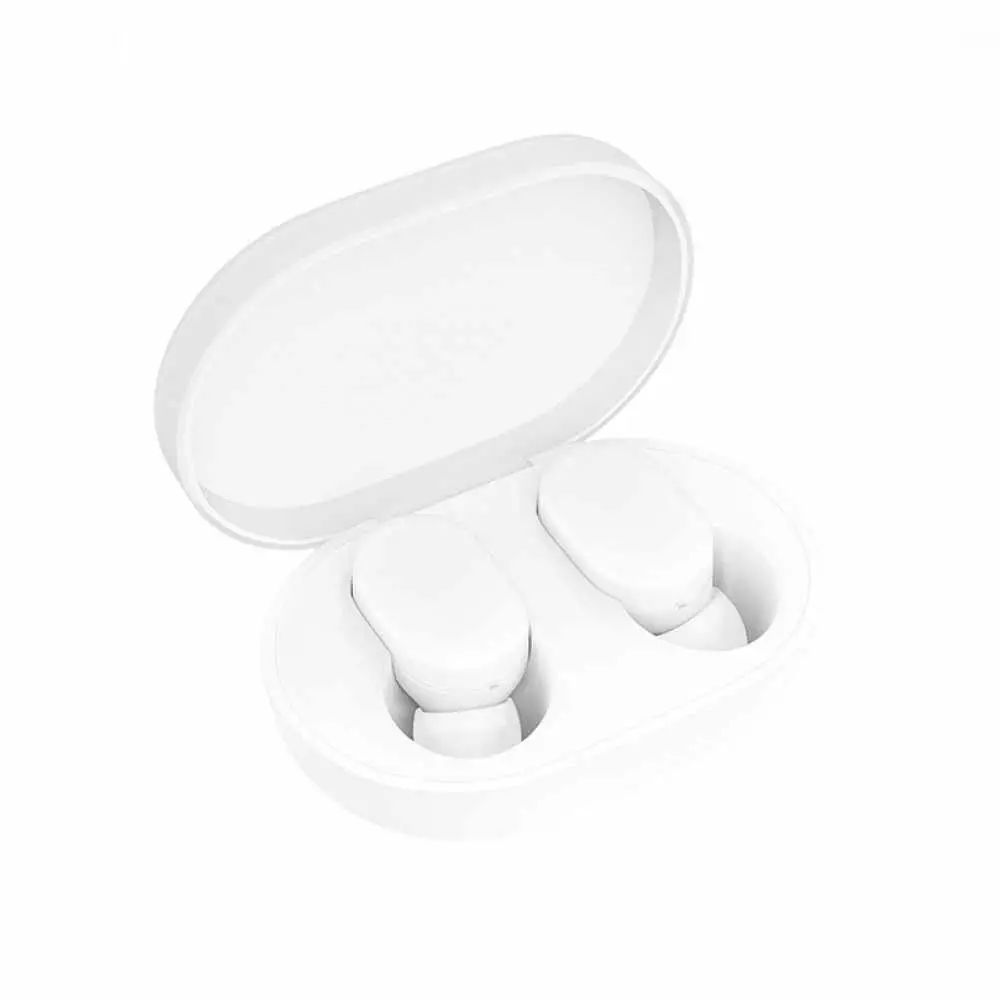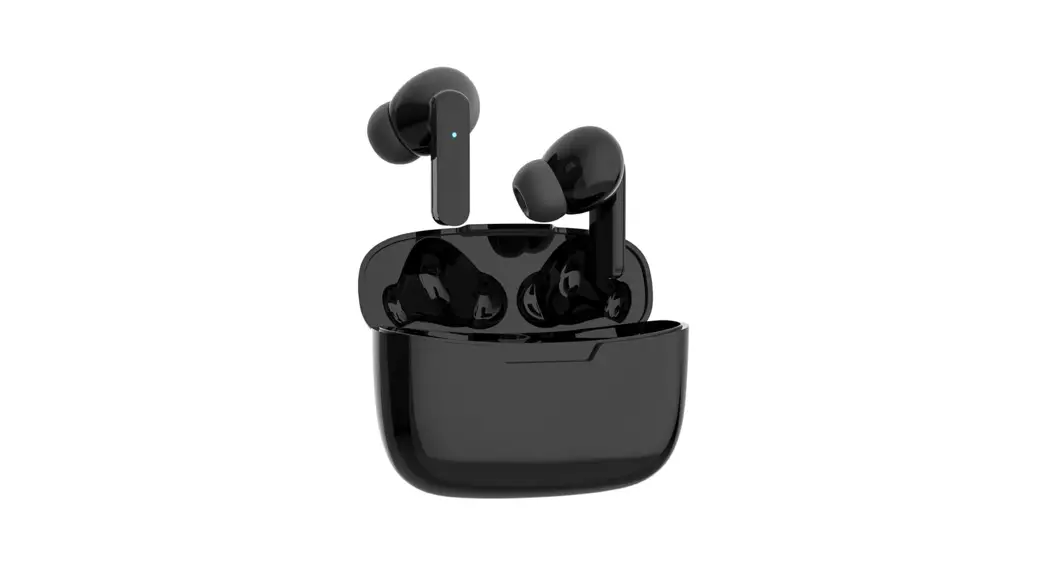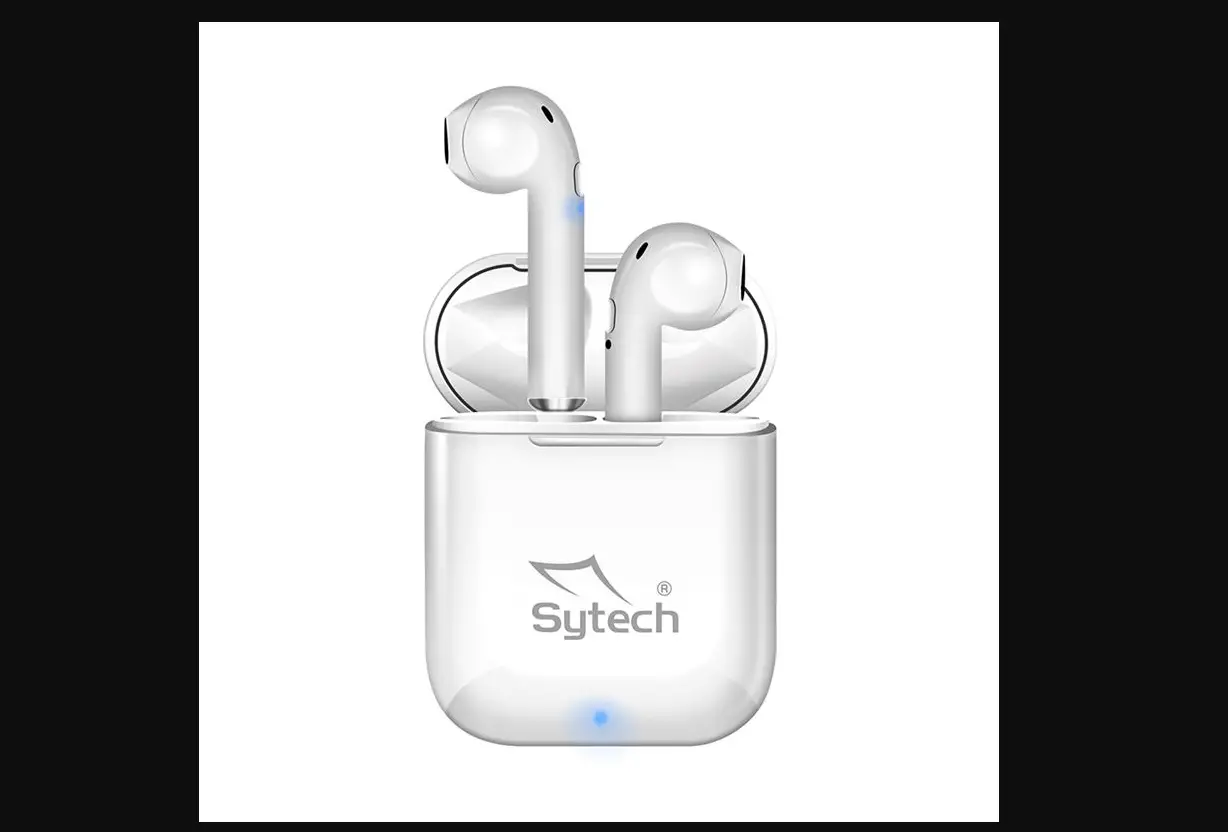

Sytech SY-TWS300 Auriculares True Wireless Earbuds
Welcome
Welcome to Sytech! Thank you for purchasing the new True Wireless earphones QBuds SY-TWS300. Please read this manual carefully before operating your product and pay close attention to the precautions which are mentioned below. Store this user manual in a safe place for future reference.
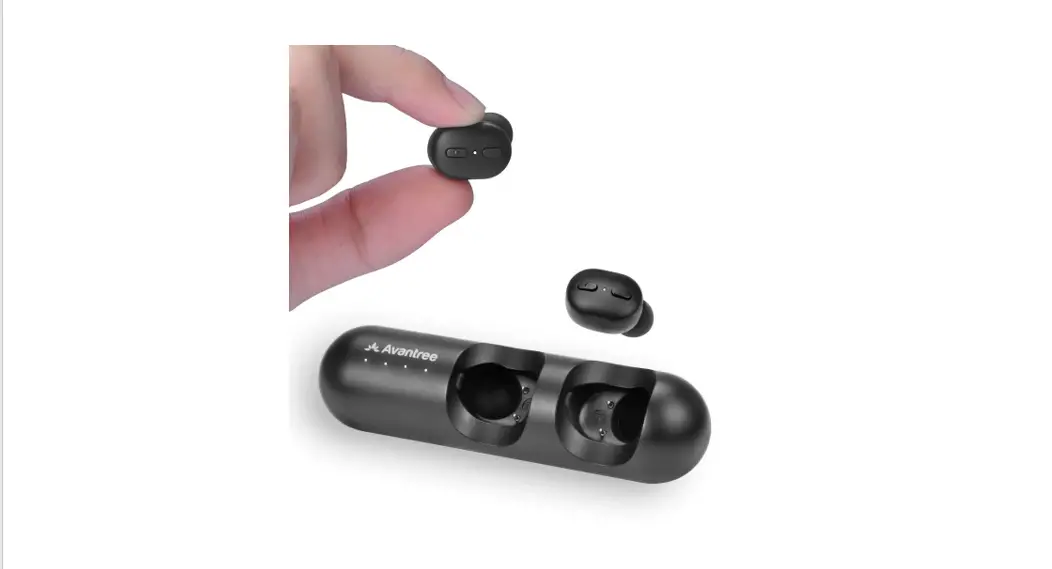
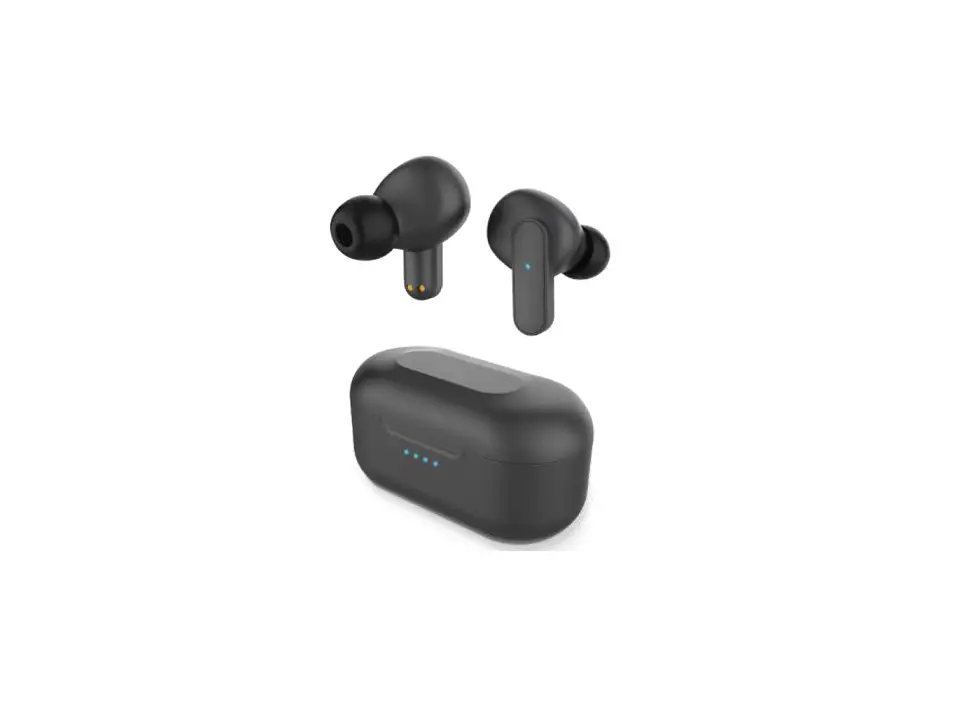
Parts of the SY-TWS300
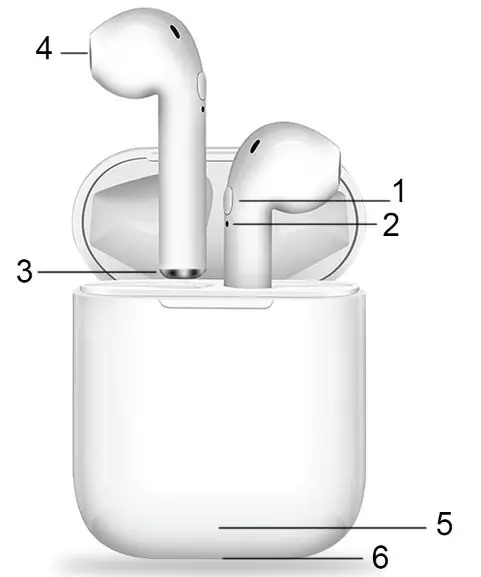
- Multi-function button (M button)
- Microphone
- Charging port
- Dust-proof mesh
- Charging Case LED indicators
- Micro USB connector
Warnings
- Do not expose the Qbuds to dust, humidity, extreme temperatures, or hard impacts.
- Do not use corrosive or abrasive cleaning products.
- Do not dismount the earphone. In case of any malfunction, contact Sytech technical service department for a proper solution or repair.
- Make sure your Qbuds are off when not in use.
- Do not leave the battery discharged for a long period of time as this can damage the internal battery.
- Do not use the unit if it has been dropped or damaged in any way.
- Do not use the handset at excessive volume levels; as damage to the hearing may occur.
- Please retain all packaging after you have checked and counted all the parts and the contents from the list.
- Keep earphones away from WIFI, router or other high frequency transmitting equipment to prevent interruption of signal
- Keep earphones and BT devices within working range (10meters)
Operating Instructions
Power on
- Auto on. The Earphones turn on automatically when taken out of the charging case
- Turn on the Earbuds by pressing the “M button”. When the earphones are not in the charging case, press and hold the “M-Button” for 5 seconds to turn on the Earbuds.
Power off
- Auto off. The Earphones turn off automatically when they are back in the charging case
- Turn off the Earbuds by pressing the “M button”. When the earphones are not in the charging case, press and hold the “M-button” for 5 seconds to turn off the Earbuds.
- Auto off. The Earphones turn off automatically when disconnected from any Bluetooth device for over 5 minutes
Main & Auxiliary earphones
You can choose to use a single earphone or both together. When both earphones are turned on, one is the main earphone, and the other is the auxiliary. The main one has a LED light flashing in red and blue. Before connecting to a BT device, you can change the main earphone by double pressing the M-Button of the auxiliary earphone
| Used separately | Used in pair | |
| Play/pause music | Press the M-Button once | Press the “M” button once on either side |
| Volume down | Not available | Press the “M” button of the main earphone three times |
| Volume up | Not available | Press the “M” button of the auxiliary earphone three times |
| To play previous | Not available | Double press the “M” button of the auxiliary earphone |
| To play next | Press M-Button | Double press the “M” |
| three times | button of the main earphone | |
| Answer/end a call | Press M-Button once | Press the “M “button once on either side |
| Reject a call | Press and hold the “M” button during two seconds | Press and hold the “M” button during two seconds |
| Redial | Press the “M” button twice | Press the “M” button twice on either side |
| Wake-up Siri | Press and hold the “M” button during two seconds | Press and hold the “M” button during two seconds on either side |
Pairing Instructions
To pair your earphones: when both earphones are turned on, they pair with each other automatically. Therefore, the earphones cannot be used separately for two Bluetooth devices within a short distance.
To pair your earphones with your mobile phone or other BT devices, please follow these steps:
- Turn on the earphone(s)
- Turn on the Bluetooth on your device:
- For IOS devices, a connecting window will show on the phone screen. Touch “Connect” to proceed with the Bluetooth connection.
- For Android phones, select “Qbuds” in BT device list.
Once connected, you will hear a beep sound confirming the connection.
Note: The Earbuds automatically reconnect with the last connected Bluetooth device.
Making phone calls
- Pair the earphones to your mobile phone through BT
- Use the M-button to answer, reject, and redial
Listen to music
- Pair the earphones with your device, and start to play music from your audio device.
- Use the M-button to control the volume
Charging
- Earphone charging. When the earphone battery is low, the earphone will emit a sound and the LED will start to flash in red color. The earphones are charged automatically when placed inside the charging case. During the charging process, the LED light will turn to red. Once the charge is completed, the LED light will off.
The earphone battery status can be checked on the top right corner of your mobile phone screen. - Battery Case charging. When the battery case charge is low, the LED will flash in blue. Connect the USB-A – Micro USB cable (Provided) to a 5V-1A wall charger or to a USB port on a PC. During the charging process, the LED light will flash in red. Once the charge is completed, the LED light will turn to red.
Note: When the battery case charge runs out, the earphones inside will turn on automatically. Please charge the case in time in order to avoid malfunctions or a complete discharge of the unit.
Specifications
| Bluetooth version: | V 5.0 BLE. class II |
| Supported Bluetooth Profiles: | A2DP\AVRCP\HFP\HSP |
| Bluetooth Frequency | 2. 4GHZ |
| Bluetooth Range: | 10 meters without obstacles |
| Resistance | IPX4 |
| Charging time | 60/70 minutes |
| Music Playback time | Each earphone: 3-4 hours (Related with volume) |
| Talk time | Each earphone: 1.5 hours (Related with volume) |
| Charging cycle | 3,5 times. |
| Sensitivity | 103 ± 3dB/mW (@1 KHz) |
| Frequency Response | 20-20kHz |
| Impedance | 32 Ohm |
| Standby time | 100hours |
| Driver diameter | 10mm. |
| Driver type | Neodymium |
| Max. Output power | 5mW. |
| SNR | 95dB ± 3dB |
| THD | <1% |
| Charger connector | Micro USB 5V. |
| Battery capacity charging case | 350mAh-3.7V |
| Battery capacity earphones | 2 x 35mAh-3.7V |
| Type of Battery | Lithium polymer |
| Mic. Sensitivity | -42dB ±3 dB (@1 Khz) |
| Dimension Charging box | 4,3 x 5,3 x 2,0 cm |
| Earbuds weight | 7,8g. (each earbud) |
| Charging case and earphones weight: | 36g. |
Declaration of conformity
Manufacturer Name: Satyatrade S. L.
Address: Pol.Ind.La Raya. C/ Guadalquivir, 2. Camarma de Esteruelas, 28816 Madrid
Tel: 902 430 967
Fax: 91 8864285
NIF: B83254763
Manufacturing country: China
Description: True Wireless Stereo Earphones
Sytech® SY-TWS300 complies with the following directives:
CE Standard : RED Directive 2014/53/EU
ROHS Standard: 2011/65/EC Restriction of Hazardous Substances
Signed: Ajeet Nebhwani Utamchandani
Sole Administrator