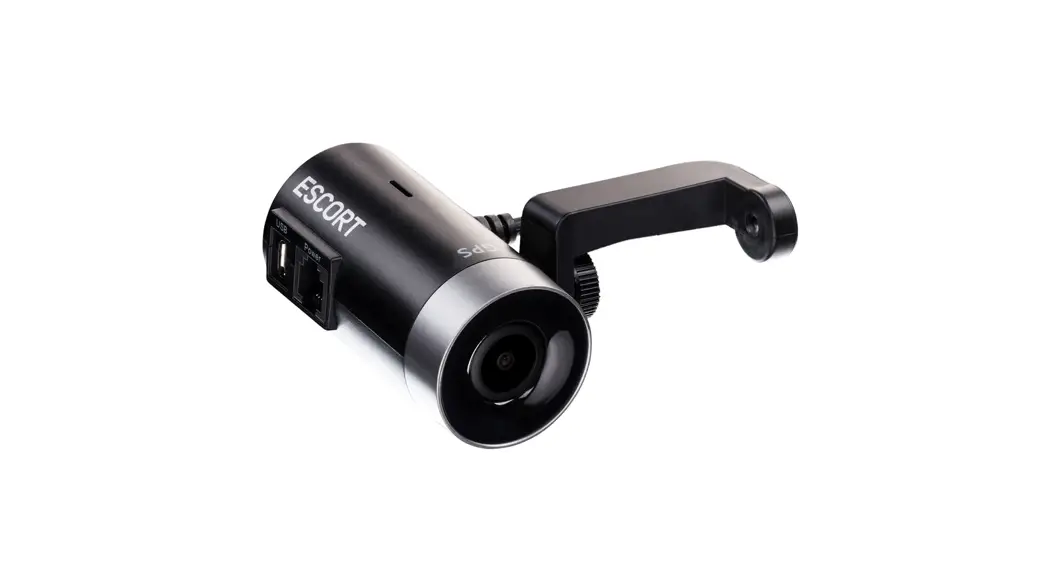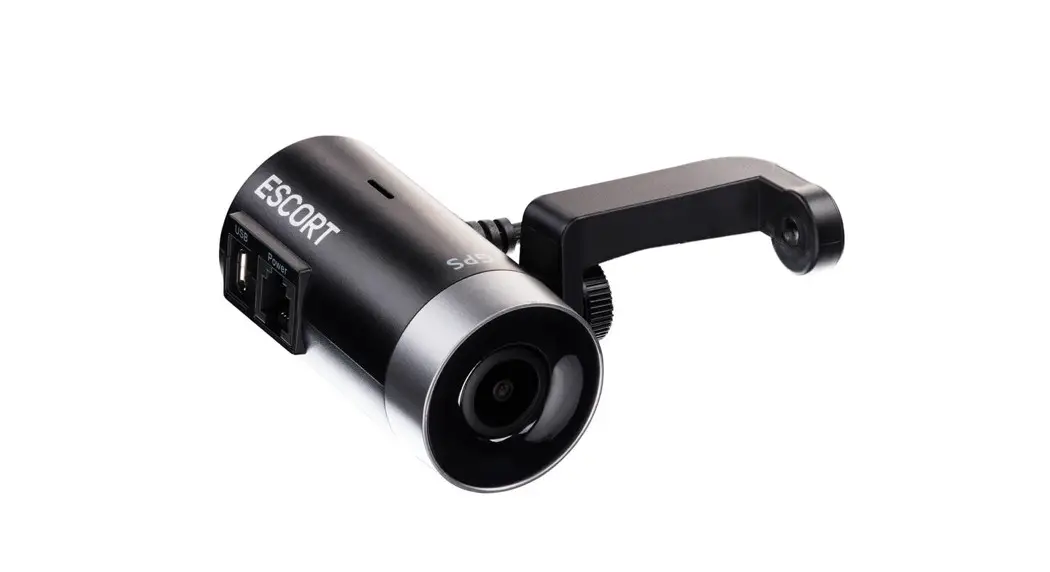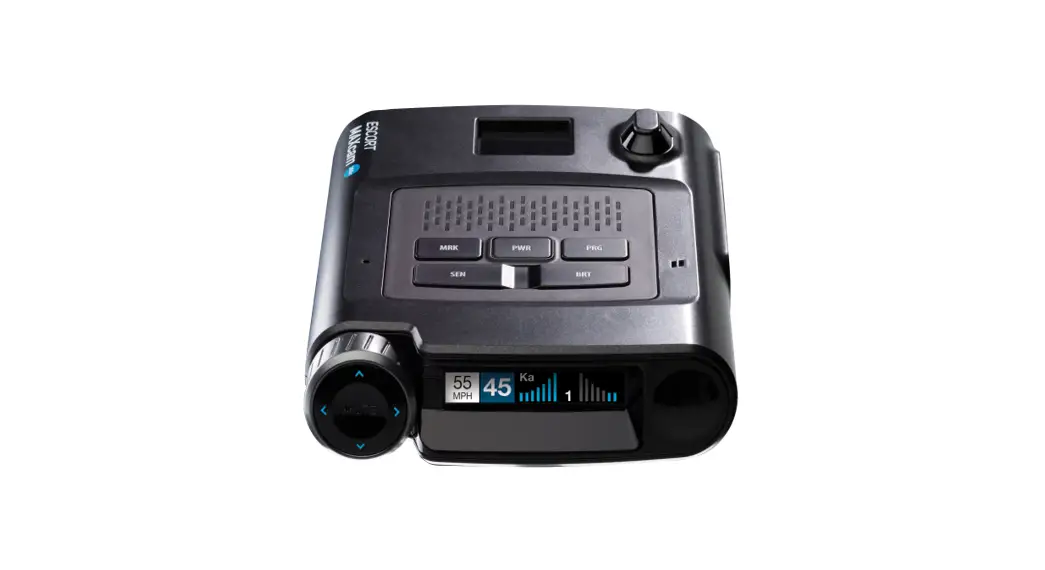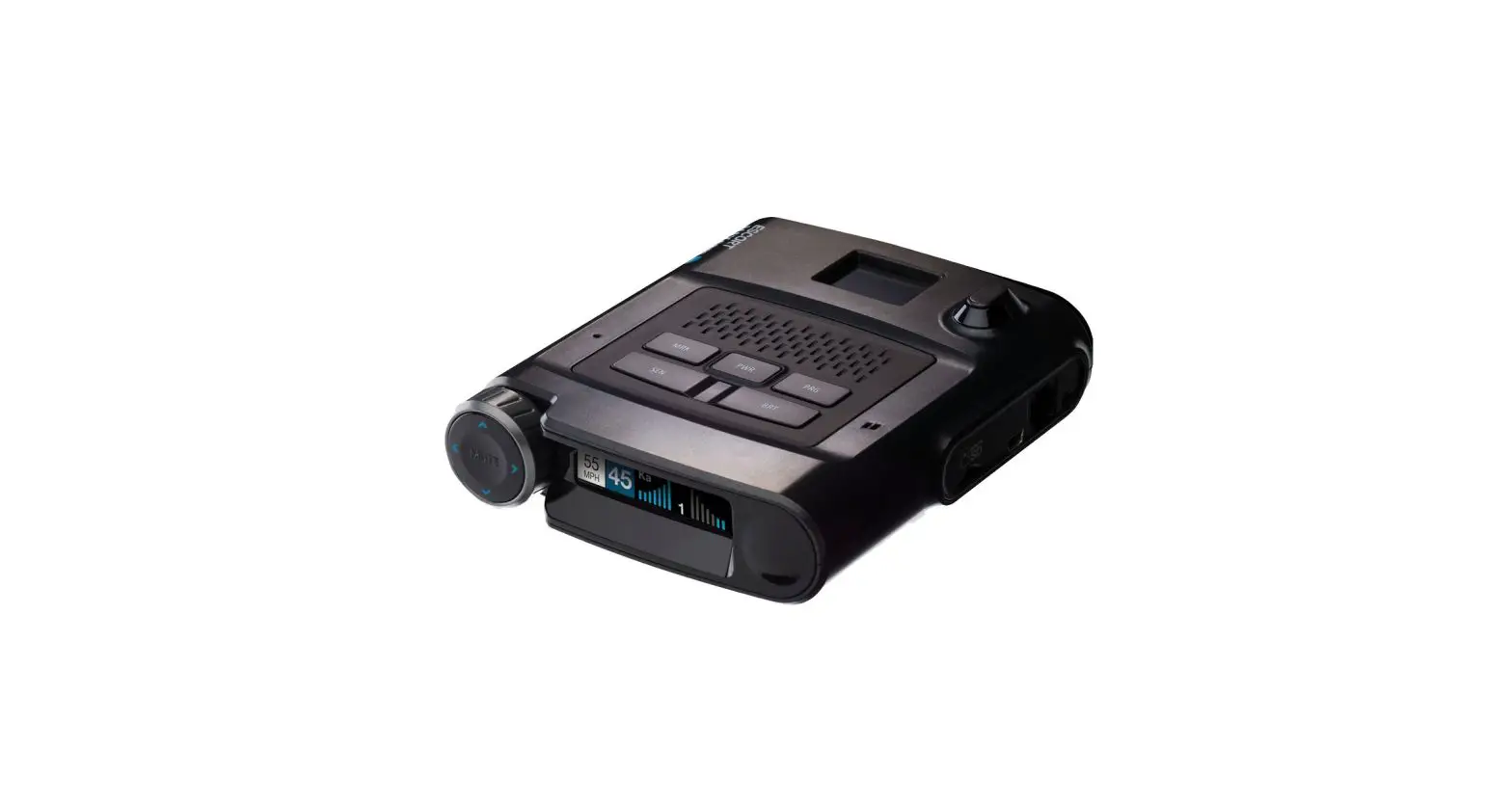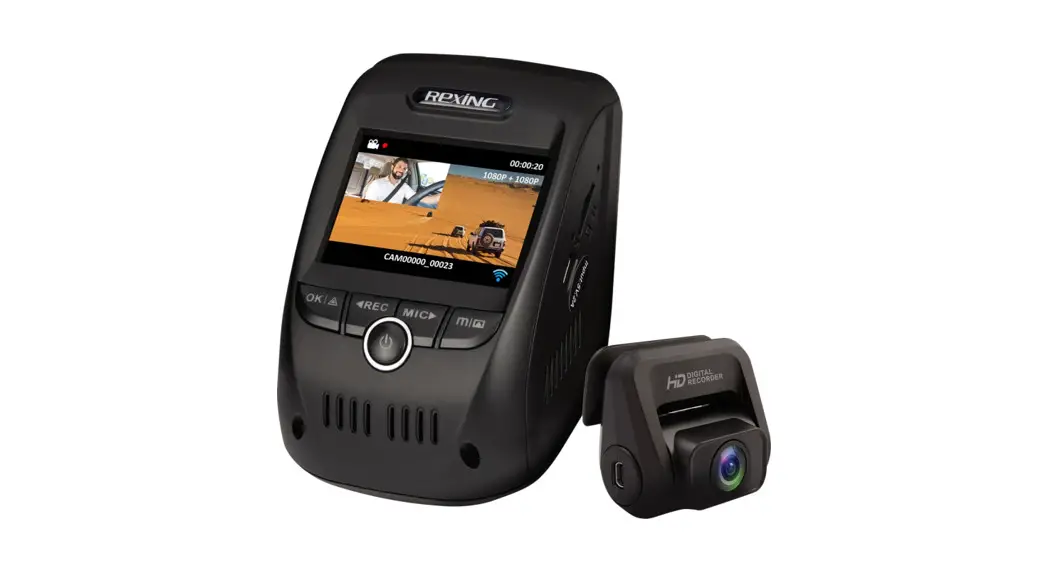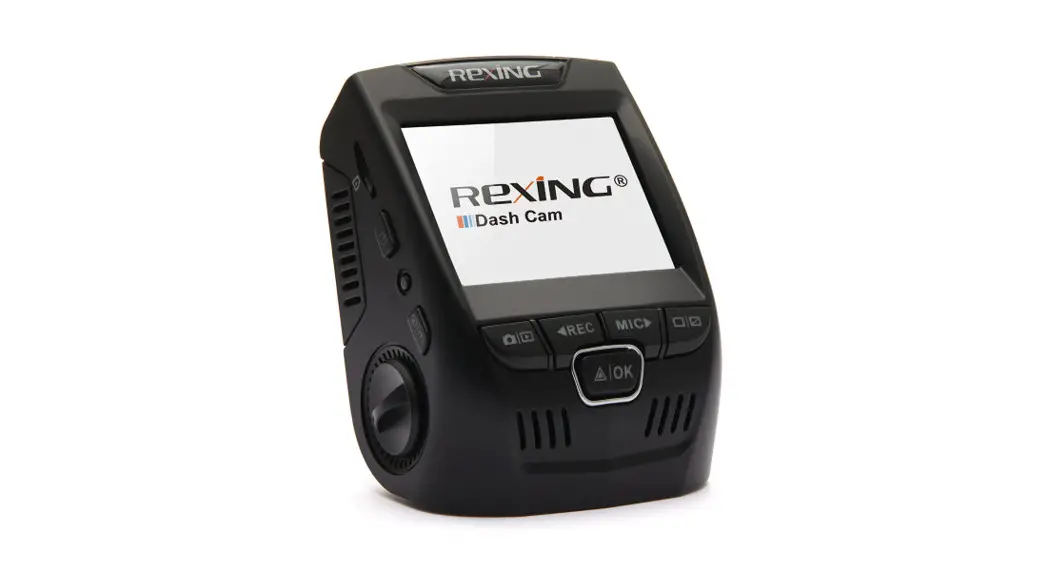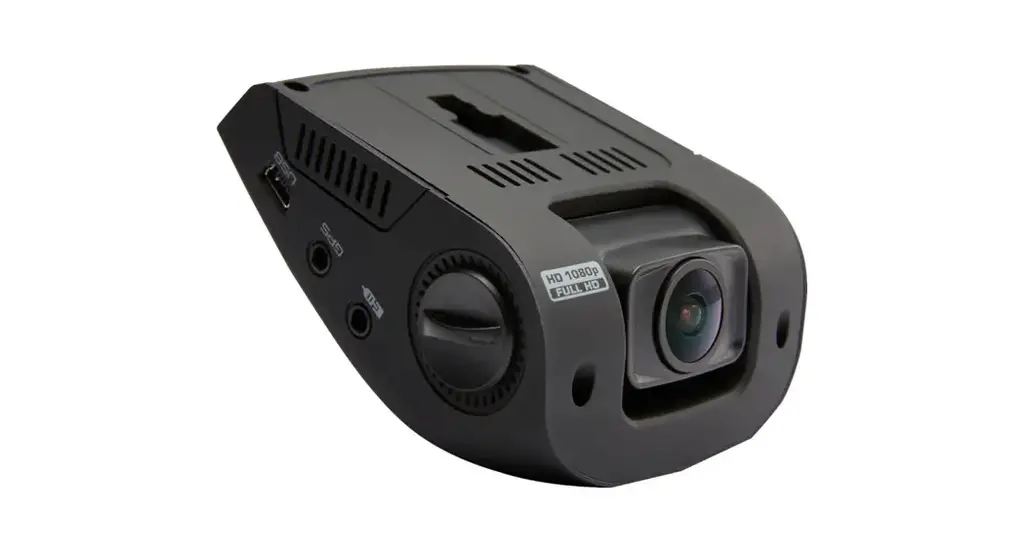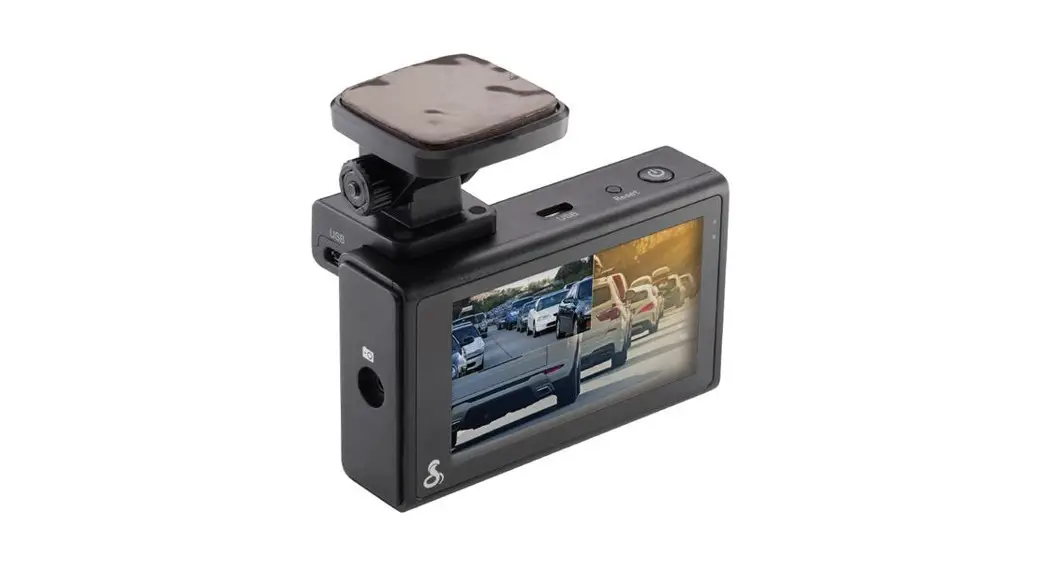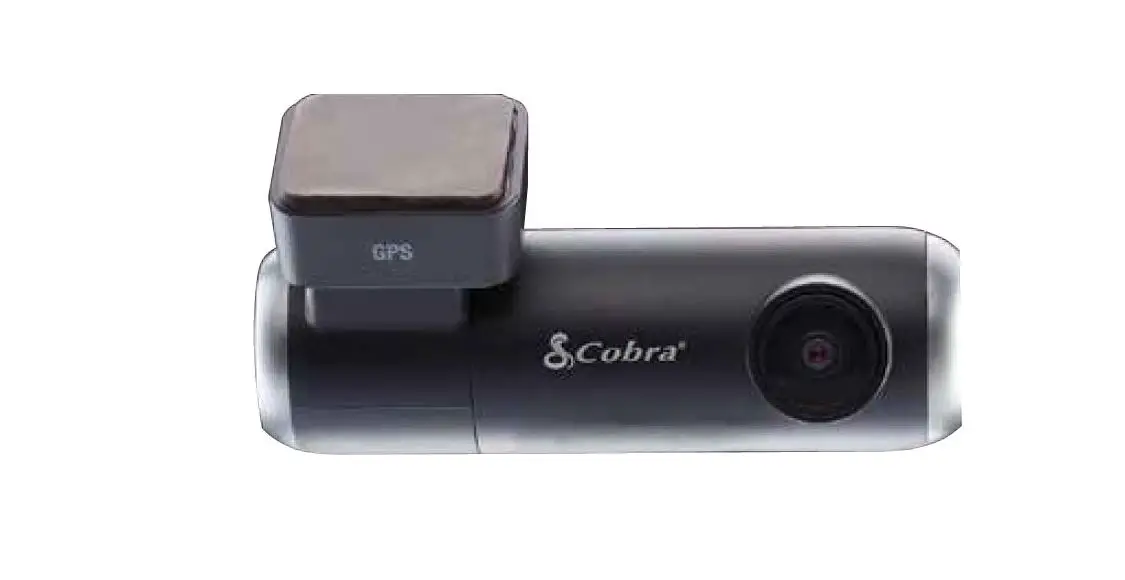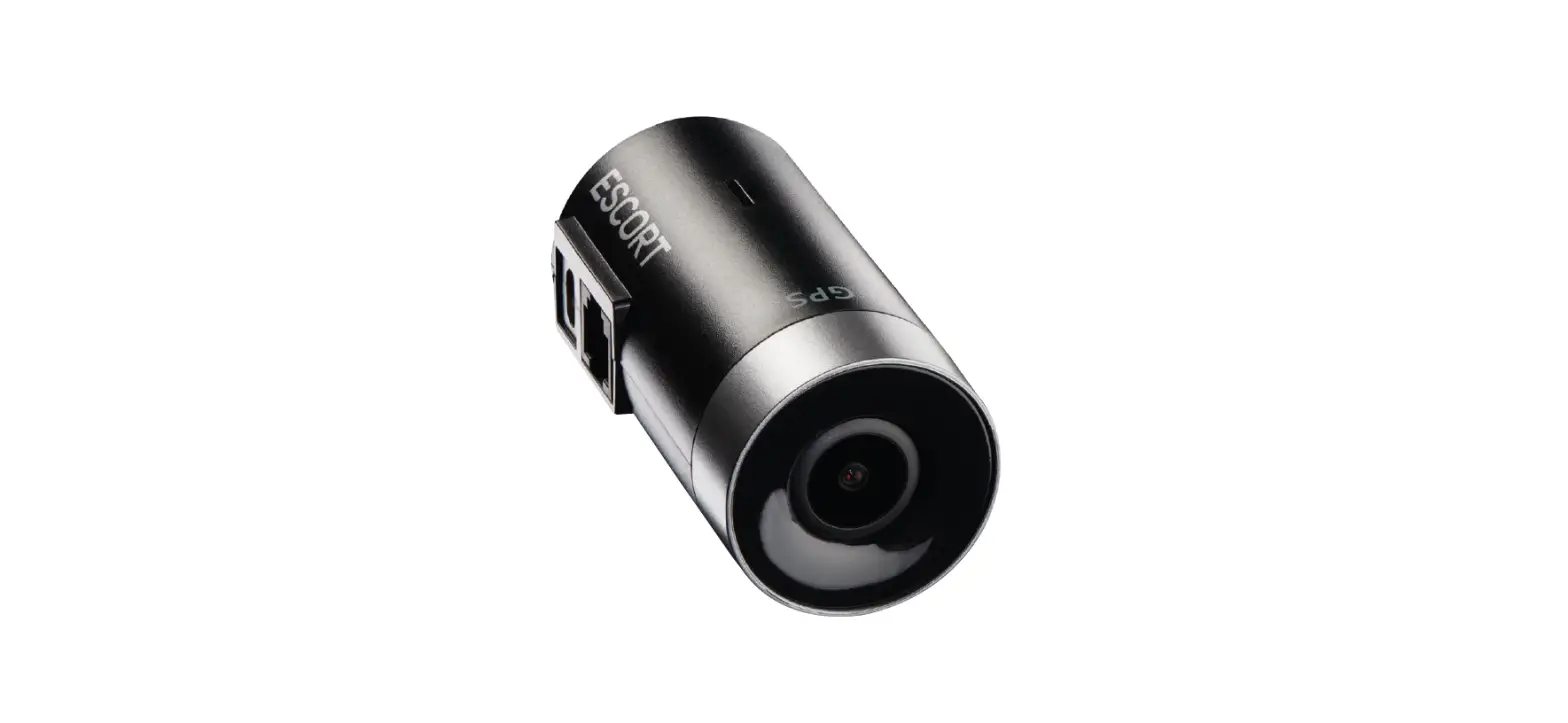

ESCORT M2 Dash Cam
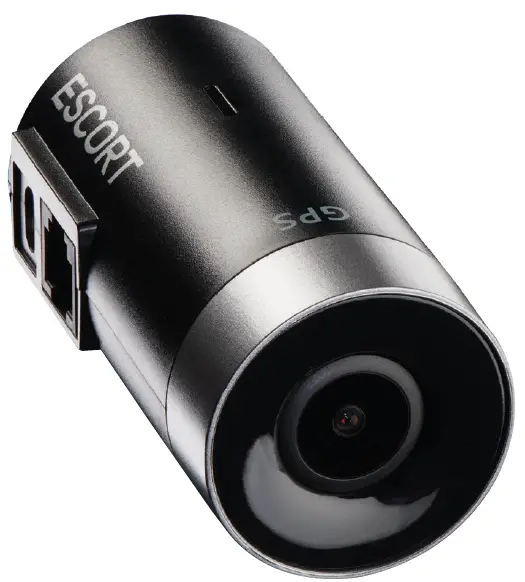
THANK YOU!
For purchasing the new ESCORT M2 Dash Cam
Download Drive Smarter® to Get Started With the Drive Smarter® app you can view, edit, and share footage from your smartphone or PC/Mac plus share and receive real-time driver alerts. Download today!

Features
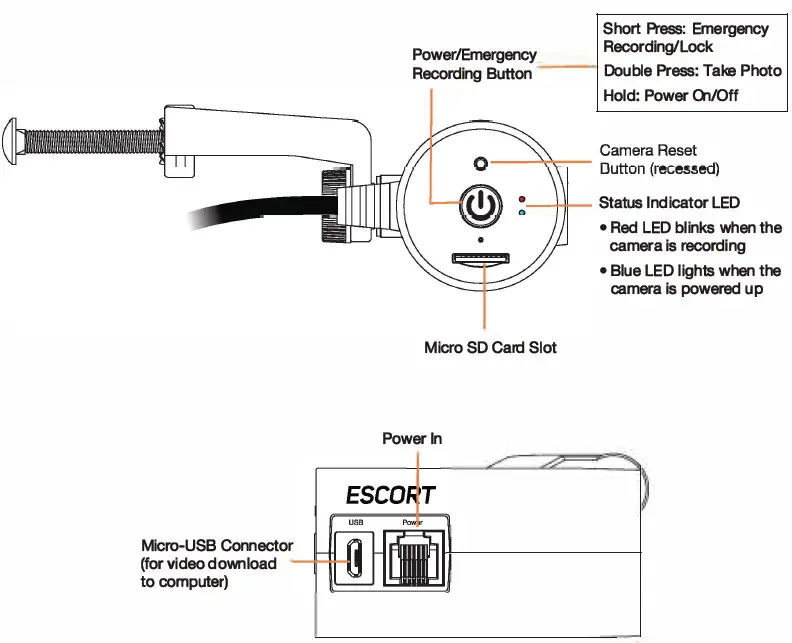
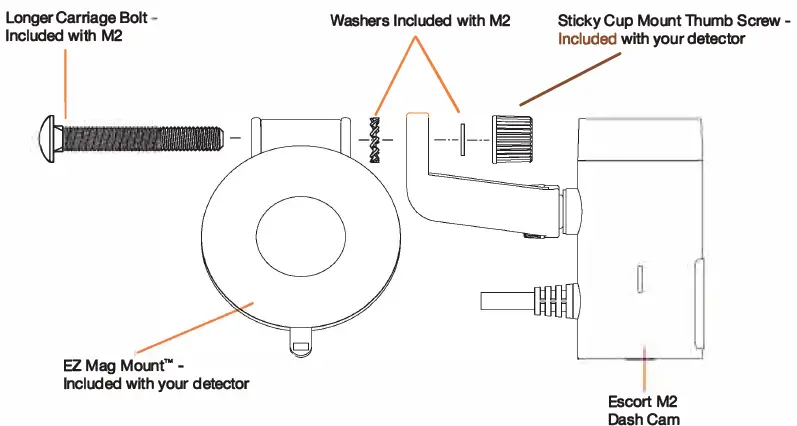
Attach ESCORT M2 to EZ Mag Mount™
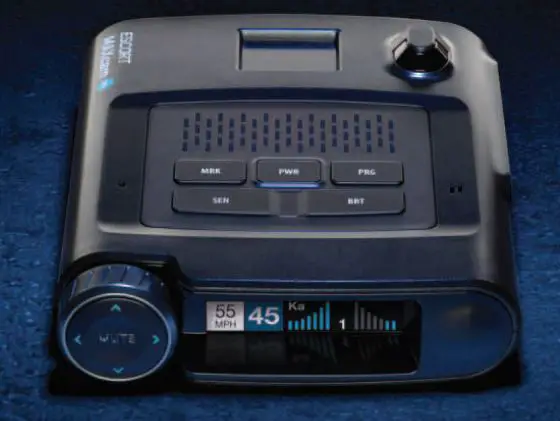
Remove your detector from the sticky mount and attach the M2 as shown below.
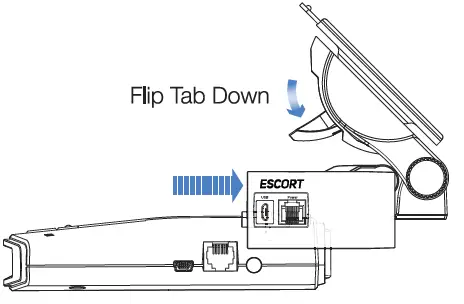
- Remove Radar from Windshield and Detach EZ Mag Mount'”

- Attach ESCORT M2 to Mount

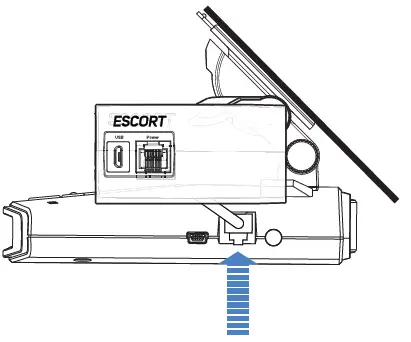
- Attach radar/laser detector to EZ Mag Mount™ with M2 installed

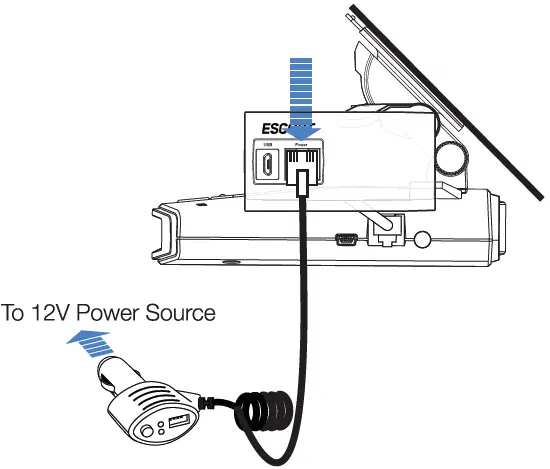
- Connect M2 power cable to radar/laser detector

- Connect Smart Cord to M2 and 12V power source

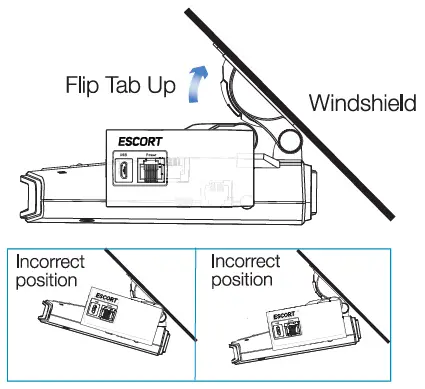
- Mount to windshield, adjust radar/camera angle and tighten assembly screws

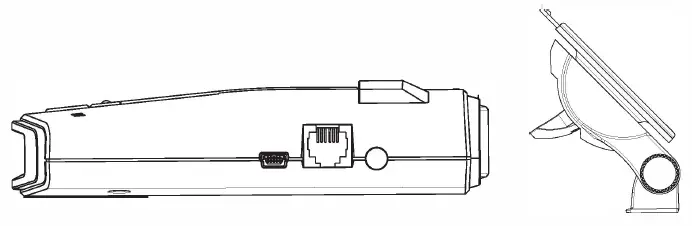
Download the Drive Smarter® App
Download the Drive Smarter App from the App Store or Google Play and install it on your smartphone. Follow the Tutorial on the App.
- Adjust Volume
- Change Language
- Change Resolution
- Format SD Card
- Update Firmware
Troubleshooting
If your unit is not operating properly, please follow these troubleshooting steps:
- Make sure the power cord to the M2, as well as the pigtail cord from the M2 to the detector, are both properly connected.
- Make sure the socket of your vehicle’s cigarette lighter is clean and free of corrosion.
- Make sure the power cord’s adapter is firmly seated in your cigarette lighter, and the power LED is on.
- Make sure the micro SD memory card is properly inserted into the memory card slot.
- If there is an SD card error, format the SD card from the app. Please note this will delete all files stored on the card.