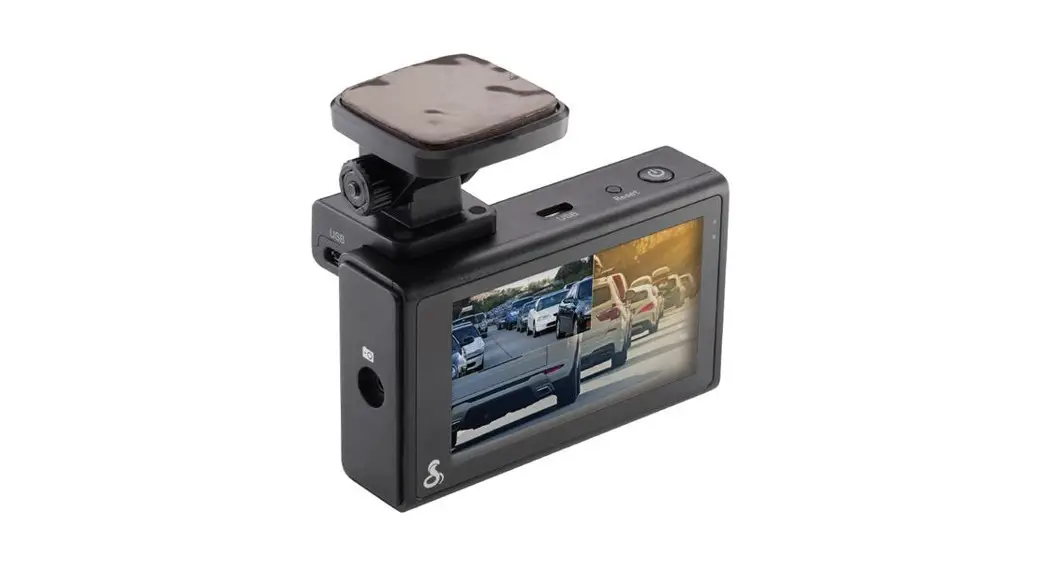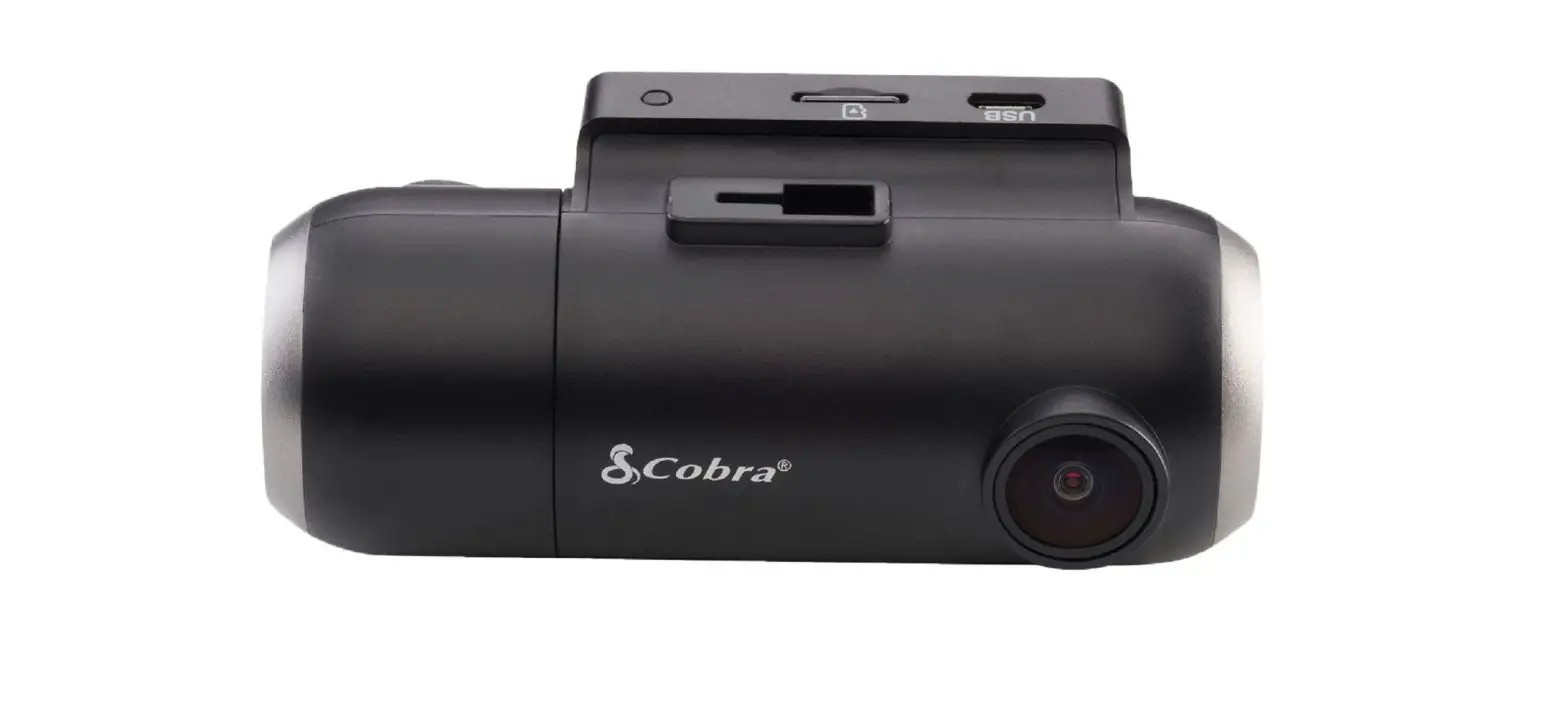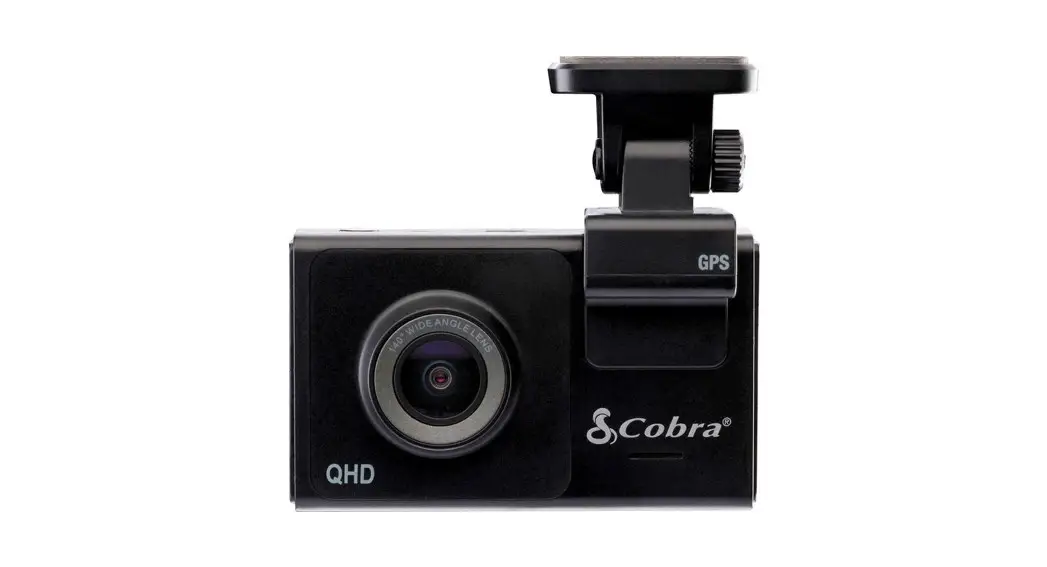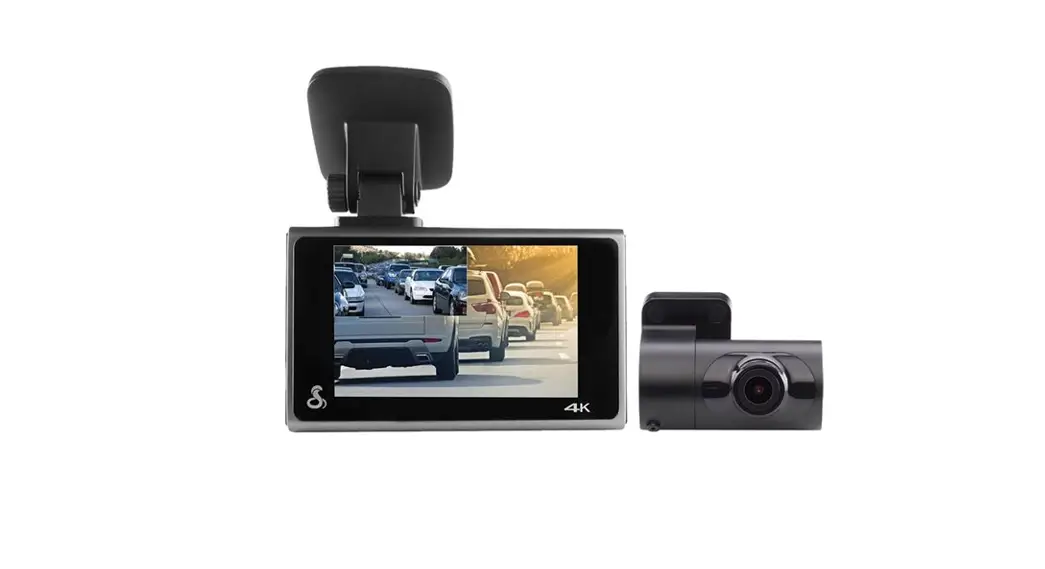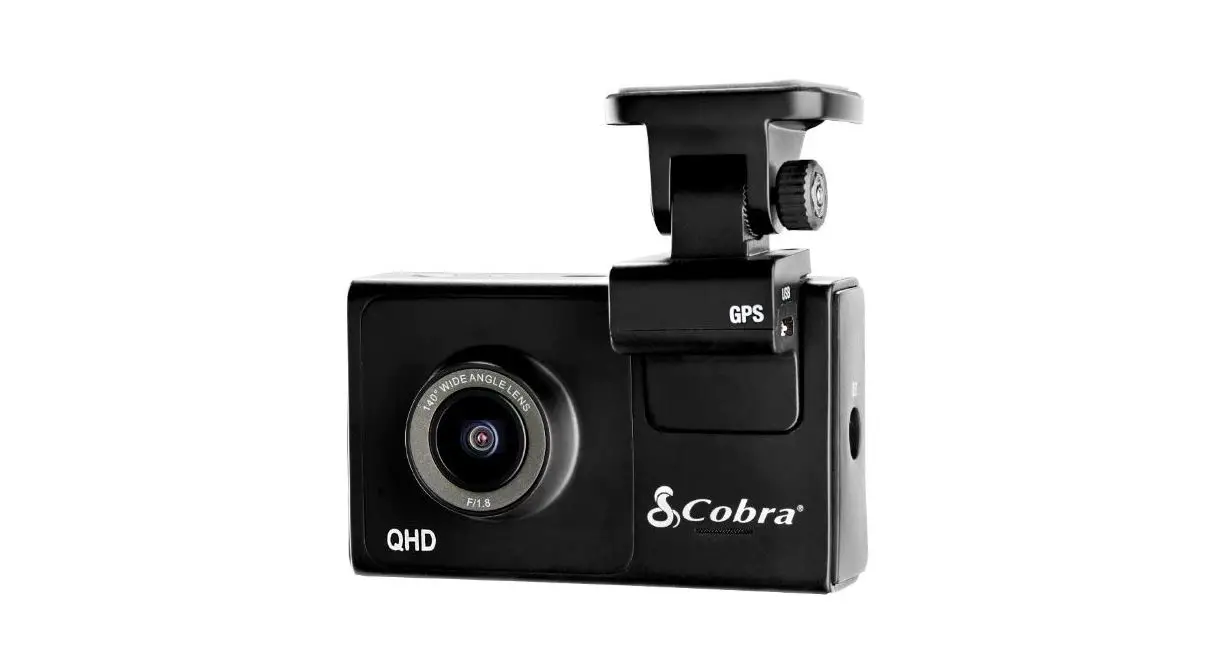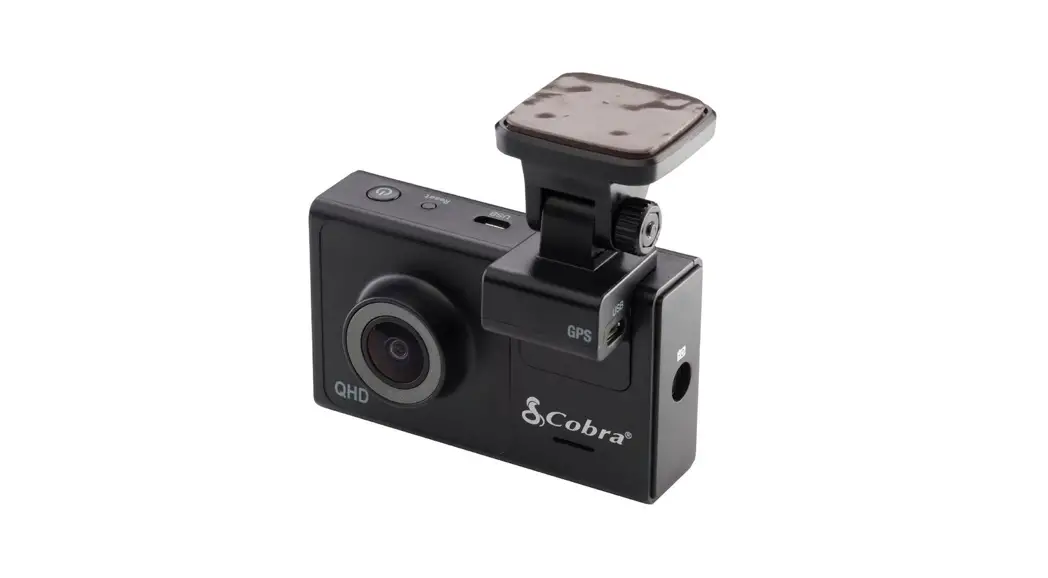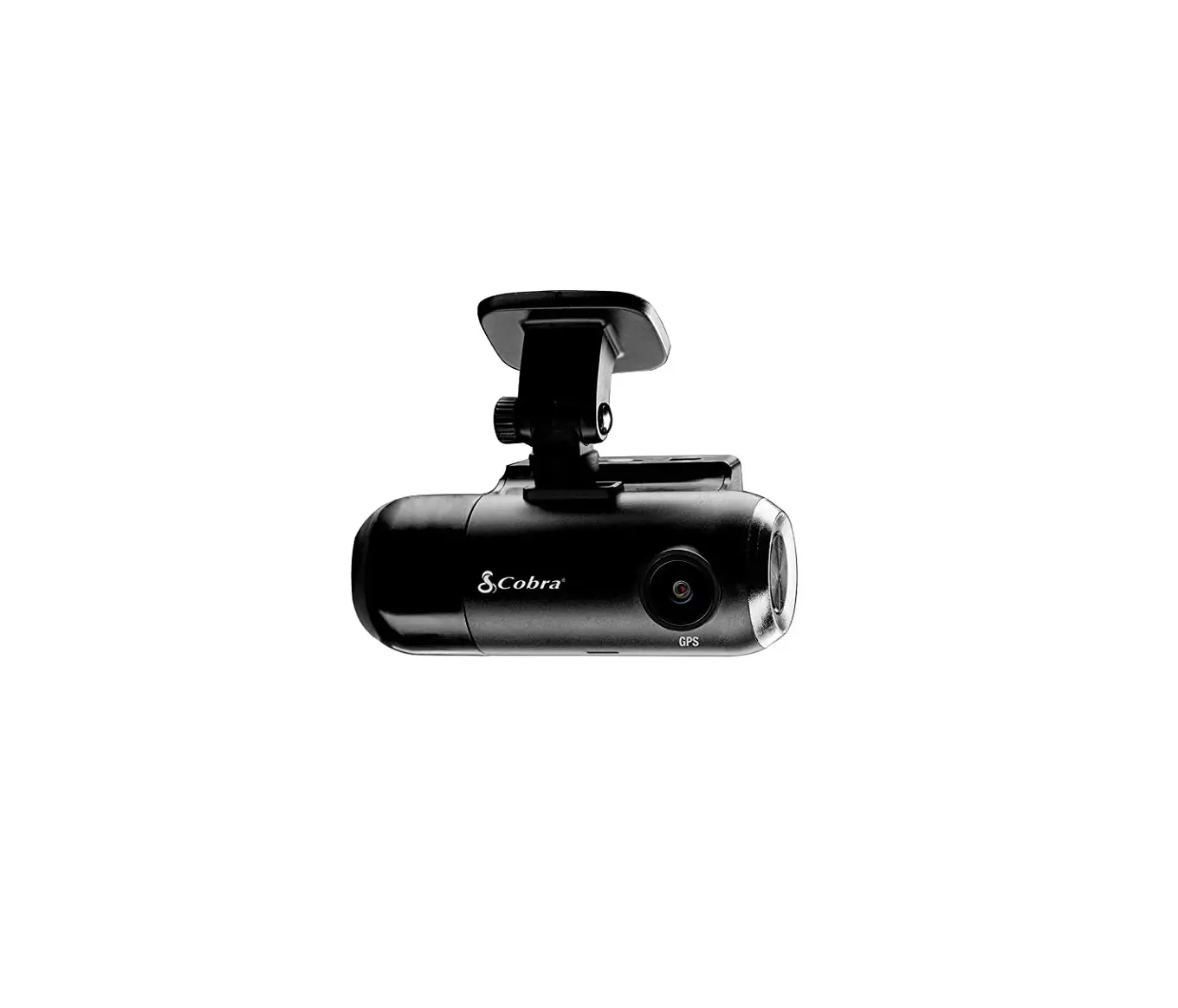
 QUICK START GUIDE
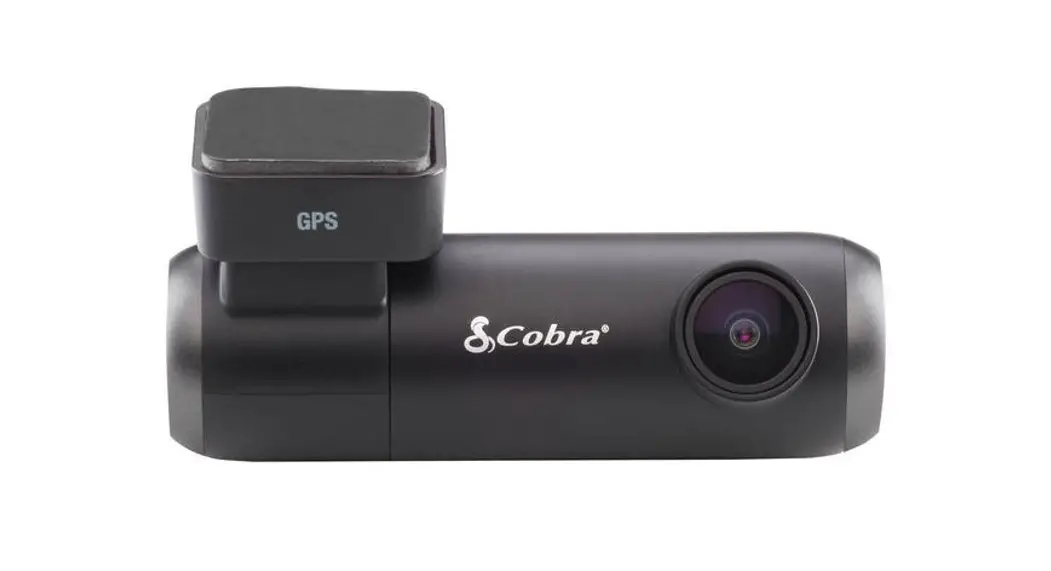
SC 100
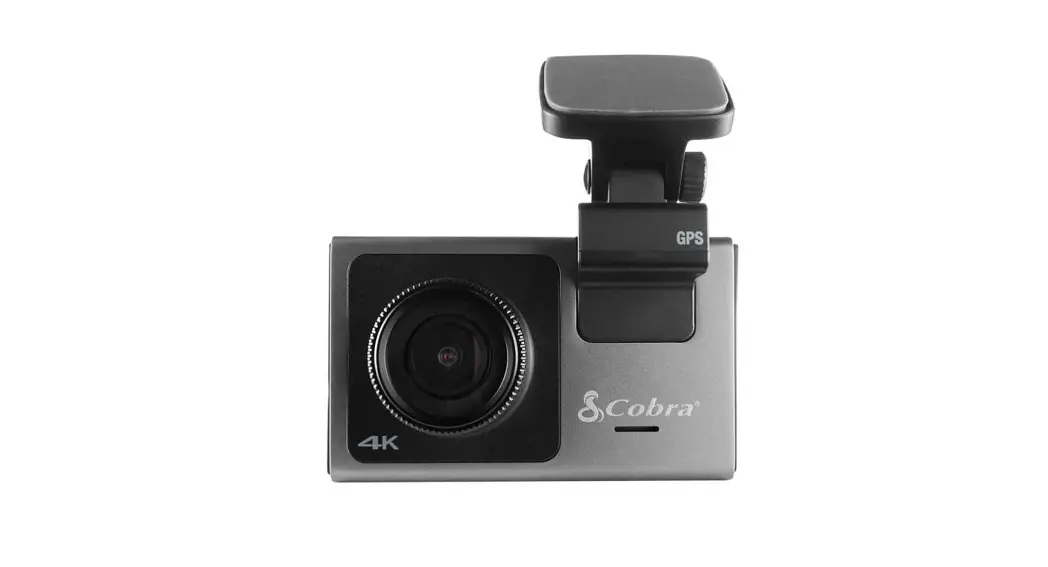
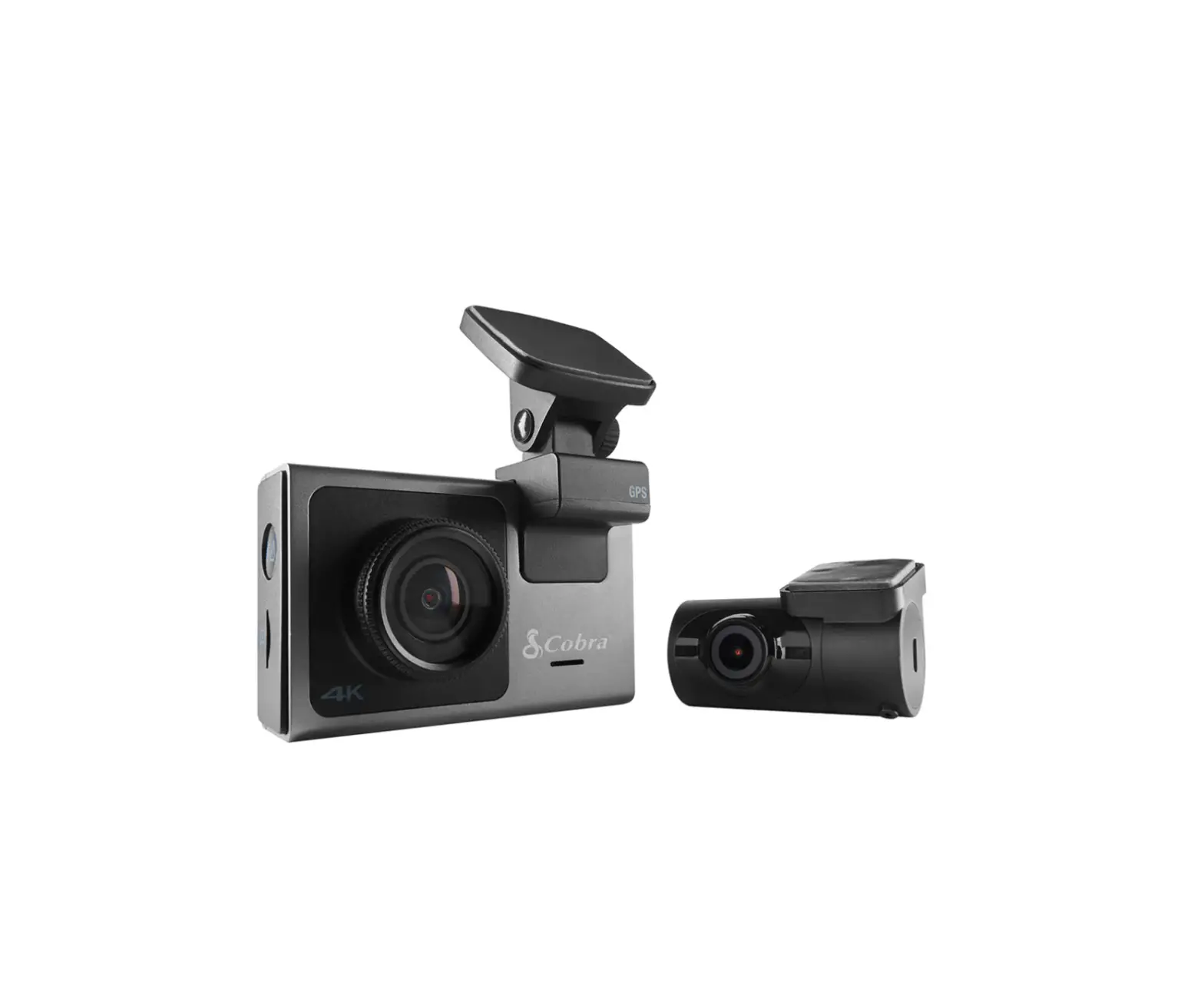
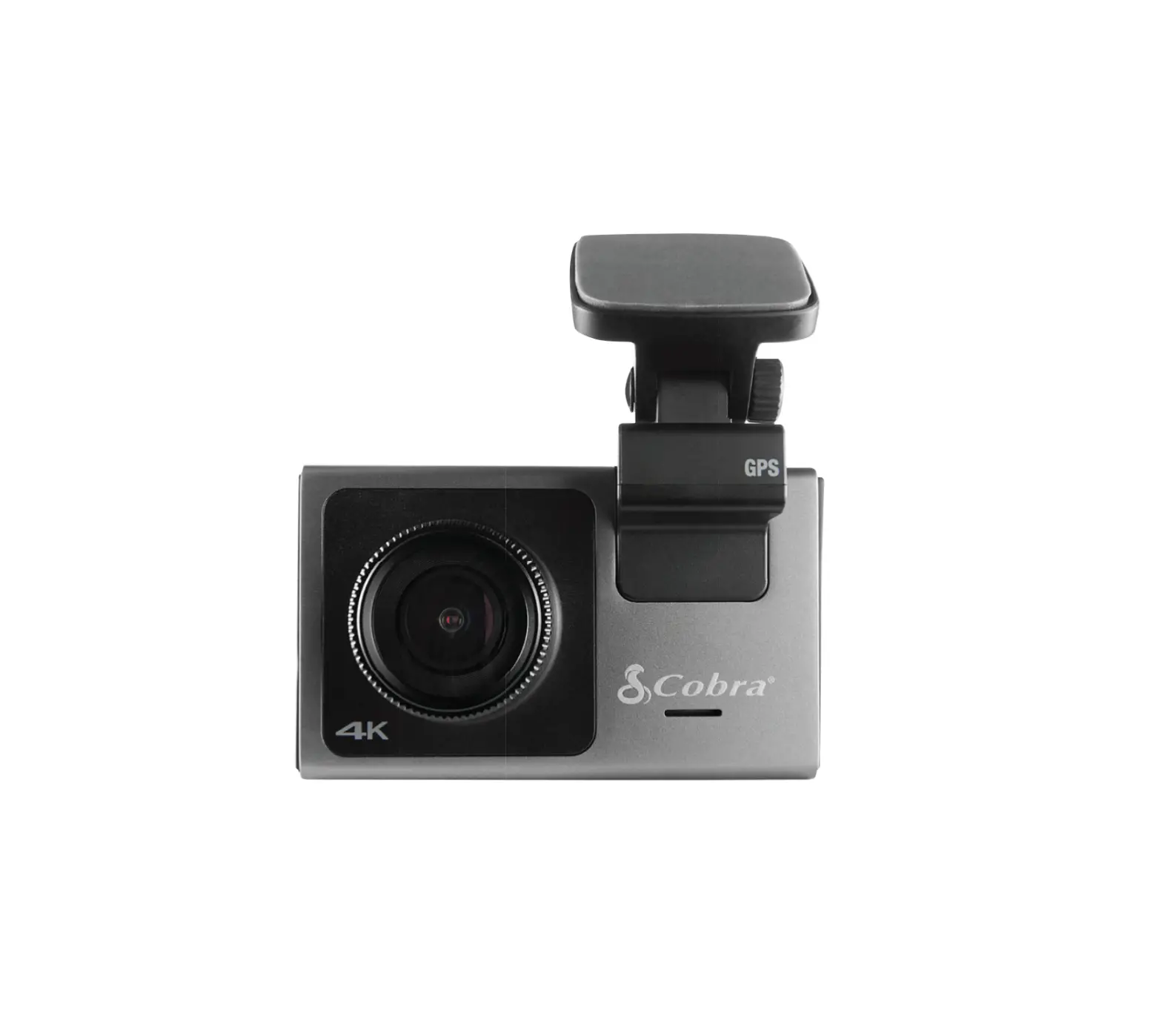
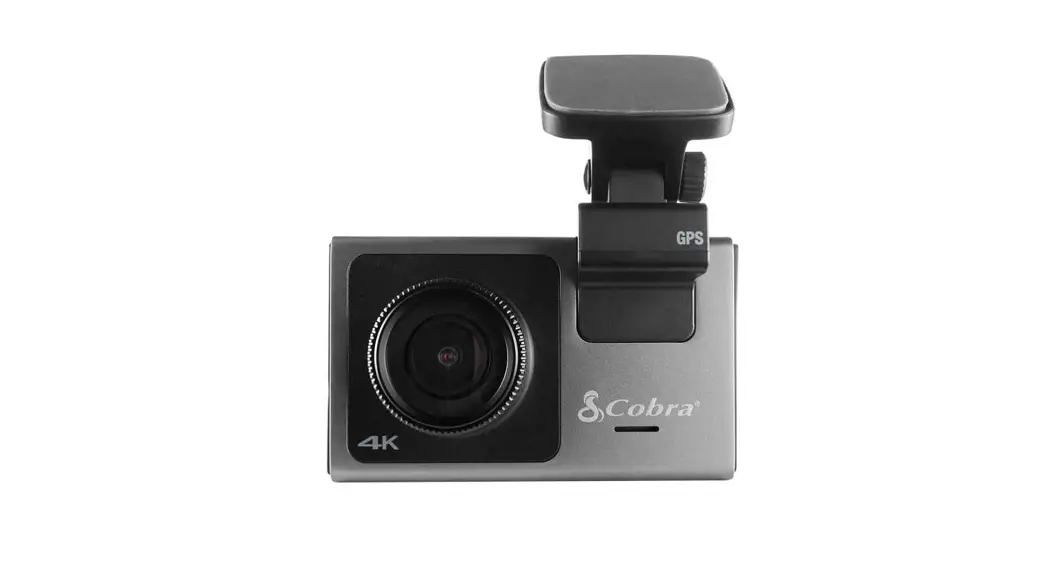
DASHCAM
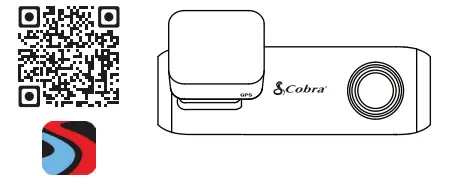
Scan QR Code For
Additional Languages:
 https://drivesmarter.com/support/manuals/
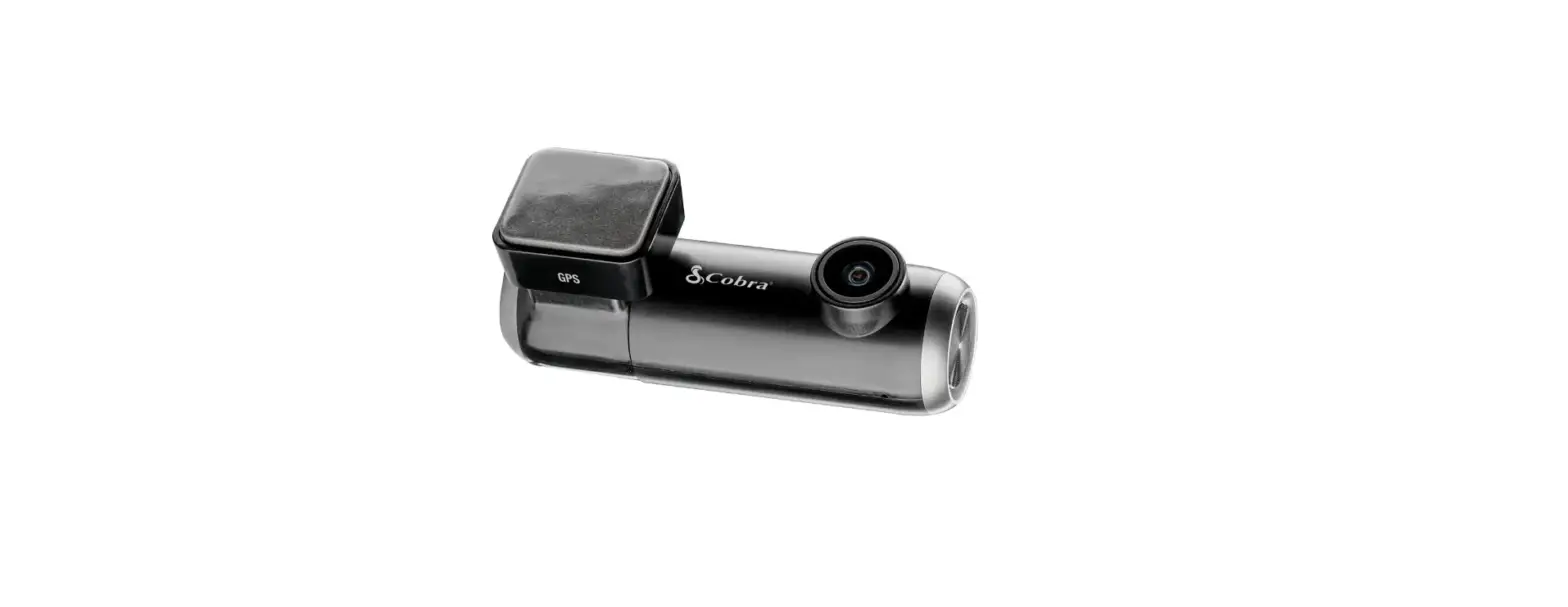
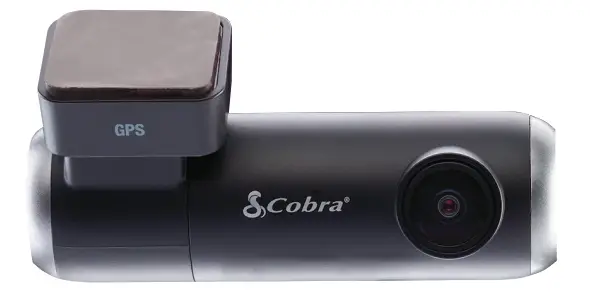
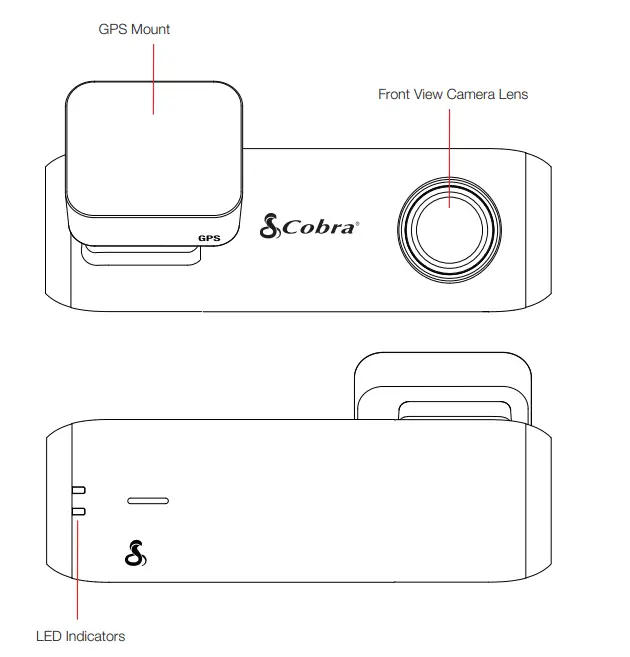
SC 100 Features
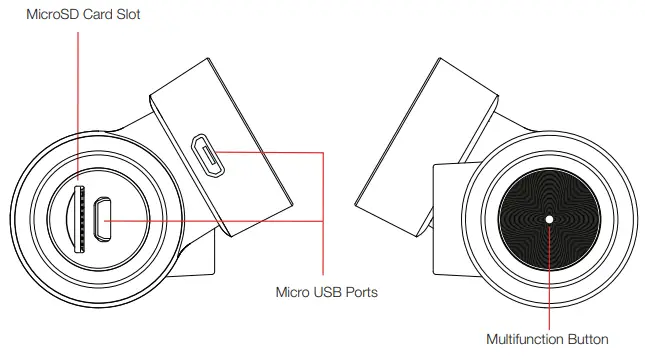
| Button Press | Camera Action |
| Press and Hold 3 seconds | Power on/off |
| Short Press (Not Recording) | Begin Recording |
| Short Press (During Recording) | Lock Video |
| 2x Short Press | Take Photo |
| Press and Hold 10 seconds | Reset |
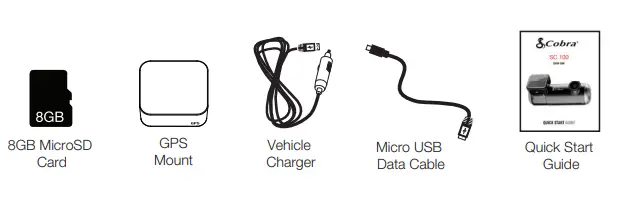
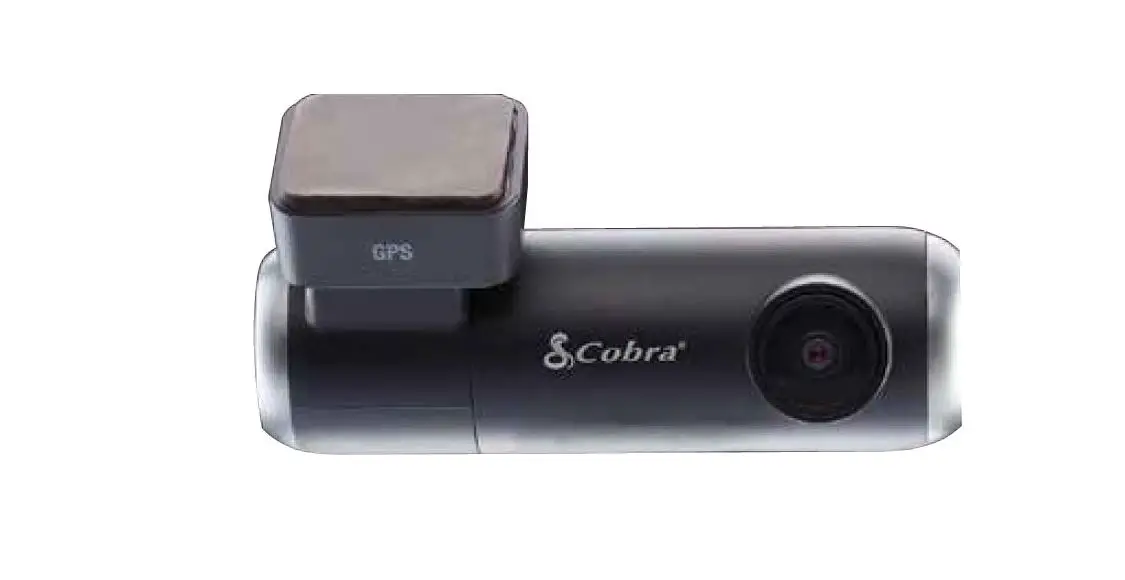
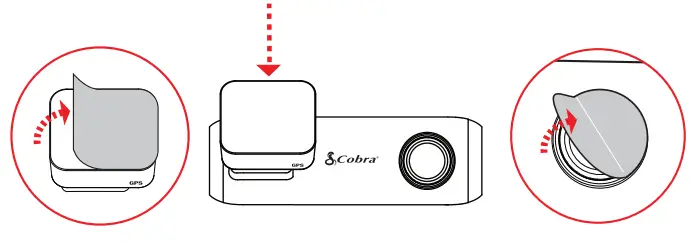
- Attach GPS Mount and remove the protective film from mount and camera lens

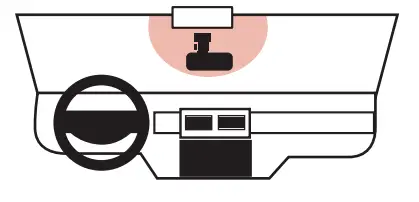
- Attach Camera Assembly to Windshield

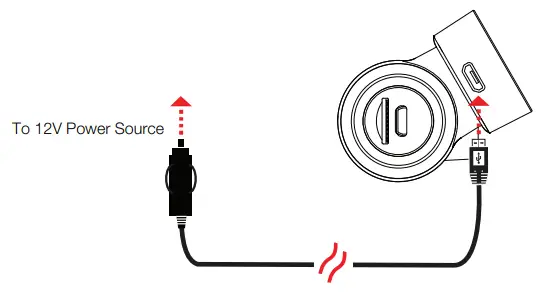
- Connect to GPS Mount

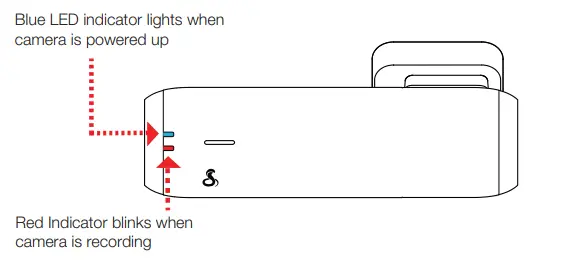
- The camera automatically turns on and begins recording

- View the camera’s videos and adjust settings using the Drive Smarter App

http://drivesmarter.com/downloads
- Adjust Volume
- Change Language
- Change Resolution
- Format SD Card
- Update Firmware …and more!
THANK YOU!
For purchasing the new COBRA® SC 100
View, edit, and share from your smartphone or desktop.
Share & receive real-time driver alerts.
Download today! drivesmarter.com/downloads
http://drivesmarter.com/downloads
Full manual available at: www.cobra.com
FCC ID:BBOSC100, IC:906A-SC100. THIS DEVICE COMPLIES WITH PART 15 OF THE FCC RULES. OPERATION IS SUBJECT TO THE FOLLOWING TWO CONDITIONS: (1) THIS DEVICE MAY NOT CAUSE HARMFUL INTERFERENCE, AND (2) THIS DEVICE MUST ACCEPT ANY INTERFERENCE RECEIVED INCLUDING INTERFERENCE THAT MAY CAUSE UNDESIRED OPERATION.
FCC NOTE: Modifications not expressly approved by the manufacturer could void the user’s FCC granted authority to operate the equipment.
Cobra® and the snake design are registered trademarks of Cobra Electronics Corporation, USA. Cobra Electronics Corporation™ is a trademark of Cobra Electronics Corporation, USA. Other trademarks and trade names are those of their respective owners.
©2020 Cobra Electronics Corporation
 Downloads - DriveSmarter
 Portable Power & Automotive Electronics | Cobra.com