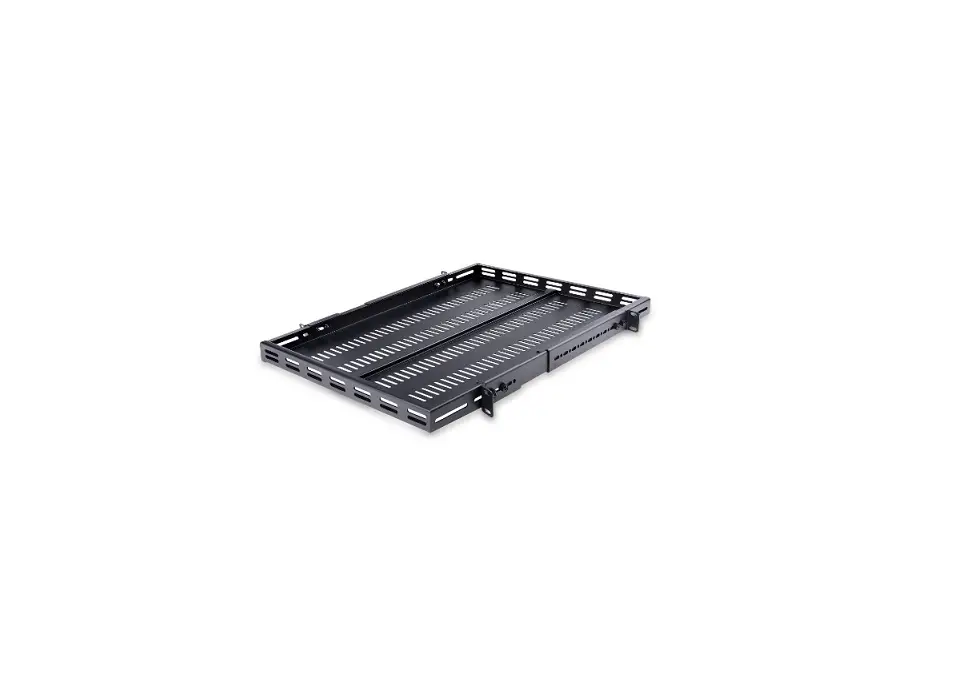
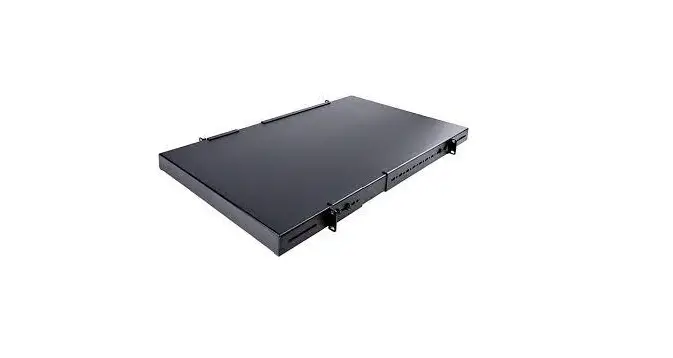
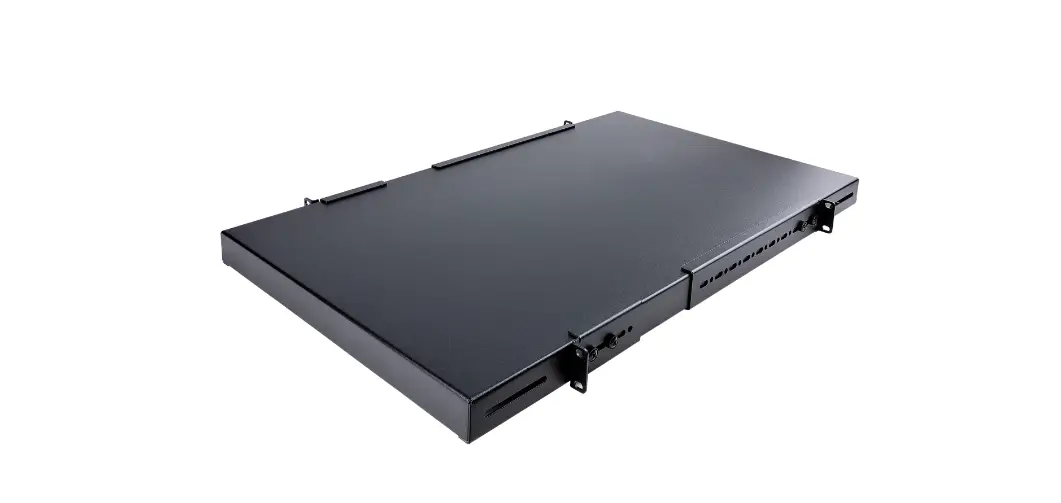
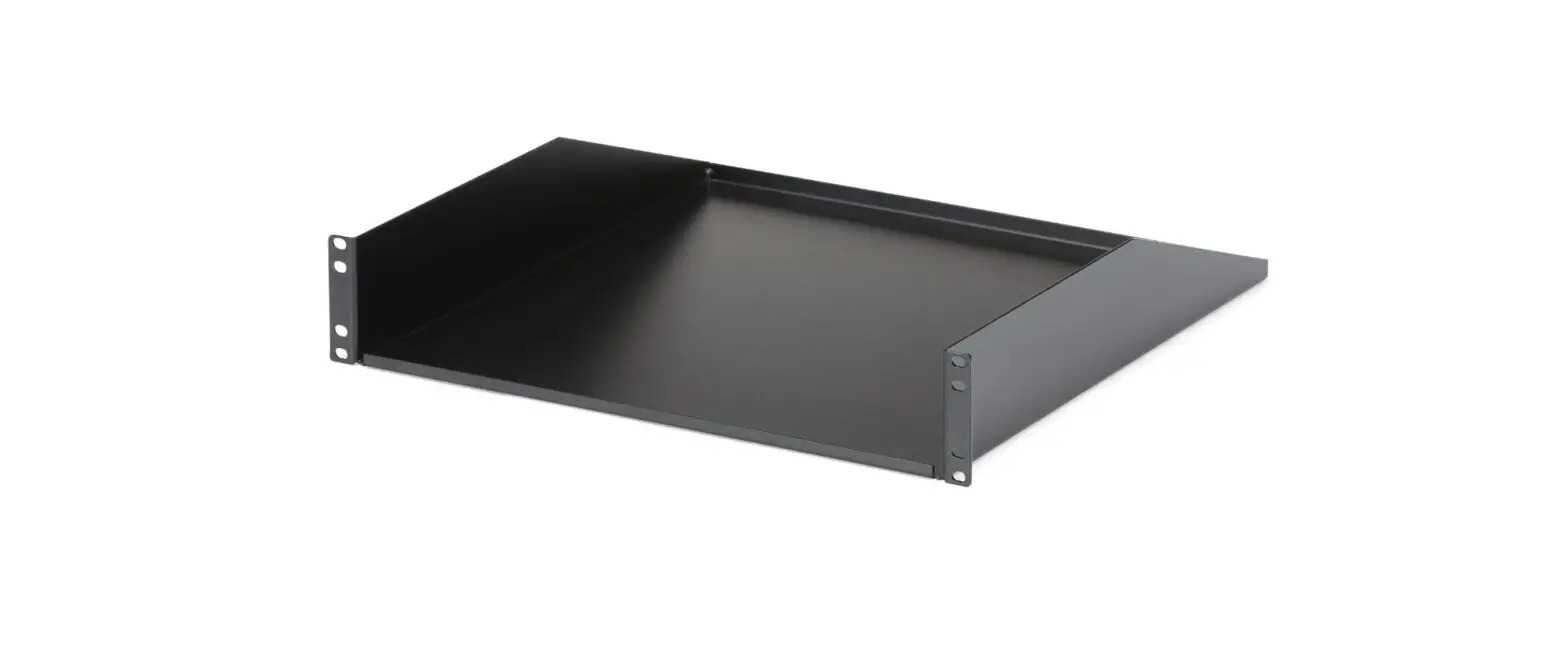
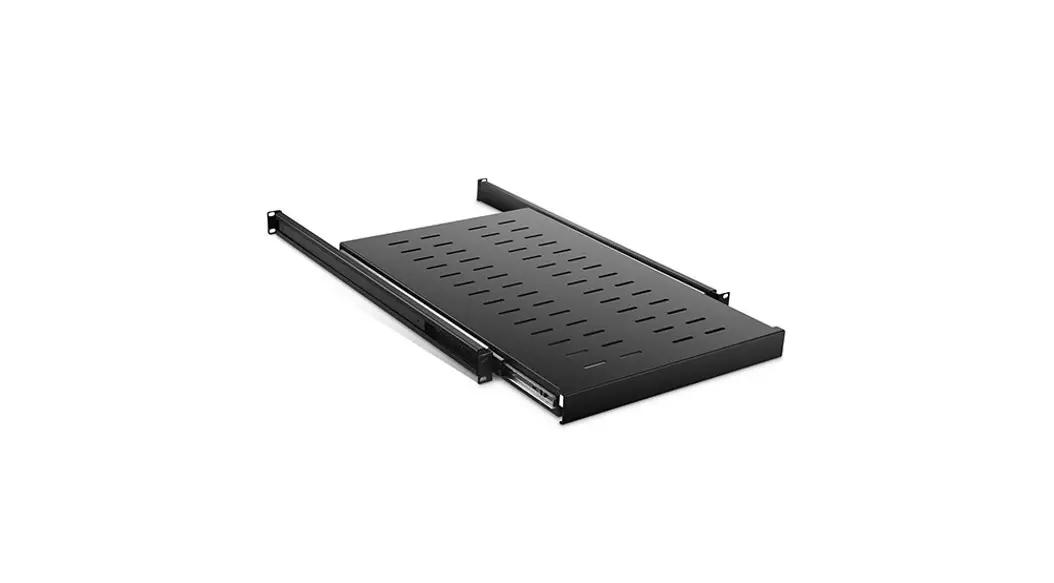
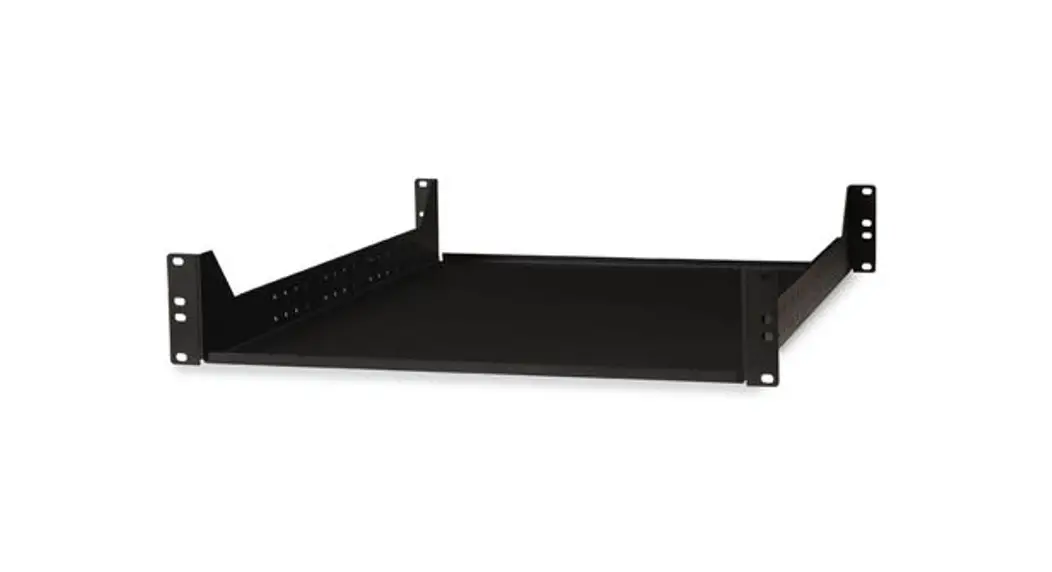
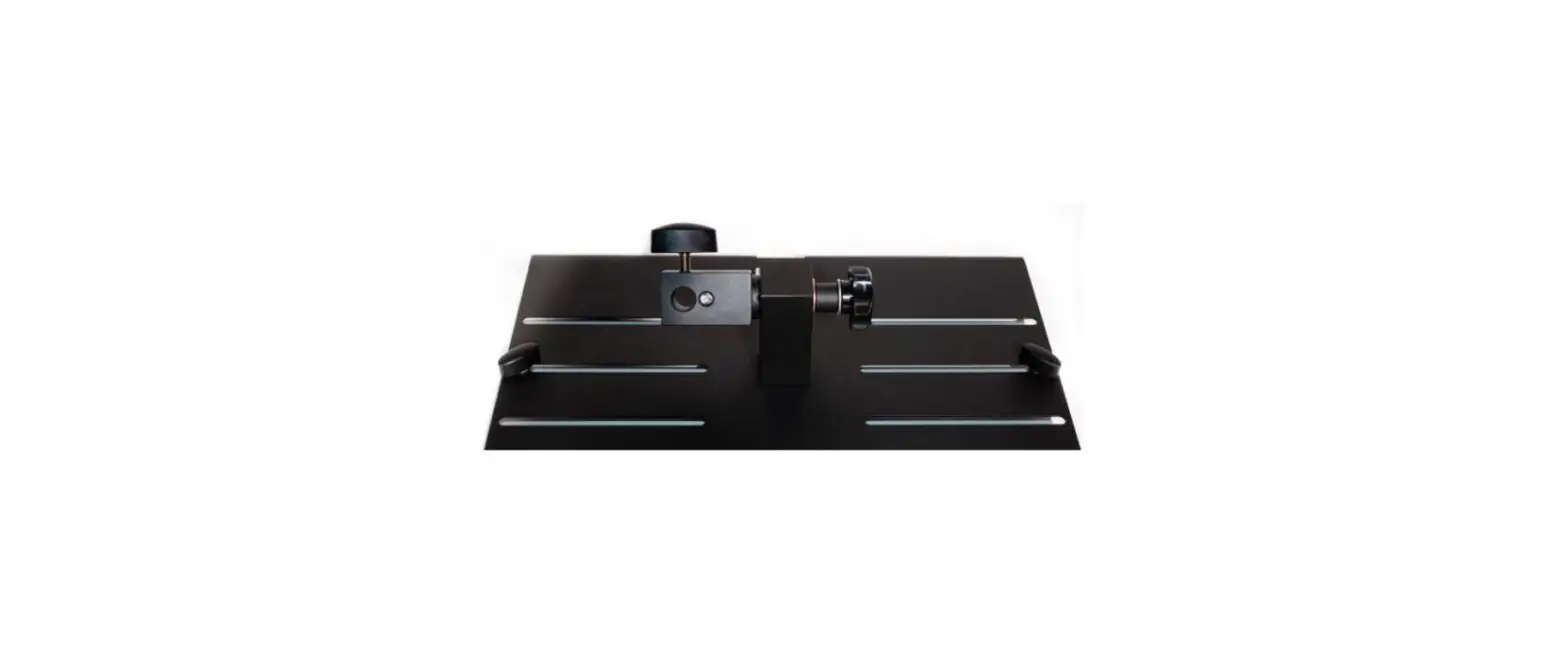
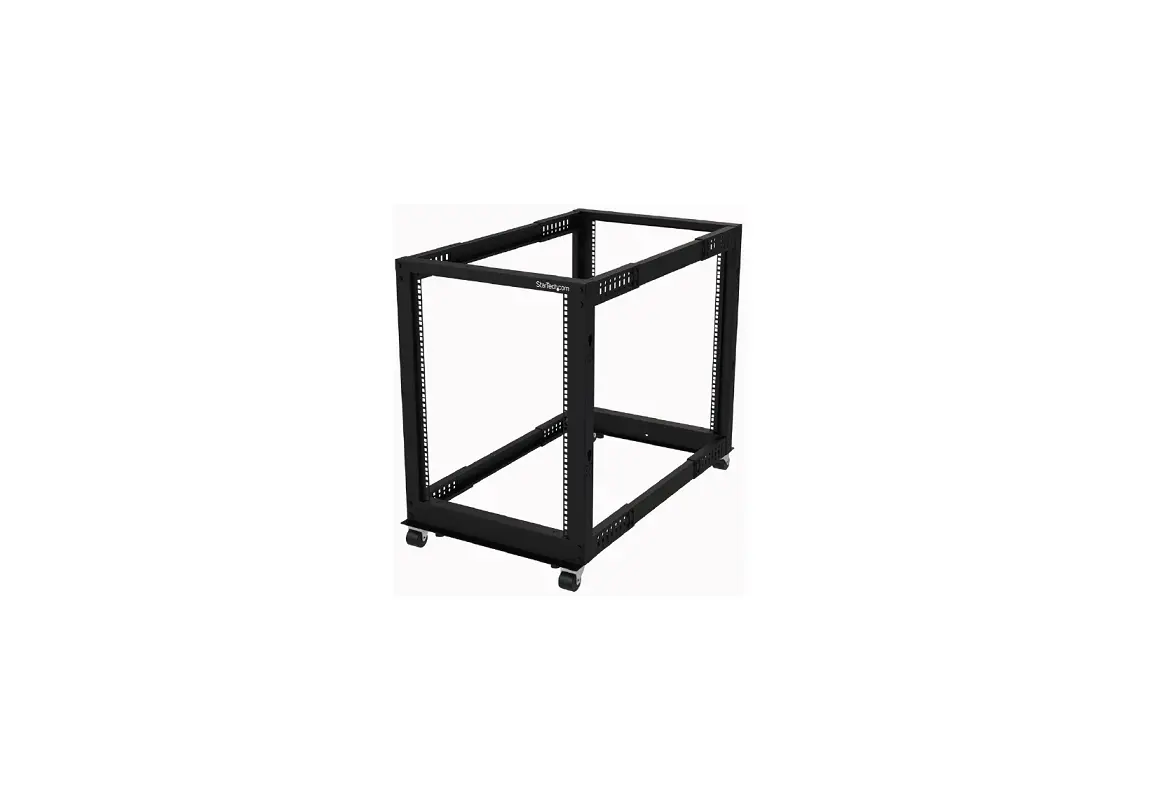
ADJSHELFHD 1U 4-Post Adjustable Mounting Depth Heavy Duty Shelf
Product Information
The 1U 4-Post Adjustable Mounting Depth Heavy Duty Shelf is
designed to securely mount equipment in a rack or cabinet. It has a
depth of 27.5in/700mm and comes in different models: ADJSHELFHD,
ADJSHELFHD2, ADJSHELFHDV, and ADJSHELFHDV2.
Product Usage Instructions
- Read the entire Quick-Start Guide and ensure the instructions
are fully understood before assembling and using this product. - Ensure that the product has been properly mounted before adding
equipment to it. - Never operate the product if parts are missing or damaged.
- Ensure that the weight of the equipment does not exceed the
weight capacity of the product. The weight capacity varies
depending on the model:
- ADJSHELFHD (Rev 01) – up to 175lbs / 80kg
- ADJSHELFHD (Rev 02 or above) – up to 330lbs / 150kg
- ADJSHELFHDV (Rev 01) – up to 250lbs / 113kg
- ADJSHELFHDV (Rev 02 or above) – up to 330lbs / 150kg
- ADJSHELFHDV2 – up to 330lbs / 150kg
mounting brackets are properly mounted to all posts on a four post
rack.
weight, with the lightest equipment installed at the top and the
heaviest at the bottom.
Installation Instructions
- Locate a suitable location in the rack or cabinet to mount the
Shelf. The Shelf requires 1U of space. - To mount the shelf leveled, ensure the mounting brackets are
mounted on the same U height number. Most four post racks or
cabinets have labeled front and rear posts for this purpose. - Determine the depth of the mounting posts on the rack. The
adjustable mounting depth of the Shelf is from 19.5in (495mm) to
38.3in (974mm). - Use a Phillips Head Screwdriver to loosen the panel screws of
the front and rear mounting brackets so they can slide freely. Each
mounting bracket uses two panel screws. - (Optional) Remove all the panel screws (x8) of the front and
rear mounting brackets if the adjustment requires different depth
adjustment holes on the sides of the Shelf. - Adjust the front and rear mounting brackets to achieve the same
mounting depth as the mounting posts of the rack. Secure the panel
screws (x8) of the front and rear mounting brackets with a Phillips
Head Screwdriver. - (Optional) Install the M6 Cage Nuts (x8) into the appropriate
Cage Nut Holes (x8) on the chosen U Height Number on the Mounting
Posts of the rack.
Quick-Start Guide
1U 4-Post Adjustable Mounting Depth Heavy Duty Shelf – 27.5in/700mm Depth
Product Diagram
ADJSHELFHD/ADJSHELFHD2/ADJSHELFHDV/ADJSHELFHDV2
Package Contents
· 1U Shelf Body x 1 · Front Mounting Brackets x 2 · Rear Mounting Brackets x 2 · M6x12 mm Screws x 8 · M6 Cage Nuts x 8 (Only included with Revision 2 or higher) · M6 Plastic Washers x 8 · Quick-Start Guide x 1
1 2
Requirements
For the latest manuals, product information, technical specifications, and declarations
of conformance, please visit:
4
www.StarTech.com/ADJSHELFHD
www.StarTech.com/ADJSHELFHD2
www.StarTech.com/ADJSHELFHDV
www.StarTech.com/ADJSHELFHDV2
Component
3
*Product may vary from image
Function
· For square cage holes, M6 cage nuts are included. For M6 threaded holes, no cage nuts are needed. Refer to the manufacturer of the rack to determine the mounting hole type
· Phillips head screwdriver
· Cage nut tool (Optional)
1 Shelf Surface
· Mount the server rack equipment
· The 1U Shelf Body is 27.5in (700mm) deep, not including the adjustable mounting brackets
Warnings!
Read the entire Quick-Start Guide and ensure the instructions are fully understood before assembling and using this product.
2 Ventilation Holes
· Promote air flow for the mounted equipment.
· Only applicable to ADJSHELFHDV / ADJSHELFHDV2
Before adding equipment to this product, ensure this product has been properly mounted.
Never operate this product if parts are missing or damaged.
· Fasten Shelf to the Front Posts of the rack or
Ensure the weight of the equipment does not exceed the weight capacity of this
cabinet
product. If the weight capacity is exceeded, personal injury or damage to the
3
Front
Mounting Brackets · To view manuals,
Holes on the sides of the Mounting Brackets allow for Depth Adjustment. M6x12 mm Panel Screws (x 4)secure the Mounting Brackets to the desired FdAeQptsh, videos, drivers, downloads, technical drawings,
and
equipment is possible. This product can support the following weight:
ADJSHELFHD: Rev 01 – up to 175lbs / 80kg; Rev 02 or above – up to 330lbs / 150kg. ADJSHELFHDV: Rev 01 – up to 250lbs / 113kg; Rev 02 or above – up to 330lbs / 150kg. mAoDreJS, HviEsLitFwHDw2w: u.sptatort3e3c0hl.bcso/m1/5s0ukpgp. ort.
· Fasten Shelf to the Rear Posts of the rack or cabinet
ADJSHELFHDV2: up to 330lbs / 150kg.
4 Rear Mounting Brackets
· Holes on the sides of the Mounting Brackets allow for Depth Adjustment. M6x12 mm Panel Screws (x 4)secure the Mounting Brackets to the desired depth
The maximum supported weight is only possible when all four mounting brackets are properly mounted to all posts on a four post rack.
Arrange your equipment in the rack in descending order of weight. The lightest equipment is installed at the top of the rack, and the heaviest is on the bottom.
To view manuals, FAQs, videos, drivers, downloads, technical drawings, and more, visit www.startech.com/support.
Manual Revision: February 24, 2023 2:03 PM
Installation
1. Locate a suitable location in the rack or cabinet to mount the Shelf. The Shelf requires 1U of Space.
To mount the shelf leveled, ensure the mounting brackets are mounted on the same U height number. To determine this, most four posts racks or cabinets have labeled front and rear posts.
2. Determine the Depth of the Mounting Posts on the rack. The Adjustable Mounting Depth of the Shelf is from 19.5 in (495 mm) to 38.3in (974 mm).
3. Use a Phillips Head Screwdriver to Loosen the Panel Screws of the Front and Rear Mounting Brackets so they can slide freely. Each Mounting Bracket uses Two Panel Screws.
4. (Optional) Remove all the Panel Screws (x 8) of the Front and Rear Mounting Brackets if the adjustment requires different Depth Adjustment Holes on the sides of the Shelf.
5. Adjust the Front and Rear Mounting Brackets to achieve the same Mounting Depth as the Mounting Posts of the rack. Next, secure the Panel Screws (x 8) of the Front and Rear Mounting Brackets with a Phillips Head Screwdriver.
6. (Optional) Install the M6 Cage Nuts (x 8) into the appropriate Cage Nut Holes (x 8) on the chosen U Height Number on the Mounting Posts of the rack.
Use a cage nut tool if available or your preferred installation method to install the M6 Cage Nuts.
7. Place the M6 Plastic Washers (x 8) onto the M6x12mm Screws (x 8).
8. Place the Shelf into the rack in the chosen U Height Number. Align the Mounting Holes of the Front Mounting Posts of the rack with the Front Mounting Brackets. Keep supporting the weight of the shelf.
9. Use a Phillips Head Screwdriver to install the M6x12mm Screws and fasten the Front Mounting Brackets to the Front Mounting Posts of the rack. Ensure the M6 Screws are properly tightened.
10. Repeat Step 8 for the Rear Mounting Brackets.
11. (Optional) Make minor depth adjustments to the Front and Rear Mounting Brackets as needed.
Use of Trademarks, Registered Trademarks, and other Protected Names and Symbols
This manual may make reference to trademarks, registered trademarks, and other protected names and/or symbols of third-party companies not related in any way to StarTech.com. Where they occur these references are for illustrative purposes only and do not represent an endorsement of a product or service by StarTech.com, or an endorsement of the product(s) to which this manual applies by the third-party company in question. StarTech. com hereby acknowledges that all trademarks, registered trademarks, service marks, and other protected names and/or symbols contained in this manual and related documents are the property of their respective holders. PHILLIPS® is a registered trademark of Phillips Screw Company in the United States or other countries.
Warranty Information
This product is backed by a lifetime warranty. For further information on product warranty terms and conditions, please refer to www.startech.com/warranty.
Limitation of Liability In no event shall the liability of StarTech.com Ltd. and StarTech.com USA LLP (or their officers, directors, employees or agents) for any damages (whether direct or indirect, special, punitive, incidental, consequential, or otherwise), loss of profits, loss of business, or any pecuniary loss, arising out of or related to the use of the product exceed the actual price paid for the product. Some states do not allow the exclusion or limitation of incidental or consequential damages. If such laws apply, the limitations or exclusions contained in this statement may not apply to you.
Safety Measures
· Read the entire manual and ensure the instructions are fully understood before assembling and/or using this product. Mesures de sécurité
· Lisez tout le manuel et assurez-vous que vous comprenez les instructions avant de commencer à assembler et utiliser ce produit.
· Misure di sicurezza
· Leggere l’intero manuale e assicurarsi di aver compreso tutte le istruzioni prima di iniziare ad assemblare e a utilizzare questo prodotto.
Säkerhetsåtgärder
· Läs hela manualen och se till att du förstår instruktionerna innan du börjar montera och använda produkten.
StarTech.com Ltd.
45 Artisans Crescent London, Ontario N5V 5E9 Canada
StarTech.com LLP
4490 South Hamilton Road Groveport, Ohio 43125 U.S.A.
StarTech.com Ltd.
Unit B, Pinnacle 15 Gowerton Road Brackmills, Northampton NN4 7BW United Kingdom
StarTech.com Ltd.
Siriusdreef 17-27 2132 WT Hoofddorp The Netherlands
FR: startech.com/fr DE: startech.com/de ES: startech.com/es NL: startech.com/nl IT: startech.com/it JP: startech.com/jp
References
 StarTech.com | IT Pro's Trusted Source for Connectivity Accessories
-
1U Adjustable Depth Rack Mount Shelf - Rack Shelves | Server Rack Accessories | StarTech.com
-
1U Adjustable Depth Rack Mount Shelf - Rack Shelves | Server Rack Accessories | StarTech.com
-
1U Adjustable Vented Rack Mount Shelf - Rack Shelves | Server Rack Accessories | StarTech.com
-
1U Adjustable Vented Rack Mount Shelf - Rack Shelves | Server Rack Accessories | StarTech.com
-
StarTech.com Support
-
StarTech.com Warranty Policy
 StarTech.com | IT Pro's Trusted Source for Connectivity Accessories
 1U Adjustable Depth Rack Mount Shelf - Rack Shelves | Server Rack Accessories | StarTech.com