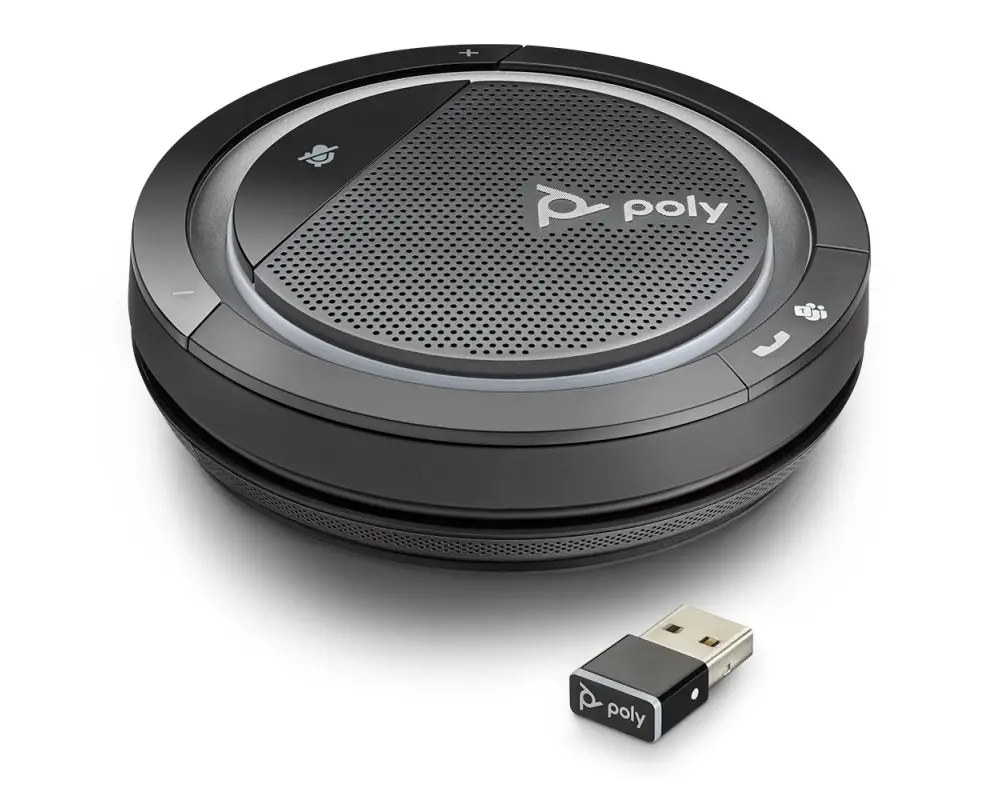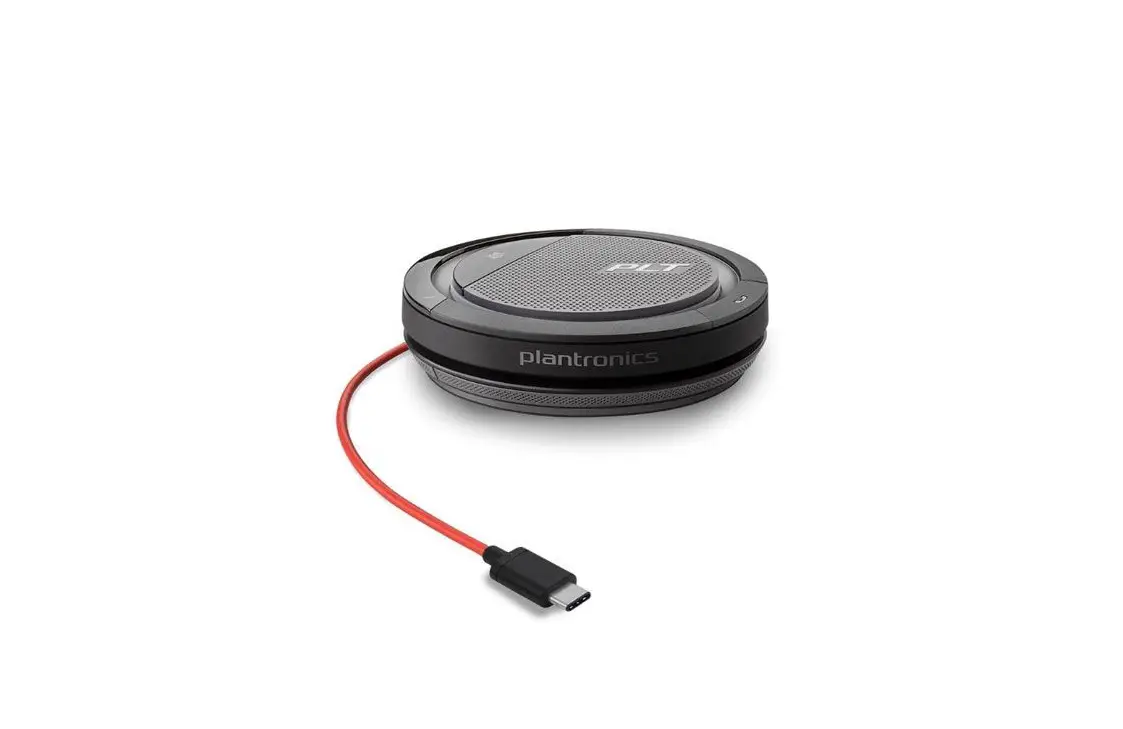

Calisto 3200/5200
Corded Speakerphone
User Guide
2
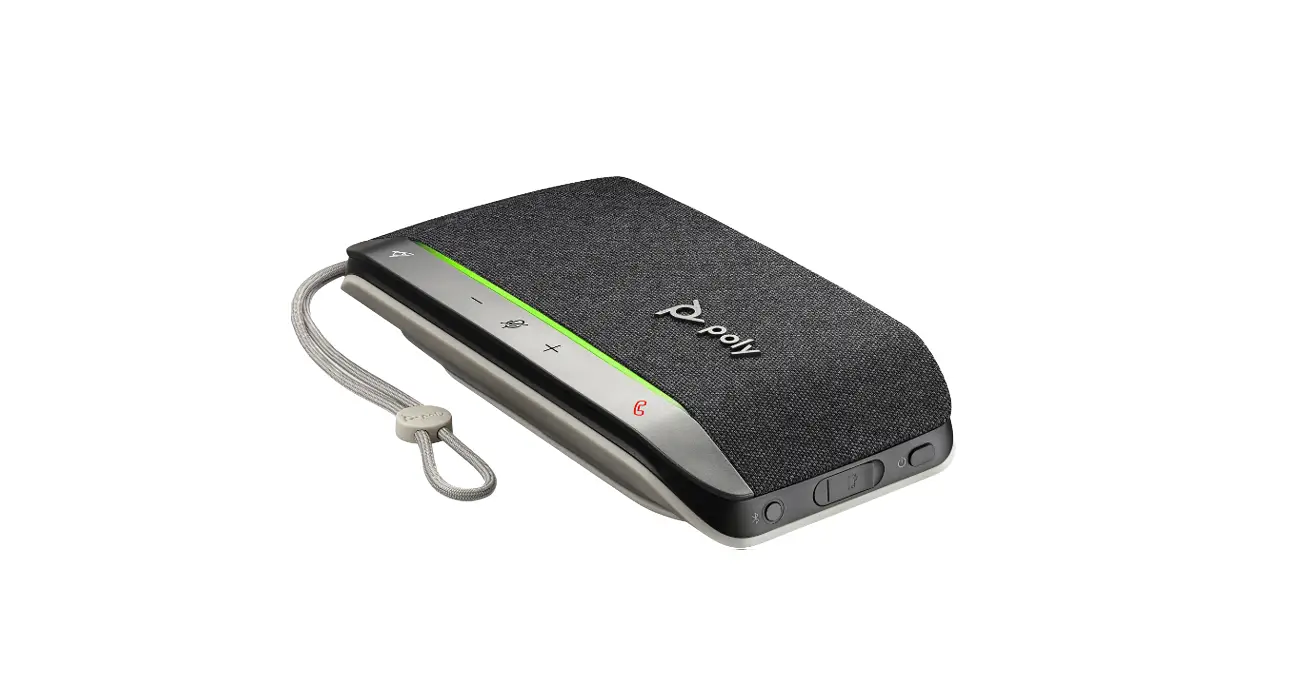
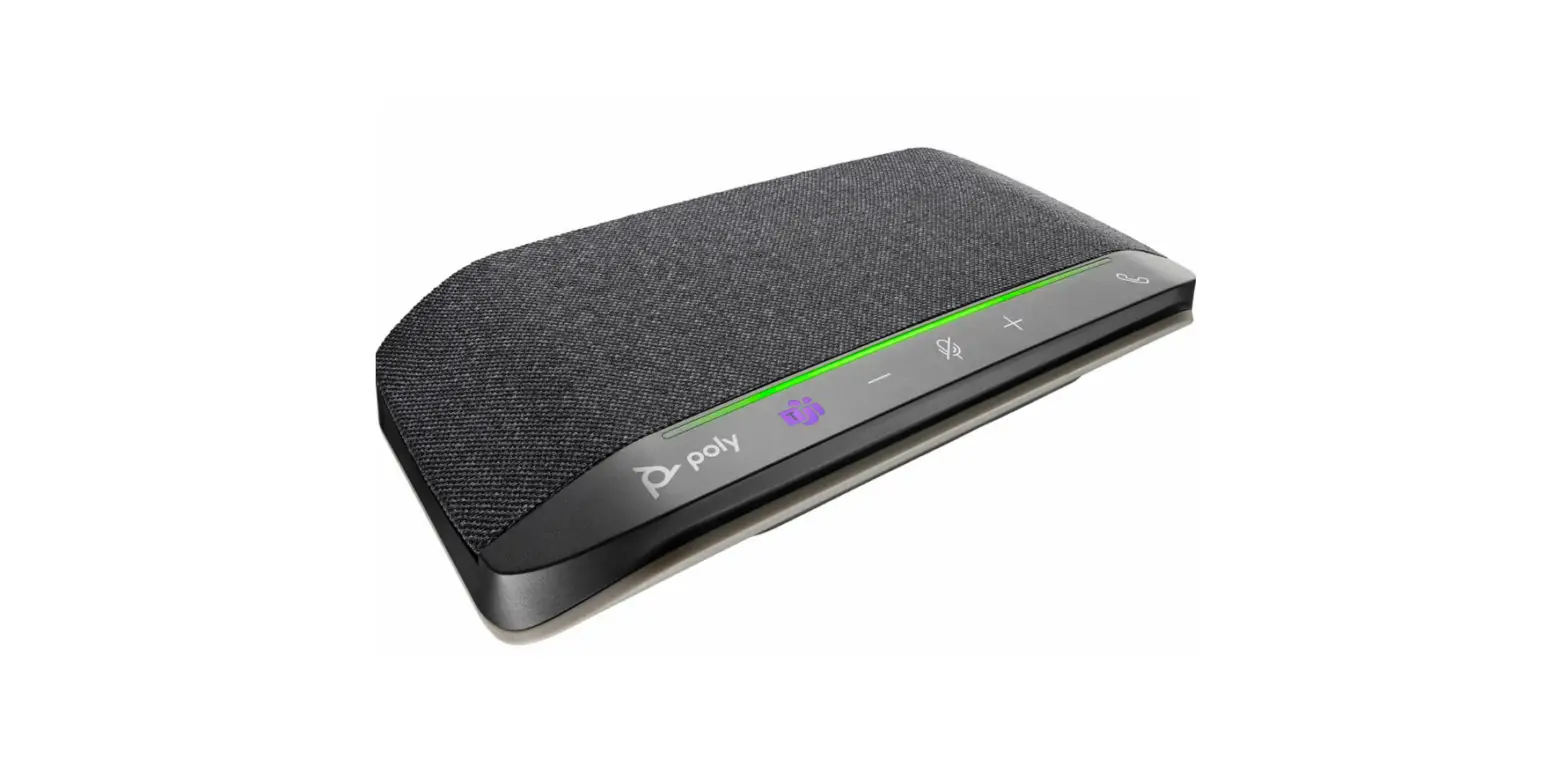
Overview
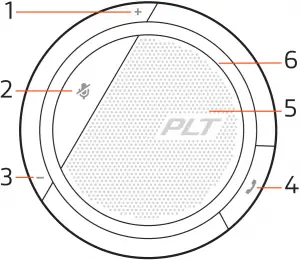
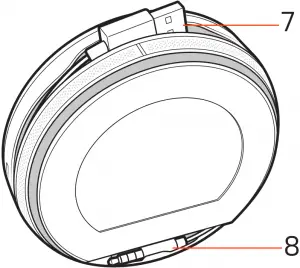
1 Volume up 5 Speaker
2 Mute 6 Indicator light
3 Volume down 7 USB cord
4 Call button 8 3.5mm cord (Calisto 5200 model only)
3
Connect speakerphone
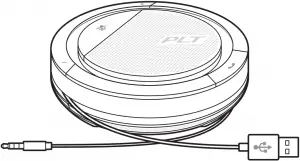
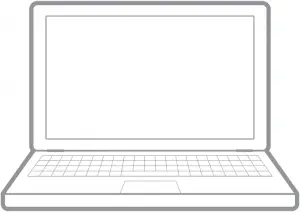
Connect the speakerphone to your computer using the USB cable. Connect the speakerphone to your tablet or mobile phone using the 3.5 mm cable (Calisto 5200 model only). Use the speakerphone to play music or call audio.
4
Daily Use
Power
Plug the USB cable into your computer. The indicator light on the speakerphone will illuminate white and remain on while connected to the power supply.
Plug the 3.5 mm cable into your tablet or mobile device.
NOTE The table refers to the Calisto 5200 model only, there is no battery in the Calisto 3200.
| Status | Talk time | Indicator |
| Battery high | Greater than 12 hours | “Battery high” |
| Battery medium | Less than 12 hours, greater than 2 hours | “Battery medium” |
| Battery low | Less than 2 hours, greater than 30 minutes | “Battery low” played at less than 2 hours talk time |
| Battery critical | Equal to or less than 30 minutes | 30 minutes, “Battery low” repeated every 15 minutes 10 minutes, “Battery low” repeated every 5 minutes 0 minutes “Power off” played once |
Important: If the speakerphone does not automatically power on when plugged in, press and hold the call and mute buttons for 4 seconds to manually power on the speakerphone. Repeating this process will power off the device.
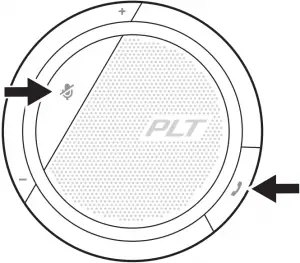
Answer or End a call A short press of the Call button answers or ends a call.
Mute/Unmute A short press of the Mute button mutes or unmutes the microphones.
Volume Press the up (+) or down (-) volume buttons for the desired volume.
Music For a better listening experience with the 3.5mm connector (Calisto 5200 model only), put the speakerphone in music mode by pressing and holding the mute button for 4 seconds. Turn off music mode before taking or receiving calls by pressing and holding the mute button for 4 seconds.
5
Support
NEED MORE HELP?
plantronics.com/support

Plantronics, Inc. Plantronics BV
345 Encinal Street Scorpius 171
Santa Cruz, CA 95060 2132 LR Hoofddorp
United States Netherlands
© 2018 Plantronics, Inc. Bluetooth is a registered trademark of Bluetooth SIG, Inc. and any use by Plantronics, Inc. is under license. All trademarks are the property of their respective owners.
212877-06 (09.18)