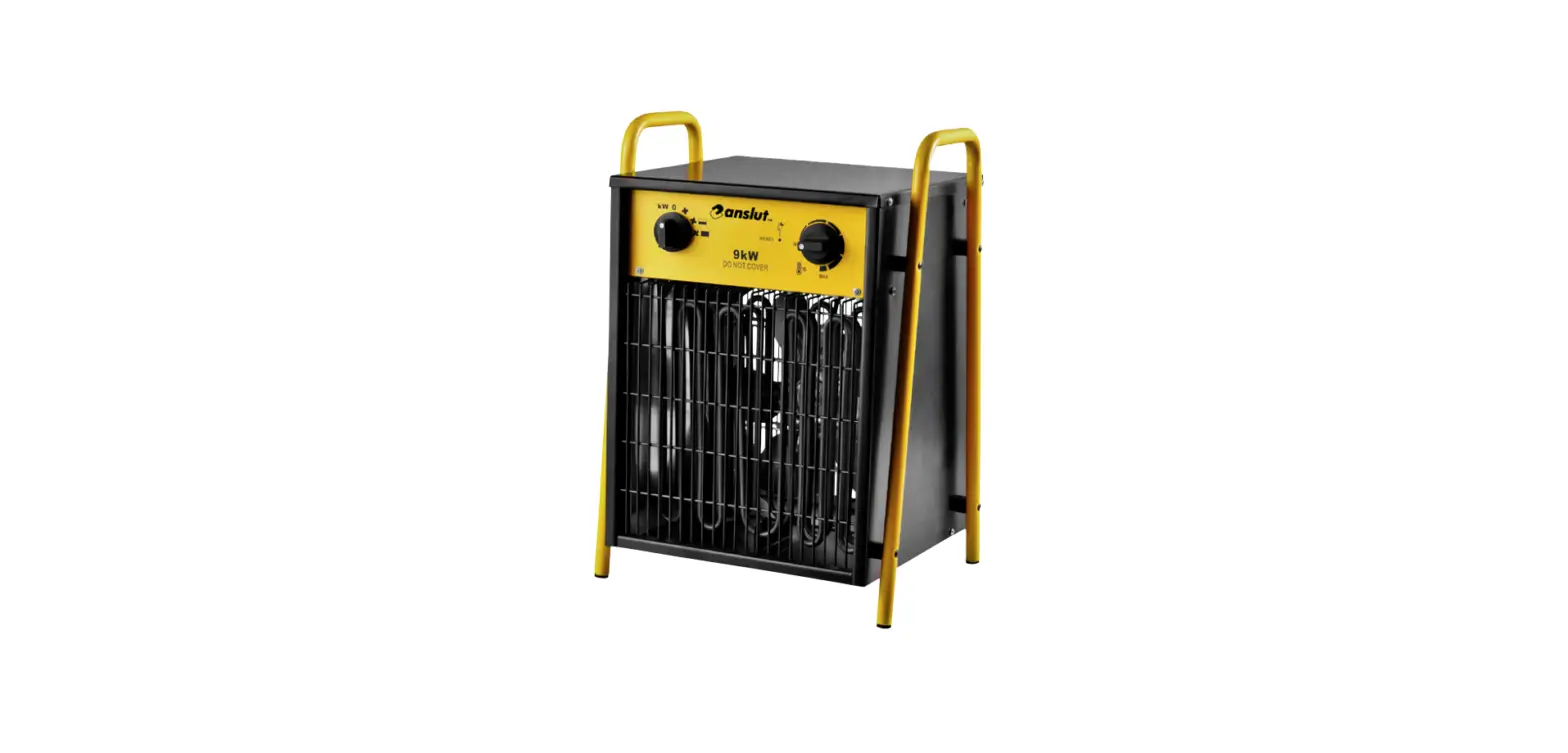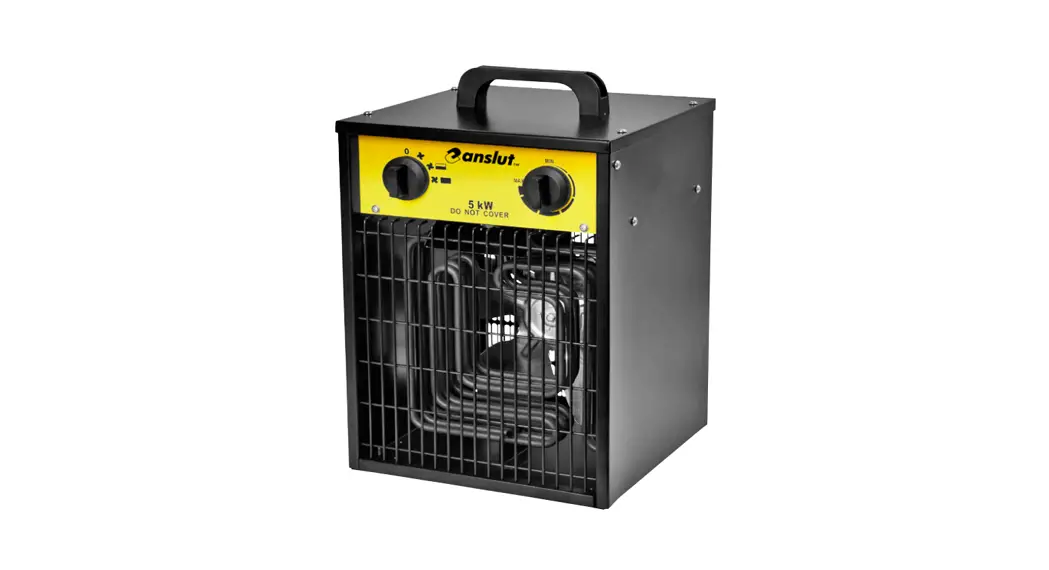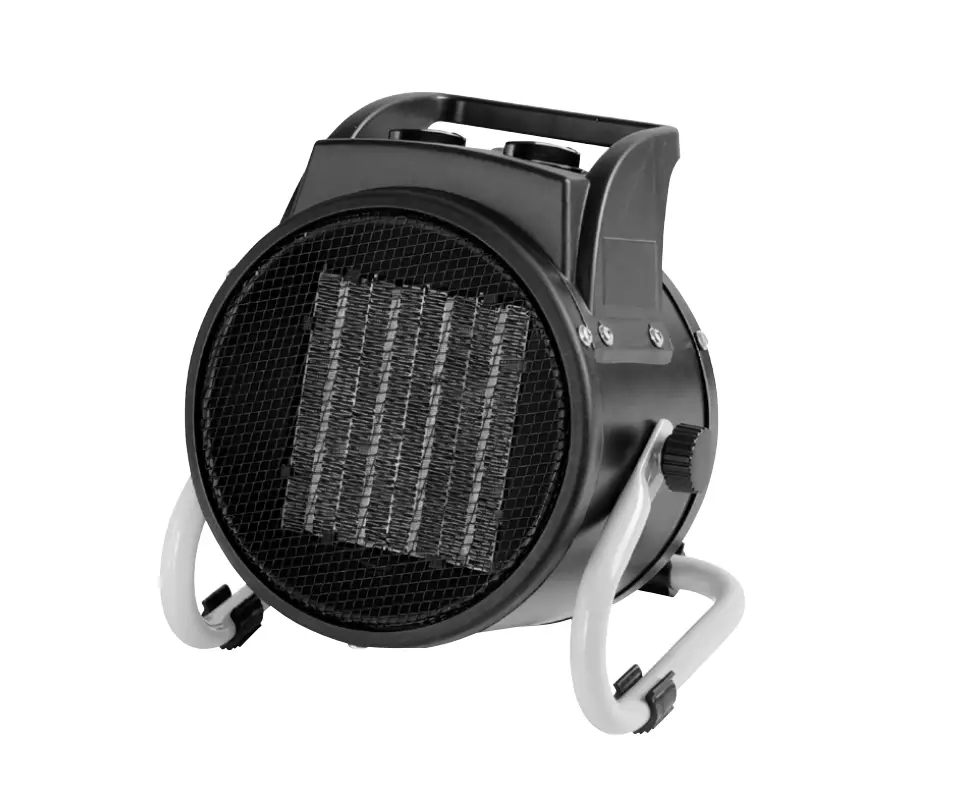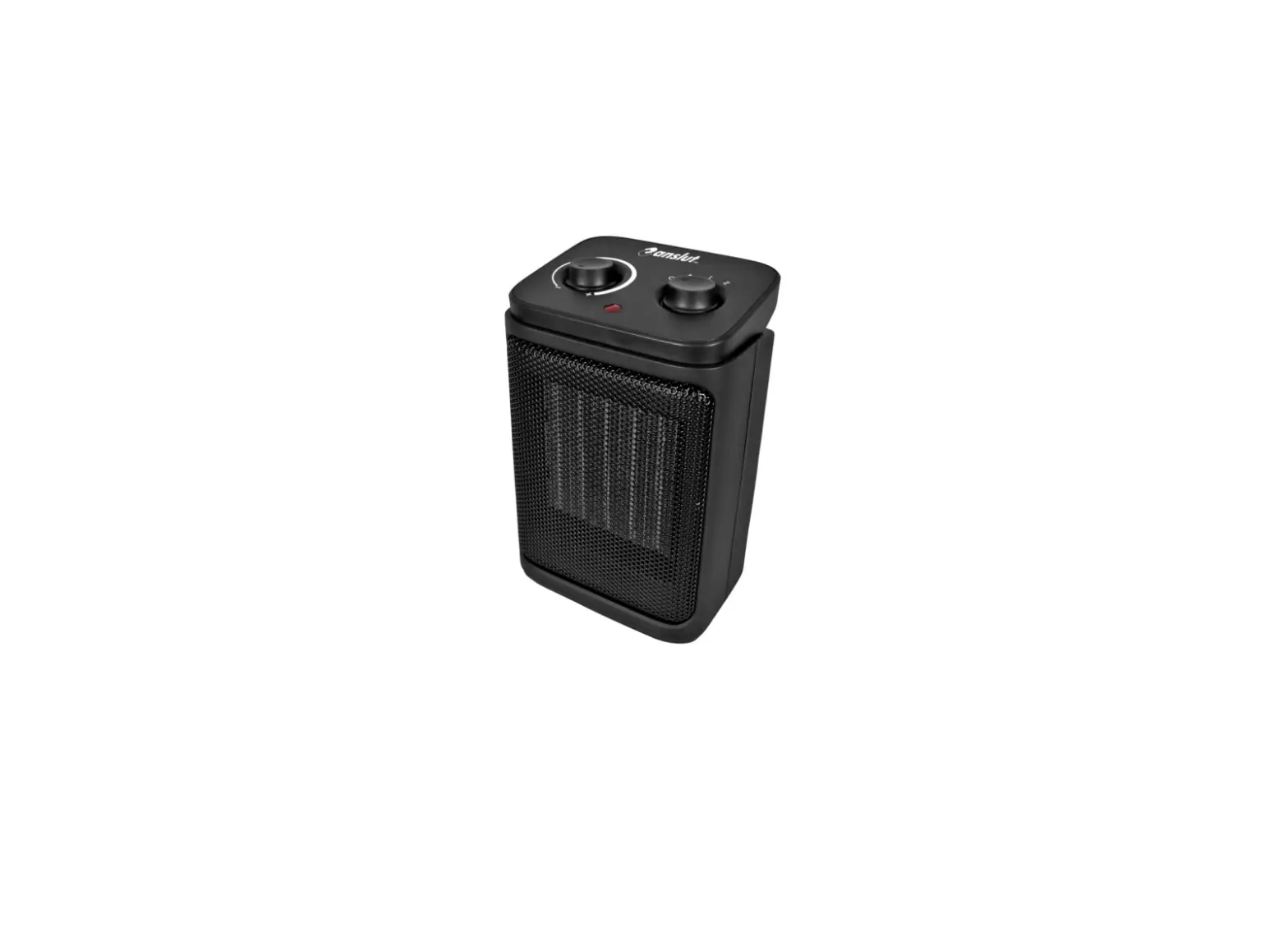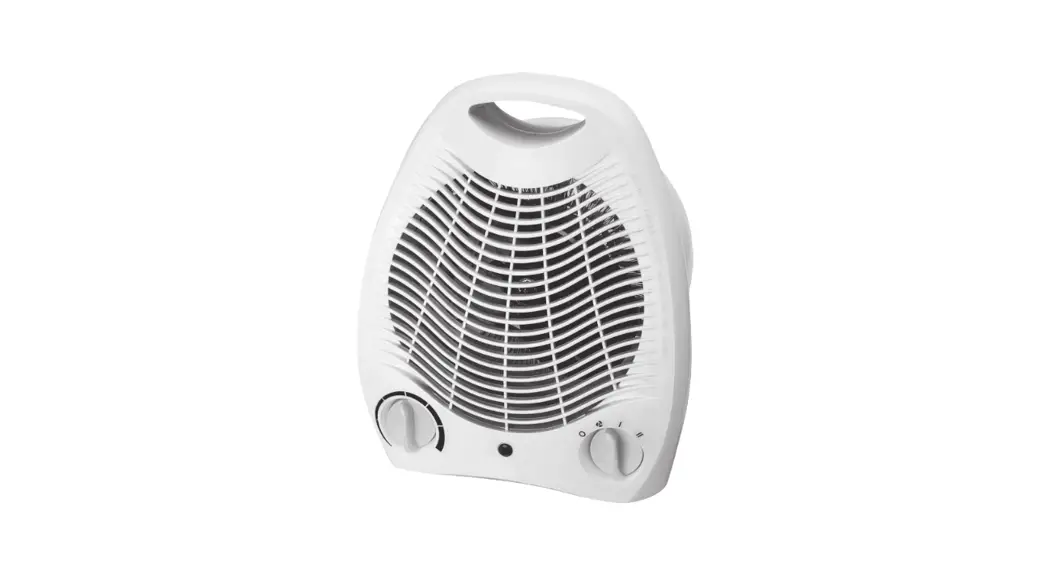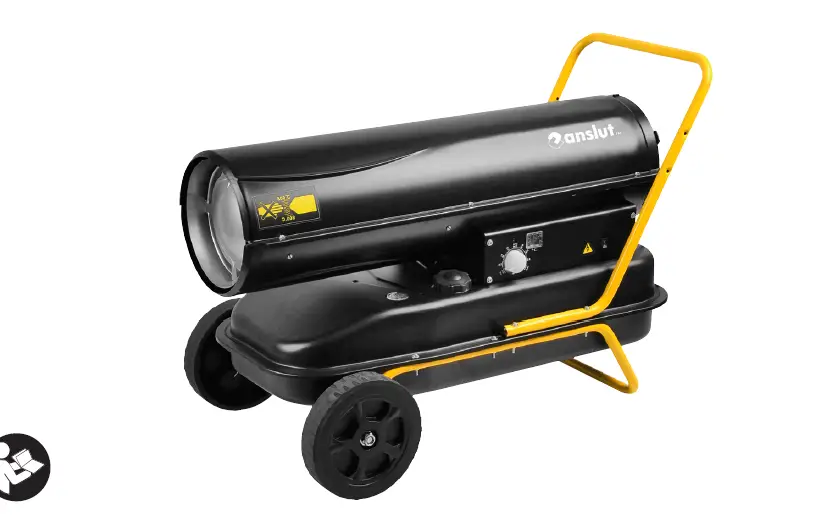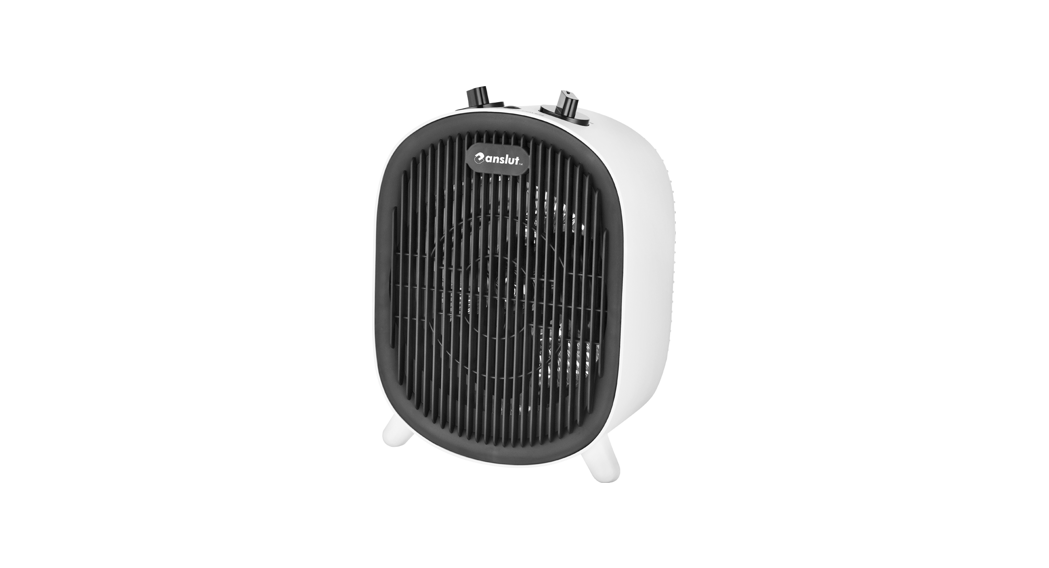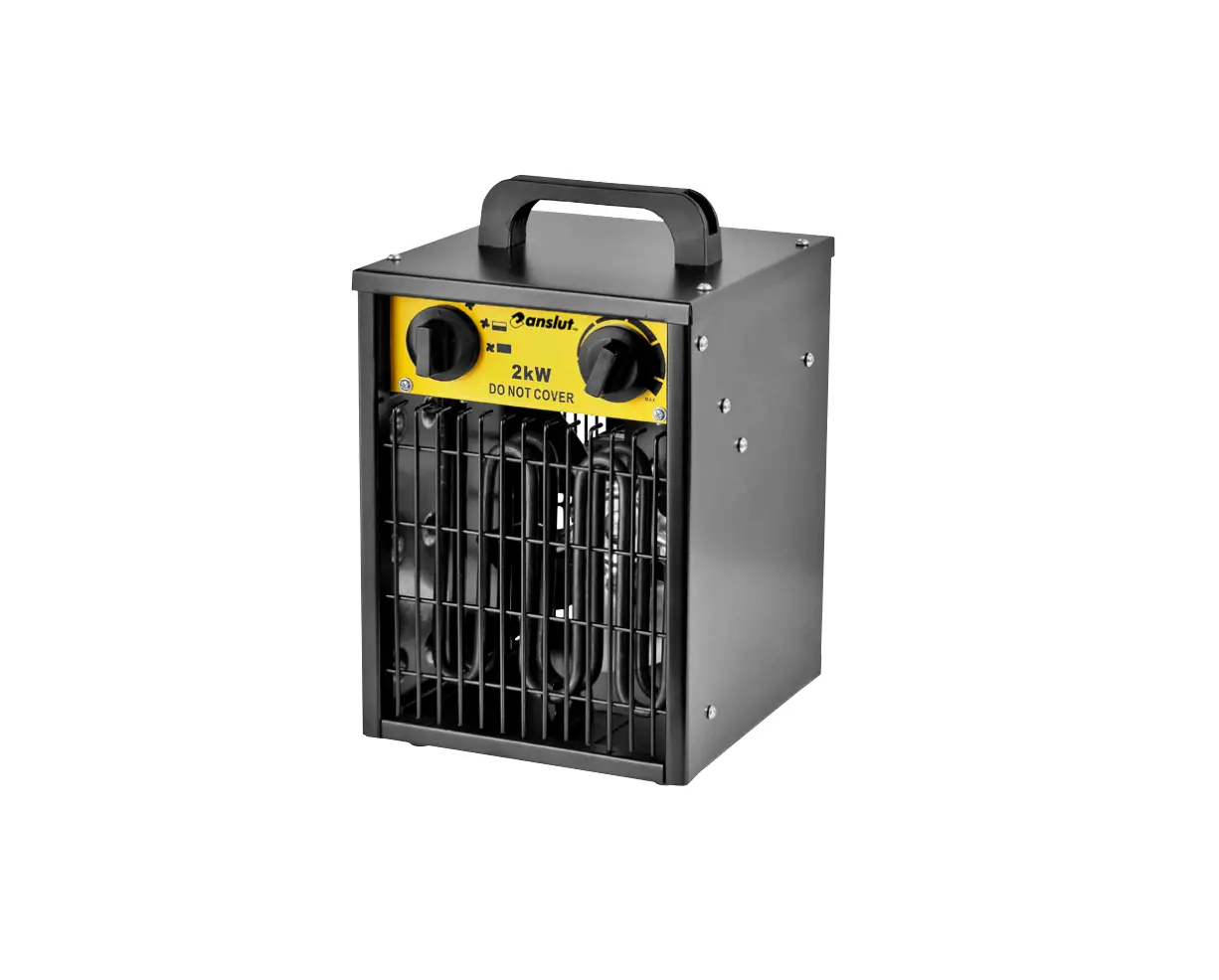
anslut 013513 Portable Construction Heater Instruction Manual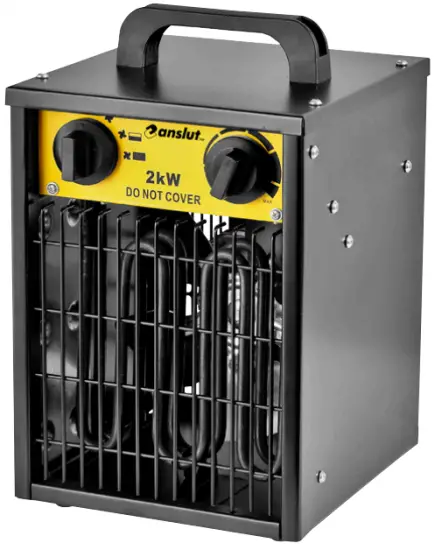
OPERATING INSTRUCTIONS
 Important! Read the user instructions carefully before use. Save them for future reference. (Translation of the original instructions)
 Care for the environment! Recycle discarded product in accordance with local regulations.
Jula reserves the right to make changes. For latest version of operating instructions, see www.jula.com
SAFETY INSTRUCTIONS
- This product can be used by children from eight years and upwards and by persons with physical, sensorial or mental disabilities, or persons who lack experience or knowledge, if they are supervised or receive instructions concerning the safe use of the product and understand the risks involved with its use. Do not allow children to play with the product. Cleaning and maintenance must not be carried out by children unless they are more than eight years old, and are kept under supervision.
- Keep the product and its power cord out of the reach of children under eight years of age.
- The product must be connected to an earthed power point.
- This product is not intended to be used by persons (including children) with functional disorders, or by persons who are not familiar with how the product is used, unless they are supervised or receive instructions concerning its use from someone who is responsible for their safety.
- Keep children under supervision to make sure they do not play with the product.
- Place the product on a smooth, flat, stable surface. Do not tilt or turn the product upside down.
- Note that the product gets very hot when in use. It must therefore be placed at a safe distance from flammable objects such as furniture and curtains, etc.
- Do not cover the product —fire risk.
- Do not put the product immediately under a power point.
- Protect the product from dust and moisture. It must not be placed outdoors in rainy weather.
- Do not connect the product via a timer or other similar device that can switch the product on automatically.
- Do not put the product in rooms where flammable liquids or gas are used or stored.
- If an extension cord is used, it must be as short as possible and must always be fully unwound.
- No other appliances should be connected to the same power point as the one to which the product is connected.
- Do not use the product near a bath, shower or swimming pool.
- Do not put the product in a vehicle that can start to move, or in such a way that it can tip over.
- Do not use the product if the power cord or plug are damaged in any way.
For safety reasons, the power cord must only be replaced or repaired by an electrician or authorised service centre.
Consult your dealer. - Switch off the product and disconnect from the mains before maintenance.
- The product must have a free space of 100 cm in front and behind, and 50 cm of free space on the sides.
WARNING!
- Some parts of the product can get very hot and cause burn injuries. Be very careful when children or persons with diminished physical, sensory, or mental capacity are nearby.
- Do not cover the product or block the inlet or outlet air — fire risk.
SYMBOLS
 | Read the instructions before use. |
 | WARNING: Do not cover. |
 | Approved in accordance with the relevant directives. |
| Recycle discarded product in accordance with local regulations. |
TECHNICAL DATA
Rated voltage 230 V — 50 Hz
Max output 2000 W
Power settings 25/1000/2000 W
Ambient temperature-15 — +25°C IPX4
Protection rating 260 m3/h
Max air volume Air speed 2.3 m/s
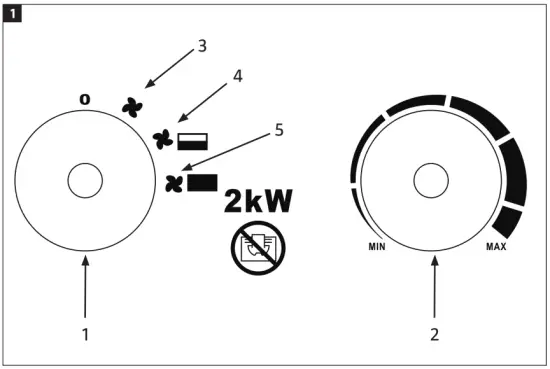
DESCRIPTION
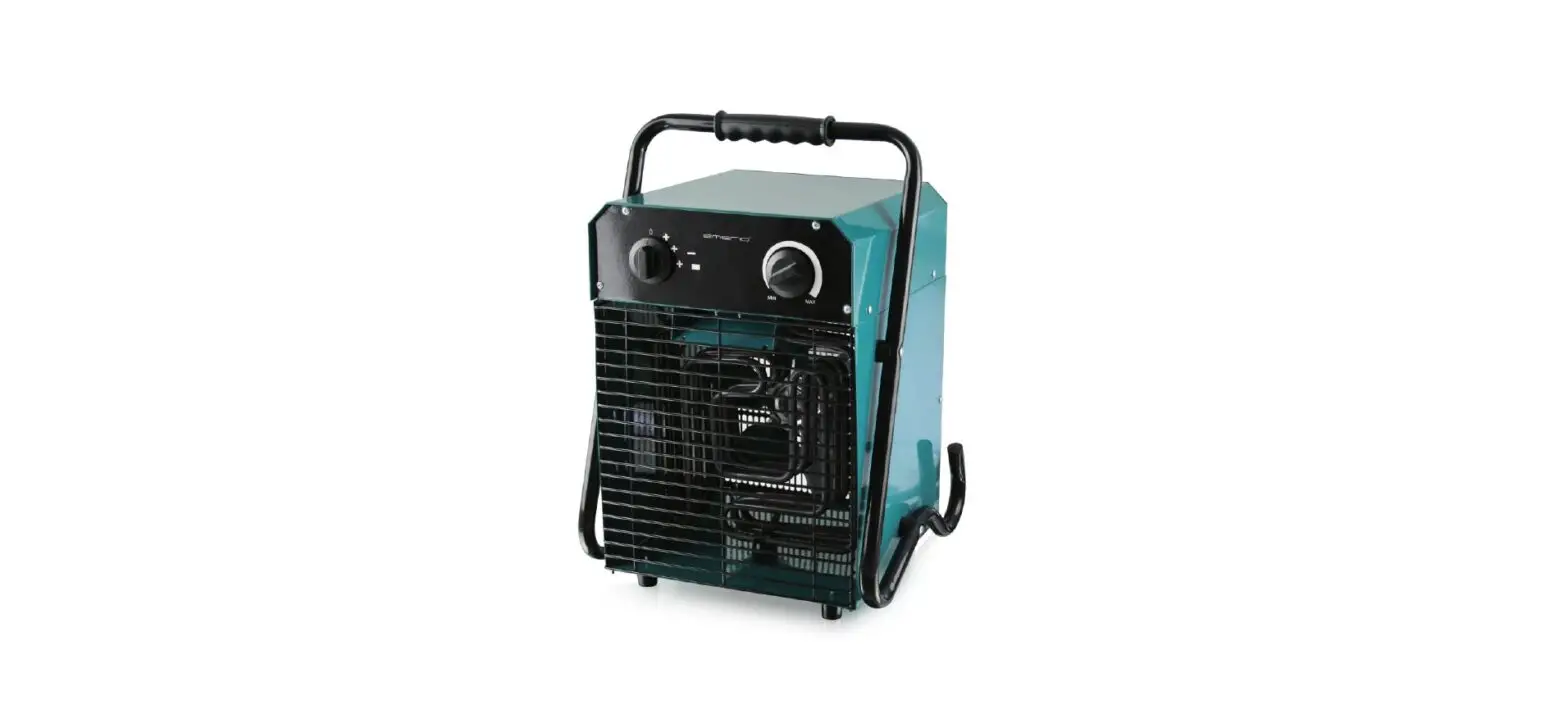
- Mode selector
- Thermostat dial
- Fan mode
- Low output mode + fan .
- High output mode + fan
FIG. 1
USE
INTENDED USE
The fan is intended to be used for temporary heating of storerooms, buildings, workshops, garages, barns and other similar dry places.
HOW TO USE
WARNING!
Do not cover the fan.
- Stand the fan upright on a flat surface at a safe distance from flammable objects.
- Connect the fan to a power point.
- Set the thermostat in the MAX position and turn the knob to full power. When the required room temperature has been reached, turn the thermostat knob anti-clockwise until the thermostat switches off.
- The thermostat will now turn the heat on/ off automatically to regulate the room temperature to the set value.
Note:
When the heater fan is used for the first time, it may emit some smoke. This is normal and stops after a while. The smoke comes from the thin coat of protective oil which is applied to the heater element during manufacture.
OVERHEATING PROTECTION
The overheating protection switches off the fan if it overheats. When this happens, pull out the plug from the power point and allow the fan to cool. The overheating protection resets automatically when the fan has cooled.
NOTE:
The overheating protection trips at a temperature of 65°C.
MAINTENANCE
IMPORTANT:
Make sure the plug is pulled out from the power point before cleaning and/or putting away.
- Disconnect the fan from the power point and allow it to cool before cleaning.
- Wipe the outside with a soft cloth dampened with a mild soap solution. Make sure not to get any water in the fan. Wipe with a dry cloth.
NOTE:
Do not use petrol or solvent to clean the fan.
STORAGE
- Allow the fan to cool before putting it away.
- Put the fan in a dry, ventilated area out of the reach of children.
- Clean the fan with a vacuum cleaner or compressed air after taking it out of storage.
NOTE:
Do not remove the grille on the fan, vacuum clean it instead or blow air through it.
TROUBLESHOOTING
| PROBLEM | POSSIBLE CAUSE | ACTION |
| The product does not start even though it is plugged in and the temperature dial is set to maximum. | Broken or loose wire, or loose contact in plug or power point. | Pull out the plug from the power point and check for loose connection. Replace the plug and try again. |
| The power point is without voltage. | Plug the plug into another power point. | |
| The heater element glows. | Input voltage is too high or too low. | Plug into a power point with the correct voltage (see rating plate on product). |
| The air inlet is blocked. | Place the product at a safe distance from curtains, plastic bags, sheets of paper and other objects that can block the flow of air or cover the air inlet. | |
| The product does not get hot, only the fan is working. | The power dial is not in heating mode. | Turn the dial to a heating mode. |
| The thermostat has disconnected the heating element. | Turn the temperature dial and listen for a clicking noise from the thermostat contactors. If there is no clicking and the thermostat is undamaged the heating element will automatically switch on when the temperature has dropped. | |
| The overheating protection has tripped. | Switch off the product and check that the air inlet or air outlet are not blocked. Pull out the plug and wait at least 10 minutes to allow the overheating protection to reset. Try to start the product again afterwards. | |
| Abnormal noise. | The product is not standing on a level surface. | Put the product on a level and stable surface. |
SPECIFICATIONS
| Model identifier(s): 013513 | |||
| Item | Symbol | Value | Unit |
| Heat output | |||
| Nominal heat output | Pnom | 2 | kW |
| Minimum heat output (indicative) | Pmin | 1 | kW |
| Maximum continuous heat output | Pmax,c | 2 | kW |
| Auxiliary electricity consumption | |||
| At normal heat output | elmax | 0 | kW |
| At minimum heat output | elmin | 0 | kW |
| In standby mode | elSB | 0 | kW |
| Type of heat input, for electric storage local space heaters only (select one) | |||
| Manual heat charge control, with integrated thermostat | No | ||
| Manual heat charge control with room and/or outdoor temperature feedback | No | ||
| Electronic heat charge control with room and/or outdoor temperature feedback | No | ||
| Fan assisted heat output | No | ||
| Type of heat output/room temperature control (select one) | |||
| Single stage heat output and no room temperature control | No | ||
| Two or more manual stages, no room temperature control | No | ||
| With mechanic thermostat room temperature control | Yes | ||
| With electronic thermostat room temperature control | No | ||
| Electronic room temperature control plus day timer | No | ||
| Electronic room temperature control plus week timer | No | ||
| Other control options (multiple selections possible) | |||
| Room temperature control, with presence detection | No | ||
| Room temperature control, with open window detection | No | ||
| With distance control option | No | ||
| With adaptive start control | No | ||
| With working time limitation | No | ||
| With black bulb sensor | No | ||
| Contact details: www.jula.com | |||