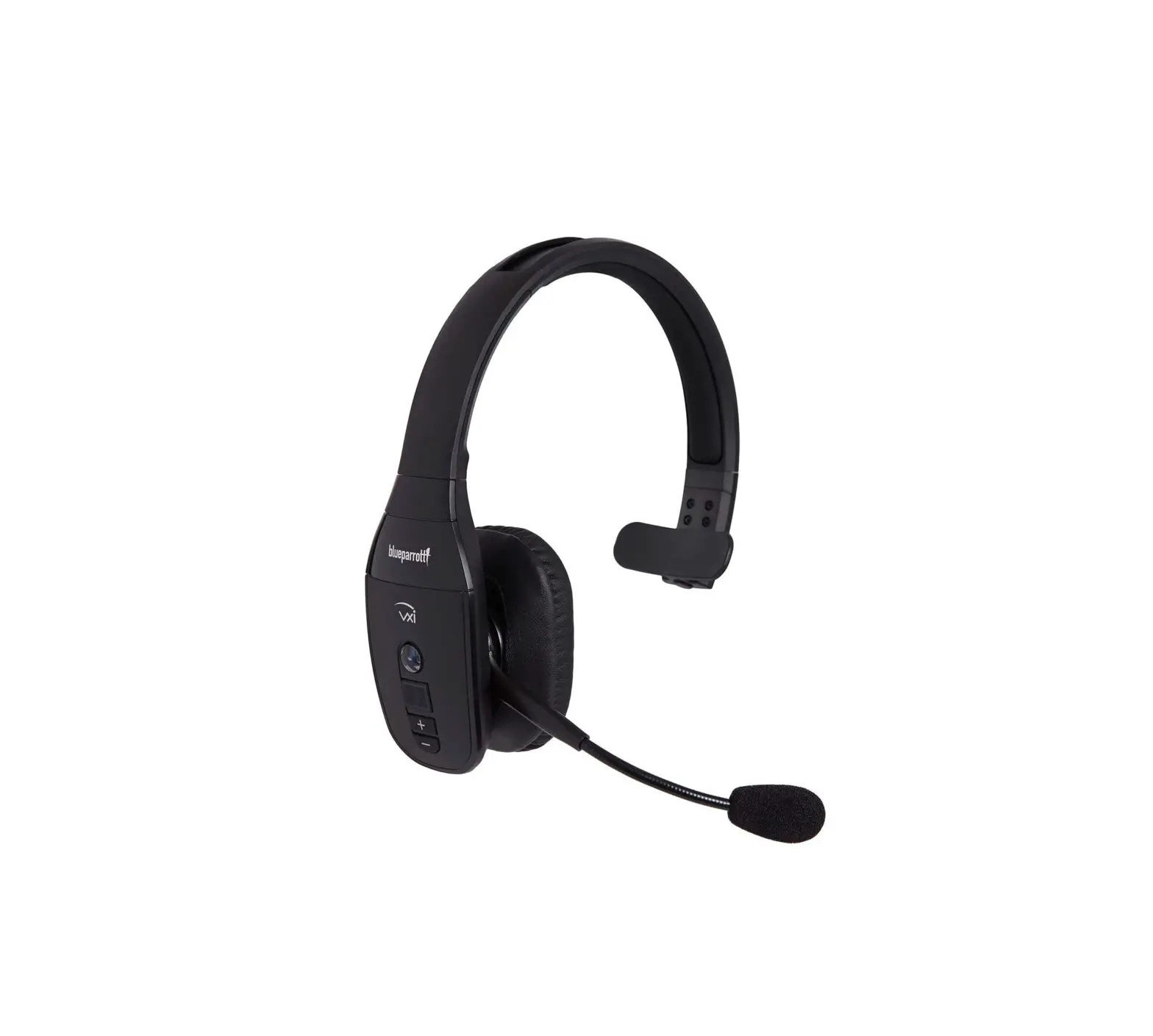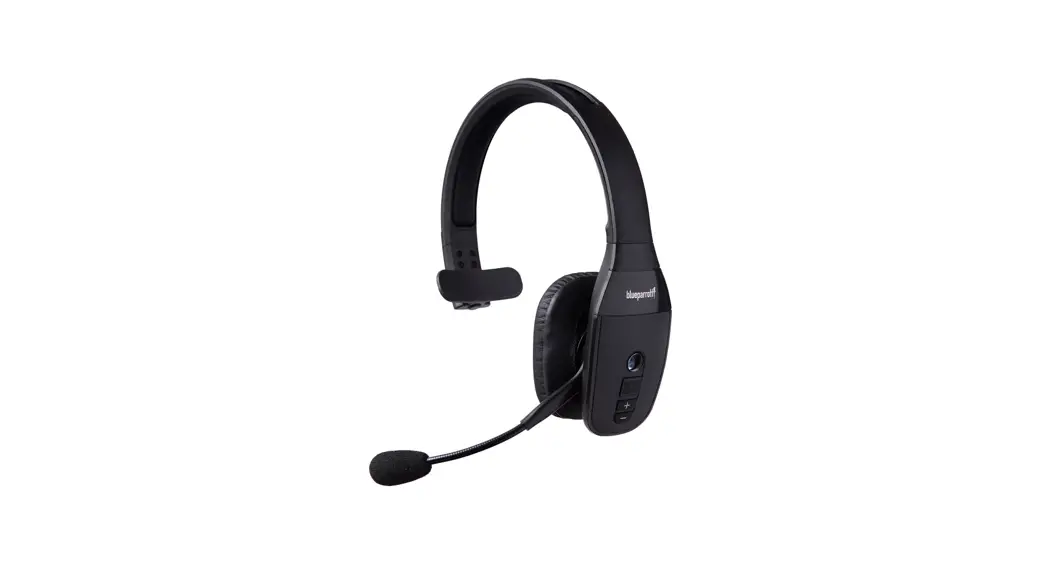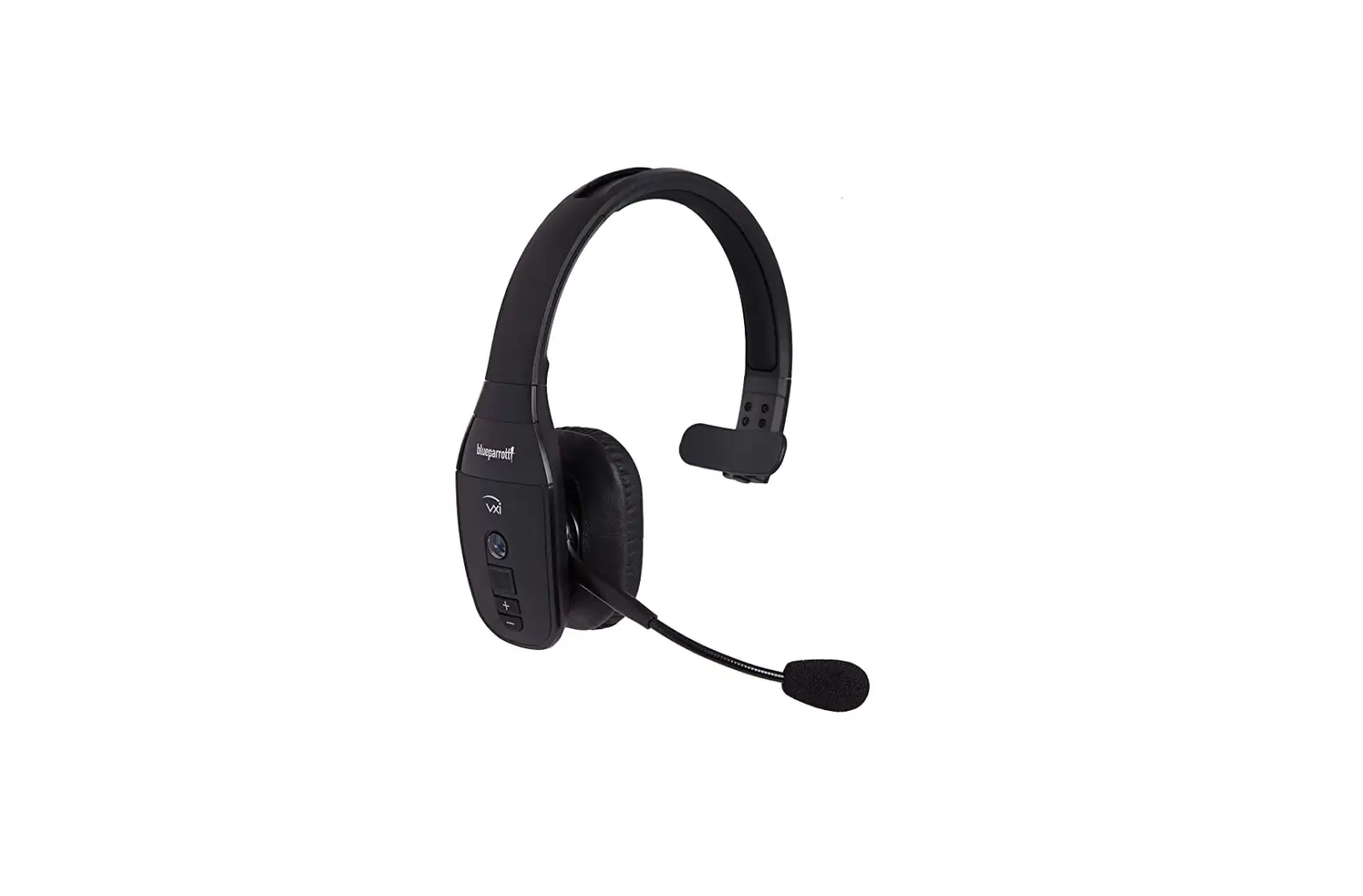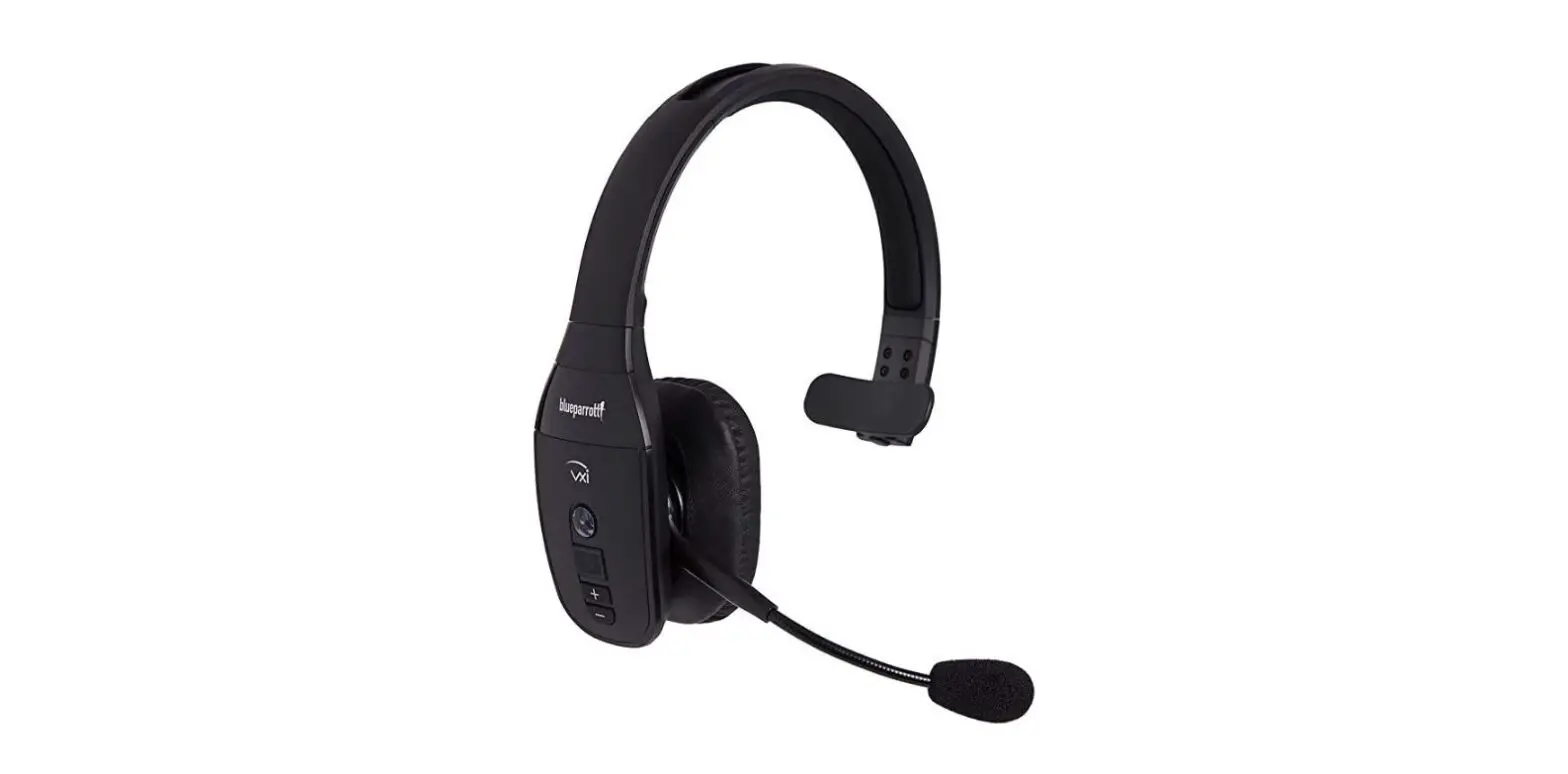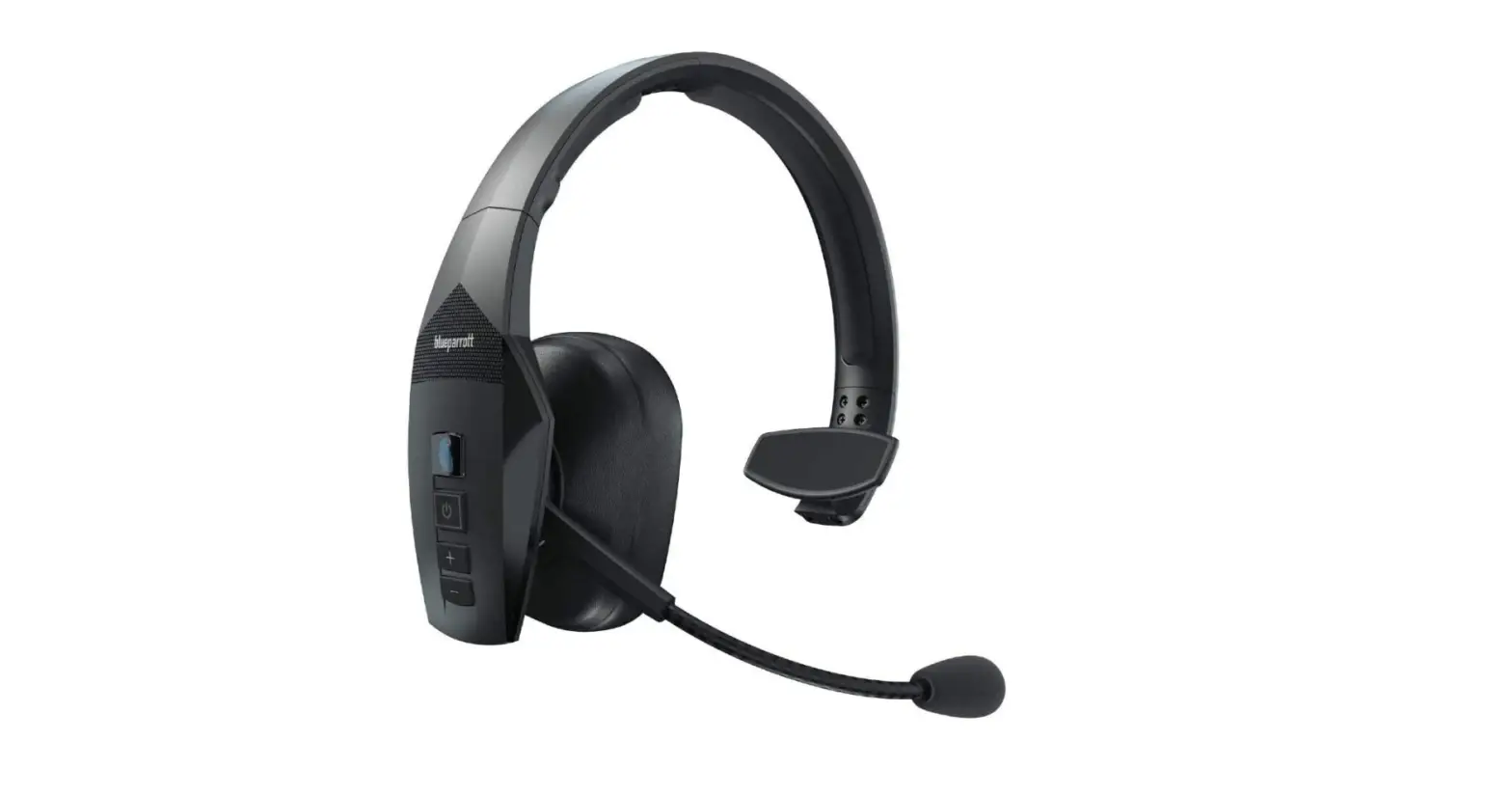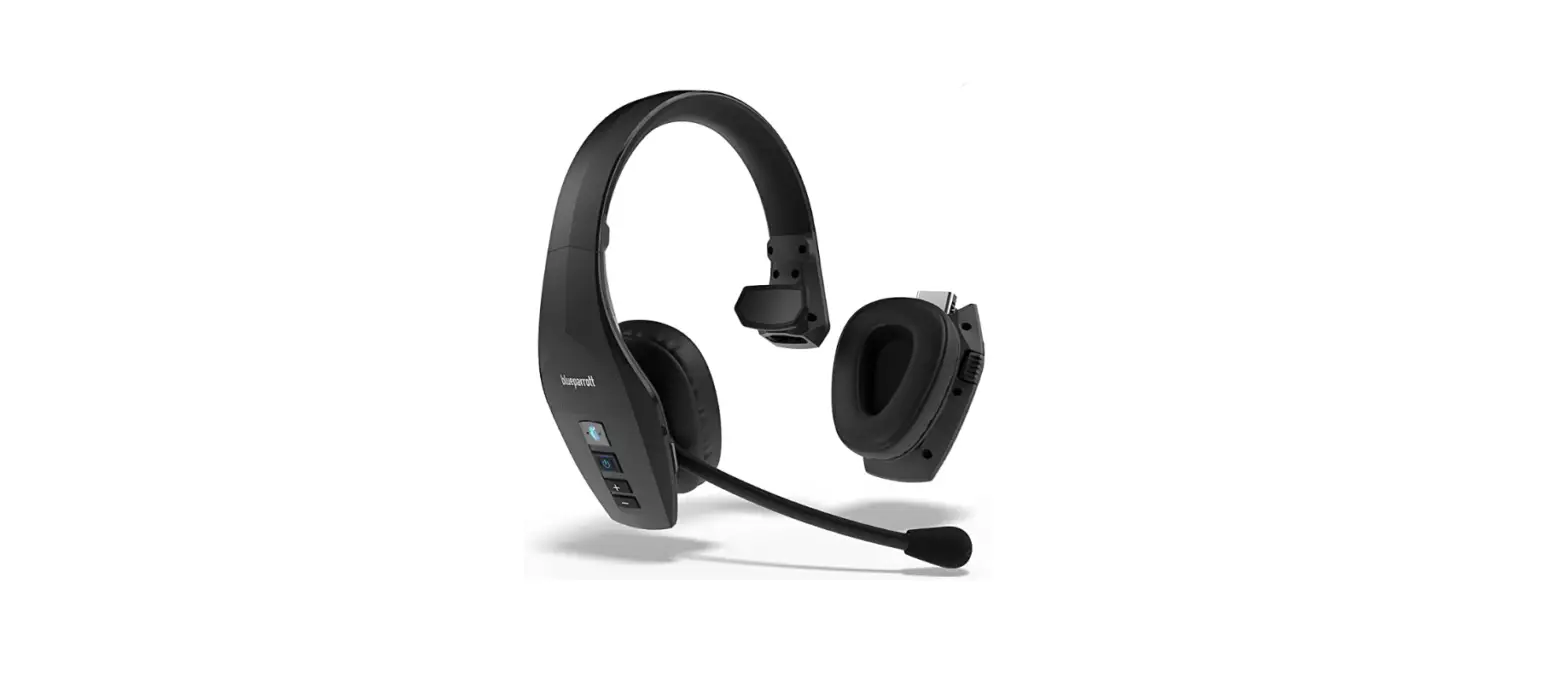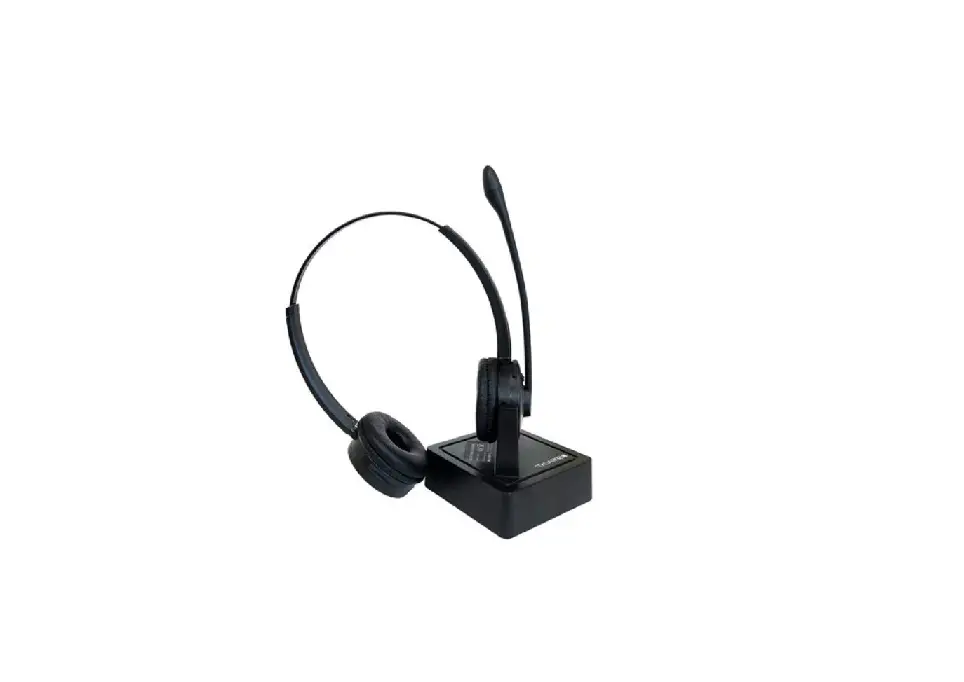
 B250-XTS Noise Canceling Bluetooth Headset
Instruction Manuals
How do I reset my Bluetooth headset?
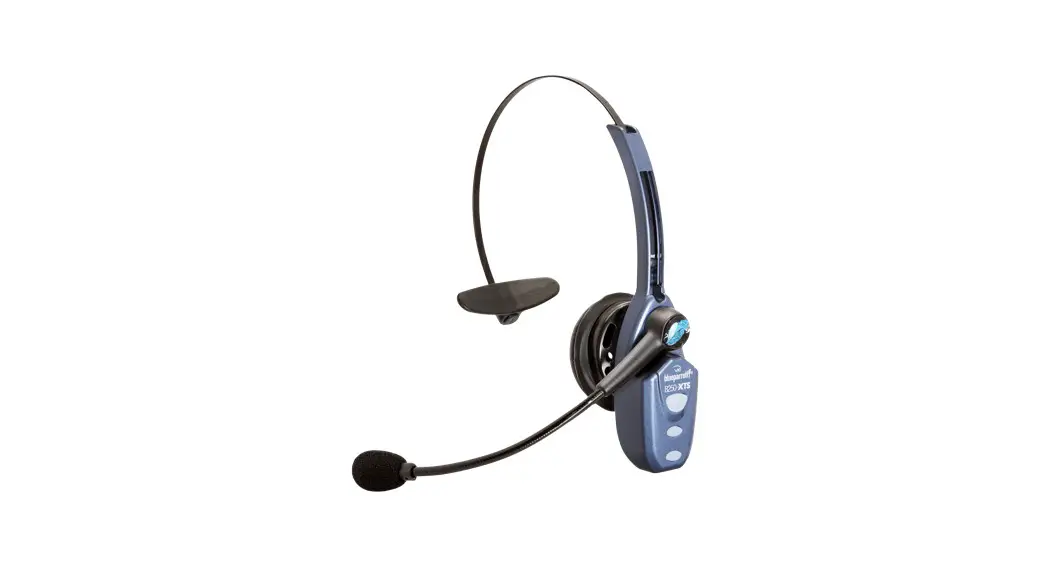
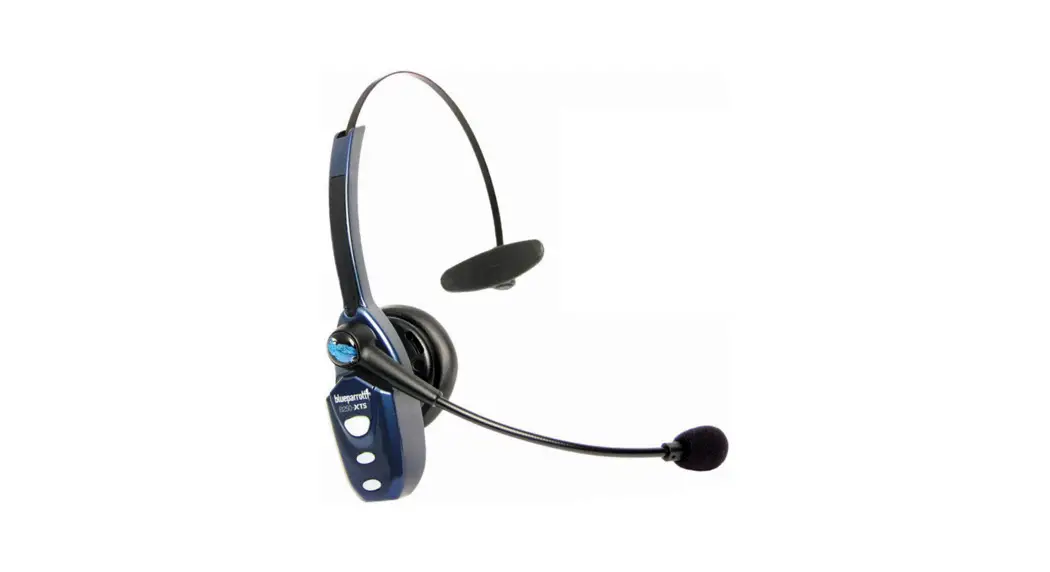
BlueParrott B250-XTS
When you reset your Bluetooth headset, the list of devices that have been paired with it is cleared. Follow these steps to reset.
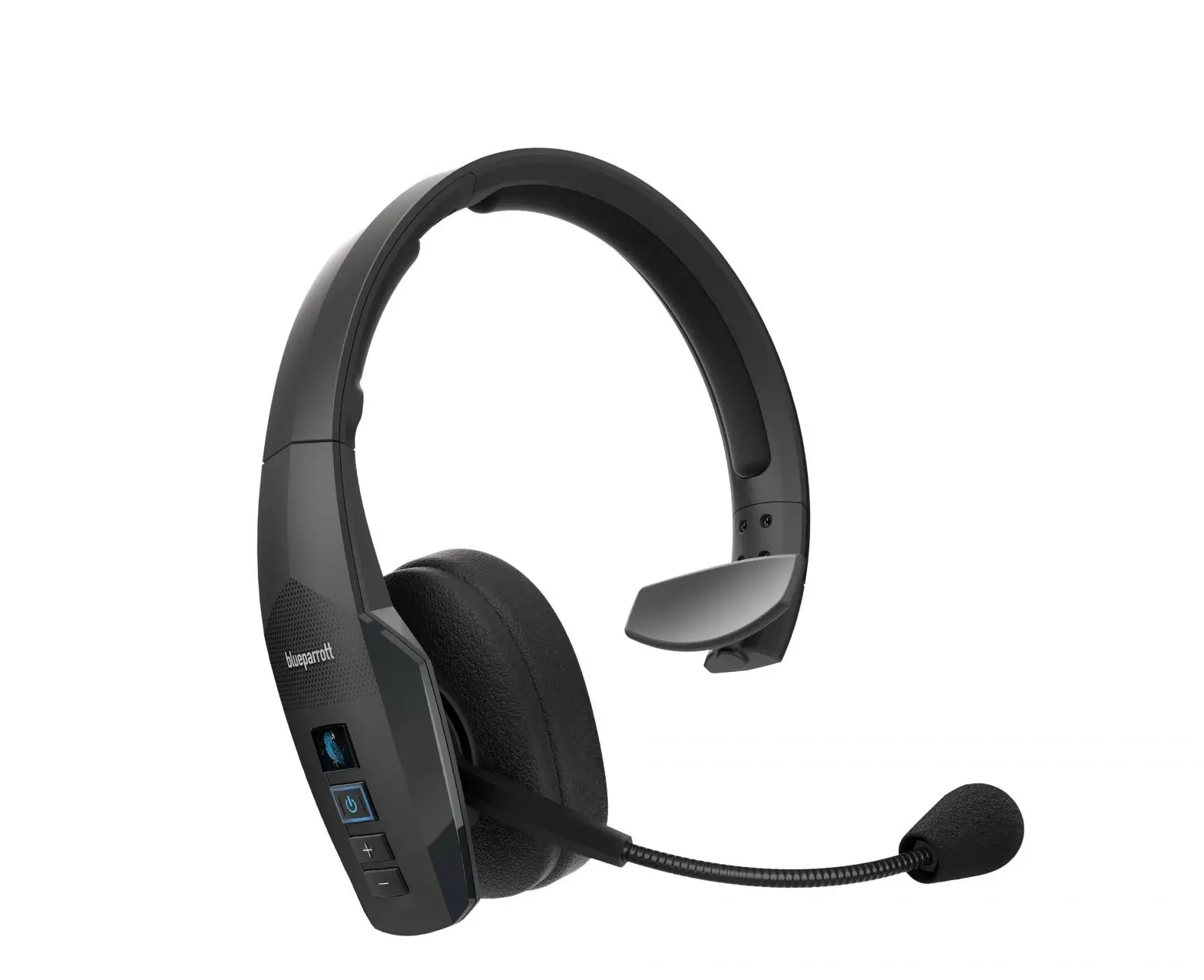
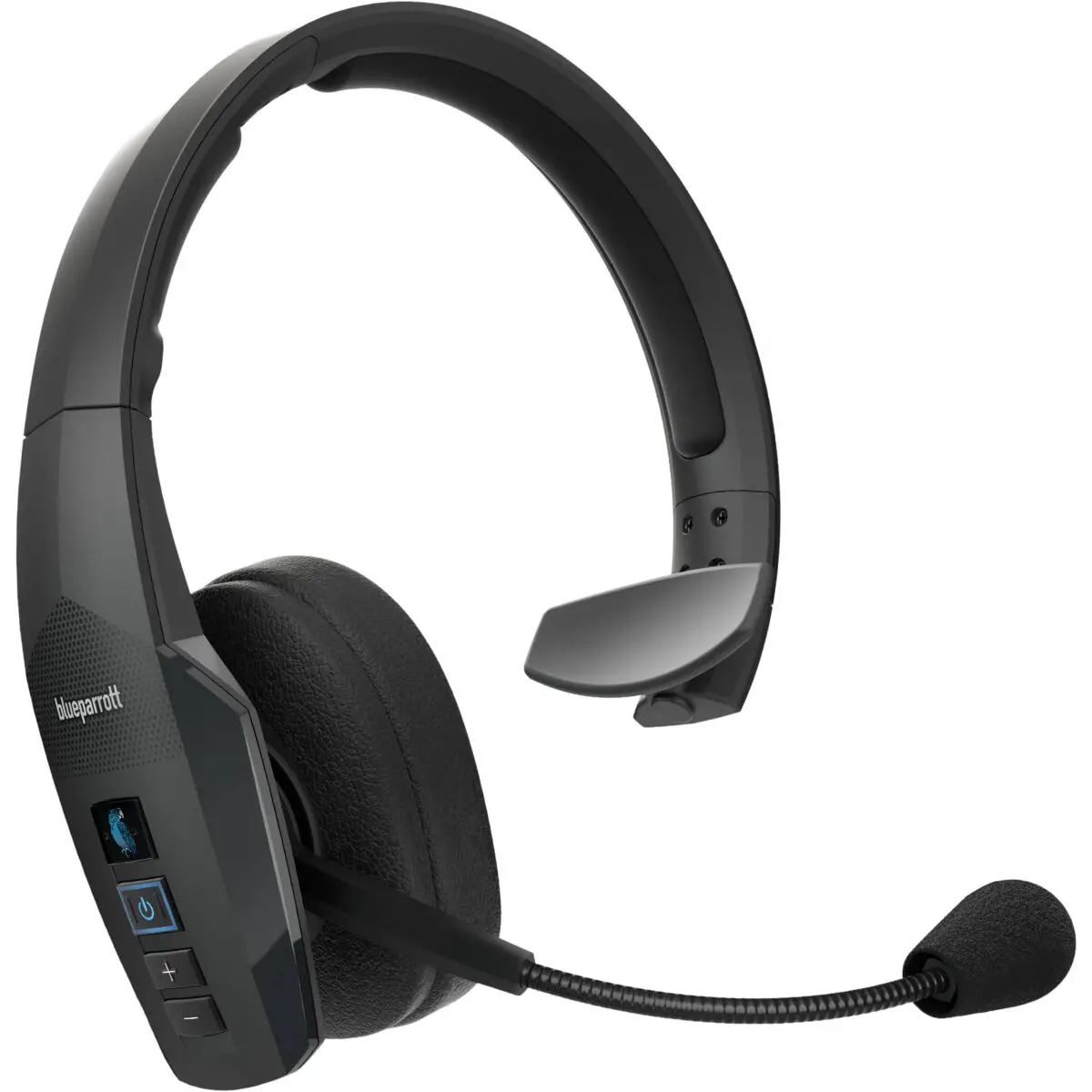
- Turn on your headset.
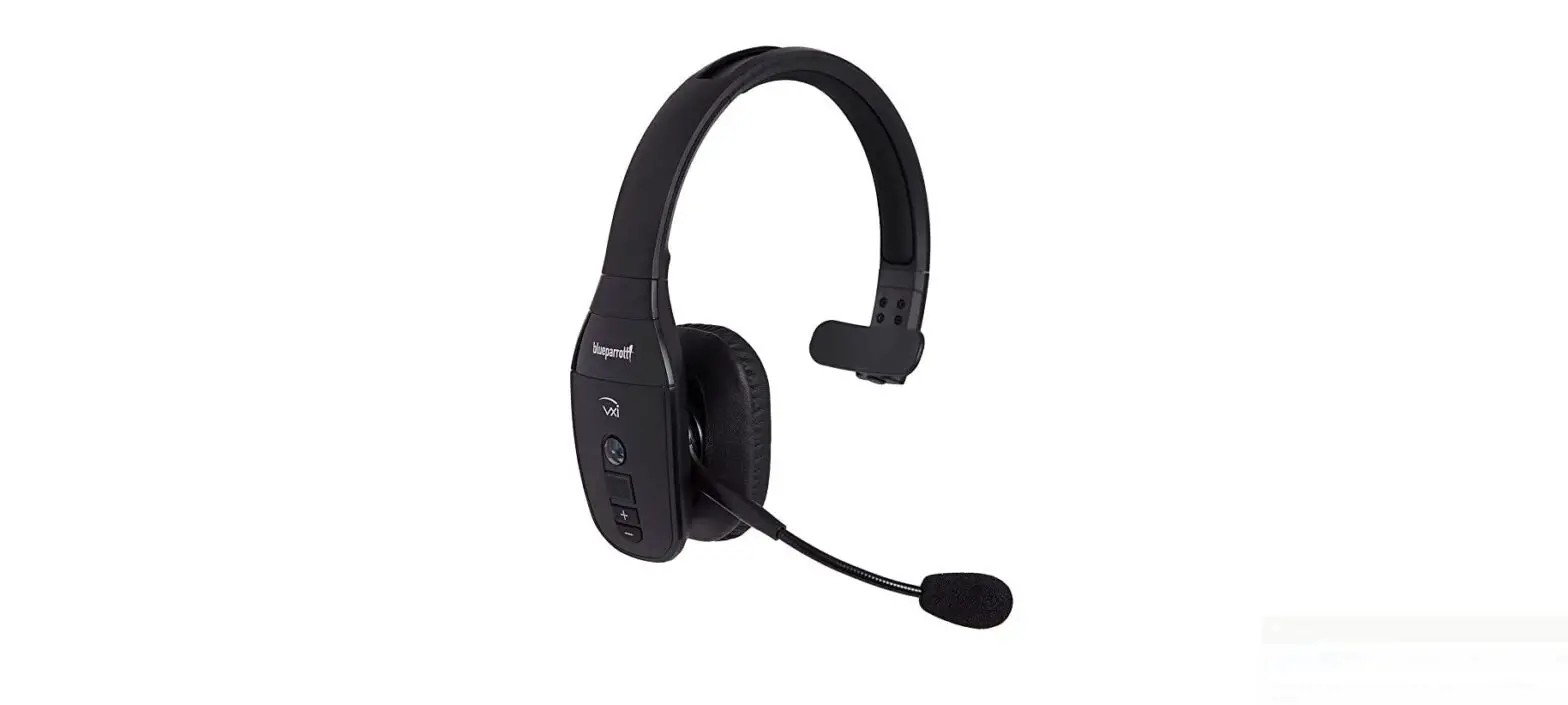
- Simultaneously press and hold the Volume up button and Volume down button until you hear two low tones.
- Your headset is now reset.
Note
When your headset has been reset it will not automatically enter pairing mode. You will need to manually re-pair with your Bluetooth devices.
Remember to delete the previous pairing before you re-pair.
https://www.blueparrott.com/supportpages/blueparrott-b250-xts/203890/faq/0730c6778d81-4620-994f-5b0fc34dcb8a