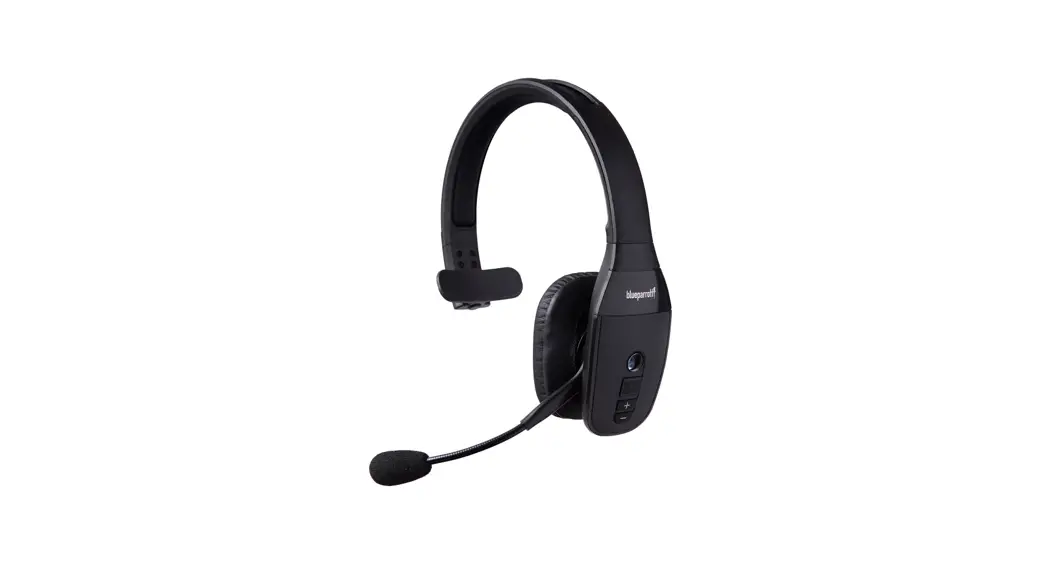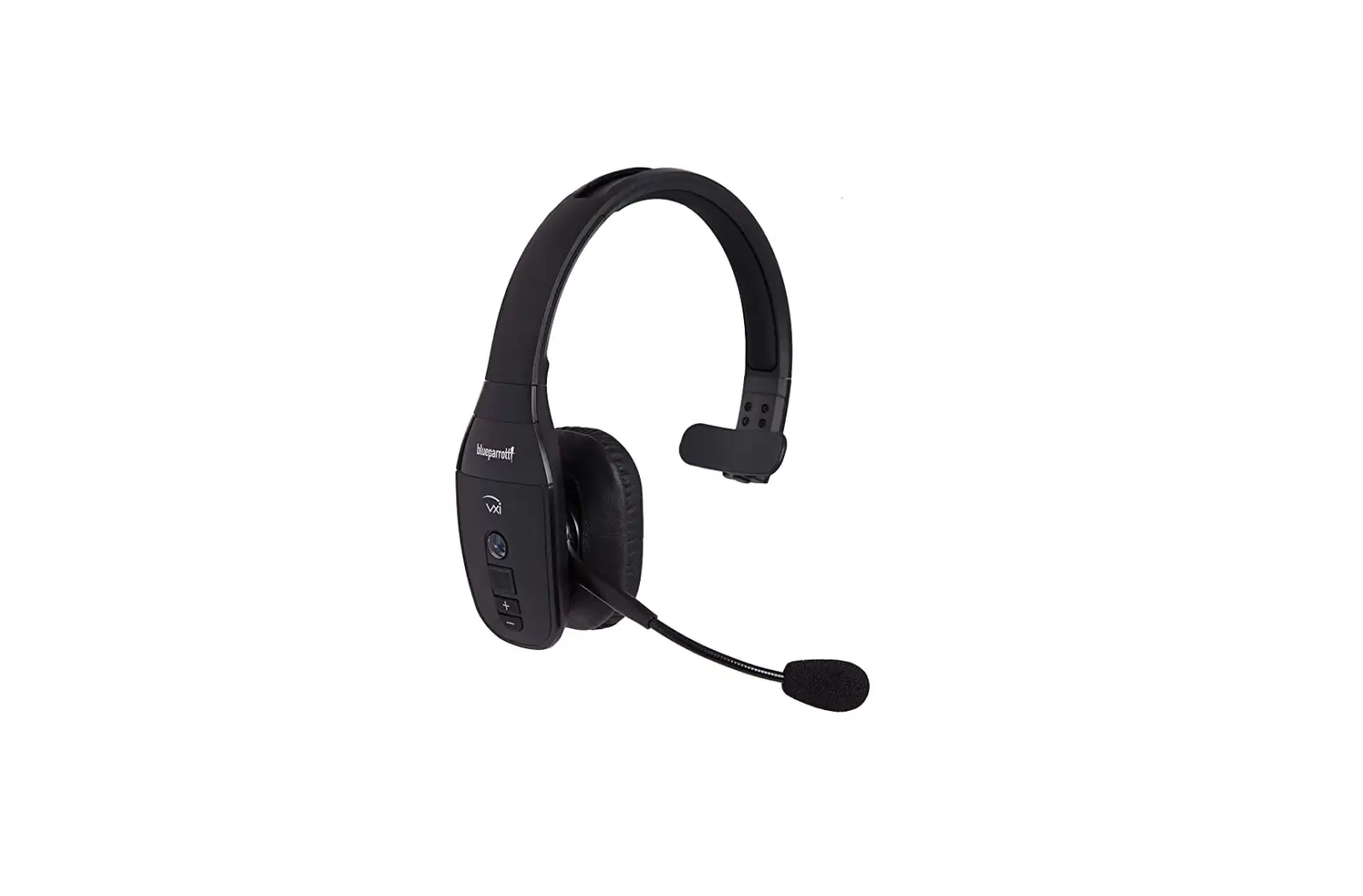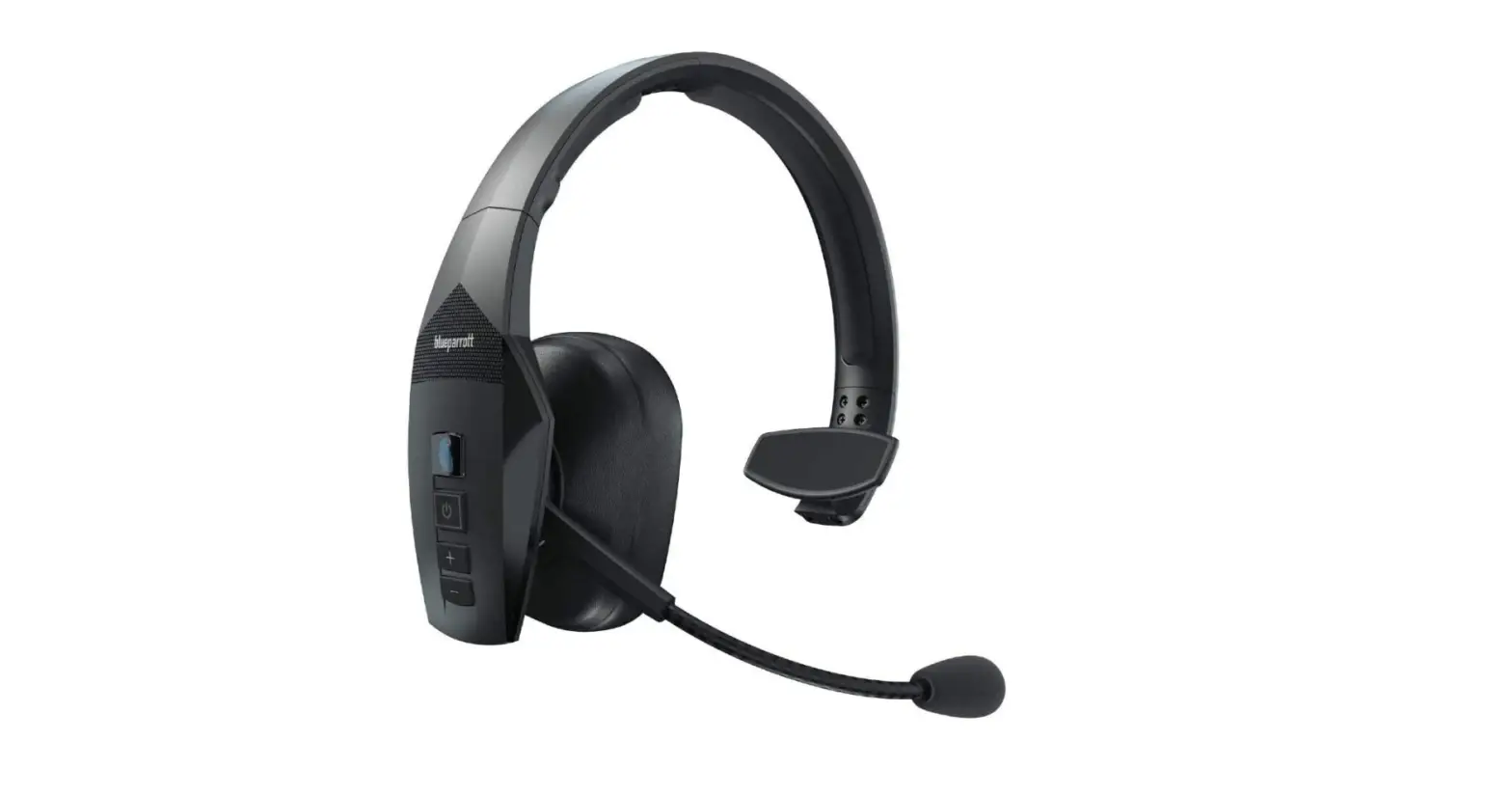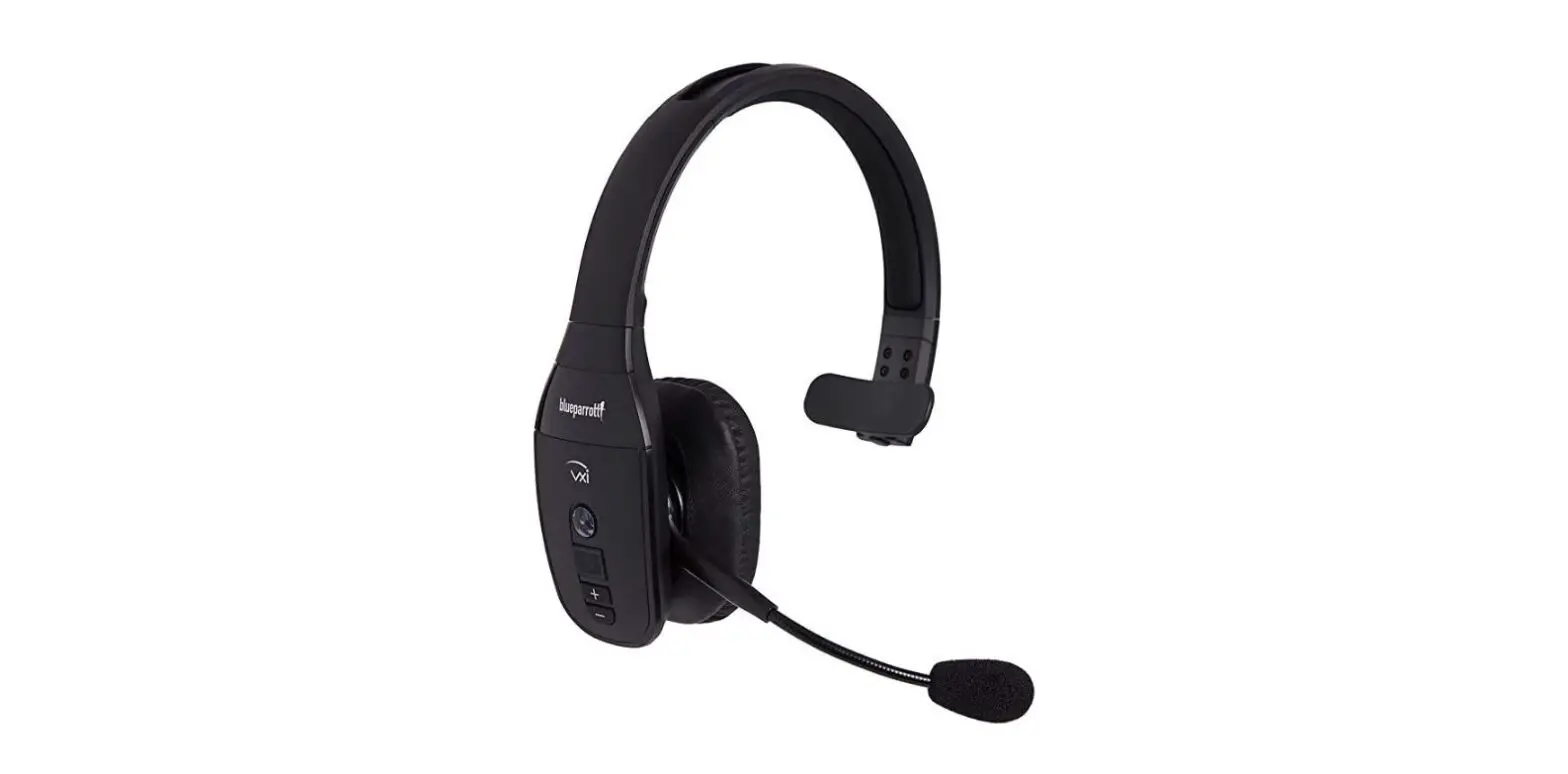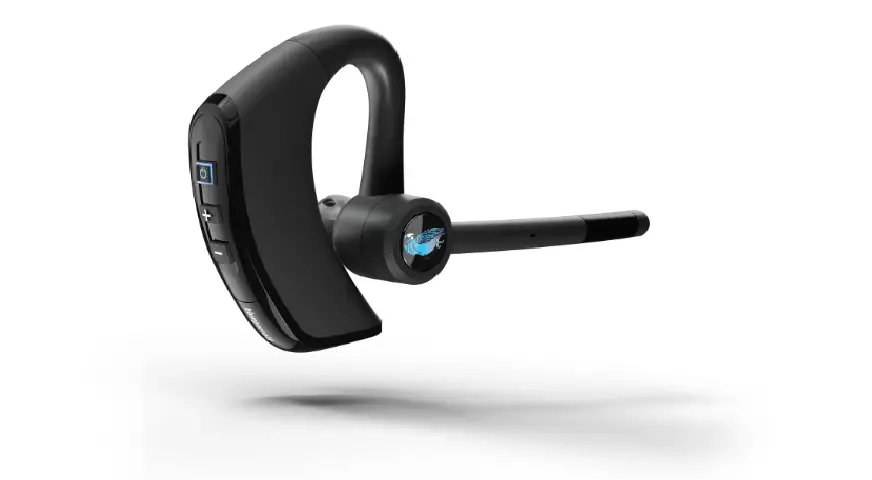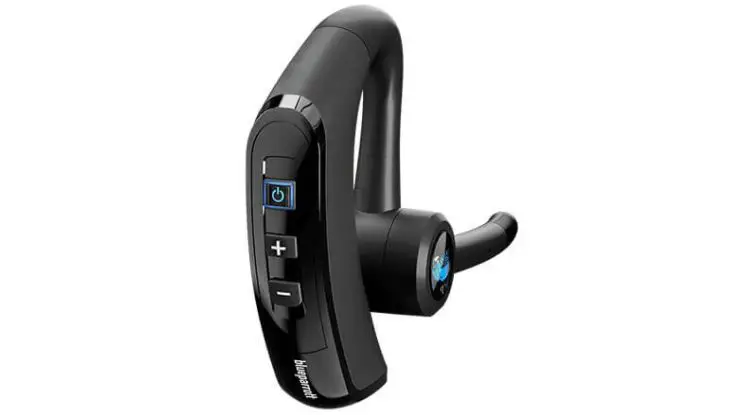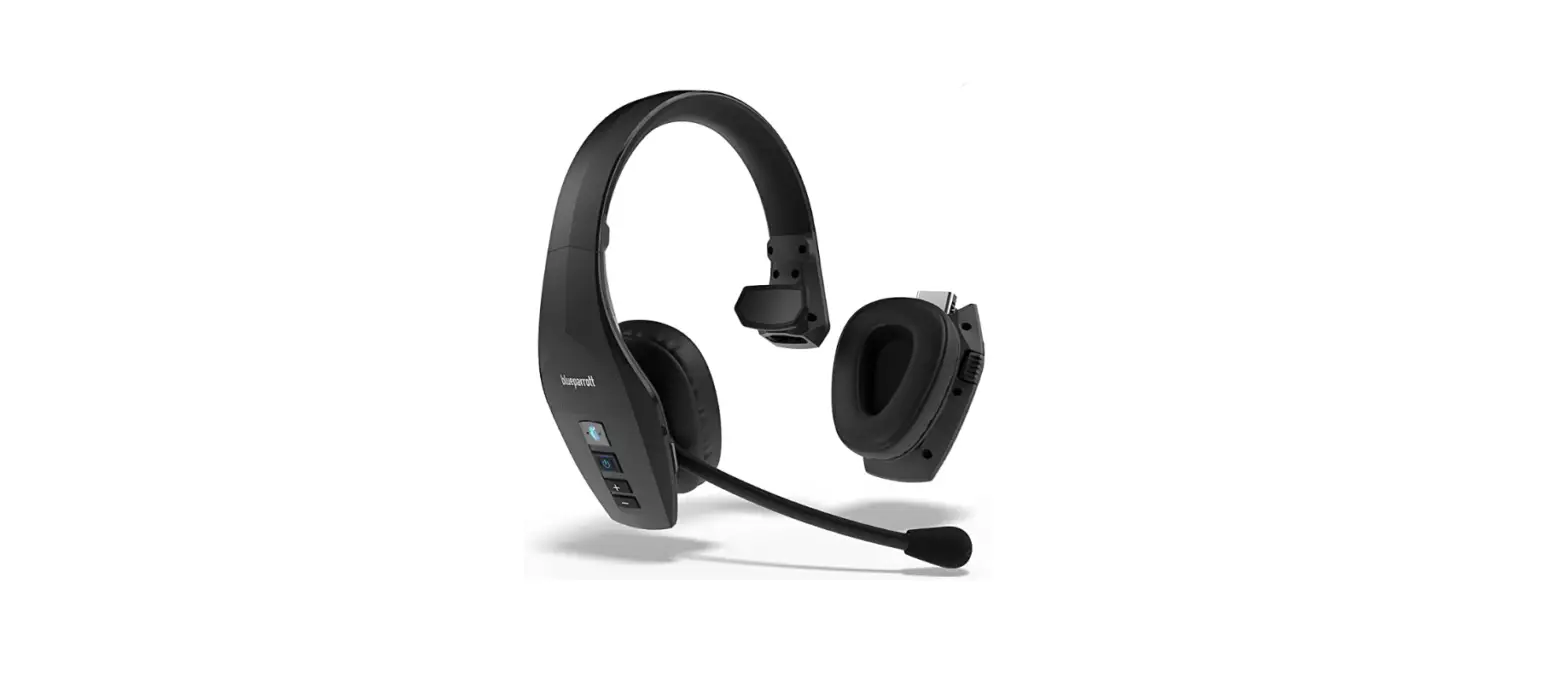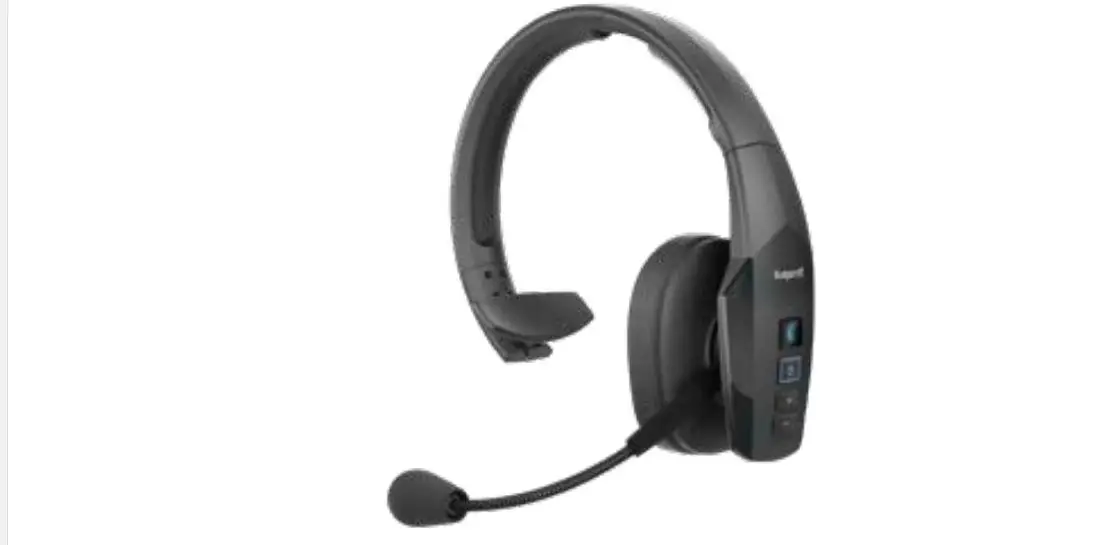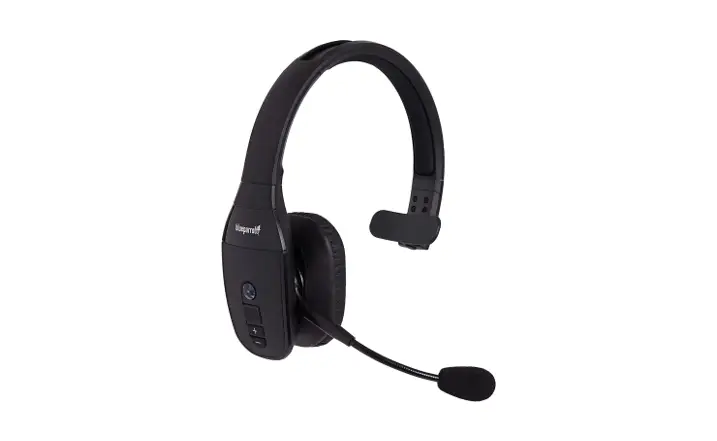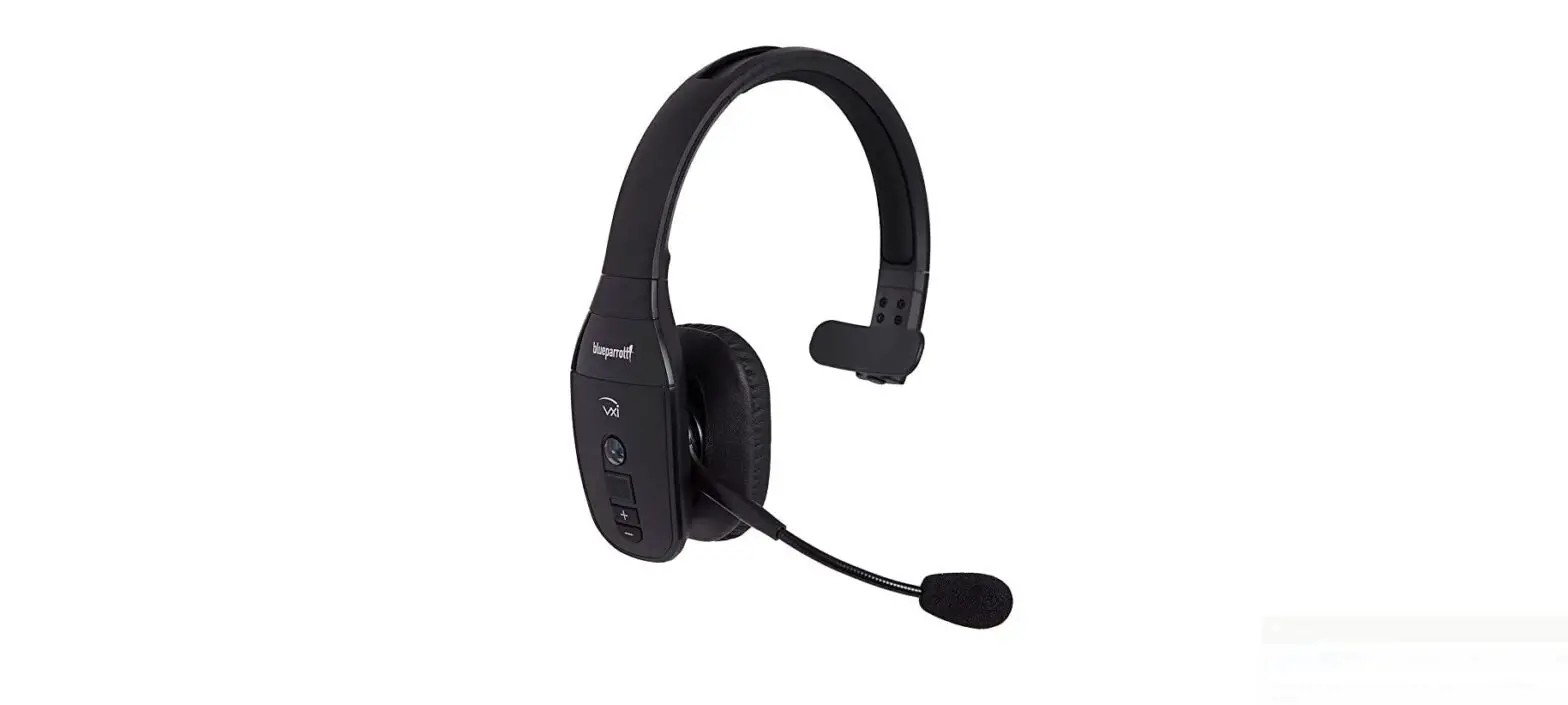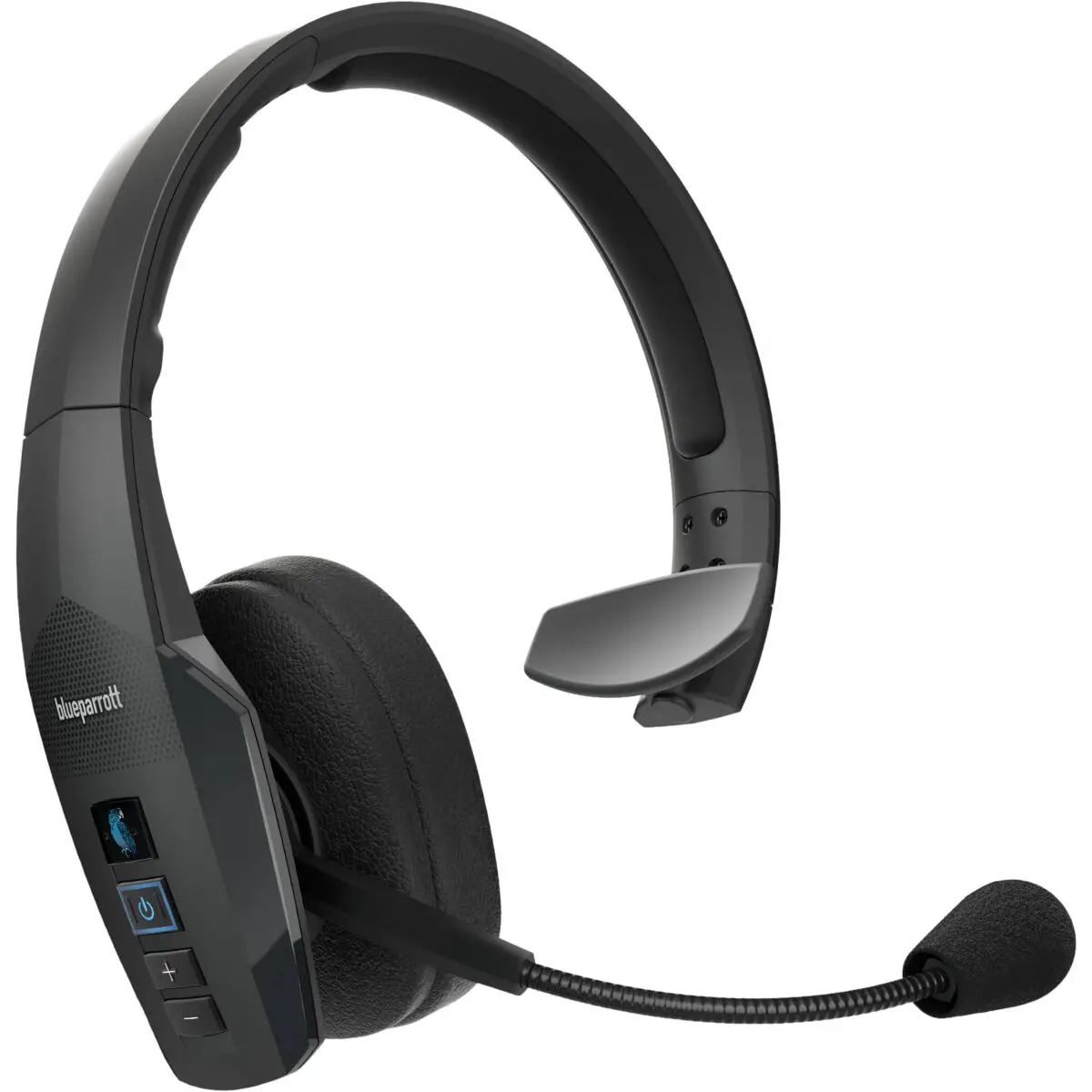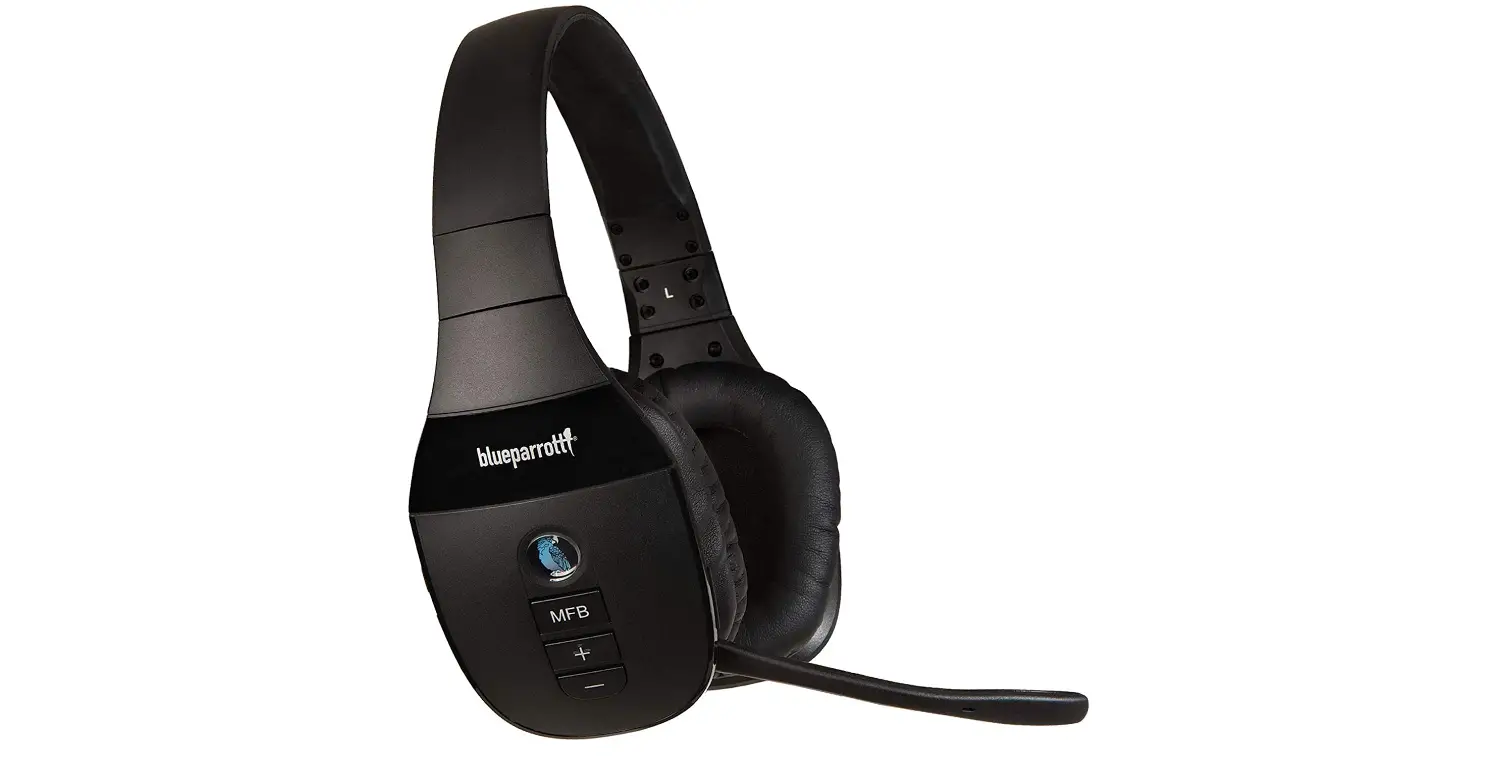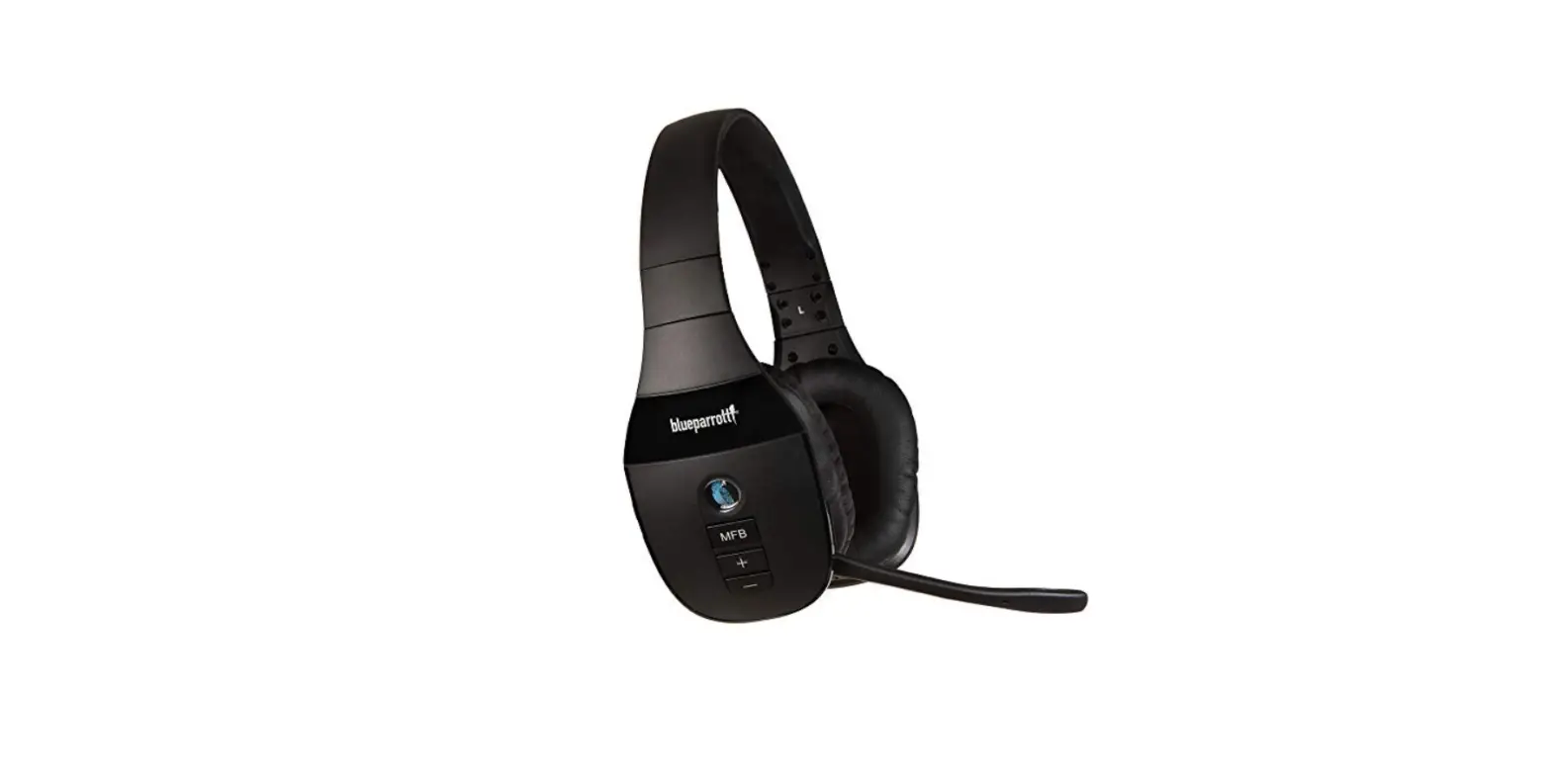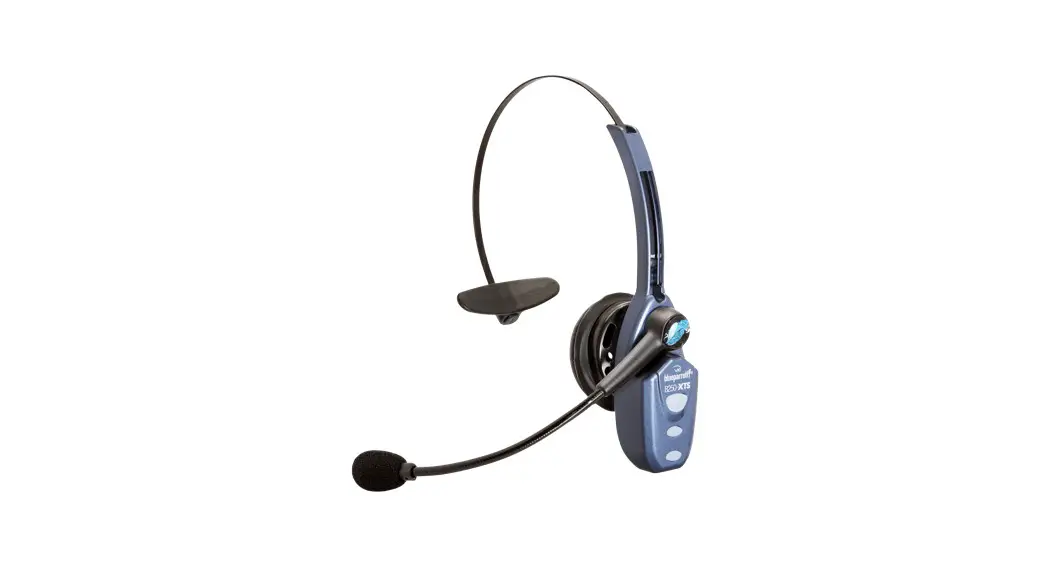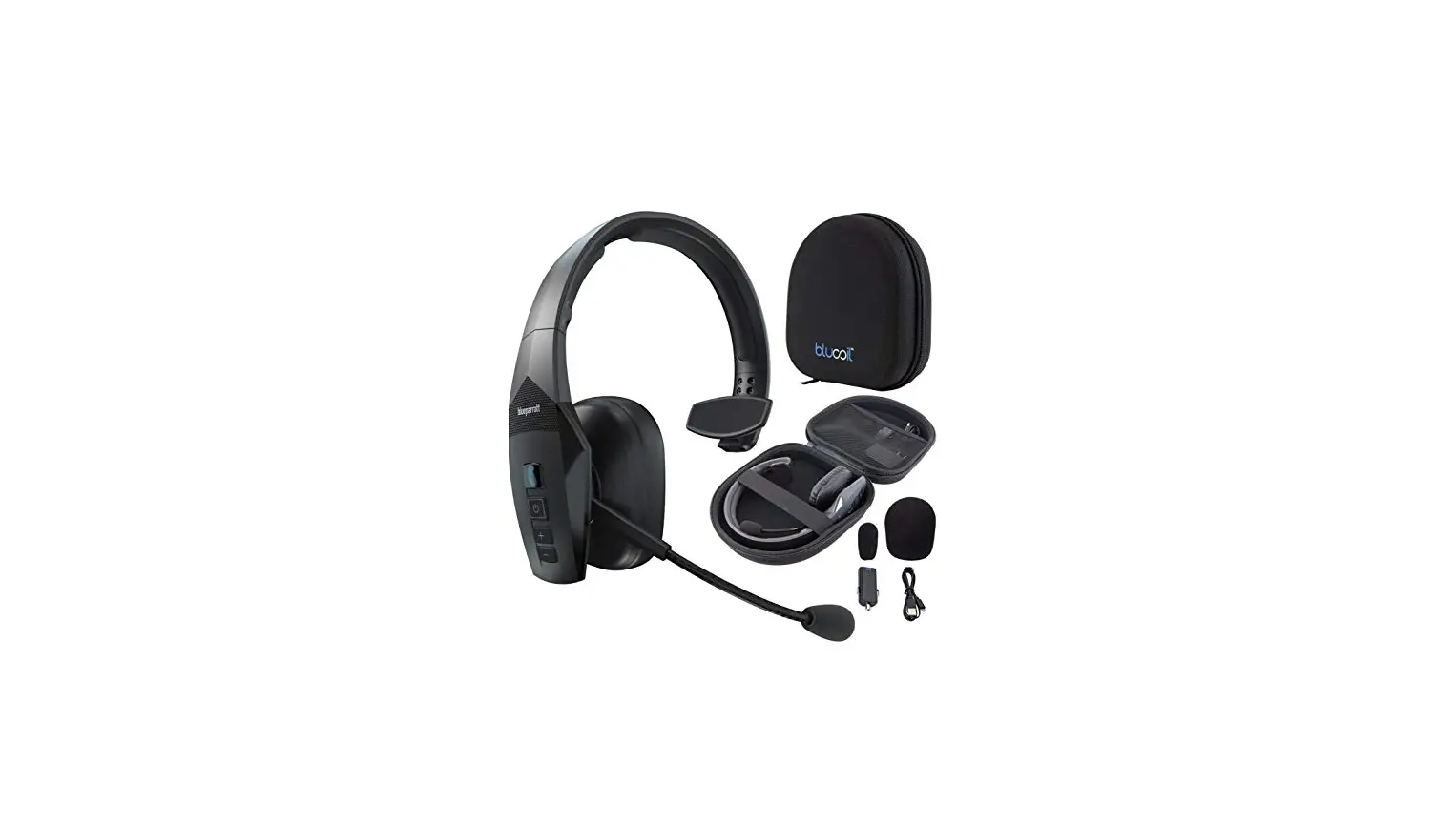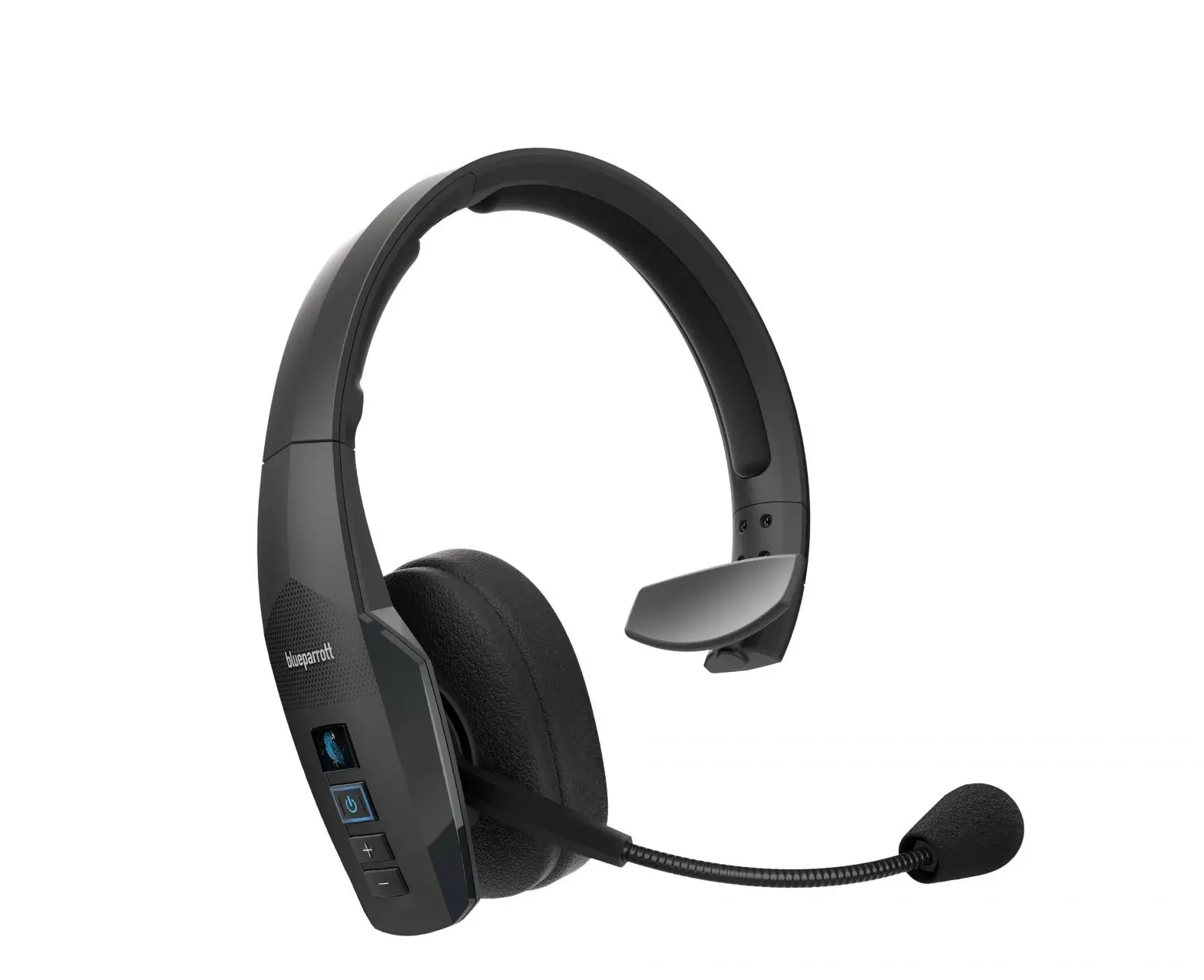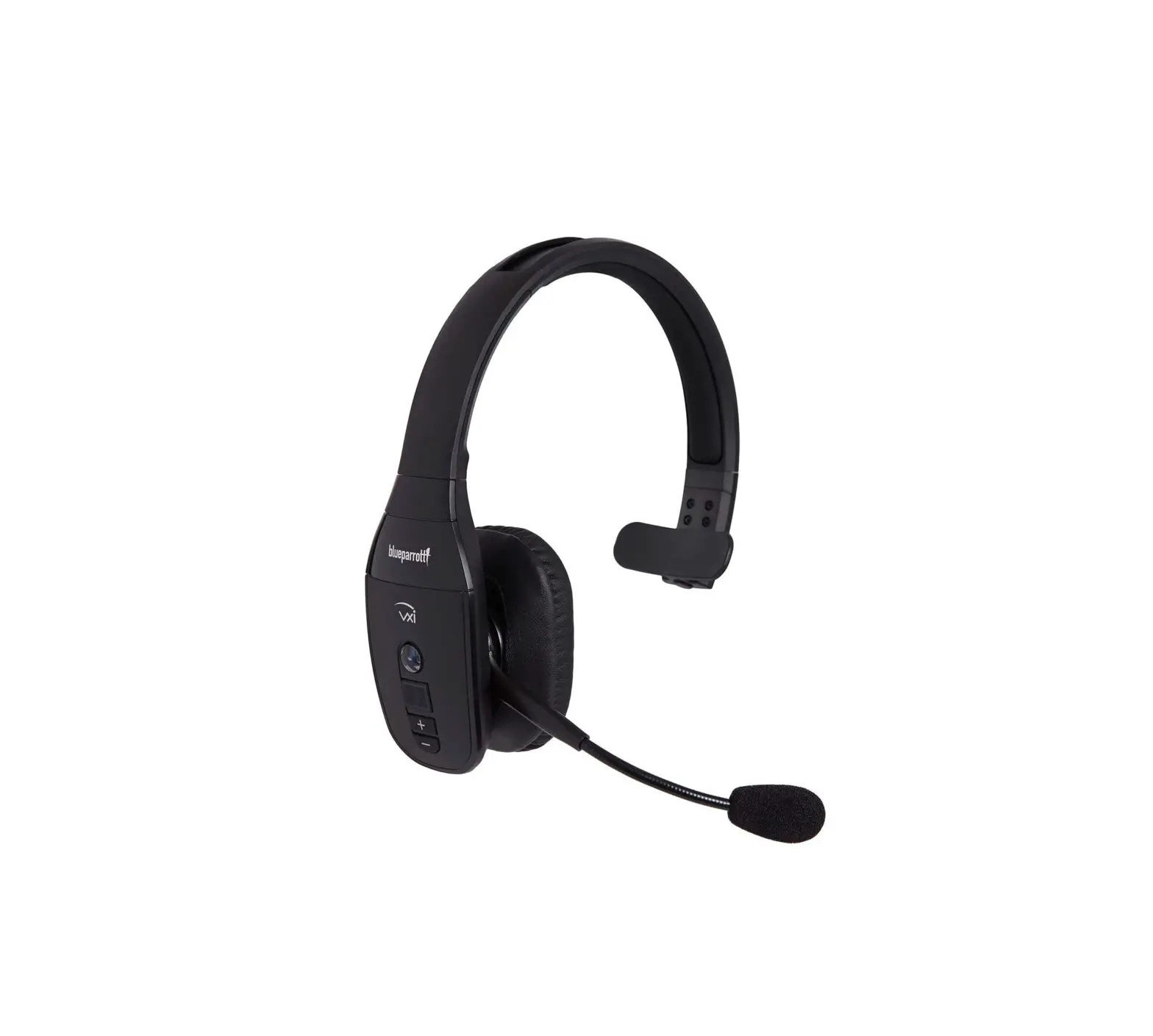
blueparrott B450 XT Classic Noise Cancelling Bluetooth Headset

BlueParrott B450 XT Classic
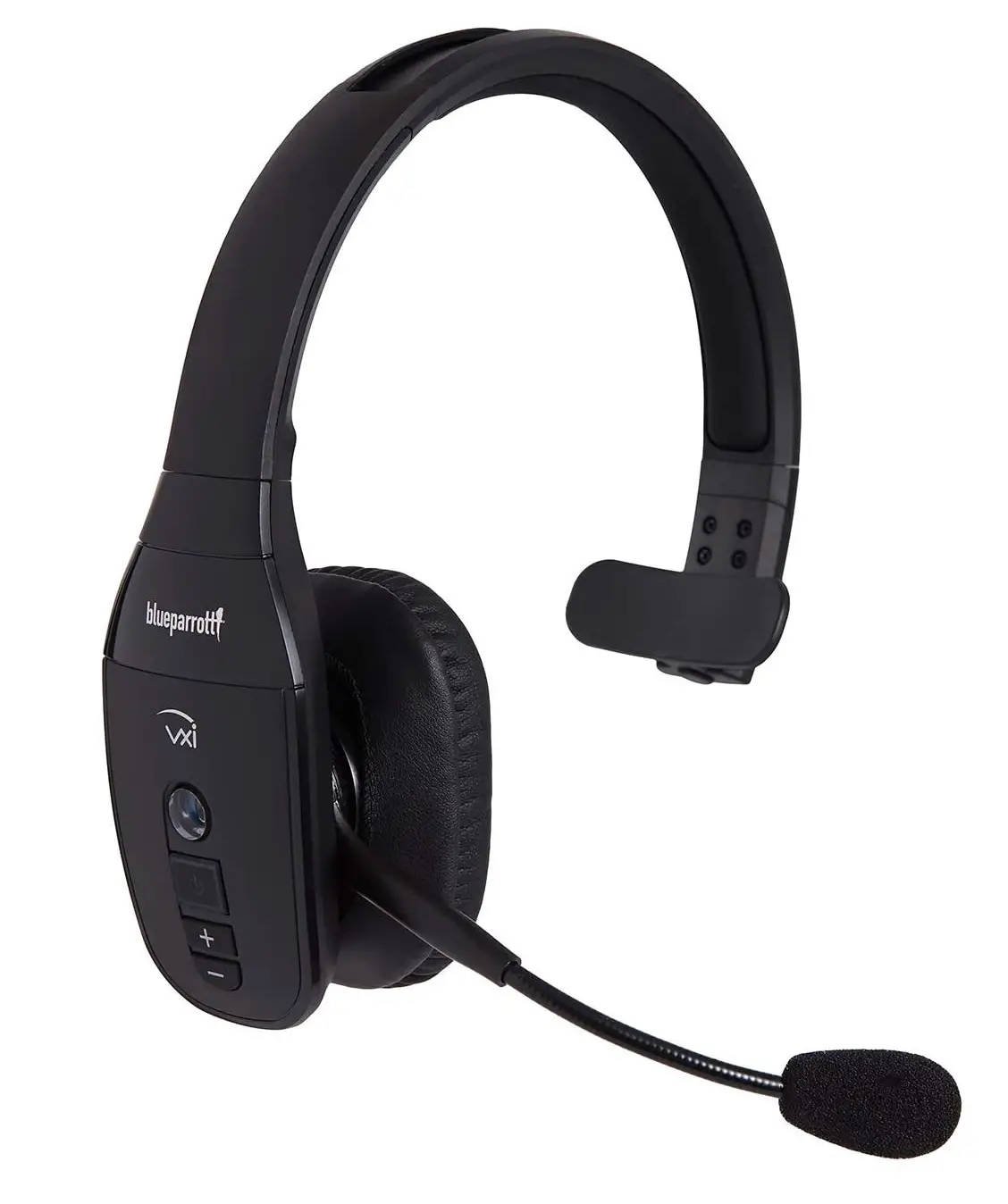
How do I pair my BlueParrott headset with my smartphone
- Turn your headset on.
- Press and hold the Multi-function button until you hear “Pair Mode” announced in the headset and the light flashes blue. Your headset will be visible for pairing to devices for 120 seconds.
- Turn on Bluetooth on your smartphone and then select your headset from the list. Enter “0000” if you are asked for a pin code.
- You will hear “Your headset is connected” announced when you have successfully paired your headset.

 [FAQTitle] | BlueParrott B450-XT Classic | FAQ | BlueParrott Support