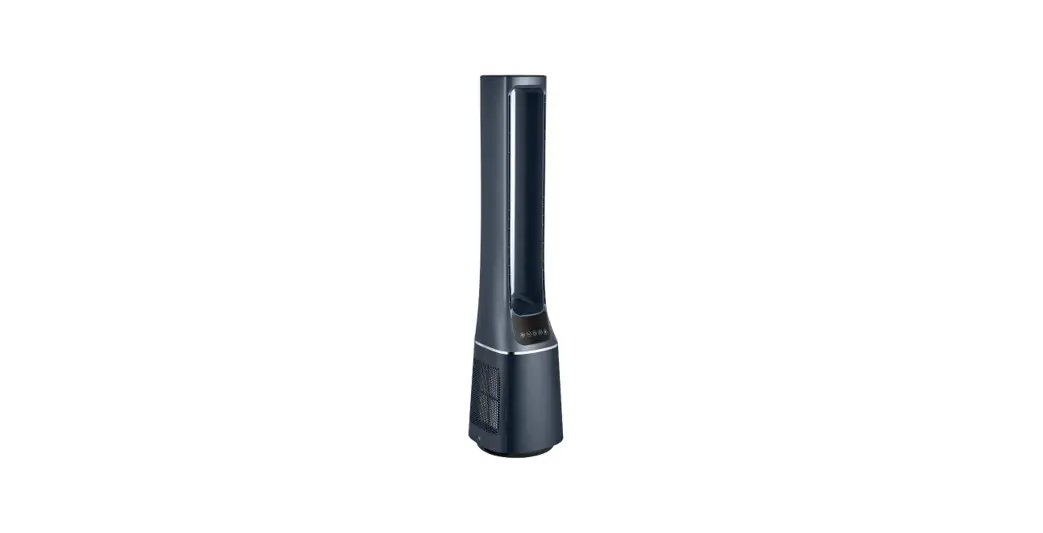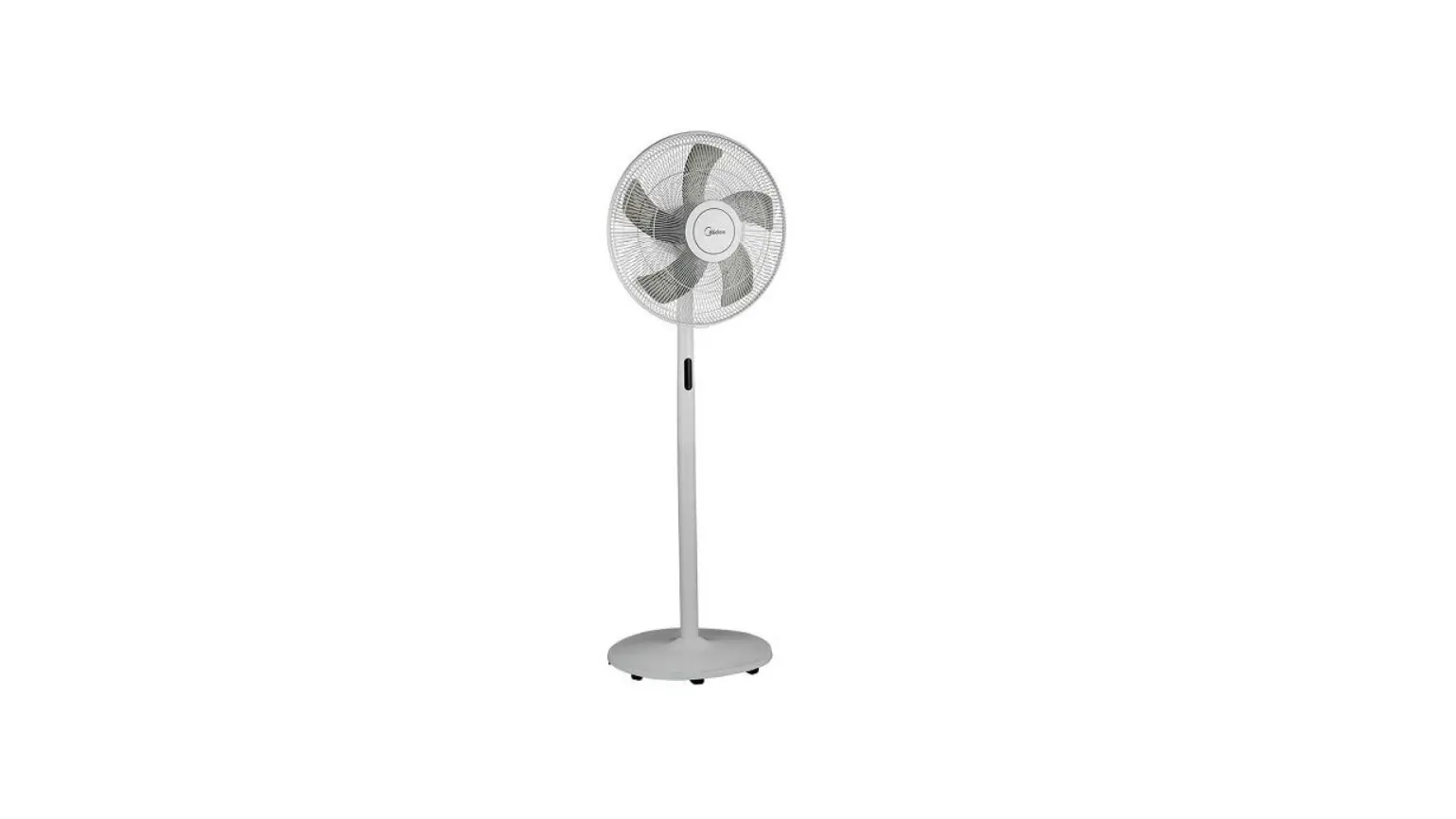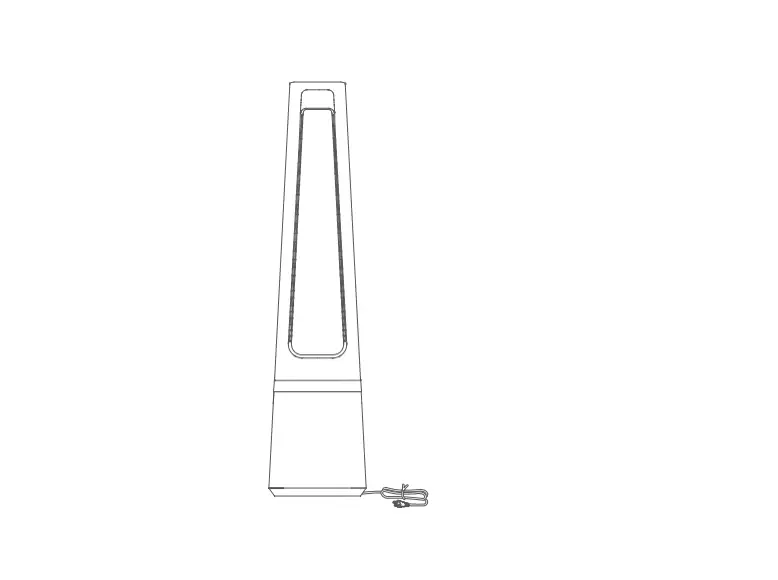

Midea AMS150-CJ Electric Fan
IMPORTANT SAFETY INSTRUCTIONS
Caution
Read Rules for Safe Operation and Instructions Carefully.
WARNING
- If the supply cord is damaged, it must be replaced by manufacturer or its service agent or a similarly qualified person in order to avoid a hazard.
- To protect against the risk of electrical shock, do not immerse the unit, cord or plug in water or other liquid.
- This appliance is not intended for use by persons (including children) with reduced physical, sensory or mental capabilities, or lack of experience and knowledge, unless they have been given supervision or instruction concerning use of the appliance by a person responsible for their safety. Children should be supervised to ensure that they do not play with the appliance.
- When the appliance is not in use and before cleaning, unplug the appliance from the outlet.
- Correct Disposal of this product This marking indicates that this product should not be disposed with other household wastes throughout the EU. To prevent possible harm to the environment or human health from uncontrolled waste disposal, recycle it responsibly to promote the sustainable reuse of material resources. To return your used device, please use the return and collection systems or contact the retailer where the product was purchased. They can take this product for environmental safe recycling.The packaging material is recyclable. Dispose of the packaging in an environmentally friendly manner and make it available for the recyclable material collection-service.
- Keep electrical appliances out of reach from Children or infirm persons. Do not let them use the appliances without supervision.
- Indoor and household use only.
- When the fan was assembled, the rotor blade guard shall not be taken off anymore.
- Prior cleaning unplug the fan.
- The rotor guard shall not be dissembled/opened to clean the rotor blades.
- Wipe the fan enclosure and rotor blade guard with a slightly damp cloth.
RULES FOR SAFE OPERATION
- Never insert fingers, pencils, or any other object through the grille when fan is running.
- Disconnect fan when moving from one location to another.
- Be sure fan is on a stable surface when operating to avoid overturning.
- DO NOT use fan in window, rain may create electrical hazard.
- Indoor use only.
PRODUCT INTRODUCTION
Note:
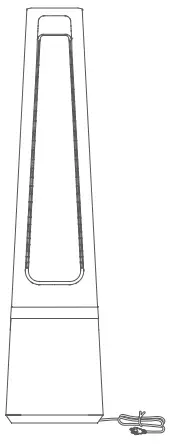
Pictures in the manual are for reference only, and real objects within the packaging box will prevail in the end.
Parts name
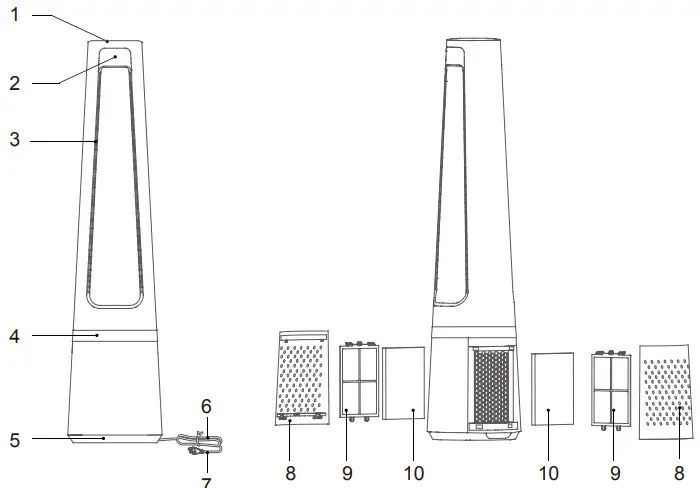
| NO. | Description | NO. | Description |
| 1 | Operation panel | 6 | Power line |
| 2 | Display panel | 7 | Power cord plug |
| 3 | Air outlet | 8 | Air inlet grille |
| 4 | Ambient light of belt | 9 | Pre-filter |
| 5 | Base | 10 | HEPA filter |
Parts list

INSTALLATION INSTRUCTIONS
Installation steps
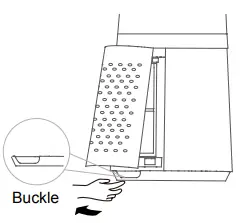
- Remove the air inlet grille.

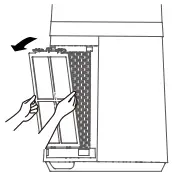
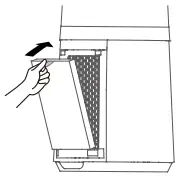
- Take out the pre-filter Press the raised part on both sides to pull it outwards, and take out the pre-filter.

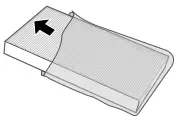
- Remove the protective film of the filter.

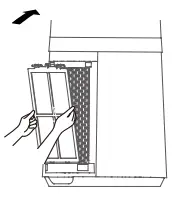
- \Install the HEPA filter

- Install the pre-filter Align the slot position at the bottom, and buckle up the upper U-shaped buckle.

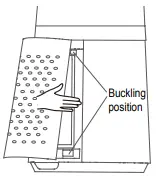
- Install the air inlet grille Align the upper two buckles and press them tightly, then press the two sides at lower part, slowly and gently buckle the air inlet grille.

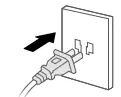
- Plug power supply

- It is recommended to clean the filter once every two weeks and replace it once every six months (the cleaning and replacement cycle can be adjusted according to the use environment).
INSTRUCTIONS
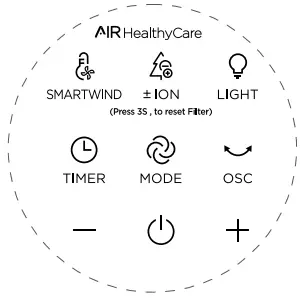
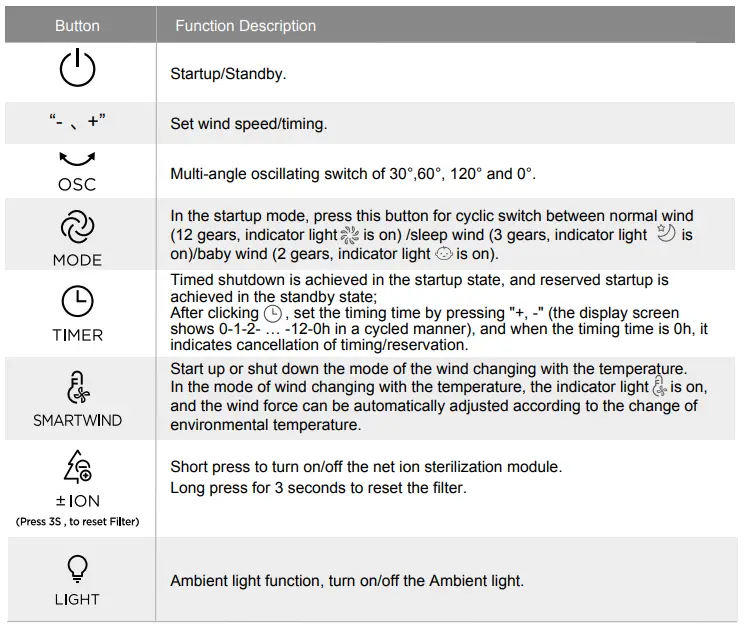
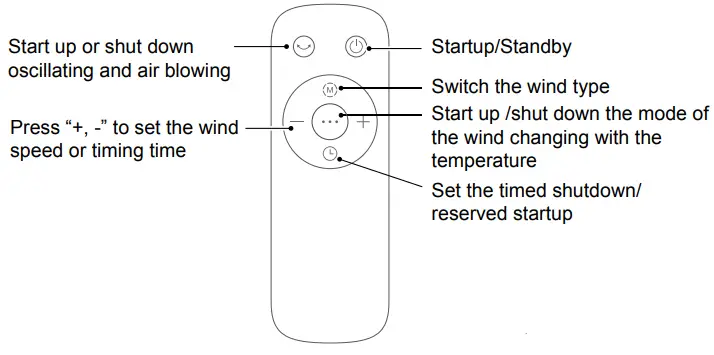
- Control area

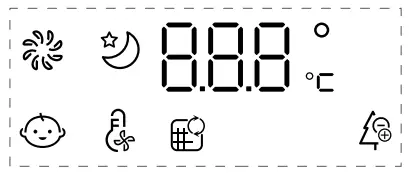
- Display area


Additional Features and Maintenance
- Forced shutdown
- Intelligent memory
There is no operation during the running of the fan, after 12 hours of continuous operation, the fan will be forced to shut down automatically. - Intelligent memory
When the fan is turned off or powered off, it will run in the state before turning off or power off when the power is powered on again (the timing function is not memorized). - Screen-off function
In case of no operation for 60 seconds during normal operation, the indicator light on the body will be automatically off, but the fan will continue to operate. Press the ON/OFF button to turn off the fan when the screen is off, and press the other button to restore display. - Automatic reset of oscillating function upon shutdown Upon shutdown, the oscillating function is automatically reset.
Note:
- The remote control should be normally used within 5 meters of the front of the product and 30 degrees of the deviation angle.
- The battery contains many heavy metals, acids and bases, etc., which may threaten human’s health; Waste batteries should be recycled separately.

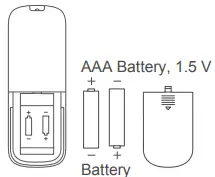 Use manganese or alkaline batteries of type “AAA”. DO not use rechargeable batteries.
Filter replacement
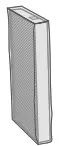
- Filter model: FQ150CJ-2 (including 2 sets)

- When the indicator light for replacement of filter is on, the prompt that reminds you of filter replacement will appear. If it is not replaced in time, the prompt will appear during each startup.

- Replace a new filter

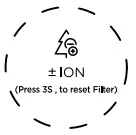
- Long press the net ion button for 3 seconds to turn off the indicator light for filter replacement.


Pre-Filter cleaning
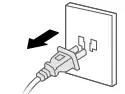
- Unplug the power cord

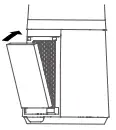
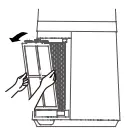
- Take out the filter

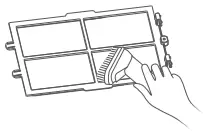
- Remove the dust with vacuum cleaner

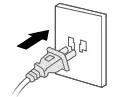
- Install the machine in reverse order and plug power supply

PRODUCT PARAMETER
| Model | Rated voltage | Rated frequency | Rated power | Noise |
| AMS150-CJ | 220-240V~ | 50Hz | 33W | ≤61dB |
MAINTENANCE INSTRUCTION
The fan requires little maintenance. Do not try to fix it by yourself. Refer it to qualified service personnel if service is needed.
- Before cleaning and assembling, fan must be unplugged.
- To ensure adequate air circulation to the motor, keep vents at the rear of the motor free of dust. Do not disassemble the fan to remove dust.
- Please wipe the exterior parts with a soft cloth soaking a mild detergent.
- Do not use any abrasive detergent or solvents to avoid scratching the surface.
- Do not use any of the following as a cleaner: gasoline, thinner.
- Do not allow water or any other liquid into the motor housing or interior parts.
CLEANING
- Be sure to unplug from the electrical supply source before cleaning.
- Plastic parts should be cleaned with a soft cloth moisten with mild soap. Thoroughly remove soap film with dry cloth.