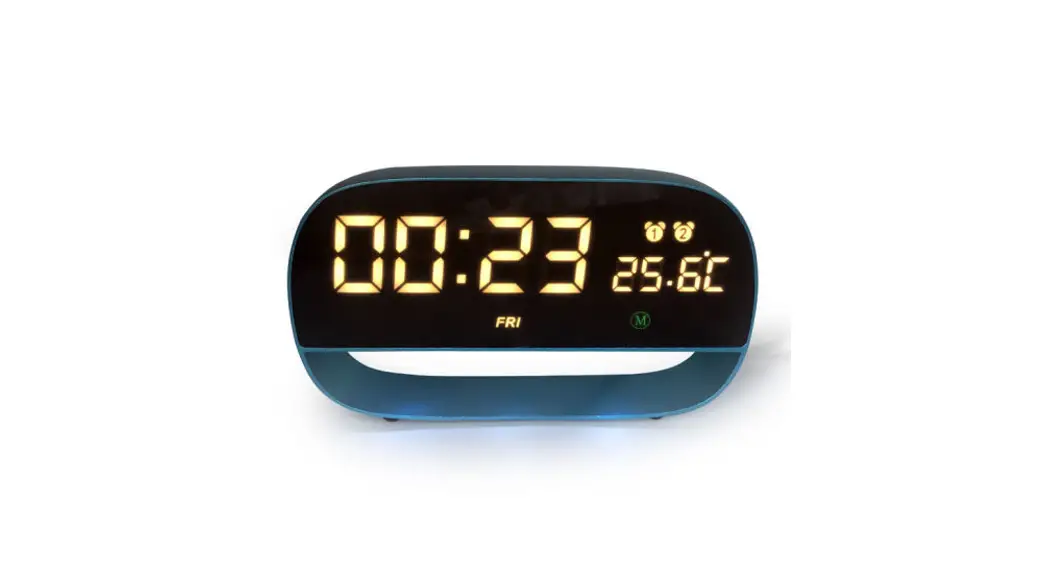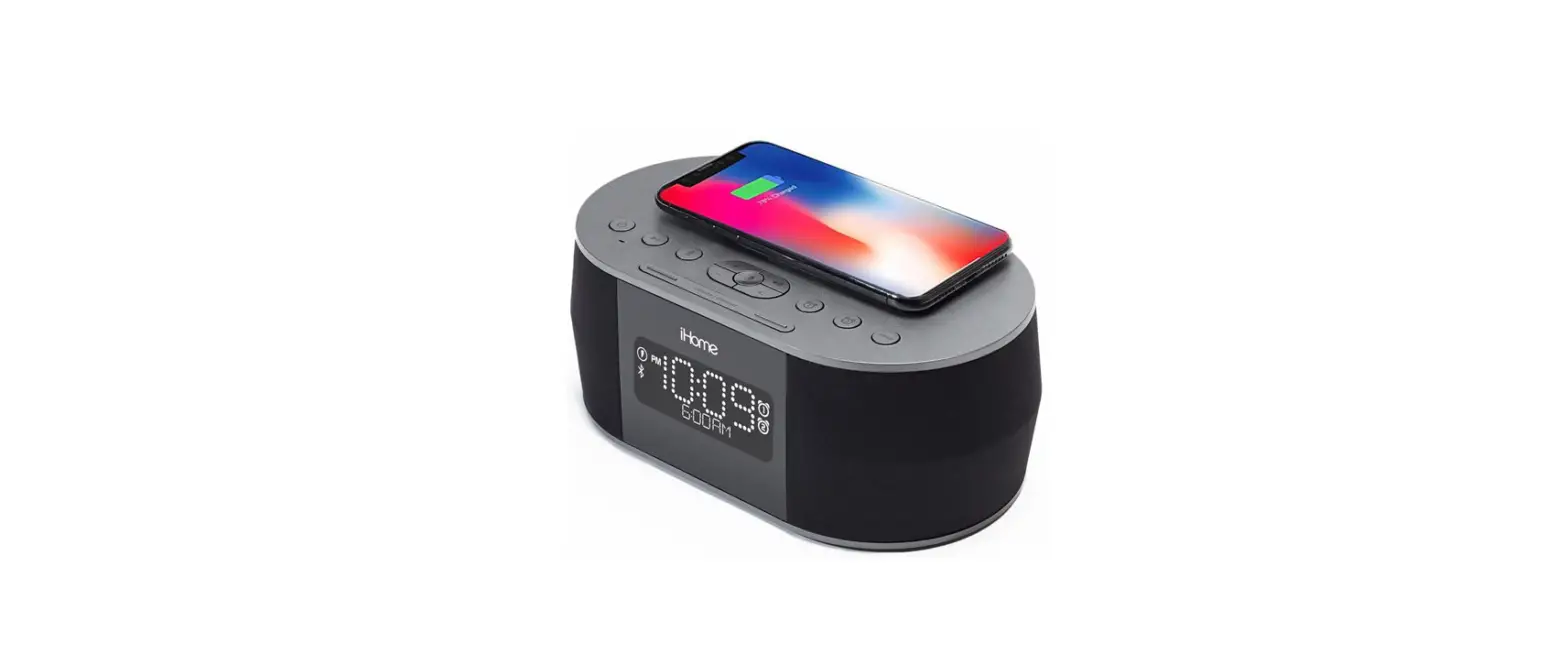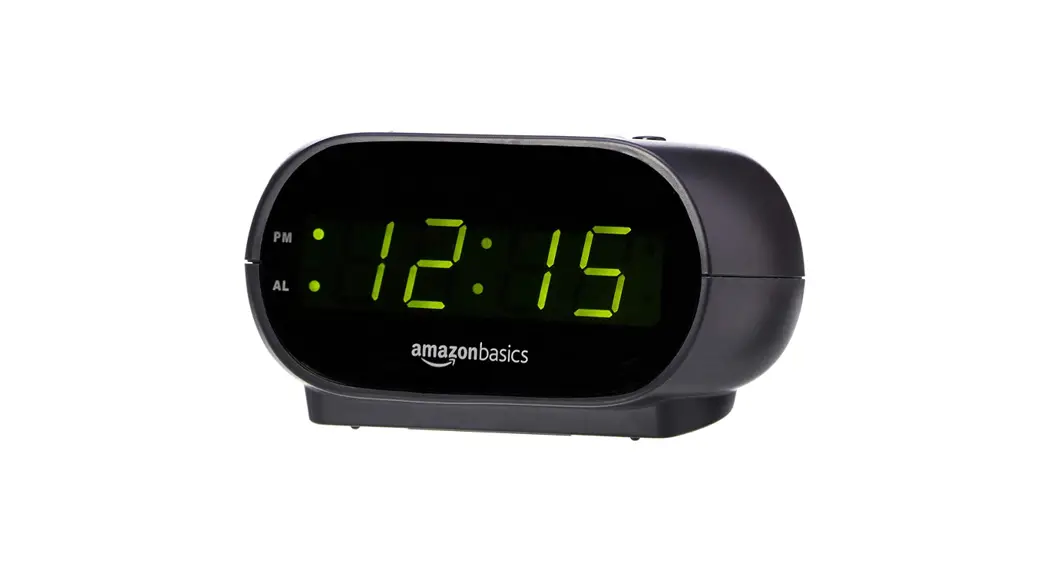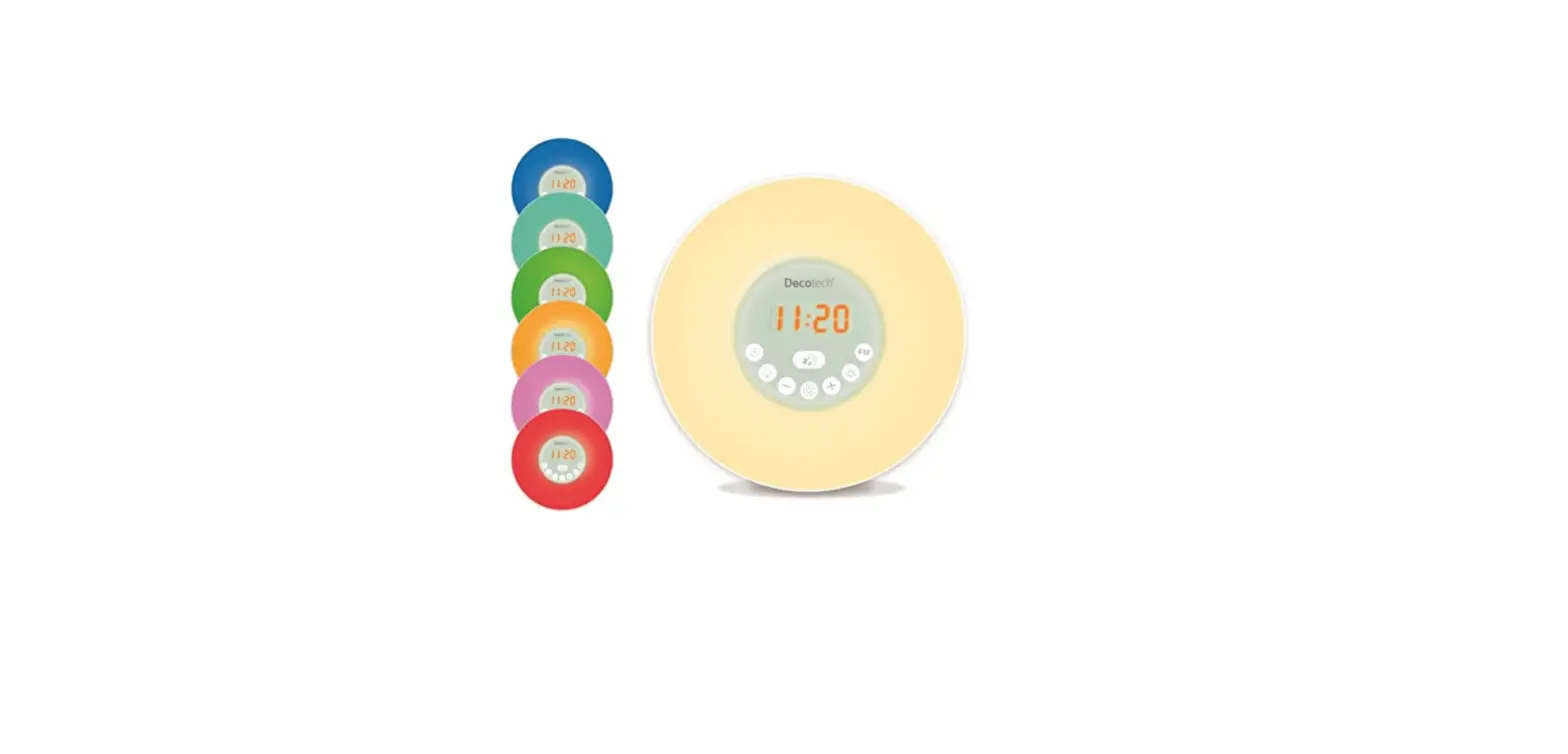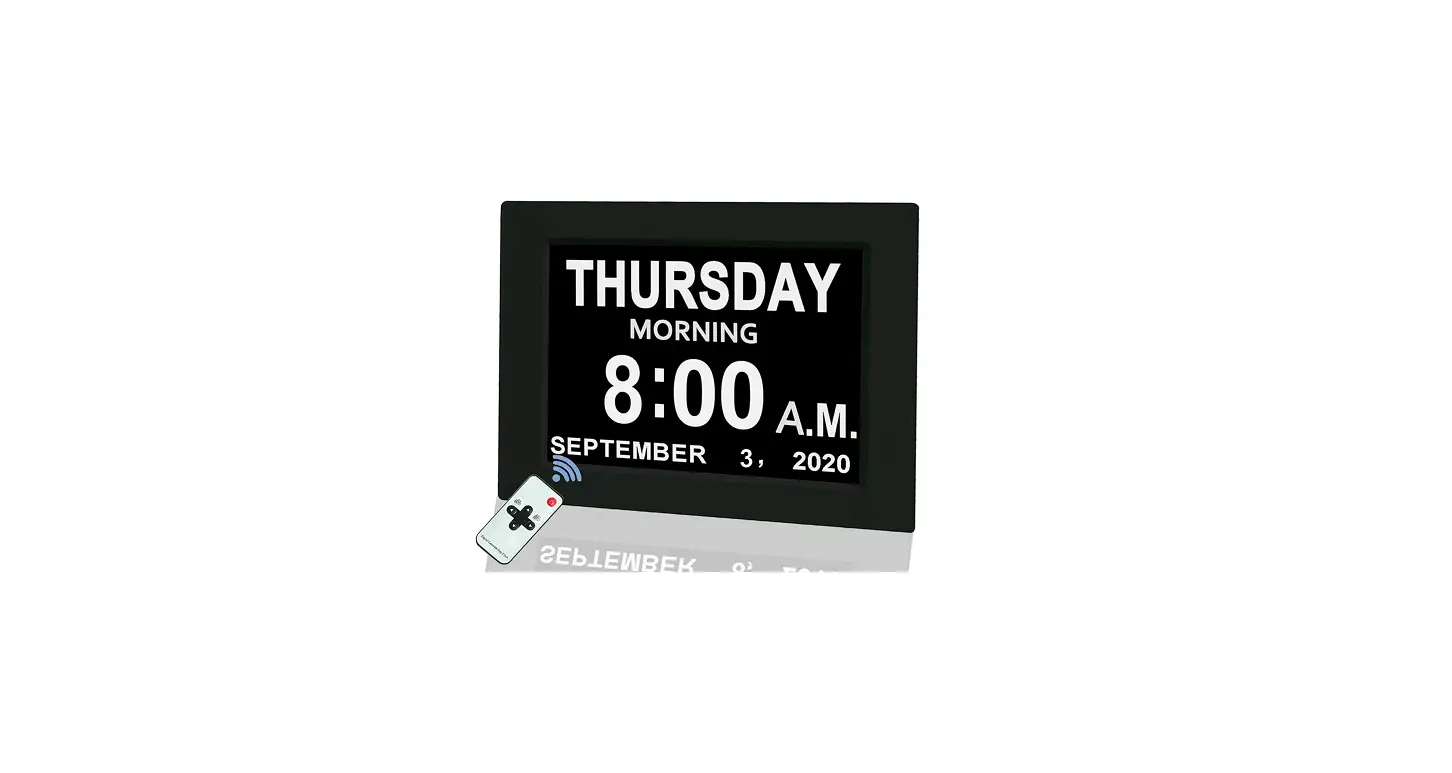

JALL Digital Calendar Alarm Day Clock
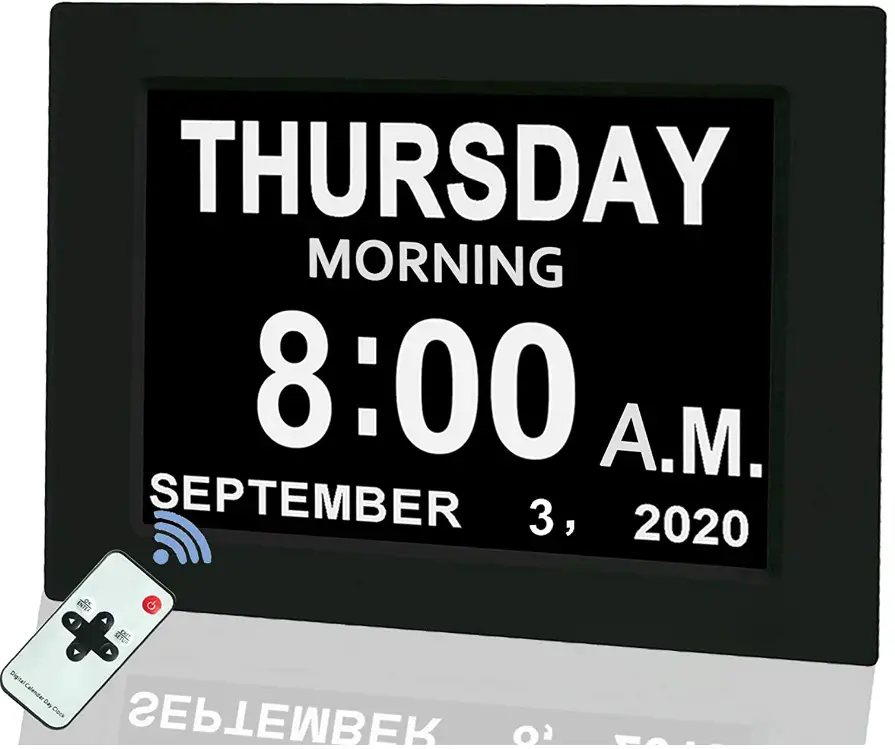
Specification
- Brand JALL
- Color Clear
- Display Type Digital
- Style Digital
- Power Source Battery Powered
- Age Range (Description) Kid
- Shape Rectangular
- Theme People
- Are Batteries Included No
- Mounting Type Wall Mount
- Item Weight 19 Pounds
- Alarm Clock Yes
- Operation Mode Digital
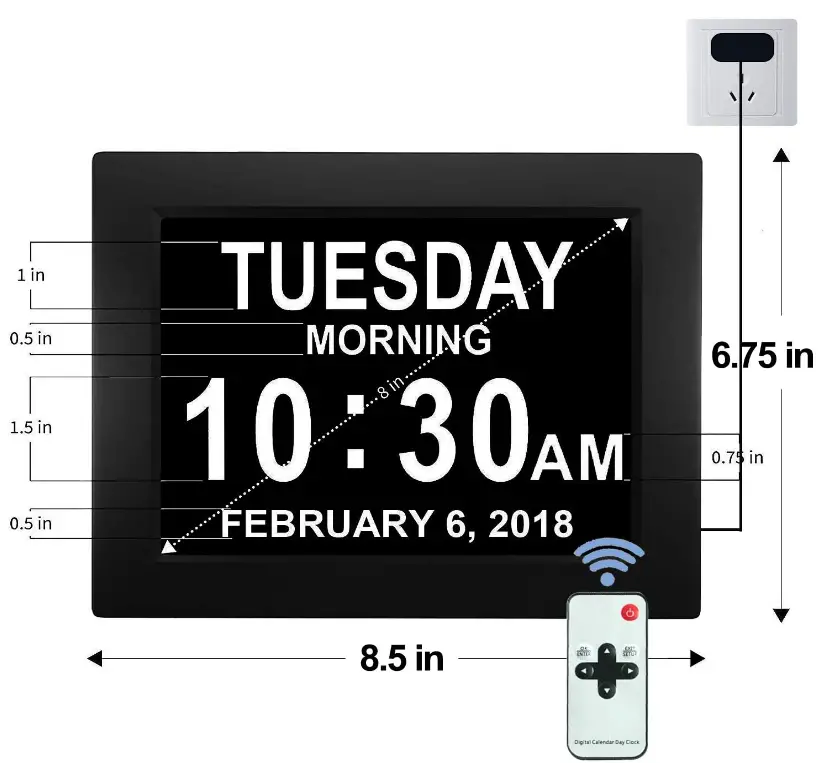
- Product Dimensions 5 x 0.01 x 6.75 inches
What’s In the Box
- Alarm Day Clock
Improved Remote Control Functionality
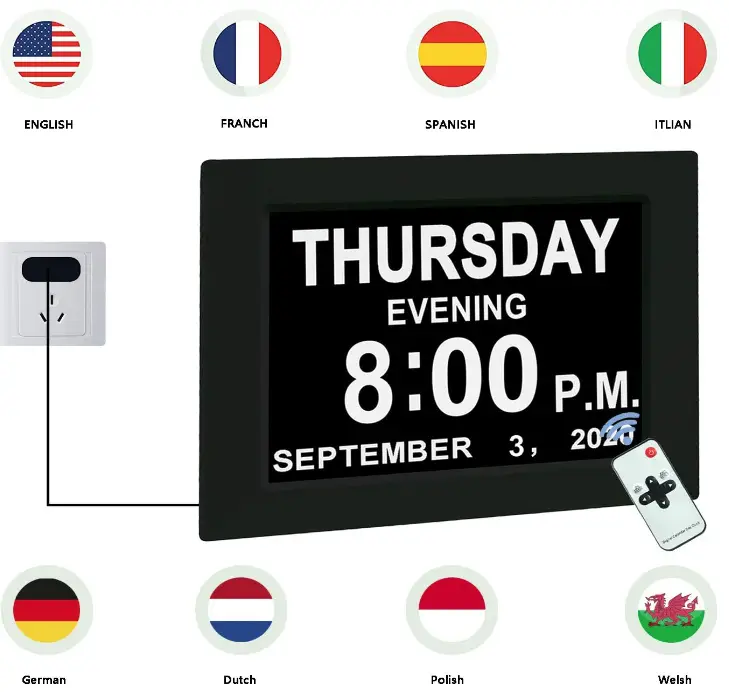
8 Country Languages to Choose From
Product Description
Our goal is to provide clients with a minimalistic design. Reading and setting up the JALL digital calendar day clock is not too difficult. It is a nice gift for elderly people and those with dementia and makes it easier for them to tell the time.
Easy Controller
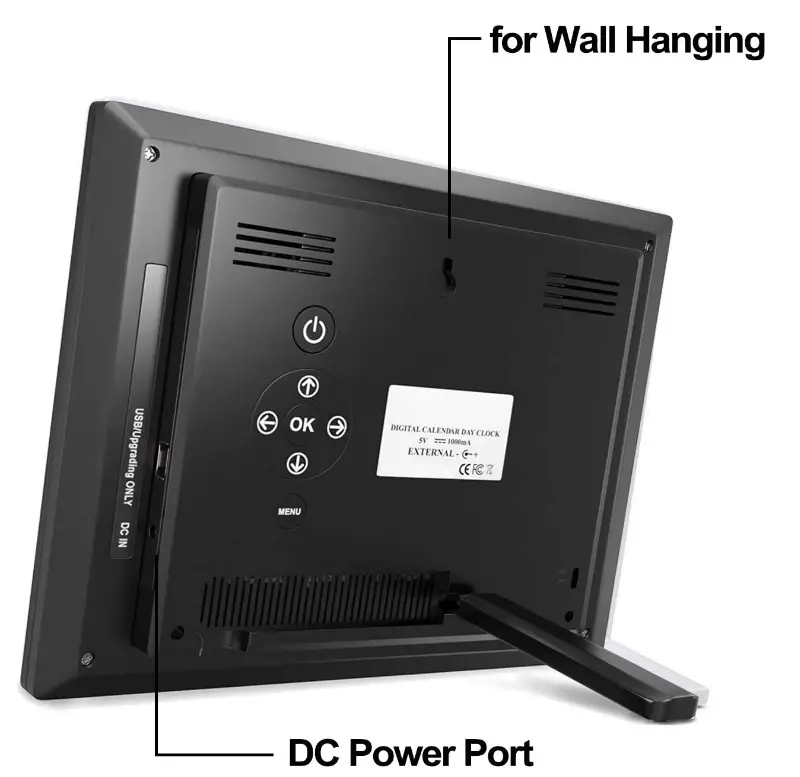
- 7 easy-to-use control buttons make adjustments straightforward.
- The digital day clock is mounted on the wall in addition to being placed on the desk.
- When you hang the clock on the wall, the leg can be hidden.
- As the USB socket is intended only for testing, using it has no impact on the clock.

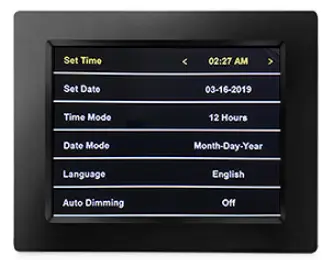
PLEASANT SETUP INTERFACE
The digital day clock may be adjusted as follows in this location:
- Time Limit
- Set a date
- The Time Mode
- Dating Mode
- Automatic dimming
- The Color Mode
- Alarms 1-5
- Volume

IMPORTANT INFORMATION
- IMPORTANT
A small anti-scratch screen protector is included in the packaging of the digital calendar day clock. Please use the pull-up tab to easily take it off. Please take care not to push against the top-notch, non-reflective LED screen. When the digital calendar day clock is linked to the power source, an auto-switching feature kicks in. Press the On/Off button to turn the clock on or off. - WARNING
DO NOT EXPOSE THIS APPLIANCE TO RAIN OR MOISTURE TO REDUCE THE RISK OF FIRE OR ELECTRIC SHOCK. DO NOT INSTALL THIS PRODUCT IN A CONFINED SPACE SUCH AS A BOOK CASE OR SIMILAR UNIT TO PREVENT FIRE OR SHOCK HAZARDS. - CAUTION
DO NOT REMOVE THE COVER TO LOWER THE RISK OF ELECTRIC SHOCK (OR BACK). ASK QUALIFIED USER PERSONNEL; NO USER-SERVICABLE PARTS WITHIN.
FEATURES
- 8 “Very Huge Screen
With an 8 “Clock high quality, the huge screen can speak out the time, date, month, and year clearly. The time is visible even when you are distant from the clock. The clock does not use batteries. - Automatic Dimming
It will not be overly bright at night because of the three-level auto-dimming choices (Low, Mid, and High). Moreover, the feature may be manually disabled. - 5 alarms operate
Five different alerts are offered. The elderly should spread out their medication intake throughout the day. - Perfect Present
It’s a heartfelt present for aging parents. Make it much simpler to view the time from a distance. a fantastic clock for the home. - Comfortable UI Settings
The clock has only 7 control buttons and is straightforward and simple to set.
FAQs
The time is set by pressing the “Set” button. The hour and minute are set by pressing the “+” and “-” buttons.
The date is set by pressing the “Set” button. The month, day, and year are set by pressing the “+” and “-” buttons.
Press the “Time Zone” button to select your time zone. Then press the “Set” button to confirm your selection.
Press the “Time Mode” button to switch between 12-hour and 24-hour time. Then press the “Set” button to confirm your selection.
Automatic dimming adjusts screen brightness according to ambient light conditions. This feature can be turned on or off by pressing the “Automatic Dimming” button. When automatic dimming is on, press this button again to adjust the brightness level from 0% (completely dark) to 100% (completely bright). When automatic dimming is off, press this button again to adjust the brightness level from 0% (completely dark) to 50% (half as bright as normal).
More than one alarm can be set. If there is a power outage, you won’t have to worry about losing your alarm settings because the majority of digital alarm clocks feature a backup battery. Traditional analogue alarm clocks tend to be less accurate than digital alarm clocks.
Digital clocks often employ a 32,768 hertz crystal oscillator similar to a quartz clock or the 50 or 60 hertz oscillation of AC electricity to keep time.
Setting the Time: Push left or right to change the hour; use the UP or DOWN buttons to change the minute; press left or right to change the day; and then press left or right to change the time. < 11 : 17 > To save and leave, select Menu.
Establishing alarms and recollections for significant occasions. setting aside time to concentrate on important work without distractions. establishing a connection with additional mobile devices to provide you constant access to your calendar. To improve booked events, including helpful files and links.
Open Google Calendar on your PC. Make a fresh calendar. Give your calendar a name and a description. To create a calendar, click.
It was discovered that in 2016, 48.2% of respondents (489) depended on their mobile calendar the most, followed by 21.7% on their desktop calendar (221) and 26.9% on a paper version (263).
Asana, Calendly, Google Calendar, Microsoft Outlook, Teamup, iCloud, and Thunderbird are all top-notch applications for shared calendars. Shared calendars may facilitate communication, promote transparency, simplify task management, and enhance work-life balance for your team.
Launch the Google Calendar. Use the drop-down to choose the name of your family calendar under “Calendar” in the menu. Provide the event’s name and details. You have the option to invite people who aren’t related to you to your event.
Specify your aims. For the calendar, create a template. Choose your media sources. Let’s start with the year. Include original stuff. Get access to evergreen material. Make advantage of earlier material. Set time limitations and decide on the publishing frequency.