ENWShop ZUMKUNM MECOOL Google G10 Reference Voice Remote for Google TV 10 Instructions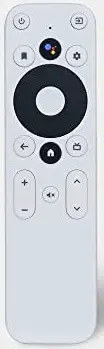
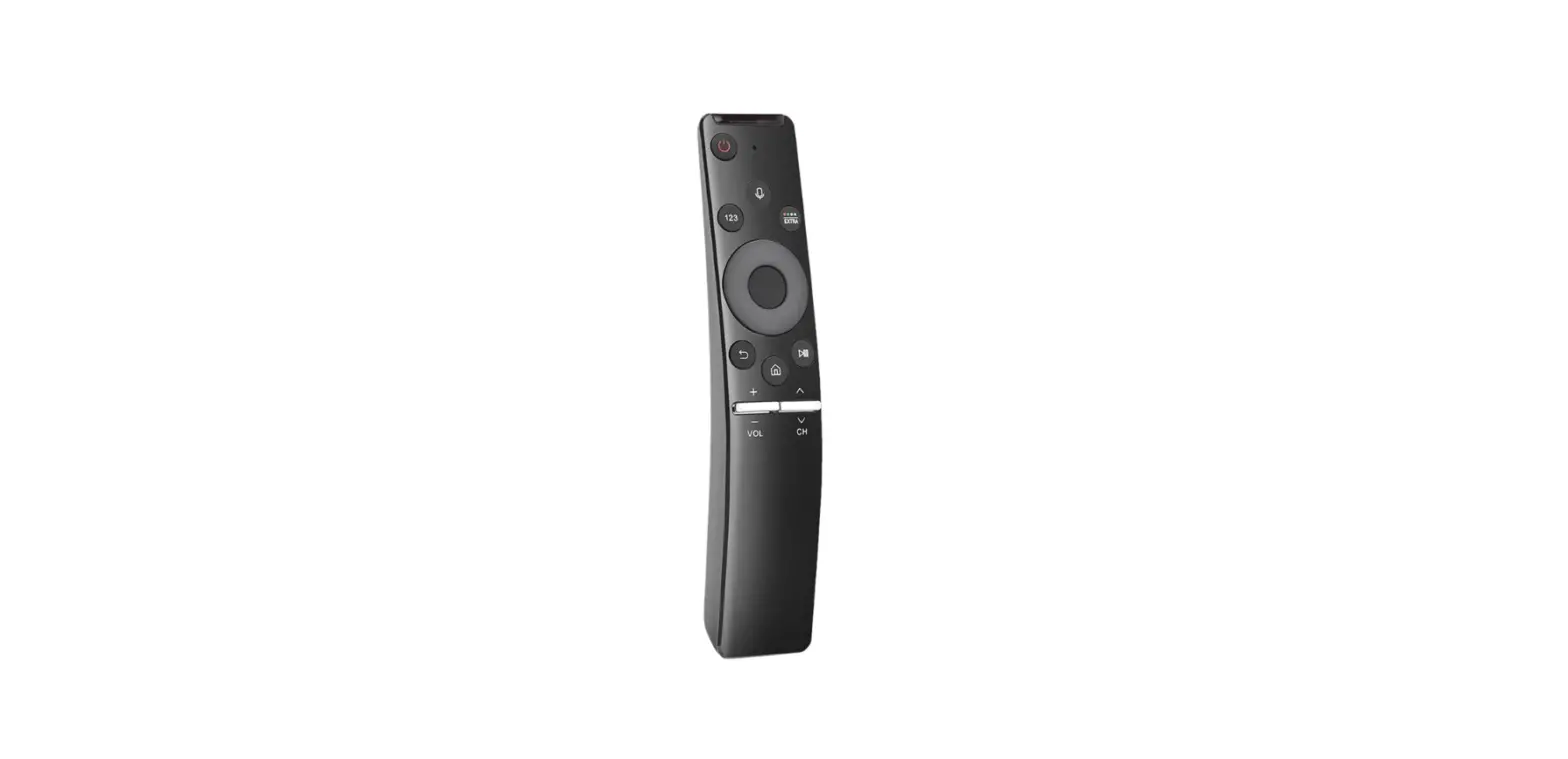
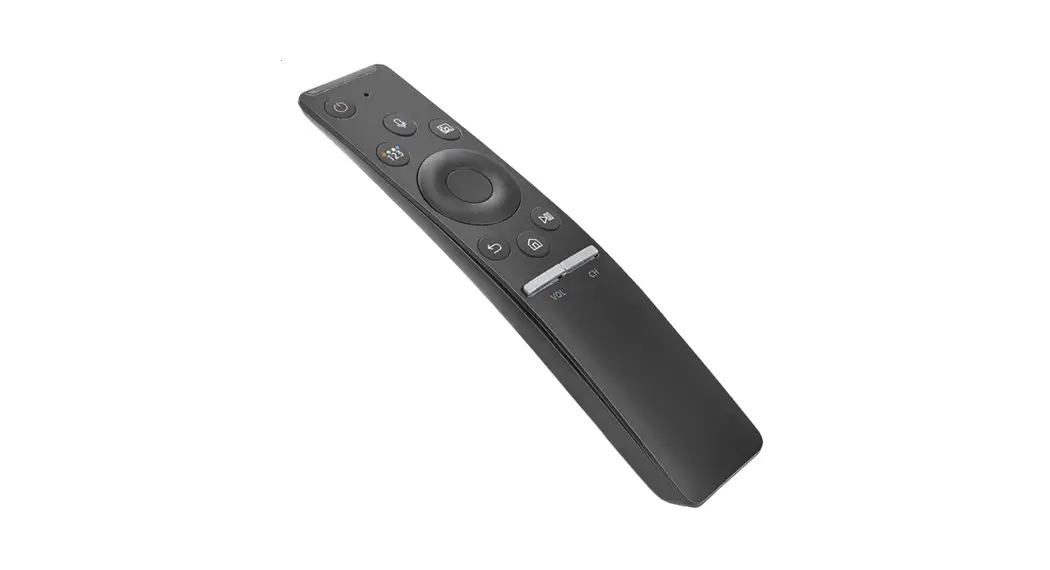
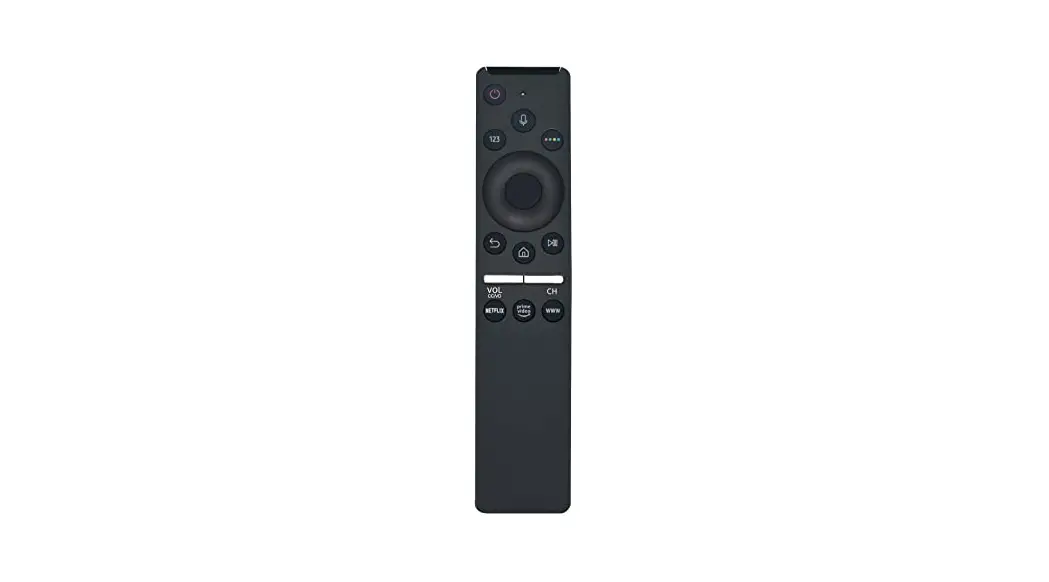
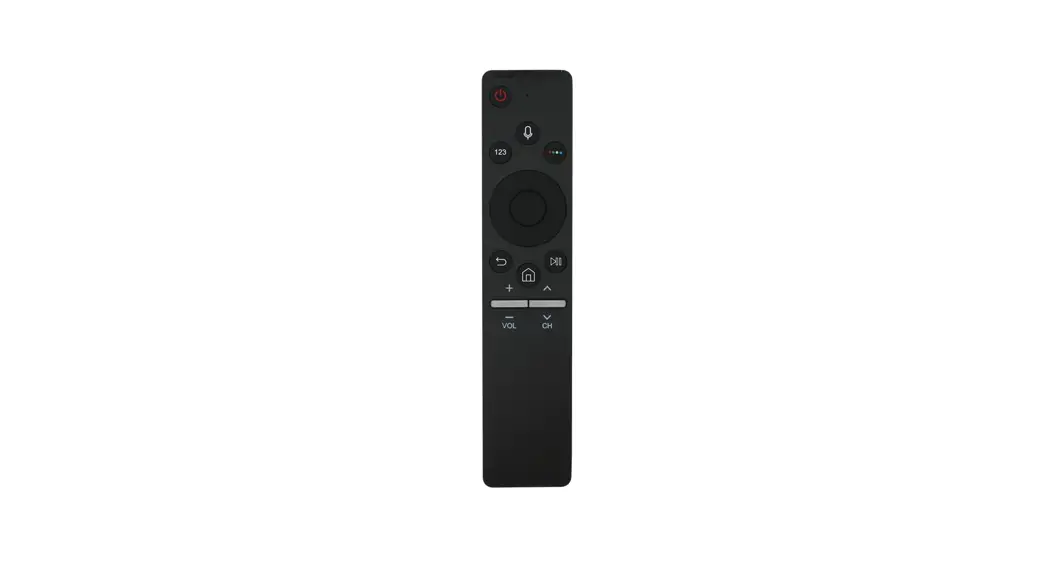
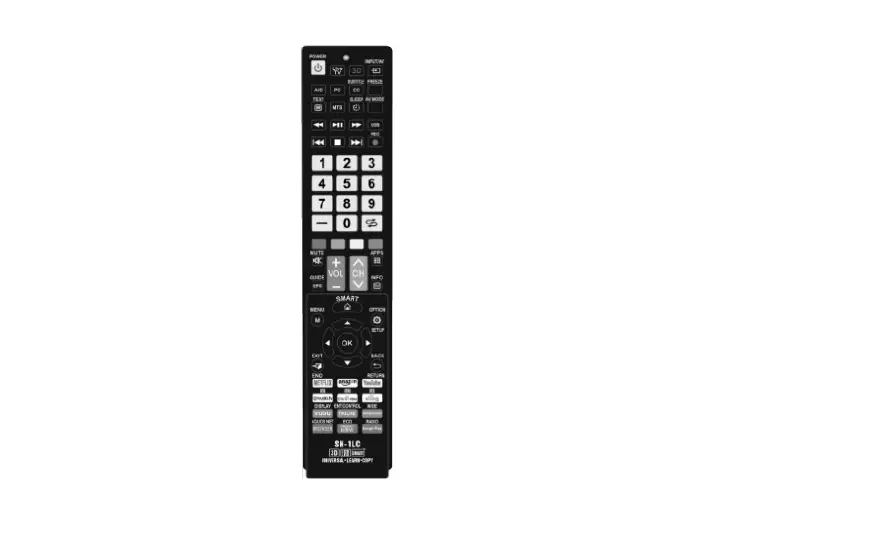
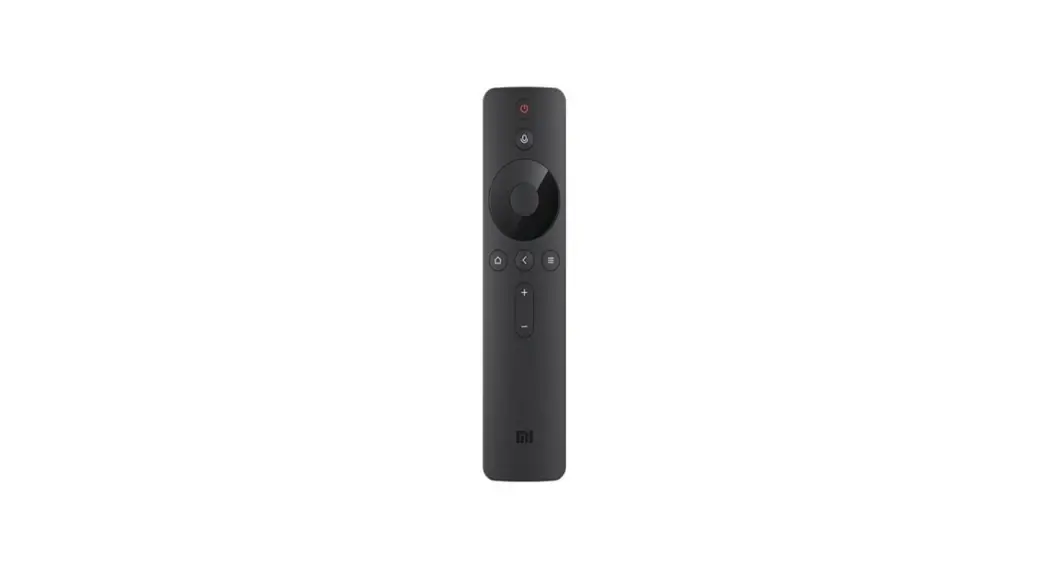
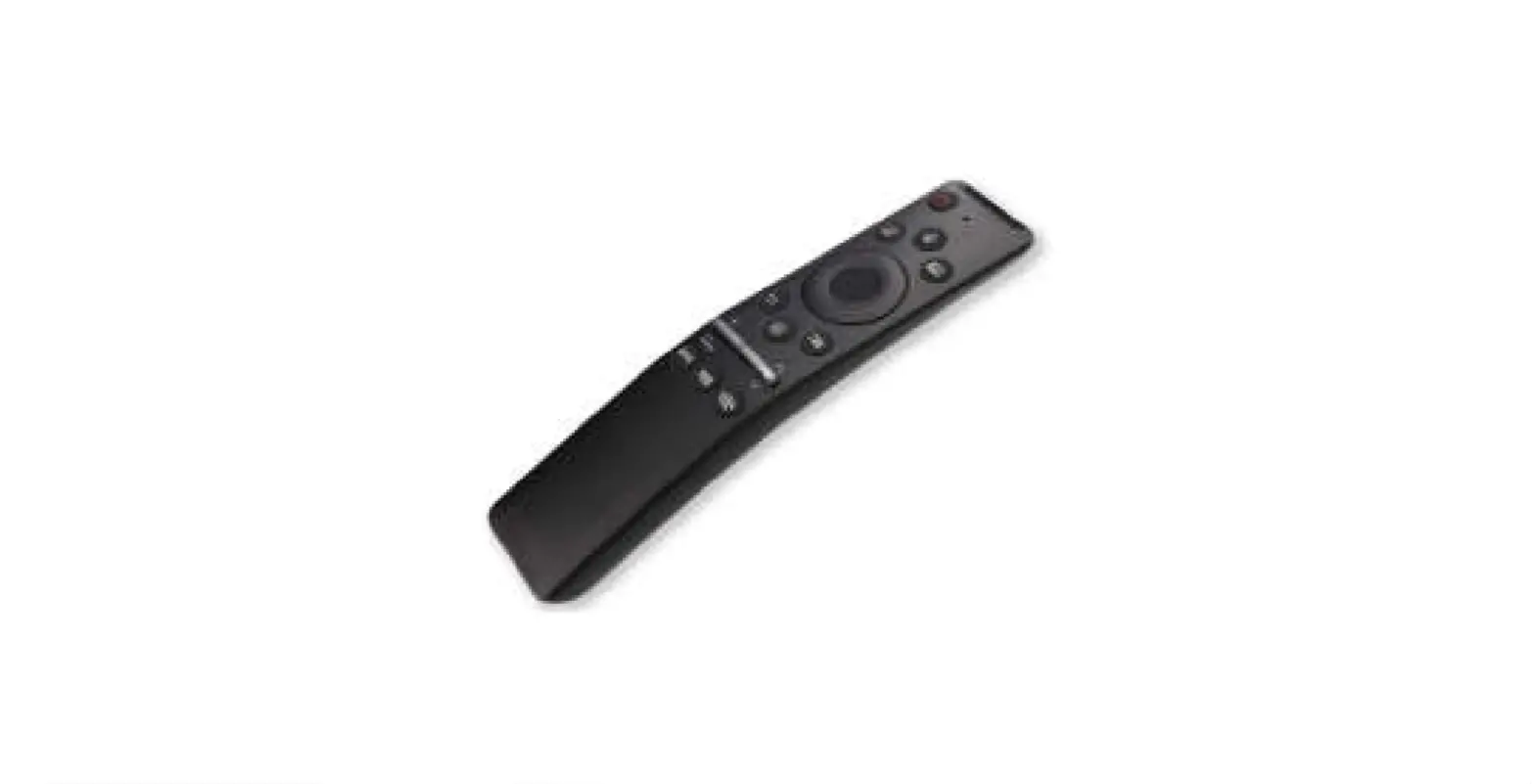
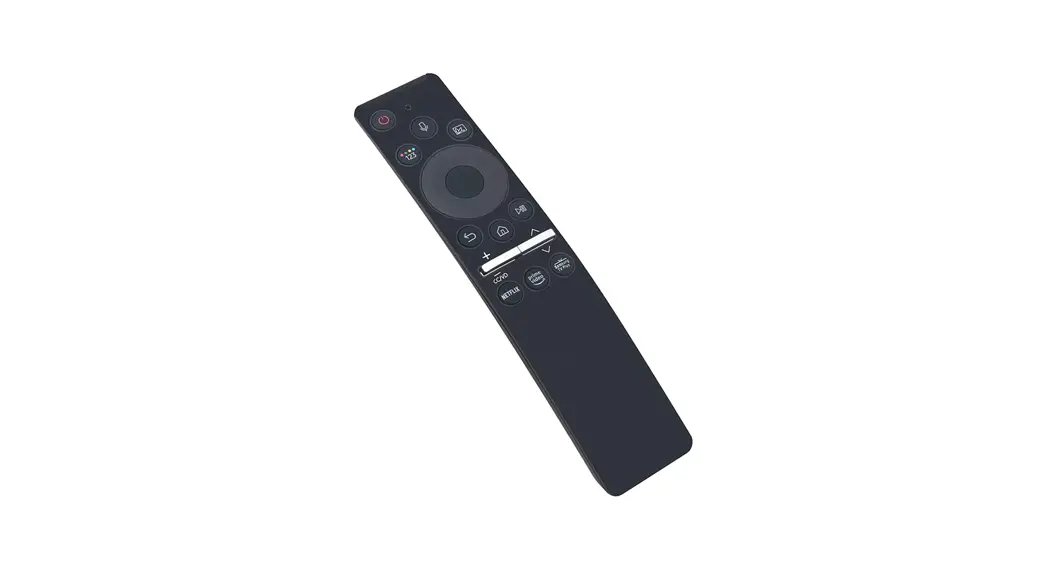
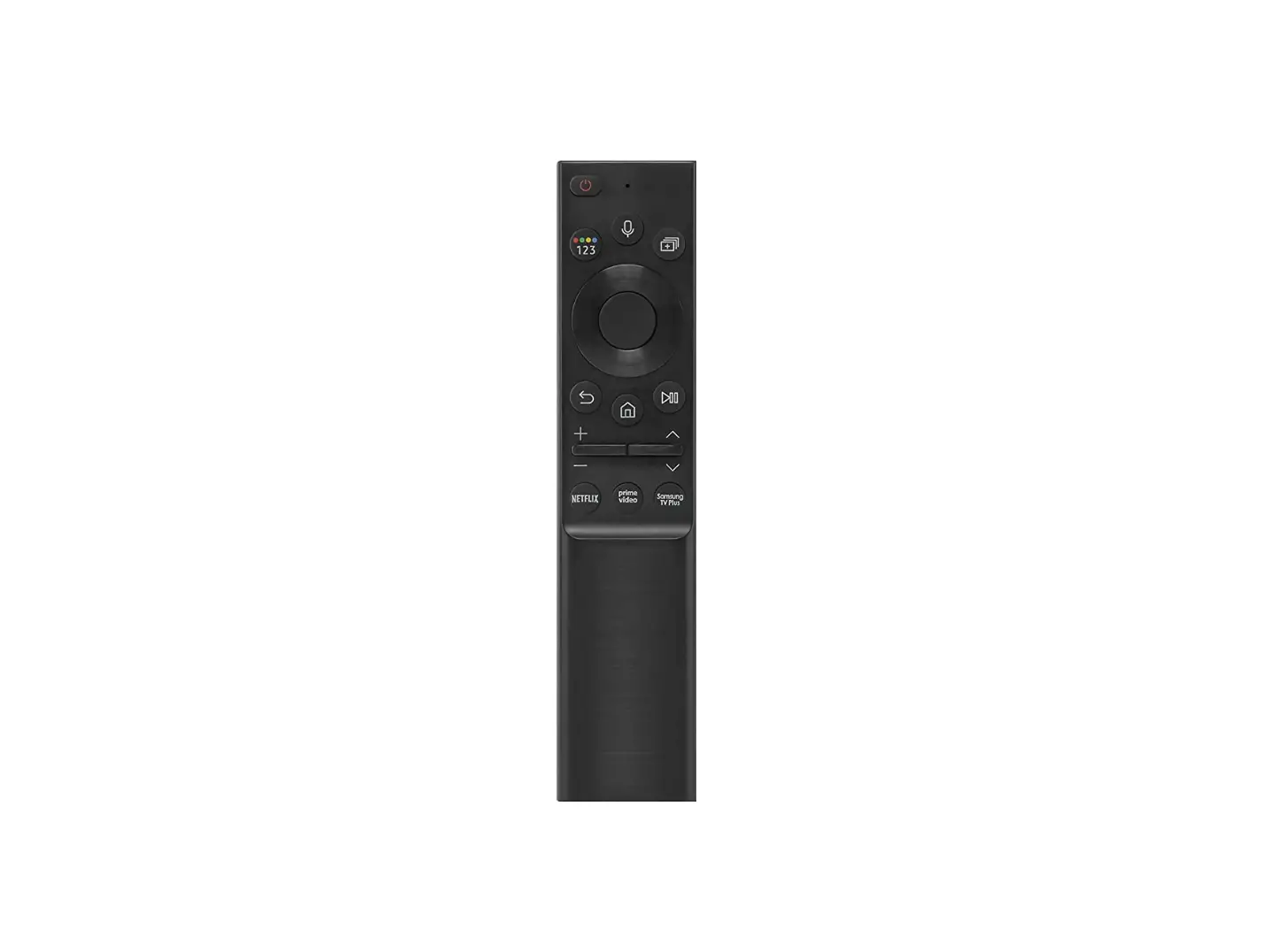
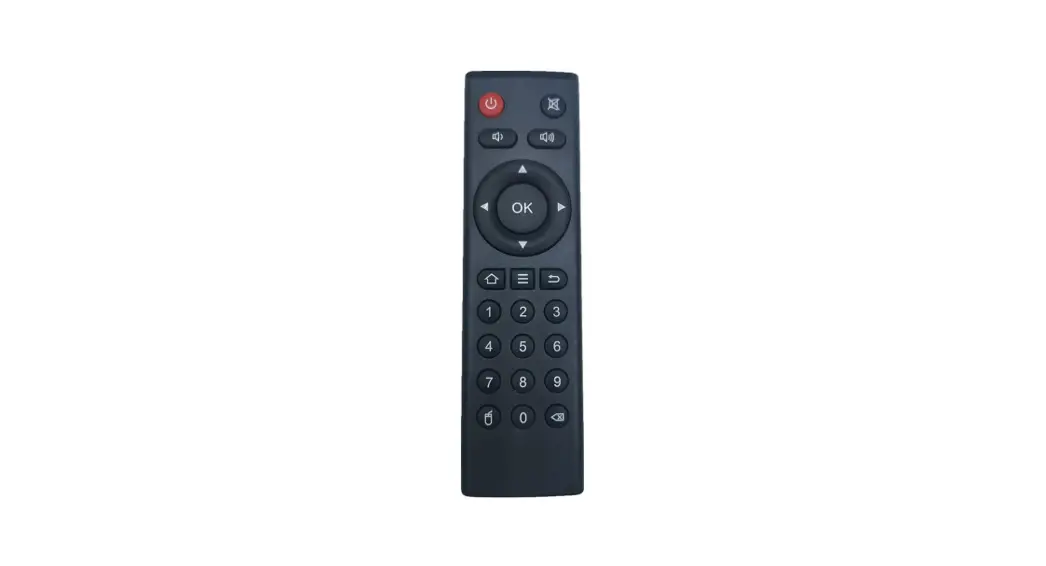
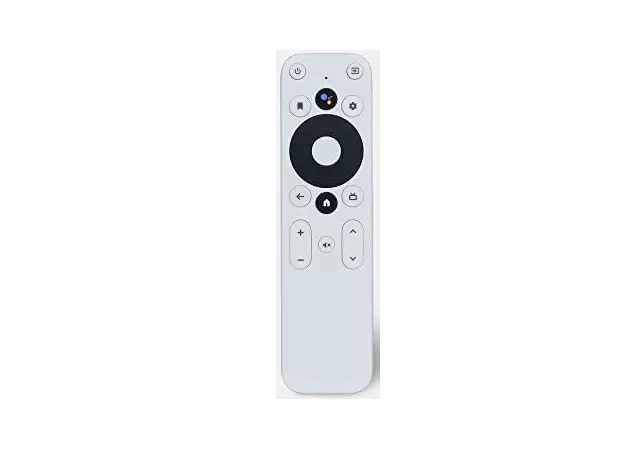
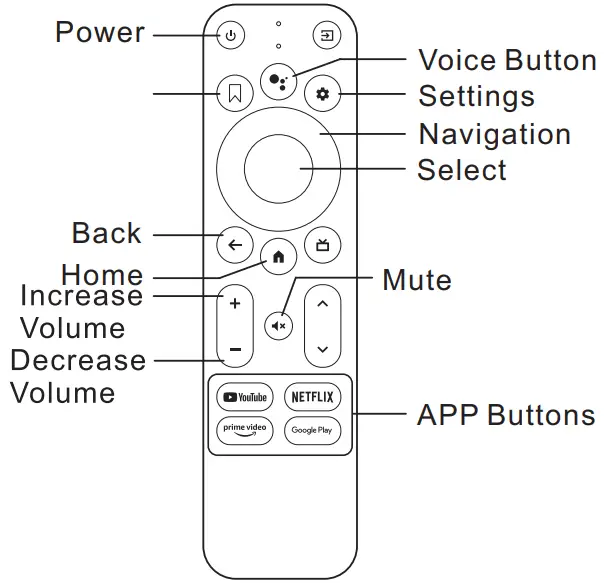
Product Diagram
How to Pair Automatically
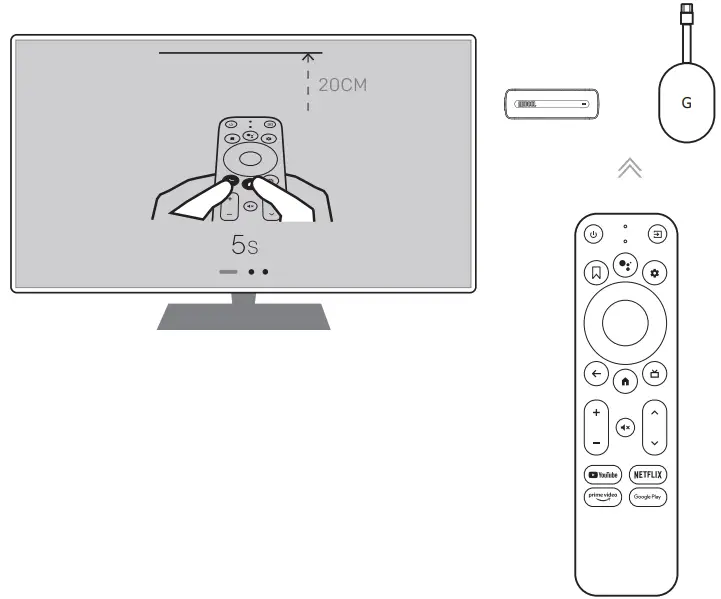
- Press and hold
 + buttons for 5 seconds to pair the remote control.
 - Keep remote control near to TV Box or TV Stick.
 +
+  buttons for 5 seconds to pair the remote control.
Note: Since this Smart Remote Control is a replacement control mainly for MECOOL TV box only, and if your tv box is a different brand, the apps shortcuts buttons definitaiton maybe vary, however, you can rename them via Button Manager App from Goolge Playstore. This is not our remote control issues.
How to Pair Manually
If your TV Box is not Google Licensed ones and can not fullfilled auotmatically paring via above methord, you can do manually pairing. Press Home and Back button at the same time until LED flashs quickly.
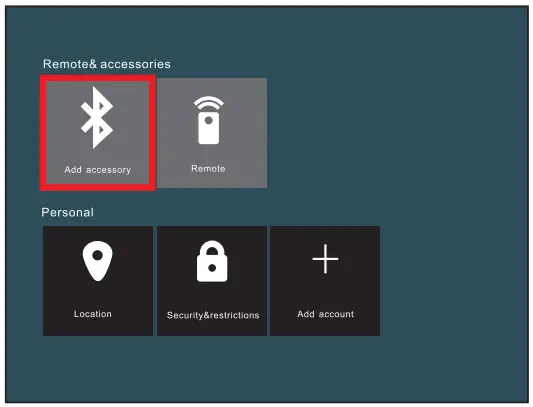
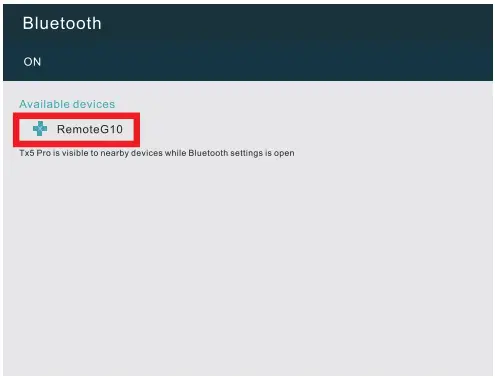
- Go to TV Box SETTINGS via your original Remote Control or Mouse, go to Add accessory.

- Find RemoteG10, click adding, then you can use this Smart Remote Control as a 2nd remote

Note:Please kinly note some buttons maybe not functioning since different manufacturer definitation, such as Apps shortcuts buttons, setting buttons…but you can rename them via Button Maper App.