Contents hide
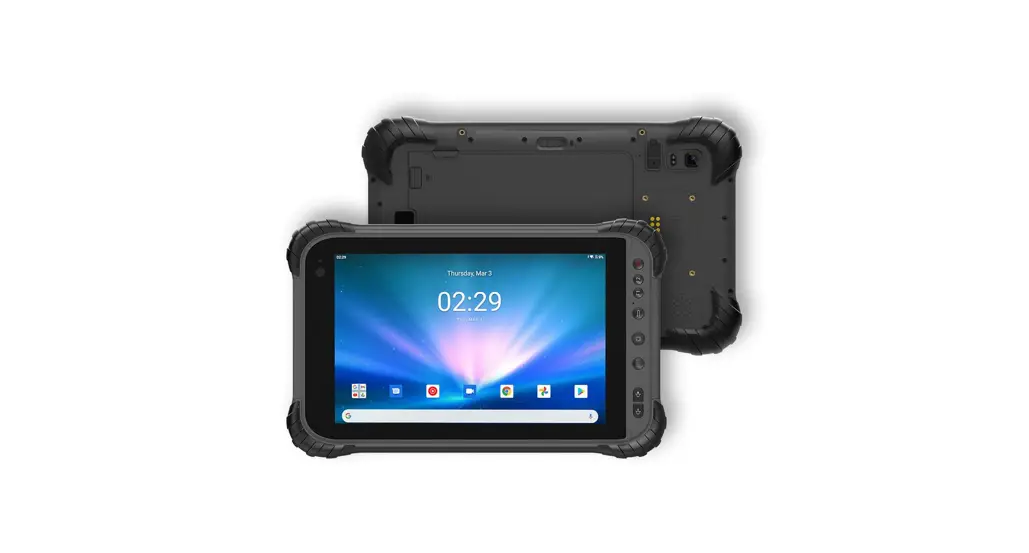
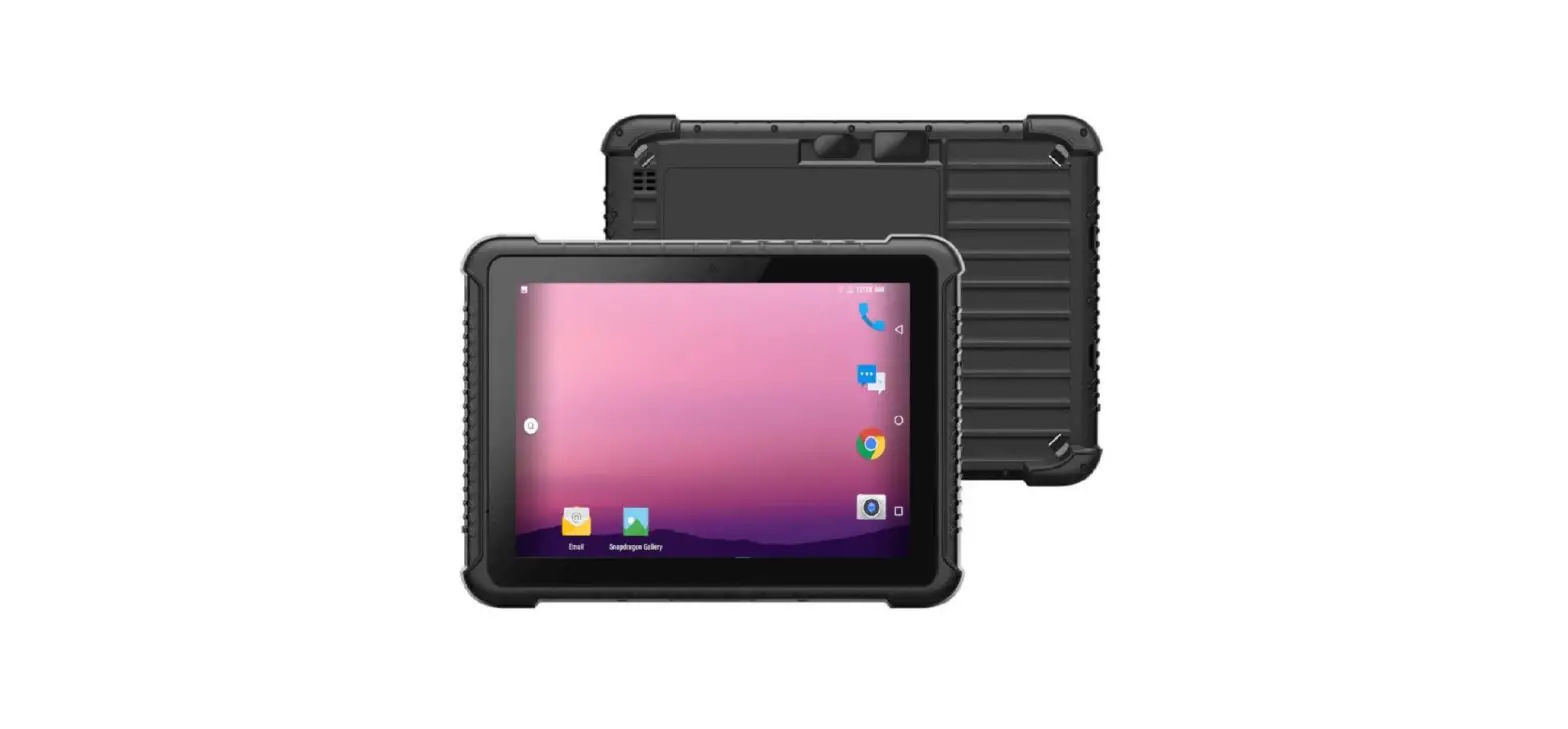
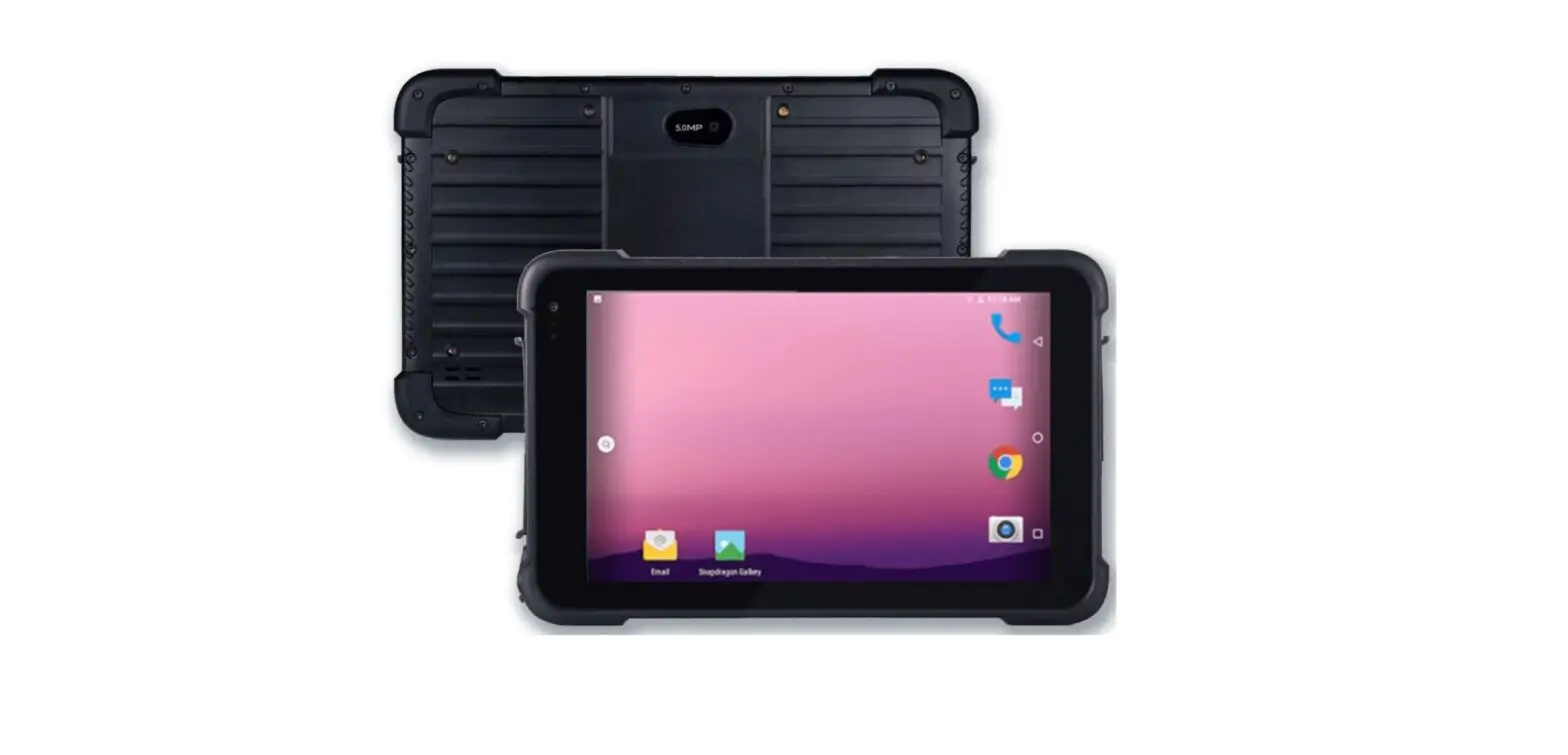
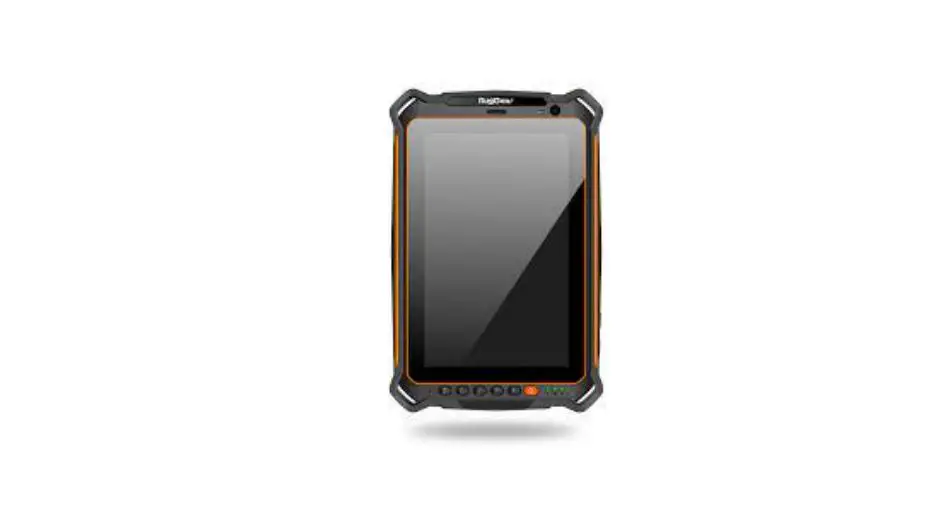
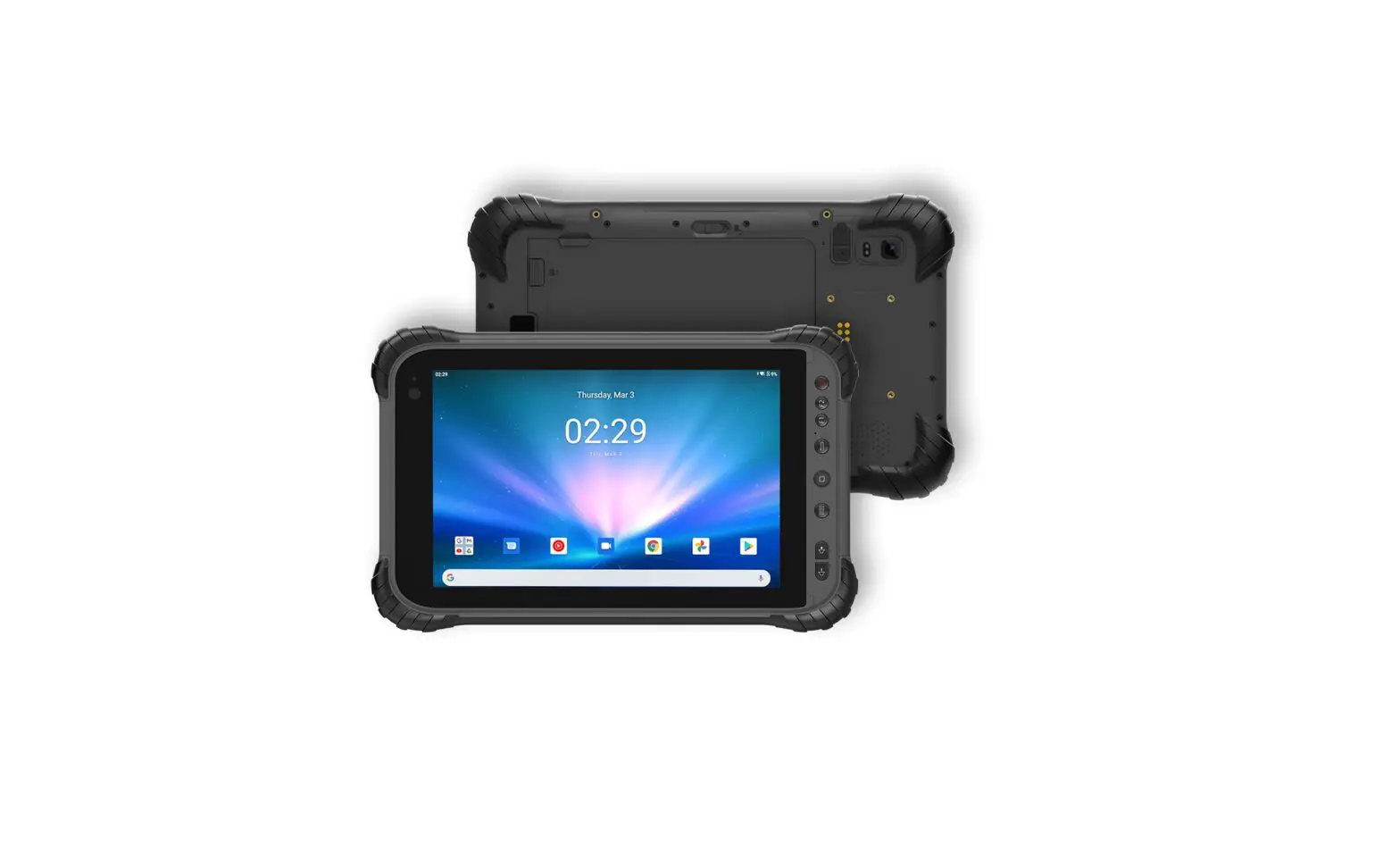
Maverick A8 Pro 8 Inch Android Rugged Tablet
MAVERICK A8 PRO
QUICK START GUIDE
Quick Start Guide
Turning on your tablet
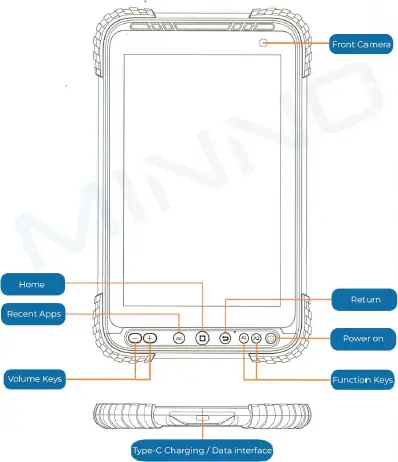
- The Power button is located on the front of your tablet. Press and hold it for 5-10 seconds to turn the device on or off
Brightness Settings
- On the home screen, swipe down from the top of the screen to reveal the quick–access menu.
- Swipe down again to reveal the brightness slider.
Connect to a Wi–Fi Network
- On the home screen, swipe down from the top of the screen to reveal the quick–access menu.
- Swipe down again to reveal the full icon menu.
- Press and hold the Wi–Fi icon; this will open the
Wi–Fi menu which has the option to connect and disconnect to a Wi–Fi network.
Connect to a Bluetooth device
- On the home screen, swipe down from the top of the screen to reveal the quick–access menu.
- Swipe down again to reveal the full icon menu.
- Press and hold the Bluetooth icon; this will open the Bluetooth menu which has the option to pair and unpair with a Bluetooth device.
Assigning the function keys
- In the settings menu, select the “Special Function” option.
- Select the “A1A2 Shortcut Key” option to set an app or action to each specific function key.
Contact us
Website: www.ruggedtablets.com
Email: [email protected]
Phone: +1 805-962-3084
Home
FRONT VIEW
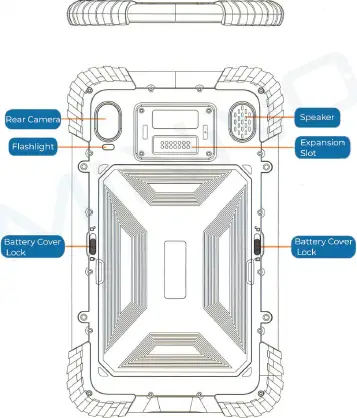
BACK VIEW
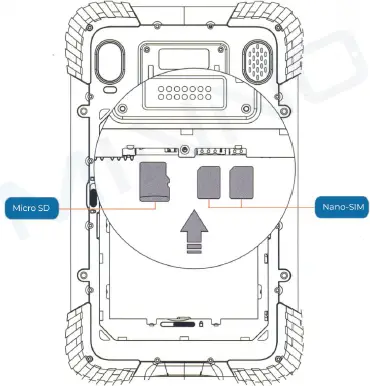
Memory & SIM Installation
Insert the Micro SD and Nano SIM cards following the directions shown in the diagram. The slots are located underneath the battery
Micro SD
Battery Swap
Install the battery in the correct order.
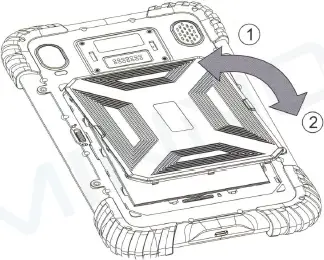
- Disengage the battery lock
- Pull the cover up from the raised sides
- Disengage the battery lock
- Replace the battery
- Re–engage the battery lock
- Line up the cover pins at the top
- Press down around the sides of the cover.
- Re–engage the cover locks