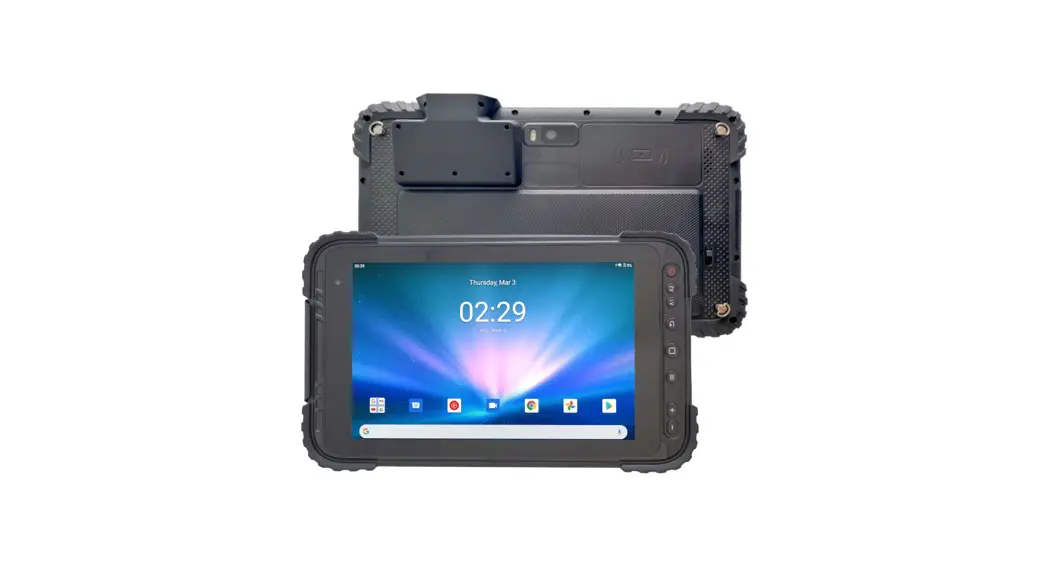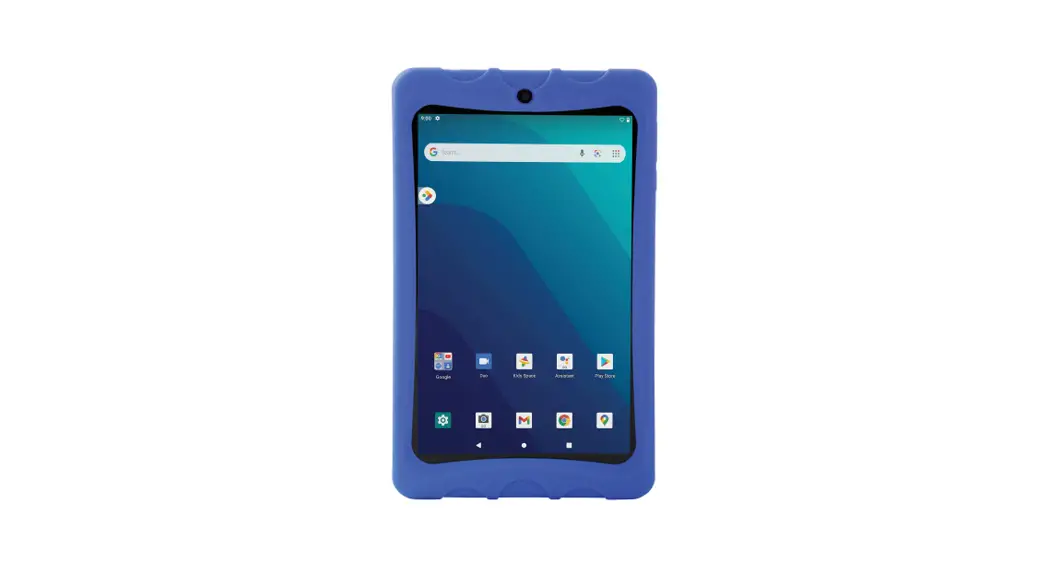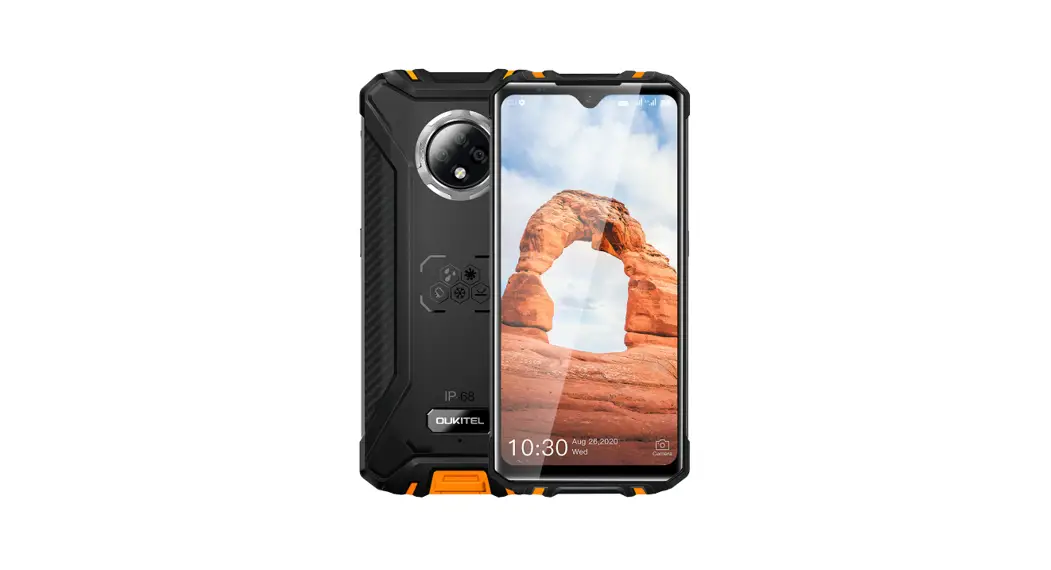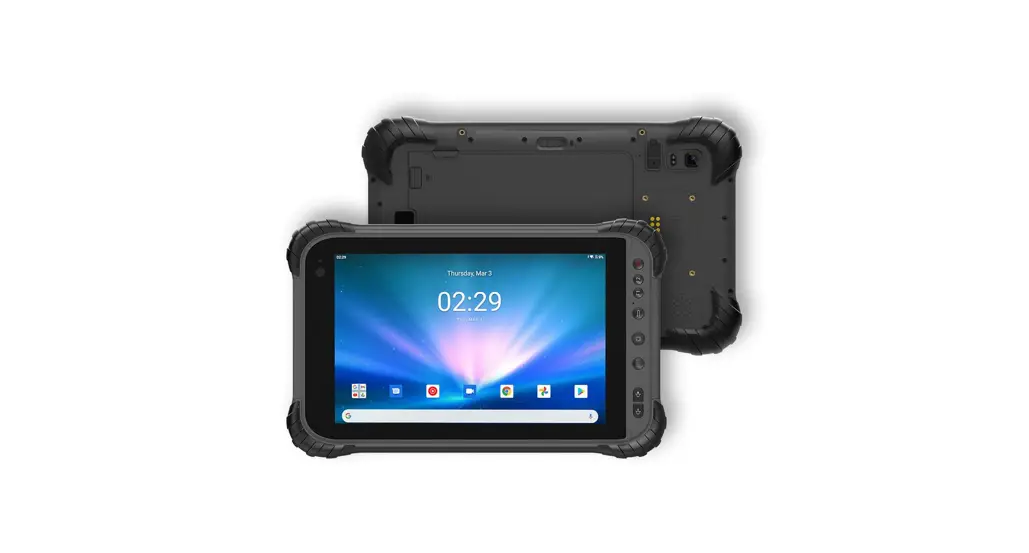
 A8 Resilient 8 Inch Android Rugged
 RESILIENT A8
QUICK START GUIDE
Quick Start Guide
Turning on your tablet
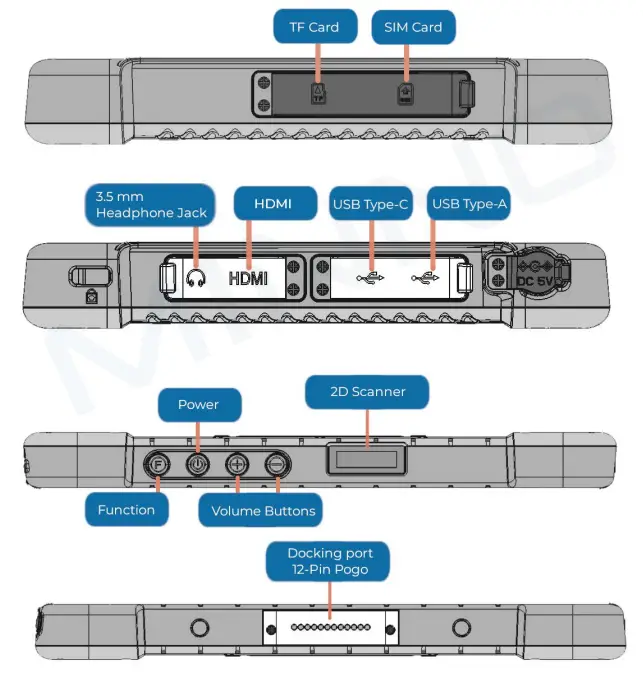
- The Power button is located on the top of your tablet. Press and hold it for 5-10 seconds to turn the device on or off
Brightness Settings
- On the home screen, swipe down from the top of the screen to reveal the quick-access menu.
- Swipe down again to reveal the brightness slider.
Connect to a Wi-Fi Network
- On the home screen, swipe down from the top of the screen to reveal the quick-access menu.
- Swipe down again to reveal the full icon menu.
- Press and hold the Wi-Fi icon; this will open the Wi-Fi menu which has the option to connect and disconnect to a Wi-Fi network.
Connect to a Bluetooth device
- On the home screen, swipe down from the top of the screen to reveal the quick-access menu.
- Swipe down again to reveal the full icon menu.
- Press and hold the Bluetooth icon; this will open the Bluetooth menu which has the option to pair and unpair with a Bluetooth device.
Contact us
Website: www.ruggedtablets.com
Email: [email protected]
Phone: +1 805-962-3084
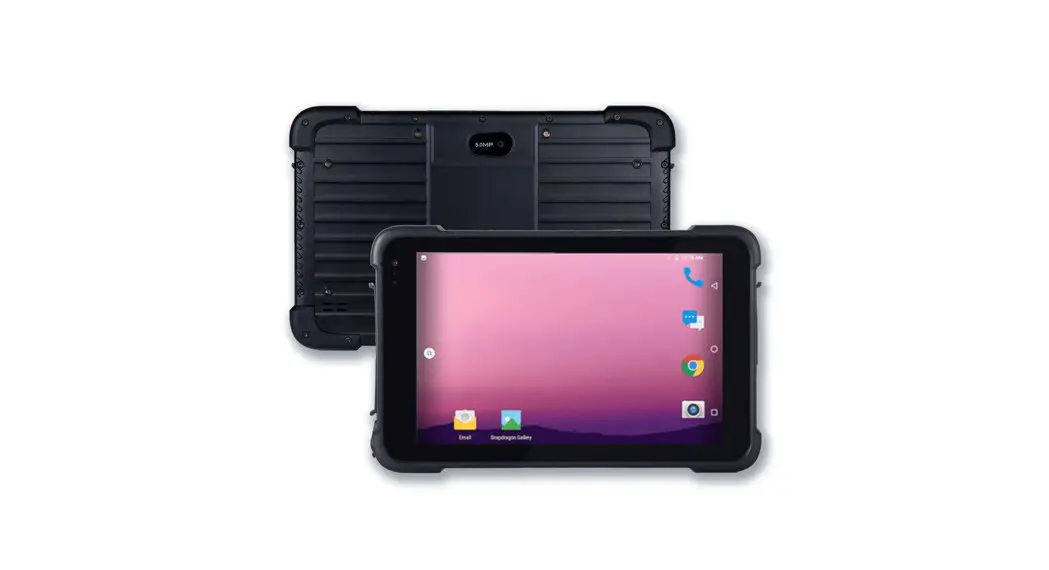
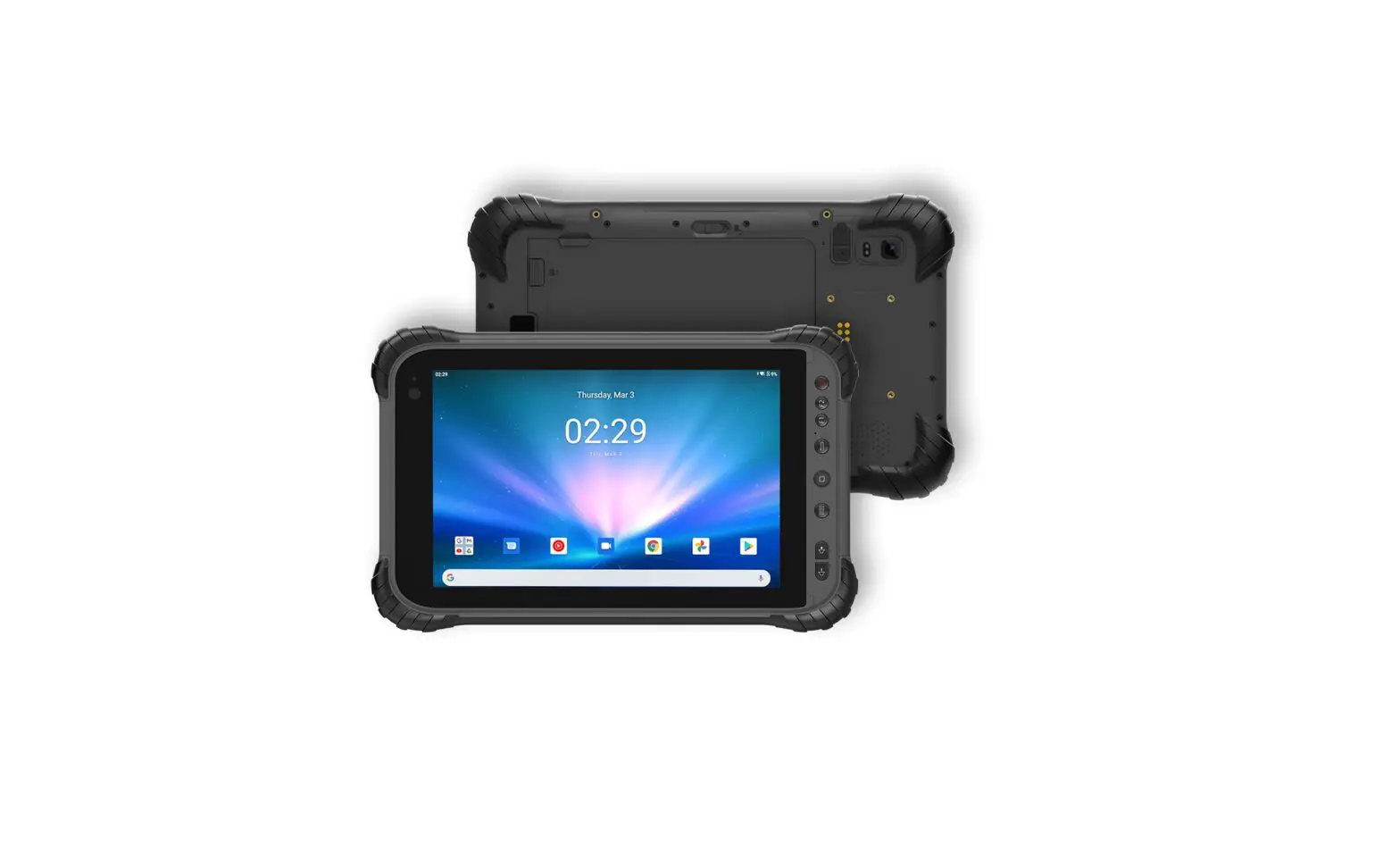
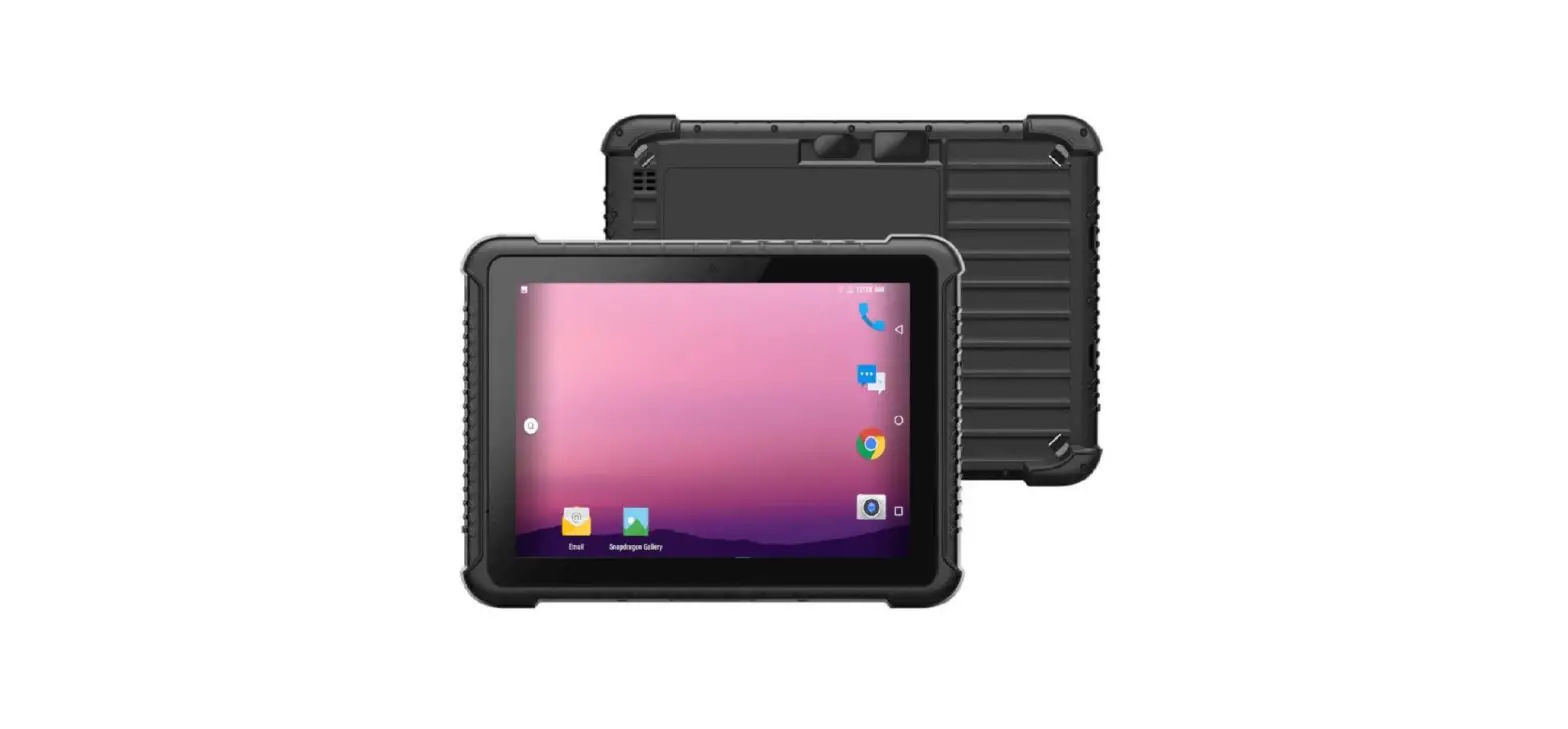
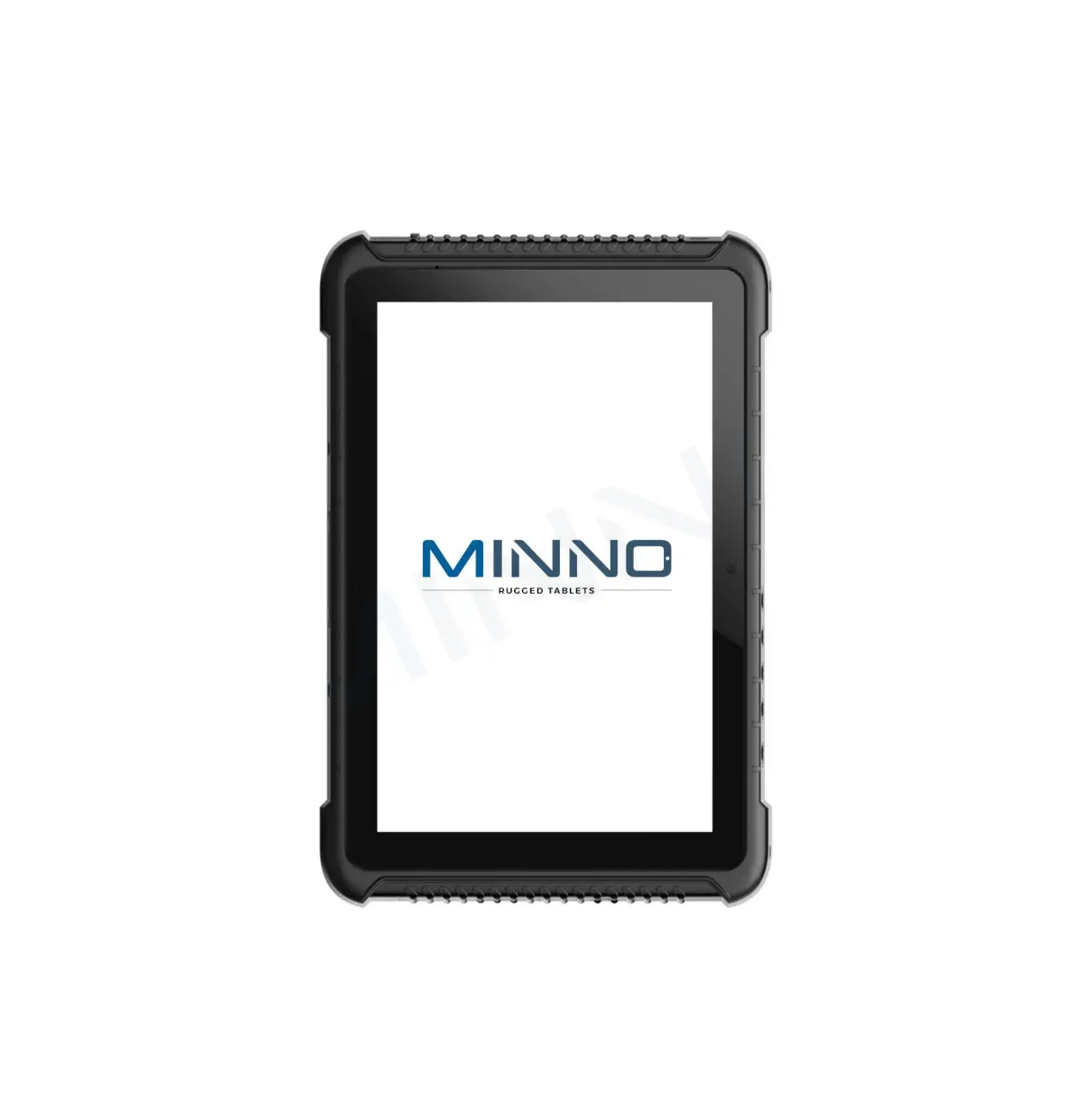
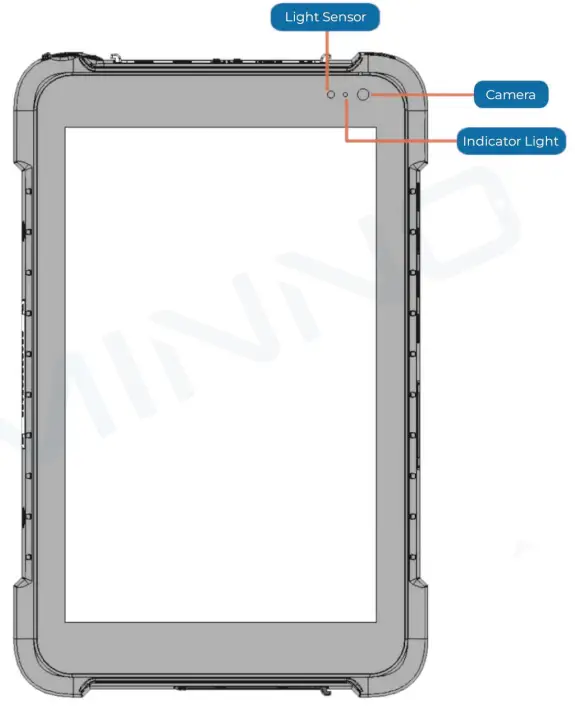
Front View
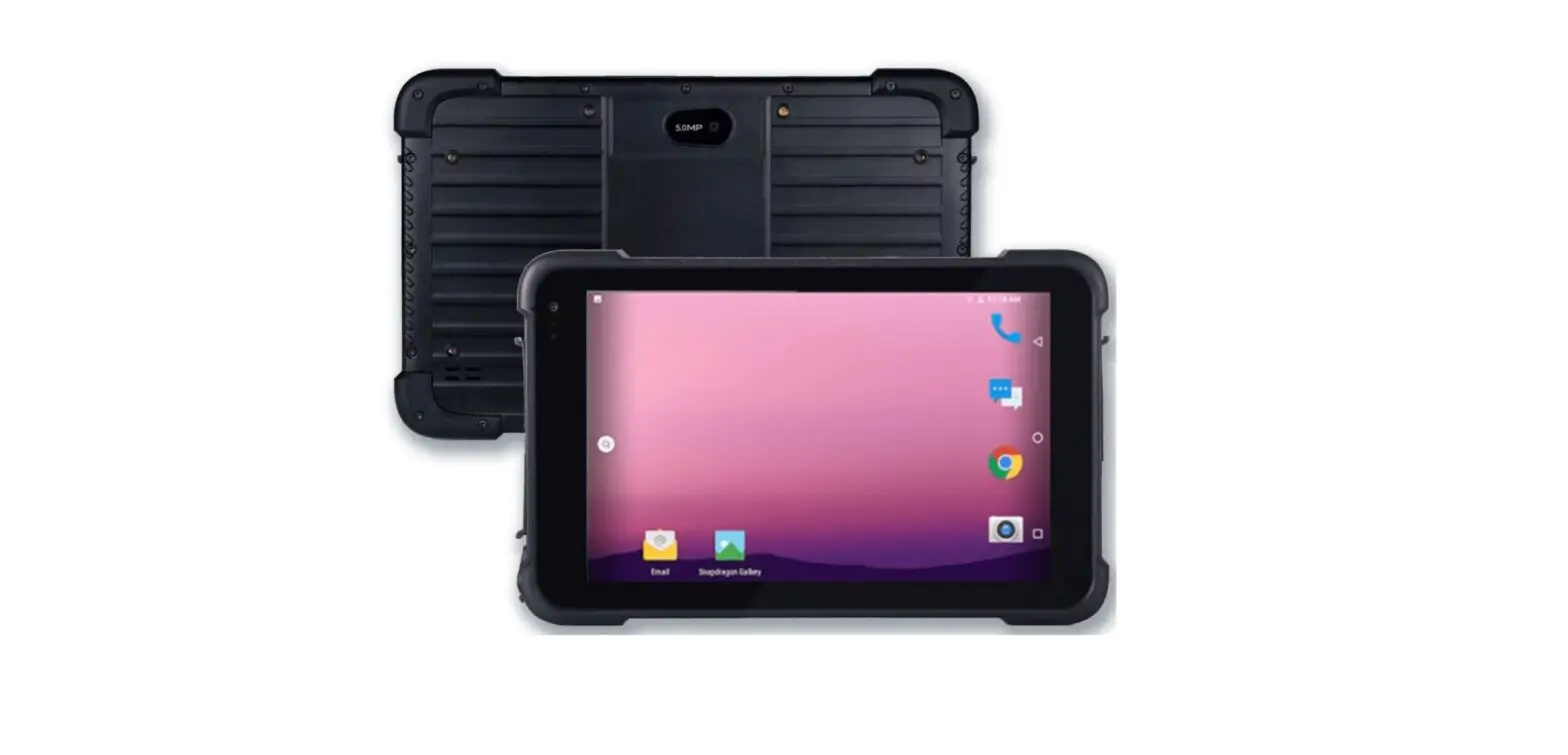
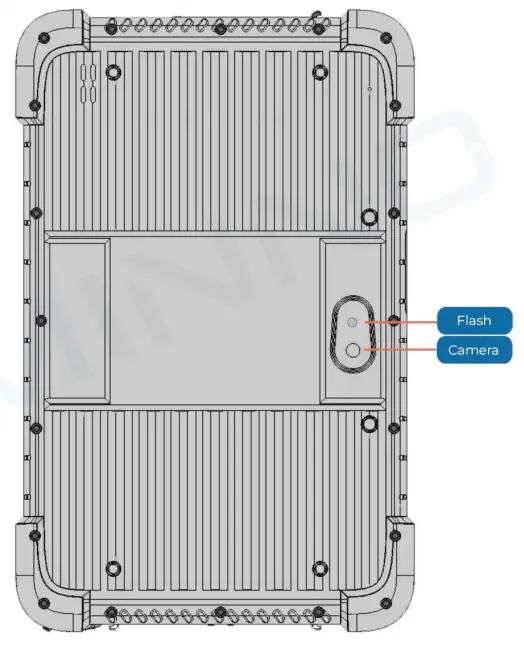
Back View
Side View