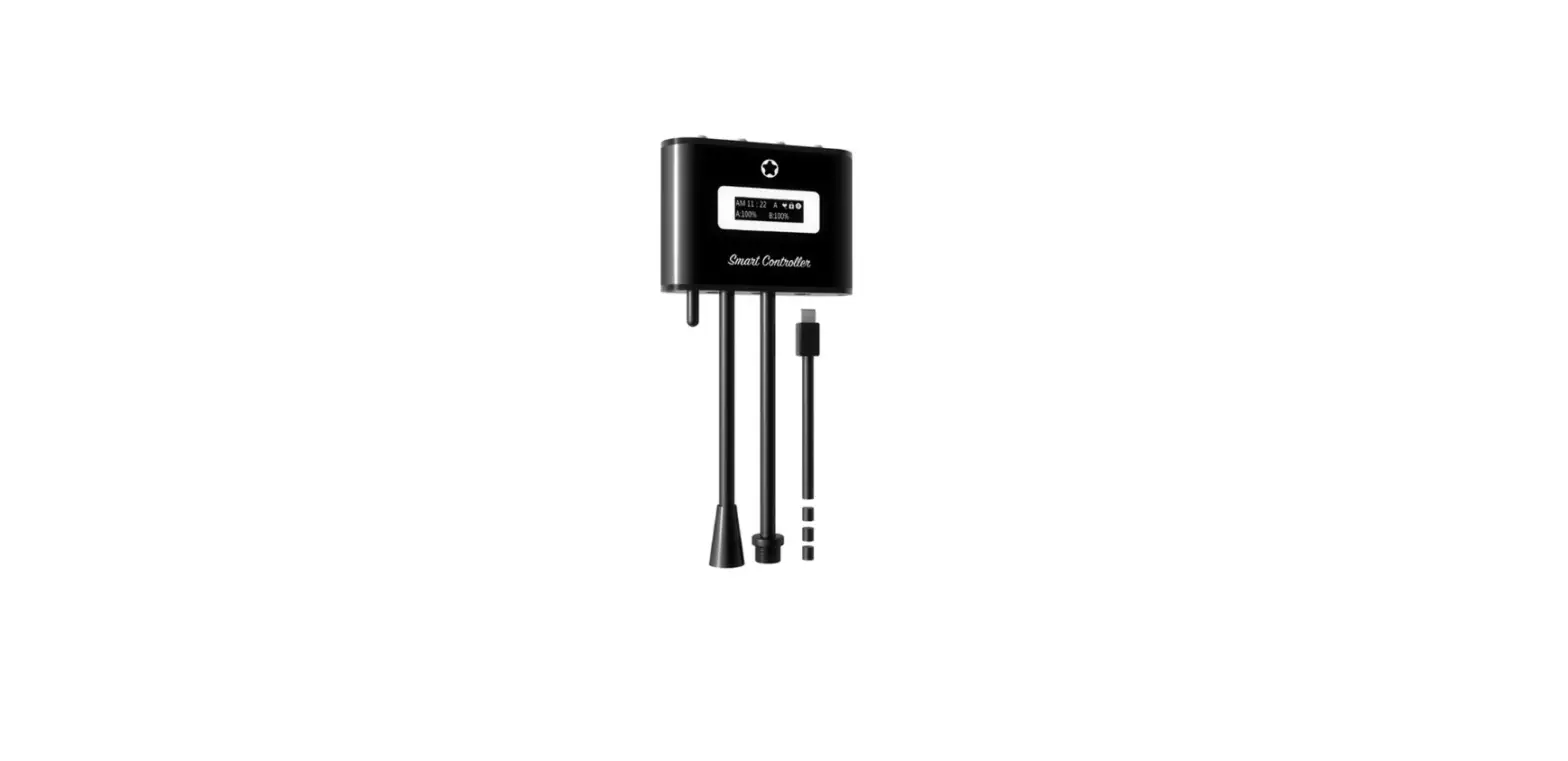

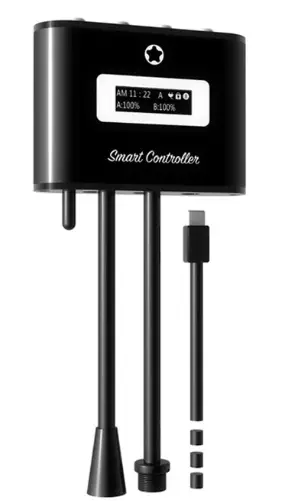
ICMOL IMOS 4.0 Smart Controller
OVERVIEW
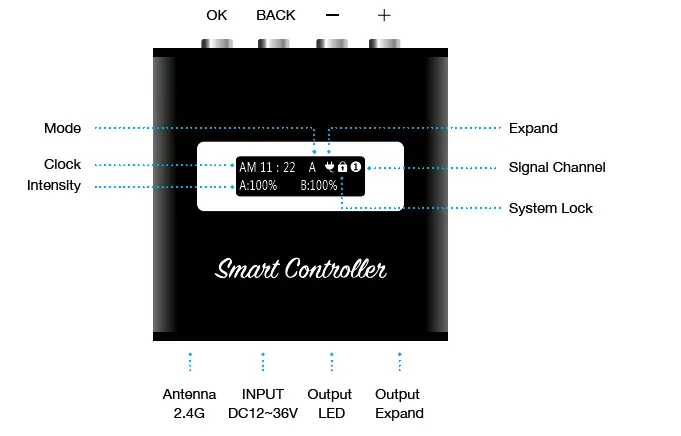
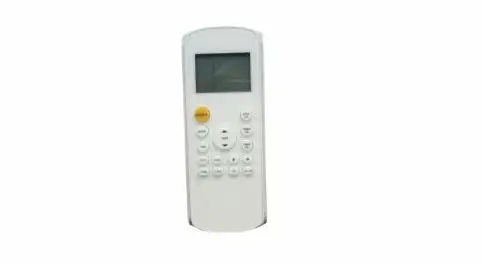
- Special Function 1: Press and hold “OK” for 3 seconds, while the unit is locked, to toggle between Auto & Manual Mode.
- Special Function 2: Press and hold “BACK” for 3 seconds to unlock or lock the controller.
- Special Function 3: Press and hold “OK” + “BACK” together to change the Receiver Mode.


Quick Set

There are 7 presents available to quickly setup your light. You may customize up to 3 presets with your own custom settings.
Auto Mode

Channels A, B, C and D have 6 time points and the intensity can be adjusted for each channel.
Note: If you select “ALL”, then all the channels will be overwritten with the new settings.
DEMO: The DEMO mode will run the current light settings in a 1 minute demonstration.
Save Settings: You can save your current settings to any of the 3 customized presets.
Manual Mode
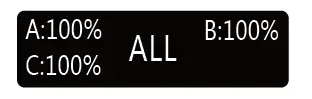
The Manual Mode will allow you to set the intensity from 1 to 100% for all or each individual channels
Linkage Mode
(Broadcaster – Receiver)
- Broadcaster (Parent): When linking multiple units, assign one controller as the Broadcaster which will become the primary unit.
- Signal: Select a channel. Up to 9 channels can be selected and paired with multiple units to the same channel number
Note: Enabling the Broadcaster will display the channel signal number on the home screen.
- Receiver (Child): Switch controller to receiver mode to set additional units that will connect to the primary Broadcaster unit.
- Signal: The controller’s home screen will only show the “Receiver” and the paired channel number

Note: The 2.4G antenna signal covers up to 16 square feet (5 square meters) and may not be able to penetrate walls.
Expand

The Expand option (Plug icon) adds more flexibility to adapt with additional devices such as pumps, fans, valves etc..
The timers in the expand mode can turn ON/OFF, adjust the power to the speed of the fan, the intensity for the lights or power for the valve
Settings
- Set Clock: Set the controller to your local time
- Languages: Two languages are available in “English” or “Chinese”
- 24 HOUR: You can toggle between 24 HOUR or AM/PM mode
- Factory Reset: Reset all settings to factory default settings
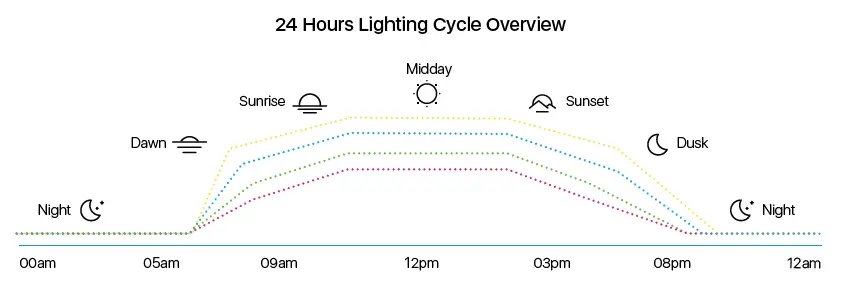
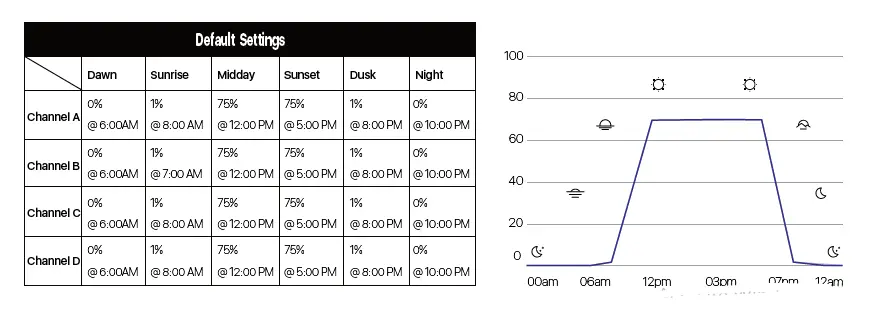
The smart controller gradually ramps the light intensity between the set points
The graph below outlines how the LEDs will ramp up and down between the settings
Default Settings