
Sennheiser Scdb9 Impact Dw Series Basestation User Guide

Sennheiser Scdb9 Impact Dw Series Basestation User Guide

SENNHEISER logo

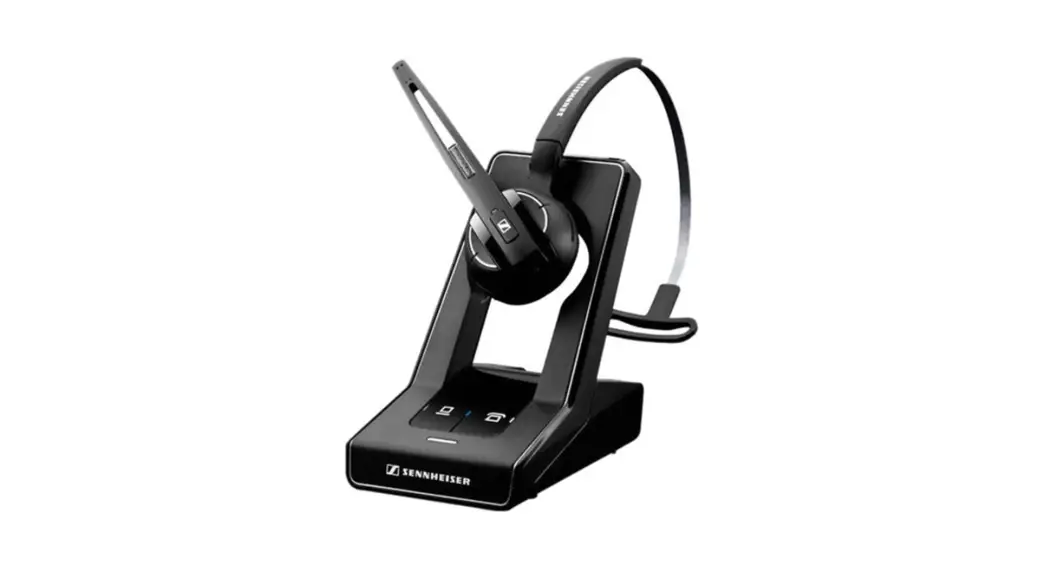
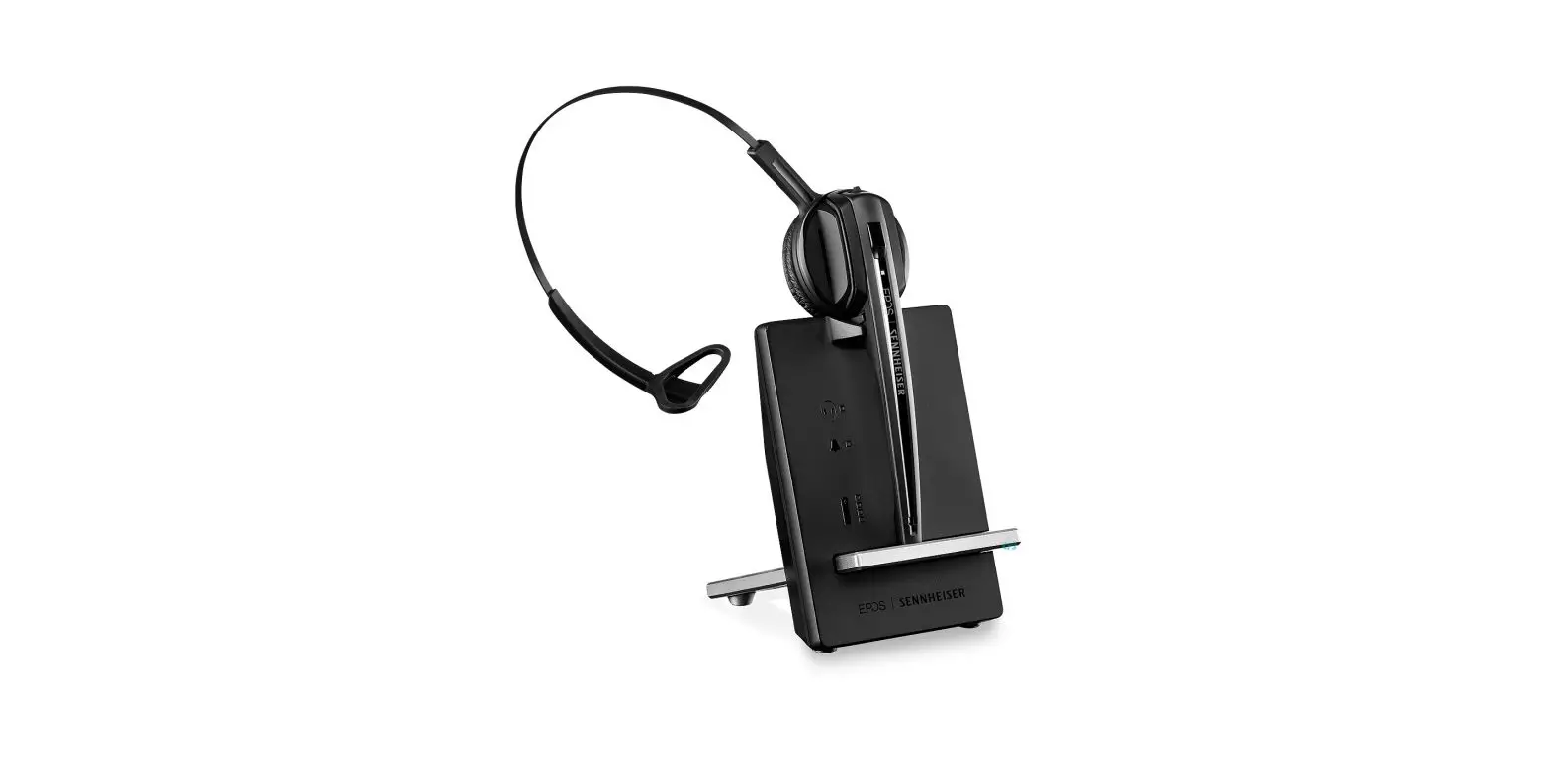
SENNHEISER SCDB9 Impact DW Series Basestation
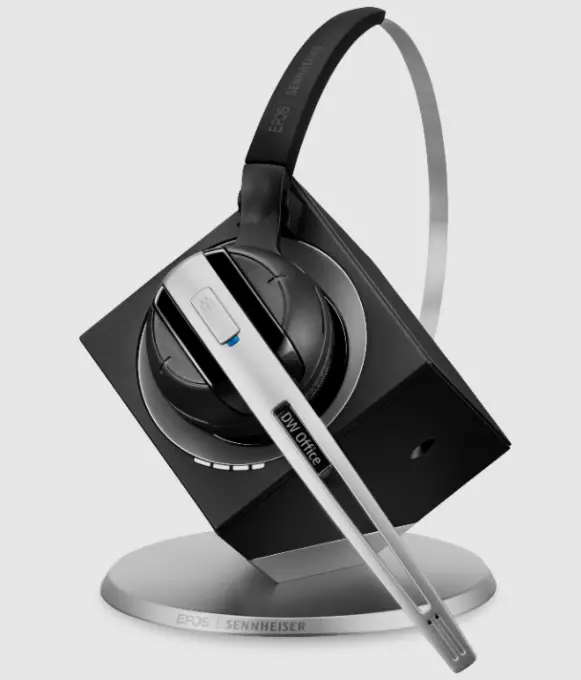
SENNHEISER SCDB9 Impact DW Series Basestation

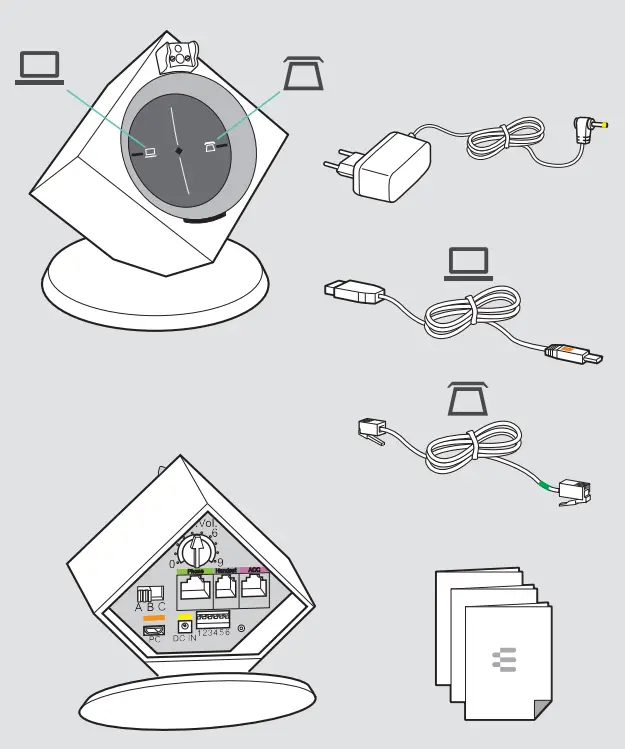
IMPACT DW BS ML
SENNHEISER SCDB9 Impact DW Series Basestation fig 1

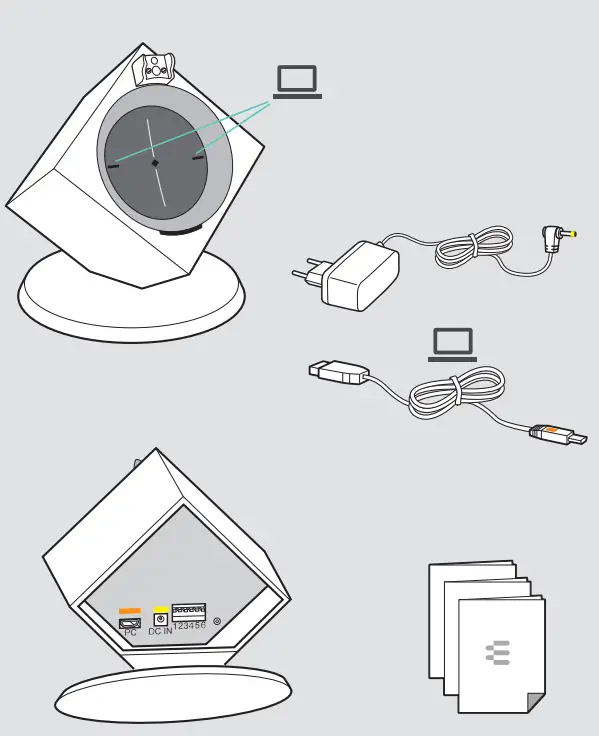
IMPACT DW BS USB ML

SENNHEISER SCDB9 Impact DW Series Basestation fig 2

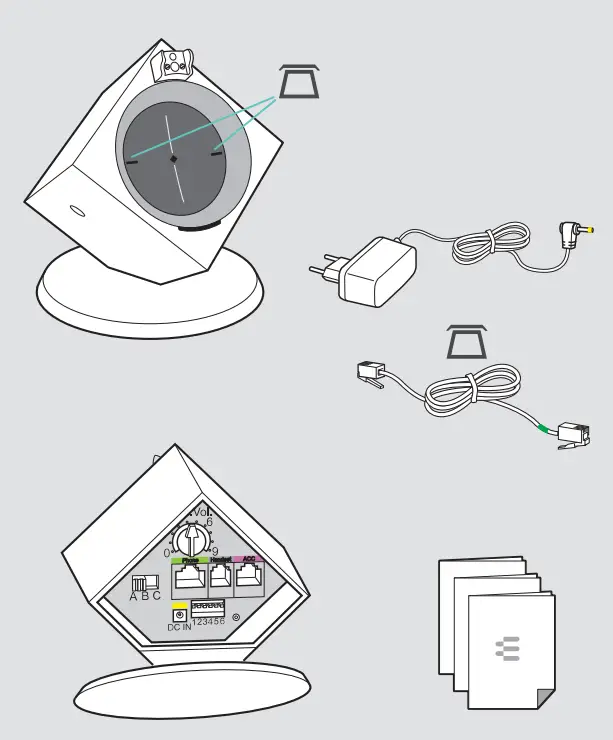
IMPACT DW BS Phone

SENNHEISER SCDB9 Impact DW Series Basestation fig 3

Connecting the base station to the mains power supply
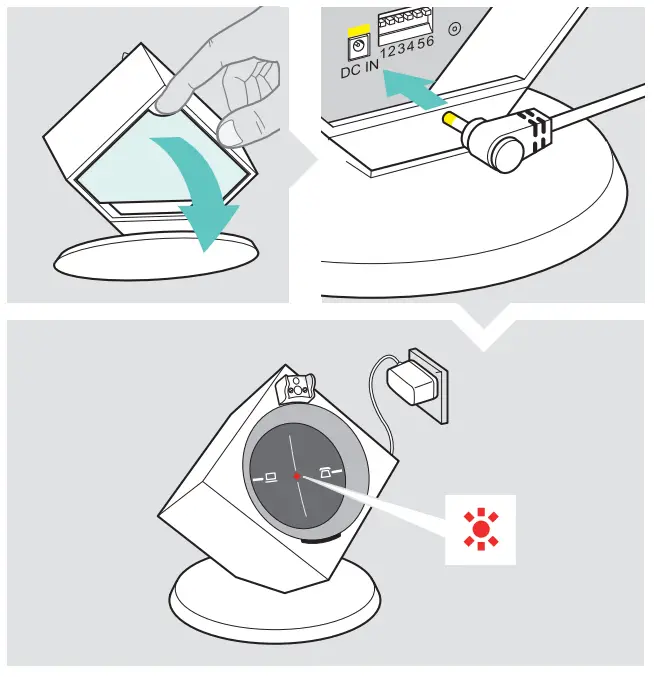
SENNHEISER SCDB9 Impact DW Series Basestation fig 4

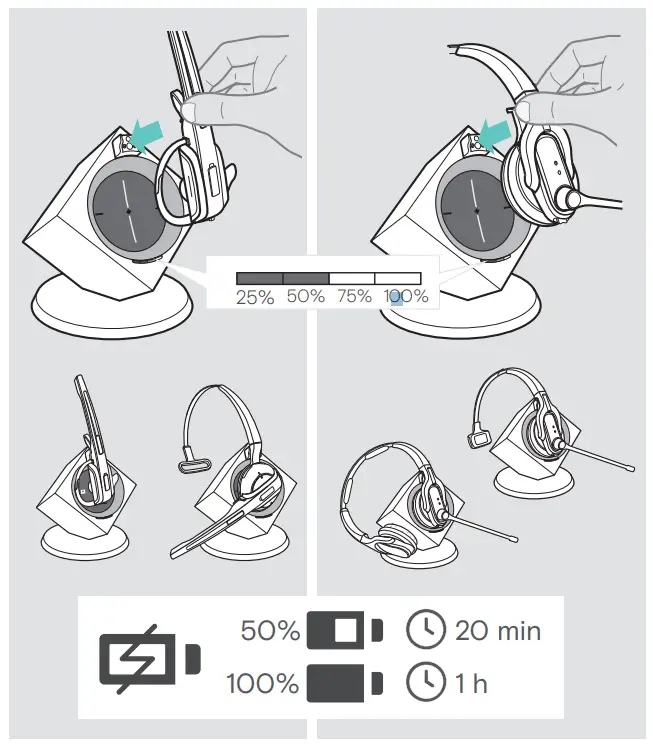
Charging the headset

SENNHEISER SCDB9 Impact DW Series Basestation fig 5

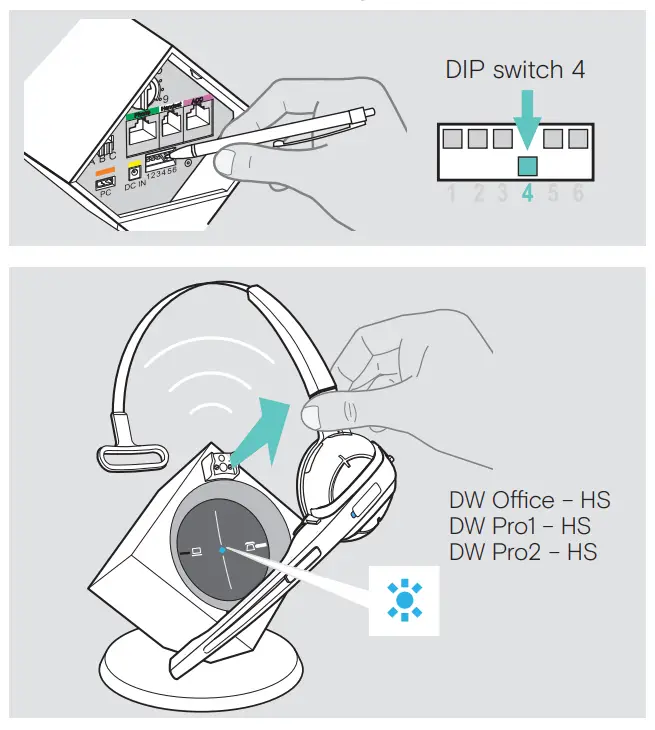
Automatic link establishment

SENNHEISER SCDB9 Impact DW Series Basestation fig 6

Connecting the base station to the fixed line telephone
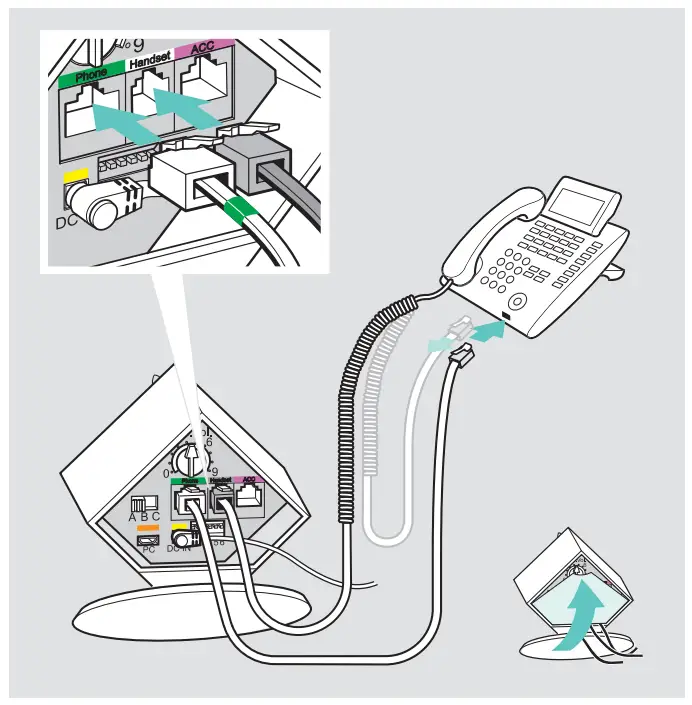
SENNHEISER SCDB9 Impact DW Series Basestation fig 7

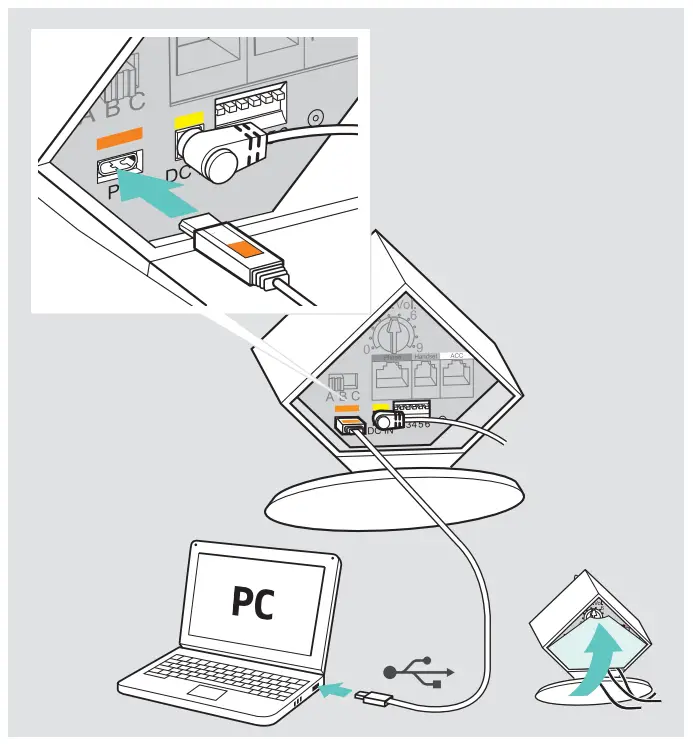
Connecting the base station to a PC

SENNHEISER SCDB9 Impact DW Series Basestation fig 8

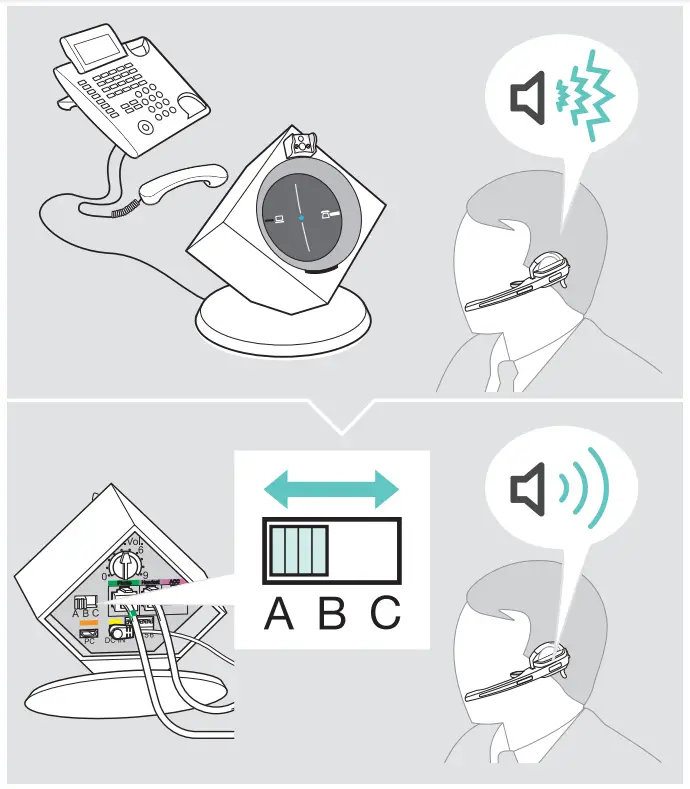
Adjusting the dial tone

SENNHEISER SCDB9 Impact DW Series Basestation fig 9

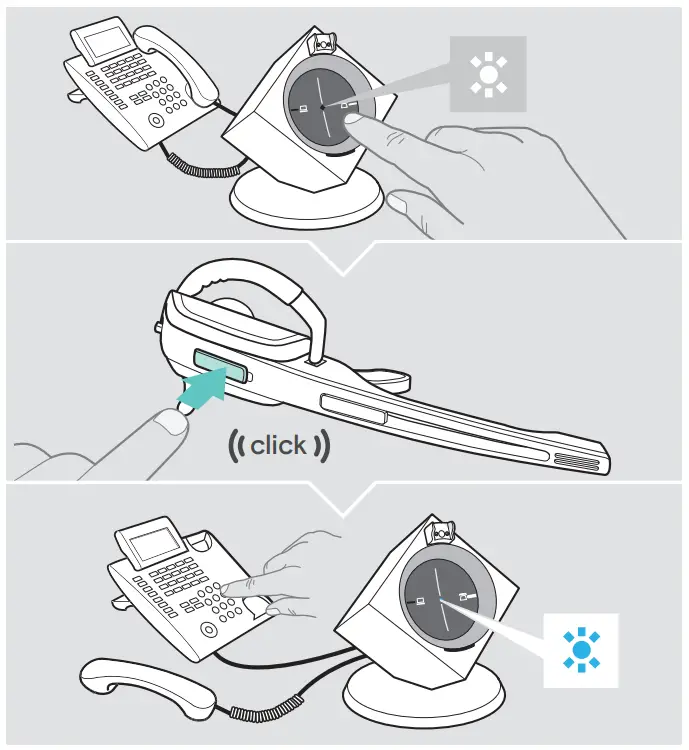
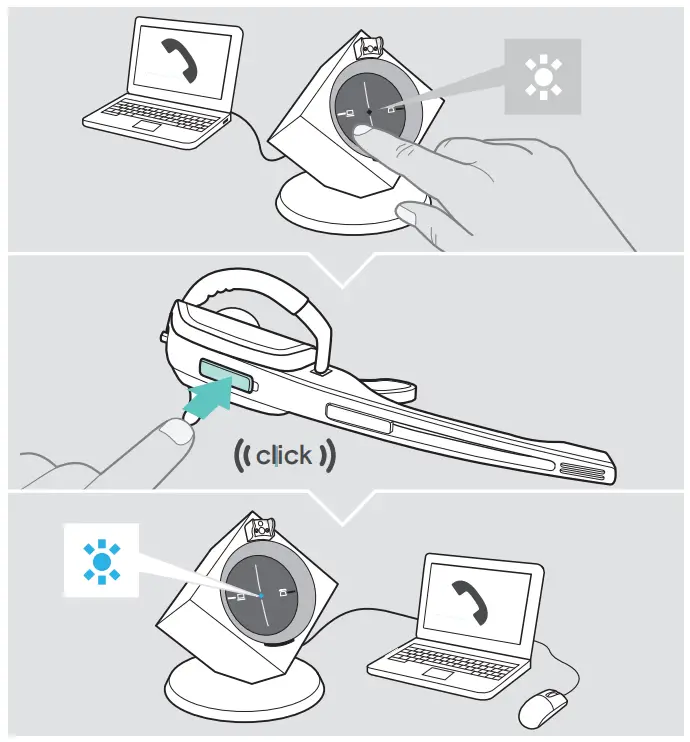
Making calls via the headset

SENNHEISER SCDB9 Impact DW Series Basestation fig 10

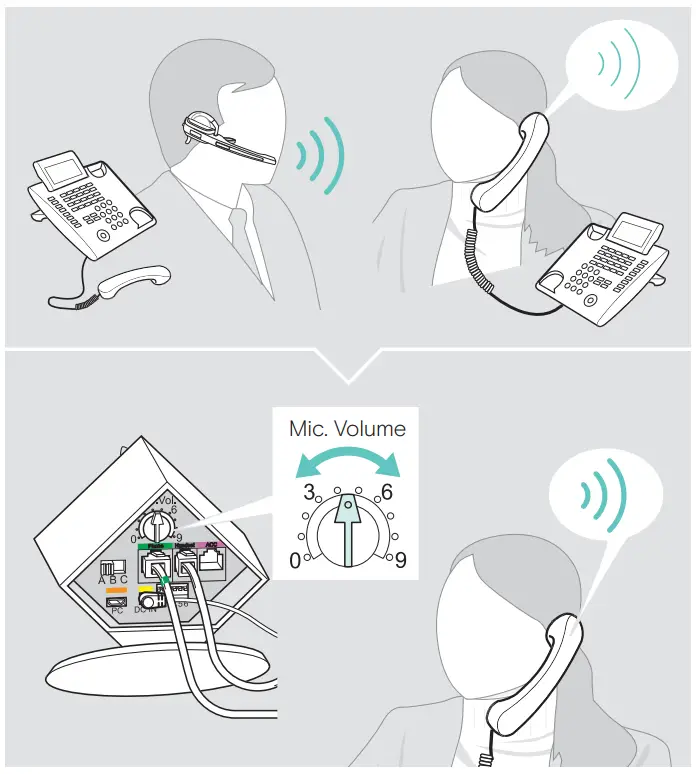
Adjusting the microphone sensitivity

SENNHEISER SCDB9 Impact DW Series Basestation fig 11

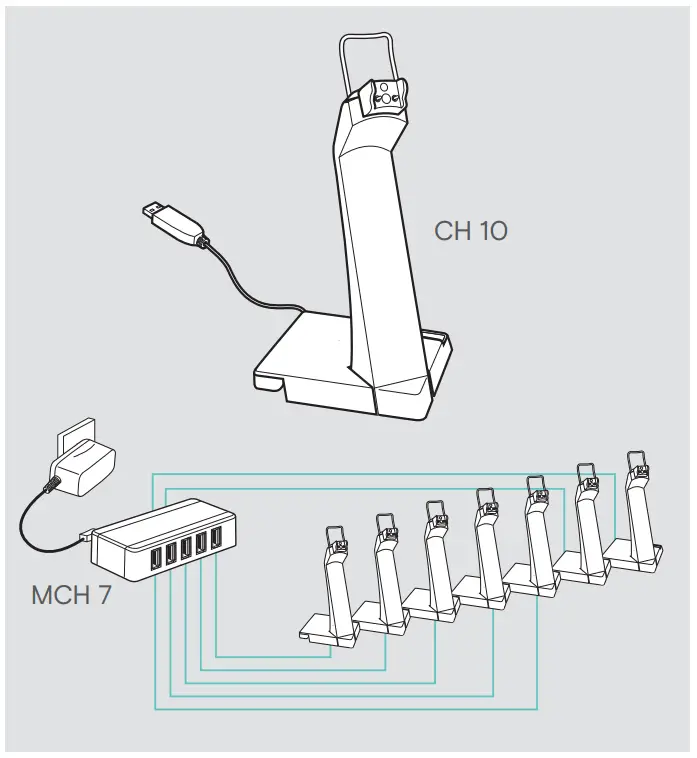
Charging several headsets

SENNHEISER SCDB9 Impact DW Series Basestation fig 12

Making calls via the headset

SENNHEISER SCDB9 Impact DW Series Basestation fig 13

Detailed information

For easy setup, configuration and softphone call control settings download EPOS Connect on www.eposaudio.com/connectSENNHEISER SCDB9 Impact DW Series Basestation fig 14

 

For Compatibility, guide go to www.eposaudio.com/compatibilitySENNHEISER SCDB9 Impact DW Series Basestation fig 15

 

For the Instruction manual go to www.eposaudio.com/supportSENNHEISER SCDB9 Impact DW Series Basestation fig 16

References

Documents / Resouces

Download manual
Here you can download full pdf version of manual, it may contain additional safety instructions, warranty information, FCC rules, etc.


Related Manuals