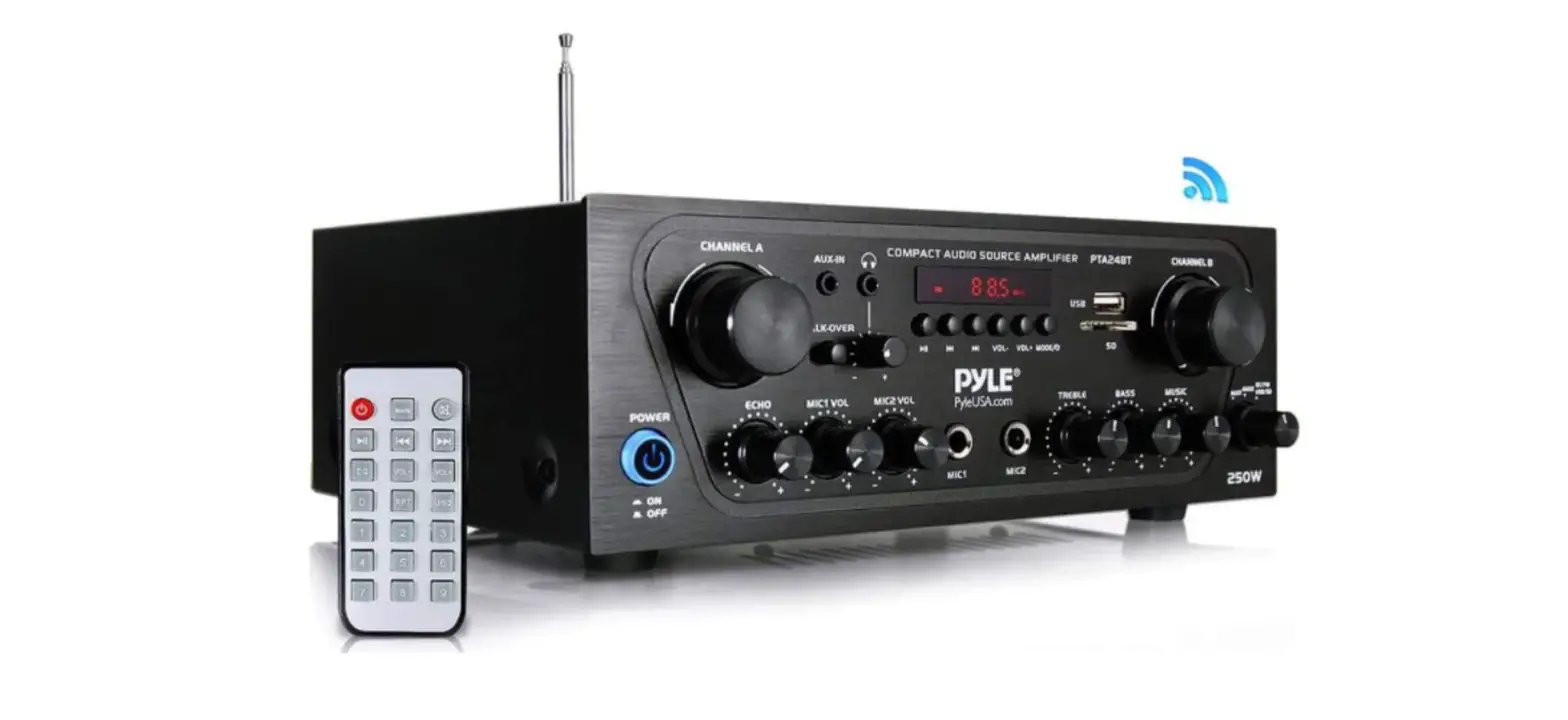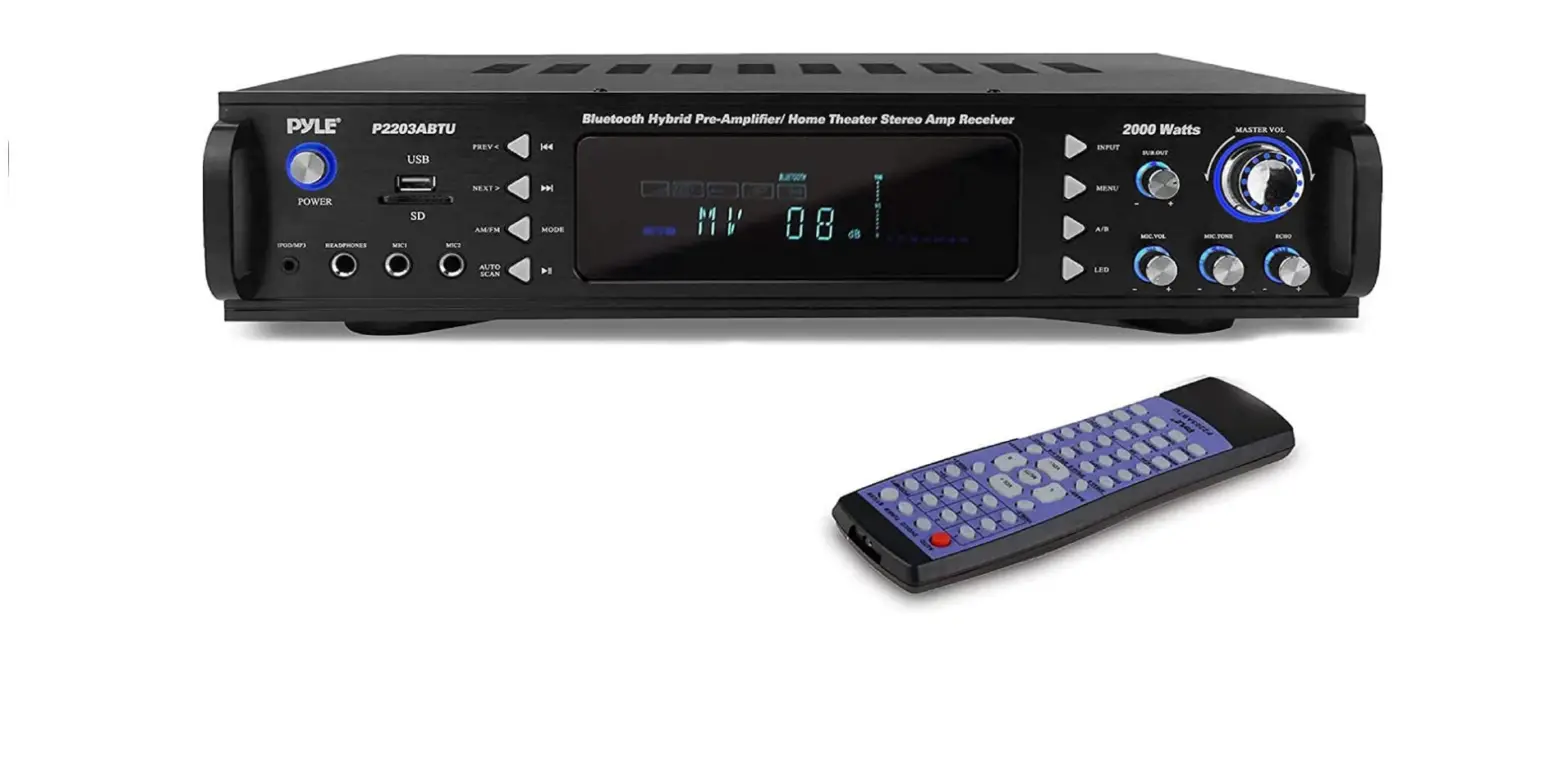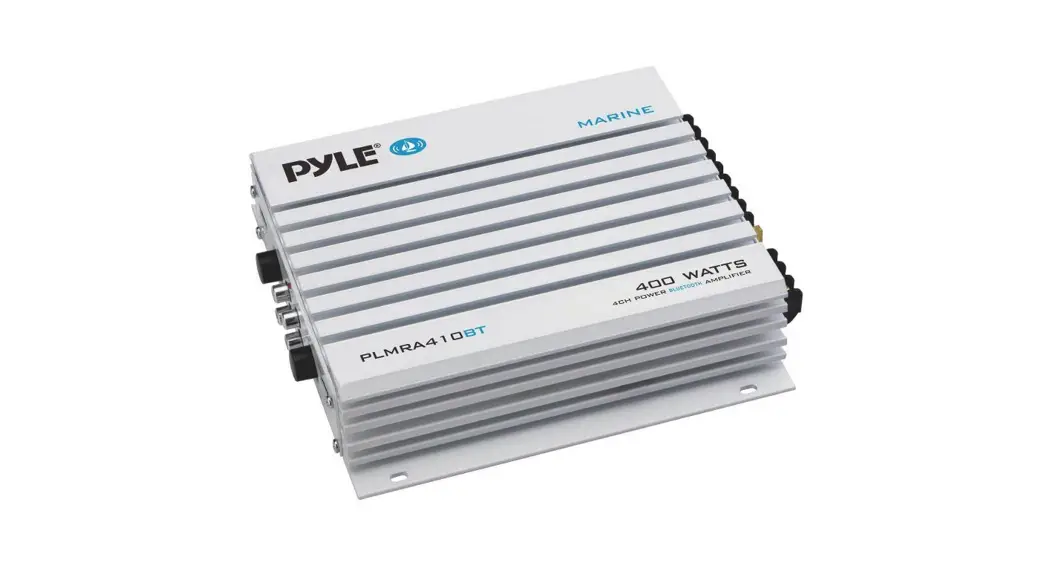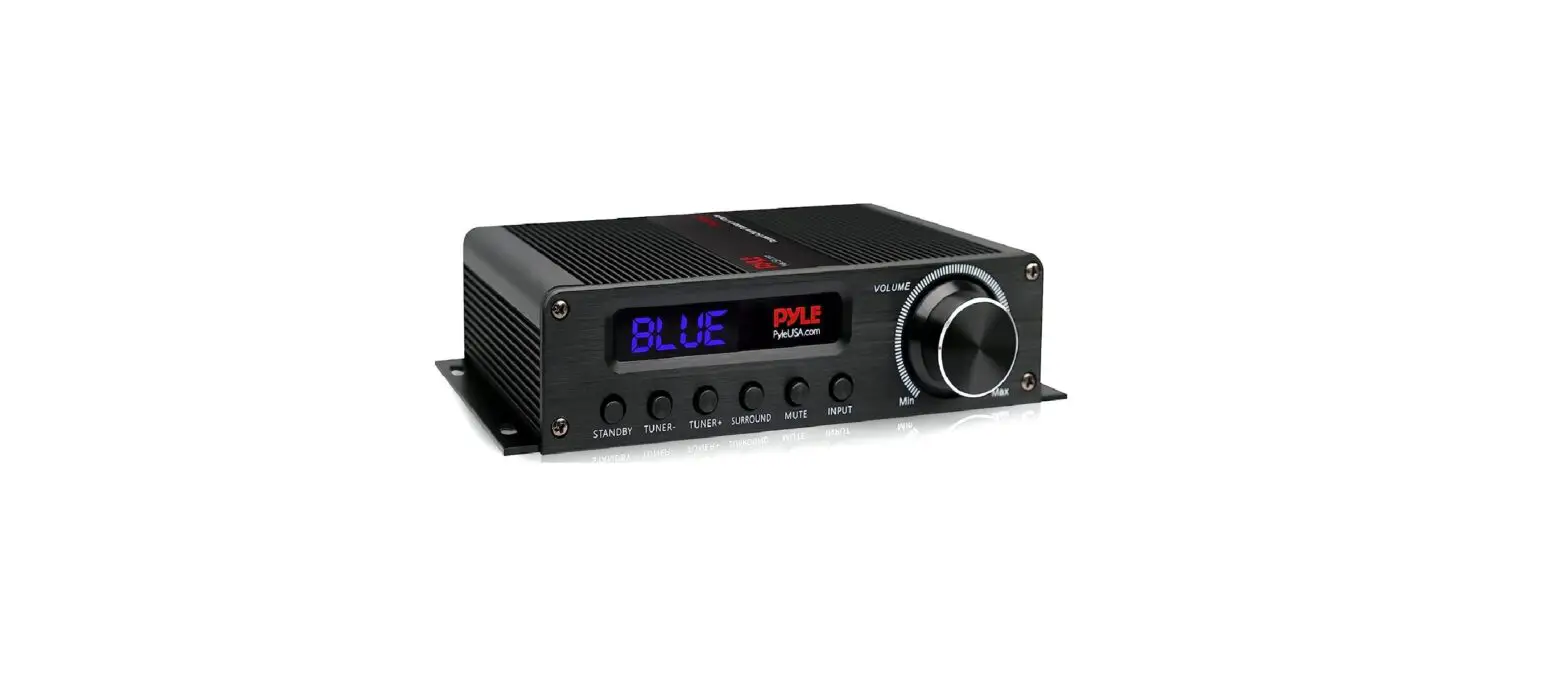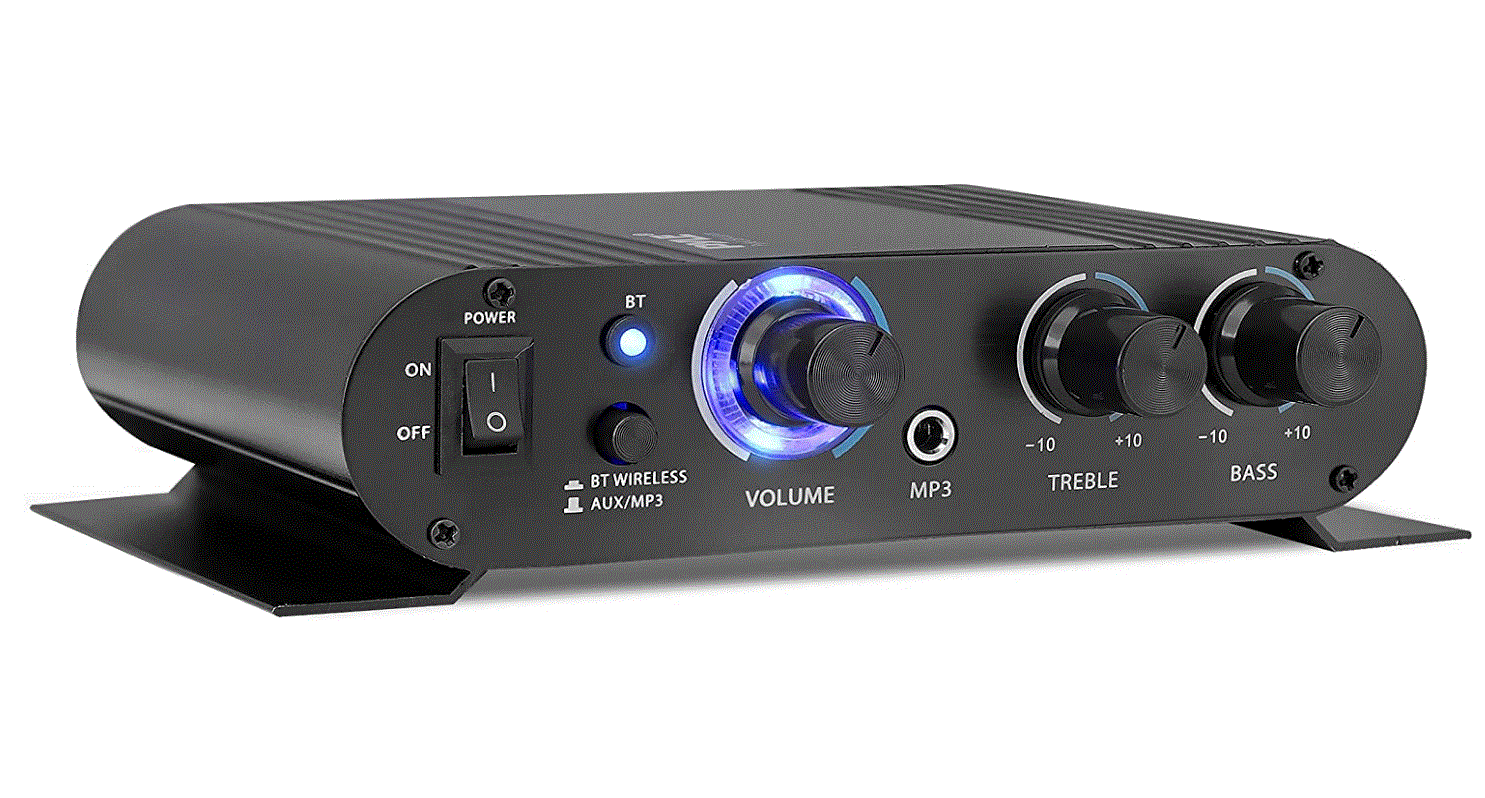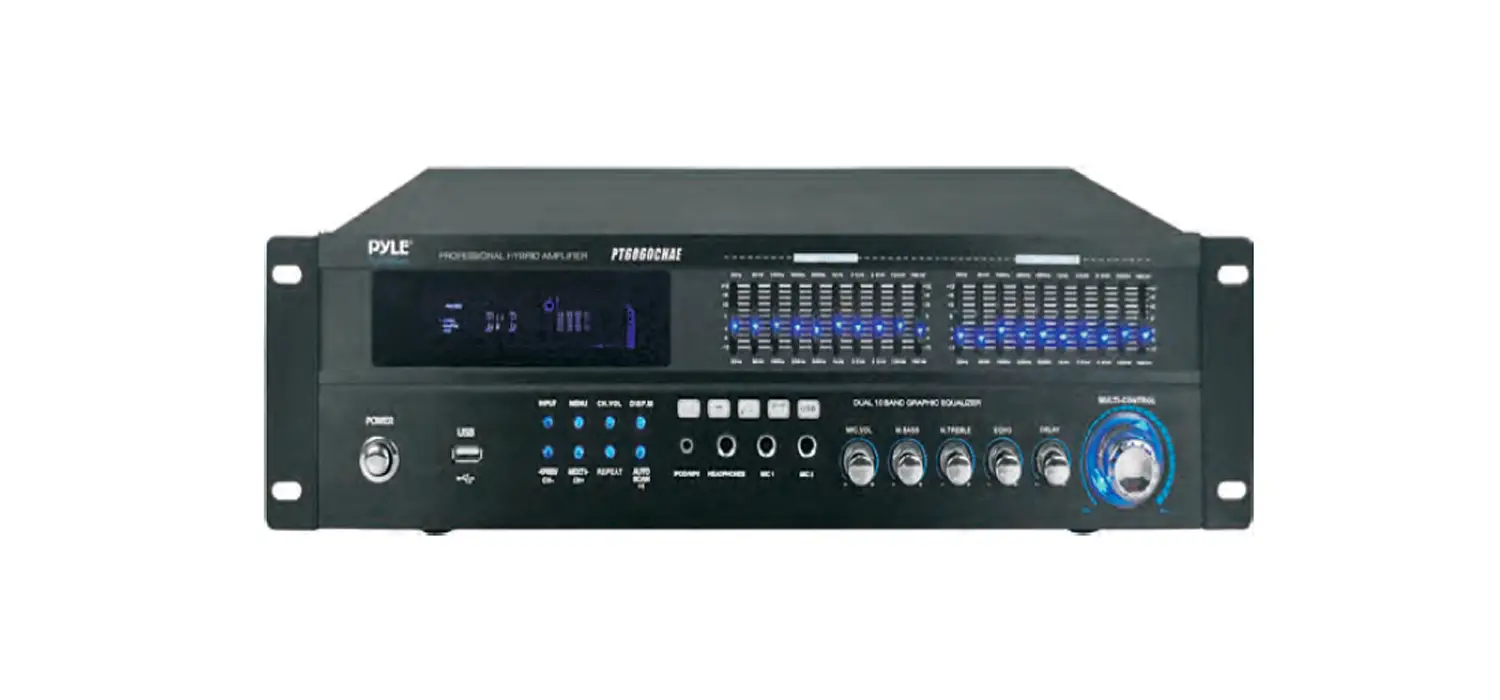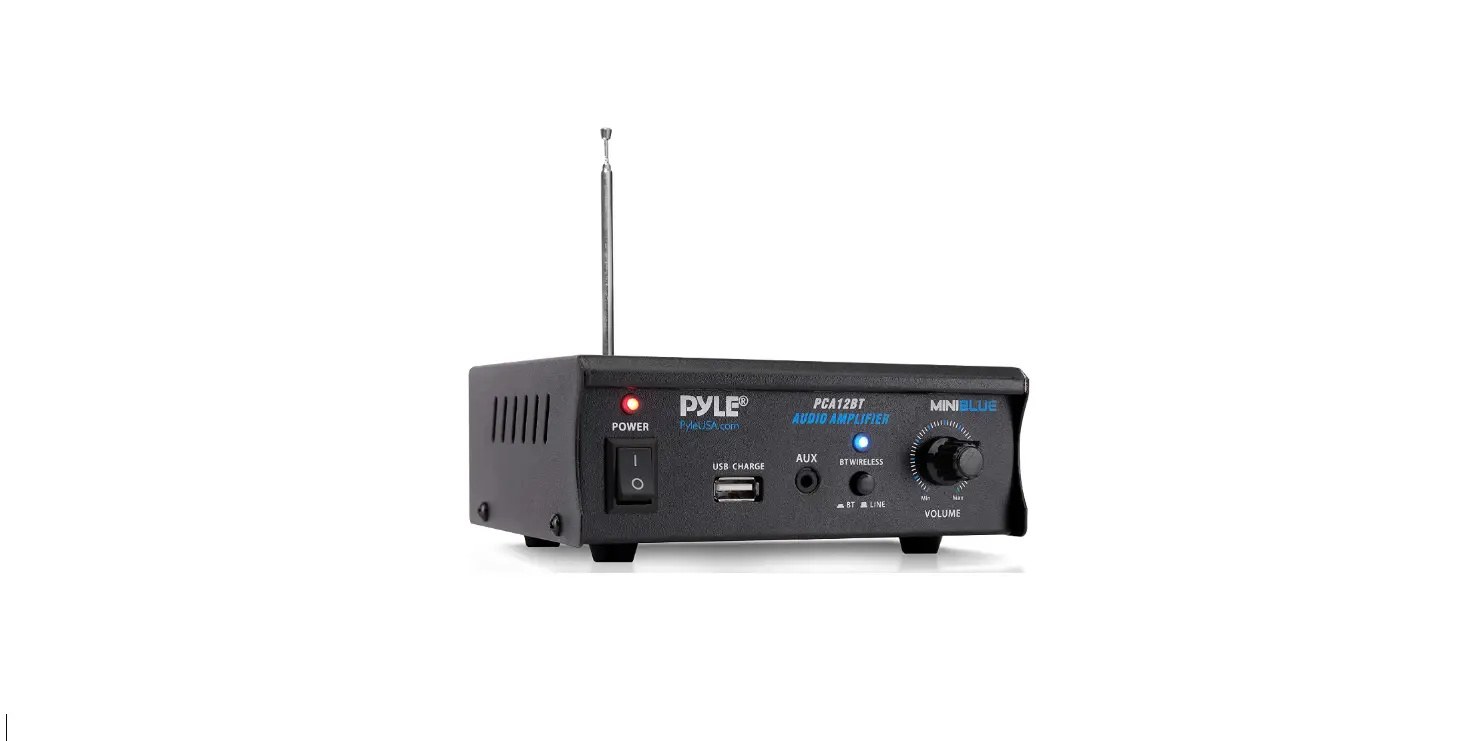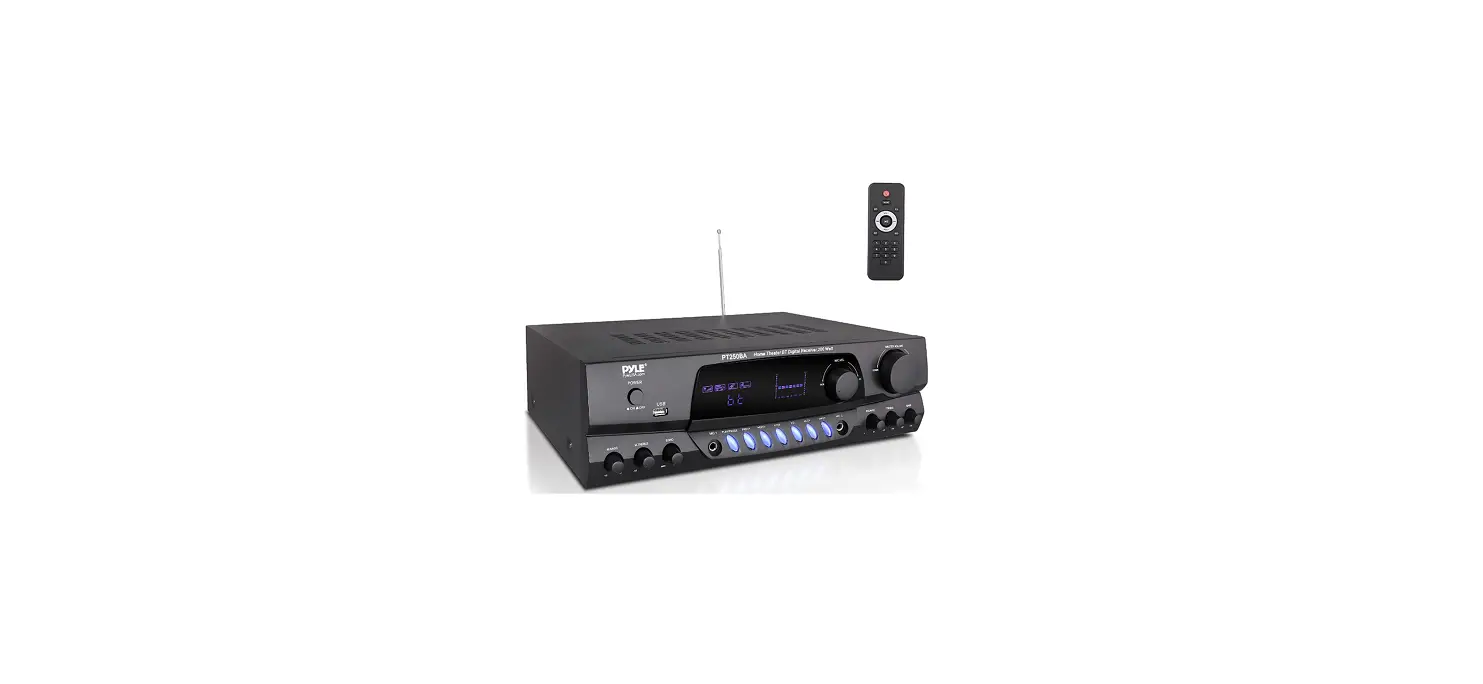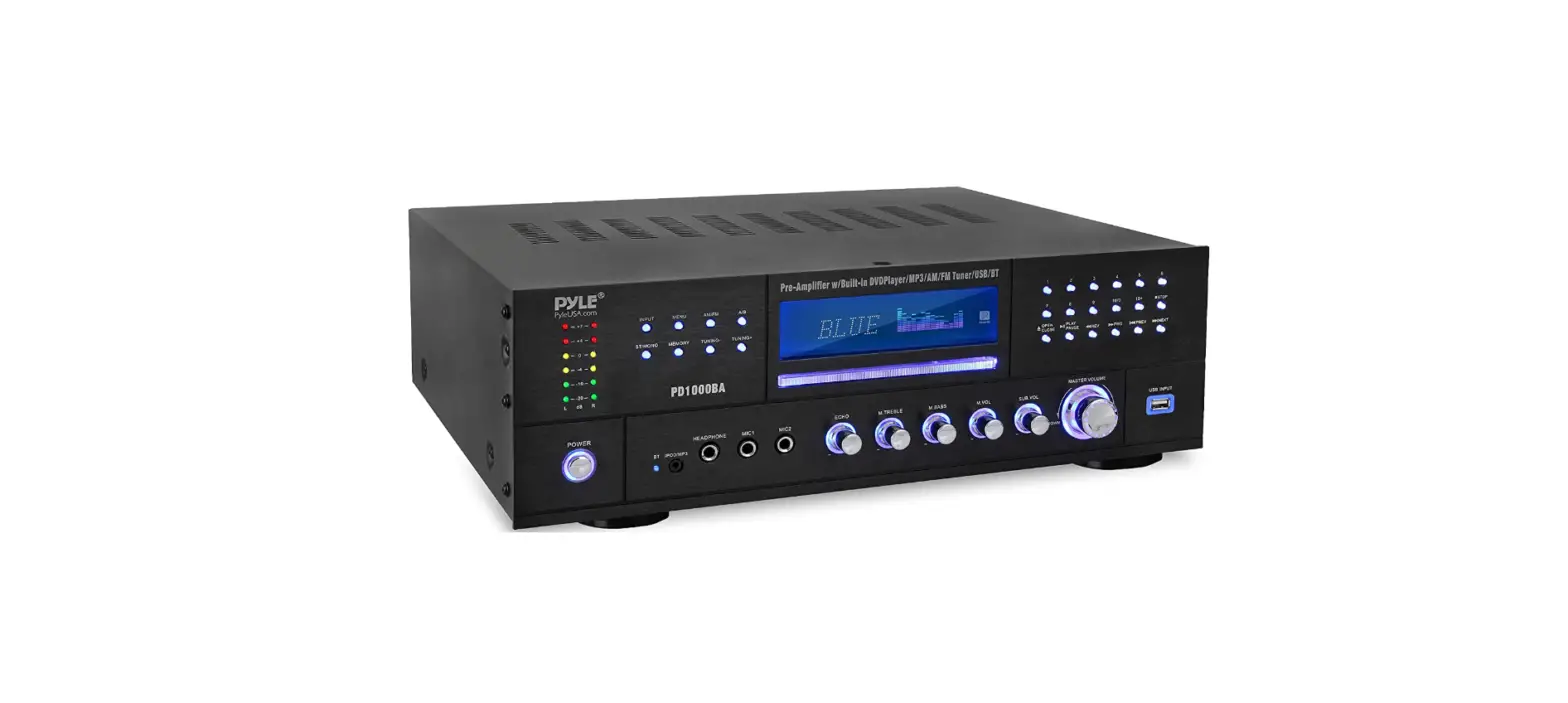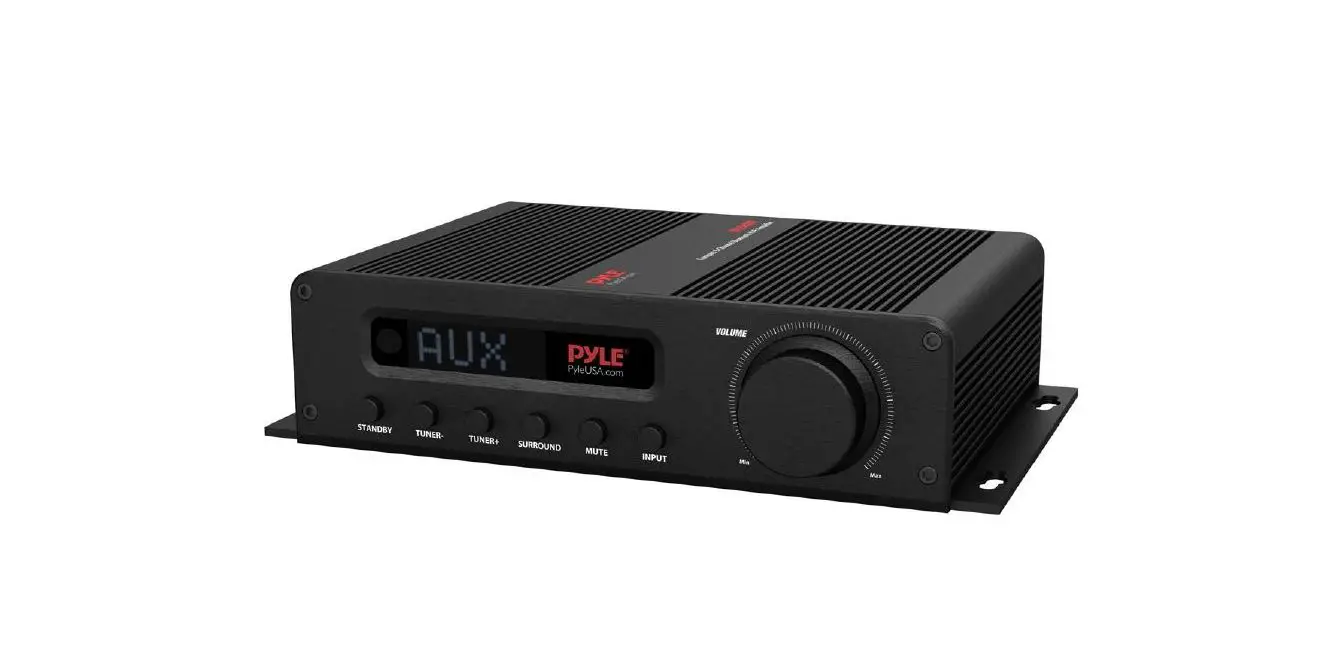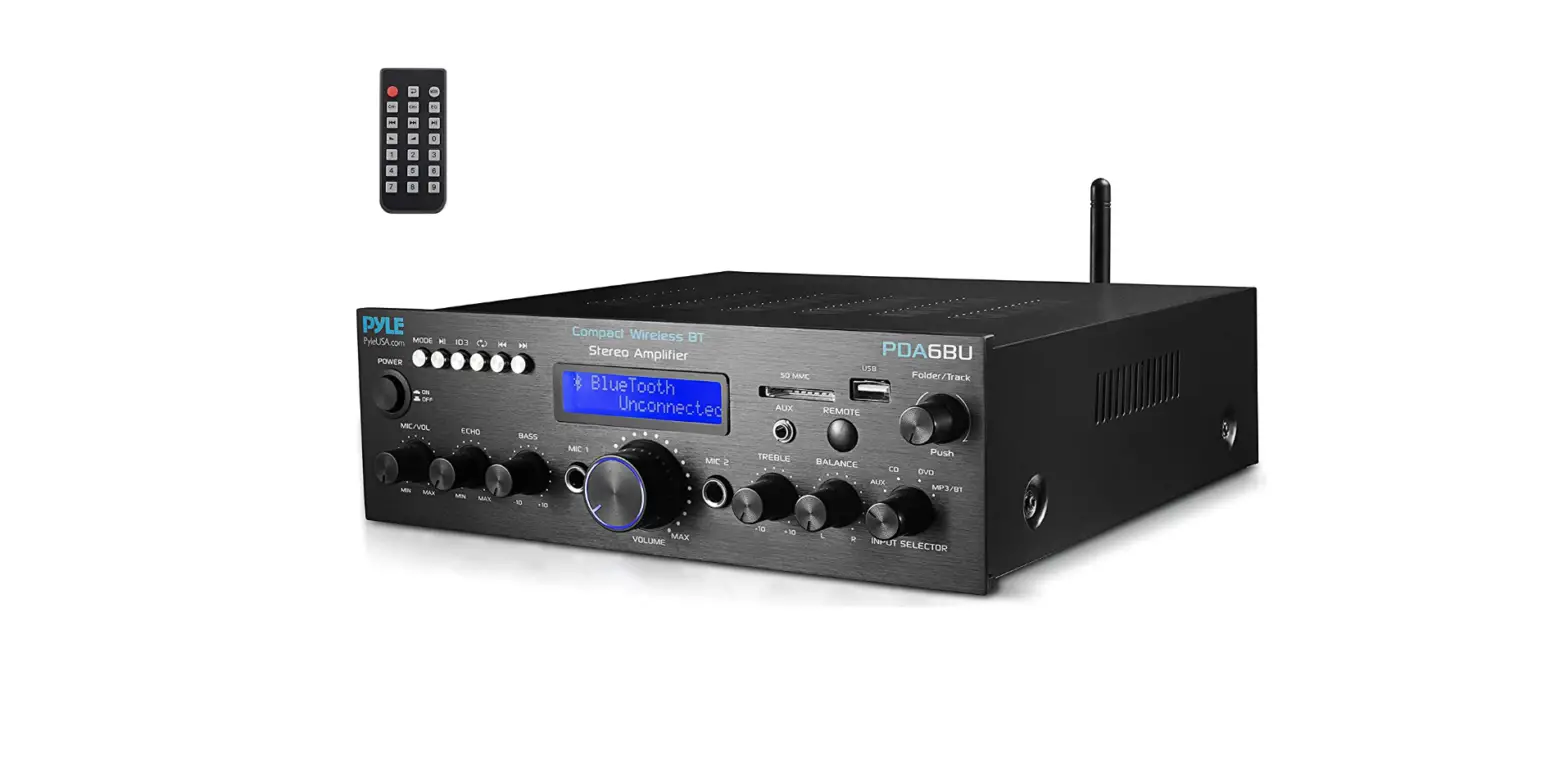

Pyle P2203ABTU.5 4-Channel Bluetooth Home Power Amplifier
Foreword
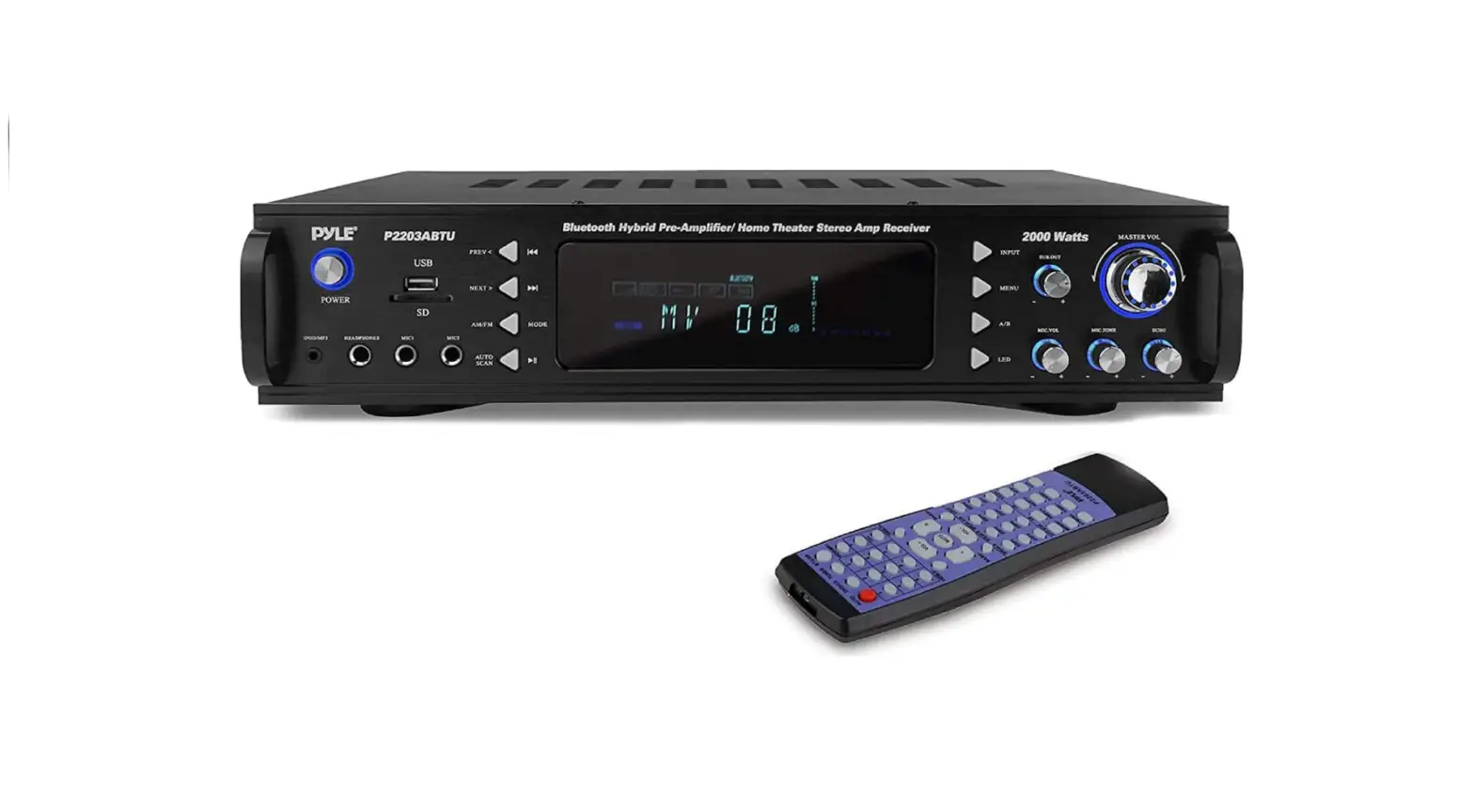
Thank you for purchasing this amplifier. Please read these operating instructions carefully before using them. It will acquaint you fully with all its features and help you enjoy your time. The product adopts the most advanced digital technology in the world. It is 4 channels with a high power output, so to speak, the real acoustic center of your family movie theatre. It is designed to be a multi-functional AM/FM Tuner, Mp3 input jack, and headphone input jack. It is a product of the finest accompanying acoustic amplifier, when applied to TUNER, MP3, BLUETOOTH, DVD/CD, etc. The brings you the first ever hybrid Amplifier with designed Sub out and Pre out to adjust to every situation.
FEATURES
- High-Powered Hybrid Preamplifier Receiver
- Built-in Bluetooth for Wireless Music Streaming Powers up to (4) Speakers
- AM/FM Radio with VFD Digital Display
- USB Flash Drive & SD Memory Card Readers
- MP3 Digital Audio File Support
- Connect & Stream Audio from External Devices
- Aux (3.5mm) Input Jack
- (2) 1/4’’ Microphone Inputs
- Headphone Jack, 1/4’’
- RCA (L/R) Audio Connectors
- Screw-Type Speaker Terminal Binding Posts Volume, Subwoofer, Tone, Echo, Mic. Volume Controls Front Panel Button Control Center
- Built-in Cooling Fan
- 4G Bluetooth antenna
- Bass, Treble, Balance control
BLUETOOTH CONNECTIVITY
- Receives Wireless Signal for Audio Streaming Works with All of Your Favorite Devices
- (Smartphones, Tablets, Laptops, Computers, etc.) Bluetooth Version: 2.1
- Bluetooth Network Name: ‘Pyle Audio’ Bluetooth Wireless Range: 20+ Ft.
- Bluetooth Network Password: – Not required
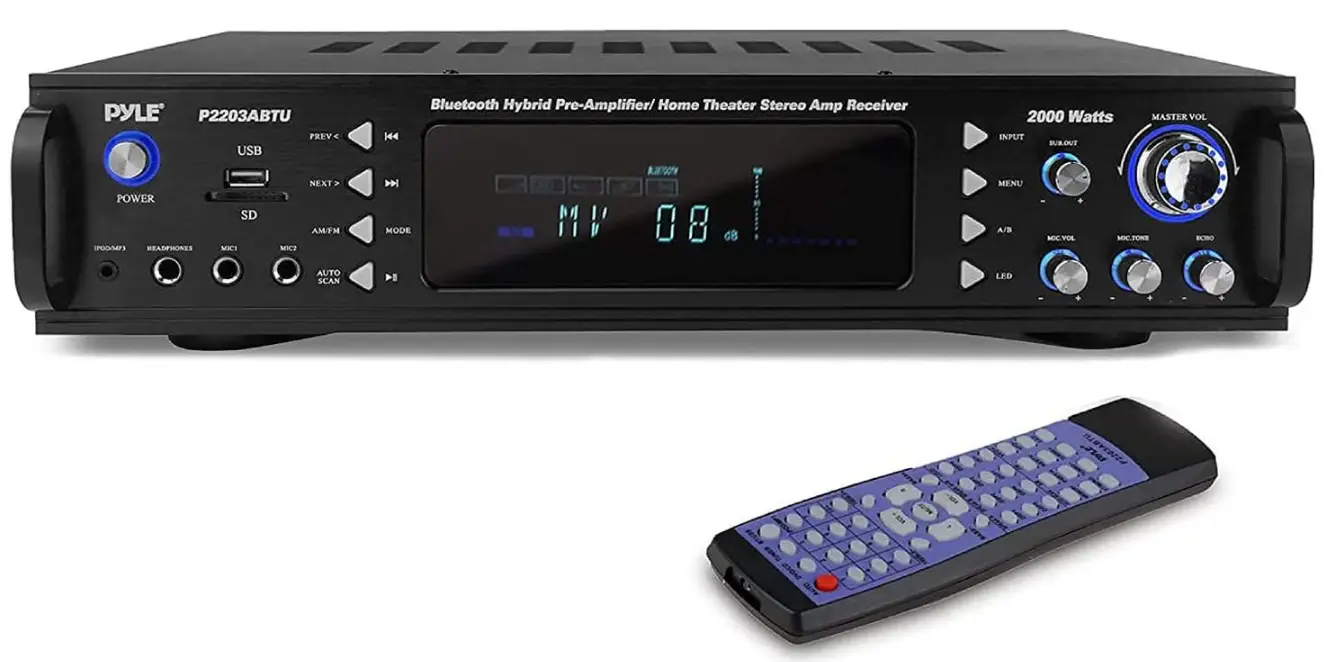
FRONT PANEL

- POWER SWITCH
Press to switch the power unit ON or OFF
- PREV
This button is used to select the previous station in the system
- NEXT
This button is used to select the next station in the system
- MENU CONTROL
This is used to Increment the end decrement level for the selected function of Mister Volume, Bass. Treble, Balance. Auto station seek.
- INPUT
This is used to select the input sources such as DVD/CD, TUNER, MP3, USB, and BLUE-TOOTH
- SUBOUT VOLUME CONTROL
- MASTER VOLUME CONTROL
Adjusts the volume level. Turn the button clockwise to increase the volume
- ECHO CONTROL
Turn the knob to adjust the MIC echo level
- MIC TONE
Adjusts the tone of the MIC
- MIC VOLUME
Adjusts the volume level. Turn the knob clockwise to increase the MIC volume
- LED
Adjust the blue lights and blue rings
- A/E SPEAKERS OUTPUT SELECTOR
Three modes: A. B. A+B
- FUNCTION DISPLAYED FLUORESCENT WINDOW
- AM/FM/USB/SD SELECTION
Press it to select AM/FM when in Tuner input, Press it to select USB/SD when in USB input.
- AUTO SCAN
AM/FM auto scan selector, scan and store stations automatically. Can store 30 stations
- MIC INPUT JACKS 1/2
KARAOKE MIC connects to these jacks
- HEADPHONE JACK
Headphones connect to this jack
- MP3 JACK
MP3 connects to this jack
- USB/SD inputs
Insert the USB flash driver or the SD card
REAR PANEL

- TUNER ANT
Connect for AM and FM antenna
- AUDIO INPUT JACKS
Connect the audio output jacks of DVD/CD to these jacks
- RECLINE OUTPUT JACKS
Connect the RECORD input jacks to these jacks.
- PRE OUTPUT JACKS
Connect the professional input jacks to these jacks
- SUBWOOFER OUTPUT JACKS 1&2
- A B (Right) SPEAKER OUTPUT TERMINALS
Connect your speaker system to these terminals.
- A B (Left) SPEAKER OUTPUT TERMINALS
Connect your other speaker system(s) to these terminals.
- COOLING FAN
- 110V/220V SWITCH
According to power voltage push this button to switch between 110V and 220V
- POWER CORD
Connect to AC 110V/60Hz & 220V/50Hz outlet.
- BLUETOOTH ANTENNA
This is the 2.4G Bluetooth antenna
TECHNICAL SPECS
- MAX Power Output: 2000 Watt
- 600 Watt @ 2 Ohm
- 460 Watt @ 4 Ohm
- 240 Watt @ 8 Ohm
- Frequency Response: 40Hz-15kHz, +/-2dB
- Impedance: 8 Ohm
- S/N Ratio: >76dB
- H.D.: <1%
- Radio Station Memory Presets: The unit can save maximum 30 stations if more than 30 stations are available.
- Tuner: Quartz Synthesized Radio
- Maximum USB/SD Flash Support Size: 32GB
- Power: 110/220V, Switchable
- Dimensions (L x W x H): 19″ (w)x13.2″ (d)x3.5″ (h)
- Unit Weight:6 lbs
REMOTE CONTROL
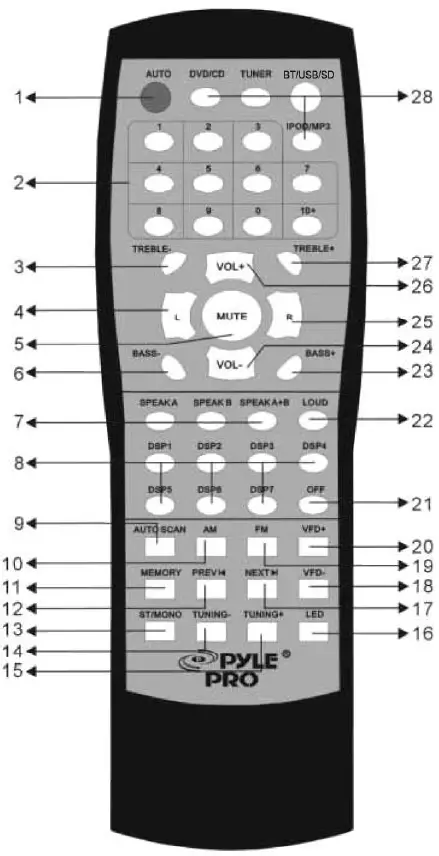
AUTO
Automatically search the signal source when power on
DIGITAL
Tuning AM/FM number button
(3/27) TREBLE-/TREBLE+
Master treble down and up
(4/25) L/R
Left/ Right Balance Control
MUTE
Mute Selector
(6/23) BASS- / BASS+
Master bass down and up
SPEAKER
Speaker (A/B/A+B) selector
DSP
Music DSP selector
AUTO SCAN
AM/FM auto scan selector, scan and store station automatically. Can store 30 stations
AM
Multi-functional key. It is AM selector when it is TUNER mode.
MEMORY
After a station has been found, store the station by pressing the MEMORY button. The screen will display SAVE.
(12/17) PREV & NEXT
Station preview and next selector
ST/MONO
Stereo and mono selector
TUNING- TUNING+
The two kes are used to adjust to the best signal of the stations
LED
Led mode selector
VFD- VFD+
VFD down and up selector
FM
Multi-functional key. This is FM selector when it is in TUNER mode.
OFF
Music DSP off selector
LOUD
Press the button to increase both bass and treble
VOL- VOL+
Master volume down and up
DVD/CD /TUNER /BLUETOOTH /MP3/USB
Signal input selector
REMOTE CONTROL OPERATION
- The remote control should be operated within 6 meters and scope of 30 degrees in front of the receiver.
- Make sure that there are no large obstacles between remote control and the machine.
- The remote sensor should be far away from the light, high amounts of light can affect its performance.
SAFETY PRECAUTION
- Read all documentations carefully before operating the equipment. Retain this manual for future reference. Follow all instructions printed on unit for proper operation.
- Do not open cover (or back cover) to reduce the risk of electrics shock or fire.
- There are no user serviceable parts inside. Refer to Servicing to qualified service personnel.
- This symbol is used to alert the operator to the presence of important
- Operating instructions and precautions detailed in the documentation manual.
- This symbol is used to warn operators that insulated dangerous voltages are present within the products enclosure that may pose a risk of electric shock.
Warning
To avoid fire or risk of electric shock, do not expose this unit to rain or moisture.
NOTES
- Make sure power outlet conform to the power requirements listed on the back of the unit.
- Main voltage must be correct and the same as that printed on the rear of the unit.
- Do not use the unit if the electrical cord is frayed or broken. The unit shall not be exposed to dripping or splashing and that no objects filled with liquids such as vases, shall be placed on unit.
- The unit shall be connected to a mains socket outlet with a protective earth connection.
Do not dispose of electrical appliances as unsorted municipal waste, use separate collection facilities.
FAQ’s
By utilizing Bluetooth’s radio frequency connection, a Bluetooth amplifier can turn your beloved wired headphones into wireless Bluetooth headphones.
A RECEIVER FOR BLUETOOTH STREAMING: You can connect and stream audio directly via the Aux (3.5mm) audio input jack connector or connect and play your music to connected speakers and radio systems using simple and hassle-free Bluetooth amplifier pairing.
Instead of connecting to your stereo, they allow you to stream music directly from a Bluetooth-enabled device. As a result, they enable wireless streaming even if you lack a Bluetooth-compatible radio or head unit.
6 Ways to Improve the Loudness and Quality of Your Wireless Bluetooth Speaker Put your wireless Bluetooth speaker on the floor. Consider the size of the room. It is preferable to use two wireless Bluetooth speakers. Maintain Your Wireless Bluetooth Speaker. Place the Wireless Bluetooth Speaker near Walls. The Internet.
A 3.5 mm to RCA stereo audio cable is one of the simplest methods to connect your smartphone to your home entertainment system. The stereo amplifier, receiver, or speaker is connected to the other end through the RCA connectors, which hook into the headphone socket on your smartphone.
Your Android device’s Sound Amplifier should be enabled. Open the Settings app on your device. Tap Sound Amplifier for Accessibility. Sound amplifier is open. Connect your device to wired or wireless headphones.
An electronic device called an amplifier boosts a signal’s voltage, current, or power. Wireless communications, broadcasting, and all types of audio equipment employ amplifiers. Either weak-signal amplifiers or power amplifiers can be used to describe them.
When coupled with Bluetooth-enabled digital audio equipment, Bluetooth speakers can wirelessly receive digital audio over the Bluetooth protocol. BT wireless speakers receive digital audio and convert it to analogue audio before amplification and conversion.
The speaker amp performs admirably, offers high-fidelity audio, and the bluetooth connection is excellent even from a distance of a few rooms. The remote is a fantastic feature, and the display is clear and bright.
Enter Wireless BT mode by pressing the MODE button underneath the LCD panel. C. Choose the Wireless BT name “Pyle Speaker” and wait for the device to pair.
Connecting 2 Speakers in Summary the only actual options for connecting two speakers to a single amplifier are parallel and series connections. You can typically connect speakers in parallel if they have an impedance of 8 ohms or higher. Wire your speakers in series if their combined impedance is less than 8 ohms.