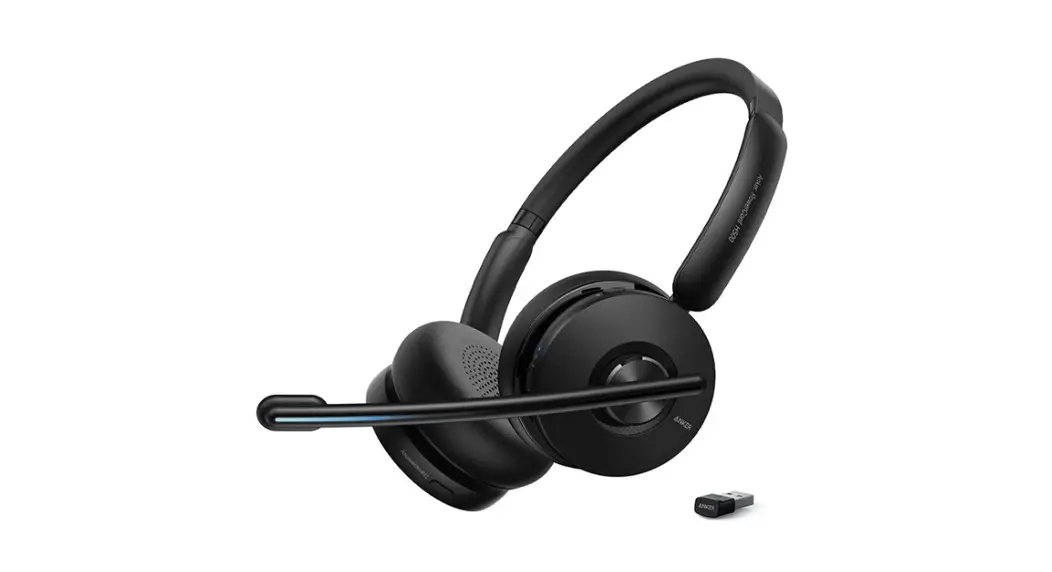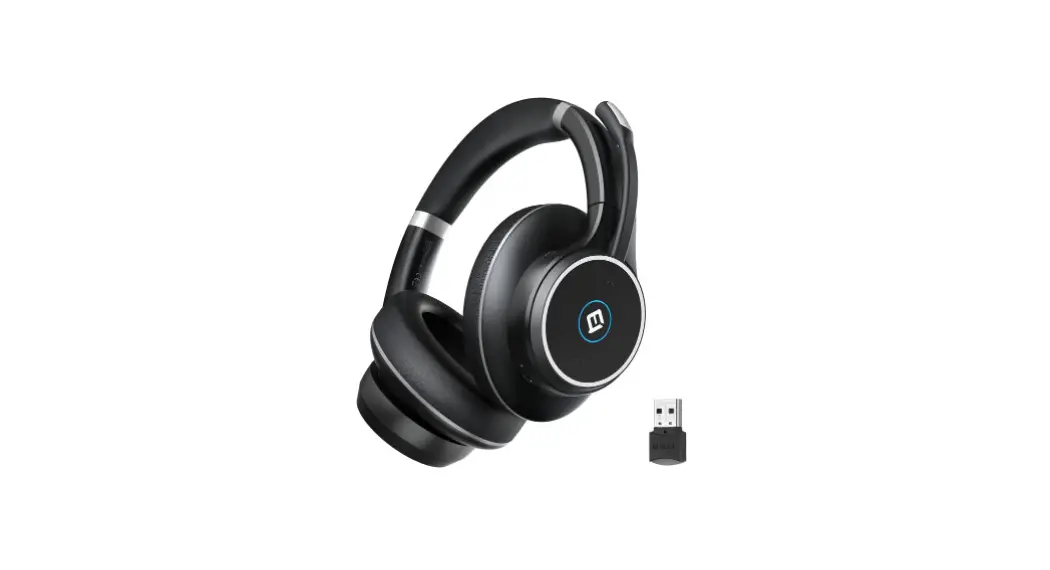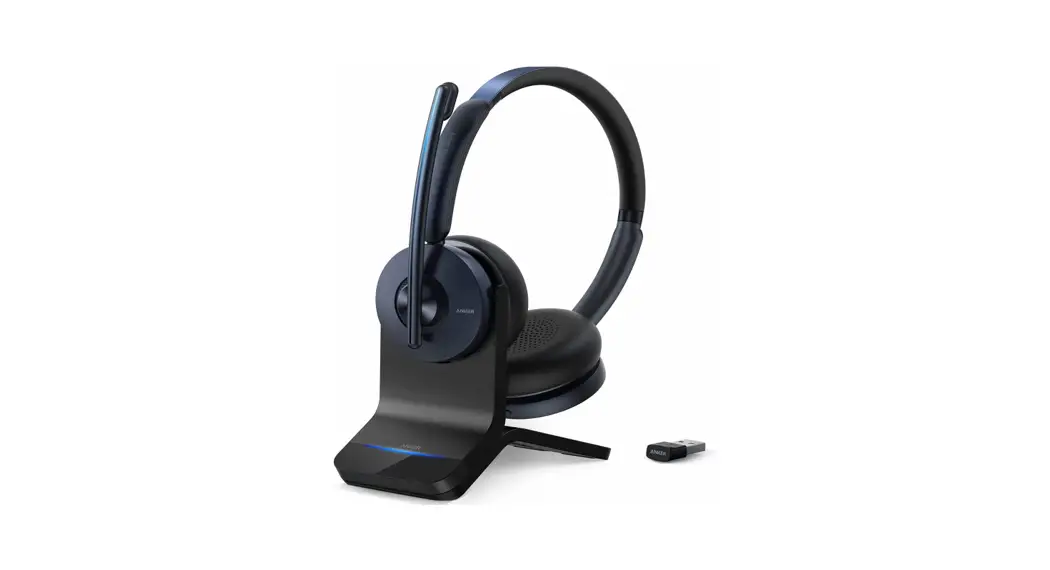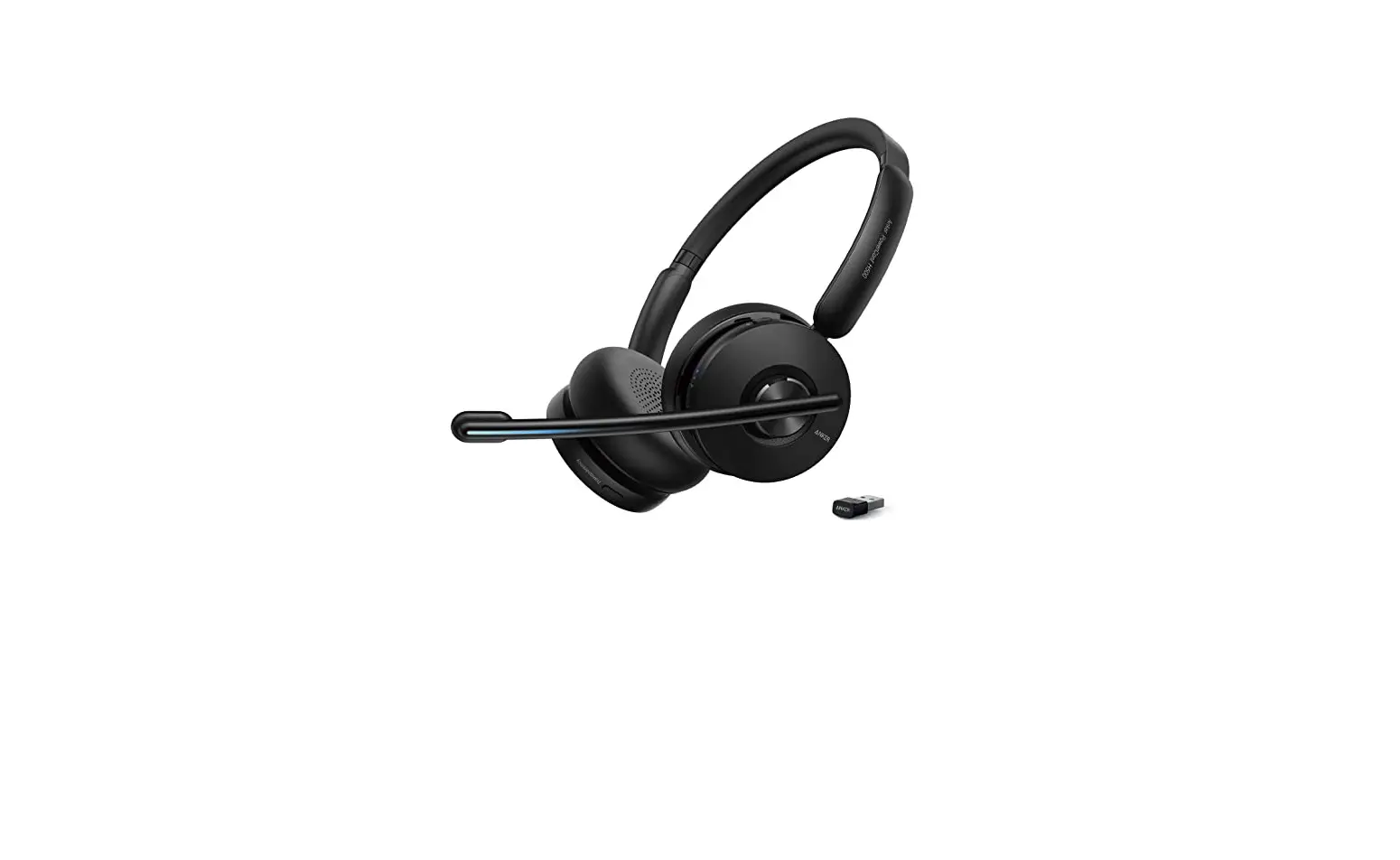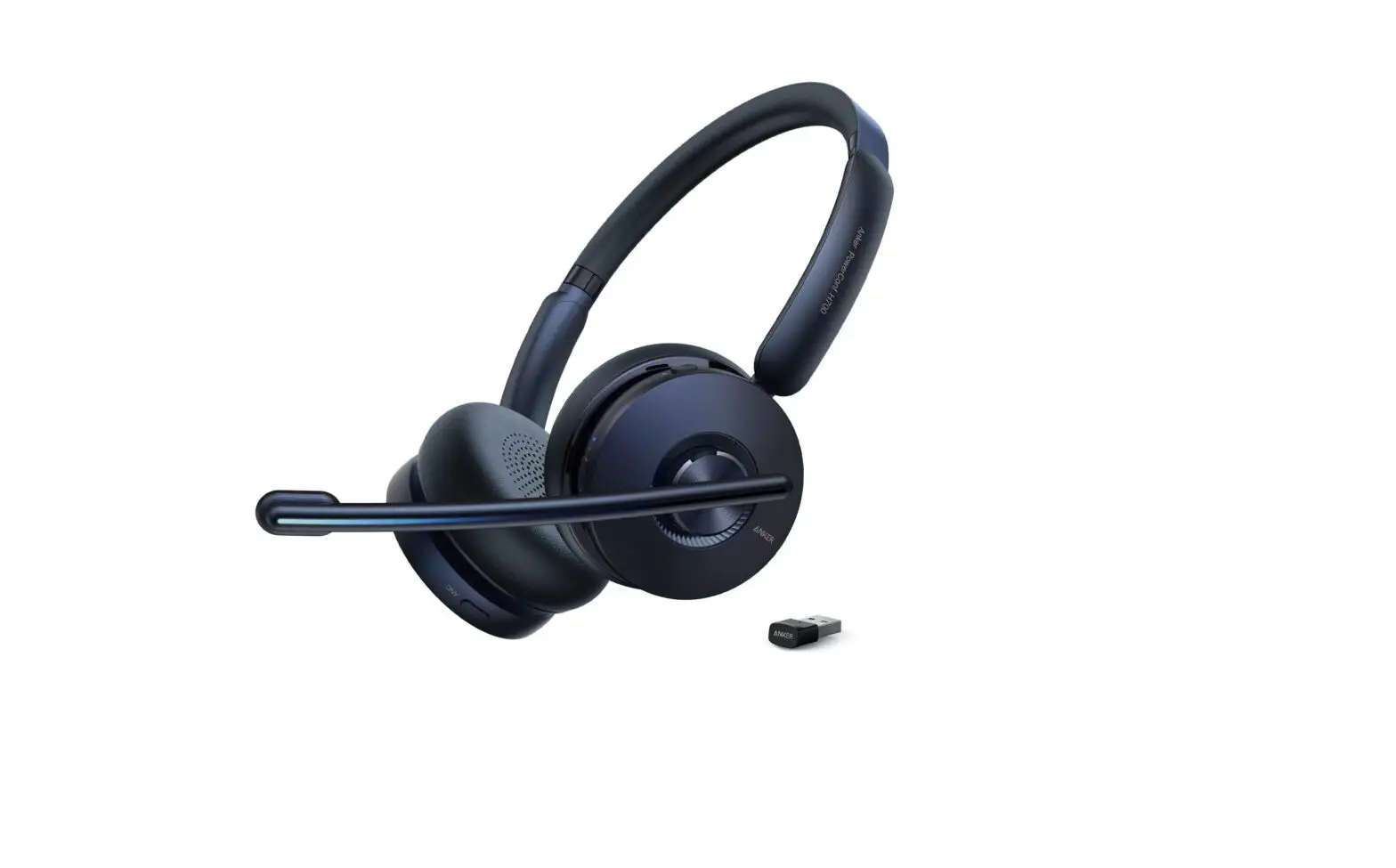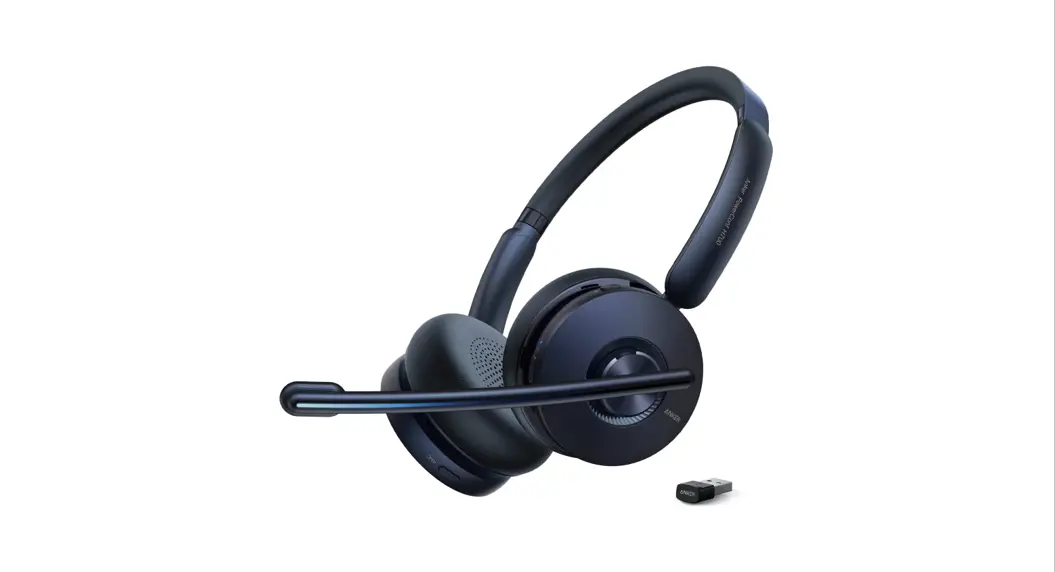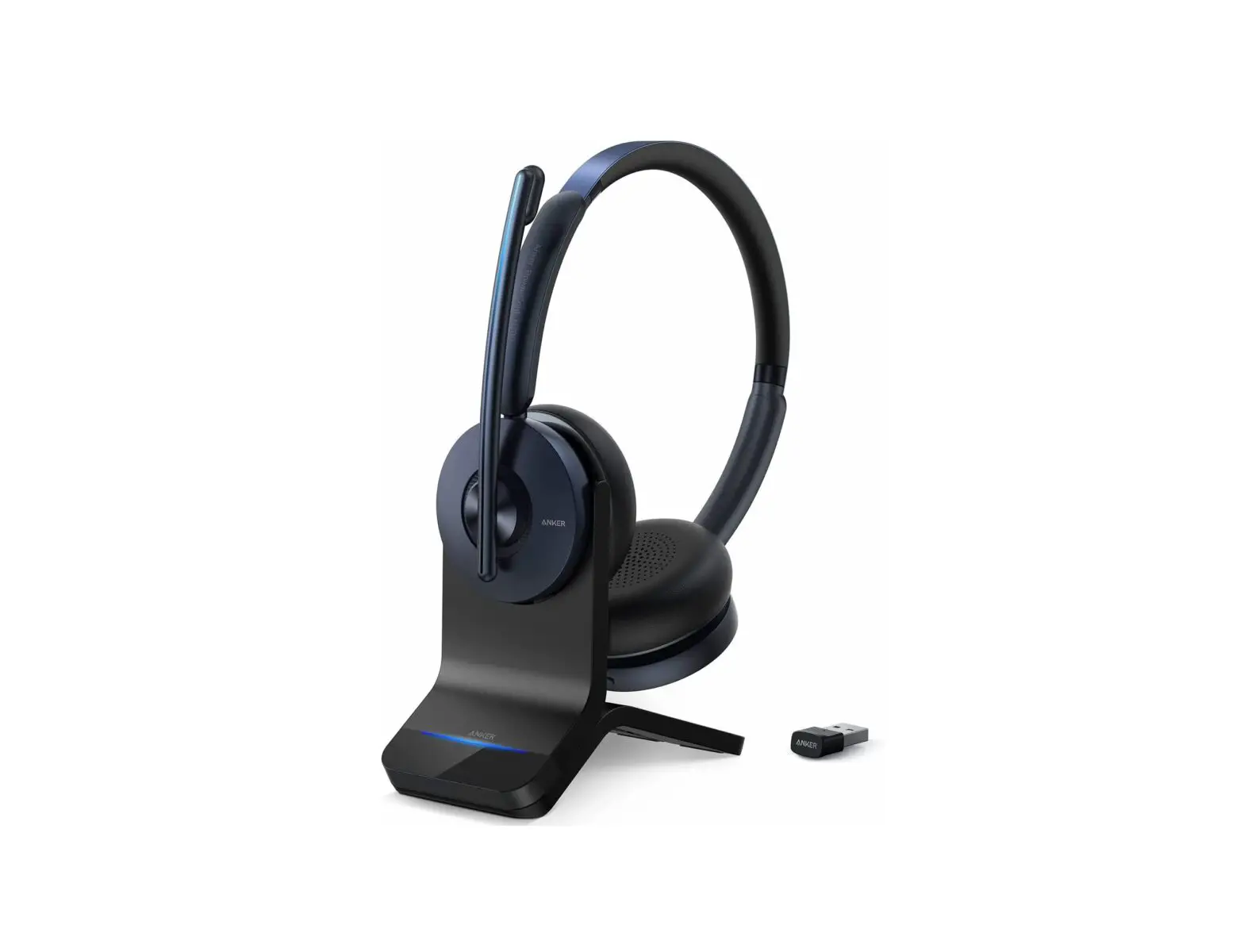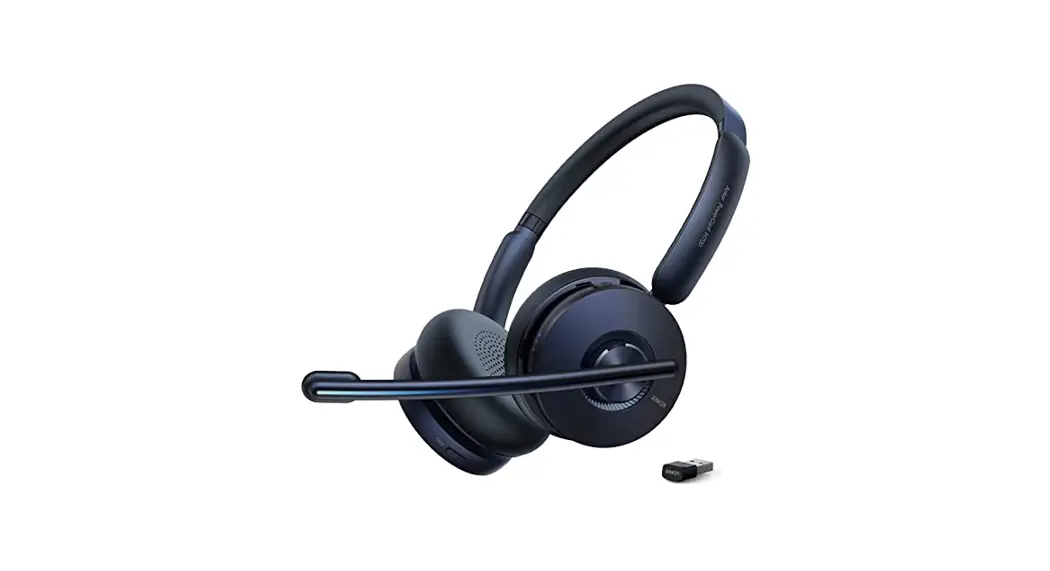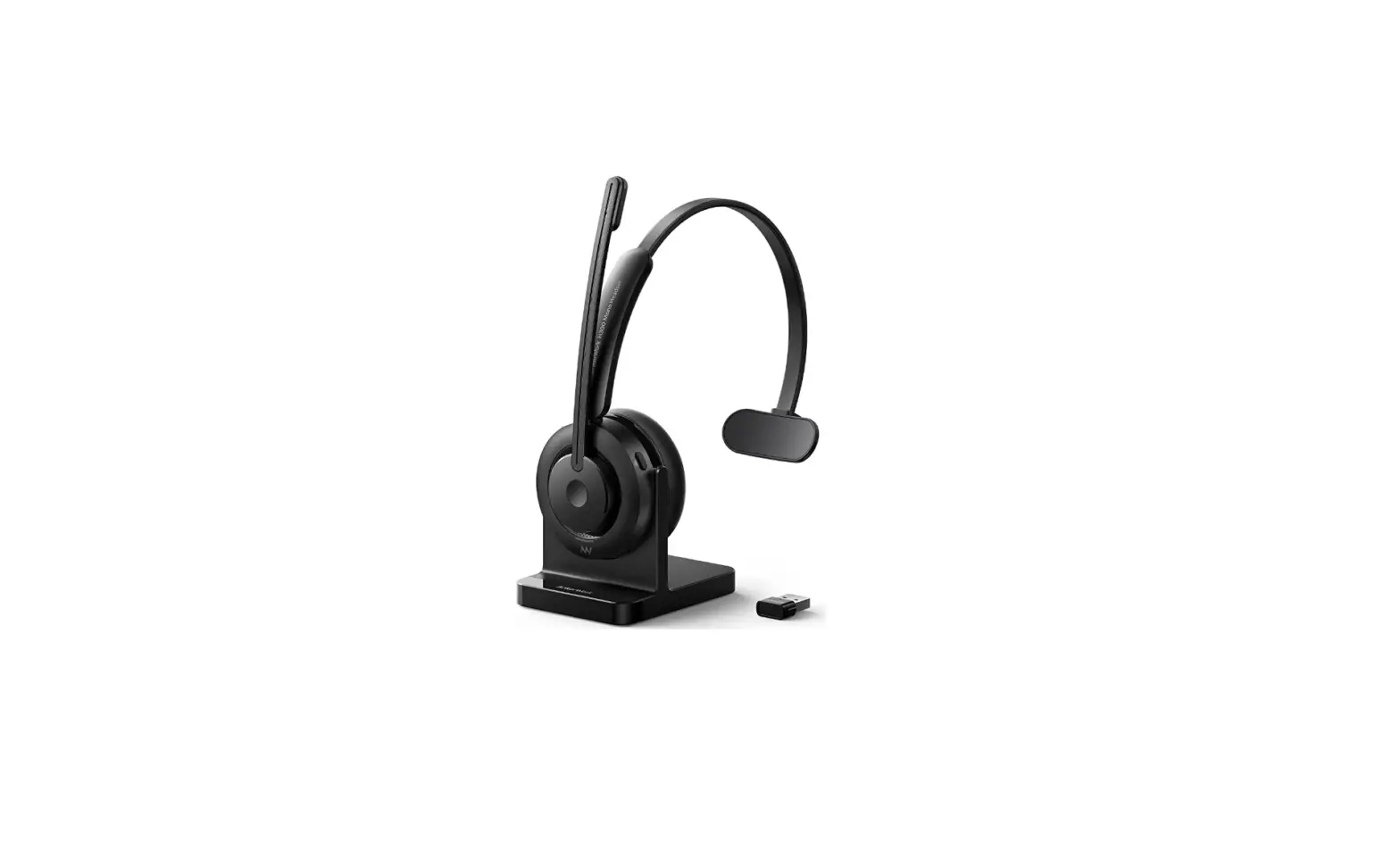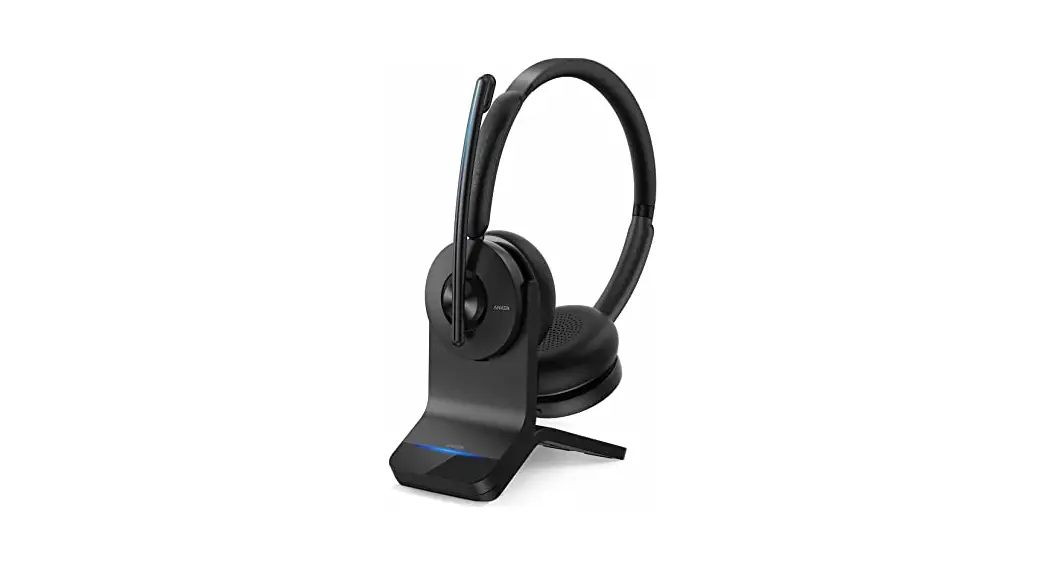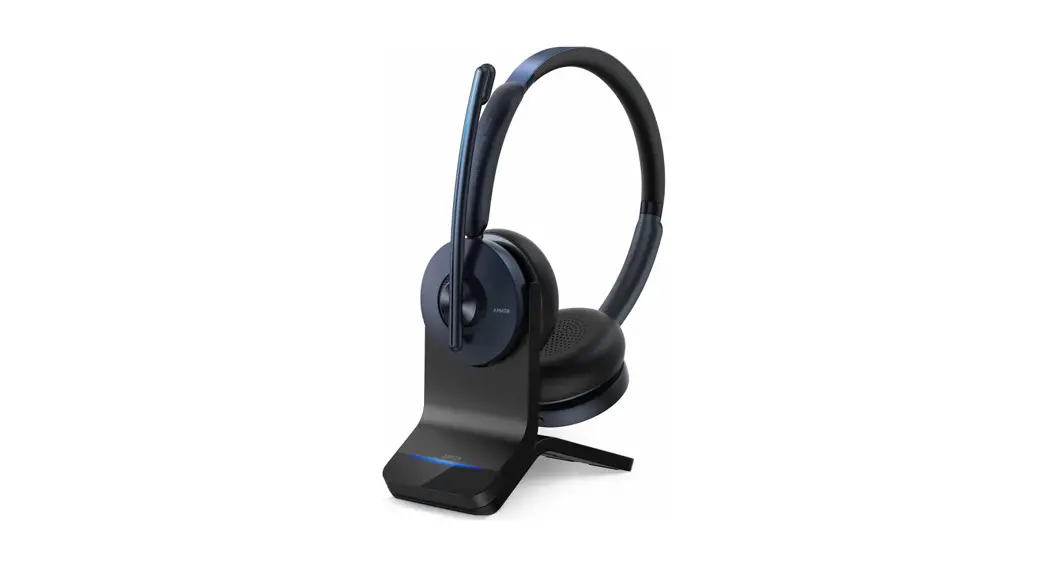

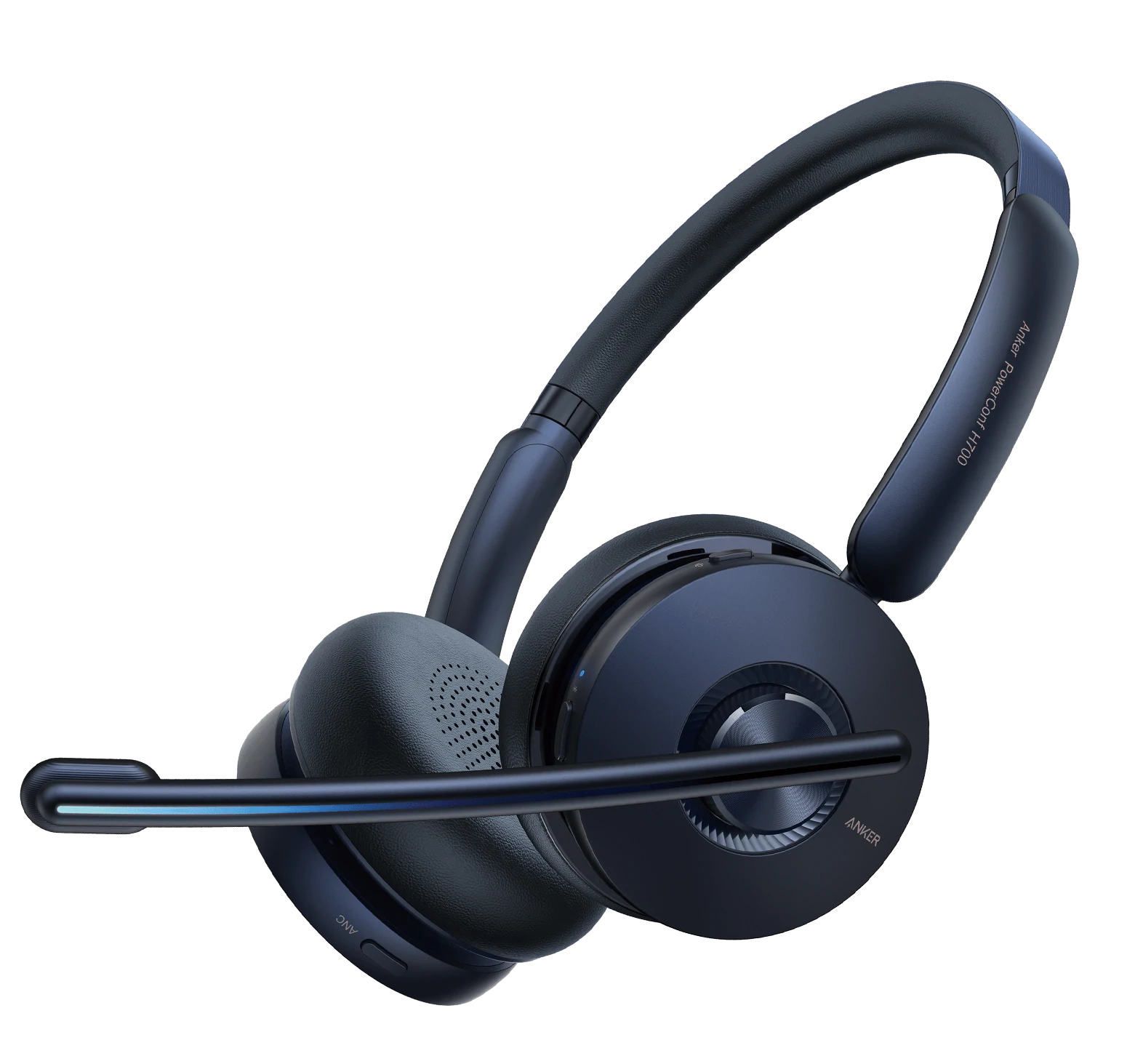
PowerConf H700
Quick Start Guide
SUPPORT
For FAQs, detailed user manuals, and other information, please visit www.ankerwork.com
APP/SOFTWARE
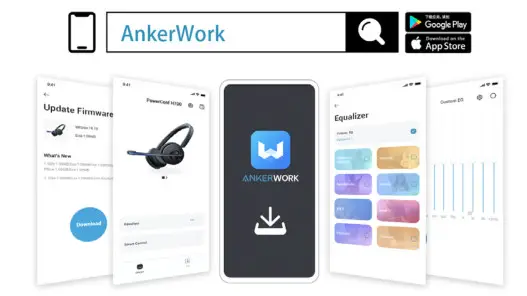
Download the AnkerWork app or software to adjust EQ, upgrade firmware, transcribe a call or online meeting, and fully enhance your experience.
Transcribing is only available when using the headset and USB Bluetooth receiver via the AnkerWork software in a PC. Transcription service includes a free trial. Further use requires a fee.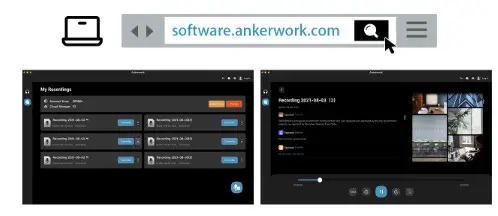
WEARING
The headset can be worn with the mic boom on either side. When switching from one side to the other, the mic boom must be lowered all the way down and directed towards your mouth so that the volume adjustment direction and sound channels can be adjusted accordingly.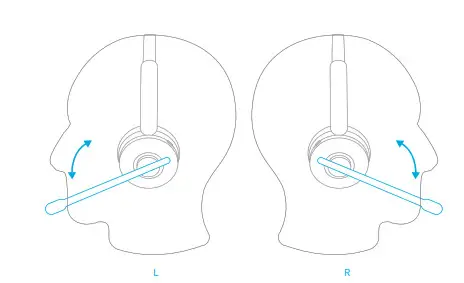
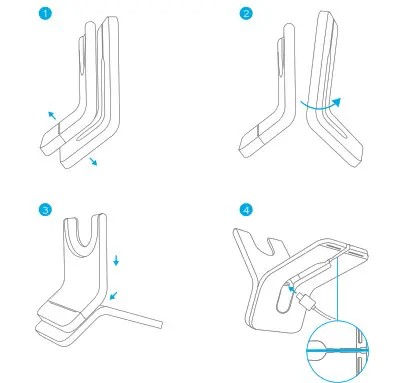
ASSEMBLING
CHARGING
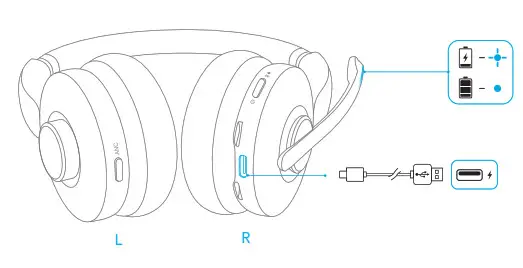
Fully dry off the USB-C charging port before charging.
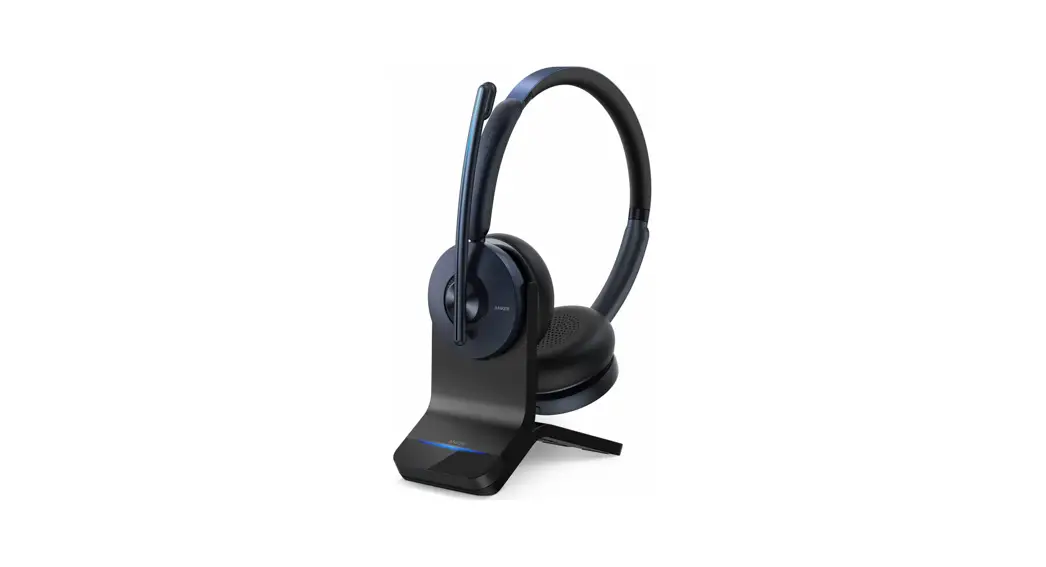
CHARGING WITHSTAND*
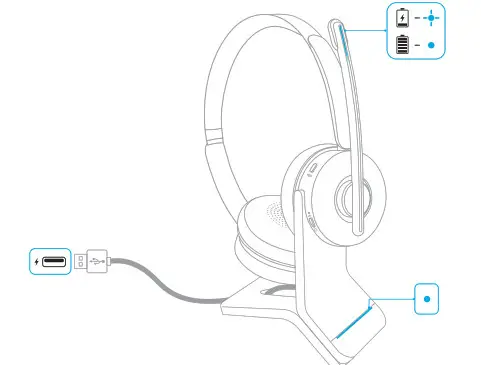
Align the charging pins on both the headset and the charging stand for successful charging
*Only available for the version with the charging stand.
POWERING ON/OFF
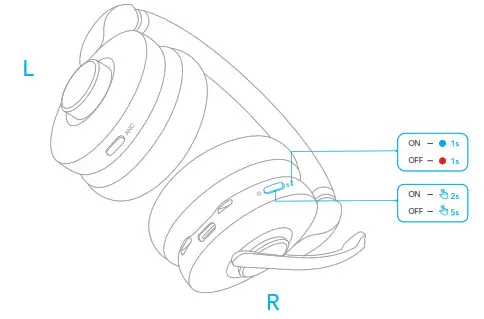
Press and hold the power button for 2 seconds to power on, or 5 seconds to power off.
PAIRING
Plug the USB Bluetooth receiver (with the USB adapter, if necessary) into your PC’s USB port. PowerConf H700 will automatically connect to your PC when powered on. Alternatively, press and hold the power button for 5 seconds to enter Bluetooth pairing mode when powered off.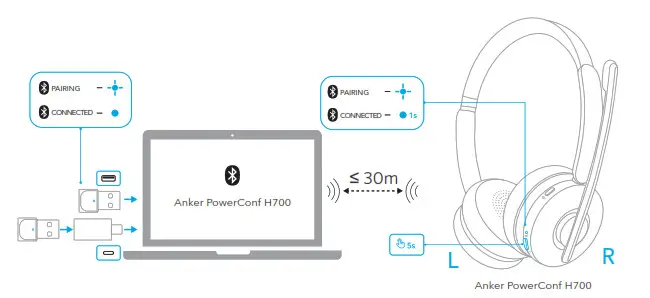
DUAL PAIRING
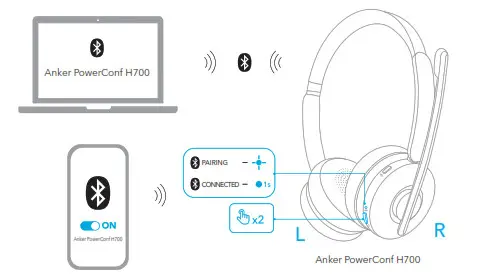
To pair with another device when already connected with one device, press the power button twice until the LED indicator flashes blue.
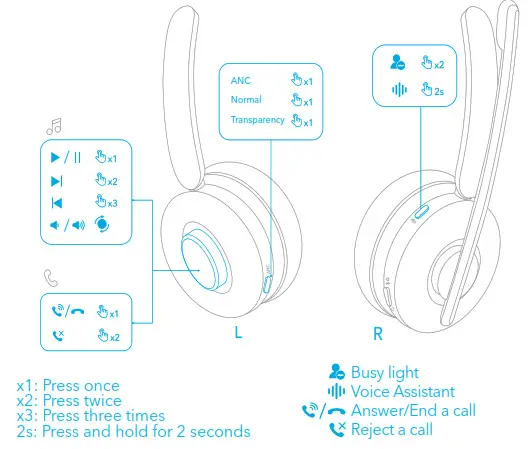
CONTROLS
LED LIGHT GUIDE
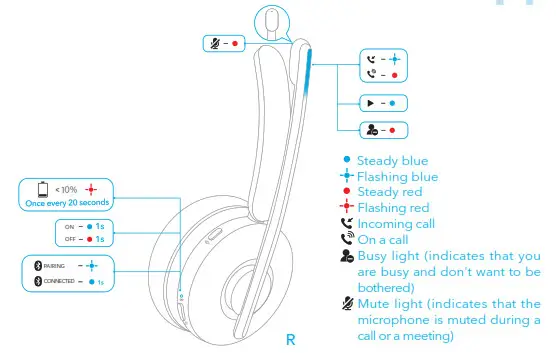
WEARING DETECTION
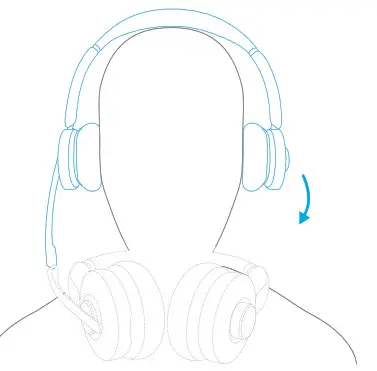
When you take off PowerConf H700, the playback will auto-pause within 2 seconds, and ANC and transparency will turn off within 10 seconds. You can put on the headset to answer an incoming call. You can also enable the autoplay on wearing function in the AnkerWork app.
MUTE
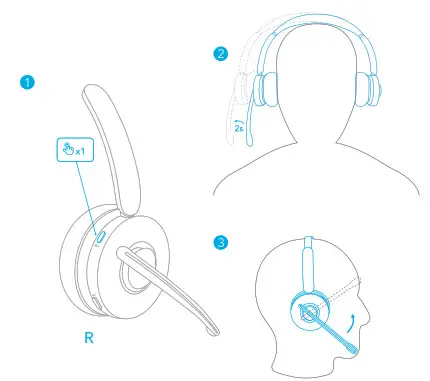
There are three ways to mute your headset: by pressing the mute button, by moving the earpiece with the mic boom outward for 2 seconds, or by lifting the mic boom.
RESET
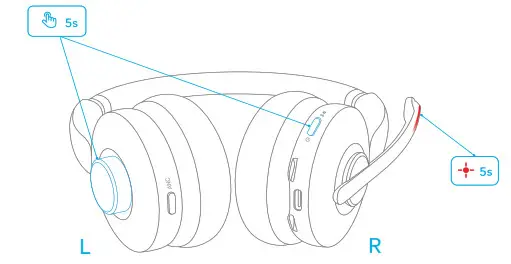
Customer Service
Service Client
18-month limited warranty
Lifetime technical support
Our warranty is additional to the legal rights consumers have buying this product. [email protected]
[email protected] (For the Middle East and Africa Only) +1 (800) 988 7973 (US) Mon-Fri 9:00 – 17:00 (PT)
+44 (0) 1604 936200 (UK) Mon-Fri 6:00 – 11:00 (GMT)
Headset Input: 5V 0.75A
0.75A
Charging time: 2 hours
Talk time: Up to 24 hours (ANC off)
Playtime (varies by volume level and contents): Up to 35 hours (Bluetooth and ANC off)
Anker Innovations Limited
Room 1318-19, Hollywood Plaza, 610 Nathan Road, Mongkok, Kowloon, Hong Kong
The following importer is the responsible party (contract for EU and UK matters)
ANKER TECHNOLOGY (UK) LTD
Suite B, Fairgate House, 205 Kings Road, Tyseley, Birmingham, B11 2AA, United Kingdom
Anker Innovations Deutschland GmbH
Georg-Muche-Strasse 3, 80807 Munich, Germany
For FAQs and more information, please visit: support.ankerwork.com
Model: A3510,A3523 51005003038 V03