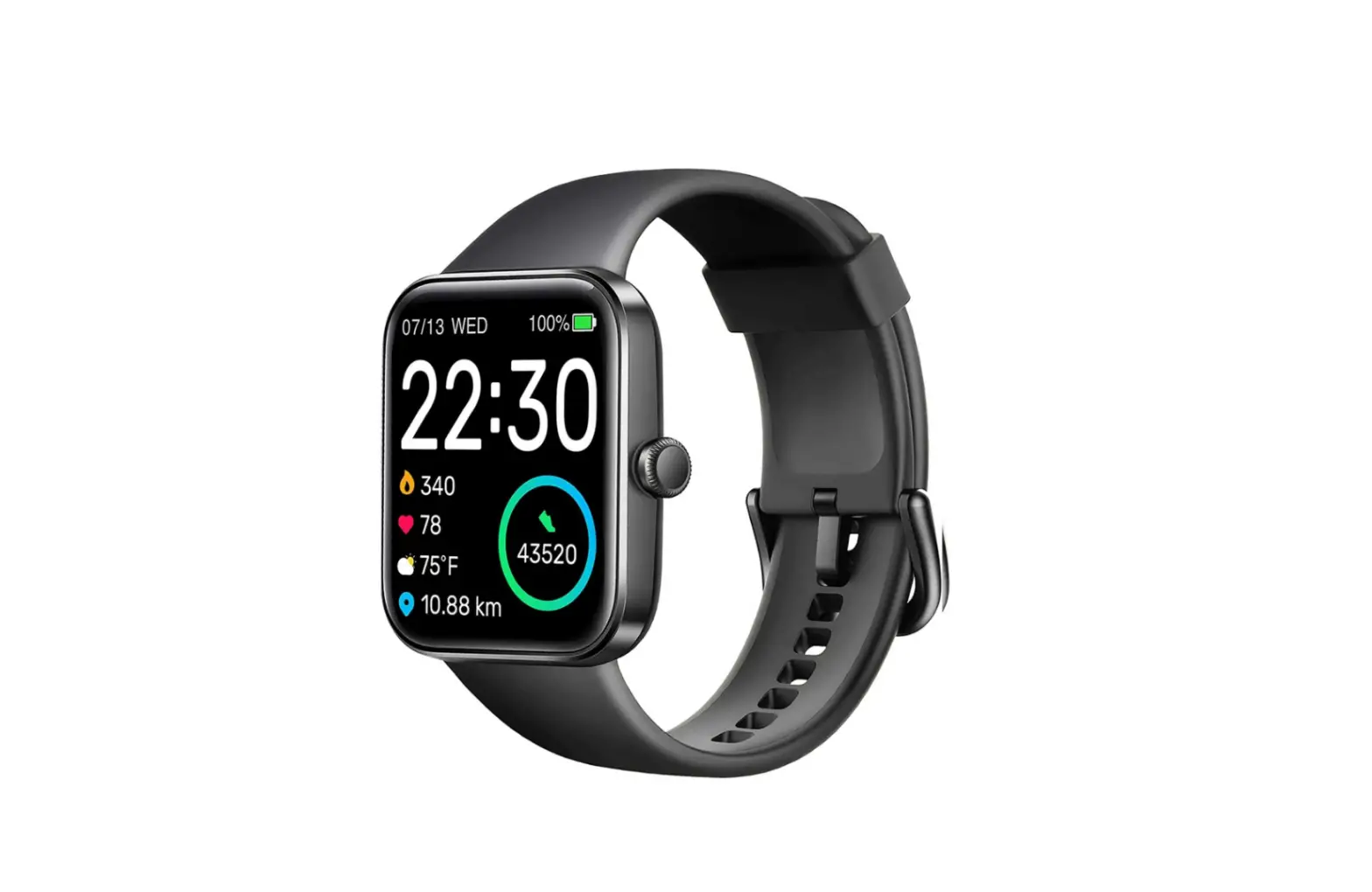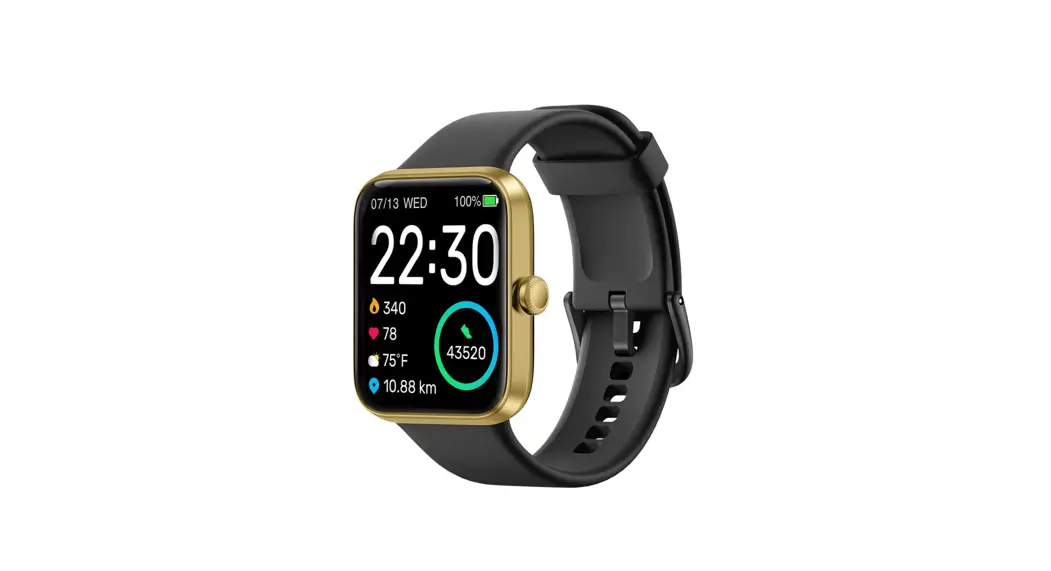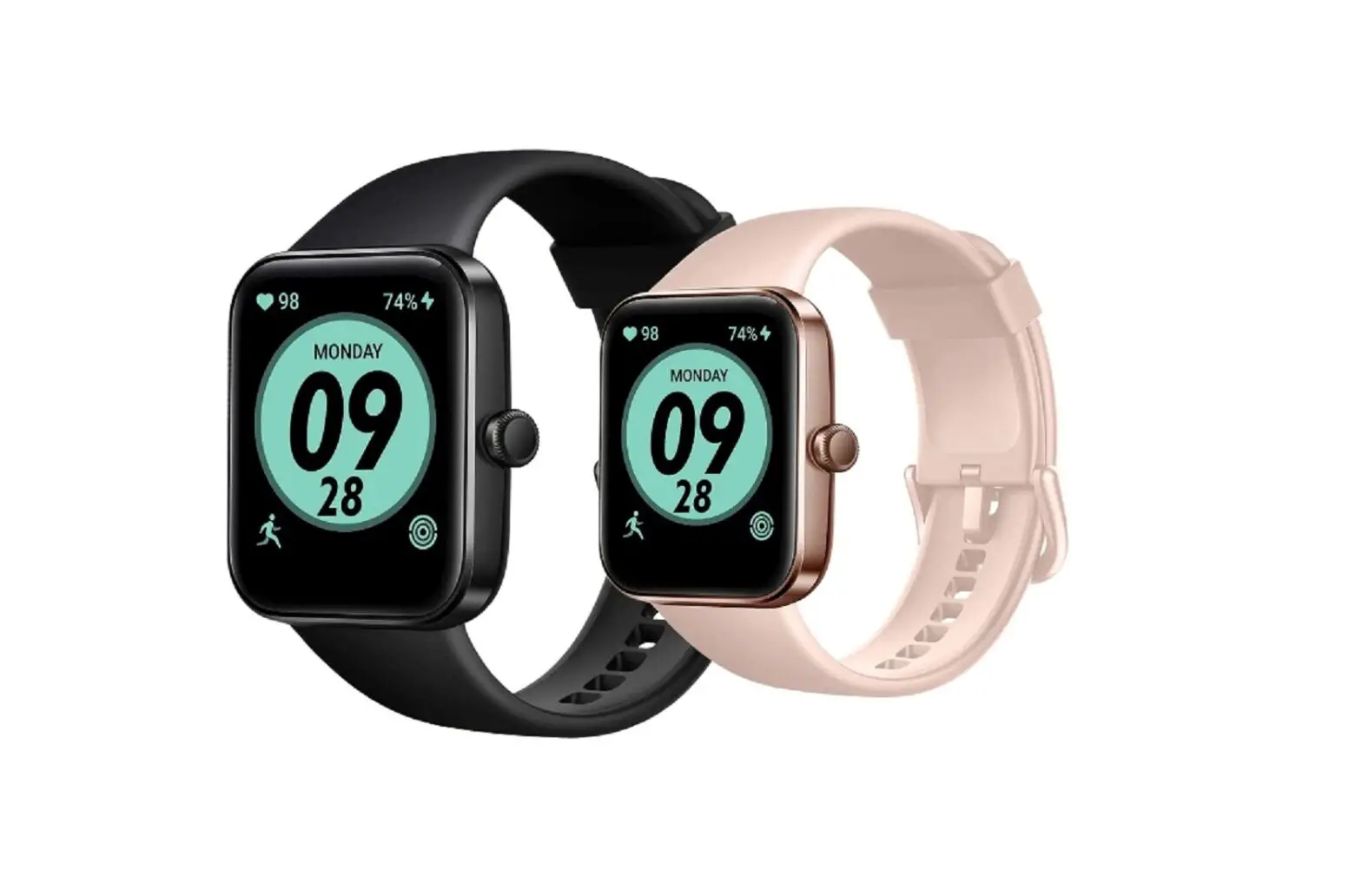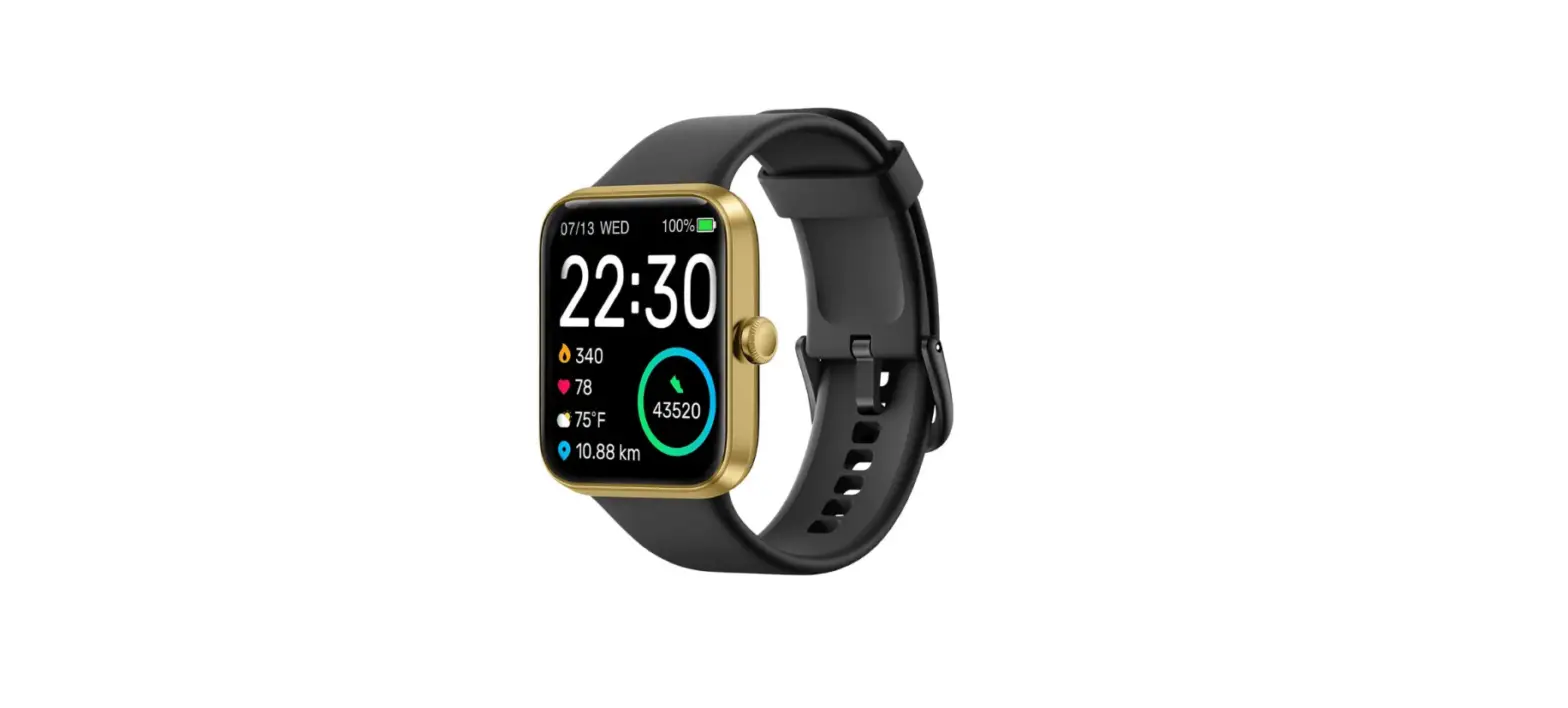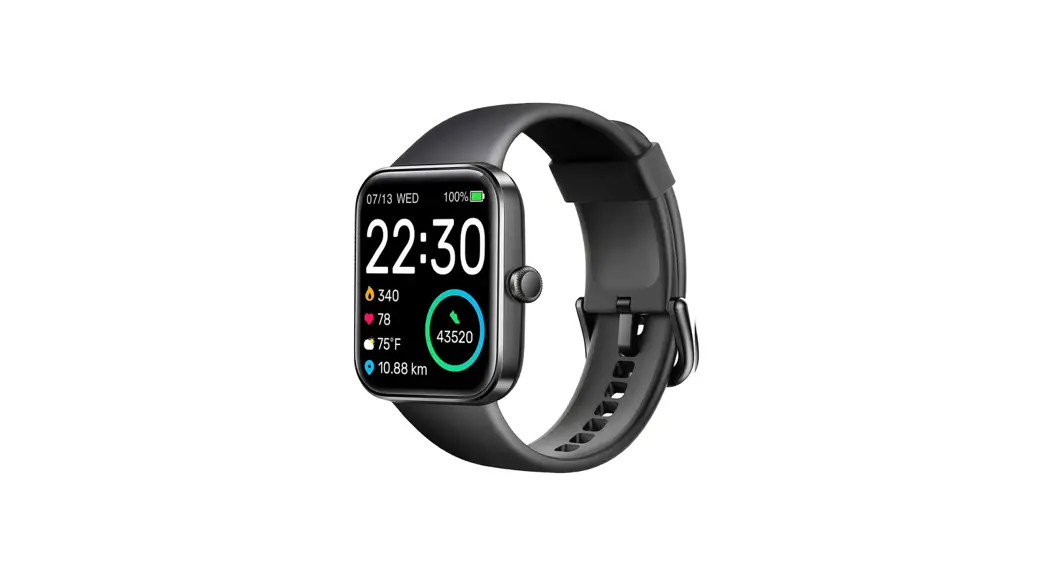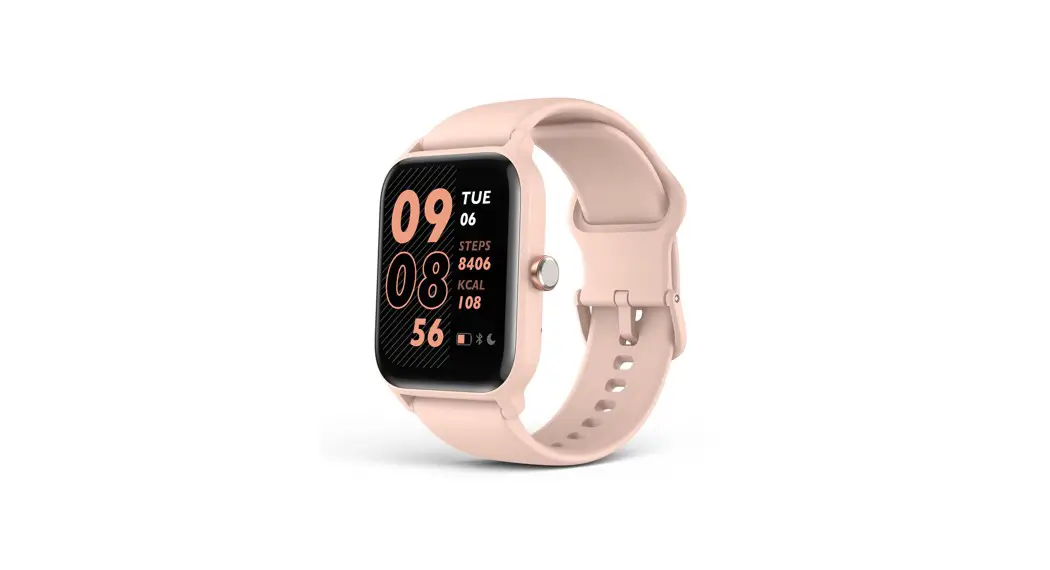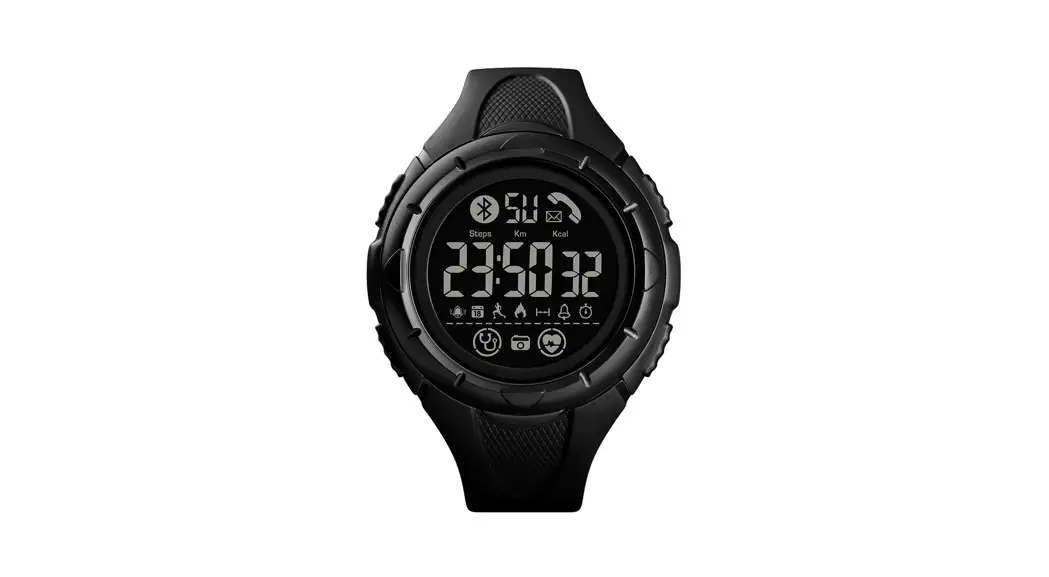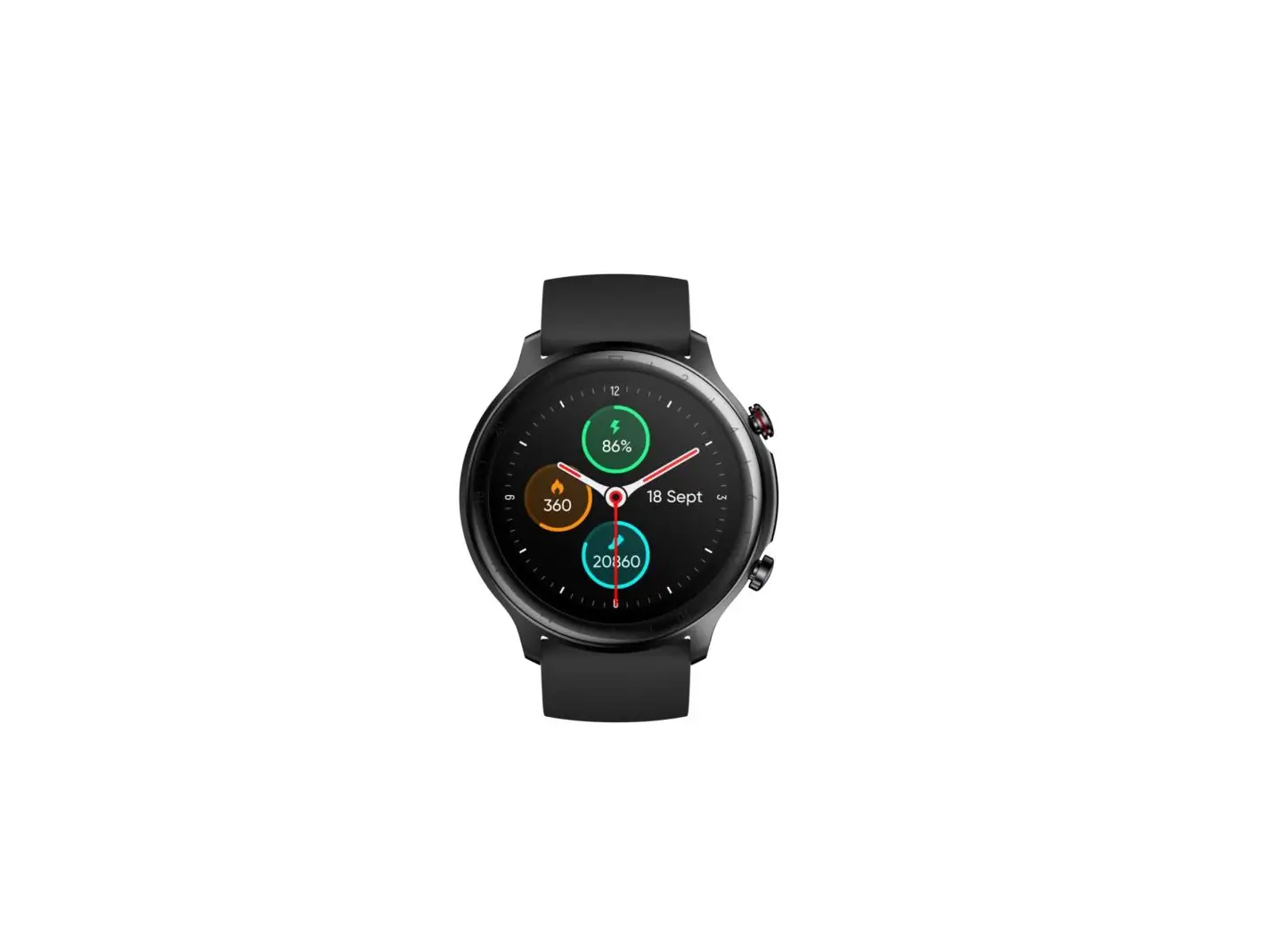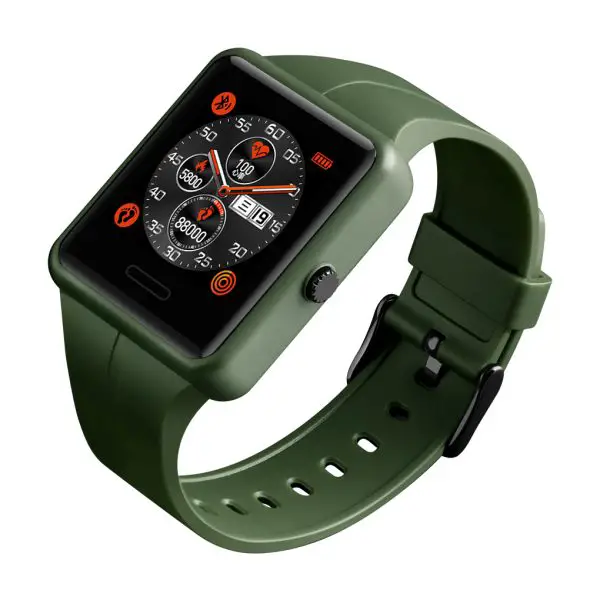
 Smart Watch
User Guide
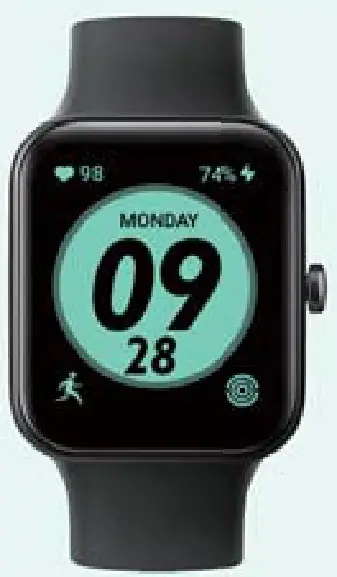
Thanks for purchasing this product. Please read this manual carefully before use and retain it for future reference.
Quickstart Guide
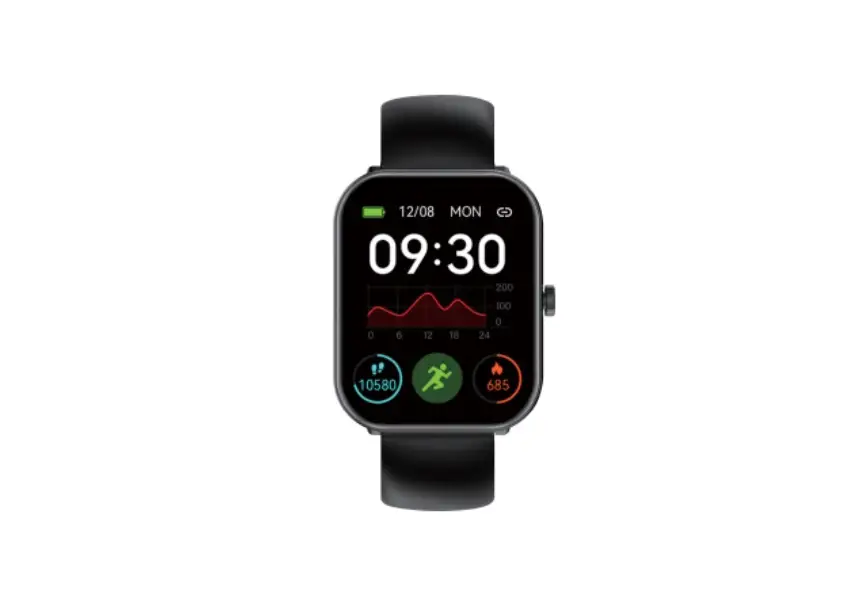
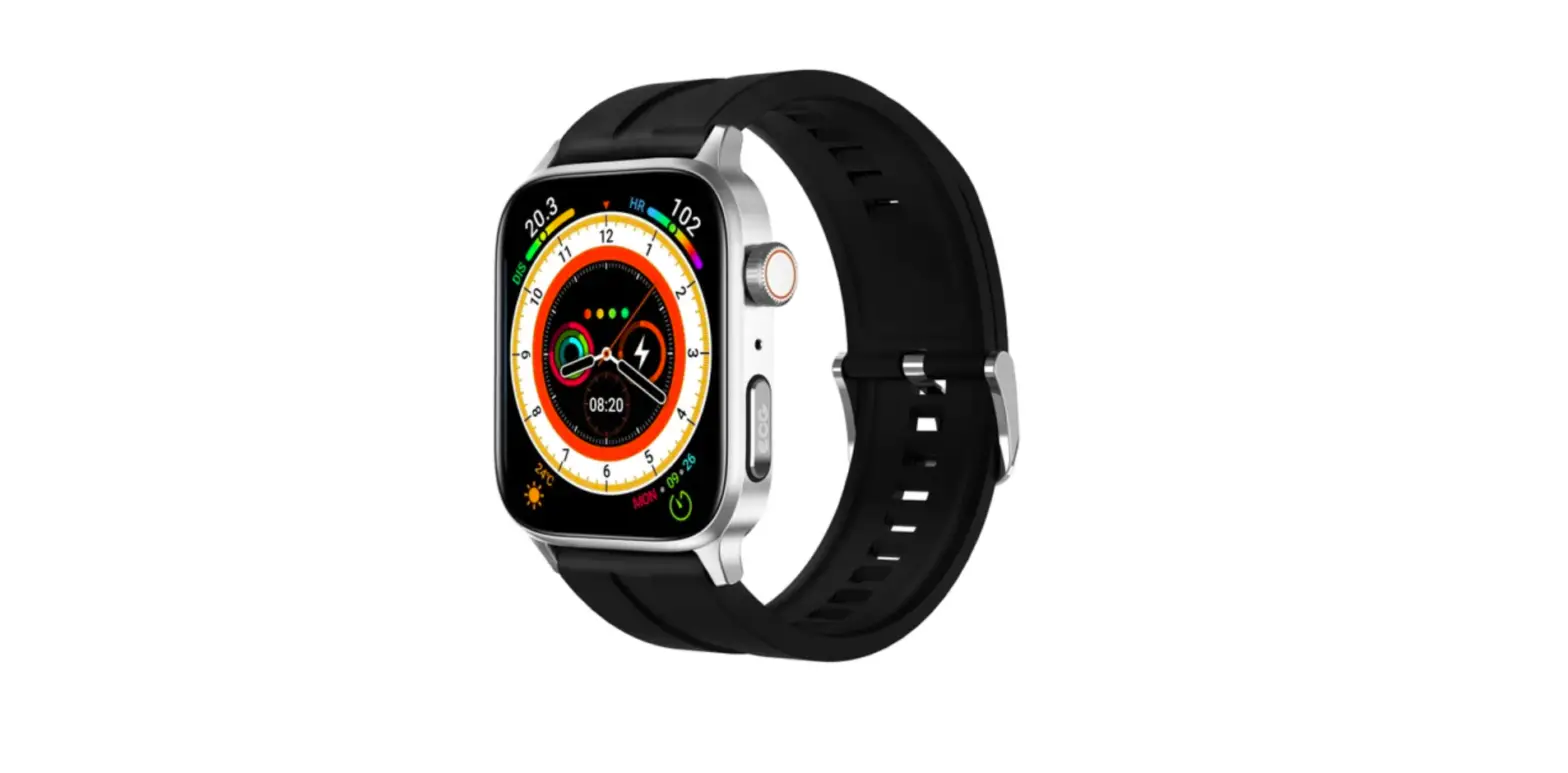
Product overview
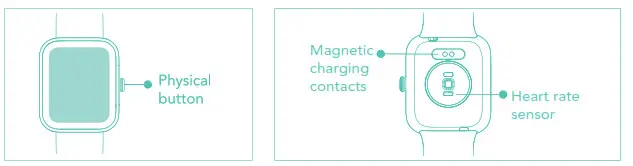 Physical button operation
Short press
- To return.
- To wake the screen when it is off.
Long press
- To turn on the watch.
- For Ss while charging to reset apps. (Data will not be cleared)
Turning on/off
Turning on
Whilst the watch is off, it automatically turns on when you put it on charge.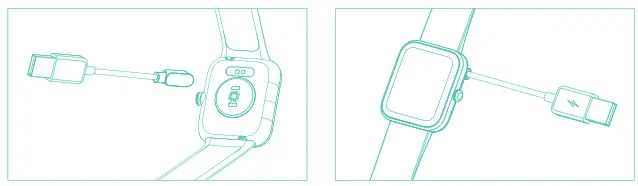
Note: Charge the watch to activate it before first use. The original power adapter must be used for charging.
Long press the button to turn on the watch.
Turning off
To turn off the watch: go to Settings -> Turning off-menu.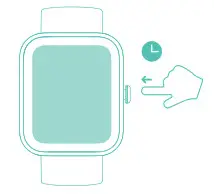
App downloads Download and pairing
- App downloads
Download and install the *VeryFit” app on the App Store, Google Play, or by scanning the OR code below. - Pairing
Turn on VeryFit app -> Activate Bluetooth connection on your phone -> Search on the app for the device to pair with (or scan the QR code on the device) -> Finish binding on the app (or on the device).
 https://www.idoocloud.com/q/Veryfit.html
Screen Operation
Swipe up/down
- To toggle through the menu.
- To view long text/details.
Swipe left/right
- To toggle through the menu.
Tap screen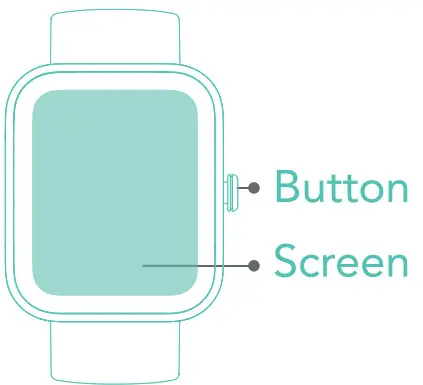
- To enter the menu.
- To operate according to the prompts.
Tap and hold on the screen
- To switch between watch faces.
Features
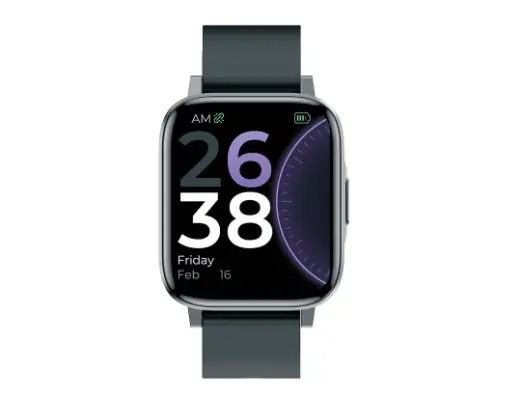
ID207 has features such as SATM water resistance, ultra-long battery life, full-screen touch control, low latency, 14 workout modes, and multiple cloud watch faces. It supports heart rate monitoring and stress detection throughout the day, blood oxygen detection and sleep monitoring, etc. For operating instructions and FAQs on these features, please turn on the app and go to the “User Guide” section.
Care And Maintenance
Three suggestions for use and maintenance:
- Keep the product clean;
- Keep the product dry;
- Do not wear the product too tight;
* Do not use household cleaners when cleaning the product. Use soap-free cleansers instead.
* For stubborn stains, it is recommended to remove by scrubbing them with alcohol. Waterproof: Not suitable for use while driving, swimming in the sea, or in a sauna. Suitable for use in swimming pools, showers (cold water) and shallows.
Safety instructions
- Do not place the product and its accessories at extreme temperatures, otherwise, it may cause hazards such as product failure, fire or explosion.
- Protect the product from strong impacts or jolts, so as not to damage the product and its accessories, thus avoiding product failures.
- Do not disassemble or modify the product and its accessories by yourself. Contact us for after-sales service when the product fails.
| Device Name | ID207 | Screen Type | 1.69 inches color screen |
| Model | S1621HA | Charging Voltage | 5V |
| Battery capacity | 300mAh | Battery Life | 8 Days |
| Charging Time | 2 Hours | Weight of Product | 39g |
| Waterproof level | 5ATM | Bluetooth Version | BLE5.1 |
| Product Frequency | 2402-2480MHz | Max. transmission Power Consumption | 4dBm |
Scan the QR code for more function information
Made In China
Wear Future Technologies Co., Ltd.
23A Floor, Building 3, Zhongke R & D Park, No. 009, Gaoxin South 1st Road, High-tech Zone Community, Yuehai street. Nanshan District, Shenzhen, Guangdong, China
For more information, please free to visit www.SKG.com