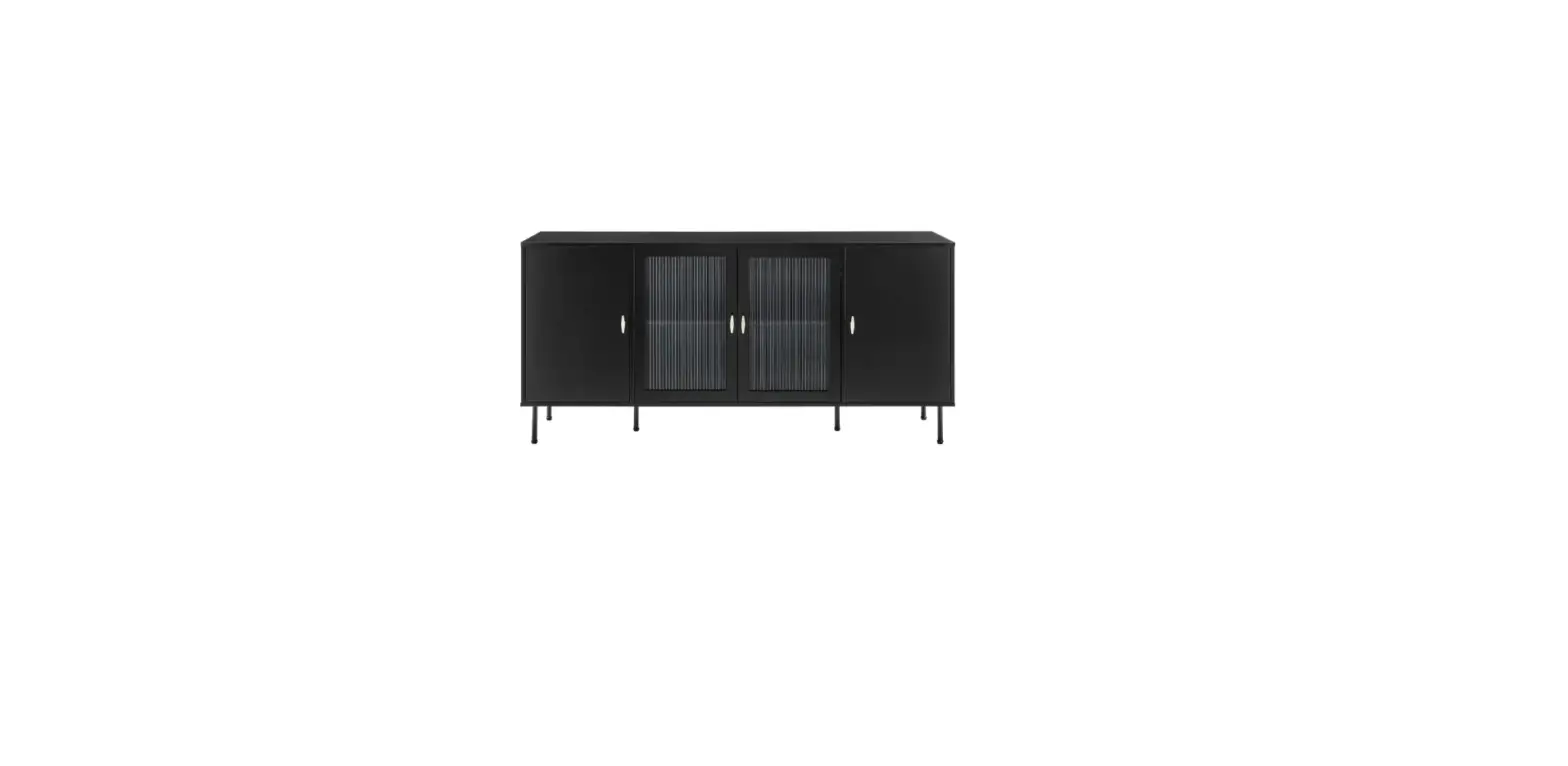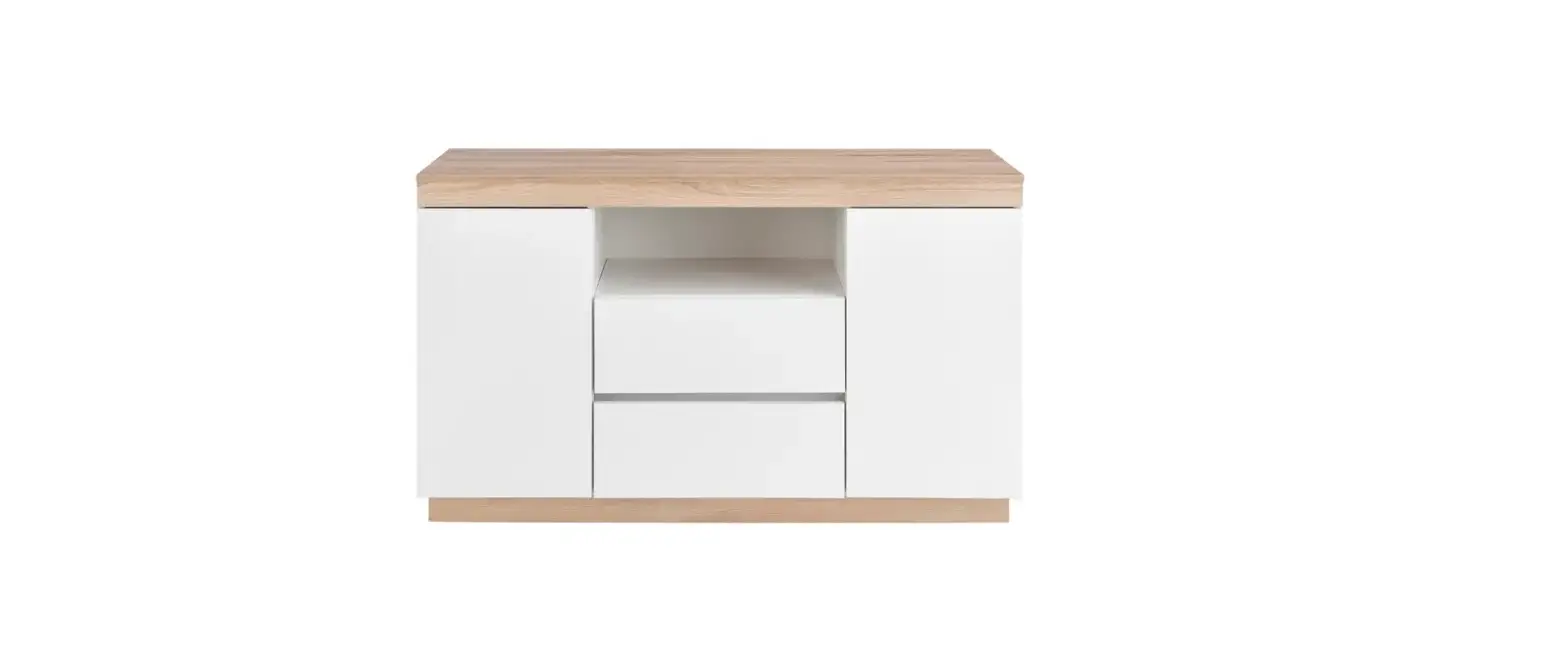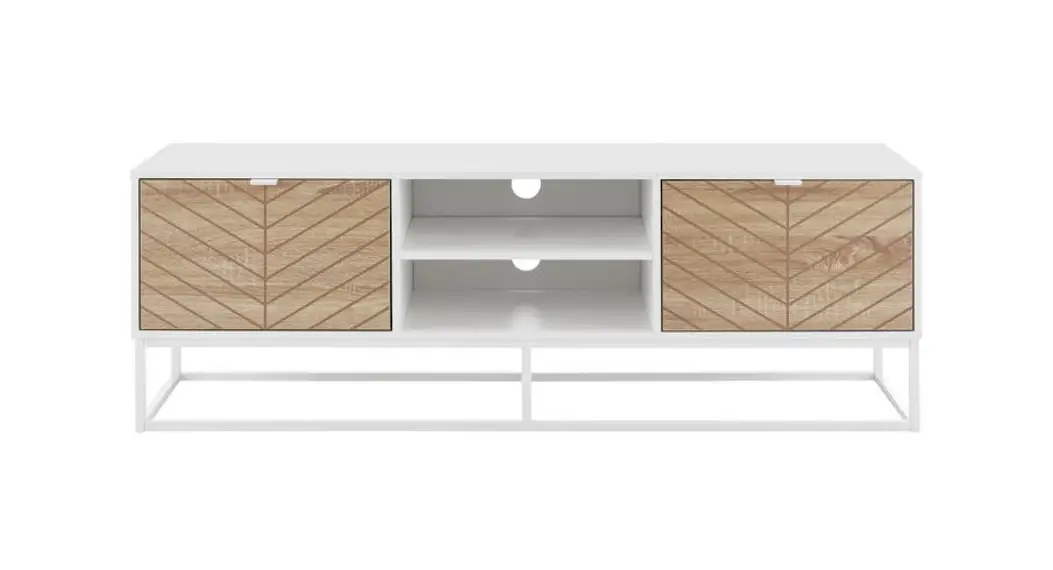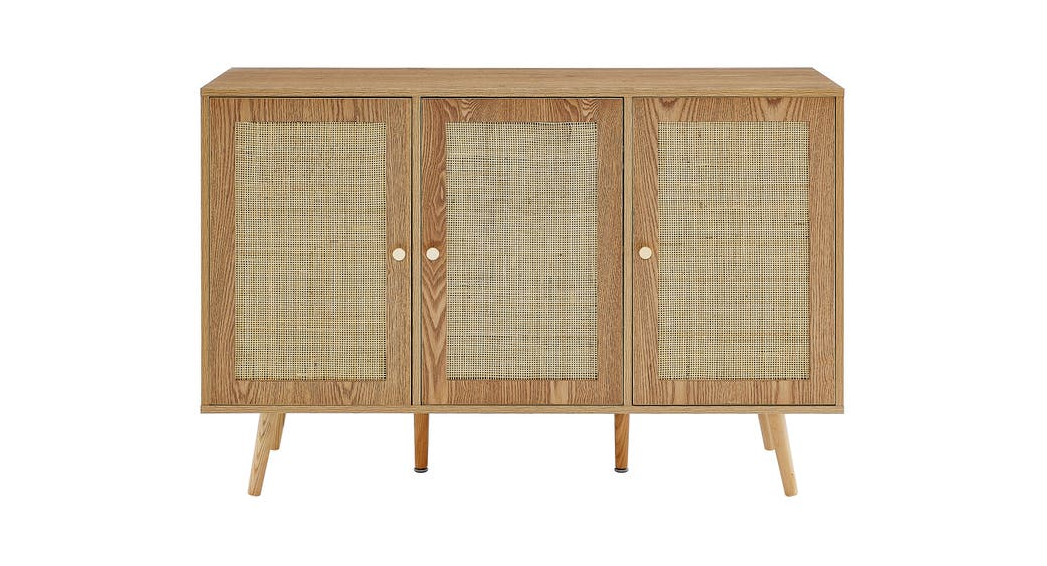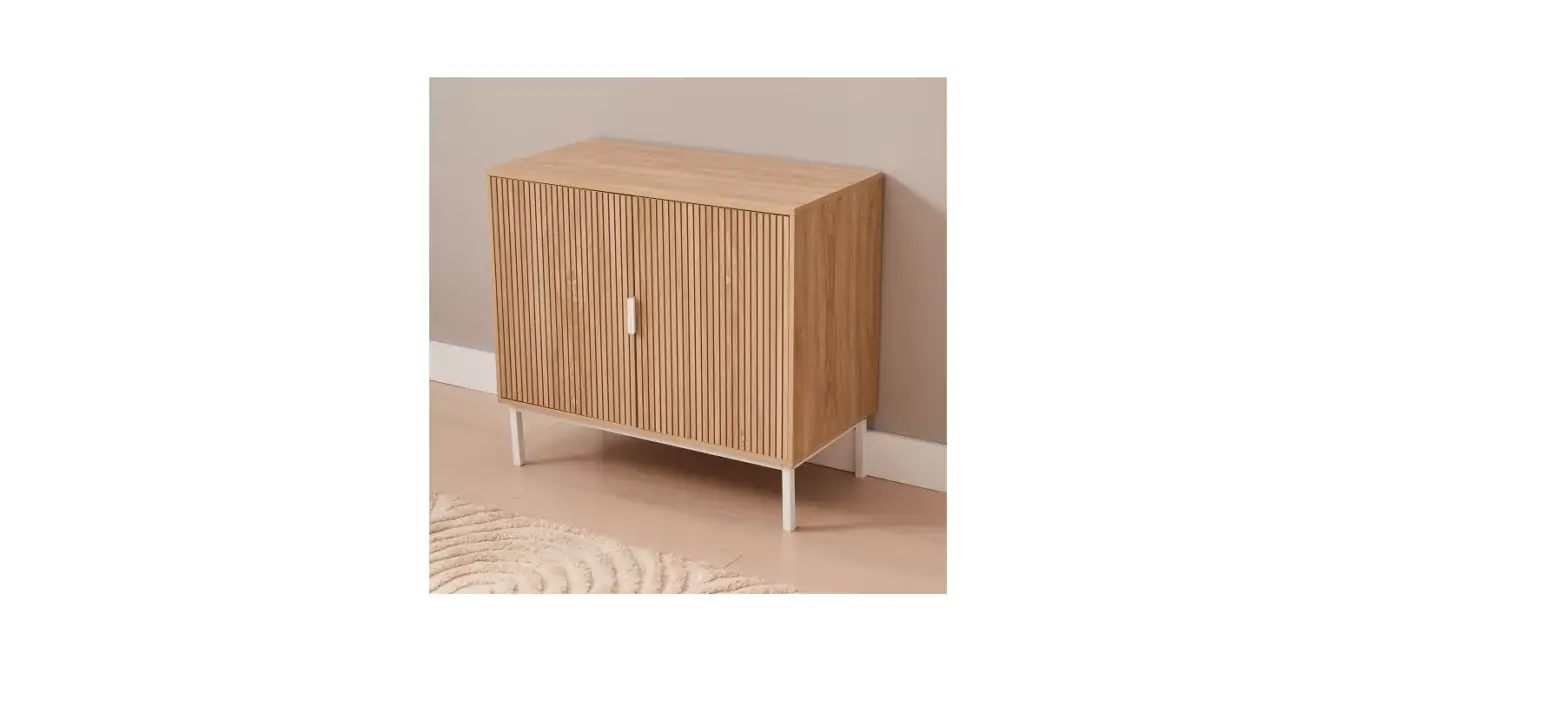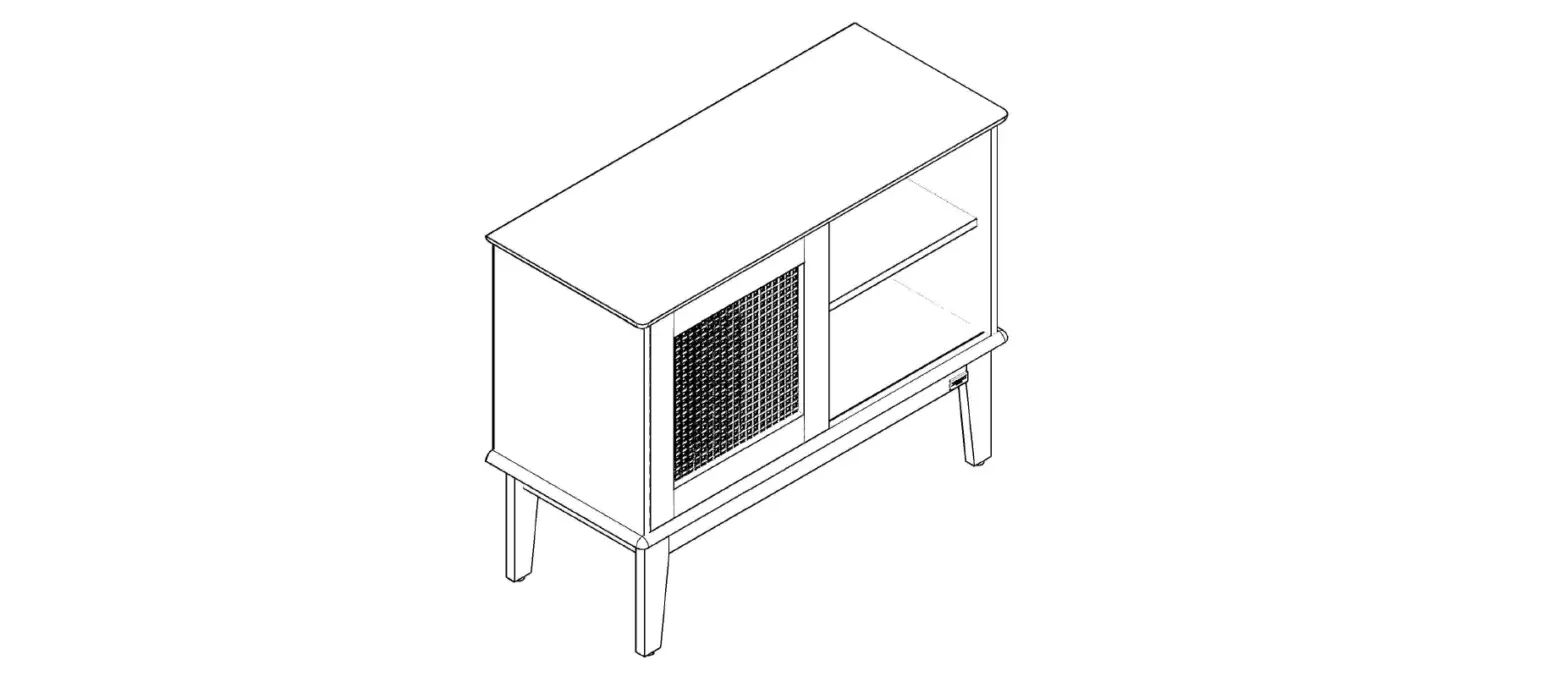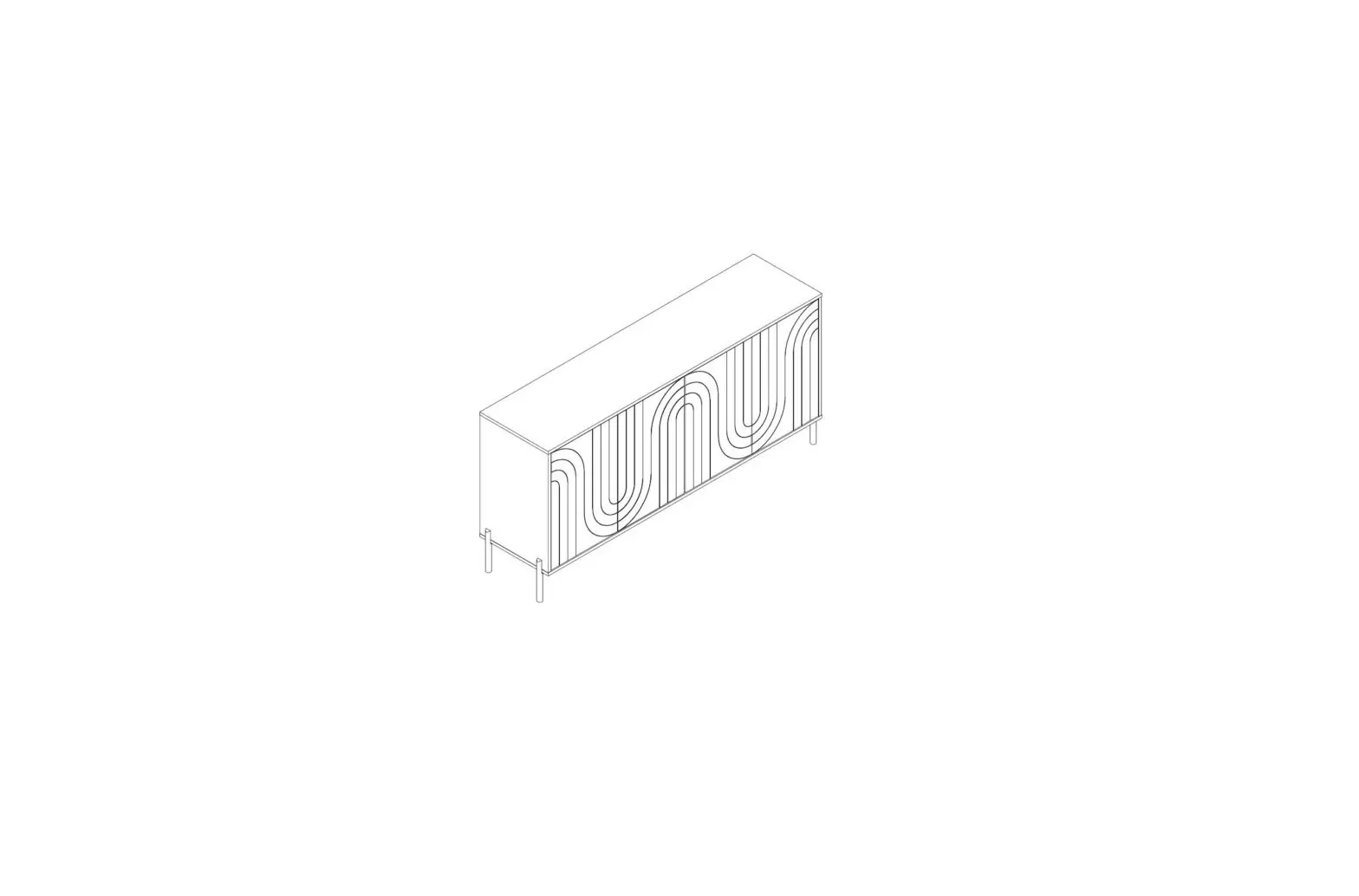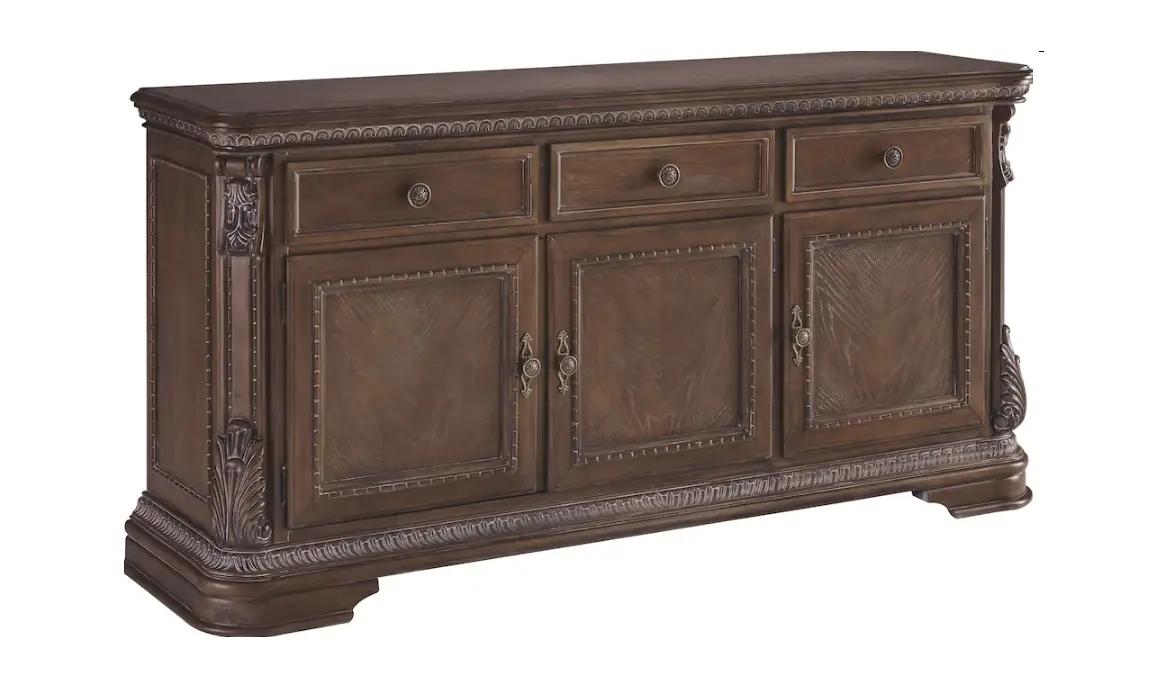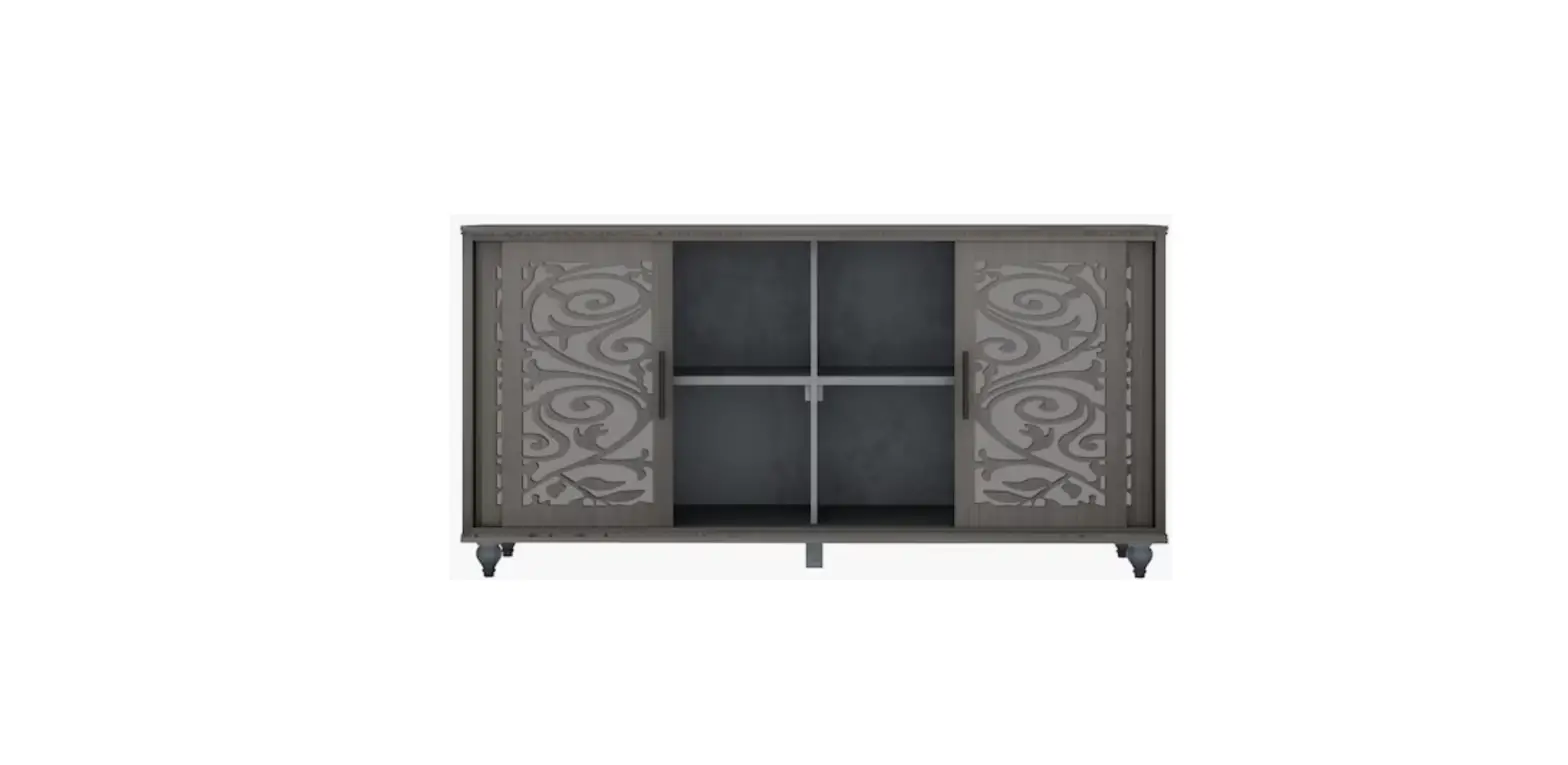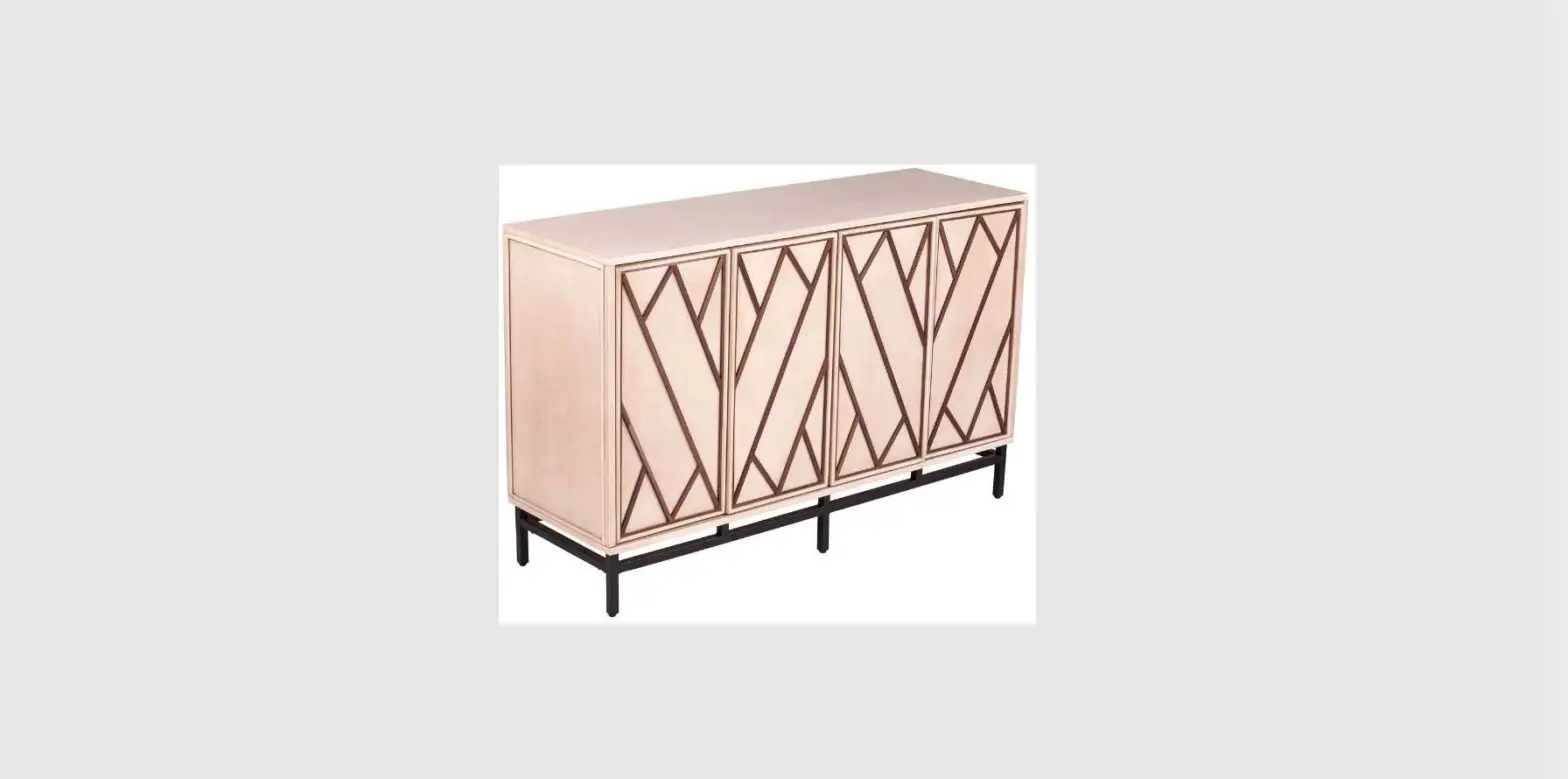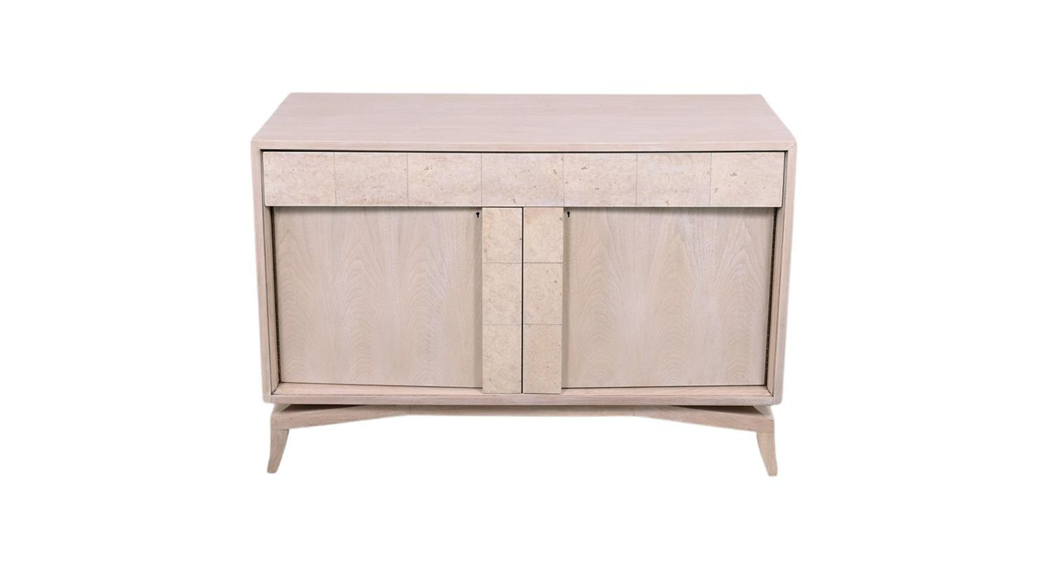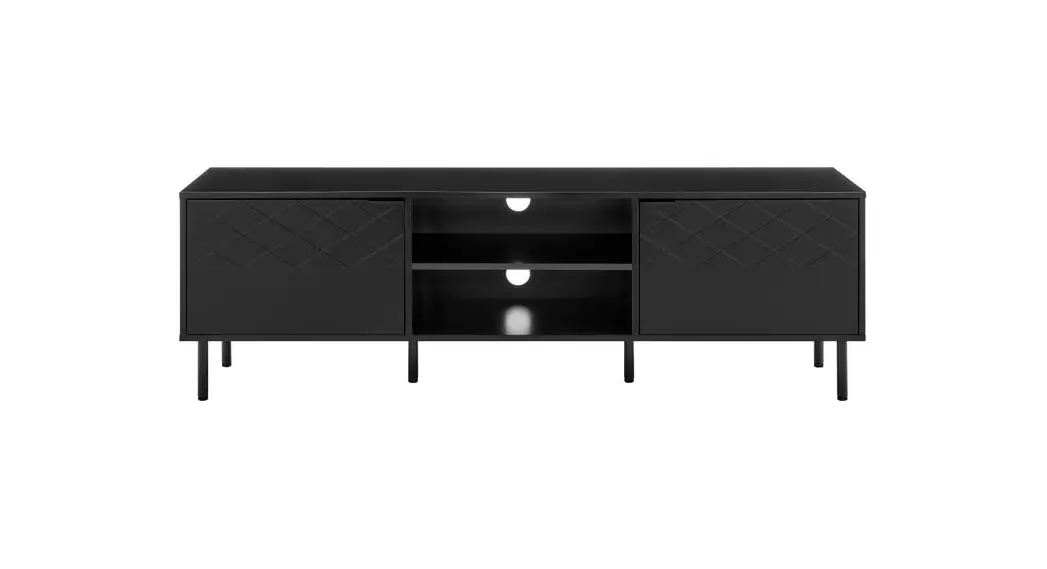

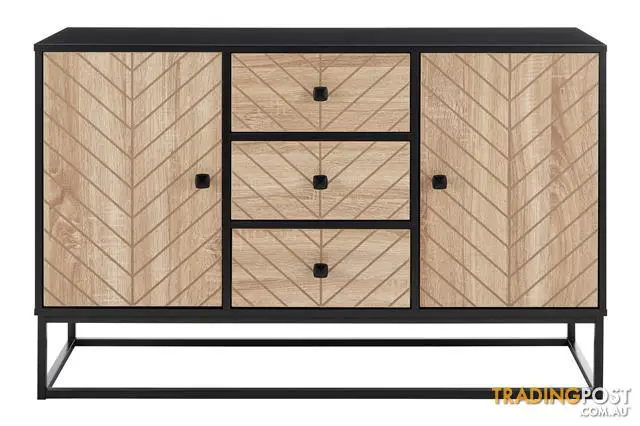
ovela OVPIZBFUBA Pizzola Buffet Unit
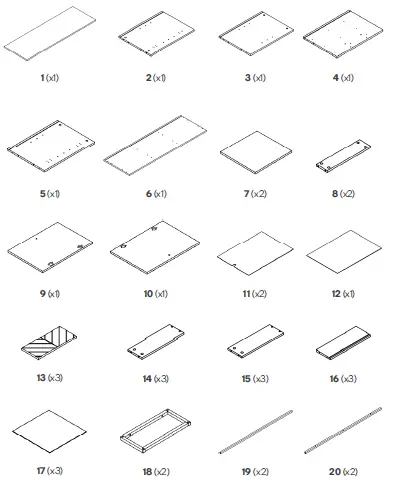
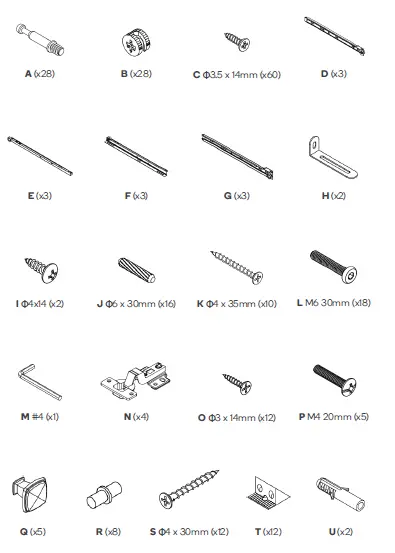
COMPONENTS
ASSEMBLY
Step 1:
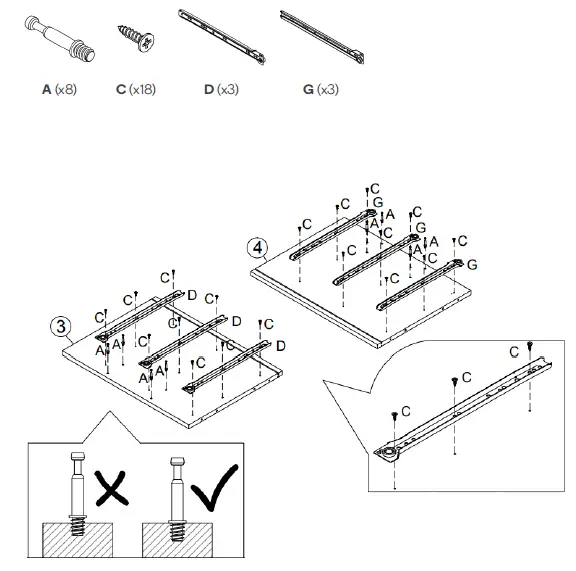 Step 2: Use a Phillips screwdriver (not supplied) to secure B to A for parts 3 and 4.
 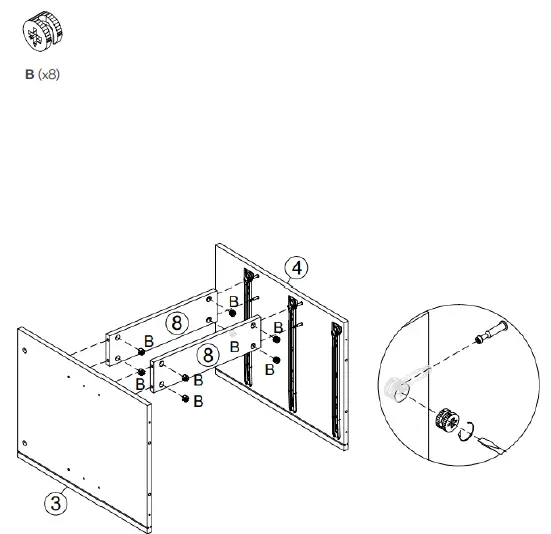 Step 3:
 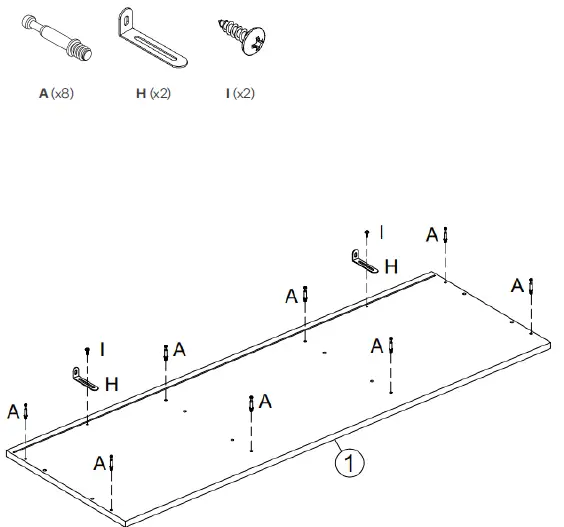 Step 4:
 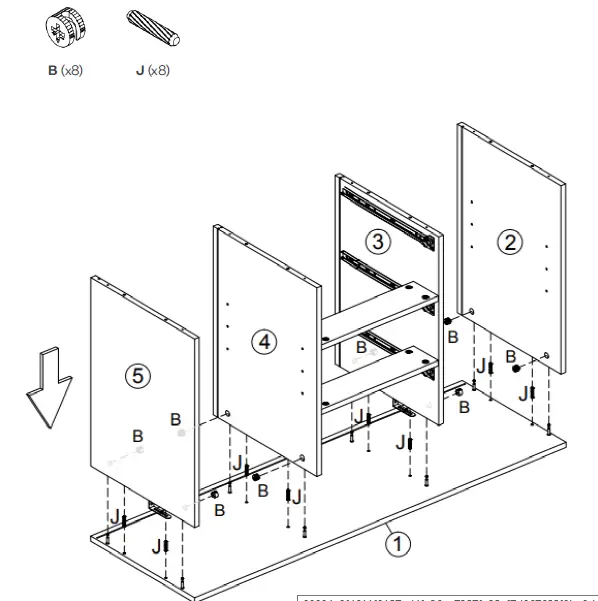 Step 5:
 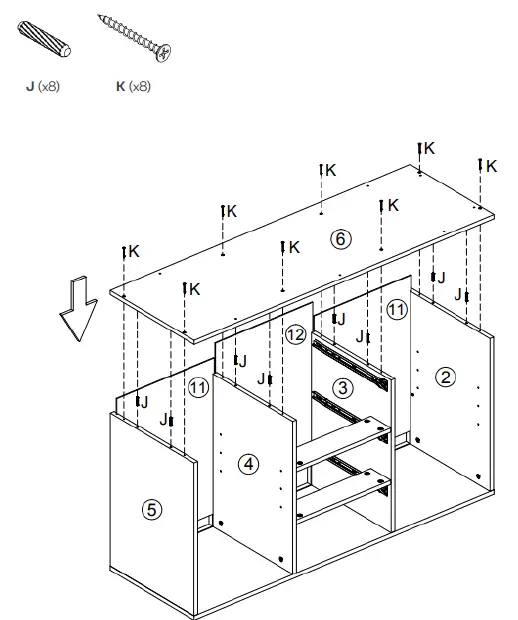 Step 6:
 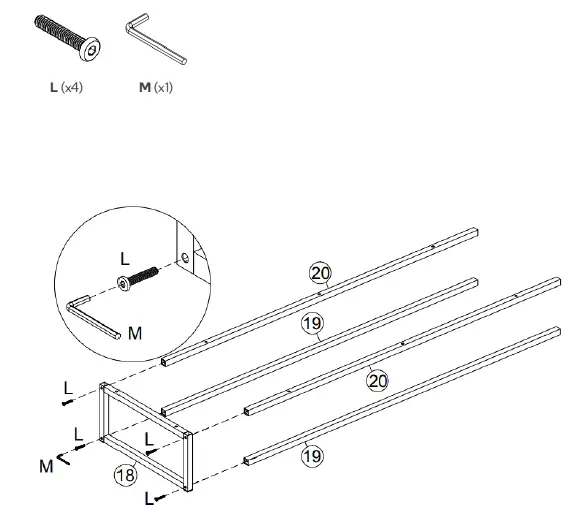 Step 7:
 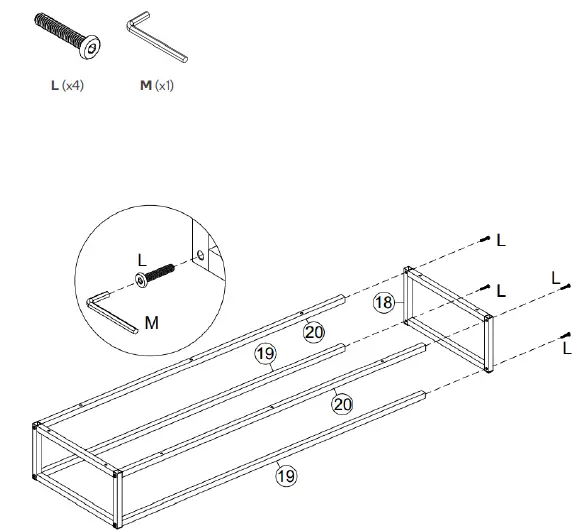 Step 8:
 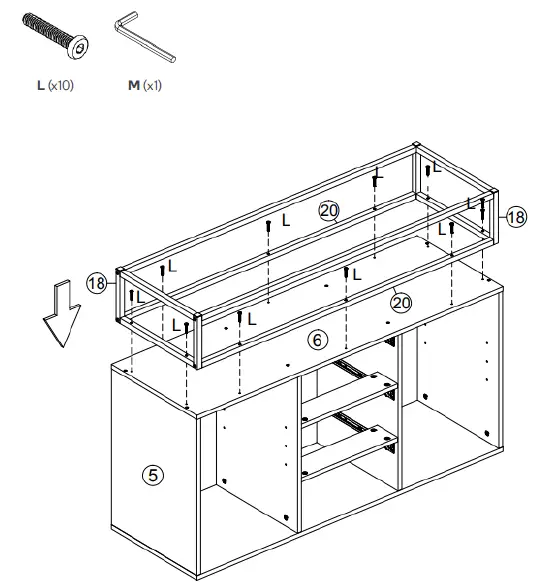 Step 9:
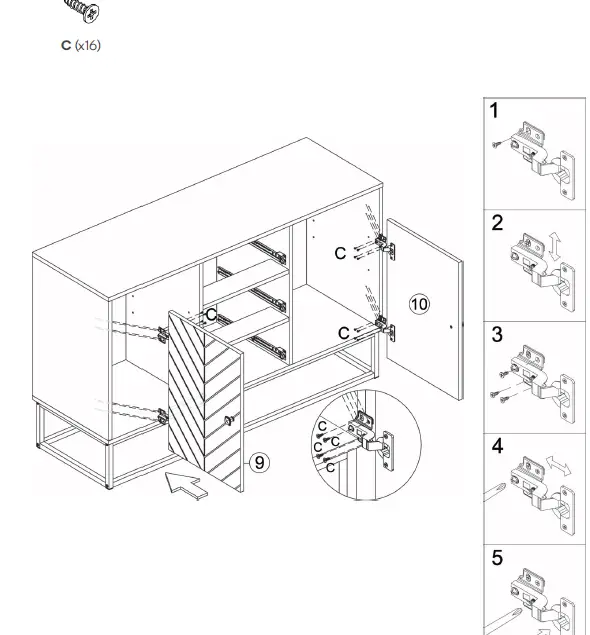
 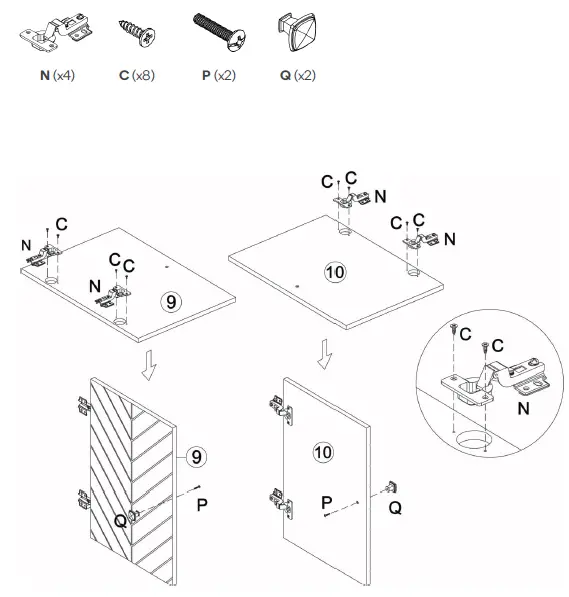 Step 10: Align and attach the doors with the C screws to the shelf frame as shown. If the doors need to be repositioned, unscrew the C screws, and adjust accordingly.
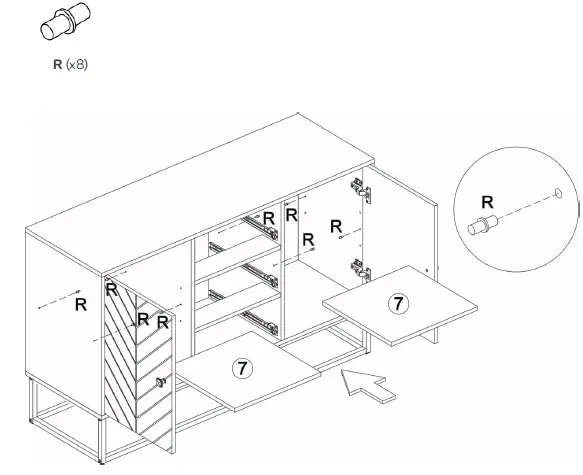
  Step 11: Insert R into the shelf position holes. Insert parts labelled 7 so they sit on top of R.
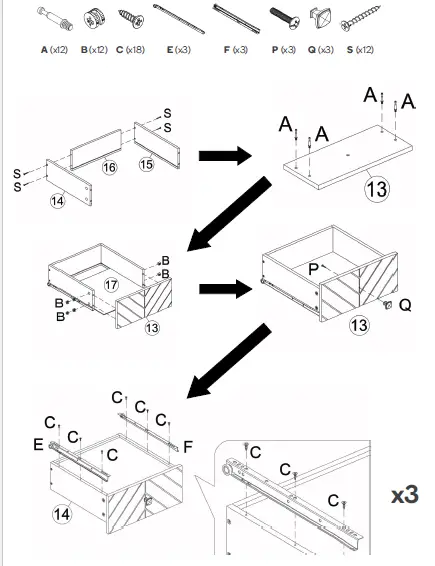
  Step 12: Repeat this process three times to create three drawers.
  Step 13:
 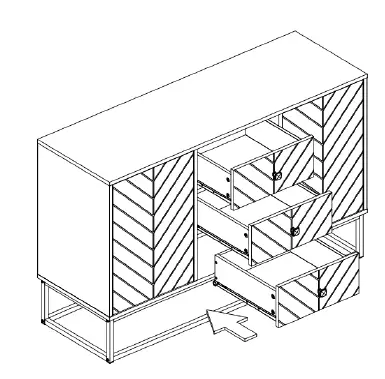 Step 14:
 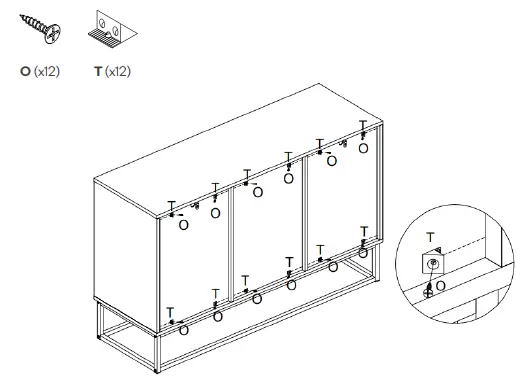 Step 15: If it is decided to locate the buffet unit against a wall, mark two spots on the wall to place U. Drill through and insert U, H and K.
Move the buffet unit against the wall. 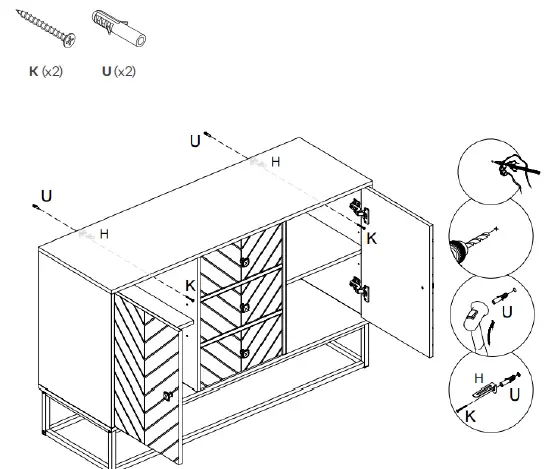 Assembly complete.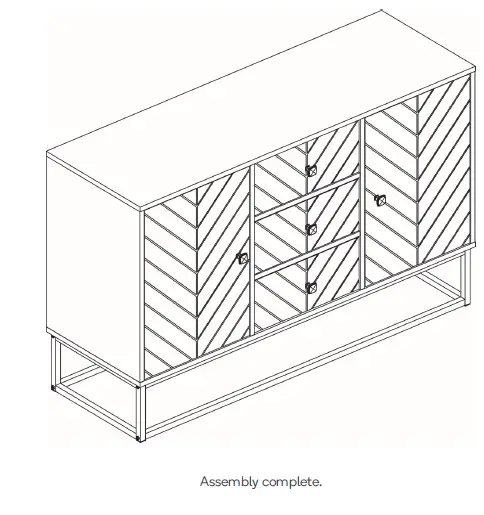
Need more information?
We hope that this user guide has given you the assistance needed for a simple set-up.
For the most up-to-date guide for your product, as well as any additional assistance you may require, head online to help.kogan.com